Throw
2026-11-09 · picture · tap to open full size

Reviews from 2 to 9 November, newest first. Most of these were already decided; the notes say what happened. Reference clips are never shown here.
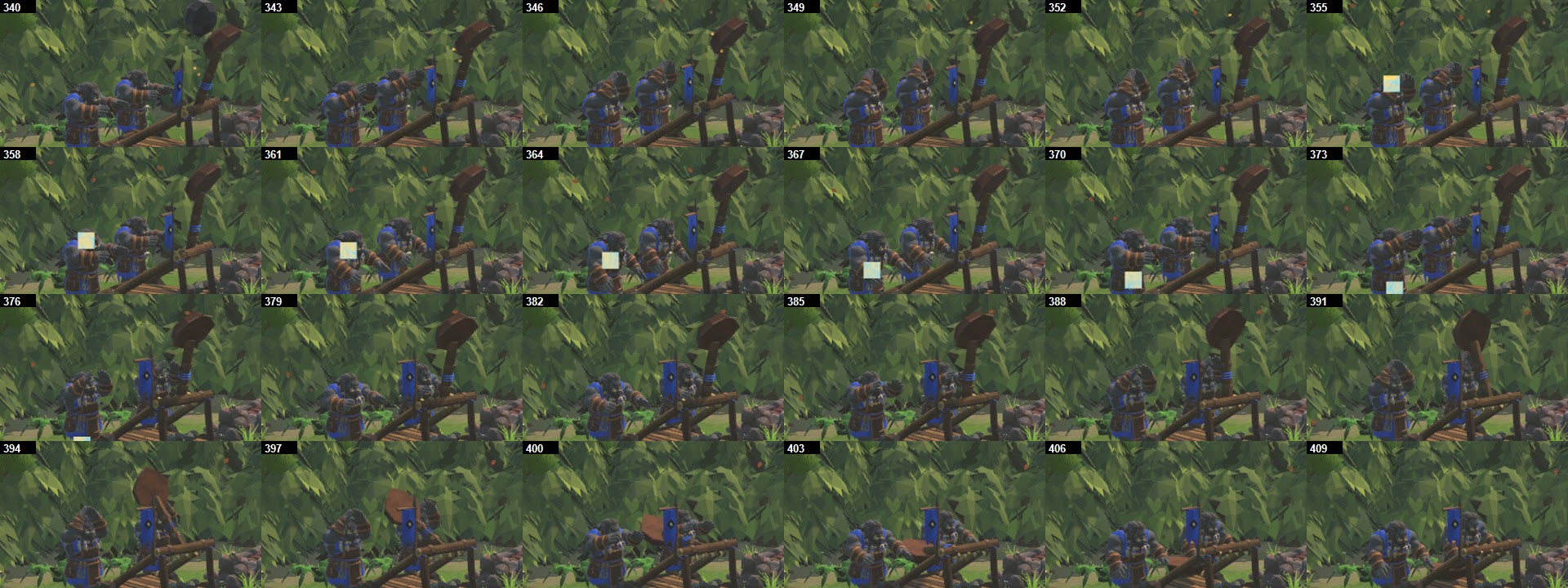

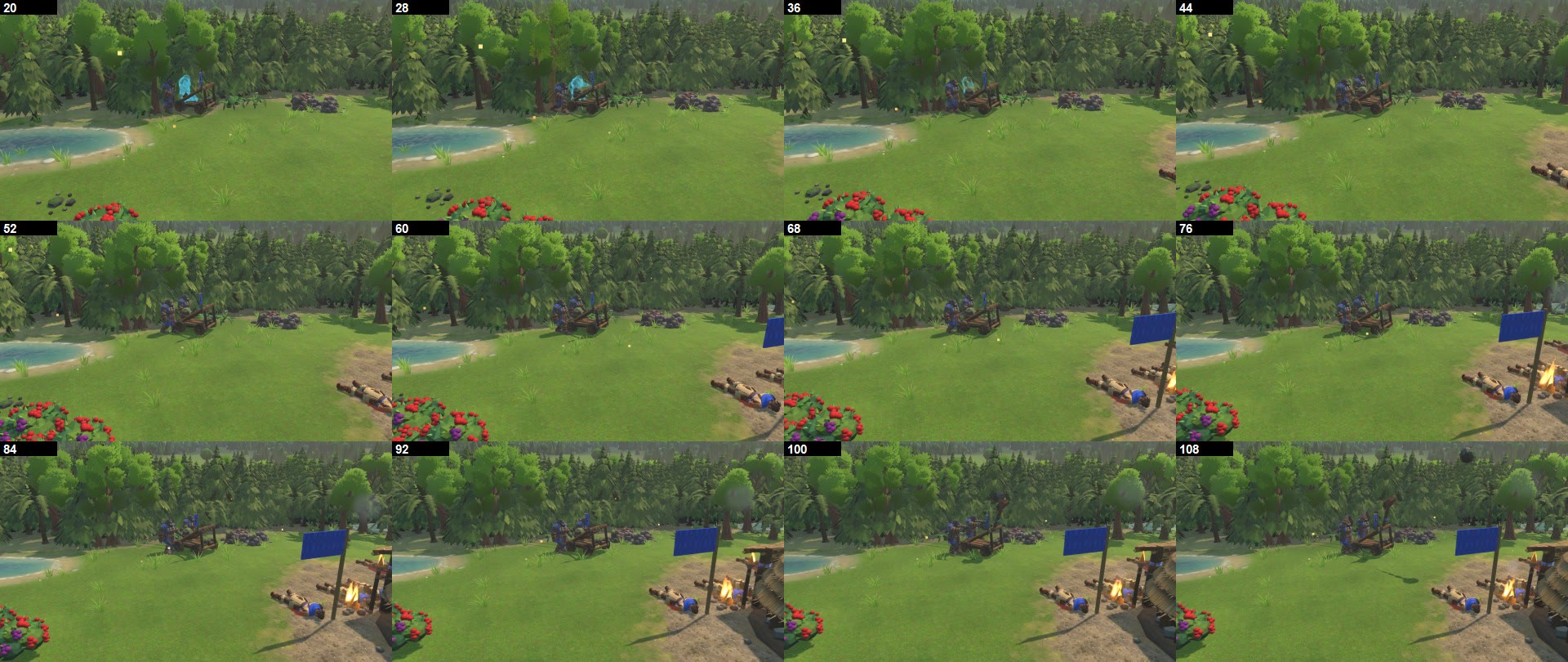
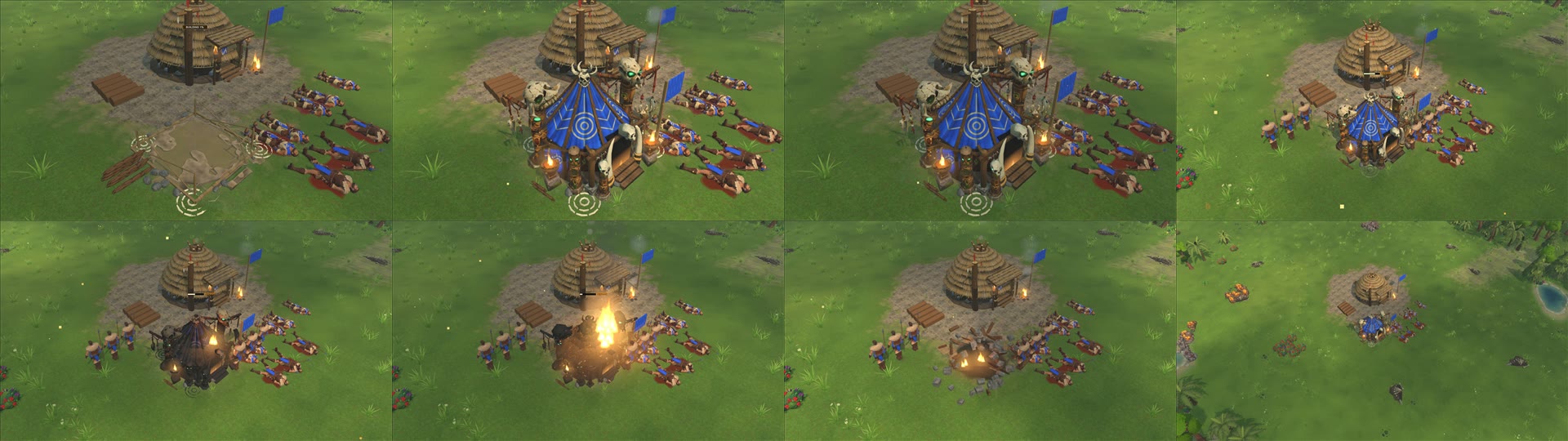
ORC CATAPULT ANIMATION - 2026-11-09. local file: PrimevalMirror only. Not committed, no version, no zip. Your WindowsPlain build is untouched.
TEST BUILD: local file: Primeval.exe

WAS CODEX'S VERSION IN THE GAME? No. The game still had the old model with the arm and banner as spinning props.
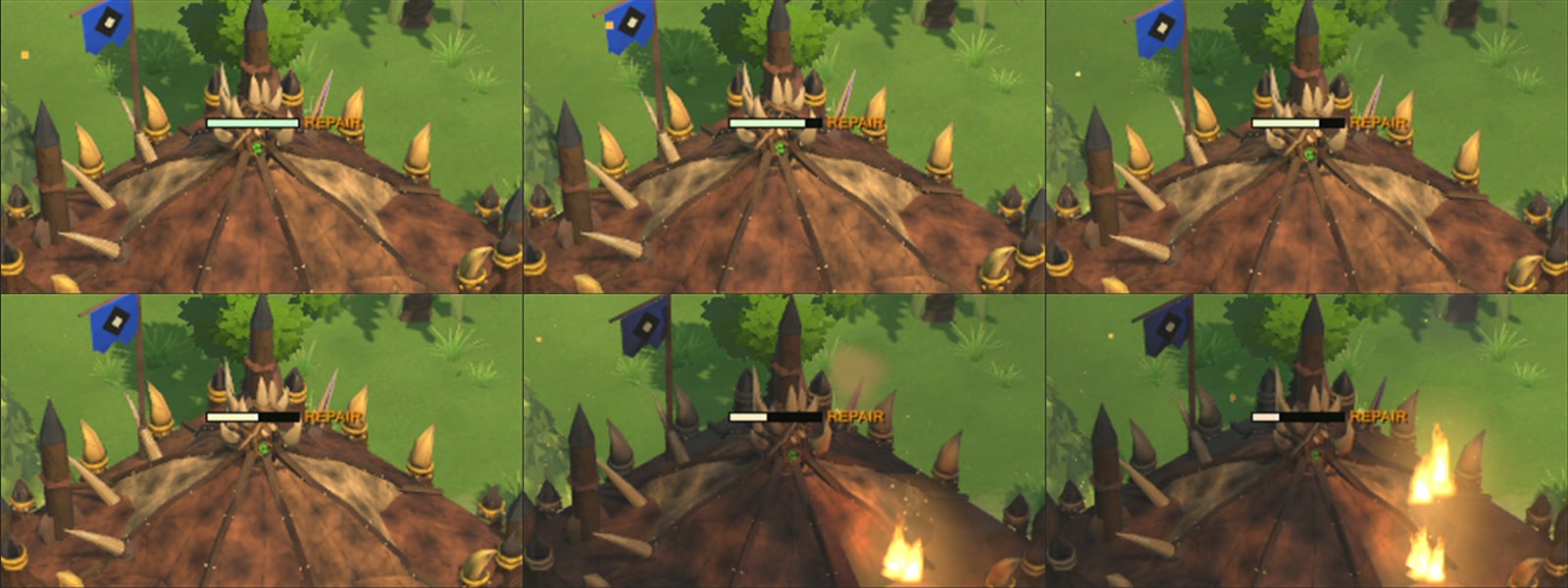
THE BUG: RigAnimator turned every prop on a siege machine with its travel. Arm and banner spun; the wheels, baked into the body, never turned. The Meat Wagon's load and the Siege Ballista's bolt had the same bug, also fixed.

WHAT I USED FROM CODEX: its split of the game's real model (same 2,910 triangles) and its exact arm curve, checked against its frames in tests.
WHAT I CHANGED FROM CODEX:
 - Turned the model 180 degrees. Codex's stone flies out of the ammo-pile end; in the game the front is the spiked end, so it would have thrown backwards. THE SPIKES NOW TRAIL AT THE REAR.
 - Built as game code, not a clip: wheels turn by distance rolled.
 - The throw is timed to the sim: the stone's launch tick is the release, and it flies from the cup.
ADDED: the chassis squats and bucks on its wheels when the arm hits the stop; a new stone comes off the pile, round the arm and into the cup.
SIM: untouched. Same damage, reload and range; rules, net and save versions unchanged.

TESTED: 146/146 in the catapult, siege, missile and unit-size test groups. Filmed in game with 0 exceptions: rolling, three shots, return, reload. Close-ups show the spokes turning with the arm and stone still.
FIRST SHOT: the sim gives only about 0.17 s of warning, so that one throw runs faster than the others (0.43 s).
IF ORDERED AWAY MID-THROW: the arm snaps back to loaded (rare). After release it always plays out, even when moving.
NOT DONE: other siege machines' wheels are still part of their bodies and don't turn.
SEEN WHILE FILMING: small pale square specks drift through close shots. Not from this change as far as I can tell; not traced yet.
BOATS AND FOOD - report (2026-11-08)

ANSWER: boats do bring in food, for all three factions. No bug found, no fix made.

HOW IT WAS MEASURED
  The game's real simulation on the Ammonite Lagoon map, one dock, nothing else gathering (BoatFoodProbeTests, Explicit).
  Log: local file: p2_boats.log, lines starting BOATS. Probe kept in local file: probes_after_stepb, not landed.
  This run is the simulation without a game window. The check on the final build is at the end of this report.

FOOD COUNTER (one boat ordered to a shoal; same numbers for Tribe Dugout Canoe, Orc Gut Skiff, Undead Drowned Net)
  t=  0 s  200
  t= 30 s  220 (+20)
  t= 60 s  260 (+60)
  t= 90 s  280 (+80)
  t=120 s  320 (+120)
  t=150 s  340 (+140)
  t=180 s  360 (+160)

CATCH CYCLE
  8 catches in 180 s, 20 food each, first at about 19.7 s, then one every 20.2-20.3 s: 53.3 food per minute.
  Catches landed with nothing banked: 0 of 8, on all three factions.

RATE AGAINST A WORKER
  Villager on berries 8 m from home: 17 trips, 10 food each, 170 food in 180 s: 56.7 food per minute.
  So one boat is about the same as one worker on close berries (53 against 57).

THE OTHER CASES
  Boat left alone: stays Idle, carries nothing, drifts 1.2-1.6 m. It does not fish until ordered.
  Newly trained boat: already on Gather 40 s after training, without an order.
  Shoal fished out: the boat moves to the next shoal by itself and made 3 catches in the next 60 s.

ON THE FINAL v0.9.45 BUILD (local file: WindowsPlain, a real match window with the HUD)
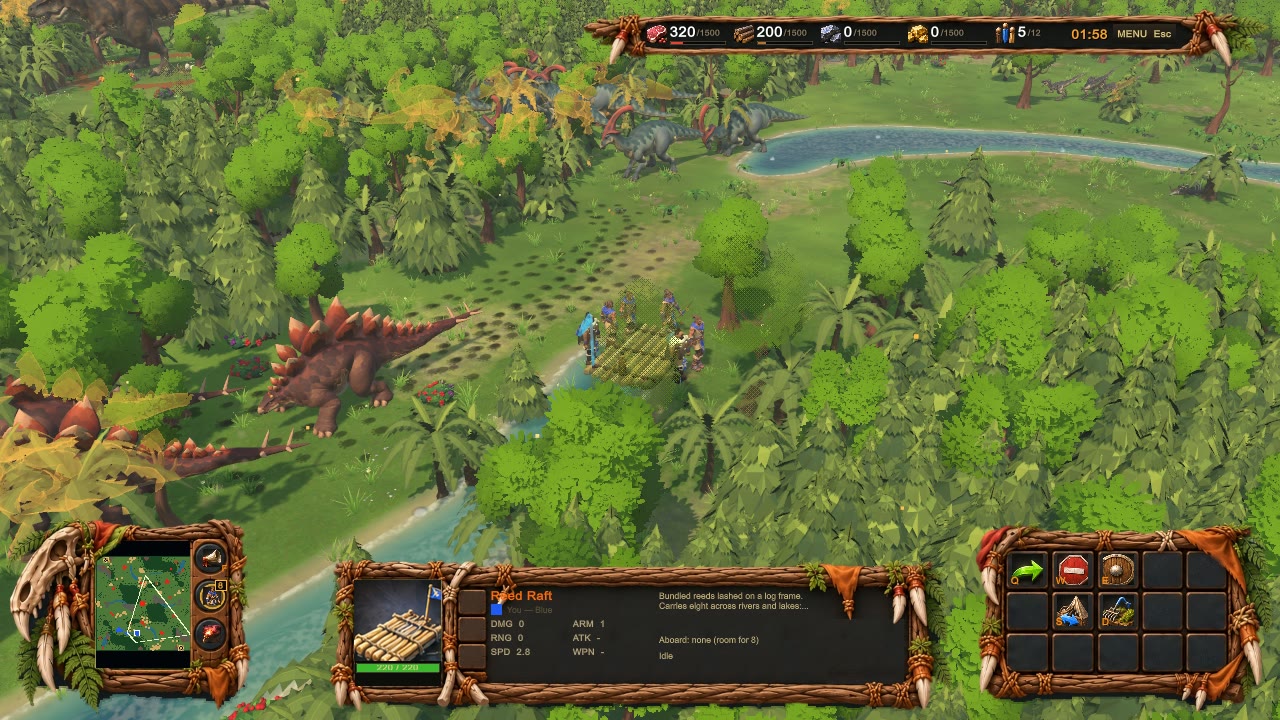
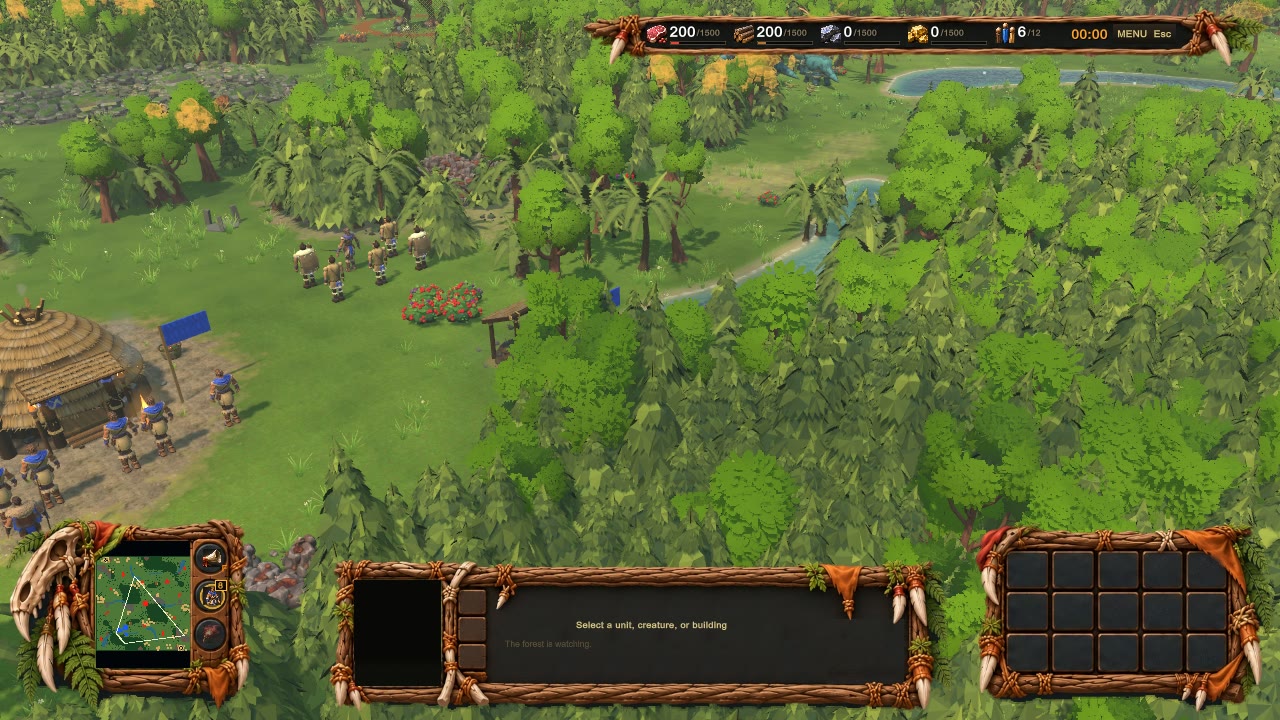
  Tribe, 1v1 on a Random map (Ammonite Lagoon is not offered for 2 seats), the ferry review scene: one Dugout Canoe sent to a shoal, no worker gathering, wood stayed at 200.
  Food 200 at 0:00, 260 at 0:58, 320 at 1:58: 120 food in 2 minutes, 60 a minute. 0 exceptions. Stills: counter_before_0m00_food200.png, counter_after_1m58_food320.png.
  Only Tribe on the build. Orc and Undead, the boat left alone, the newly trained boat and the next shoal are from the simulation run above.
In the test build: the new standing, walk and run.
In the test build: the new standing, walk and run.
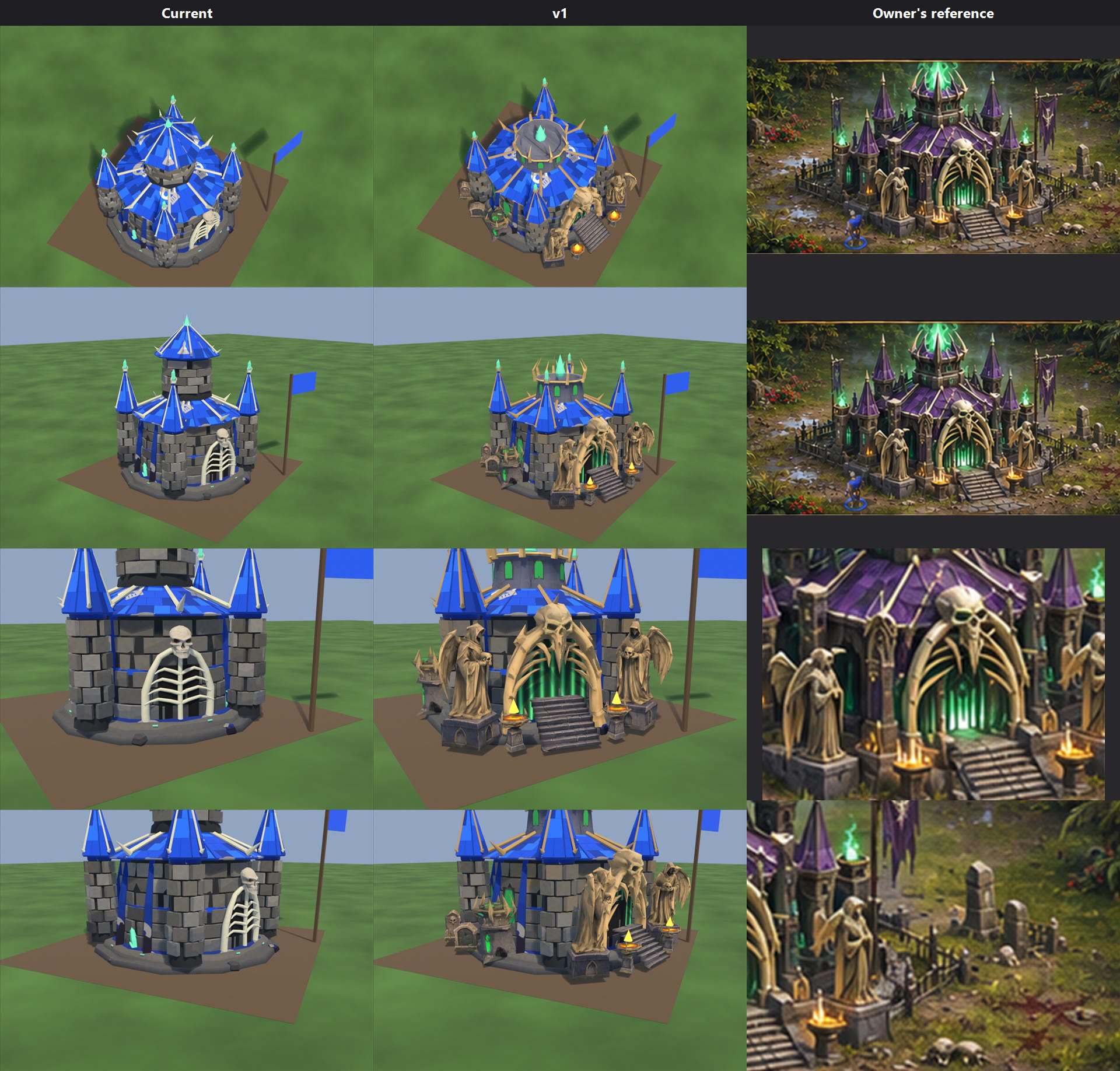
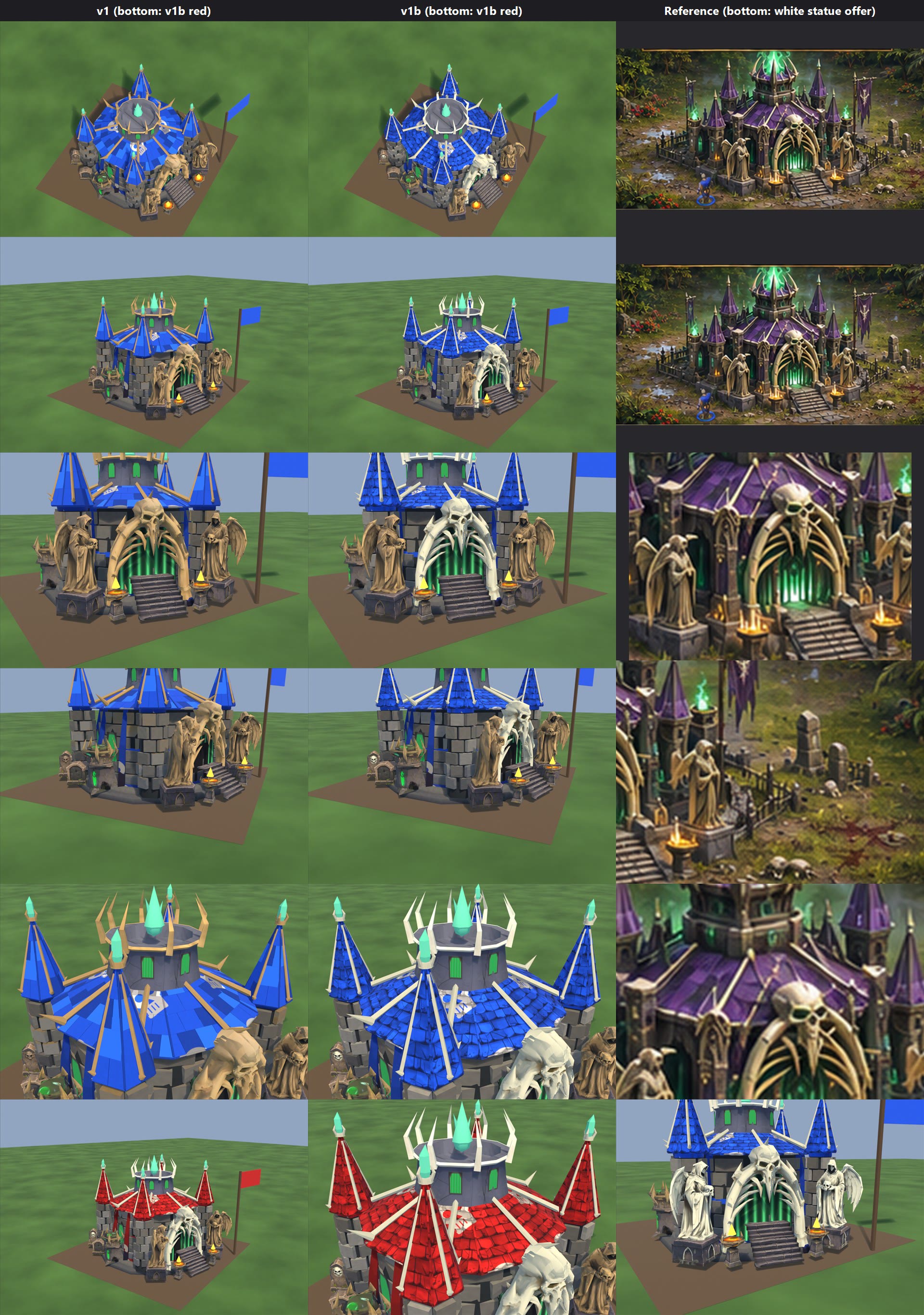
Undead Necropolis v1 (2026-11-08) - PREVIEW ONLY. Nothing installed or committed.
Sheet: necropolis_v1.jpg. Columns Current | v1 | Owner's reference (05_necropolis_finished_ingame_screenshot.png, repeated + crops); rows game camera, front 3/4, door, props. Files: local file: stage_v1.

What the zips really are
  tripo_convert_7ea222b2: bone arch with skull and ribs (one mesh).
  stone statues: 2 hooded winged statues holding skulls, mirrored pair, on plinths.
  tomb stones: 1 tall tombstone with a skull, 1 small plain one (same as topmb stones.png and the Capture in the War Camp folder).
  undead firepits: stairs, big fire bowl, small fire bowl, green fire tower (each with a sculpted flame, cut off here).

Used: arch (Prop_arch 600), both statues (Prop_statues 1,035), stairs (in Body), big bowl x2 (Prop_brazier0/1), green tower x2 (Prop_soulfire0/1), tombstones x4 (Prop_graves 758). Not used: small fire bowl.
Built on the shipped model. Kept: drum, 4 corner spires, main roof, masks, base, Prop_soul. Removed: tall central tower + cone (2,026 tris), old arch + skull (1,630), green wall flecks (612).
New in Blender: short dark stone crown with spikes, per the reference's silhouette; painted green barred door + arched windows.
Bone: one setting, BONE_SRGB at the top of local file: neck_v1.py (None = the owner's arch colour, sRGB 0.74, 0.58, 0.36). Roof and spire ribs in the old bake took that colour.

Triangles 13,575 (current 13,876). Height top 4.44 m (recorded 5.85).
Overhang past 5x5 (+/-2.5 m): stairs 0.51 m, front bowls 0.48 m, statues 0.24 m, green towers 0.22 m, tombstones 0.14 m (side) .
Fx: soulgreen at (0,0,3.68), 2 brazier at (+/-0.95, 2.72, 0.79), 2 soulgreen at (+/-2.25, 0.1, 1.16). Kinds already in the game; no new code. Prop_soul moved down with the crown.

Need code to match the reference: real glow on door/windows (green glow channel; bake paint only here). Game's skull pattern stays on team roofs.
No asset yet: iron fence, 2 banners on poles, rocks/skull piles, blood marks, ground slabs. Roof shape: kept round, not the reference's octagon with corner blocks and gothic gables.
Not tested in the game: construction, damage, collapse, team colour.

--- necropolis_v1b.jpg (2026-11-08, preview, stage_v1b; v1 kept) ---
Columns v1 | v1b | reference; rows game camera, front 3/4, door, props, roof close-up; bottom row: v1b red player (2 views) and an offer with white statues (not in the stage).
Bone: taken from the shipped model's bone (sRGB 0.85, 0.82, 0.69). Owner's arch, tall tombstone's skull and crown spikes moved to it; roof and spire ribs keep the shipped white. Statues stay stone. Line: BONE_SRGB (None = shipped colour).
Roof: every masked roof face now uses 2 painted shingle textures, 512 each, with normal map; no new geometry. Atlas stays 2048x3072. levels.txt stays necropolis 0.050.
Game's skull pattern still paints pale patches on the roof; removing it needs necropolis in TeamCloth.PlainBakes (code, not done).
Not tested in the game.

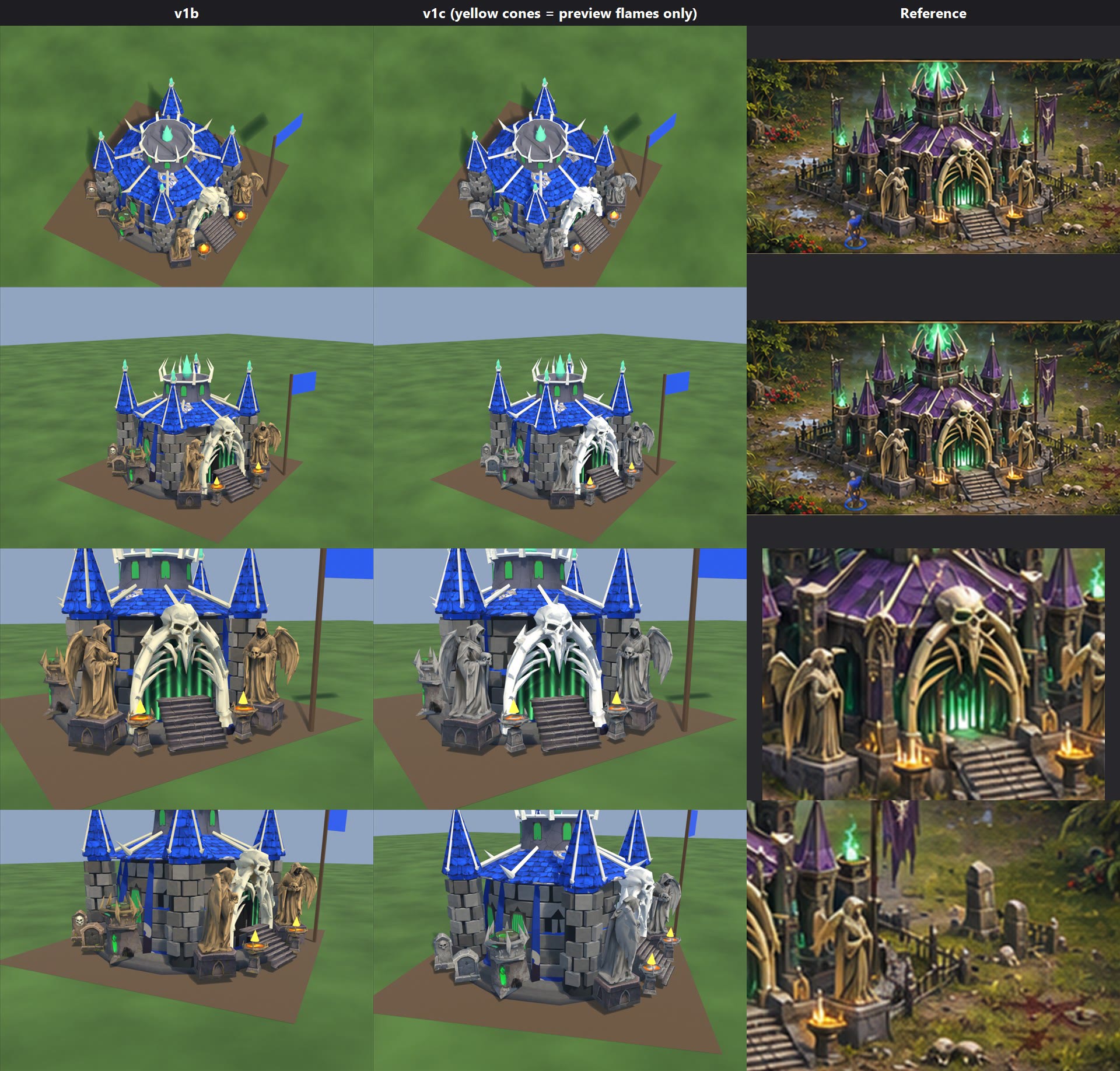
--- necropolis_v1c.jpg (2026-11-08, preview, stage_v1c; v1b kept) ---
Statues + held skulls and tombstones (frames, bases, carved skull): grey stone, sRGB about 0.47/0.46/0.44, with a little grime. Moss on the tombs kept.
Bone: arch, ribs, spikes neutral white 0.92/0.91/0.87 (BONE_WHITE). Shipped warm-grey brick neutralised, same brightness.
Sweep (hue 20-62, saturation >= 0.13, brightness >= 0.25): no triangle on the model is mainly tan (0 of 13,575). Texels left: old bake 241 (0.01%), statues 0.5-0.9% in hidden seams, brazier stand 4.66% (bowl's fire paint, kept).
Last row: v1b column shows the nearest earlier view (no side view rendered for v1b).
Yellow cones in all columns are preview stand-ins; the game draws real fire.
In the test build: the new standing, walk and run.
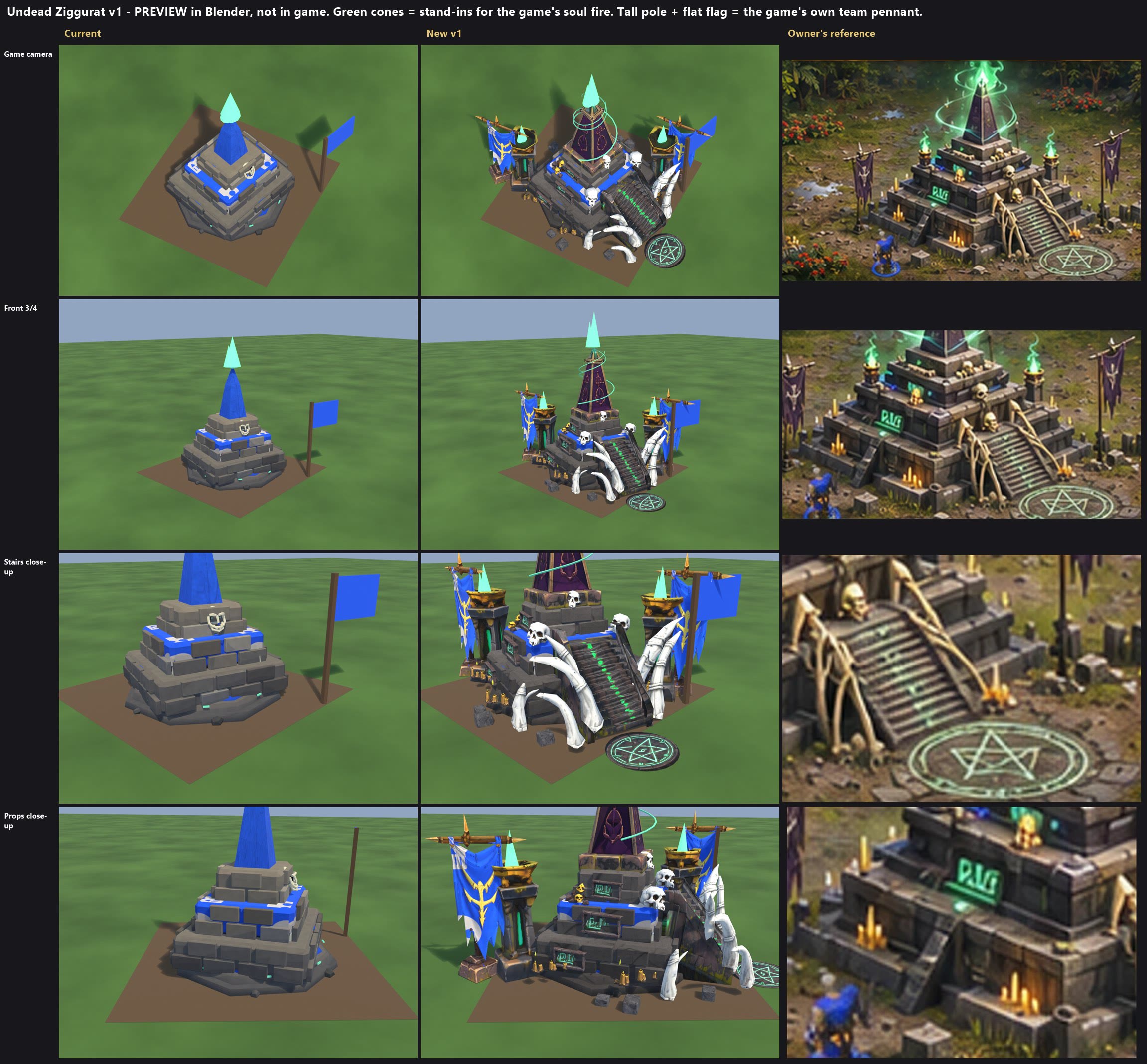
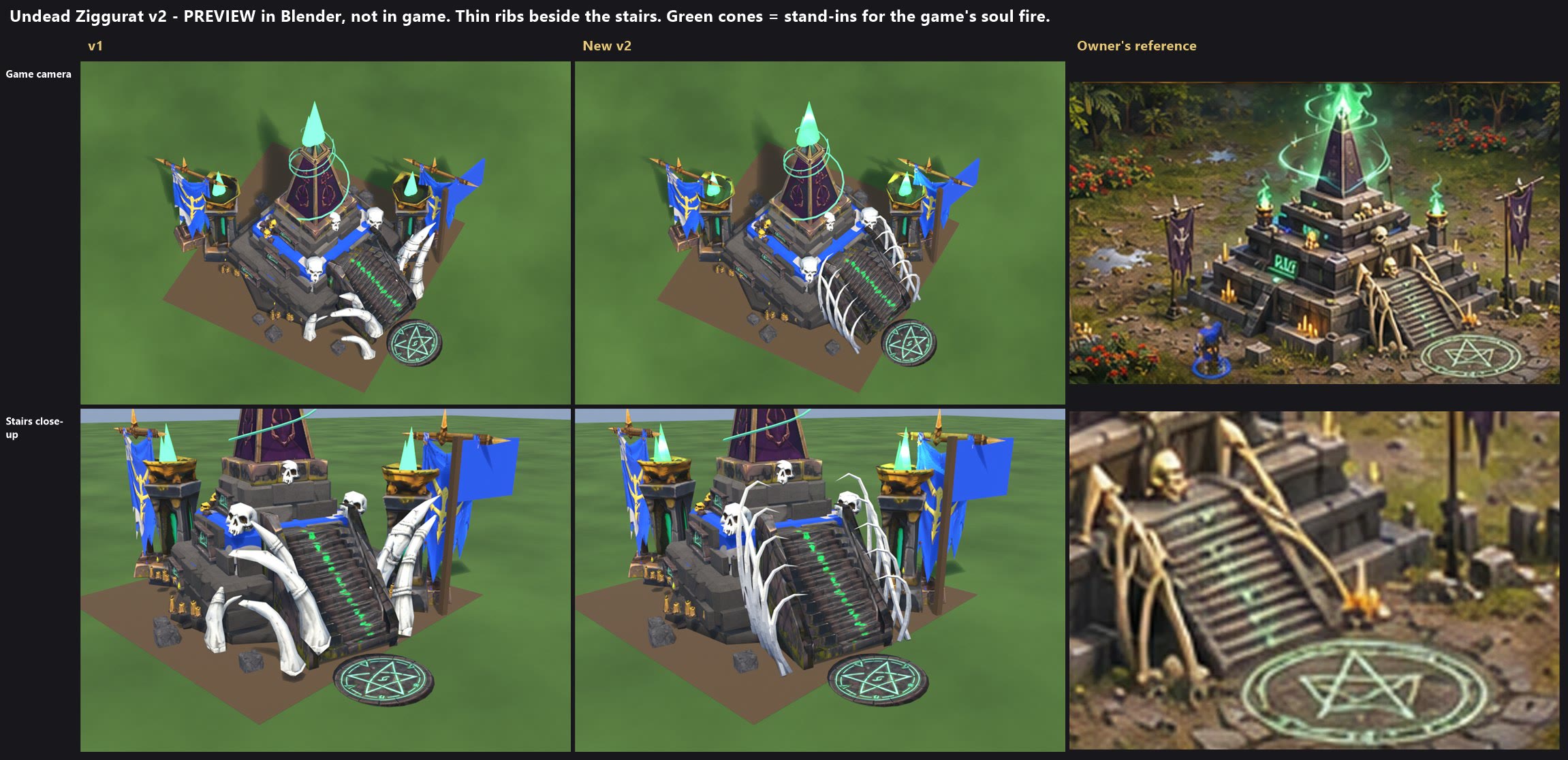
Undead Ziggurat v1 (2026-11-08) - PREVIEW ONLY. Rendered in Blender, not tested in the game. Nothing installed or committed.
Sheet: ziggurat_v1.jpg. Stage: local file: stage_v1. Scripts: local file: zig_v1.py, local file: prep_items.py + prep_custom.py.

Game model: ziggurat. Built on it. Kept: plinth, 3 stone tiers, team ledges and mask. Removed: blue obelisk, old skull + frame, green flecks, Prop_flame's sculpted flame.

What the zips really are (all as named)
  high quality torch: pillar, gold bowl, sculpted flame (cut). Used; the torch in the banners zip was not.
  banners zip: 2 banners and 2 torches. Used one banner, twice.
  neon sigils: rune panel and a 2-faced pentagram drum. Used the panel and one face, as a flat disc.
  obelisk, skulls and candles, tall bones and staircase: as named.

Parts (13)
  Body 4,487: tiers, stairs, 4 rune panels, gold pile, 3 candle clusters, stone blocks.
  Prop_obelisk 54, Prop_flame 312 (a still swirl), Prop_soulfire0/1 206 each, Prop_banner0/1 315 each, Prop_tusk0/1 264 + 330 (rib bones), Prop_skull0/1/2 104 each, Prop_ring 24 (pentagram).
Triangles 6,825 (current 4,155). Height 3.66 m at the obelisk, 3.80 m at the swirl (current top 3.62 m).
Atlas 2048 x 2048: colour, normal, glow, team mask. levels.txt unchanged (ziggurat 0.020); the banner cloth was set to that brightness.

Overhang past the 3 x 3 footprint (+/-1.5 m)
  Pentagram 1.46 m (flat on the ground, nothing stands up), banner crossbars up to 0.98 m (bases 0.35 m), rib bones 0.75 m, stairs 0.47 m, torches 0.44 m, stone blocks 0.28 m.

Fire (kinds already in the game, no code): soulgreen at (0, 0, 3.66) size 0.5; soulgreen at (0.95, -1.42, 1.73) and (-1.42, 0.95, 1.73) size 0.3. The green cones on the sheet are stand-ins, not in the stage.

Damage: 7 parts are knockable (banners, tusks, skulls). The game's rule takes off only 2, one at stage 2 and one at stage 3; the other 5 tilt 4-7.5 degrees below 25%. Below 25% the pentagram's far edge also lifts about 0.2 m with the building's lean and tilt.

Code needed, none of it done
  1. Green glow on runes, pentagram and torch slits. The stage's glow map has them in its B channel; the shader reads only R and G, and R is fixed blue. PaletteDetail.hlsl ApplyPaletteGlow: read .rgb into a half3 and add
       + half3(0.25h, 0.95h, 0.42h) * (g.b * 1.9h * pulse)
     Until then they are bright paint only. Candle tips use the existing G channel and will flicker with no code.
  2. A turning swirl. Prop_flame is a still mesh; moving it needs code. If still looks wrong, drop that part.
  3. The game's team pennant stands on the right corner, beside the right banner. To remove it, BuildingRenderer.cs line 731: add && building.Type != BuildingType.Ziggurat. OWNER'S CALL.

What doesn't match the reference
  - Bone is white, not the reference's tan. I followed the Necropolis v1c rule (owner's markup: no tan). One setting: BONE in ut_common.py. OWNER'S CALL.
  - Rib bones keep the owner's arrangement: chunkier than the reference's thin ribs, and uneven side to side. They don't run neatly along the stair rails.
  - Tiers are the shipped smooth bricks, cleaner and less carved than the reference. Team ledges stay wider and bluer; the game's pale pattern shows on ledges and banner cloth, as on the Necropolis.
  - Missing: the small second stair on the left of the reference, ground slabs round the pentagram.
  - Runes and candles are small at game zoom.

Install must: copy fbx, rig.json, baked, normal, glow, masks by hand, run RigBuilder, then check construction, damage, collapse and team colours in the game. All untested in game.

--- ziggurat_v2.jpg (2026-11-08, preview, stage: local file: stage_v2; v1 kept) ---
Only change: the rib bones. Script local file: zig_v2.py, function rib_shapes. Columns v1 | v2 | reference; rows game camera, stairs close-up.
Each side: 5 thin curving ribs, evenly spaced, hooking in over the stair wall, plus one long rail bone. Built in Blender on the palette's marble cell (white, same as v1's bone), no longer the owner's bones.
Prop_tusk0/1 408 each. Triangles 7,047 (v1 6,825). Rib overhang 0.50 m (v1 0.75 m). Everything else in the v1 notes stands.
Left: reference has fewer, branching, tan bones; v2 has more ribs and they are plain white with no joints or rope. A whole side knocks off at once. Below 25% a side tilts as one part, so tips shift about 0.2 m and may clip the stair wall. The atlas still holds v1's unused rib slots (no effect in game).
Not tested in the game.
In the test build: the new standing, walk and run.
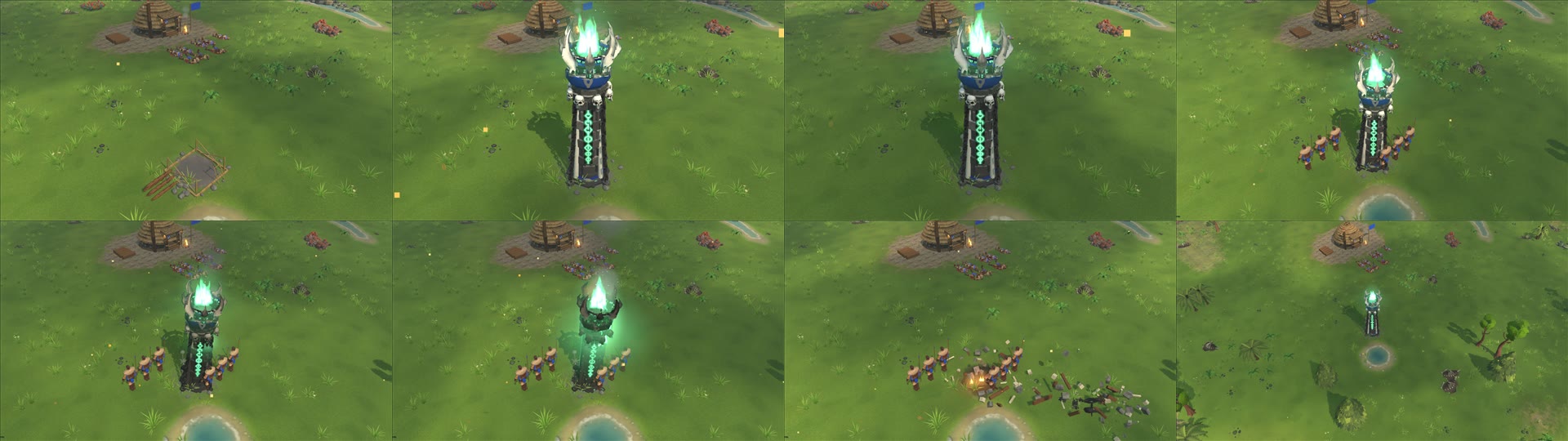
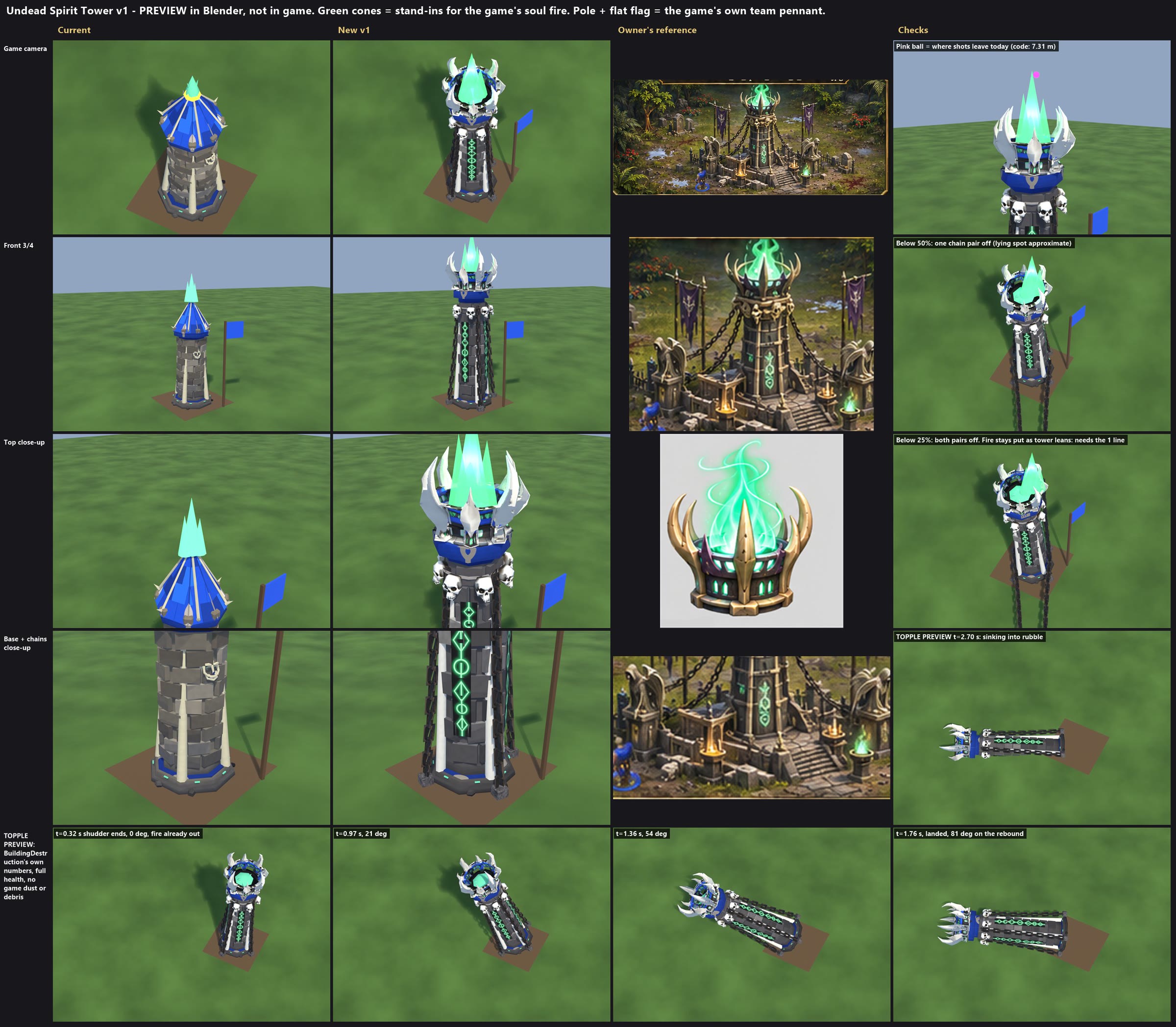
Undead Spirit Tower v1 (2026-11-08) - PREVIEW ONLY. Rendered in Blender, not tested in the game. Nothing installed or committed.
Sheet: spirit_tower_v1.jpg. Stage: local file: stage_v1. Script: local file: tower_v1.py.

HOW TOWERS TOPPLE (BuildingDestruction.cs) - the requirements
  - A tower (role Tower; Spirit Tower is one) shudders 0.32 s, then pivots on the ground at centre + direction x size x 0.42 (0.84 m here). Angle = 84 x tf squared over 1.3 s, a 3 degree rebound on landing, then it sinks 2.6 m. 3.02 s in all. Direction: the last blow, mixed with a per-building lean.
  - There are no hinges or bones. Every part is drawn at root x its rest pose, so the whole model turns as one rigid piece. In a topple, parented parts don't work loose either.
  - The model comes from the fbx's listed parts. Falling length and dust use the rig's top (RigTop).
  - Prop_ parts only leave at damage stages, never at the collapse itself: BuildingDamageLook.Knockable needs a Prop_ name holding a word such as chain or skull. perStage = max(1, n / 4); one lot goes at stage 2 (below 50%), one at stage 3 (below 25%). Those left tilt 4-7.5 degrees about their foot below 25%.
  - The fire is not part of the model. It stops the moment the building is Destroyed, so no flame floats during a fall.

DESIGN THAT FOLLOWS
  - Owner's worry answered: OUR tower is the body. Owner's crown and skulls are joined into the Body, so they cannot separate or hang in the air.
  - Chains: exactly 2 knockable parts, Prop_chain0 and Prop_chain1, 2 strands each. n = 2 is the only count where every chain is off by stage 3 and none is left to tilt (a tilted 4 m chain would swing about 0.4 m off the tower). A pair drops at stage 2, the other at stage 3. Skulls must NOT be named Prop_*skull*, or that rule breaks; so they are in the Body and never fall off.
  - Anchor blocks are in the Body and turn with the tower.
  - If it dies before stage 3, remaining chains stay rigid along the tower as it falls (sheet's topple row). They don't float, but they don't snap either. See code 3.

WHAT WAS BUILT
  Shipped body turned 45 degrees (a smooth face to the camera, buttresses on the axes) and walls stretched x 1.56 from the foot. Removed: roof, eave blocks, old skull, flecks.
  Added: owner's crown as the torch (sculpted flames cut; horns rebuilt as clean tubes with the owner's colours baked on), 8 owner's skulls from the tower example, iron hoop, 4 strands of the owner's chain links, 4 stone anchors, painted rune strip on all 4 faces. Prop_orb sits low in the bowl as a coal bed.
  Not used, as told: the owner's tower body, sculptures, base clutter, flags.
Parts: Body 3,064, Prop_orb 70, Prop_chain0 688, Prop_chain1 688. Triangles 4,510 (current 3,649).
Height 6.61 m (current 4.97 m). THIS IS MY CHOICE, see below. Atlas 2048 x 2048. levels.txt unchanged (spirit_tower 0.049).
Overhang past 2 x 2 (+/-1 m): 0.21 m at the anchors, on the 4 axes only. Horns about 0.14 m, high up.

SHOTS: no rig anchor exists. The muzzle is code: DefenderMuzzlePosition = ring 0.46 m, height VisualHeight 7.2 x 0.86 + 1.12 = 7.31 m, for every tower. Today's tower fires from 2.3 m above its own top.
  I set the fire so this works with no code: soulgreen at (0, 0, 5.5), size 1.05, so the main flame reaches about 7.43 m. Bolts leave from the flame's tip, 0.46 m off centre (pink ball on the sheet). That needs the taller tower.
  To fire from the middle of the flame, or if the owner wants the old height, one line at the top of DefenderMuzzlePosition:
    if (building.Type == BuildingType.SpiritTower) return Center(building) + BuildingDestruction.Wear(building).MultiplyPoint3x4(new Vector3(0f, 6.6f, 0f));
  Garrisoned defenders stand at 6.19 m by the same constant: about 0.4 m above the bowl's rim, in the flame. Today they stand above the roof tip. Not fixed.

TEAM COLOUR today: masked roof, collar and base ring, plus the game's own pennant, drawn by AddTeamBanner on a 3.8 m pole at the corner. It is not in the model.
  New: roof gone. Team colour is on the collar, base ring and crown's purple rim. No flag added, but the game's pennant is still there. To remove it, BuildingRenderer.cs line 731: add && building.Type != BuildingType.SpiritTower. OWNER'S CALL: the owner said no flags near it, and the tower would then rely on the collar and rim alone.

CODE NEEDED, none of it done
  1. Fire doesn't lean with the tower. Below 25% the tower leans 5.1 degrees and the flame sits about 0.5 m off the bowl (sheet, Checks column). Today's tower has the same fault. BuildingRenderer.cs line 1696:
       BuildingId = building.Id, Position = center + BuildingDestruction.Wear(building).MultiplyPoint3x4(anchors[k].Position), Size = anchors[k].Size,
     Hearths are rebuilt when the stage changes, so this is enough. Affects every building with fx anchors.
  2. Green rune glow: same shader line as the Ziggurat README. The glow map's B channel holds runes and crown windows. Until then they are bright paint.
  3. Optional, chains snap at the collapse. In Collapse(), for a tower, call AddLoose for each shown part whose name holds "chain", and skip those parts in DrawFall's draw line. About 8 lines. Not written or tested.

BLUNT
  - The chains run nearly straight down the buttresses. The reference's sweep out to far anchors isn't possible and stay narrow.
  - Up close the links are blocky (20 triangles each). They read as chain at game zoom.
  - White bone per the Necropolis v1c rule, not the reference's gold horns. One setting: BONE in ut_common.py. OWNER'S CALL.
  - The crown's horn texture has patchy dark edges up close, where the bake missed.
  - The game's pale pattern shows as a mark on the collar.
  - Topple stills use the code's numbers but only show the model: no dust, debris or camera kick. The lying chains on the worn stills are placed by hand. Green cones are stand-ins; the real fire is softer.
  - A 6.6 m fall reaches 1.6 m further than today's.

Install must: copy fbx, rig.json, baked, normal, glow, masks by hand, run RigBuilder (height updates by itself), then check a real topple, stages 2 and 3, construction, shots and team colours. All untested in game.
In the test build: the new standing, walk and run.

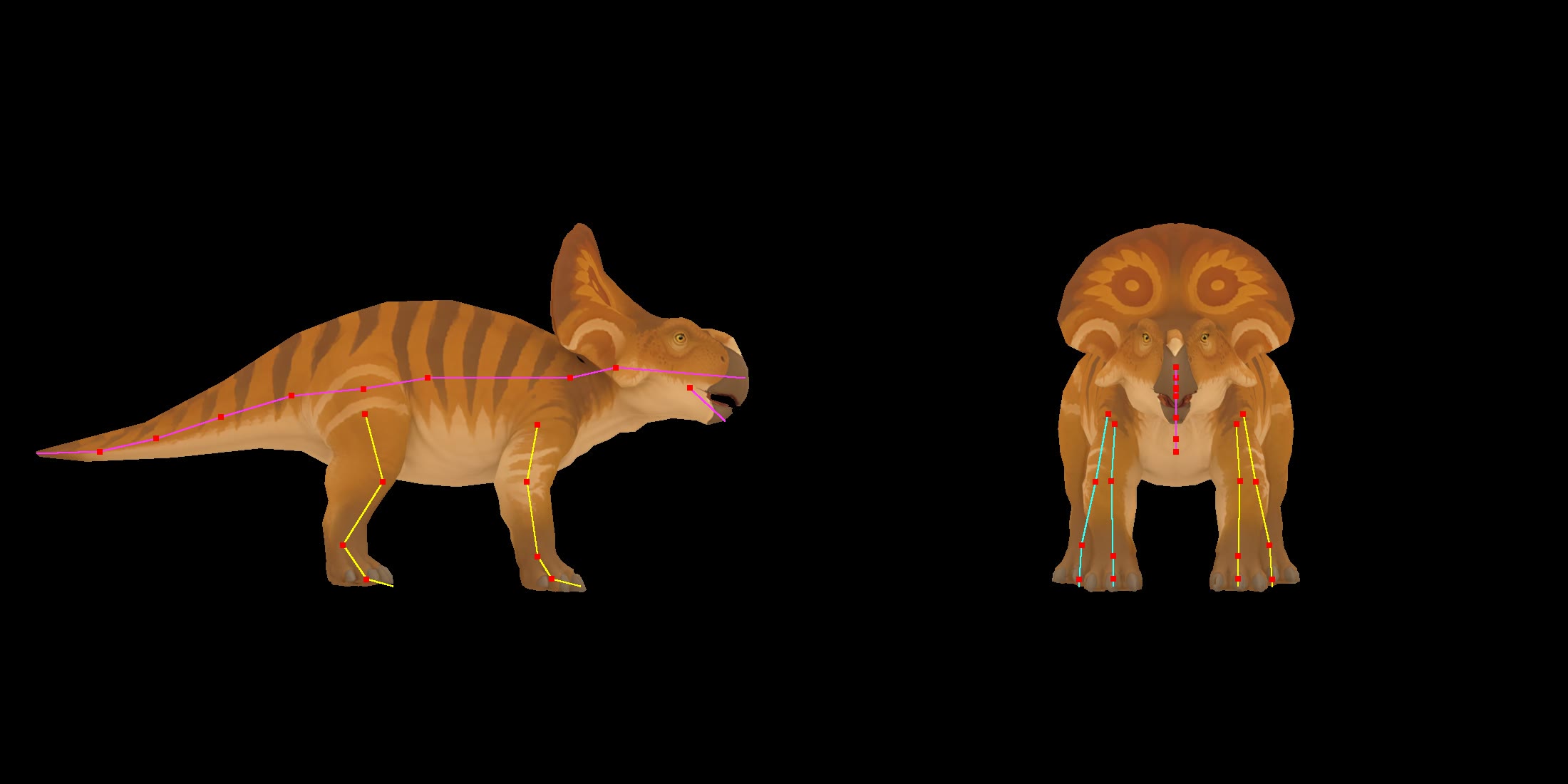
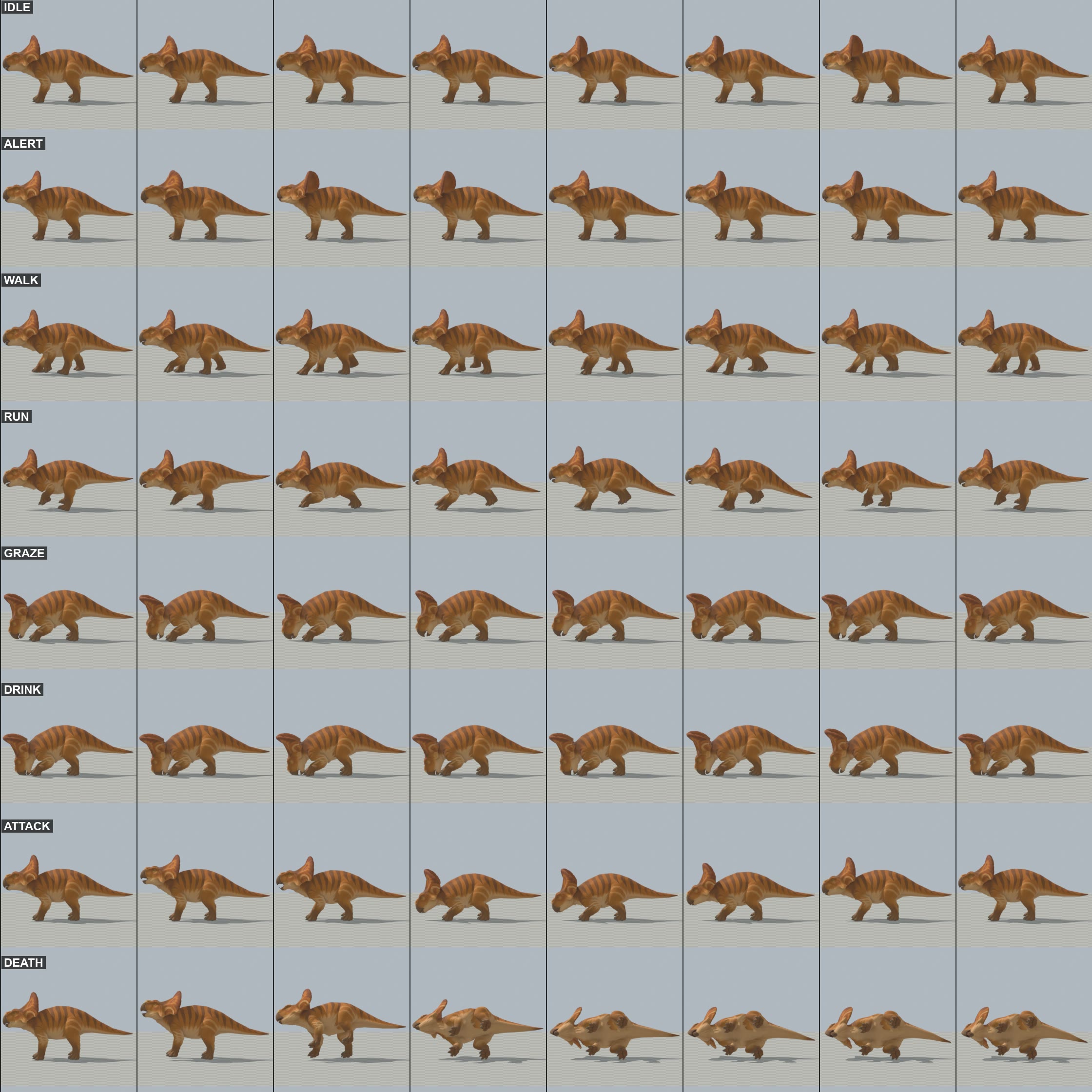
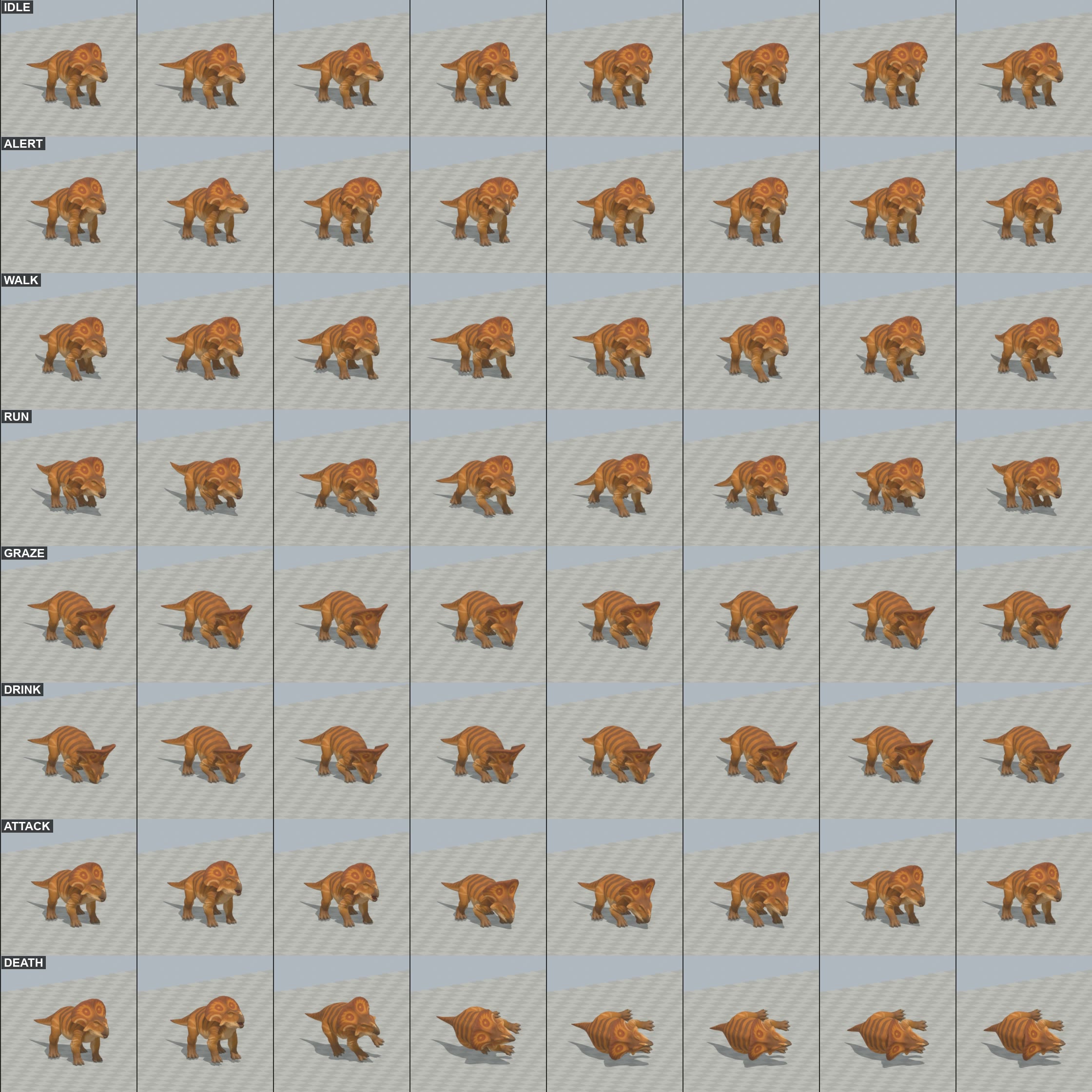
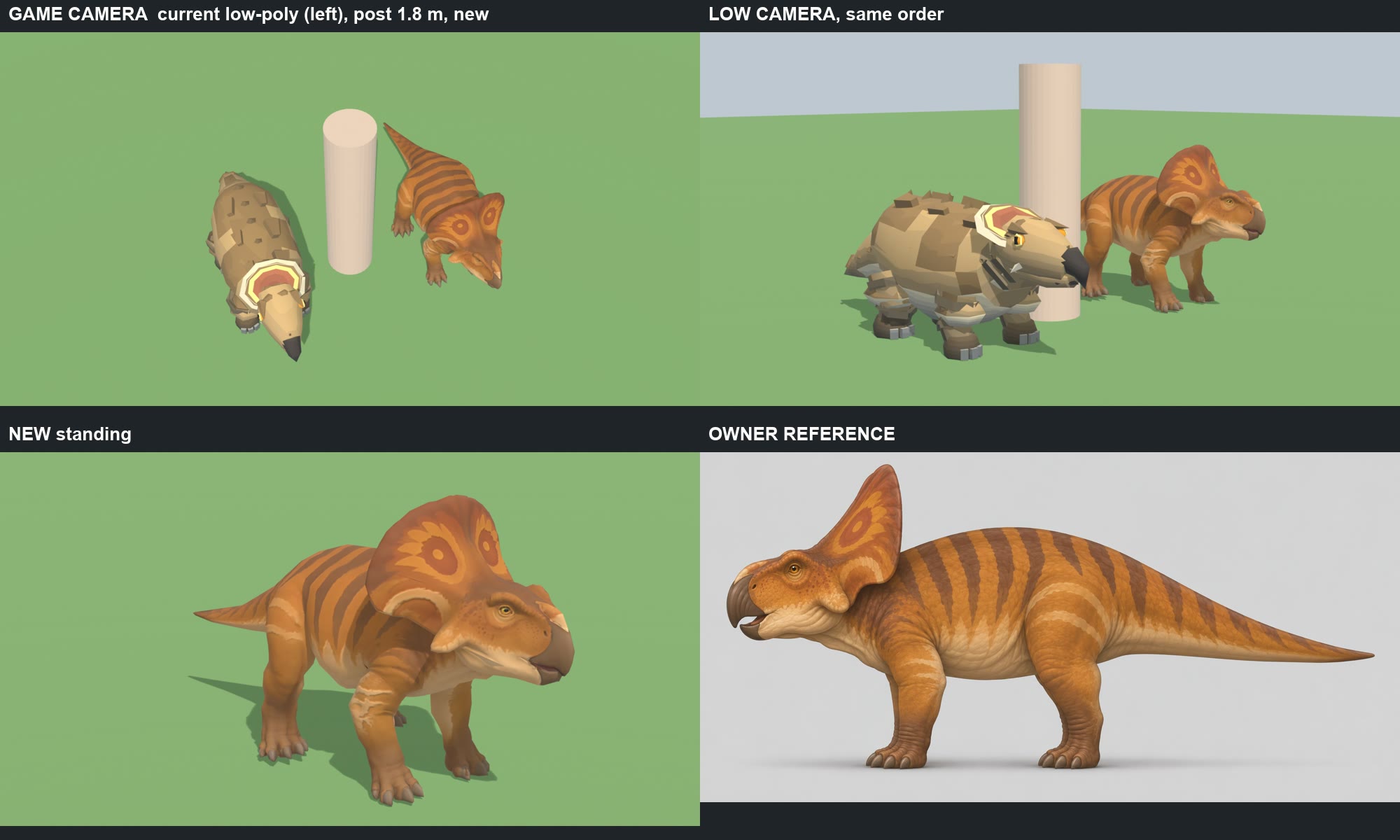
PROTOCERATOPS (owner's Tripo model) - optimised, rigged, animated     2026-11-08
PREVIEW ONLY: nothing installed, nothing committed. Headless Blender only. NOT seen in the game yet, only in Blender renders.

START HERE
  index.html                 the page
  comparison_sheet.jpg       current low-poly | new beside a 1.8 m post; new standing; owner's reference
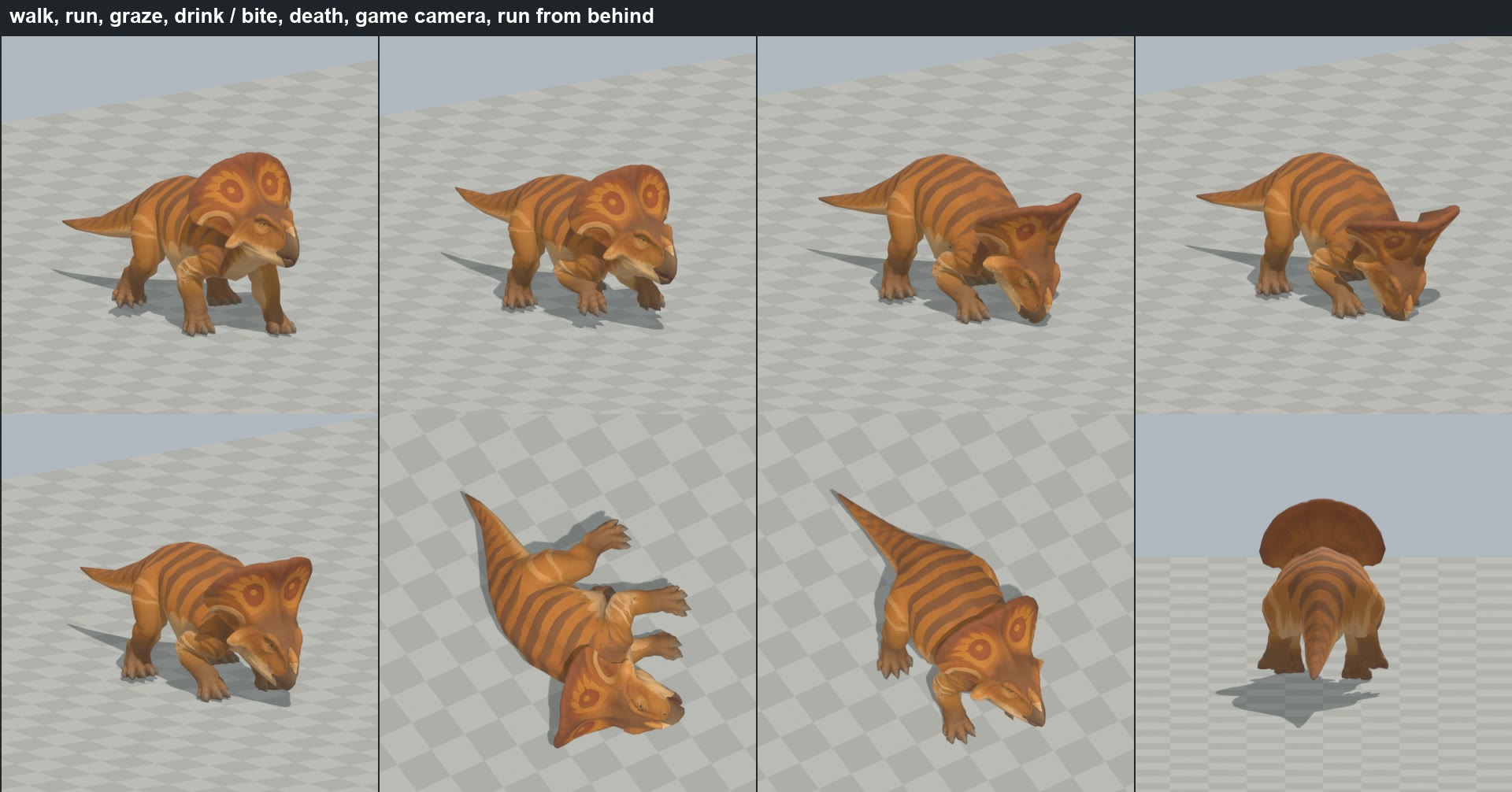
  action_stills.png          walk, run, graze, drink, bite, death, game camera, run from behind
  clip_sheet_side.jpg, clip_sheet_threequarter.jpg     8 frames per clip
  joints_on_the_sculpt.jpg   the bones over the sculpt
  local file: PROTO-<CLIP>.mp4    real speed, in a folder; nothing sent
  staged_export             fbx, json, basecolor, normal

1. IDENTIFIED: the zip is the protoceratops of the 4 PNGs (frill with eye spots, hooked beak, orange with dark bands). Silhouette matches.

2. MESH AND MAPS
  55,222 -> 5,499 tris, 2,720 verts (low-poly 2,444). One skin, one UV island in the source.
  Decimating as the gallimimus was opened real slits on the beak (the source has open seams there), so seams are sewn and 16 holes filled first; only the rings round the
  eyes stay open, a cap would cover them. Base colour and normal baked from the full mesh onto one fresh UV set. Exporter writes 1024. No team mask.

3. RIG: 27 bones, the triceratops' names, which CreatureBend and FootPlant already read for a quadruped:
  root_CTRL > pelvis > spine > neck > head > jaw ; pelvis > tail_01..05 ; pelvis > thigh.hind > shin.hind > foot.hind > toe_2.hind ; spine > thigh.front > shin.front >
  foot.front > toe_2.front. The frill is skull: it rides the head bone whole.

4. SIZE (export 1.238 m; scale 2.398)
  Length 2.40 m (low-poly 2.50). Back 0.97 m (low-poly 0.97). Top of the frill 1.24 m (low-poly 0.93): the owner's frill is much taller. Hips 0.60 m (low-poly 0.42, longer legs).

5. CLIPS (30 fps, no root motion). Gaits from LowPolyMotion's protoceratops.
  Feet: 0.000 m departure per frame in every clip except Death, where the legs let go as it falls (local file: slide_check.py).
  clip     frames  sec    notes
  Idle       73    2.40   breathing, looks about
  Alert      61    2.00   head up, looking round
  Walk       13    0.40   1.50 m/s (roam), 2.5 strides a second, lateral sequence, duty 0.66: hind L 0, fore L 0.25, hind R 0.5, fore R 0.75
  Run        10    0.30   4.2 m/s (flee), 3.33 strides a second, gallop, duty 0.3: hind L 0, hind R 0.08, fore L 0.42, fore R 0.5, then a float
  Graze      61    2.00   head bowed, the frill tips forward, crops
  Drink      73    2.40   laps, lifts to swallow; beak 3 cm under the surface
  Attack     22    0.70   RigAnimator's bite: wind-up, dart, snap at 0.267 s, settle
  Death      46    1.50   falls on its side, kicks, settles

6. WHAT THE INSTALL NEEDS. No new detailed class: the gallimimus' path generalises, the triceratops shows it works on four legs. Rows only:
  a. Copy local file: * to local file: protoceratops, run Build Detailed Units. Rebuild: local file: final.sh
  b. DetailedUnits.cs: CadenceOf case "protoceratops": walkHz 3.0, runHz 3.6 (the low-poly's MaxCadence), runPhase 0. SetBackOf 0.2 (the legs' middle is 0.2 m ahead of the model's).
     The ragdoll line (2463): also exclude this key.
  c. CreatureBend "protoceratops" => Ceratopsian; CreatureHit 0.1f; FootPlant TuningFor => Raptor (light and quick, as the wolf; Horned is for a 6 t animal);
     FootContactSet("protoceratops", <next index>,
        Quad(0.75f, 0.41f, 0.5f, 0.16f, 0.25f, 0.91f, 0f, 0.66f),
        Quad(0.5f, 0.8f, 0.08f, 0.38f, 0.42f, 0.72f, 0f, 0.3f)),      as authored, not foot_contacts.py
  d. UnitRenderer: EstimateLength 2.4, EstimateHeight 1.24. The carcass stand-in sizes are unchanged.
  e. Low-poly stays as the Classic fallback. None of this has been compiled or run.

7. NOT GOOD ENOUGH / NOT KNOWN
  - Not seen in game: facing, the frill against the shoulders when CreatureBend turns the head on top of the clip (I cut the clips' own head turn to about 20 degrees for this).
  - The low-poly trots between 1.7 and 3 m/s; there is no Trot here, the game only has Walk and Run, so a hurry is a slow gallop or a fast walk.
  - Up close the jowl under the cheek keeps a small dark crease, and the frill a faint fold. Not visible from the game camera in my renders.
  - Skin stretch: worst edges 3-5x at the elbow and thigh in Walk, Run, Graze. 6.6x on a tiny edge at the beak in Attack. No tear seen.
  - The Risen Protoceratops uses the same art key, so it will wear this model too, as the Risen Triceratops does. Not checked in game.

FOR THE OWNER
  - Size: matched on length and back. The frill then stands 1.24 m, 30 cm over the low-poly. Fine, or scale the whole animal down?

WORKING FILES: local file: protoceratops: owner_parts (copies), local file: proto_clips.blend (THE RIGGED FILE), scripts
In the test build: the new standing, walk and run.
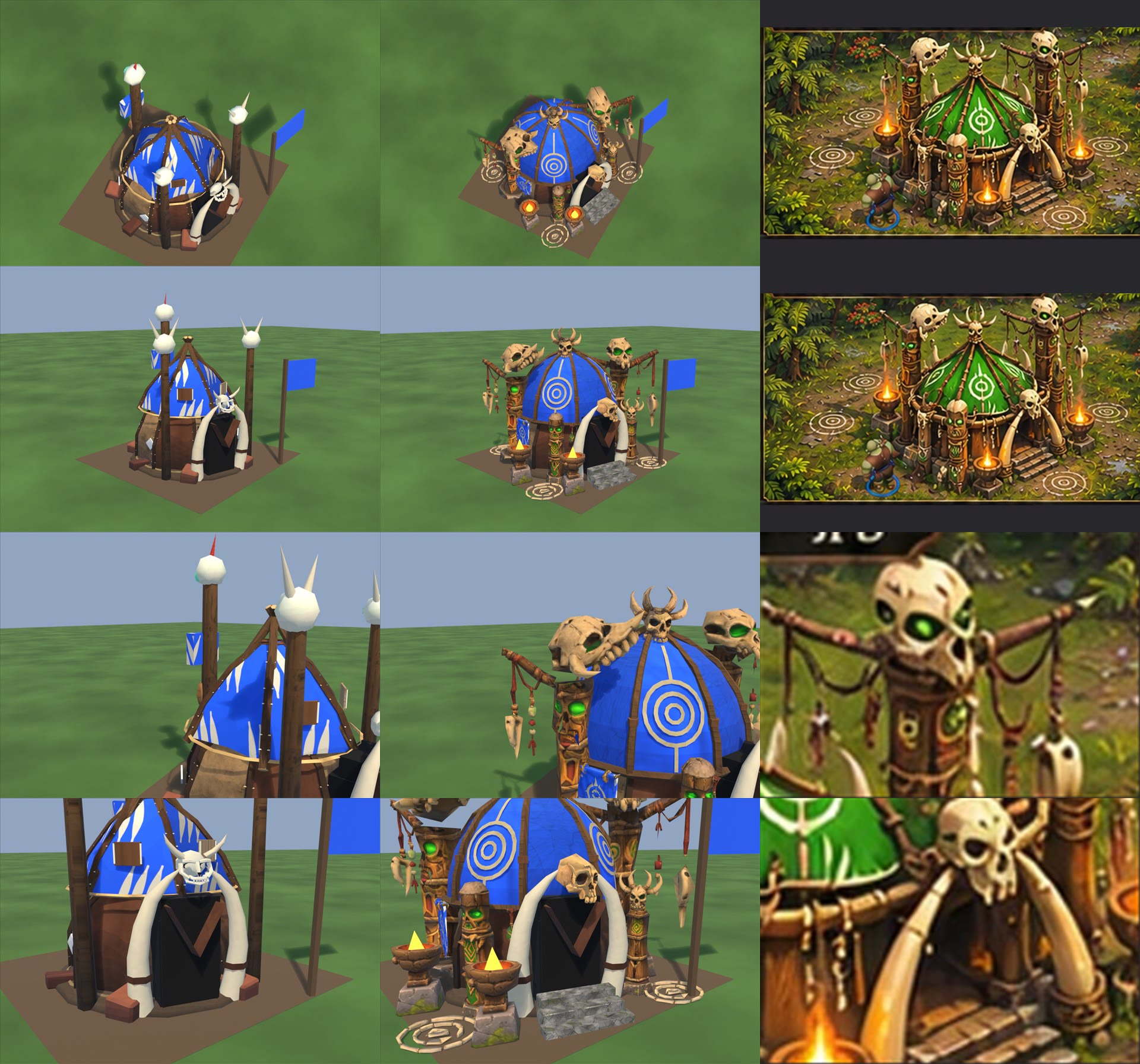
Orc Spirit Lodge v1 (2026-11-08) - PREVIEW ONLY. Nothing installed or committed.
Sheet: spirit_lodge_v1.jpg. Columns current | v1 | target; rows game camera, front 3/4, totem close-up, door close-up. Target column reuses the same image (full, full, crops). Files: local file: stage_v1.

What the owner's zips really are
  385be6b1: hanging strand set (3 strands), bone ring pendant, green pendant, green flag with a white emblem, ground rings.
  a8b2477f: 4 totems: beast skull with arm, horned skull, carved green-eyed, skull with arm and pendants.
  b19c6f58: horned skull, plain skull with tail, 3-fang bar, 2-fang bar, single strand.
  Capture-20261108-155112-767-29ca.png shows shields, spears and an archery target: looks unrelated to the lodge, not used.

Built on the shipped model
  Kept: lower drum + poles, door, flap, 2 door tusks + rings, base disc.
  Removed: 6-sided tent and its ribs, both rope hoops (the floating cream hoop), red slabs, stud specks, plates, paint scraps, 3 plain totems and skulls, door skull.
  New in Blender: dome, 8 curved ribs, wood hoop on the drum poles, ring emblems, 3 stone steps.

Team colour and the slashes
  The dome uses palette cells 80 and 86 (TeamCloth.FactionClothCells), so it takes the player colour with no mask and the game's Orc slash pattern never touches it. The white rings are thin geometry.
  The test EveryLiveBakedBuildingHasAMaskTheSizeOfItsBake needs masked pixels, so the owner's flag is the masked cloth (coverage 1.75 percent, level 0.099). It does show slashes.
  Removing the flag's slashes would need spirit_lodge taken out of TeamCloth.OrcBakes: a code change, not made.

Glow
  PaletteDetail has no bake glow channel in the current game code: emission comes only from damage embers, and the shaman glow mask is only in our stage files. A real glow on totem eyes needs code. Eyes here are bright green paint in the bake and do not light themselves.

Ground rings
  Owner's ring as flat geometry in Prop_rings, 3 copies, no new code. They will float or clip on sloped ground and count in triangles. Better later: a ground decal, which needs code.

Triangles: 7,976 (current 3,861).
Footprint 3x3 (+/-1.5 m). Furthest: x -1.96 to 1.94, y -1.59 to 1.94. Overhang up to 0.46 m (skull totem arm), 0.44 m (steps, left brazier), 0.42 m (beast totem arm), 0.41 m (rings).
Parts: Body, Prop_totem (now the beast totem), Prop_totem2-4, Prop_brazier0-2, Prop_rings. Shipped rig had no fx; 3 brazier anchors added, which replaces the game's plain glow light.
Atlas 2048x1536 + normal map. Levels line for spirit_lodge changes to 0.099.
Not tested in the game: construction, damage, collapse, team colour.

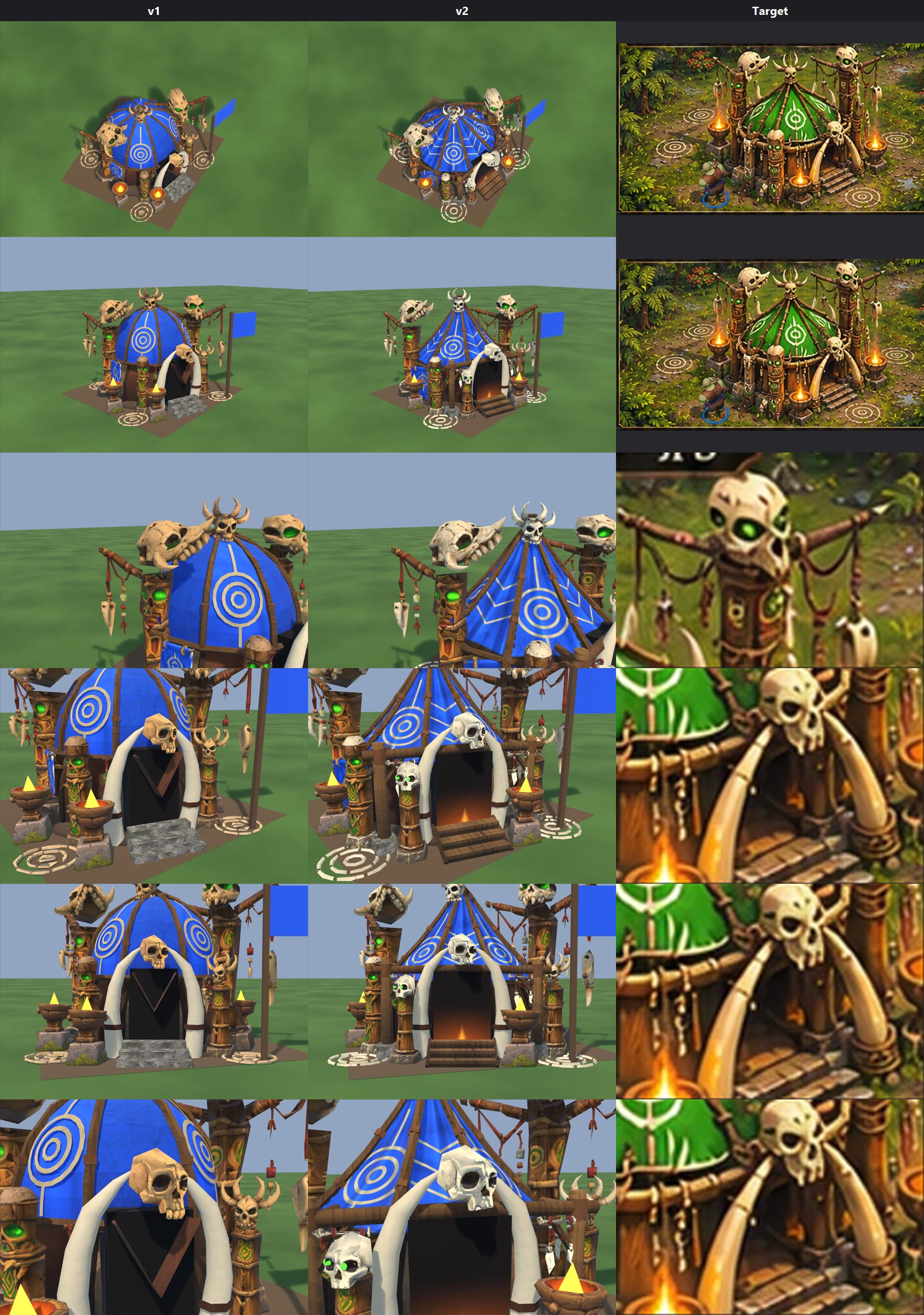
--- spirit_lodge_v2.jpg (2026-11-08, preview, stage_v2; v1 kept) ---
Columns v1 | v2 | Target; rows game camera, front 3/4, totem, door, straight-on door, tusk and skull close-up. Target column repeats crops.
v2 renders assume code changes 1 and 2 below: no slashes, real glow. Until then the tent gets slashes and the eyes do not self-light.
One bone colour: BONE_SRGB at the top of local file: lodge_v2.py (0.89, 0.83, 0.69, the door tusks' own colour). Change that one line and rerun.
Measured in the render: tusk rgb 205 195 168 (sat 0.18, val 0.80); skull in light rgb 215 205 178 (sat 0.17, val 0.84).
Totem wood and rope are excluded by a colour test, not by hand: check pale wood on the totems.

Swap notes for the owner's models later
  Prop_porch: posts at x +/-1.12, y 1.30; lintel z 1.32; origin (0, 1.30, 0). Includes stone feet and 2 owner's 2-fang bars.
  Prop_totem5: base at (0.82, 1.55, 0), about 1.27 m tall. Made from the owner's horned-totem post without its top + his plain skull + 2 green eye spheres.
Parts: Body, Prop_totem, Prop_totem2-5, Prop_porch, Prop_flag, Prop_brazier0-2, Prop_rings. Fx: 3 brazier anchors.
Triangles 9,054-ish (see local file: spirit_lodge_v2_stats.json); current 3,861. Atlas 2048x1536.
Not tested in the game: construction, damage, collapse, team colour, and all code changes below.

Code changes to make at install (nothing changed yet)
1. Slash-free cloth. TeamCloth.cs, PatternFor: add first: bakeKey == "spirit_lodge" ? Pattern.None :
   Do NOT just remove it from OrcBakes: PatternFor then falls through to Tribe chevrons. Keep it in OrcBakes for TeamClothTests (coverage floor), or adjust the test's list.
2. Glow. PaletteDetail.shader: add _GlowMap("Glow", 2D) = "black" {} and _GlowStrength("Glow Strength", Float) = 1.5 (also in the UnityPerMaterial CBUFFER; ConstructionLit.shader too if it must show during building).
   PaletteDetail.hlsl: declare TEXTURE2D(_GlowMap); after ApplyDamage in the fragment: if (input.uv.x >= PALETTE_BAKED_U) surfaceData.emission += SAMPLE_TEXTURE2D(_GlowMap, sampler_BakedMap, input.uv - float2(2.0, 0.0)).rgb * _GlowStrength;
   Do it outside the _EMISSION keyword (players' builds strip it). M_Rig_spirit_lodge: assign local file: spirit_lodge_glow.png (same UVs as the bake: green eyes and doorway).
3. Ground rings (optional). BuildingRenderer: draw local file: spirit_lodge_ring_decal.png on a flat transparent quad per ring, using the same transparent setup as TeamPalette.GetEliteRing; positions (1.05,-1.42), (-1.5,1.5), (1.52,1.42), 1 m wide. Then remove Prop_rings from the model and rig (saves 648 tris) and it follows sloped ground better.
4. Normal map: M_Rig_spirit_lodge needs local file: spirit_lodge_baked_normal.png on its baked normal slot. levels.txt: spirit_lodge 0.150.

CORRECTION (2026-11-08): the code list above was checked against local file: PrimevalMirror. local file: PrimevalFriends already has TeamCloth.PlainBakes and a glow channel (_BakedGlowMap, PRIMEVAL_GLOW; R fixed blue, G warm flicker). At install: slash-free = add spirit_lodge to PlainBakes (TeamClothTests floors need checking). Green glow = a new green channel or colour option on that channel, not a new map. Re-check before editing.

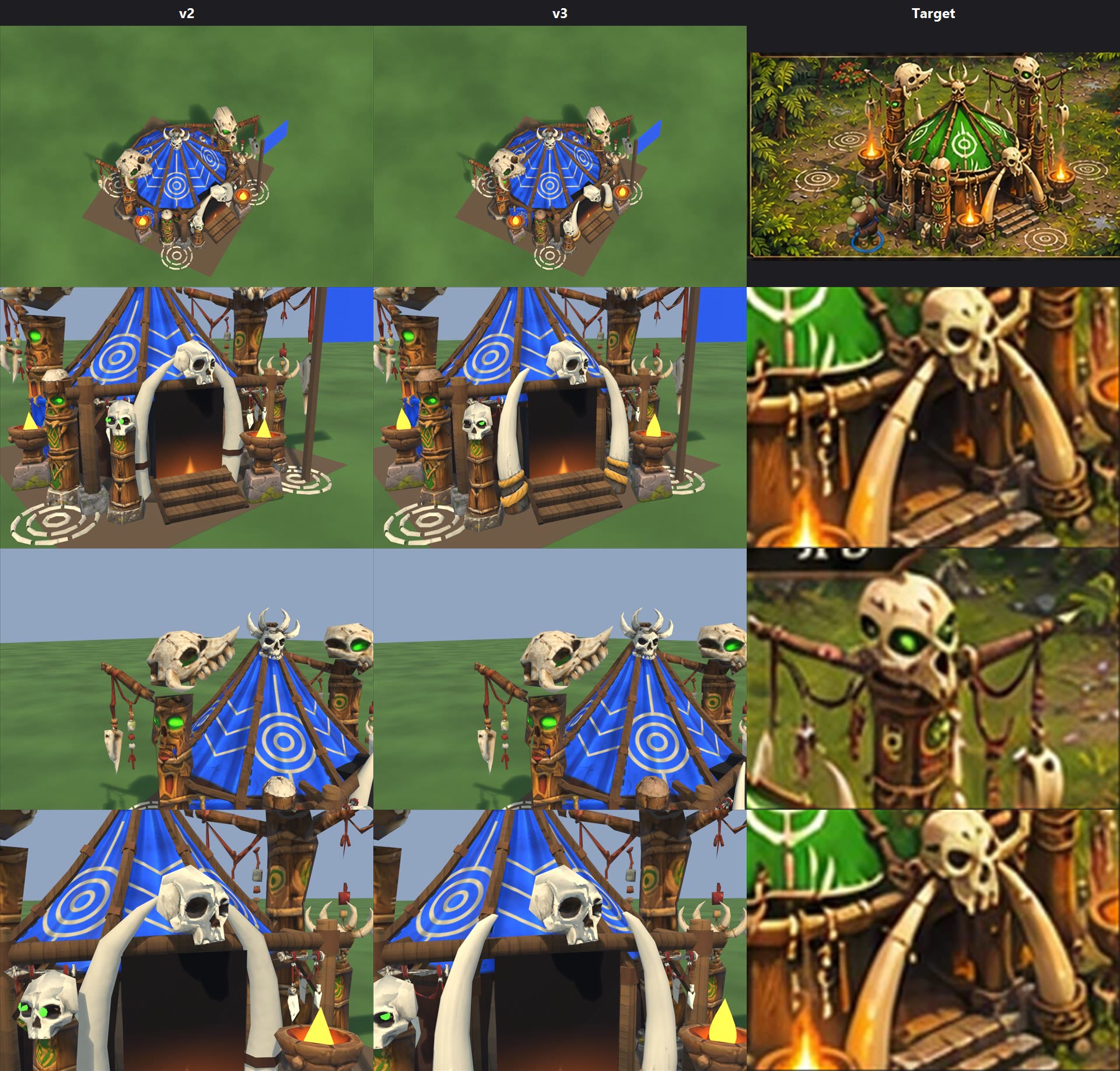
--- spirit_lodge_v3.jpg (2026-11-08, preview, stage_v3; v2 kept) ---
Columns v2 | v3 | Target; rows game camera, door, totem, tusk and skull. Target column repeats crops. Renders assume slash-free cloth and glow, as v2.
Door tusks: the owner's big-tusk sculpt, stretched (x 3.7, y 2.6, z 6.4), right = left turned 180 degrees, BONE_SRGB, bands bronze (0.72, 0.5, 0.18), wrapped feet brown. Prop_tusk0, Prop_tusk1 (shipped tusks + rings removed from Body).
Whitened wood: found and fixed. The carved totem's pale top and the old atlas were being picked as bone; both are now skipped. Other totems checked by eye only.
Low totem eyes: placed from rays into the owner's skull (the sockets), just inside them. Fixed.
Moved beyond the brief, to clear the tusks: low totem (0.82, 1.55) -> (1.0, 1.62); near brazier and its fire anchor (-0.82, 1.68) -> (-1.02, 1.72).
Weak: tusk tips stop beside the skull instead of crossing behind it as in the target; one tusk foot sits close behind the brazier. The yellow drop in the bowls is a preview marker, not in the FBX.
Triangles 9,446 (v2 9,054; shipped 3,861). Atlas 2048x2048 (v2 2048x1536). Furthest out: near brazier 0.46 m and steps 0.45 m past +/-1.5; others unchanged.
Install: as the v2 list and CORRECTION above, from stage_v3; rig parts add Prop_tusk0/1 ("tusk" is knockable). Not tested in game.
Script: local file: lodge_v3.py.
In the test build: the new standing, walk and run.
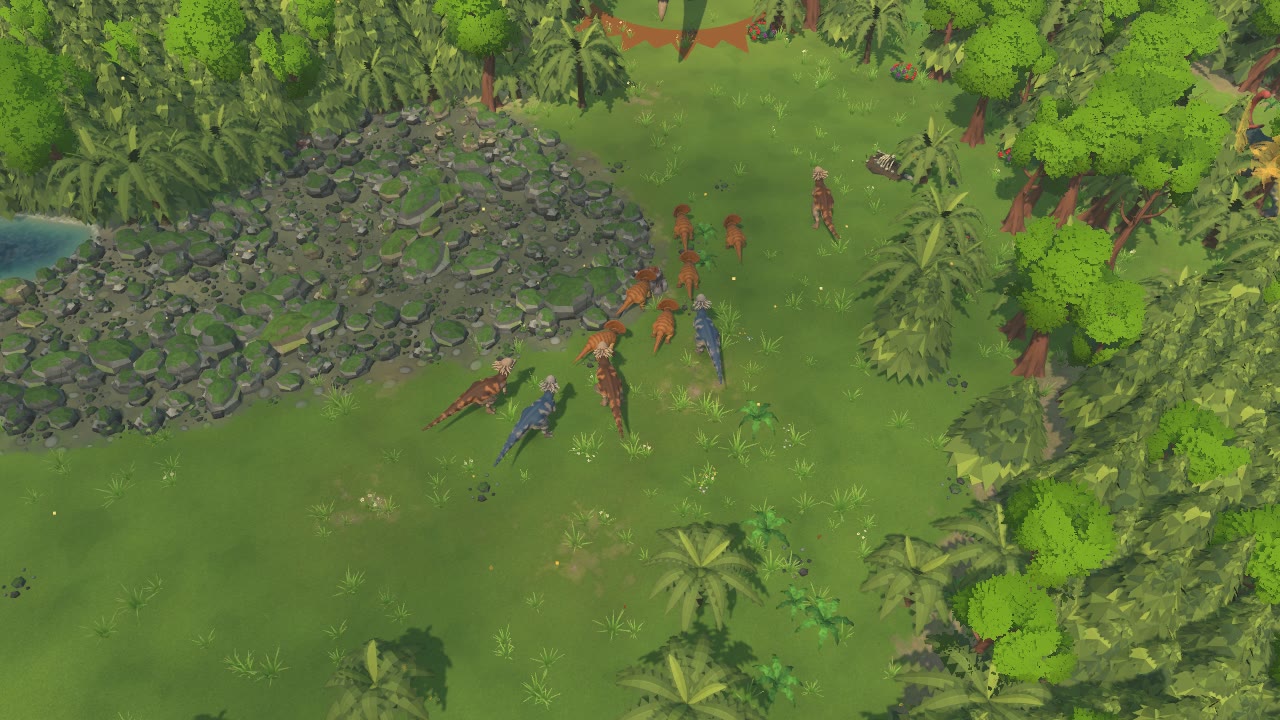
PACHYCEPHALOSAURUS (owner's Tripo model, blue + brown) - patched, optimised, rigged, animated     2026-11-08
PREVIEW ONLY: nothing installed, nothing committed. Headless Blender only. NOT seen in the game yet, only in Blender renders.

START HERE
  index.html                 the page
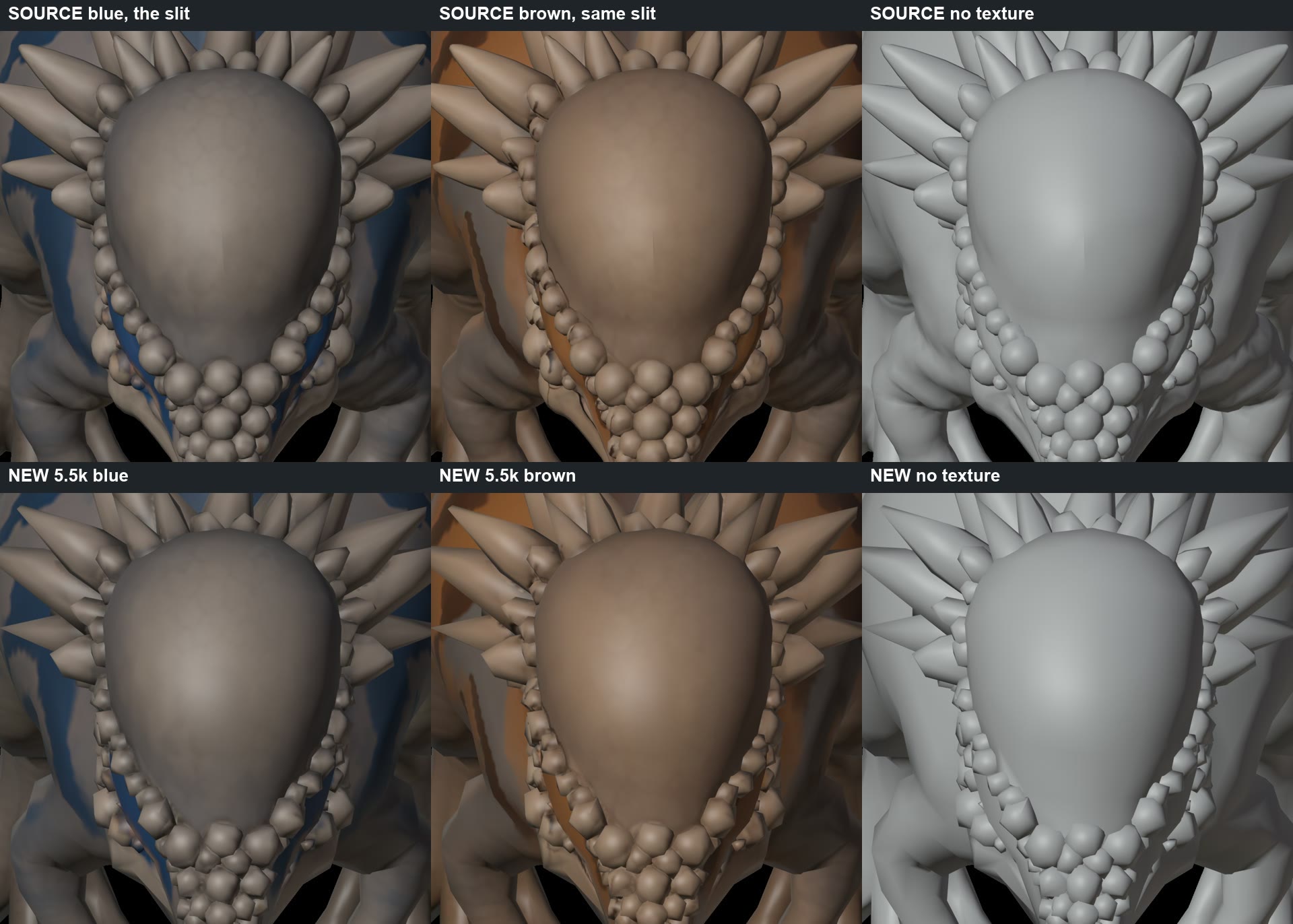
  slit_closeup.jpg           top: the source with the slit, both skins + no texture. Bottom: the new model, same angle.
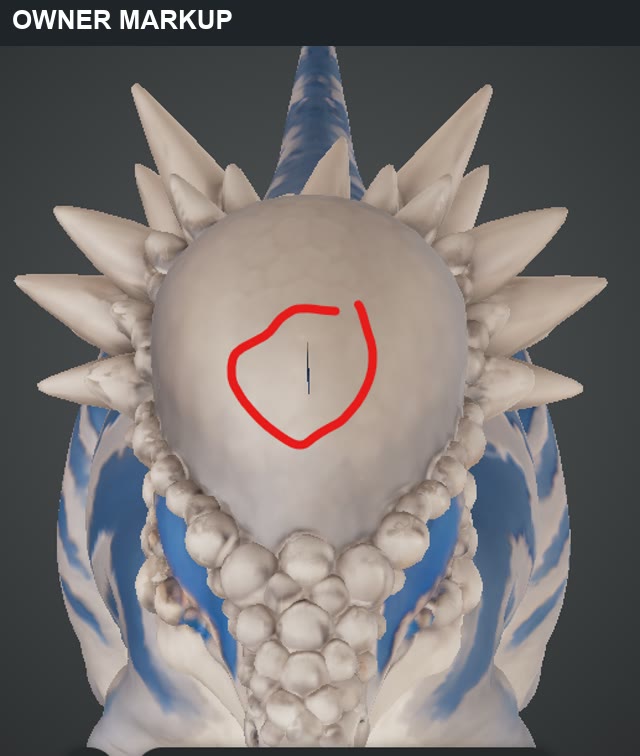
  slit_owner_markup.png      the owner's markup
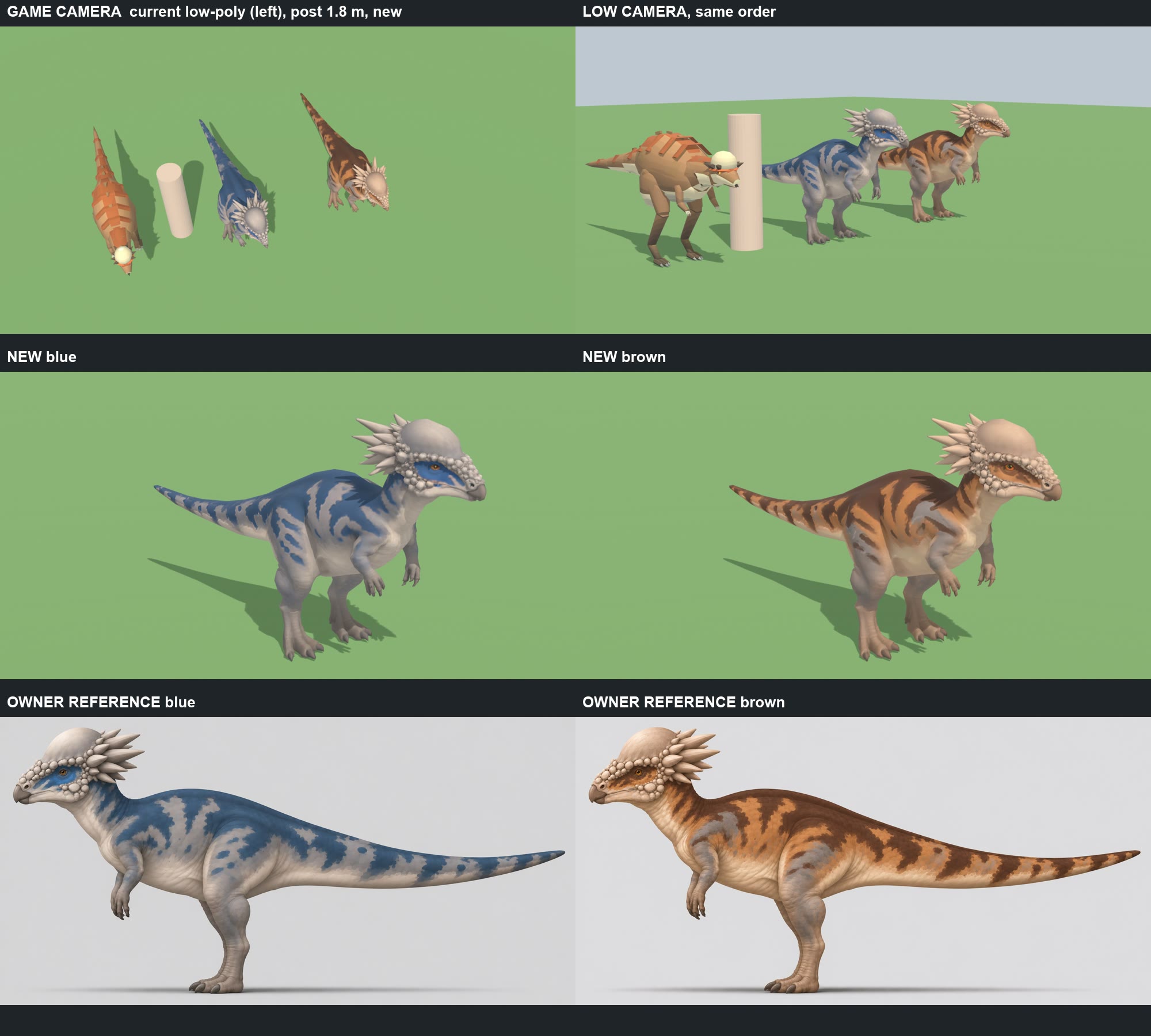
  comparison_sheet.jpg       current low-poly | blue | brown beside a 1.8 m post; each skin; owner's references
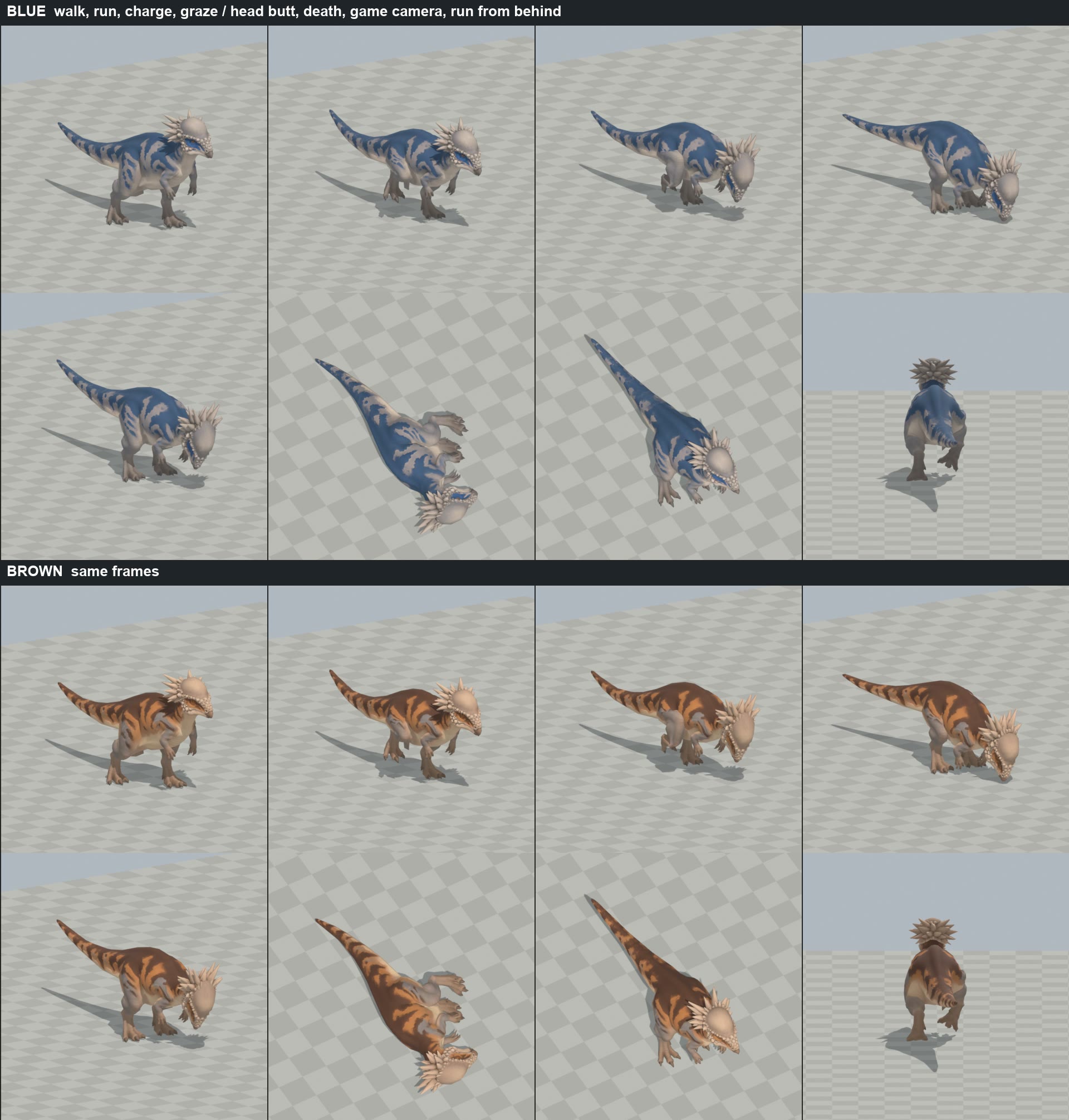
  both_skins_action.jpg      same frames in both skins
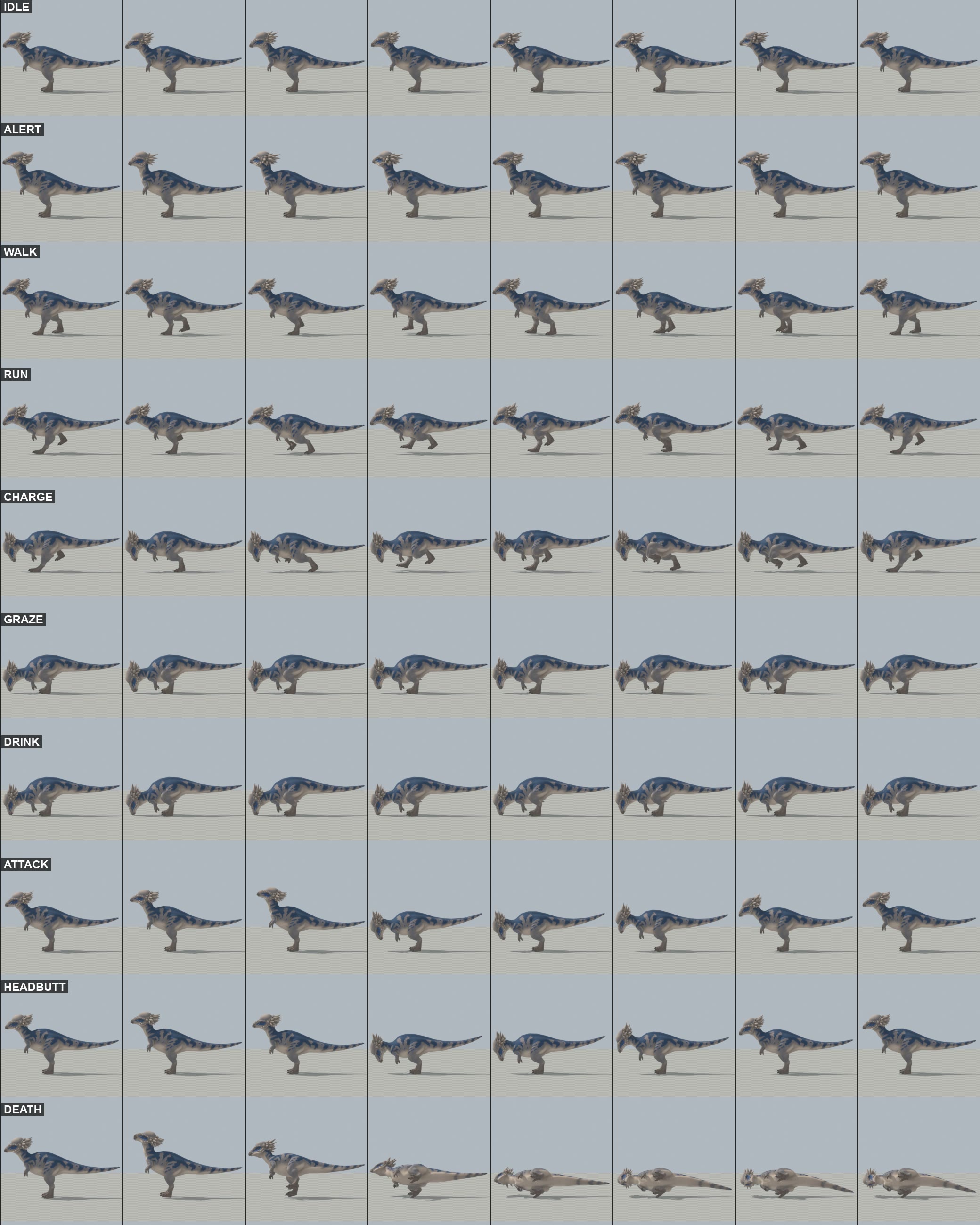
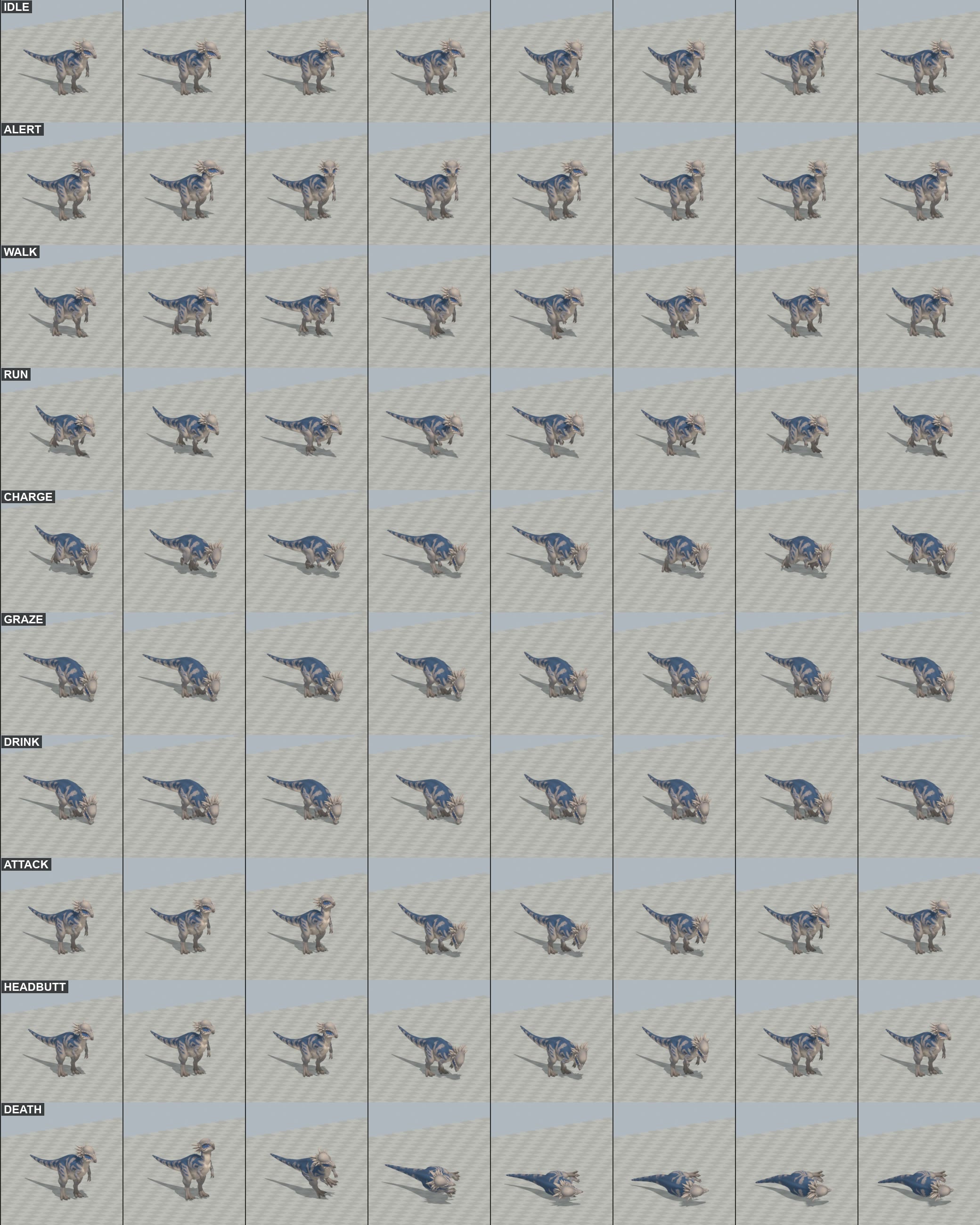
  clip_sheet_side.jpg, clip_sheet_threequarter.jpg     8 frames per clip, blue
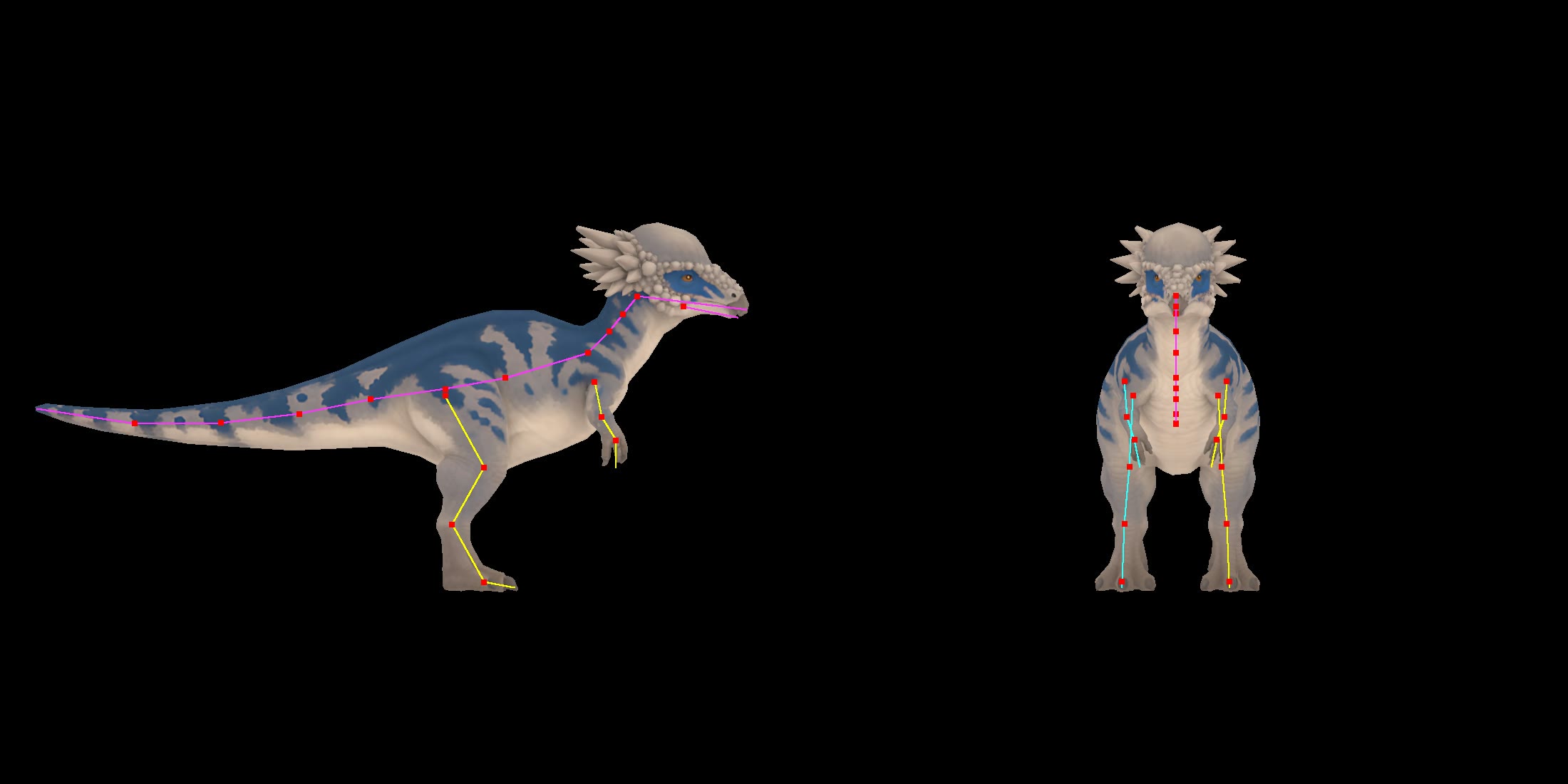
  joints_on_the_sculpt.jpg   the bones over the sculpt
  local file: PACHY-<CLIP>.mp4    real speed, in a folder; nothing sent
  staged_export             fbx, json, basecolor (blue), basecolor_b (brown), normal

1. ONE ASSET, TWO SKINS: CONFIRMED
  The two exports have identical topology, UVs and positions (same hashes: 50,644 tris, 26,682 verts). Only the textures differ. The
  normal maps are nearly the same (mean difference 0.5%), so one normal map serves both.

2. THE SLIT: CLOSED, IN GEOMETRY AND IN BOTH TEXTURES
  It is a real hole. There are two on the dome centre line, both thin 4-vertex slivers: the one in the markup (about 1.5 cm in Tripo
  units, 5 cm in game) and a second further back (about 2 cm, 8 cm in game).
  Geometry: filled with real faces before decimation. The mesh had 20 other small holes of the same kind and seam gaps that decimation
  widened into real slits, so those were sewn and filled too.
  Texture: colour round each slit filled from the ring around it, in both skins; the crease is also gone from the normal map.
  Decimation check, on the staged FBX: 0 open edges on the skin within 2.5 cm (Tripo units) of either slit. The 13 open edges inside that
  distance all belong to the separate bumps' bases, sunk in the skin. Seen in the close-ups: no line in either skin.

3. MESH AND MAPS
  50,644 -> 5,499 tris, 3,296 verts (low-poly 2,026). Spikes and bumps go faceted up close, fine from the RTS camera.
  CHANGE FROM THE GALLIMIMUS METHOD: both skins and the normal are baked from the full mesh onto one fresh UV set. Keeping Tripo's UVs through
  decimation left tone patches and a pale speck on the dome, right where the owner is looking. Exporter writes 1024.

4. RIG: 27 bones, the gallimimus' names and hierarchy. Skull, dome, every spike and bump ride the head bone whole; only the jaw moves against it.

5. SIZE (export 1.93 m; scale 3.733)
  Length 3.73 m (low-poly 3.74). Top of the dome 1.93 m (low-poly's highest point 1.64 m, its back; the game's EstimateHeight is already 1.9).
  Hips about 1.03 m (low-poly 1.15). The back is 1.44 m, lower than the low-poly's 1.64.

6. CLIPS (30 fps, no root motion). Speeds and strides from the sim and LowPolyMotion, so it steps as the low-poly does.
  Feet: 0.000 m departure per frame from the clip's ground speed in every clip (local file: slide_check.py).
  clip      frames  sec    notes
  Idle        73    2.40   breathing, looks about
  Alert       61    2.00   head up, looking round
  Walk        27    0.867  1.50 m/s (roam), 1.3 m stride, duty 0.62; left foot down at phase 0, right at 0.5
  Run         17    0.533  5.2 m/s (flee), 2.77 m stride, duty 0.34; left 0, right 0.5
  Charge      12    0.367  10.8 m/s (MaxSpeed 6 x 1.8), dome down
  Graze       61    2.00   beak to the ground, crops
  Drink       73    2.40   laps, lifts to swallow; beak 2 cm under the surface
  Attack      28    0.90   dome butt, impact 0.40 s
  HeadButt    25    0.80   contact 0.30 s, as WildContactTime says
  Death       46    1.50   falls on its side, kicks, settles; nothing through the ground

7. WHAT THE INSTALL NEEDS. No new detailed class: the gallimimus' path generalises (DetailedFlyer is not needed). Rows only:
  a. Copy local file: * to local file: pachycephalosaurus, run Build Detailed Units. HeadButt and Charge become Moves by their names.
     Rebuild: local file: final.sh (local file: export_skin2.py makes basecolor_b).
  b. DetailedUnits.cs: CadenceOf case "pachycephalosaurus": walkHz 1.6, runHz 2.6, runPhase 0. SetBackOf 0.28.
     The ragdoll line (2463): also exclude this key. The charge line (1785): add this key, its rush is at full pace on its first tick.
  c. CreatureBend "pachycephalosaurus" => Raptor; CreatureHit 0.3f; FootPlant TuningFor => Raptor;
     FootContactSet("pachycephalosaurus", <next index>, Biped(0f, 0.62f, 0.5f, 0.12f), Biped(0f, 0.34f, 0.5f, 0.84f)). As authored; don't use foot_contacts.py
     (the gallimimus' report found it misreads this kind of foot).
  d. UnitRenderer: EstimateLength 3.73, EstimateHeight 1.93.
  e. THE SKIN, per animal. Presentation only, from the sim id, no Random, no sim change. Two materials, not a property block: the block is shared with the hit flash
     and cleared by ShowRot.
     DetailedUnitEntry:  public Material[] Skins;
     DetailedUnitBuilder.BuildOne, after the material is set up, and Skins = skins in the entry:
        Material[] skins = null;
        var altPath = folder + "/" + key + "_basecolor_b.png";
        if (File.Exists(altPath))
        {
            ConfigureTexture(altPath, false);
            var altMatPath = folder + "/" + key + "_b.mat";
            var alt = AssetDatabase.LoadAssetAtPath<Material>(altMatPath);
            if (alt == null) { alt = new Material(material); AssetDatabase.CreateAsset(alt, altMatPath); }
            alt.CopyPropertiesFromMaterial(material);
            alt.SetTexture("_BaseMap", AssetDatabase.LoadAssetAtPath<Texture2D>(altPath));
            skins = new[] { material, alt };
        }
     DetailedUnits.cs, DrawPose, in the block that binds the instance, just after _bySimId[simId] = instance:
        WearSkin(instance, simId);
     and:
        void WearSkin(Instance instance, int simId)
        {
            var skins = _library.Entries[instance.Entry].Skins;
            if (skins == null || skins.Length < 2)
                return;
            if (instance.PlainMaterials == null)
                BuildMaterialLists(instance);
            var skin = skins[Mathf.Repeat(simId * 0.6180339f, 1f) < 0.5f ? 0 : 1];
            for (var r = 0; r < instance.Renderers.Length; r++)
            {
                if (instance.PlainMaterials[r] == null)
                    continue;
                instance.PlainMaterials[r][0] = skin;
                instance.WoundedMaterials[r][0] = skin;
                instance.PlainFlashMaterials[r][0] = skin;
                instance.WoundedFlashMaterials[r][0] = skin;
            }
            ApplyMaterials(instance);
        }
     Ids 1-5 give brown, blue, brown, blue, blue, so a herd of five is mixed. (0 = blue, 1 = brown.) A carcass keeps its skin: same sim id.
     None of this has been compiled or run.
  f. Low-poly stays as the Classic fallback; it has no skins.

8. NOT GOOD ENOUGH / NOT KNOWN
  - Not seen in game: facing, the charge and the head butt on the sim's clock, the spar, the herd's mix of skins.
  - Inner knee skin stretches (worst edge 6-8x in Walk, Run, Charge, Graze). No tear or lump seen in the renders I looked at; I did not watch every video through.
  - Feet dip below ground at contact: Walk 2 cm, Run and Charge 5 cm (the heel skin for a frame). The gallimimus was 3.4 cm.
  - Attack may seldom play: the sim's blows for this species are HeadButt events.
  - Alert plays only while the herd watches a predator; the same hook as the gallimimus.

FOR THE OWNER
  - Size: it matches the low-poly's length (3.73 m). That makes the dome 1.93 m and the back 1.44 m. OK, or match the height instead (shorter, 3.2 m)?
  - Skins are 50/50 by id. Say if one colour should be rarer.

WORKING FILES: local file: pachycephalosaurus: owner_parts (copies), local file: pachy_clips.blend (THE RIGGED FILE, both skins), scripts, local file: final.sh, local file: renders.sh, local file: assemble.sh
In the test build: the new standing, walk and run.
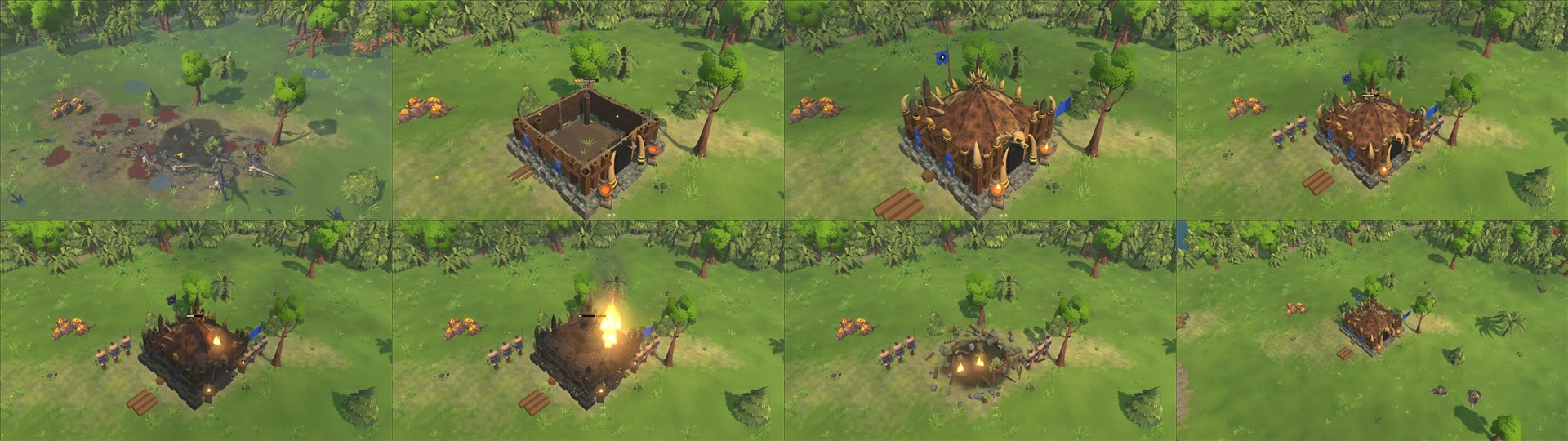
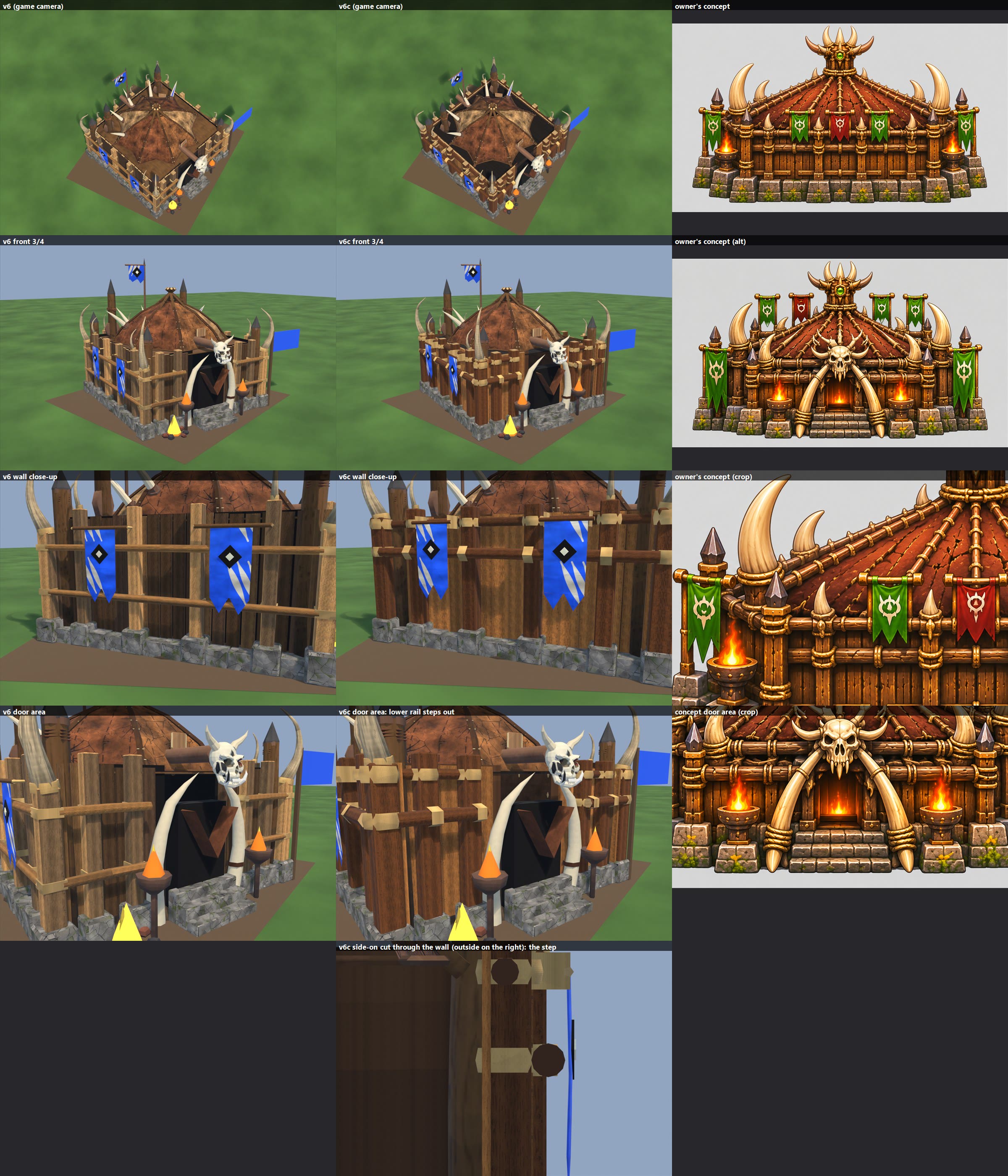
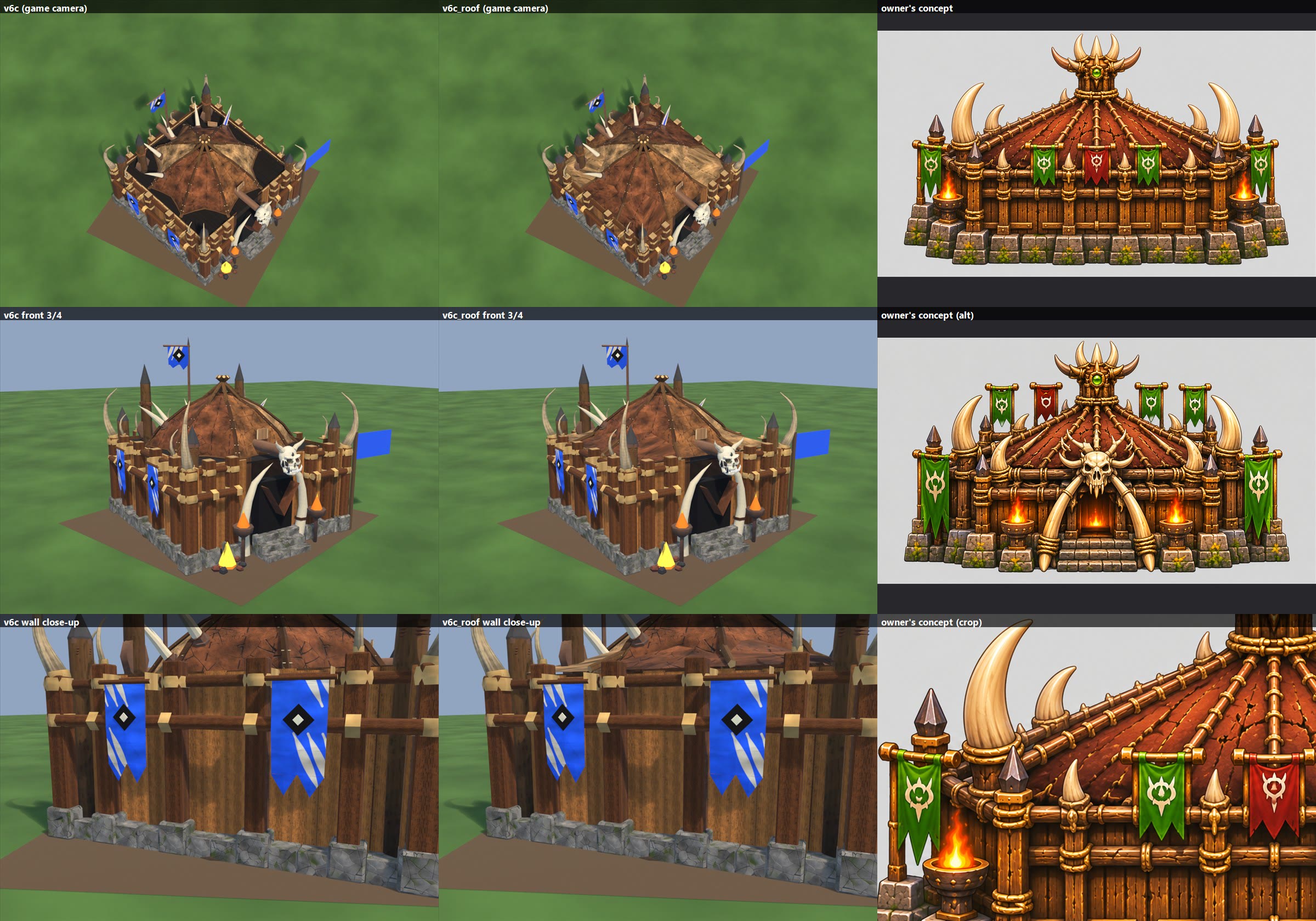
GREAT HALL v6c + v6c_roof PREVIEWS (great_hall_v6c.jpg, great_hall_v6c_roof.jpg), 2026-11-08. Nothing in the game changed.
  v6c columns: v6 | v6c | your concept. Rows: game camera, front 3/4, wall close-up, door area, side-on cut through the wall.
  v6c_roof columns: v6c | v6c_roof | your concept. Rows: game camera, front 3/4, wall close-up.
  Rails (v6b colours otherwise):
    - A tight, level pair at the same heights on every side. Upper 2.24 m, just under the tent's edge height (about 2.3 m).
      Lower 1.74 m, 0.5 m below it. Below them, clean planks and struts down to the stones.
    - Spacing: the concept measures about 0.6 m at our wall height. I went tighter (0.5 m) because you said the second
      one isn't far below the first.
    - Stepped on all sides: the lower rail stands 0.245 m further out than the upper, in front of the struts and
      lashed to their faces. The upper rail sits against the planks between the struts.
    - Rails stop at the door struts.
  Tabards: hang from the upper rail on rope loops, in front of both rails.
  v6c_roof option: the tent's edge is lower than the wall top, so the hide leaves the tent higher up (r 1.25 m) and
    sweeps out to the wall top on all sides, same hide per panel, with the roof poles carried over it. Same peak.
  Triangles: v6c 12,190; v6c_roof 12,206 (v6b 12,054; v6 12,304; v5 13,998; today 10,162).
  Outside the 5 x 5 footprint: walls and rails 0.18 m (v6b 0.14 m); tabards 0.21 m (v6b 0.16 m). Others unchanged.
  Known limits: the upper rail is one piece running through the struts, hidden there, as if housed in a notch. In
    v6c the dark gap round the tent is still there; only v6c_roof closes it. The extended hide changes the roof's outline
    from round-edged to square-edged, and its texture fans out at the corners.
  Not tested in the game: construction, damage and collapse.
  Files: local file: stage_v6c and stage_v6c_roof (v6, v6b kept).
  Script: local file: great_hall_v6c.py (GH_ROOF=1 for the roof option).
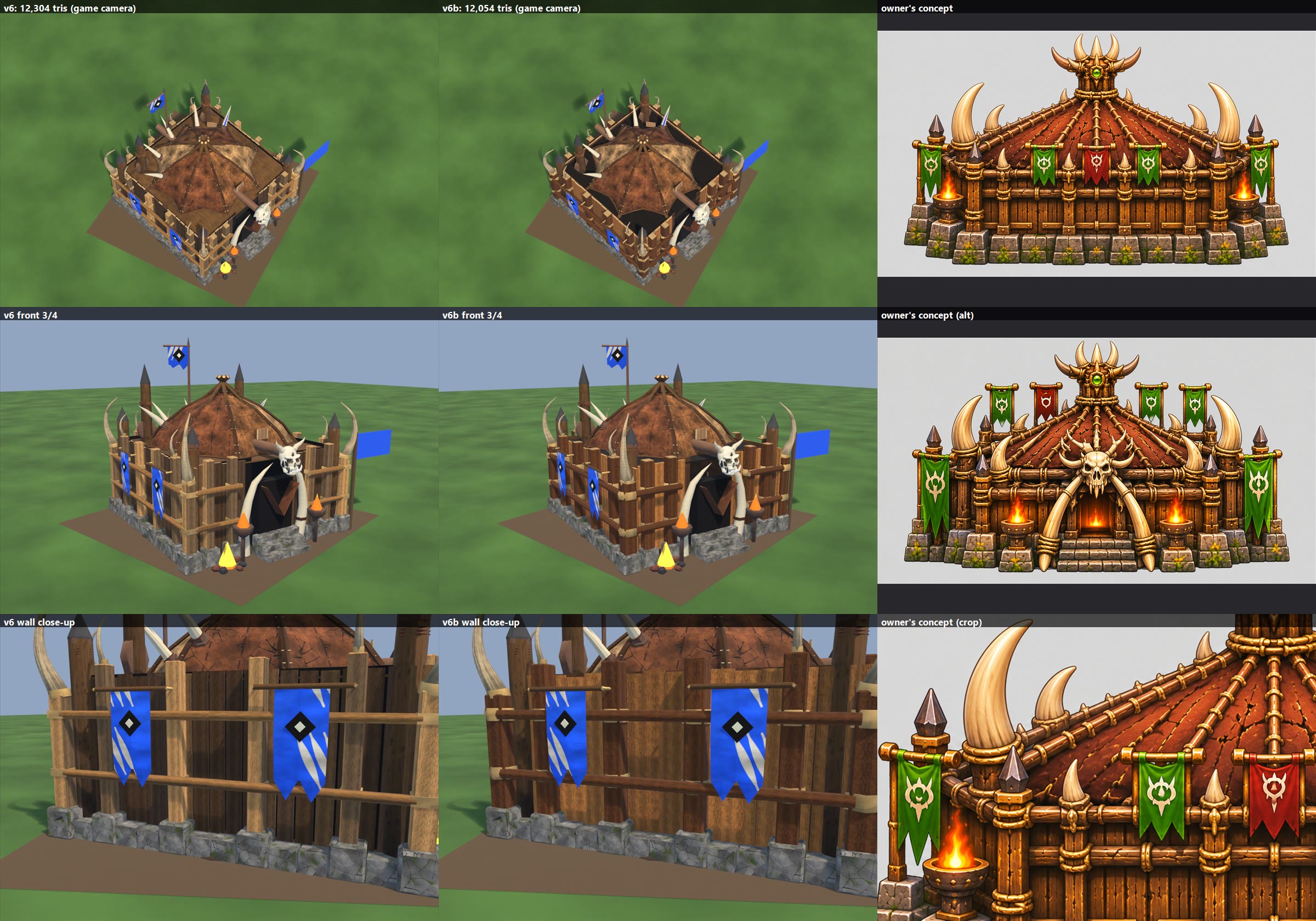
GREAT HALL v6b PREVIEW (great_hall_v6b.jpg), 2026-11-08. Nothing in the game changed.
  Columns: v6 | v6b | your concept. Rows: game camera, front 3/4, wall close-up.
  Wall colours and weight, closer to the concept:
    - Planks: warm mid-brown, about 28 cm wide, with narrow gaps over a dark brown backing (not black).
    - Struts: dark rich brown and thicker (25 cm, corners 30 cm). Rails: same dark wood, slightly thicker.
    - Rope: 2 chunkier rounded bands on each strut.
    - Roof board: same size, now the darkest brown shade. It is not narrower: it has to reach the tent's edge.
    - Hidden plank backs, plank and strut bottoms and strut backs removed (309 faces).
  Do the vertical planks read at the game camera? Partly. The wall reads as solid warm wood instead of a fence over a
    void, but single boards are hard to see from that height. They read clearly at front 3/4 and close up.
  Still weak: the dark board shows as a dark area round the tent at the game camera. The pale cut tops of the struts
    are the brightest part of the wall from above.
  Triangles: 12,054 (v6 12,304; v5 13,998; today 10,162). Body 11,218, Prop_banner 424, Prop_fires 228, tabards 92 each.
  Footprint: same as v6, except the tabards, now 0.16 m outside the cells (v6 0.09 m), to clear the thicker rails.
  Not tested in the game: construction, damage and collapse.
  Files: local file: stage_v6b (v6 kept in stage_v6).
  Script: local file: great_hall_v6b.py.
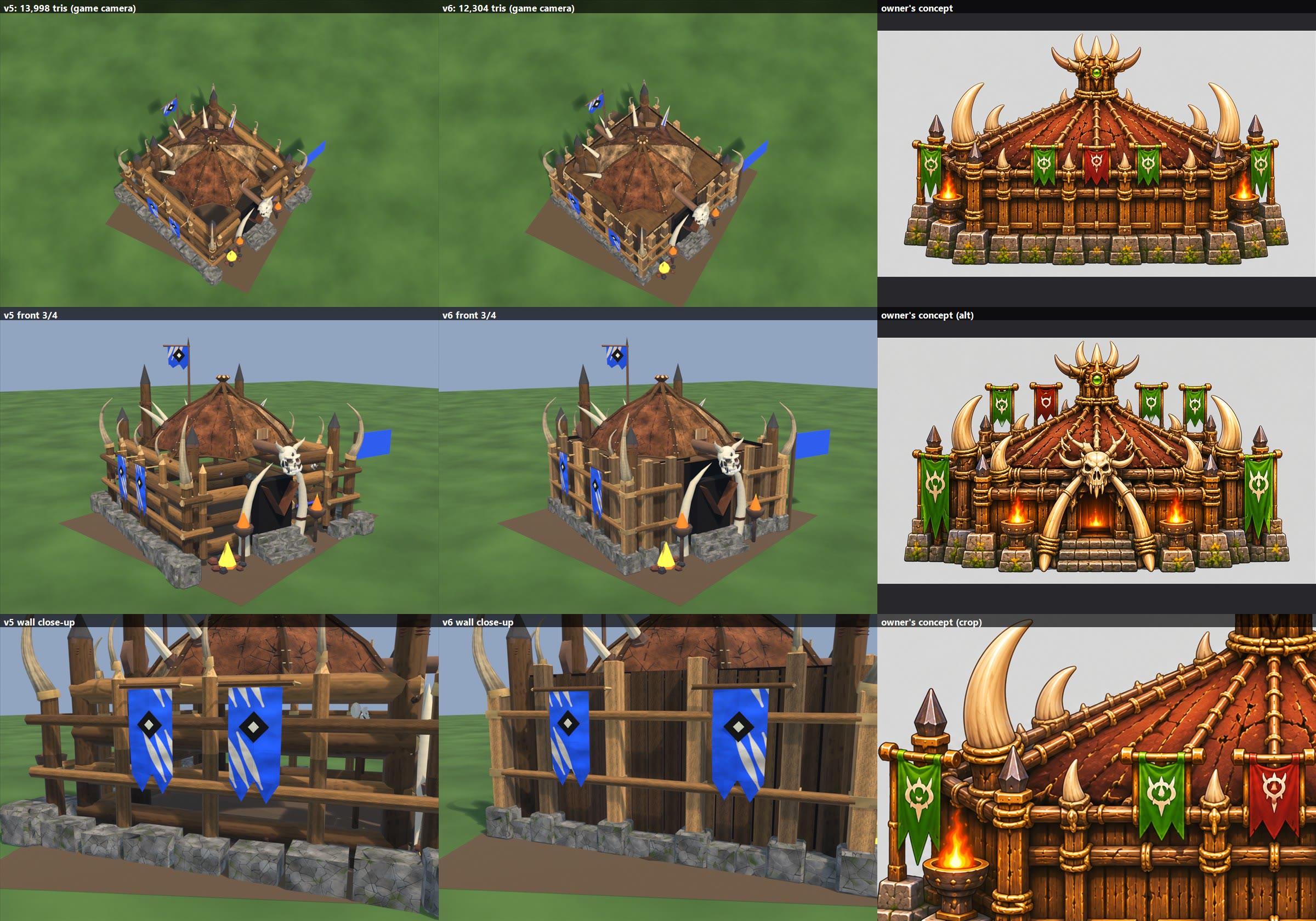
GREAT HALL v6 PREVIEW (great_hall_v6.jpg), 2026-11-08. Nothing in the game changed.
  Columns: v5 | v6 | your concept. Rows: game camera, front 3/4, wall close-up.
  Perimeter wall redone, as you asked:
    - The old horizontal logs and the v5 thin rails are gone.
    - Vertical planks all round (about 20 cm wide) with real gaps and a dark backing, grain running up each plank.
    - Four thick struts per side standing proud of the planks, plus a stout strut at each corner, with rope bands.
    - A stone block directly under every strut, in a regular row, with lower filler blocks between.
    - Two long horizontal rails only, lashed to the struts.
    - The door stays clear: the front struts stand either side of it.
  Moved to fit: tabards now hang between struts; small tusks sit on strut tops; back brazier closer in; stairs shorter.
  Changed beyond the wall: the 2 skull pikes are removed, because they would sit inside the new wall; a dark wood board
    under the tent closes the see-through gap that opened once the logs went.
  Kept: roof, front tusks, Prop_banner, Prop_fires, Prop_tabard0/1, team mask.
  Triangles: 12,304 (today 10,162; v5 13,998). Body 11,468, Prop_banner 424, Prop_fires 228, tabards 92 each.
  Outside the 5 x 5 footprint: sides and back wall about 0.14 m (v5 about 0.5); back brazier 0.47 m; stairs 0.56 m;
    the shipped skull and fire pit about 0.6 m, unchanged.
  Not tested in the game: construction, damage and collapse.
  Files: local file: stage_v6 (v5 kept in stage_v5).
  Script: local file: great_hall_v6.py.
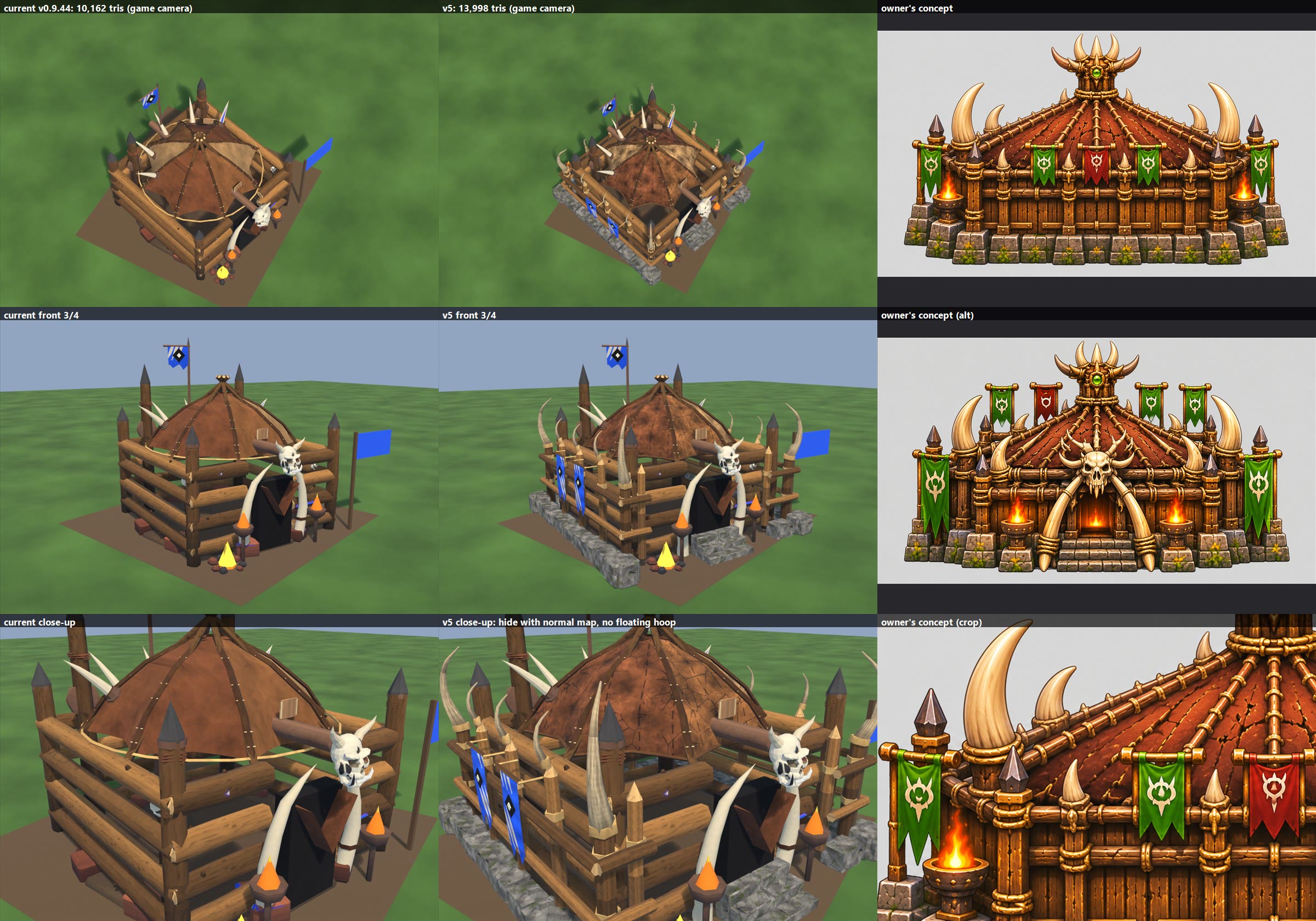
GREAT HALL v5 PREVIEW (great_hall_v5.jpg), 2026-11-08. Nothing in the game changed.
  Columns: current | v5 | your concept. Rows: game camera, front 3/4, close-up. The current and v5 renders both draw the
  game's surface detail on palette parts, which the sheet below doesn't.
  Built on the shipped model, your list:
    - Roof: same panels, same shape. Hide texture per panel tone (the game's hide layer, cracks, stitched grooves) with a
      normal map. The floating cream hoop is gone; a dark hem follows the panels' real edge. Rope rings on the poles.
    - Wood poles round it, horizontal: lashed posts and two rails outside the log walls, kept clear of the door and fires.
    - Rock blocks round the outside (stone texture with relief and moss), replacing the flat red slabs.
    - 2 bone tusks in front: kept. 3 stone stairs: added.
    - 2 tabards on the left side (team colour, Prop_tabard0/1). 3rd brazier at the back (fx anchor added).
    - Bone tusks round the roof: big ones on the 4 corner posts, small ones on the side and back posts.
    - Wood grain on all palette wood; the old bake keeps its grain and gains a normal map from its own painting.
  Kept: Body, Prop_banner, Prop_fires, orc colours, team mask (same pixels, new layout; same reference level).
  Triangles: 10,162 -> 13,998. Body 13,162, Prop_banner 424, Prop_fires 228, tabards 92 each.
    Removed: hoop 144, 9 slabs 396. Added: posts, rails, rope, hem 1,790; stones and stairs 924; tusks 1,160 + rope and
    brazier 318.
  Texture: 2048 x 3072 + normal map (today 1024 x 1024, no normal map): a real memory cost, could be packed tighter.
  Not done: the concept's plank walls, crown and door fire (your rule was to keep our model). Stones, rails, stairs and the
  back brazier reach about 0.5-0.7 m outside the 5 x 5 footprint.
  Not tested in the game: construction, damage and collapse (part names are kept, but nothing has been run).
  Files: local file: stage (FBX, textures, mask, rig.json).
  Script: local file: great_hall_v5.py.
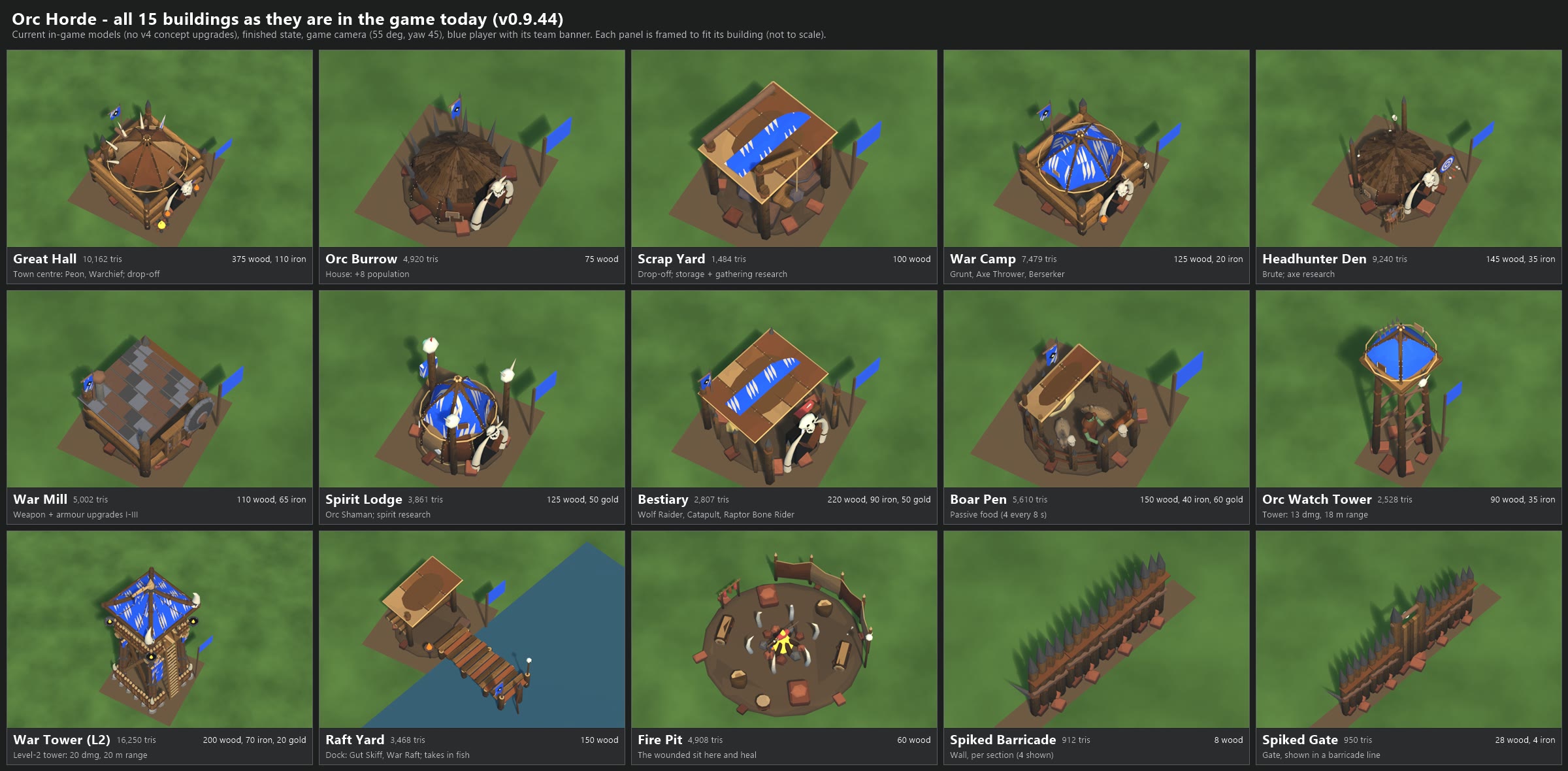
ORC BUILDINGS - AS THEY ARE IN THE GAME TODAY (v0.9.44), 2026-11-08
Image: orc_buildings_current.png (2400 x 1180). Nothing in the game was changed.

All 15 Orc buildings, each finished, from the game camera (55 degrees down, turned 45 degrees), as the blue player.
Each panel is framed to fit its own building, so the panels are NOT to scale with each other.
The War Tower is the only level-2 building. The v4 concept upgrades are NOT in this sheet.

  #  Building          Role                                       Cost                         Cells  Tris
  1  Great Hall        Town centre: Peon, Warchief; drop-off      375 wood, 110 iron           5x5    10,162
  2  Orc Burrow        House: +8 population                       75 wood                      3x3     4,920
  3  Scrap Yard        Drop-off; storage + gathering research     100 wood                     3x3     1,484
  4  War Camp          Grunt, Axe Thrower, Berserker              125 wood, 20 iron            4x4     7,479
  5  Headhunter Den    Brute; axe research                        145 wood, 35 iron            4x4     9,240
  6  War Mill          Weapon + armour upgrades, tiers I-III      110 wood, 65 iron            3x3     5,002
  7  Spirit Lodge      Orc Shaman; spirit research                125 wood, 50 gold            3x3     3,861
  8  Bestiary          Wolf Raider, Catapult, Raptor Bone Rider   220 wood, 90 iron, 50 gold   4x4     2,807
  9  Boar Pen          Passive food: 4 every 8 s                  150 wood, 40 iron, 60 gold   3x3     5,610
 10  Orc Watch Tower   Tower: 13 damage, 18 m range               90 wood, 35 iron             2x2     2,528
 11  War Tower (L2)    Level-2 tower: 20 damage, 20 m range       200 wood, 70 iron, 20 gold   4x4    16,250
 12  Raft Yard         Dock: Gut Skiff, War Raft; takes in fish   150 wood                     3x3     3,468
 13  Fire Pit          The wounded sit and heal (Call the Wounded) 60 wood                     2x2     4,908
 14  Spiked Barricade  Wall, per one-cell section (4 shown)       8 wood                       1x1       912 per section
 15  Spiked Gate       Gate (shown in a barricade line)           28 wood, 4 iron              1x1       950

WHAT LOOKS WEAKEST NEXT TO THE NEW TRIBE STANDARD (my judgement from these renders)
The Tribe standard here means the v5b thatch: layered straw with real relief, a painted texture and a normal map.
No Orc building has a normal map, so every Orc roof reads flatter than the Tribe's.

  Weakest, in the order I would improve them:
  1. Scrap Yard      Roof is one flat slab with a cream edge line and a dark oval blotch, no plank or hide grain. The team
                     cloth is a flat strip that looks laid on top, with its end cut off in a curve. Lowest triangle count.
  2. Bestiary        Same flat slab roof and floating cloth strip. The building under it is hidden and dark, and it has
                     very few triangles for a 4x4 late building.
  3. Raft Yard       Same flat slab roof with the oval blotch. The pier planks are good; the shed is what lets it down.
  4. Boar Pen        Same flat slab roof over the shed, and the boars are small and low-detail. The keeper and the fence
                     ring work well.
  5. War Mill        Flat roof of checkered red and grey squares with thin rails on top: it reads as tiles, not metal or
                     wood, with no relief. The saw blade and timber walls are fine.
  6. Orc Watch Tower Oldest model (2026-10-09). Flat plain-colour cloth deck, no painted texture at all, and thin hoop
                     lines that seem to float around it. The legs and bracing are fine.
  7. Orc Burrow and  Roofs are flat wedges with blocky wood patches: grain is painted, but there is no thickness or
     Headhunter Den  layering. Both have the same oversized skull and tusk doorway, so they read alike. The tall loose
                     posts on the Den look unattached to the building.
  8. Great Hall and  Good log walls, the best Orc surface. The roof is a smooth flat tent, and a thin hoop floats around
     War Camp        it without touching it. War Camp's slashes are busy on the big blue cloth.
  9. Spirit Lodge    Same floating hoop and busy slashes. The skulls on the totems are plain pale lumps with little detail.
 10. Spiked Barricade Spikes and planks are fine at game zoom. The flat red slabs at the foot look like loose floating
     and Gate        tiles, and the gate's plain plank doors have little detail.
 11. Fire Pit        Newest model. Flat earth disc with a simple windbreak: it does not need much, only fewer plain red slabs.
 12. War Tower       Strongest Orc building. Mostly just needs a roof with some relief.

  Repeated across the faction, so worth fixing once for all:
  - Flat single-sheet roofs (Scrap Yard, Bestiary, Raft Yard, Boar Pen) with the same oval blotch.
  - Cream hoops that float clear of the tent roofs (Great Hall, War Camp, Spirit Lodge, Watch Tower).
  - The same flat red slabs dropped round almost every building.
  - The same skull and tusk doorway on most buildings, which makes them harder to tell apart.

V4 PREVIEWS (not approved, not in the game, not in this sheet)
  local file: orc_buildings_2026-11-04 has v1-v4 sheets for six buildings:
    Great Hall, Scrap Yard, War Camp, Spirit Lodge, Bestiary (file key "beastiary"), War Tower.
  No preview exists for: Orc Burrow, Headhunter Den, War Mill, Boar Pen, Orc Watch Tower, Raft Yard, Fire Pit,
  Spiked Barricade, Spiked Gate.
  Those previews predate the new Tribe roofs in the game, so check that they still fit before reusing them.

HOW IT WAS MADE, AND WHAT MATCHES THE GAME
  - The game's own files, read only from local file: PrimevalMirror (build version.txt says 0.9.44). I compared all 15 models and
    their rig files, bakes and team masks, plus the palette, levels and pattern files, against local file: Primeval: identical.
  - Rendered in headless Blender. No Unity run, and no model export script was run.
  - Drawn like the game: the painted textures, player colour on the masked cloth, the white claw-slash pattern, the team
    banner on a pole (not on the Fire Pit, walls or gate), the earth pad, and walls and gates as 1 m pieces along a line.
  - Not reproduced exactly: the fine surface texture on the plain palette-coloured parts (the game adds it, so the Watch
    Tower and Fire Pit look somewhat better in play than here), the 1-3 random props and edge stones around each building,
    animated fire and smoke (simple glowing stand-ins), and real terrain and water (flat planes). The notes above come
    from these renders and from no in-game screenshots. Lighting is close to the game's, not identical.

Scripts (re-run): local file: render_orc_current.py (blender -b --factory-startup) and
make_sheet.ps1; single renders in local file: out.

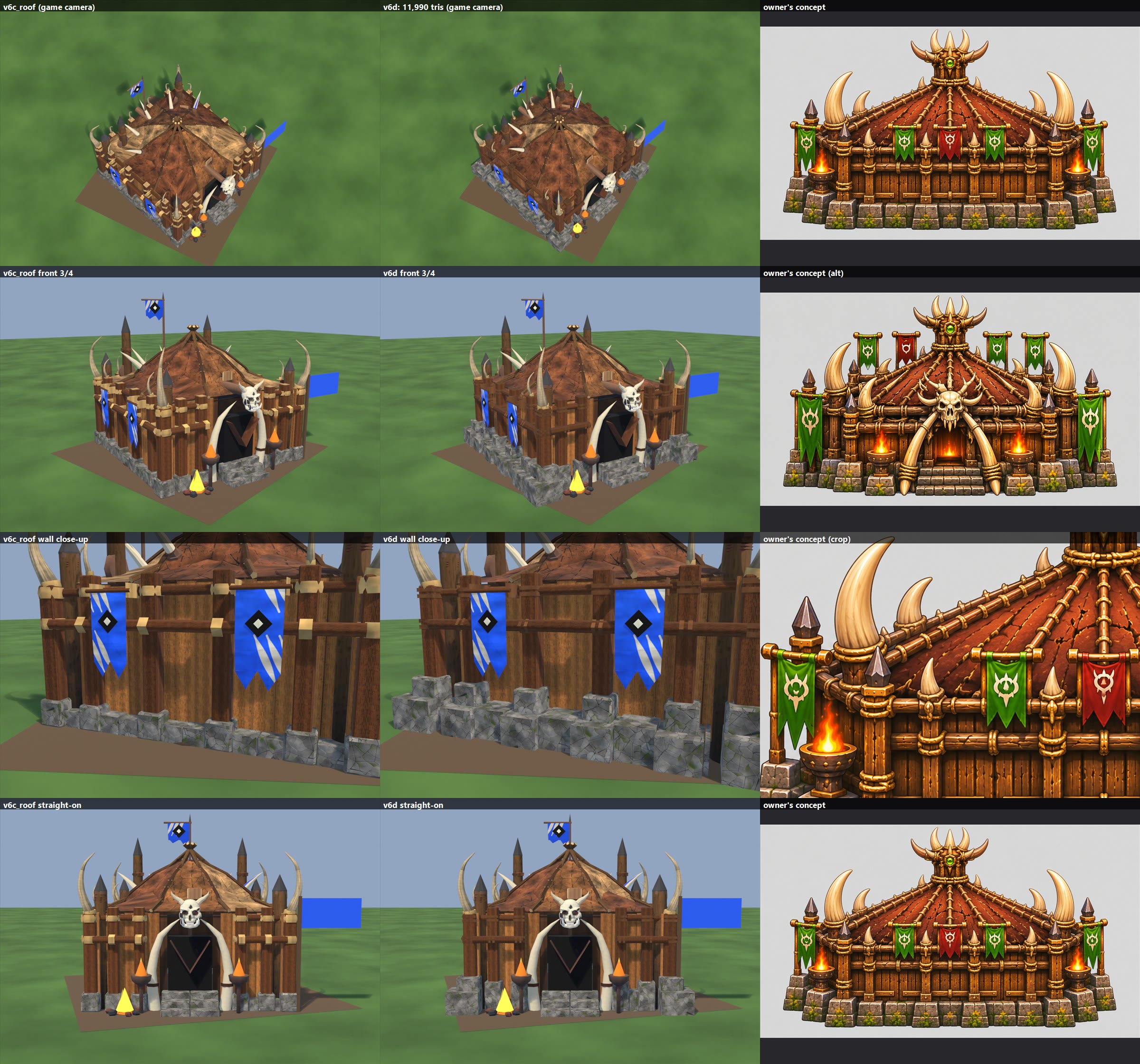
--- great_hall_v6d.jpg (2026-11-08, preview, stage_v6d) ---
Bigger stepped stones under the struts, hide fix (no streaks or fan, pale panels stop at the apron), thinner darker rope ties, darker strut tops. 11,990 tris.
Pale panels leave a visible step where they meet the skirt.

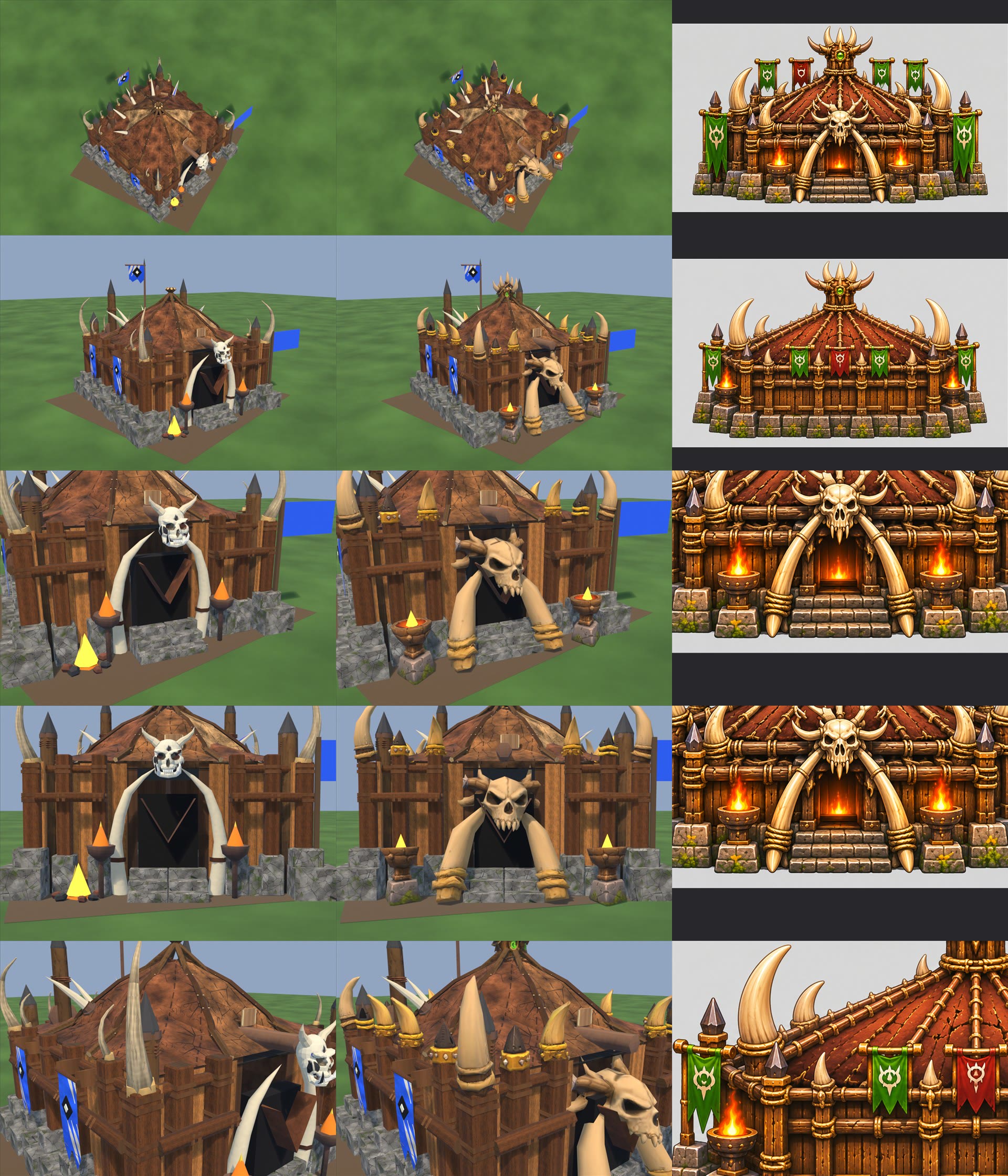
--- great_hall_v6e.jpg (2026-11-08, preview, stage_v6e) ---
Columns v6d | v6e | concept. Rows game camera, front 3/4, door close-up, door straight-on, strut tops. Rows 3-4 and 5 use crops of the same concept.
Owner's parts, prepared in local file: prepped by local file: owner_prep.py:
  skulls.zip is 7 items in a row: roof crown, door arch (skull + 2 bones + antlers), big tusk, small tusk on block, spike post, small-tusk post, brazier with sculpted flame.
  wood pole tips.zip is 3 whole posts on stone bases: spike + rope rings, curved horn + studded band, spike + studded band.
Used: arch (Prop_arch 677), crown (Prop_crown 757), big tusk x4 on corner struts (Prop_tusks 512), brazier x3 (Prop_brazier0, Prop_fires, Prop_brazier1, 222 each; sculpted flame left out, game fire used), post tops on the 16 wall struts (joined into Body: horn 182 x8, spike 118-125 x8).
Not used: small tusk on block, spike post, small-tusk post, post shafts and bases.
Door bones: each moved 3.97 deg sideways and 0.34 deg front-back, rigid, about its top. Lean 26.92 and 18.98 deg became 22.95 both. Feet level. Tops moved under 1 cm in model units.
Removed: shipped gate tusks + skull + horns + rings (1,400 tris), 2 shipped braziers, shipped fire pit (the name Prop_fires now means the right-hand brazier), v6d placeholder tusks and back brazier.
Total 13,736 tris (v6d 11,990). Texture 2048x3584. Rig fx: 3 x brazier, old fire fx dropped.
Overhang past 2.5 m: arch 0.86, front braziers 0.78, back brazier 0.50, side stones 0.41, tabards 0.21.
Flag PNG: reference image only, not installed. Banners unchanged. flag.zip seen in the owner's folder, not opened.
Not in-game tested: construction, damage, collapse, team colour.

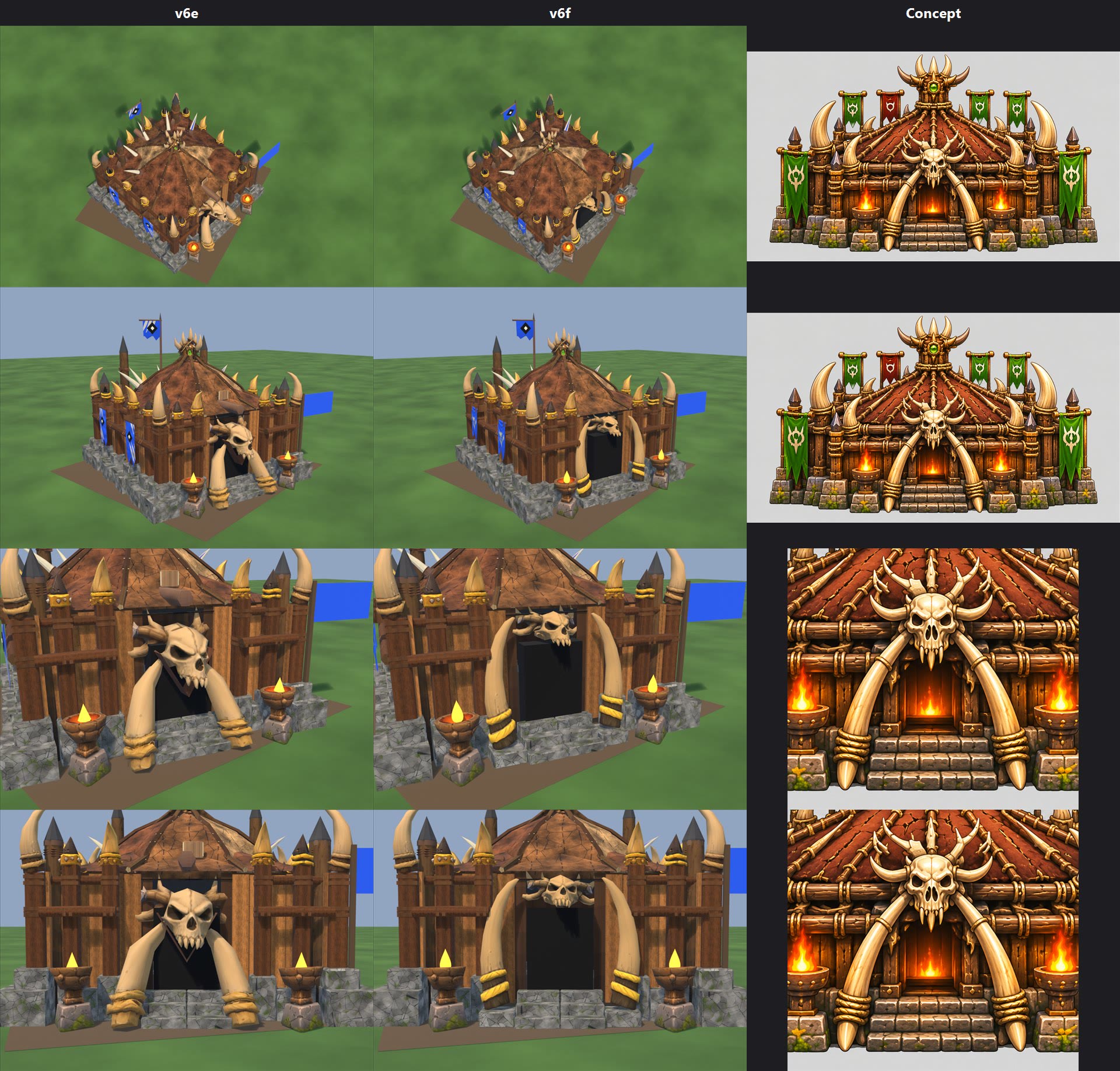
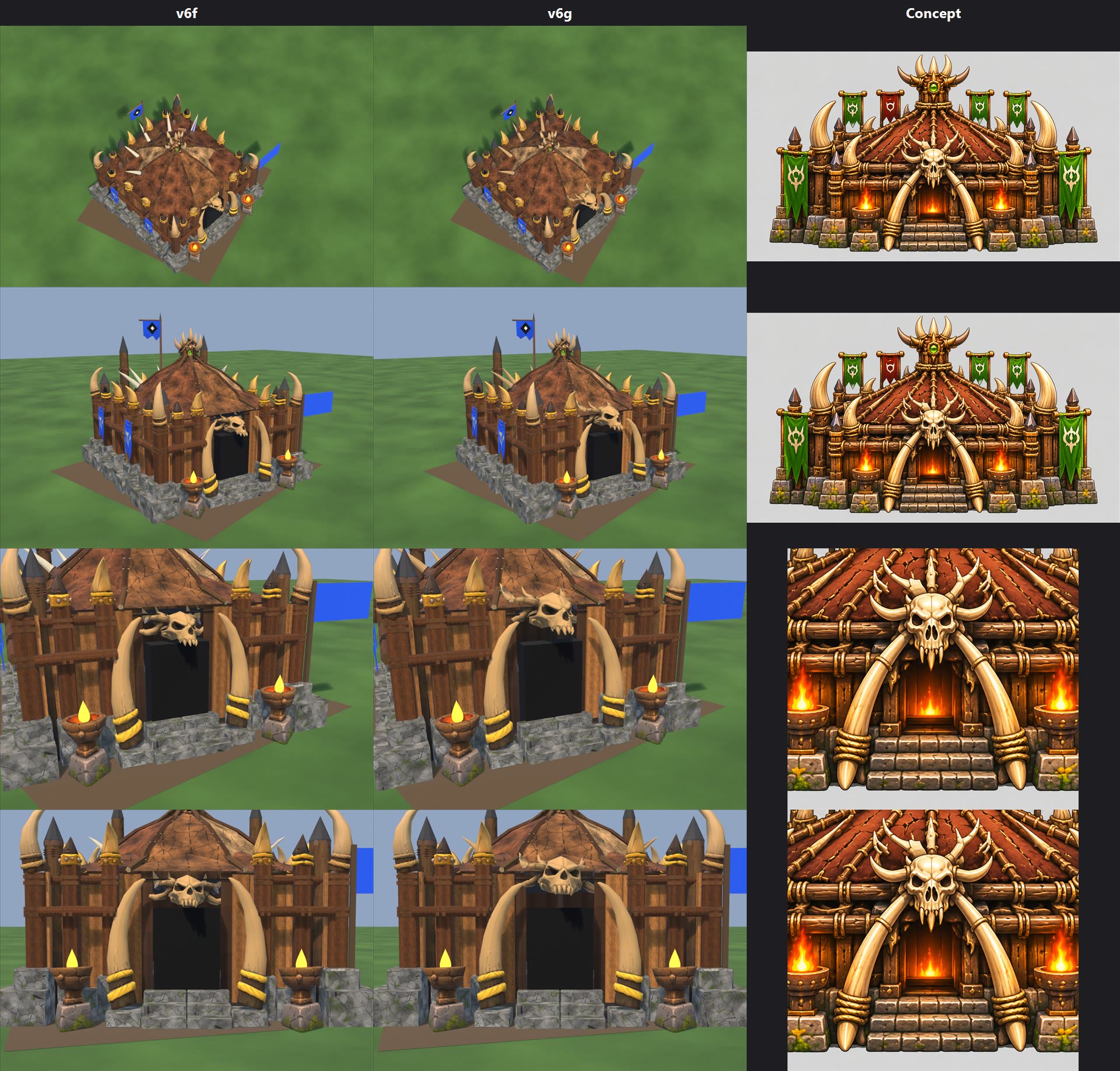
--- great_hall_v6f.jpg (2026-11-08, preview, stage_v6f; v6e kept) ---
Columns v6e | v6f | concept; rows game camera, front 3/4, door close-up, straight-on door. Concept column repeats crops.
Door: War Camp fix. Owner's arch with its lower bones cut on our copy (Prop_skull, 513 tris, teeth just above the door top z 1.81, about 1.4 m across the antlers). Big-tusk sculpt stretched (x 5.3, y 3.6, z 8.4), right = left turned 180 degrees, on stone feet at x +/-0.95 (Prop_tusk4, Prop_tusk5, 316 each). One bone colour (the corner tusks'), bands gold.
Removed as asked: plaque + its rope (68 tris); the stub, which was one 20-tri beam through the whole roof, so its rear end went too.
Removed, NOT asked: the V chevron on the door. The arch used to hide it and it sticks out 0.33 m; the War Camp door has none. To restore, delete the second tris == 20 test in great_hall_v6f.py.
Corner tusks split: Prop_tusk0-3. Braziers: 3 anchors, positions unchanged, no cones or flames in the FBX. The yellow drops in the renders are a preview marker.
Owner's folder: no roof horns or other new parts; new only flag.zip and the flag PNG (same flag). The flag now replaces the 2 tabards, same part names, same place (local file: flag_prep.py): 274 tris each incl. rod, a one-sided sheet fitted to his cloth because normal decimation stalled near 2,900 tris; fewer torn tips than his sculpt. Cloth on the team mask, emblem and rod not. The tabards' own bar and diamond are gone.
Weak: skull smaller and lower than the concept's; the tusks are thicker and don't cross behind it (one line each at the top of the script). Door is plain black; the concept has a lit doorway.
Left alone: one more plaque on the roof (x -1.4, y -1.0); 2-3 pale spikes at the back of the roof are whiter than the other bone, which breaks the one-bone-colour rule, but the roof was to stay.
Triangles 14,596 (v6e 13,736; shipped 10,162). Atlas 2048x4096 (v6e 2048x3584). Past 2.5 m: braziers 0.78, stairs 0.56, back brazier 0.50, side stones 0.41, skull 0.37, tusks 0.36, flags 0.26.
Install: rig parts in local file: great_hall.rig.json; levels unchanged (great_hall 0.120). Add "great_hall" to TeamCloth.PlainBakes for slash-free (this also takes slashes off Prop_banner; renders assume it); check TeamClothTests floors. Mask coverage 2.96%, partly unused texels. War Camp's install trimmed brazier fx size to 0.36; this stage has 0.5, judge in game.
Not tested in game: construction, damage, collapse, team colour.
Script: local file: great_hall_v6f.py.

--- great_hall_v6g.jpg (2026-11-08, preview, stage_v6g; v6f kept). This replaces v6f for install. ---
Columns v6f | v6g | concept. Install list as v6f (same part names).
Skull 7.6 vs 6.2 and raised (teeth z 1.98 vs 1.8), about 1.7 m across the antlers. Tusks lean in 4 degrees from feet at x +/-1.02, tips at the cheeks. Other roof plaque + rope gone. 7 pale pieces at the back of the roof (5 spikes, 2 smaller) recoloured to the same bone; 78 team-mask pixels on them cleared, they had a blue sliver.
Triangles 14,528. Past 2.5 m: skull 0.43, tusks 0.36; others as v6f.
Weak: tusks still thicker than the concept's, and the door is still plain black. Skull overlaps the roof edge, as in the concept. Not tested in game.
Script: local file: great_hall_v6g.py.
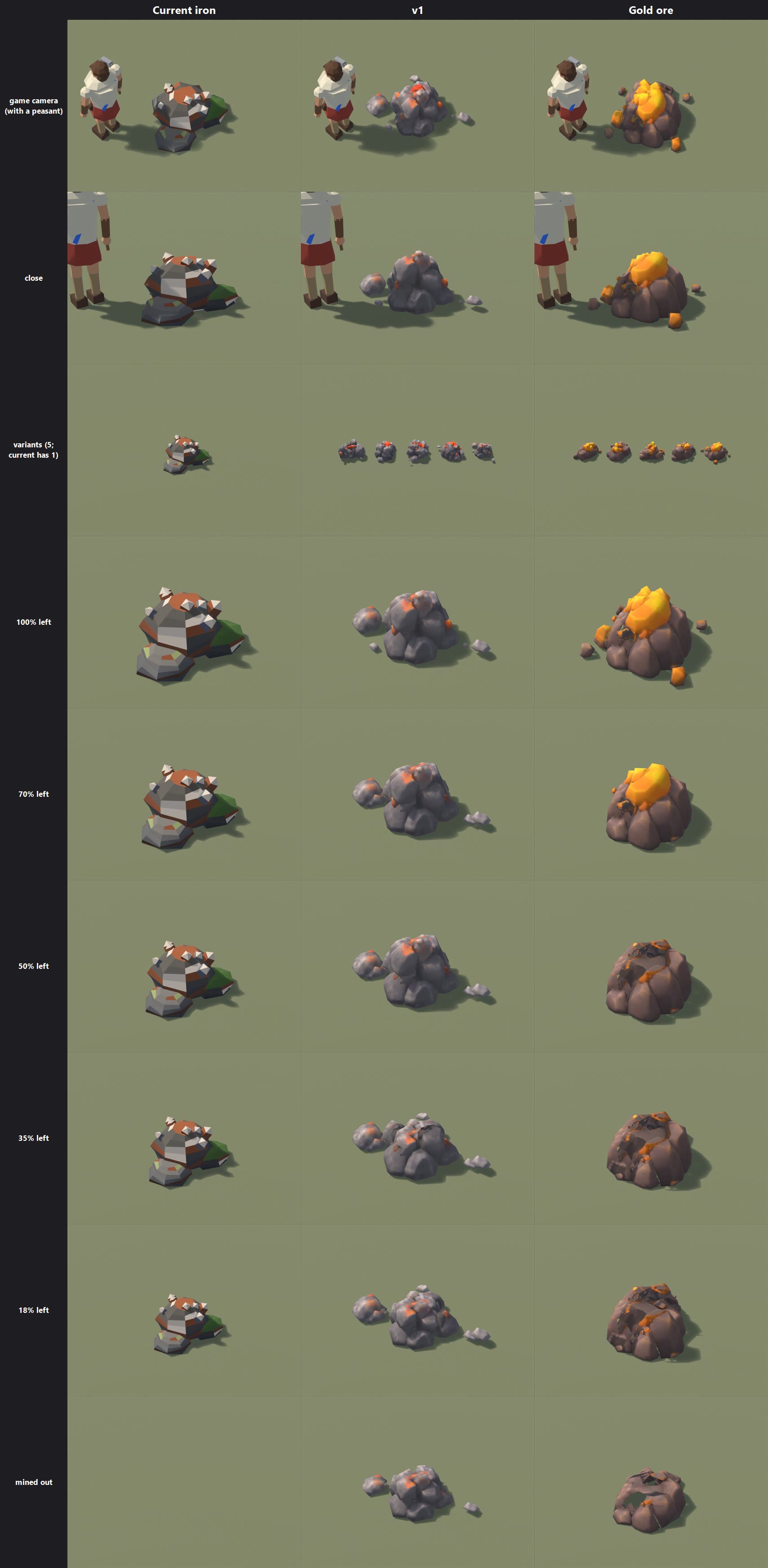
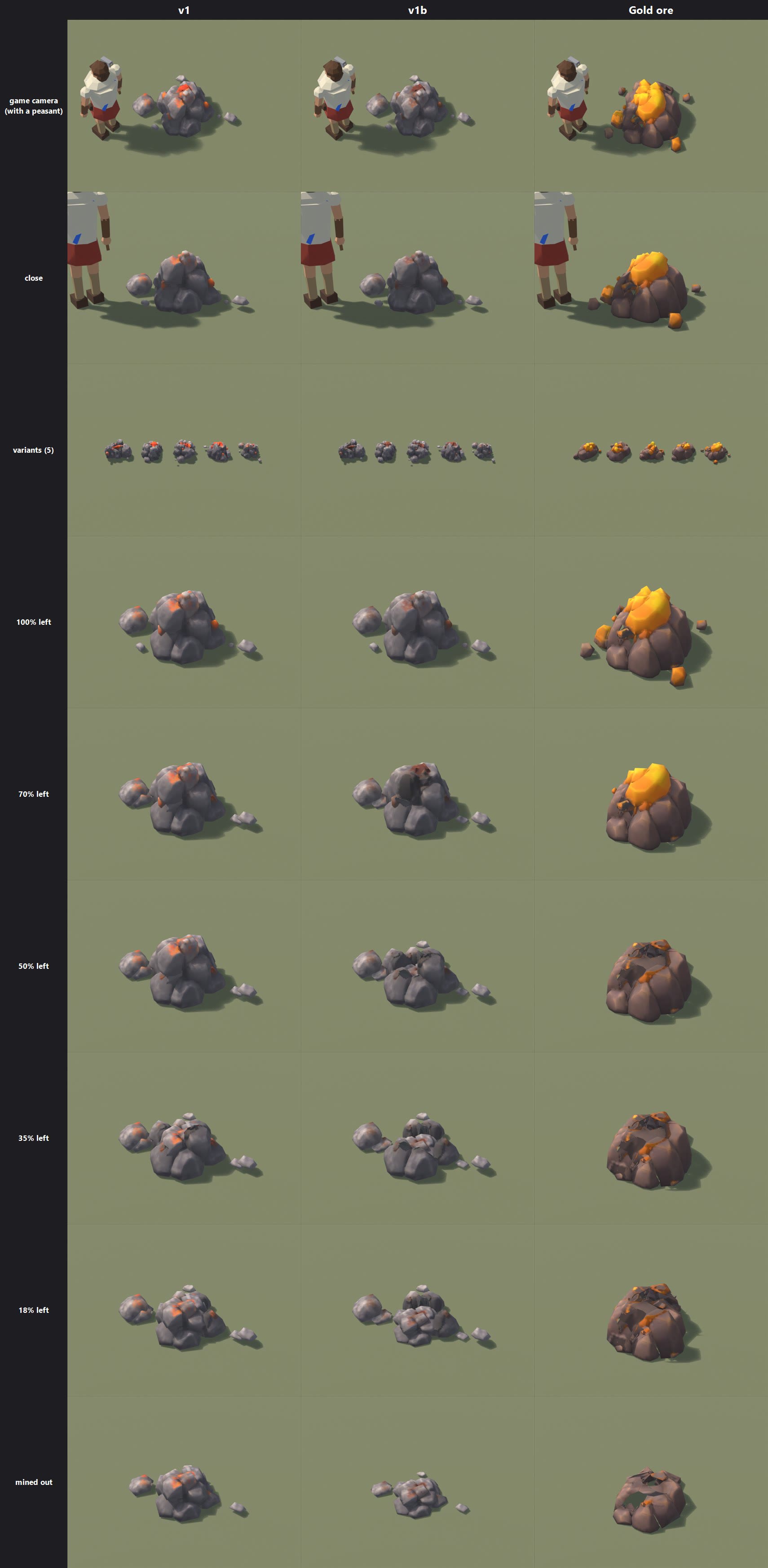
Iron ore v1 (2026-11-08) - PREVIEW ONLY. Nothing installed or committed. Blender renders, not in game.
Sheet: iron_ore_v1.jpg. Columns current iron | v1 | gold ore. Rows game camera, close, variants, 100/70/50/35/18% left, mined out. Same camera and scale in each row. The current rock has no chunks: it shrinks, shown at its real curve, and is drawn without the game's palette detail.
Stage: local file: stage_v1 (fbx, textures_1024 ship size, textures 2048 masters, ore_iron_v1.stages.json, .blend). An earlier attempt is kept in stage_v1_old.
Script: local file: build_iron_v1.py (the gold's build_v4.py, patched). Source: local file: x, 5 mounds, 52,112 tris, 8K textures (internal name "lava_rocks").

Same format as gold: 5 variants, each an intact mesh + 5-6 chunks + rubble, 1 shared 1024 texture set (albedo, normal, metallic/smoothness).
Triangles per node, intact: v1 1,122-1,274; gold 1,258-1,303; current iron 560. So iron nodes cost about twice what they do now. Rubble: v1 254-268; gold 283-361.
Size before the game's per-node scale:
  v1           1.18-1.50 x 1.16-1.58 x 0.75-0.80 m
  gold         1.36-1.68 x 1.18-1.63 x 0.73-0.76 m
  current iron 1.51 x 1.20 x 0.76 m
Break order: Loose 85%, OreA 70%, OreB 50%, RockA 35%, RockB 18%, Core 0%. Rubble stays. Variant E has no Loose chunk.

Changed from the owner's model and the gold recipe:
  Ore lumps 1.35x bigger about their centres: they did not read from the game camera. Ore brightened, rock greyed so it is not the gold's warm rock.
  Rocks break from the top down, not outer then core: the gold's split hardly changed these taller piles.
Weak: the 100-50% stages change only a little (small ore pieces go first; the silhouette drops from 35%). Ore still reads far less than gold's big cap. The mined-out rubble is still a fair-sized heap. Sheet stages show variant C only.

INSTALL NEEDS (presentation only; no rules, net, replay or save change)
Art: copy into local file: IronV1: local file: ore_iron_v1_parts.fbx, local file: ore_iron_v1_intact.fbx, local file: ore_iron_albedo_game.png, ore_iron_normal.png, ore_iron_ms_game.png, ore_iron_v1.stages.json.
Data: new asset local file: IronOreModel.asset (same type, GoldOreModel), new material M_OreIron_v1.
Code, small, reusing GoldOreModel and GoldOreVisuals unchanged:
 1. GoldOreModelBuilder: its paths are consts. Pass them as arguments to Build and add BuildIron().
 2. GoldOreModel: add LoadIron() (as Load(), "IronOreModel", own cache).
 3. ResourceRenderer: _ironModel, _ironVisuals, _ironModelMaterials (TintedCopy with IronTints). Mirror each _goldVisuals line for iron: constructor, Begin, End, Clear, Dispose, NoteHit in the IronOre hit case. AddGoldDeposit takes the visuals and a hash salt (not 0x474F4C44, so iron picks its own variants). Add the depleted branch and the IronOre switch case. DrawGoldDeposits takes visuals + materials. The old rock stays as the fallback if the asset is missing.
 HasGold true on ore chunks only sets the sparks, which suit iron. Field and enum names stay "Gold".
Not tested: in game, the material under game light, tints, break animation, draw cost.

--- iron_ore_v1b.jpg (2026-11-08, preview, stage_v1b; v1 kept). This replaces v1 for install. ---
Columns v1 | v1b | gold ore. Same file names as v1 (ore_iron_v1_*), same install list. Script: local file: build_iron_v1b.py.
Ore: dull rust, less gloss. Half the rocks (from the top) now leave with OreA and OreB, so 70% and 50% visibly drop. Mined-out heap flatter and smaller (0.72 wide, 0.32 high vs 0.86, 0.6).
Intact 1,084-1,278 tris, rubble 251-271. Size as v1.
Weak: from the game camera the rust is now faint: mostly grey rock with a few rust patches. At 70-35% some gaps show thin dark shell faces where rocks left. Stages reviewed on variant C only.

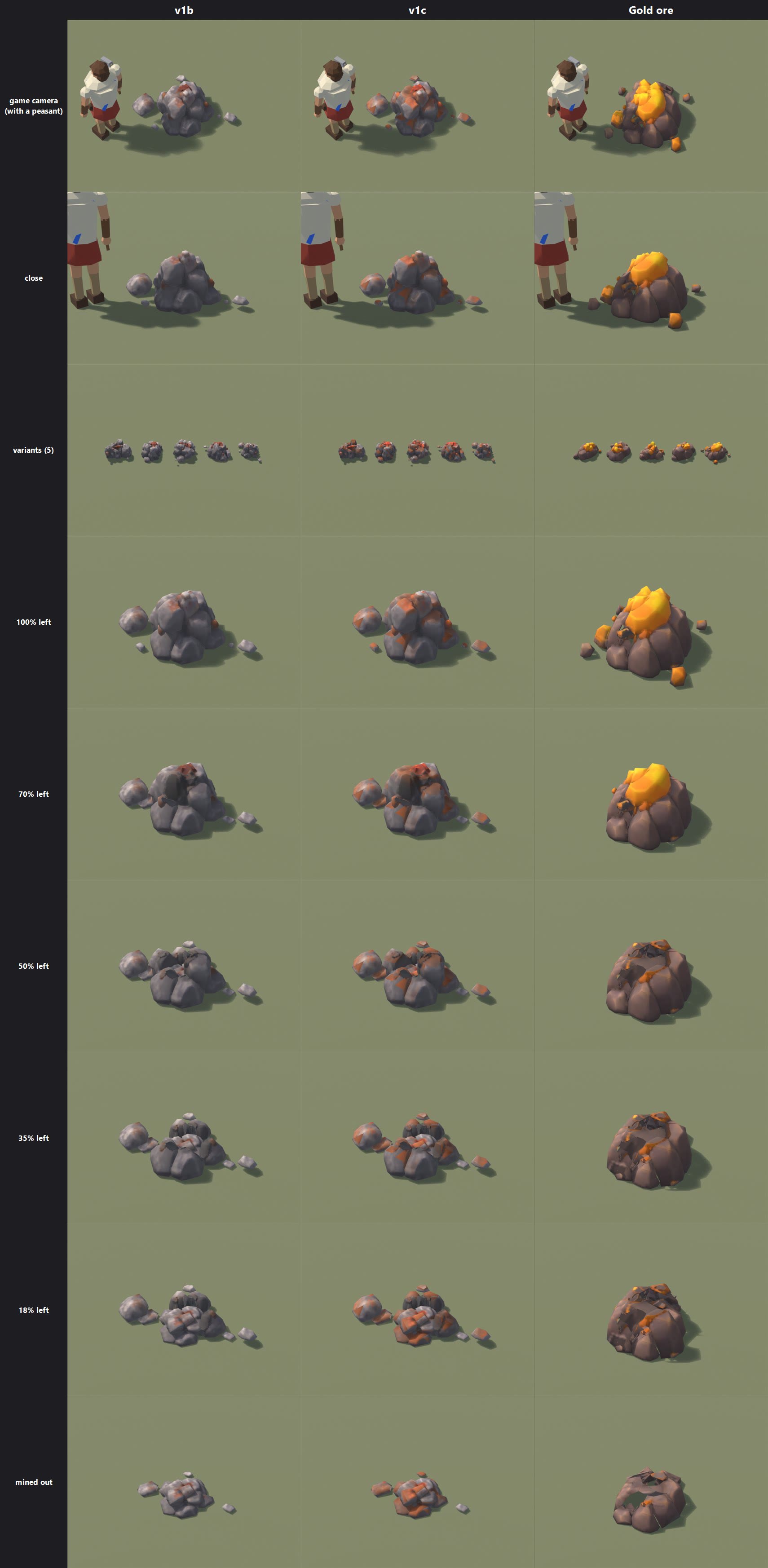
--- iron_ore_v1c.jpg (2026-11-08, preview, stage_v1c; v1b kept). This replaces v1b for install. ---
Columns v1b | v1c | gold ore. Same file names (ore_iron_v1_*), same install list. Script: local file: build_iron_v1c.py.
Ore lumps halfway between v1 and v1b. Added: mottled rust painted on rocks' upward faces, about 14% of the texture area. v1b's breakup and heap kept.
Dark shells: rocks are no longer culled and the darkest rock has a floor. Less dark, not gone.
Intact 1,092-1,301 tris, rubble 251-271.
Weak: some rust patches end in hard straight lines at UV seams, visible close up. The top ore lump is still fairly red. One thin slab of rock still shows in the gap at 70% on variant C. Not checked in game light, where lava-likeness should be judged.
CATAPULT MISS - report (2026-11-08). local file: PrimevalFriends, not committed. Rules revision 105 (shared with the dock fix).

Your reading was right for a standing target: before the change, 0 stones of about 15 per engine did no damage, and 0.0% of 20,000 aim points fell outside the 3.5 m blast at 10, 15 or 20 m.

CHANGE
  MissileClass.Boulder = 4, for StoneThrower (Tribe), Catapult (Orc), MeatWagon (Undead). ClassOf decides by role.
  Unchanged: Ballista, SiegeBallista (bolts, MissileClass.Siege 70 mm/m), HeavyTriceratops crew, BatteringRam (melee), lead 85%, damage, reload, blast.
  Spread for Boulder: half width = 3.6 m + 120 mm per metre of range across; half of that along the line. A flat 300 mm/m could not reach the half-range target, so I added a base. Close shots can miss too (about 3-4% at 7 m by the test band).

NUMBERS
  Aim only, 20,000 stones, standing target:  range   no damage   mean damage (% of stone's)
                                  before     20 m      0.0%        172%
                                  after      20 m     20.4%         84%
                                  before     15 m      0.0%        179%
                                  after      15 m     14.5%         93%
                                  before     10 m      0.0%        186%
                                  after      10 m      8.9%        104%
  Real shots, target held, engine on Hold (few shots: small samples, 15-20 per row):
                       standing no-damage before -> after     mean damage per stone before -> after
  StoneThrower 20 m    0/15 -> 4/17                           122 -> 58
  StoneThrower 13 m    0/14 -> 4/17                           126 -> 65
  Catapult     15 m    0/15 -> 4/16                           143 -> 74
  Catapult     11 m    0/15 -> 3/16                           145 -> 78
  MeatWagon    15 m    0/18 -> 5/20                           133 -> 64
  MeatWagon    11 m    0/17 -> 4/20                           139 -> 70
  Walking target: noisy in this probe, and already missing before (StoneThrower 20 m 38%, Catapult 15 m 43%, MeatWagon 15 m 0%, MeatWagon 11 m 80%, Ballista 11 m 73%). After: 25-33%, MeatWagon 11 m 68%. The target's walk turns every few seconds and knockback moves it, so do not read these as tuned rates.
  So single-target damage per stone is about HALF of what it was. Against a group, stones still hit whoever is in the blast (not measured here).
  Archers for comparison (local file: REPORT.txt): 0-5% miss a standing target, 5-20% miss a walker. A stone now misses a standing target far more often than an arrow, but a near miss still hurts.

OTHER CHECKS
  Buildings: unchanged, a stone at a building flies at the building (BuildingMissileTick).
  Saves: the class byte is already stored and hashed; no saves bump; old values remain valid.
  Presentation and audio: nothing reads MissileClass.Siege outside MissileFlight.cs; they go by Catalog.IsSiege(role), so class 4 looks and sounds the same. A stone that lands uses the existing landing path.
  AI: no aim logic depends on siege hitting.
  Side effect: a wide stone can now land among your own people more often. Friendly-fire rules unchanged (35%, or full with Friendly fire on).
Tests: AStoneCanLandClearOfAStandingTarget (4 ranges, determinism), OnlyStoneThrowersThrowBoulders. All pass.

NOT DONE YET
  Tournament: not run. Needed before landing; the harness is a temporary probe from local file: arrows.
  In-game capture of a stone landing clear: tried two review scenes (duel, siege) and neither shows it. Not captured. It needs a hand test or a staged scene in the next build.
In the test build: the new standing, walk and run.
In the test build: the new standing, walk and run.
In the test build: the new standing, walk and run.
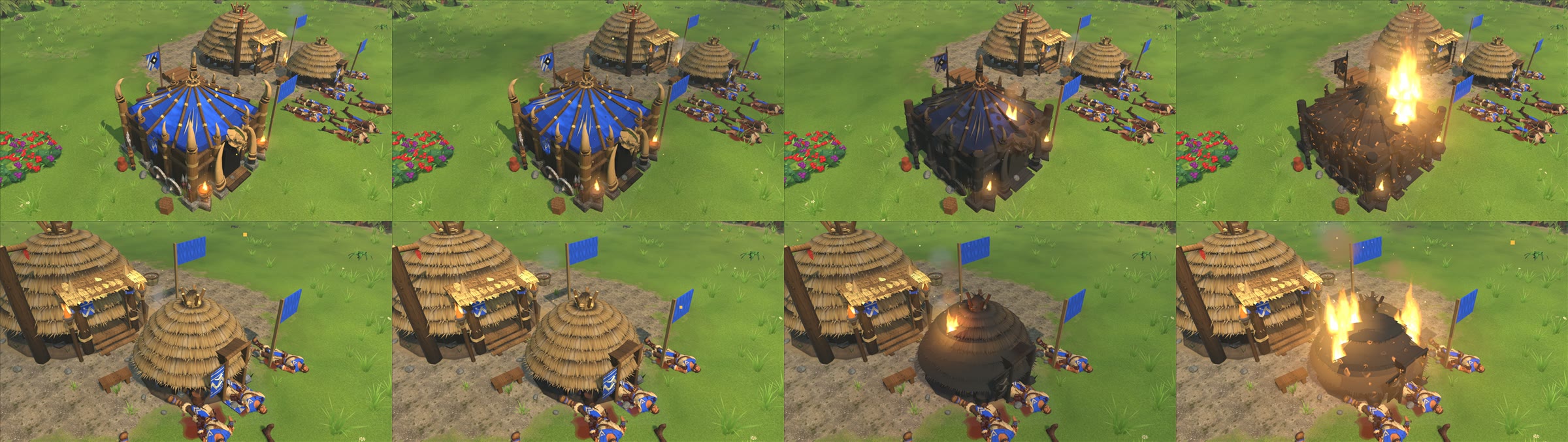
In the test build: the new standing, walk and run.
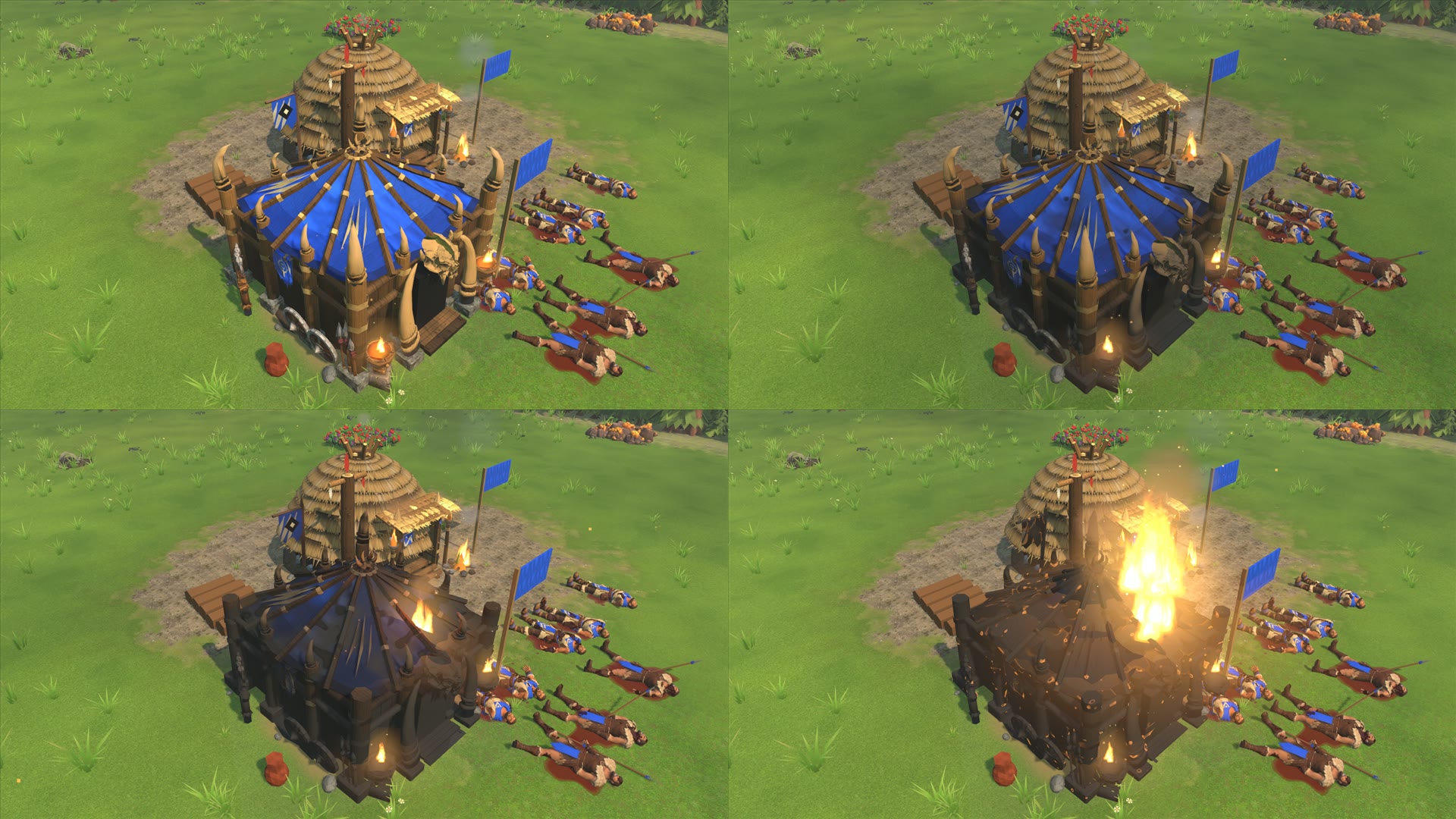
In the test build: the new standing, walk and run.
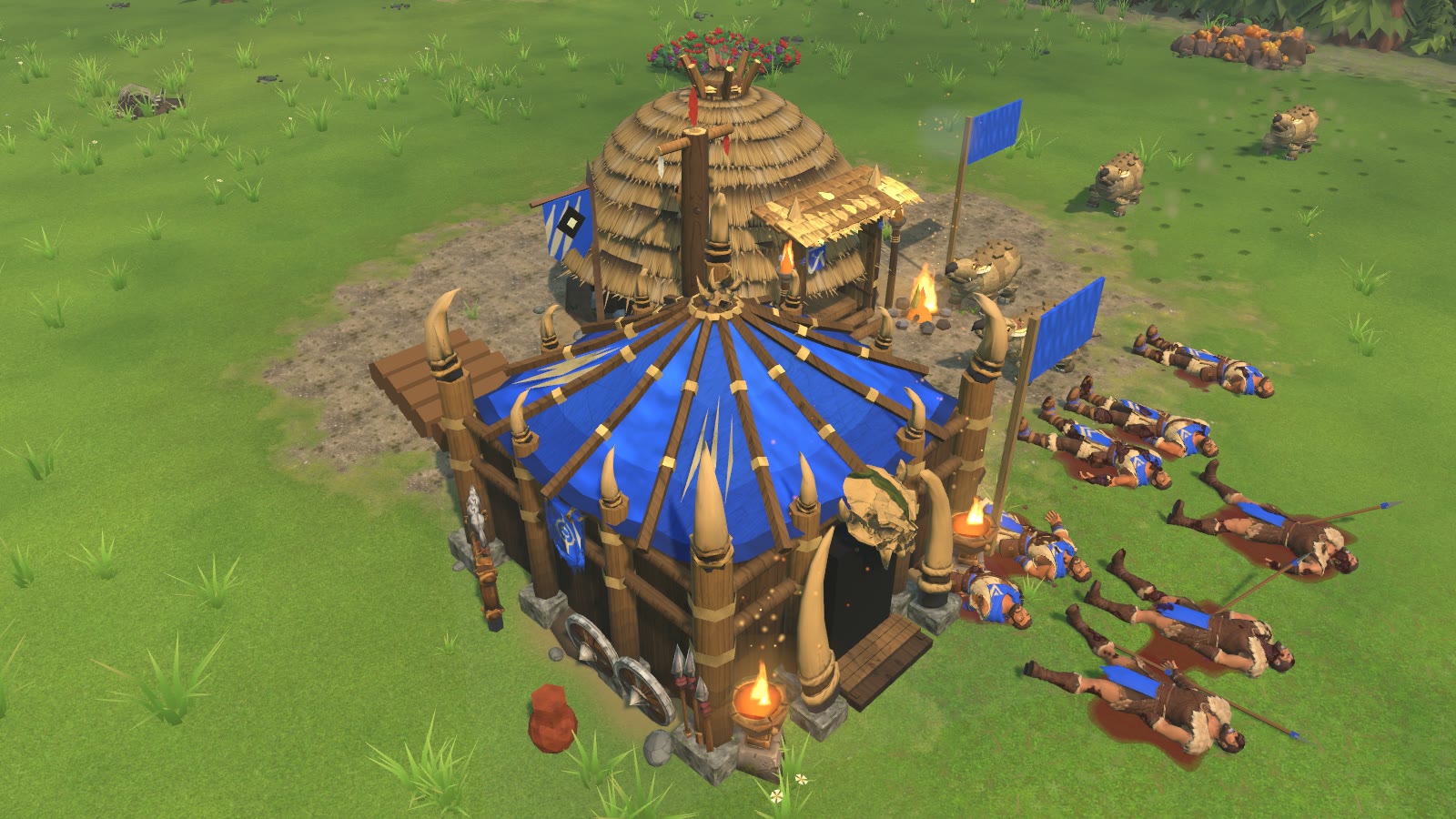
In the test build: the new standing, walk and run.
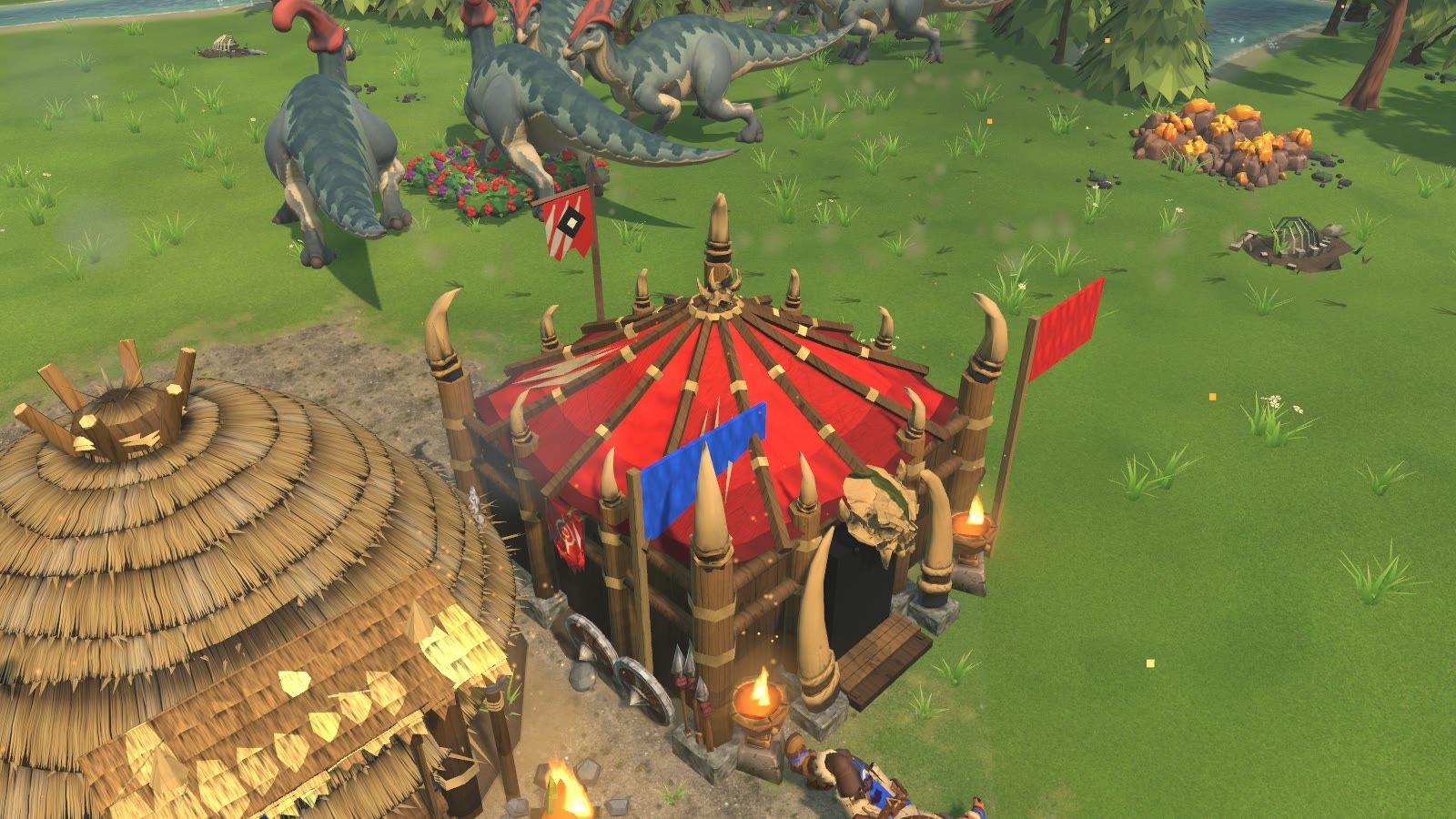
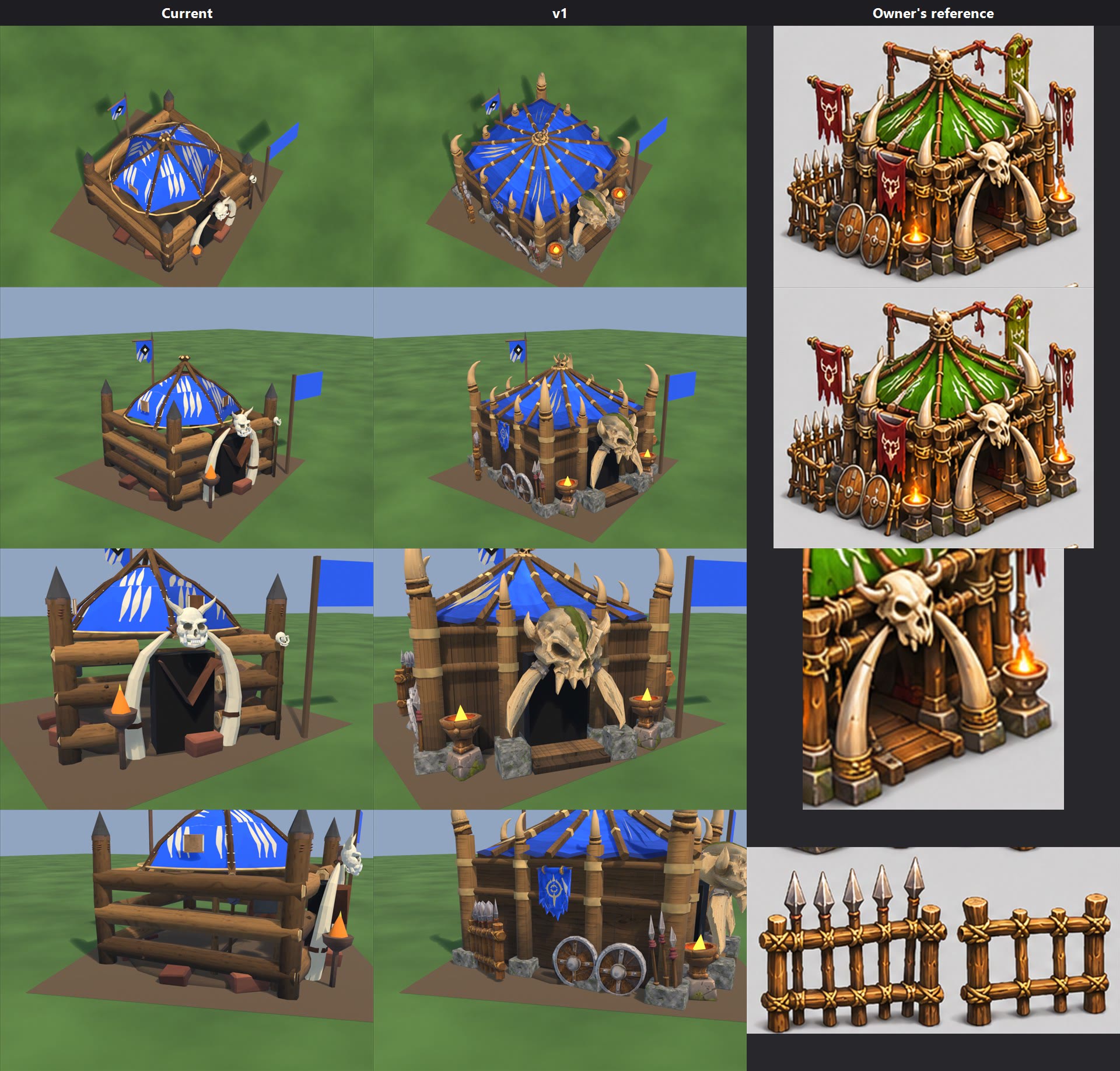
Orc War Camp v1 (2026-11-08) - PREVIEW ONLY. Nothing installed or committed.
Sheet: war_camp_v1.jpg. Columns Current | v1 | Owner's reference (orc warcamp.png crops); rows game camera, front 3/4, door close-up, props close-up. Files: local file: stage_v1.

What the zips really are
  main barracks orc skull: one skull with 2 tusks, iron bands and a green stripe (matches Horned ivory skull with olive stripe.png).
  pujnching bags: 3 wooden hitting posts (crosses), no bags.
  shields wweapons and target: 2 round shields, 3 spears, 1 target on a lashed frame.
  weapon racks: spear rack + plain fence.

Used
  Prop_gate (skull + tusks), Prop_weapons (rack, shields, spears), Prop_training (target, fence, 2 of the 3 hitting posts). Cross_mid is unused.
  Reused from his other sets: Great Hall brazier and big tusk (Prop_tusks x12, Prop_brazier0/1), Lodge horned skull (roof top) and flag (Prop_flag). No roof crest, flag or brazier model is in this folder.

Built in Blender on the shipped model
  Kept: base disc, door panel, Prop_banner. Removed: log walls, tent, floating hoop, red slabs, old props.
  New: 12-panel peaked tent with straight ribs and rope bands, folds, dark hem; thick posts on stone feet, 2 rails, vertical planks, wood deck and stone blocks under the tusks.
  Team colour: roof on palette cells 80/86/134, no mask, so no game slash pattern. 12 claw marks as geometry on 4 panels. Mask stays on Prop_banner and the flag (both still get slashes).

Triangles: 9,940 (current 7,479).
Overhang past 4x4 (+/-2.0 m): gate 0.81 m, deck/blocks 0.58 m, rack and shields 0.44 m, target side 0.42 m, front braziers 0.42 m.
Fx: 2 brazier anchors at x +/-1.42, y 2.1, z 0.72 replace the shipped one at (1.0, 2.2).
Rig parts: Body, Prop_banner, Prop_weapons (kept); Prop_gate, Prop_tusks, Prop_brazier0, Prop_brazier1, Prop_training, Prop_flag (new).
No game code needed. Not tested in the game: construction, damage, collapse, team colour.

No asset yet: crossbar with red rags, red and olive flags on poles (flags.png is an image only), small roof crest, crate, barrel, sack, rope coil, rocks, grass, blood (contact sheet items), wooden door frame.

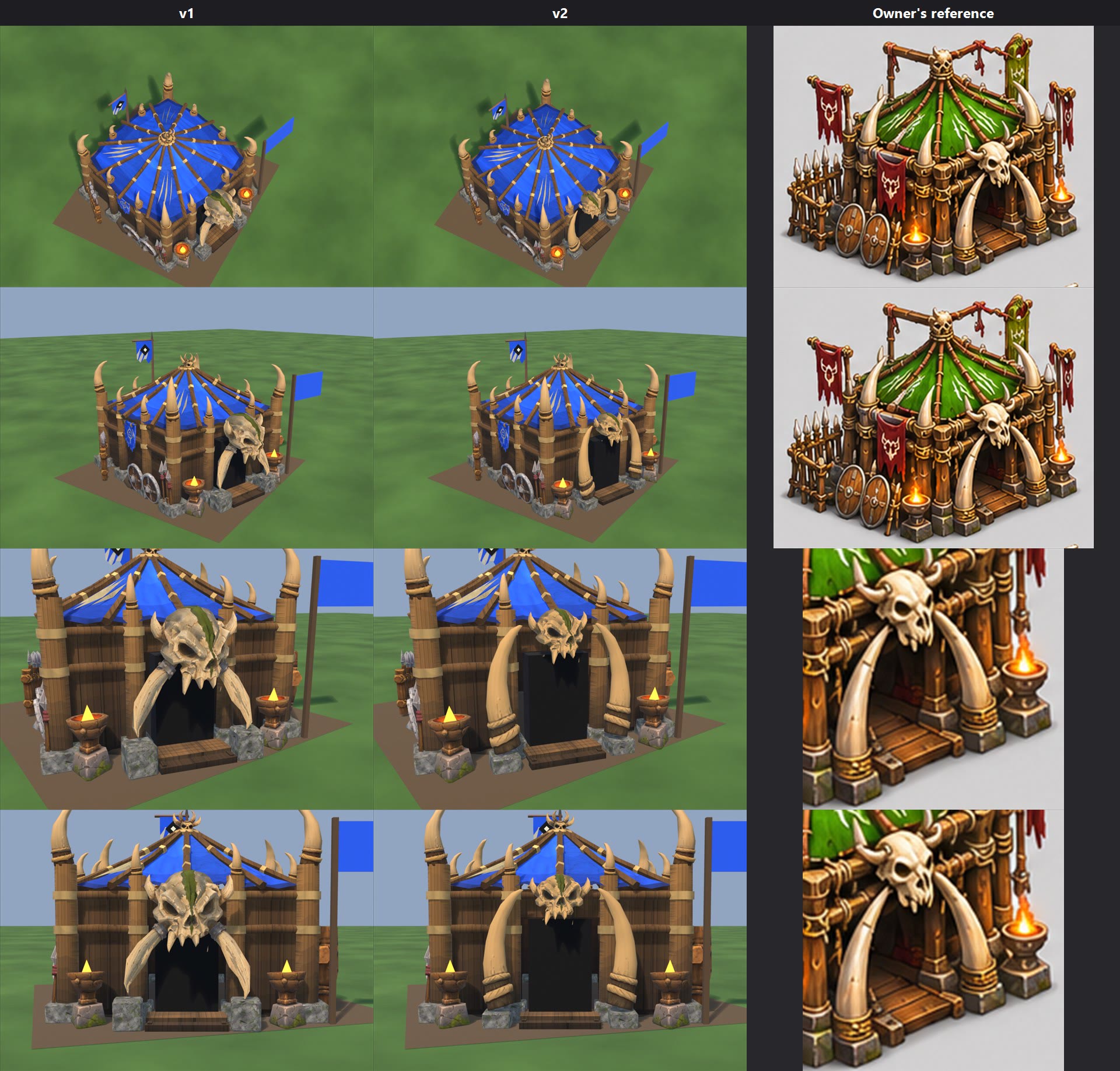
--- war_camp_v2.jpg (2026-11-08, preview, stage_v2; v1 kept) ---
Columns v1 | v2 | Owner's reference; rows game camera, front 3/4, door close-up, straight-on door. The reference column repeats crops.
Skull: his model with the lower tusks and iron bands cut off on our copy. Horns, stripe and teeth kept. About 0.89 m wide, teeth about z 1.55, door top z 1.5.
Tusks: his Great Hall big-tusk sculpt (316 tris each), one model, same scale, stretched taller and thinner (x 5.0, y 3.4, z 7.0). Right one is the left turned 180 degrees (no flipped normals), on stone feet z 0.22, x +/-0.88, y 2.2.
Bone: skull + roof crest colour taken from the corner tusks' own texture.
Parts unchanged except: Prop_gate = skull + 2 tusks. Fx at x +/-1.56, y 2.1.
Not tested in the game: construction, damage, collapse, team colour.
In the test build: the new standing, walk and run.
In the test build: the new standing, walk and run.
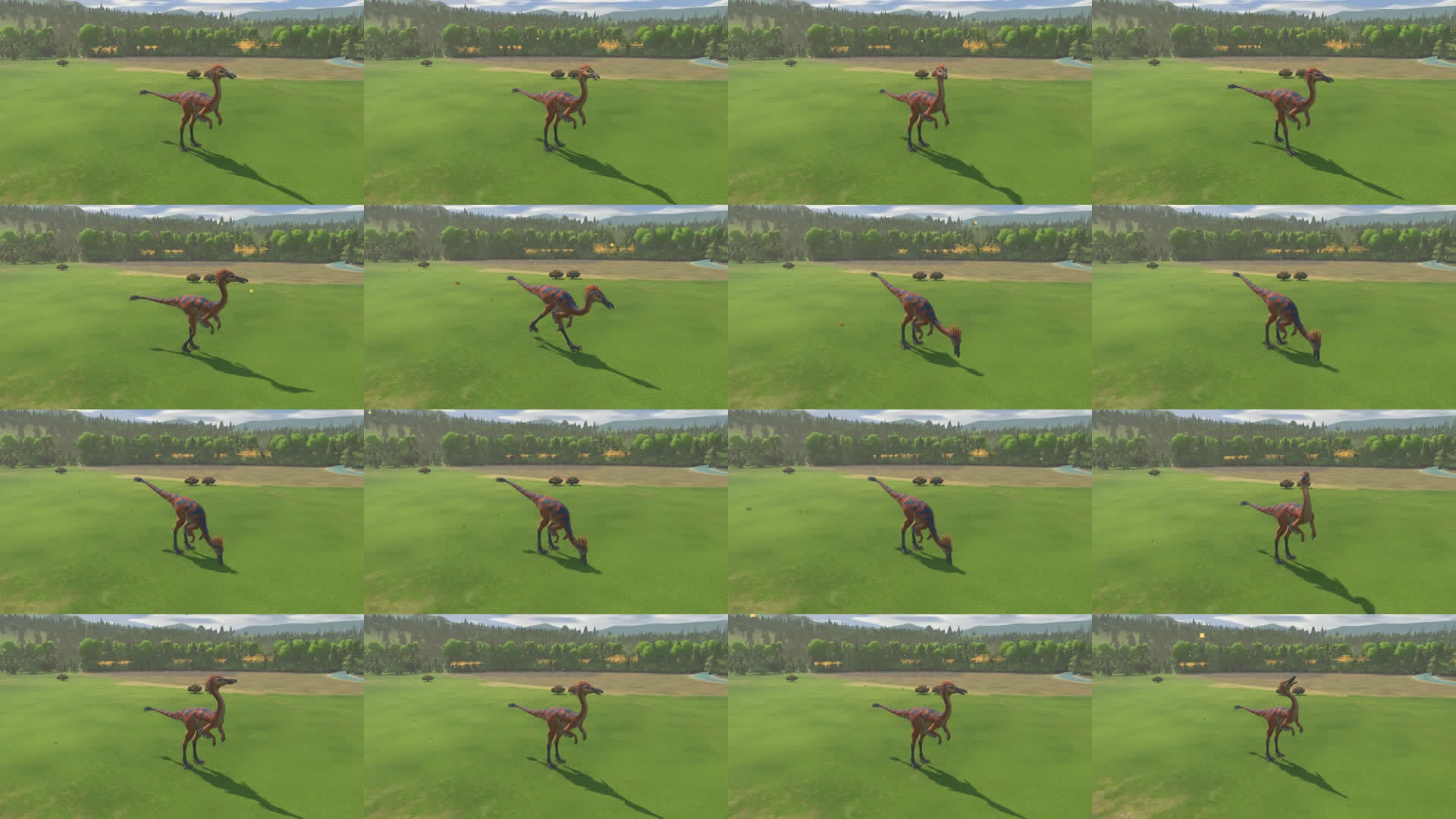
In the test build: the new standing, walk and run.
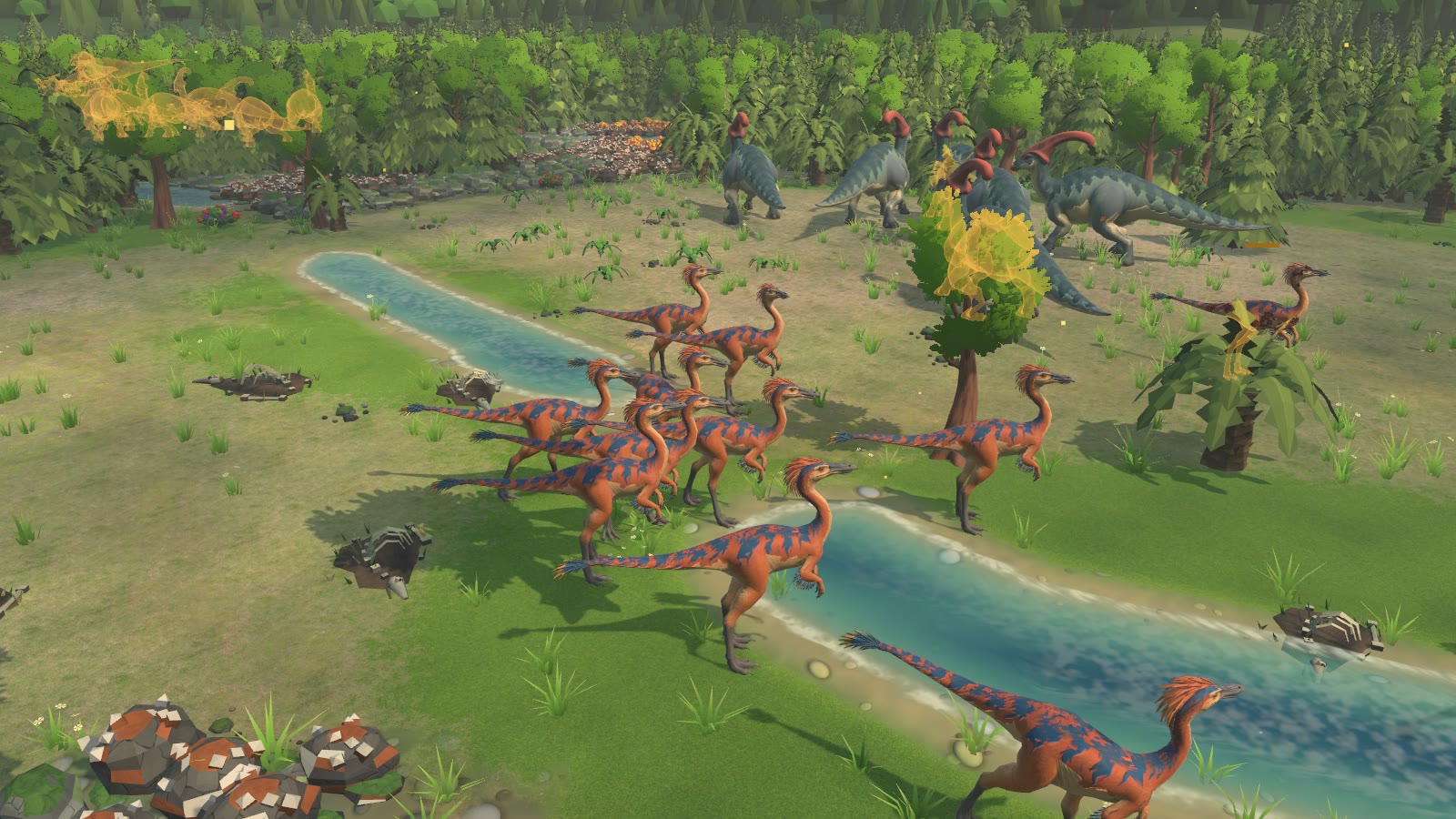
In the test build: the new standing, walk and run.
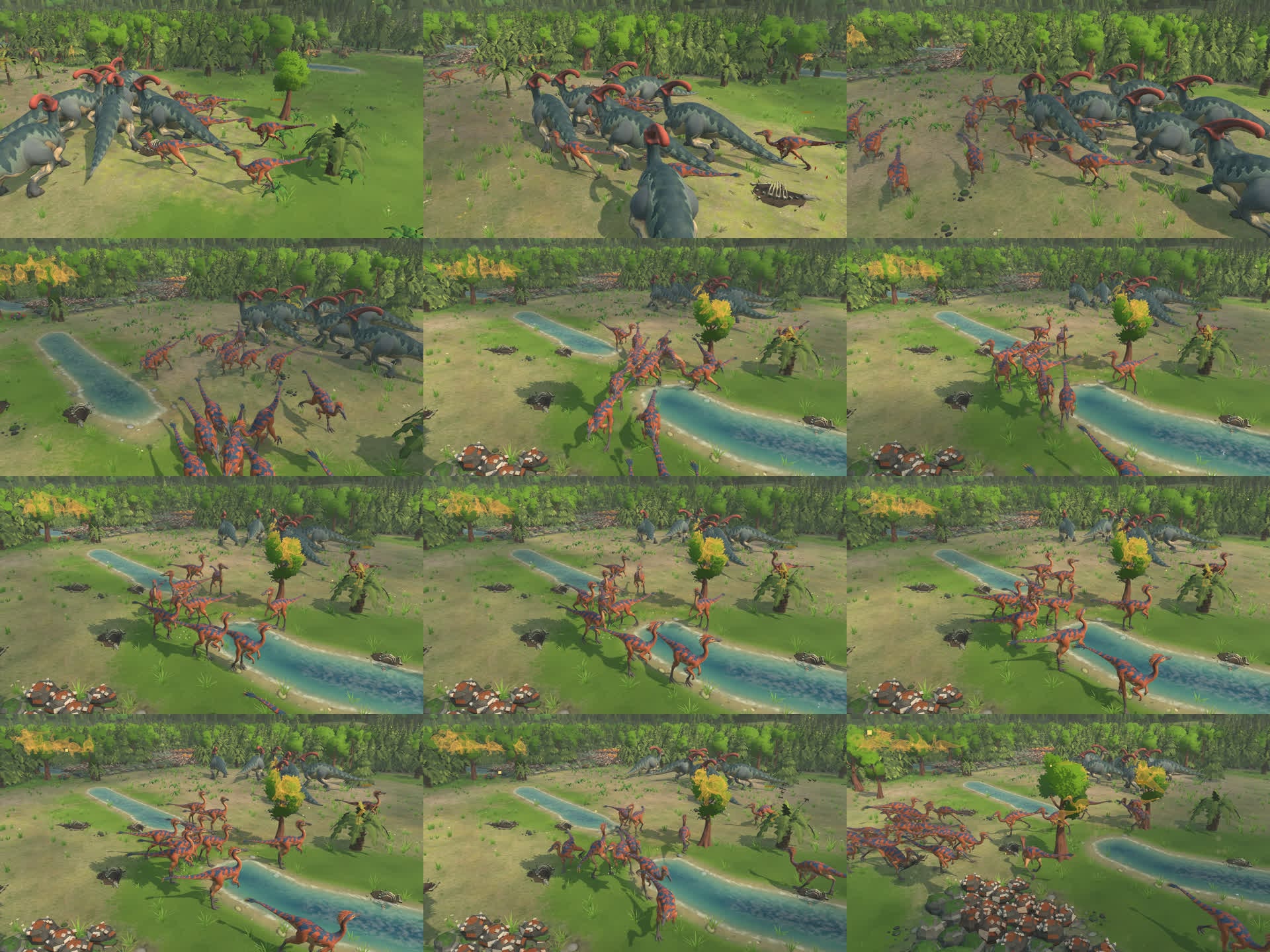
In the test build: the new standing, walk and run.
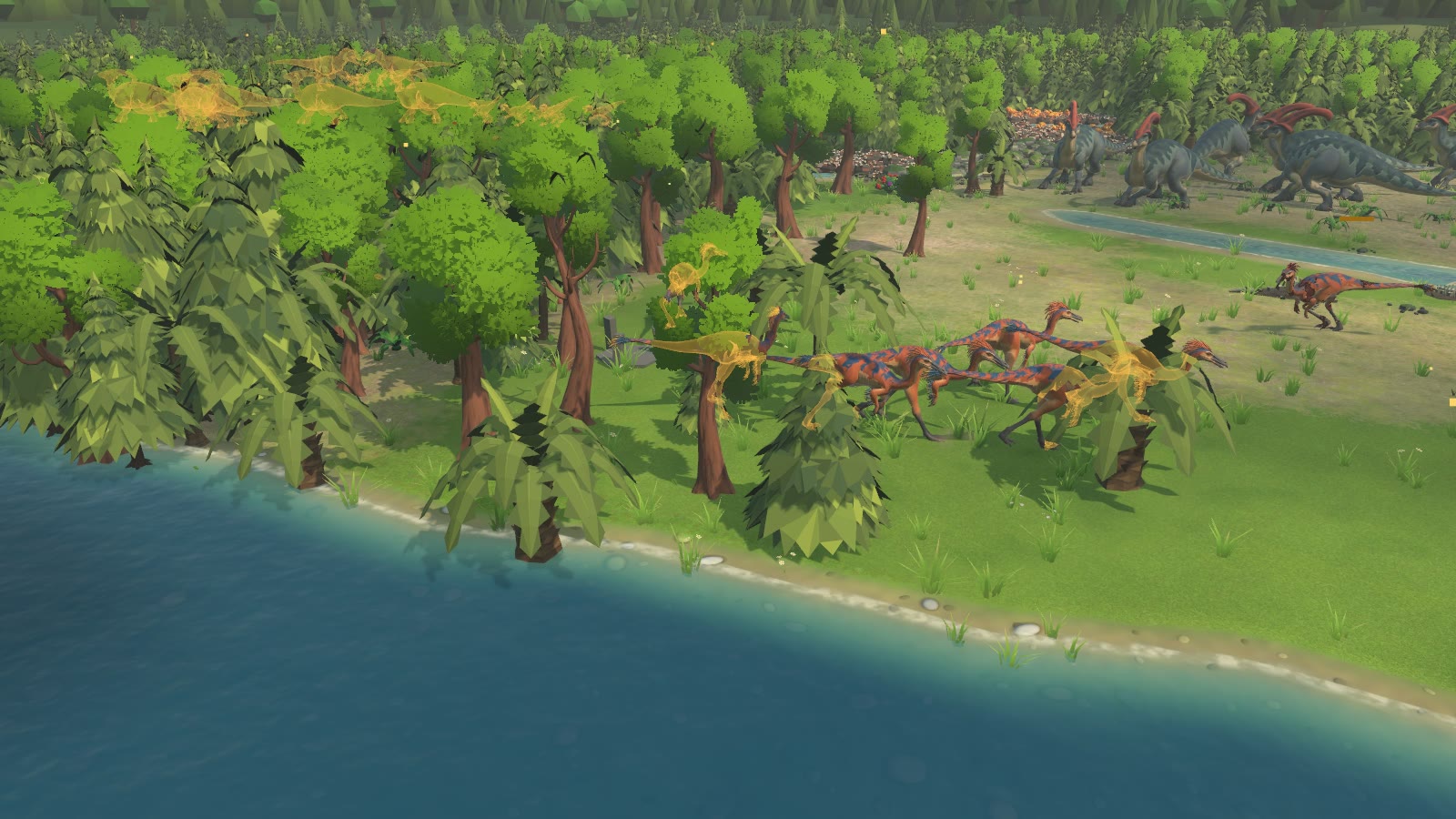
In the test build: the new standing, walk and run.
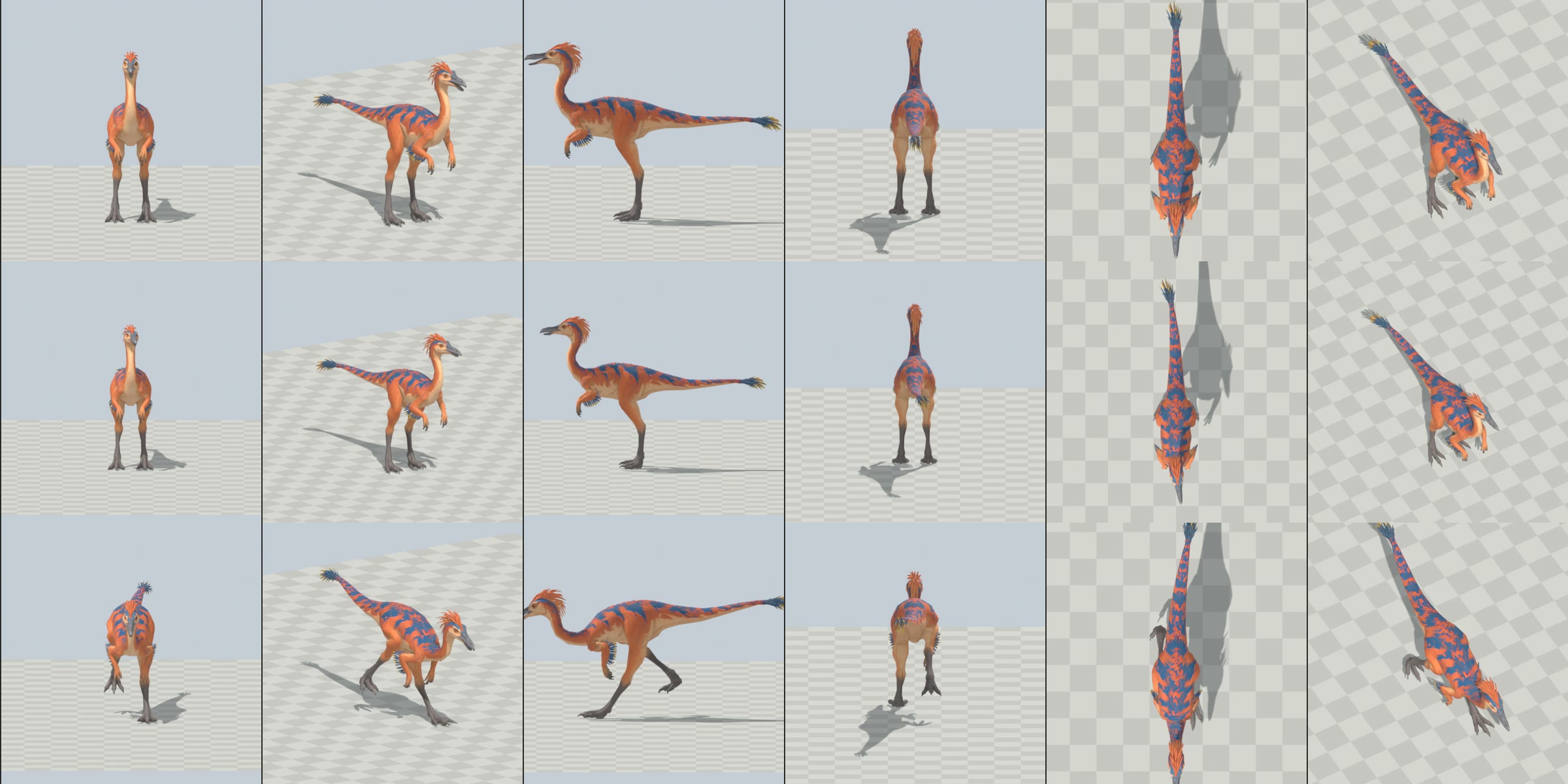
GALLIMIMUS (owner's Tripo model) - check, optimise, rig, animate          2026-11-07
PREVIEW ONLY: nothing installed in the game, nothing committed. Headless Blender 5.1 only, one at a time, RAM-gated.
Game Art / Rigging / OneDrive untouched (zip copied to local file: _src first).

START HERE
  index.html                    local page: sheets + every clip video
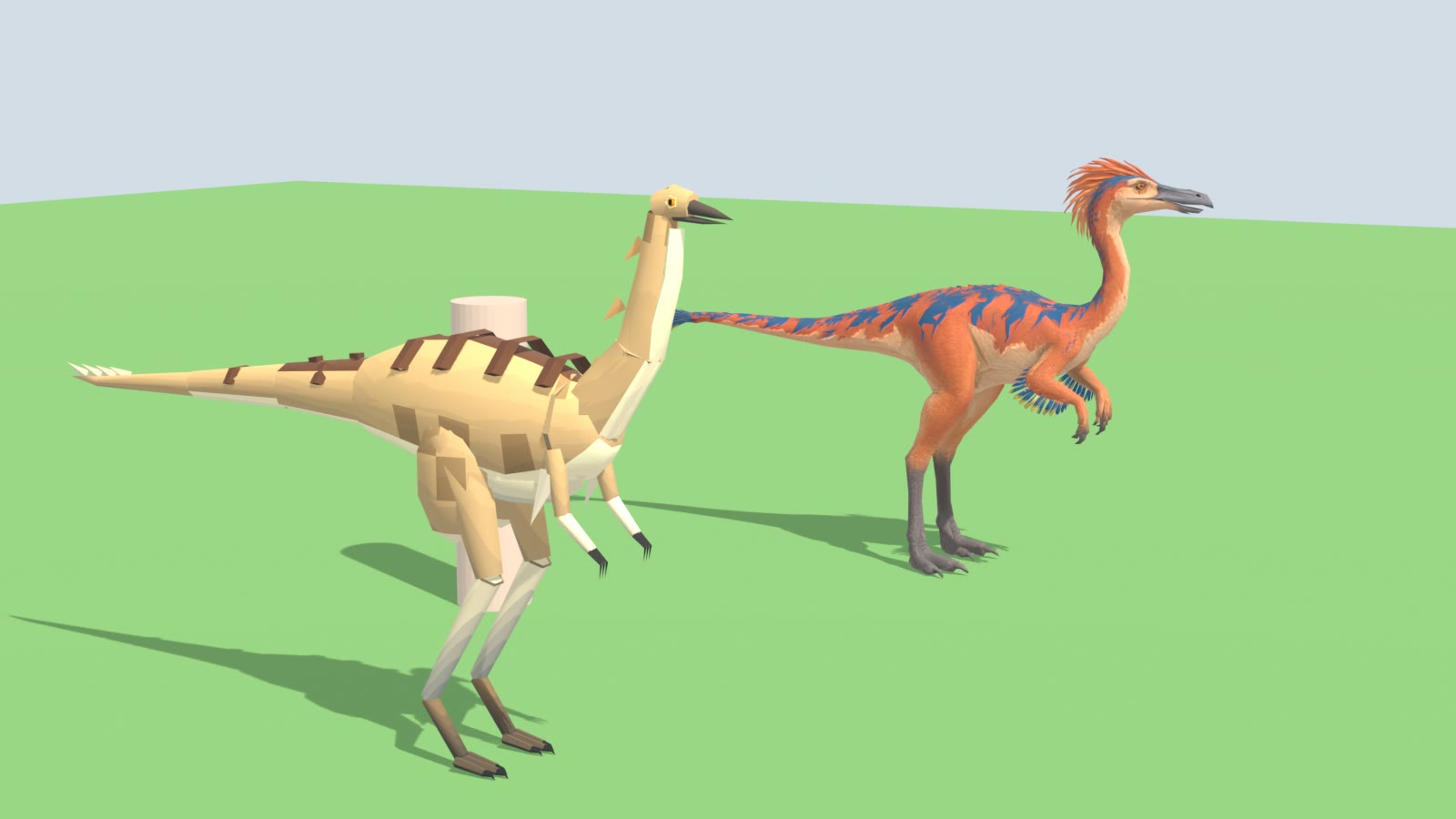
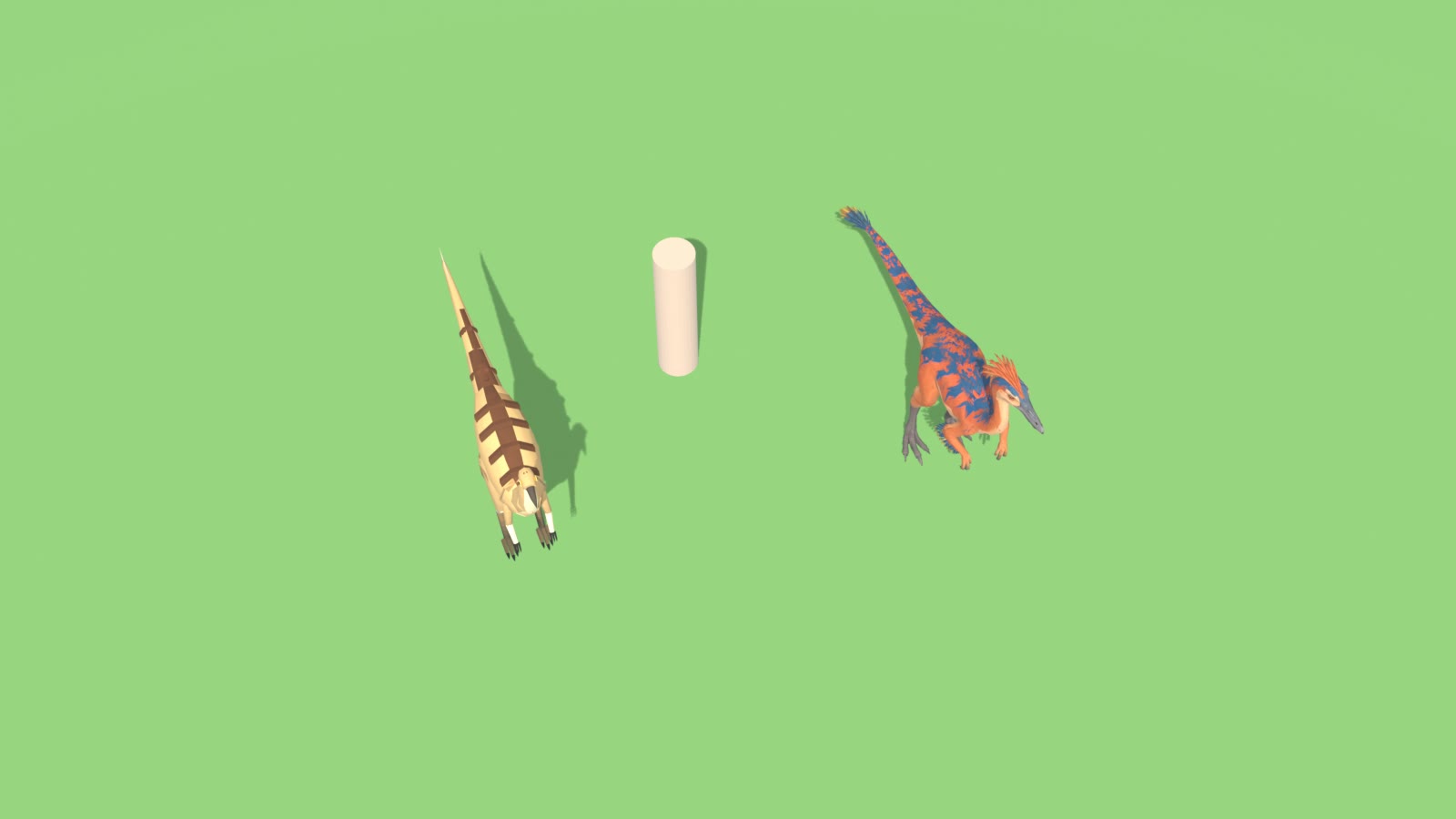
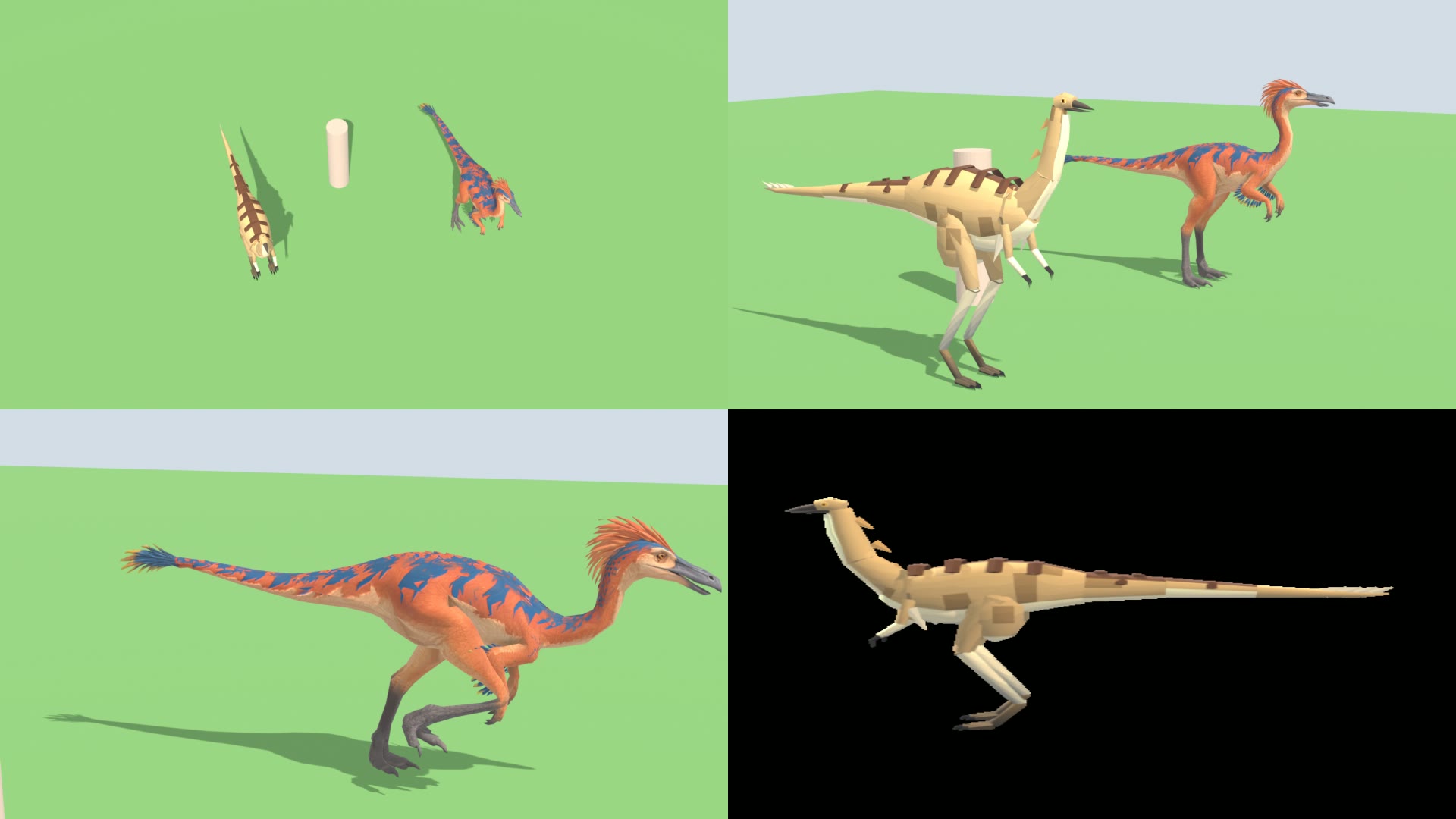
  comparison_sheet.png          top-left  game camera: current low-poly (left) vs new (right), 1.8 m villager post between
                                top-right close-up, both standing, same height (2.67 m)
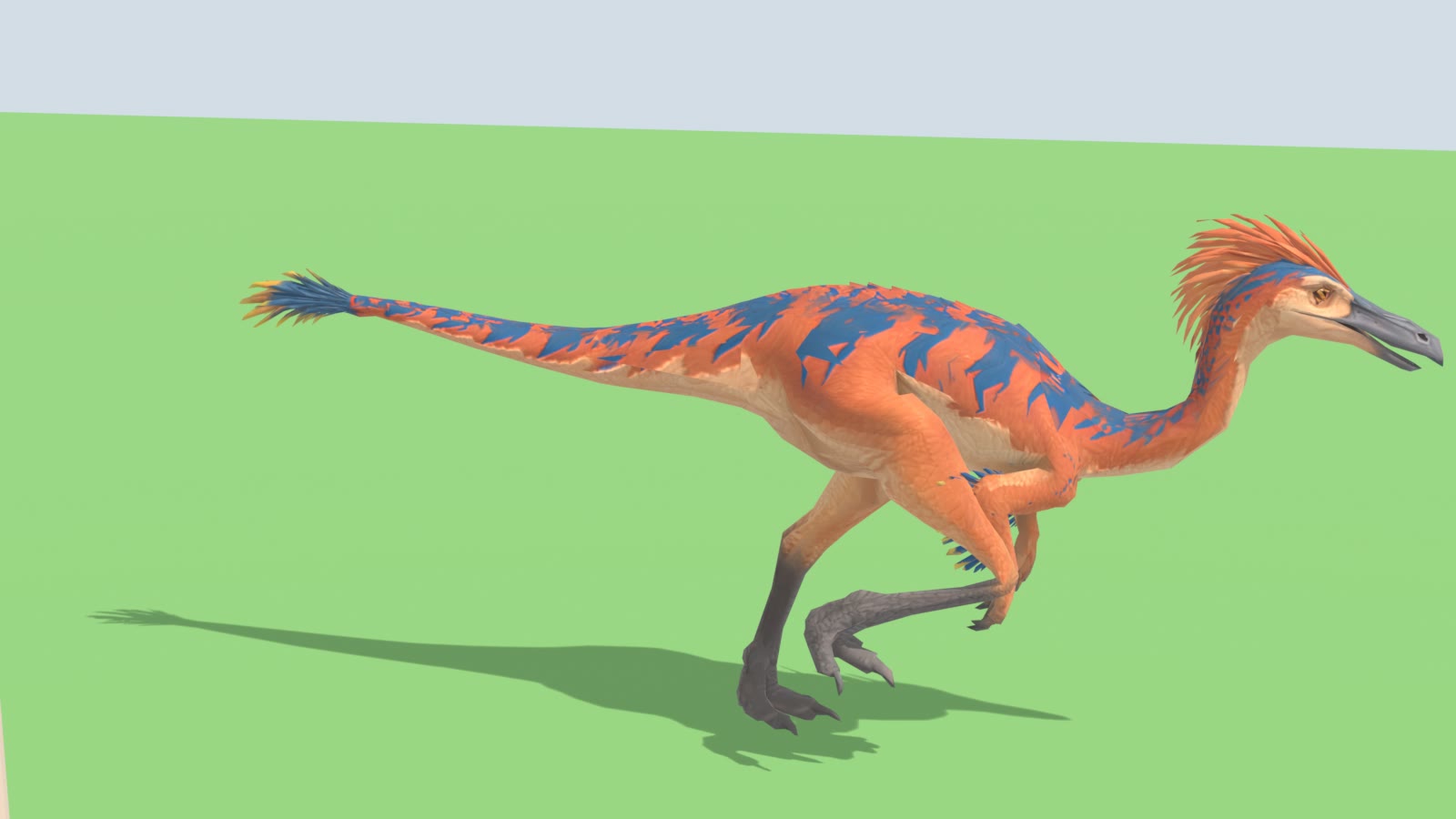
                                bottom-left new one mid-sprint
                                bottom-right the current low-poly's species preview (local file: previews)
                                (no in-game screenshot of the gallimimus exists; the low-poly here is the game's own
                                local file: gallimimus.fbx rendered in Blender, read only)
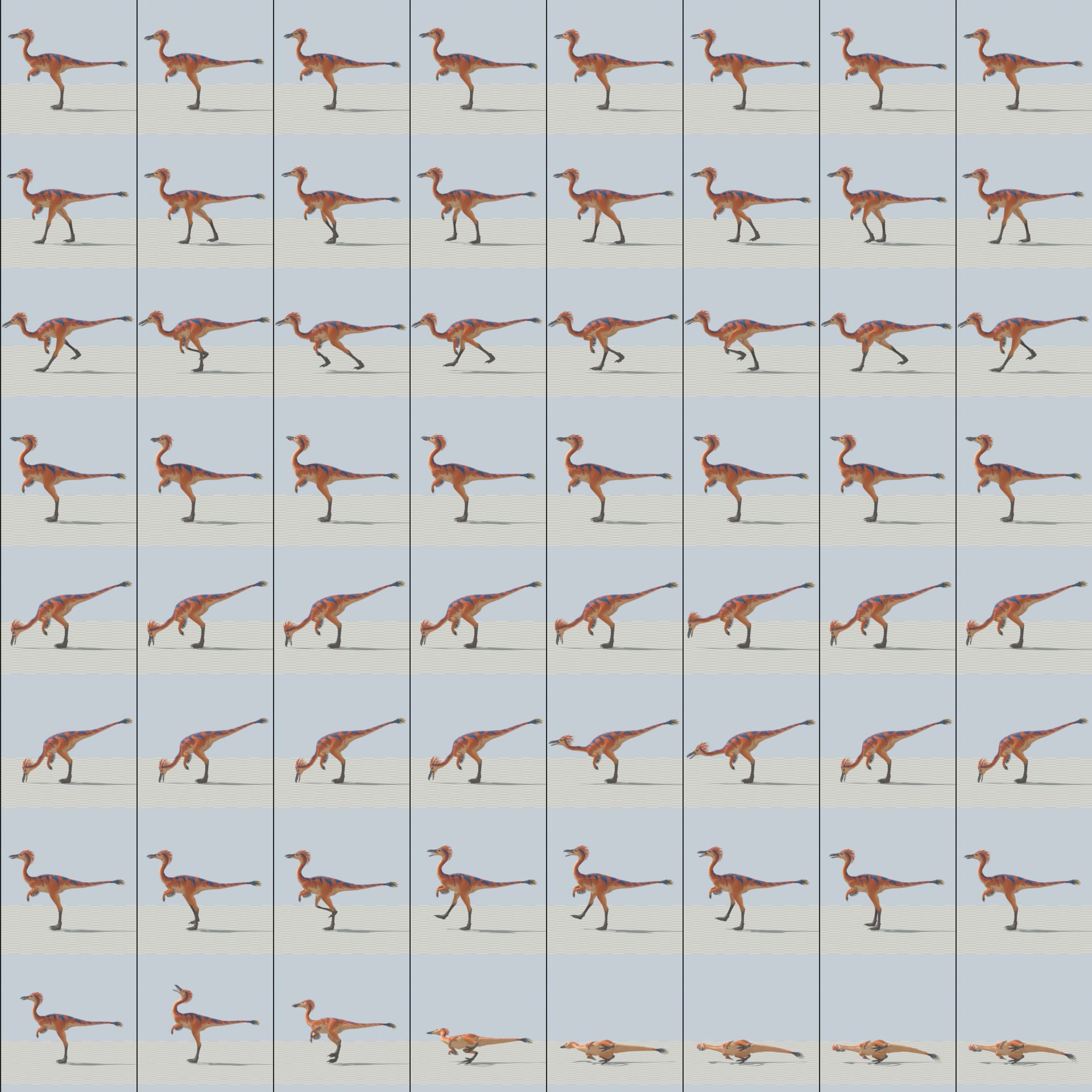
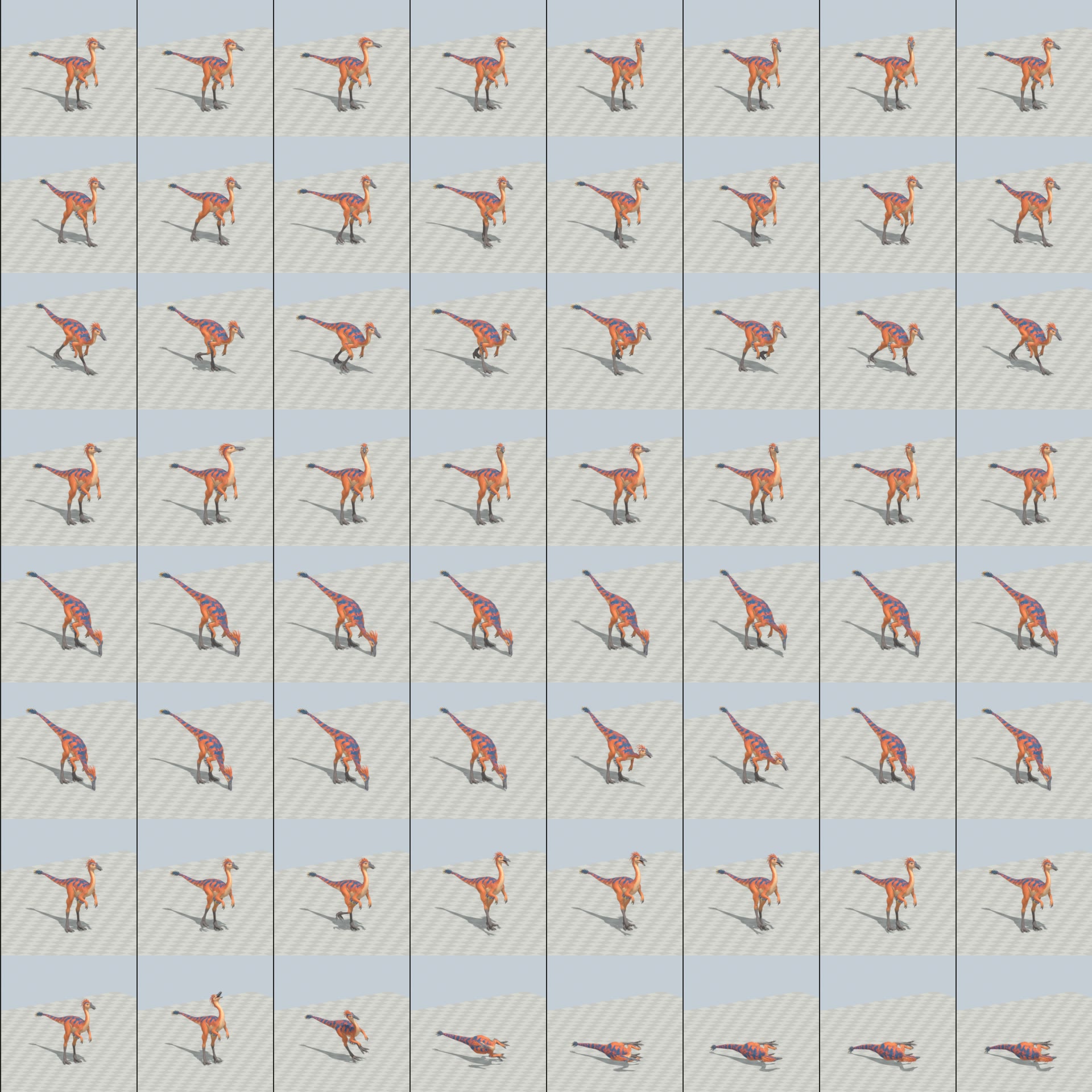
  turnaround.png                row 1 rest pose, row 2 Idle, row 3 Run; front / 3-4 / side / back / top / game camera
  clip_sheet_threequarter.png / clip_sheet_side.png   8 frames per clip, rows: Idle, Walk, Run, Alert, Graze, Drink,
                                Attack, Death
  local file: GALLI-ALL.mp4 (28 s) and GALLI-<CLIP>.mp4    real speed, 30 fps; Walk/Run on a checker floor moving at the
                                clip's ground speed (Run's floor moves ~0.86 squares a frame, so it can look like it
                                strobes; judge the planted foot instead)
  source_check                 the untouched Tripo model, 6 views

1. IS IT A GALLIMIMUS / DOES IT MATCH THE CONCEPT? YES
  Ostrich-like feathered ornithomimid: long S neck, small head with a toothless grey beak (sculpted slightly open),
  orange crest feathers, orange body with blue back stripes, blue/yellow feather fans on the arms and tail tip, cream
  belly, grey scaly lower legs, three-toed feet, clawed hands. Same colours and version as the 11:28 / 11:33 profile
  sheets ("Exact side-profile ... aligned legs", "Opposite-Side ...") and the earlier 8:50 back view.
  Pose: standing neutral, legs side by side ("aligned"), arms raised in front - good to rig.
  Tripo: one mesh 50,169 tris / 25,535 verts; 8192 base colour, 4096 normal/metallic/roughness. 124 islands: the
  body skin plus 123 separate feather pieces (crest, arm fans, back, tail fan).

2. GAME-READY MESH AND MAPS
  Decimated (collapse, X-symmetric, UVs kept) 50,169 -> 5,498 tris (FBX re-import 5,493), 3,060 verts - flock budget.
  Feathers become simple cards at this budget (fine from the RTS camera; close-ups in compare).
  Maps 2048 in the work files (base colour 8192 -> 2048, normal 4096 -> 2048); the game's exporter writes 1024
  (gallimimus_basecolor.png, gallimimus_normal.png; json normal_map true). Metallic/roughness dropped. No team mask.

3. RIG (27 bones: 26 deform + root_CTRL; the owner's raptor bone names)
  root_CTRL > pelvis > spine > neck_01 > neck_02 > neck_03 > head > jaw ; pelvis > tail_01..tail_05 ;
  spine > upper_arm.L/R > forearm > hand ; pelvis > thigh > shin > foot (metatarsus) > toe_2 - a digitigrade bird leg:
  hip in the drumstick, knee forward under the belly, ankle (hock) at the top of the grey scales, ball under the foot.
  Joints read off gridded survey renders of the sculpt. Skin: nearest-bone blend per side + smoothing, beak split on
  the mouth line (upper -> head, lower -> jaw), every feather island glued to the weights of the skin point it grows
  from (feathers stay on the skin as it bends), belly kept off the knees, thigh weight stops at the hip, a wider hip
  blend for the sprint.
  Fixed on the 2026-11-08 re-check (the first build was not good enough): the far thigh pushed up through the back as a
  lump at the top of each sprint stride (the knee rose above the hip in the swing); the metatarsus popped 25 degrees at
  lift-off; toes went 8 cm into the ground in Walk. All clips, sheets, videos and the export here are from the fixed build.
  Known limit: inner thigh / crotch skin still stretches at the far ends of the sprint stride (worst edge was about 9x its
  rest length before these fixes, now Run 5.1x, Walk 4.3x; Graze/Drink 5-6x, which edges not checked). I looked at Run from 3/4, back, side and game camera and saw no lump or tear, but this
  has NOT been seen in the game yet, only in Blender renders.

4. CLIPS (30 fps, NO root motion; speeds in game m/s at the export scale)
   Feet (local file: slide_check.py, per frame, every stance): 0.000 m departure from the clip's ground speed, in every
   clip. Lowest point: Walk -1.7 cm, Run -3.4 cm (toe tip for a frame at contact), Drink -2.4 cm (beak in the water,
   intended), all others above ground.
  code           frames seconds  notes
  GALLI-IDLE        73   2.400   breathing, looks about, a quick head shake
  GALLI-ALERT       61   2.000   head up and still, sharp bird-like look-arounds, slight crouch (flock alarm / before it bolts)
  GALLI-WALK        31   1.000   ground speed 2.000 m/s = the sim's roam pace (MovementSystem 2.0): rate 1 at roam;
                                 bird head bob twice a stride, tail swing
  GALLI-RUN         17   0.533   ground speed 10.000 m/s = the flock's flight (FlockFleeDecims 100): rate 1 at full
                                 flight, 1.9 strides/s, 5.3 m stride (the game's comment: ~5 m stride, ~2 strides/s);
                                 duty 0.28 with a flight phase, body level, neck out, arms tucked, tail whip
  GALLI-GRAZE       61   2.000   loop: neck swung down from its base, beak solved down to about 5 cm off the ground, four pecks,
                                 one look up
  GALLI-DRINK       73   2.400   loop: beak in the water, sips, then lifts and tips the head up to swallow (bird drink)
  GALLI-ATTACK      28   0.900   the token kick (Catalog: damage 5, 1.3 s cadence): right foot drawn up, driven forward;
                                 impact_seconds 0.400
  GALLI-DEATH       46   1.500   jolt, falls on its side, legs kick and settle; nothing through the ground
  Motion reference: the owner's private raptor run reel (private reference library, viewed only, nothing copied) for the sprint shape
  (level body, flight phase, tail counter-swing).

5. SIZE
  Exported at height 2.6668 m (crest top) = scale x3.874: hips 1.55 m (LowPolyMotion's FrontHip/HindHip 1.55),
  length 3.87 m - the same height (2.67) and nearly the same length (3.94) as the current low-poly gallimimus.fbx.
  UnitRenderer.EstimateHeight(Gallimimus) 2.4 and EstimateLength 5.4 are the old guesses; 2.67 / 3.9 match this model.

6. INSTALL NOTES (when approved - not done)
  a. local file: {gallimimus.fbx, gallimimus_basecolor.png, gallimimus_normal.png, gallimimus.json} ->
     local file: gallimimus ; DetailedUnitBuilder makes prefab/controller/library entry.
     Rebuild: blender -b --factory-startup local file: galli_clips.blend
       -P local file: export_detailed_unit.py -- gallimimus <STAGING dir> 2.6668 Tripo Idle=Idle@30
       Walk=Walk@30 Run=Run@30 Attack=Attack@30 Death=Death@30 Graze=Graze@30 Drink=Drink@30 Alert=Alert@30
     (always into a staging dir, never straight into local file: Units).
  b. Code: today RigAnimator drives the gallimimus on the raptor's gaits (raptorBody, LowPolyMotion settings). With
     the detailed model: map the key "gallimimus" in DetailedUnitRenderer (CadenceOf: walk ~1.0 Hz at 2 m/s, run
     1.875 Hz at 10 m/s, runPhase ~0.5; SetBackOf 0.27 - the hips are 0.27 m ahead of the model's middle at this scale,
     same sum as the spinosaurus row). Graze and Drink need nothing: the builder already reads those clip names. Attack =
     the kick, Death as usual.
     Alert is NOT usable yet: the game has no Alert state and DetailedUnitBuilder's loop list (line 22) does not contain
     it, so it needs a new state + a loop entry + a trigger, or leave it out of the export and use Idle.
     Key tables with no "gallimimus" row yet, each with a "raptor" row to copy from: FootPlant (contact set + body),
     CreatureBend, CreatureMoves, CreatureHit. FootPlant's contact row comes from foot_contacts.py on the staged FBX
     (Walk duty 0.62, Run 0.28, L/R half a cycle apart).
     None of this has been compiled or run. Check facing and size in game first.
  c. Keep the low-poly as the Classic fallback.

WORKING FILES (local file: gallimimus)
  _src zip copy + extract   local file: galli_lo.blend (5.5k mesh + 2K maps in local file: tex)   local file: galli_rig.blend (rig +
  weights)   local file: galli_clips.blend (THE RIGGED FILE, all 8 clips)   local file: gallimimus (staged export)
  local file: v0..v5, v5_outputs (earlier builds and their renders, superseded - nothing deleted)
  scripts prep.py, rig_galli.py, anim_galli.py (all clips, rebuildable), review.py, compare_galli.py, verify.py,
  slide_check.py, verify_fbx.py, diag.py, crop.py, survey.py, encode_video.py, render_videos.ps1,
  export_detailed_unit_copy.py
  Rebuild chain: prep.py -> rig_galli.py -> anim_galli.py (arg: scale 3.8739) -> export -> render_videos.ps1

STATUS: preview complete as briefed; not installed (owner 2026-11-08: "let's rig that and use that instead of the low
poly ones", so the install in section 6 is the next step, not done here).

OPEN QUESTIONS FOR THE OWNER
  - OK with the feathers simplified to cards at 5.5k tris, or spend ~8k to keep more feather shape?
  - Size: same as the low-poly (2.67 m tall, 3.9 m long), or longer toward the game's 5.4 m estimate?
  - Alert is a new clip the game does not call yet; say if it should be wired to the flock alarm.
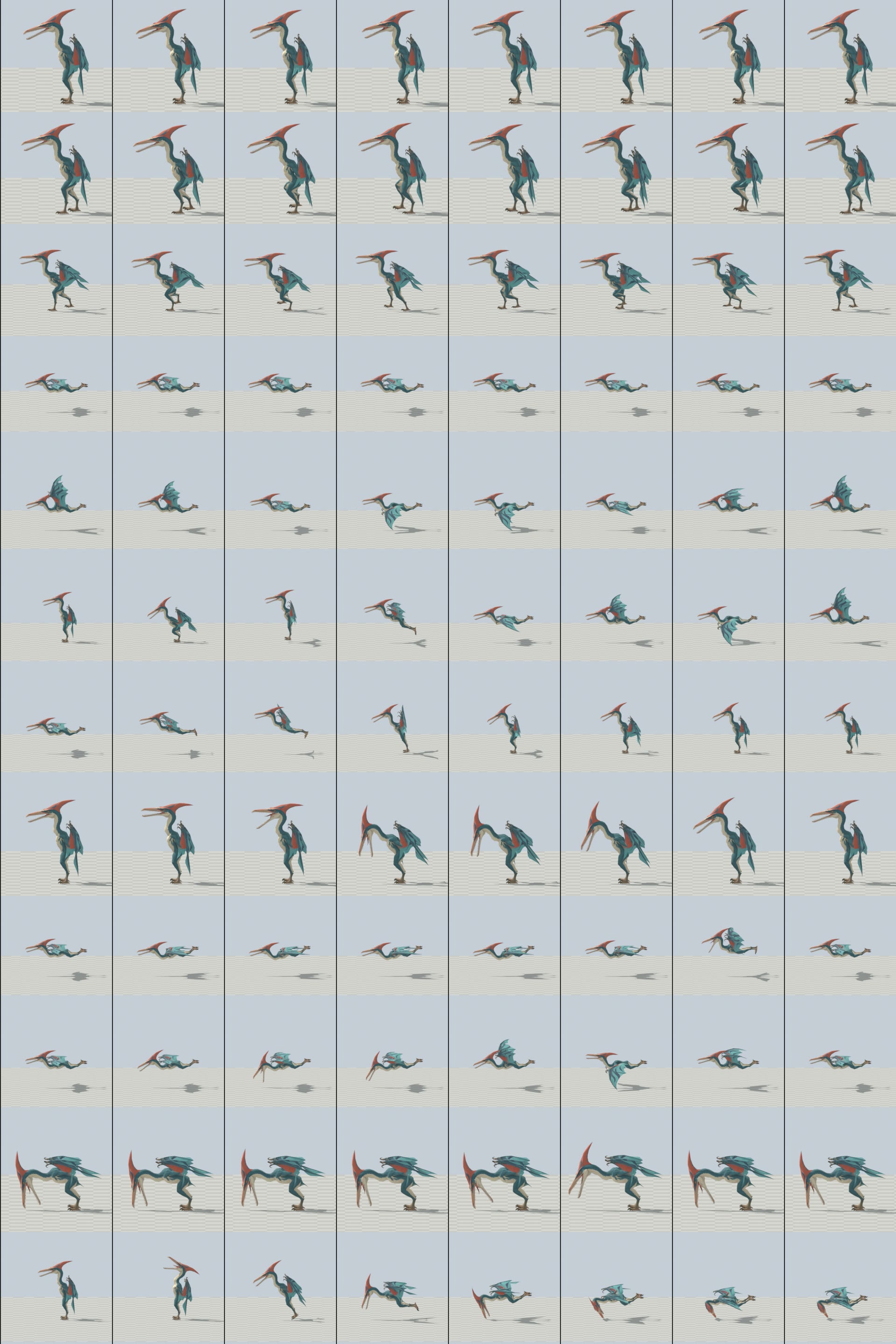
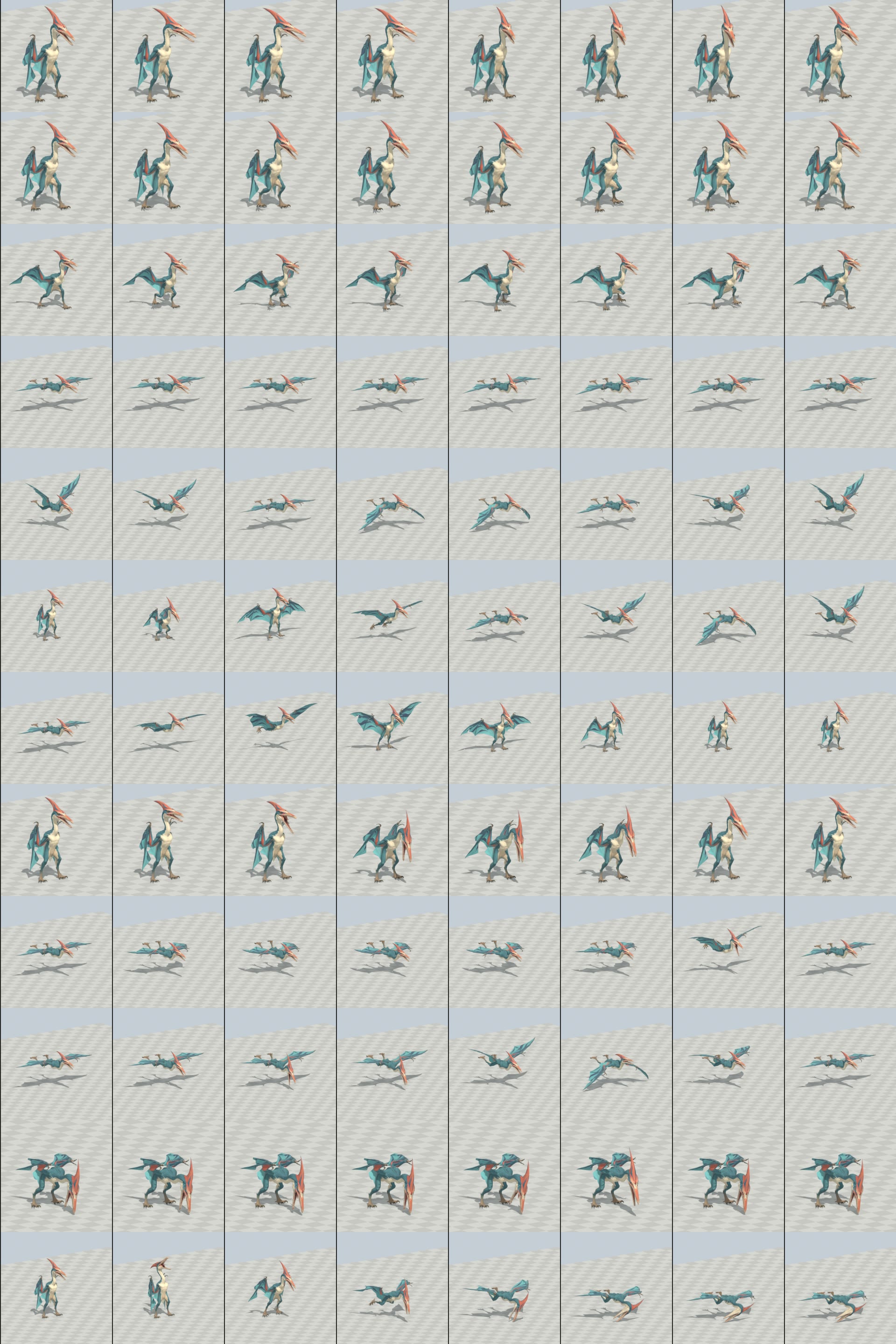
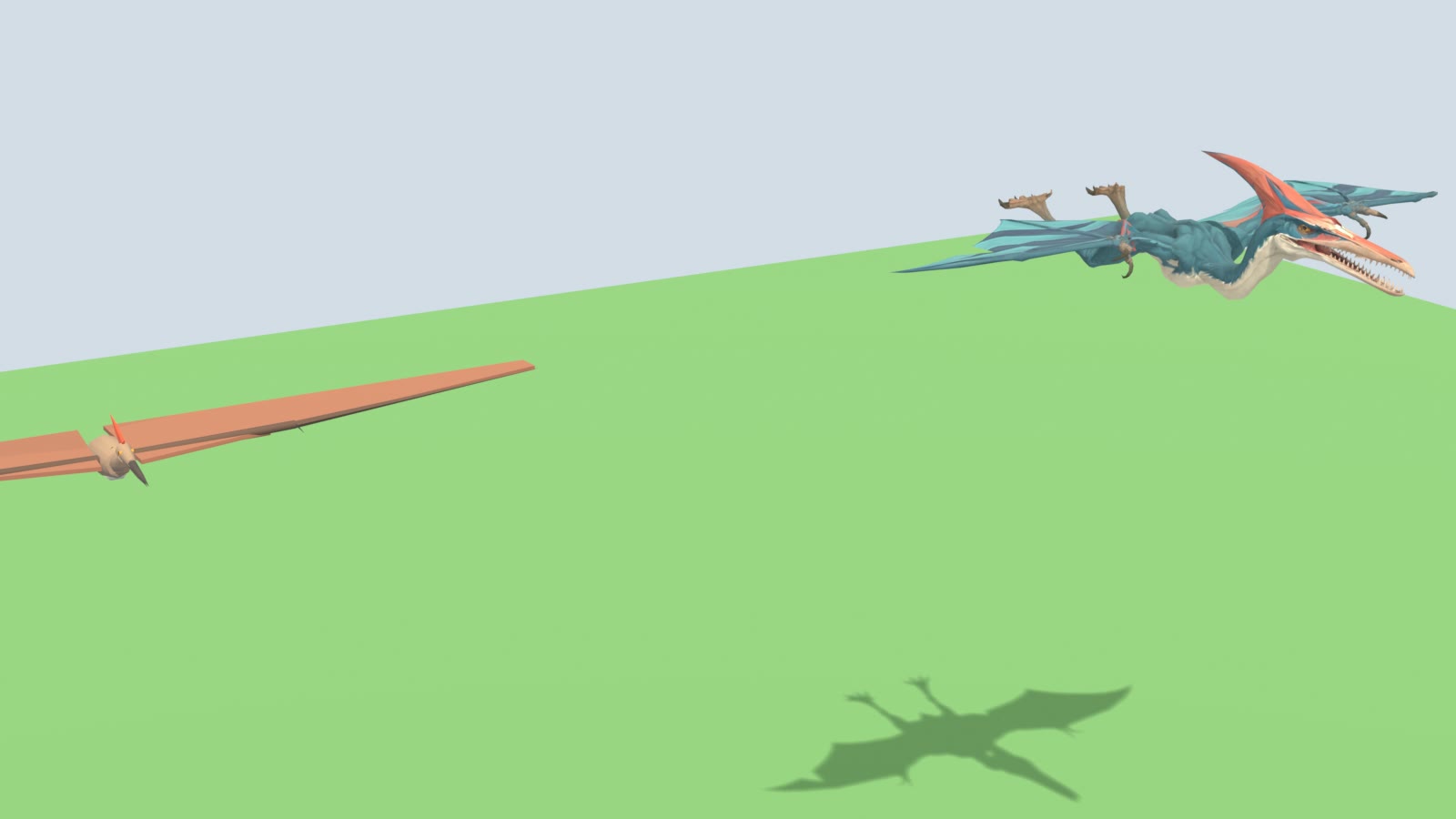
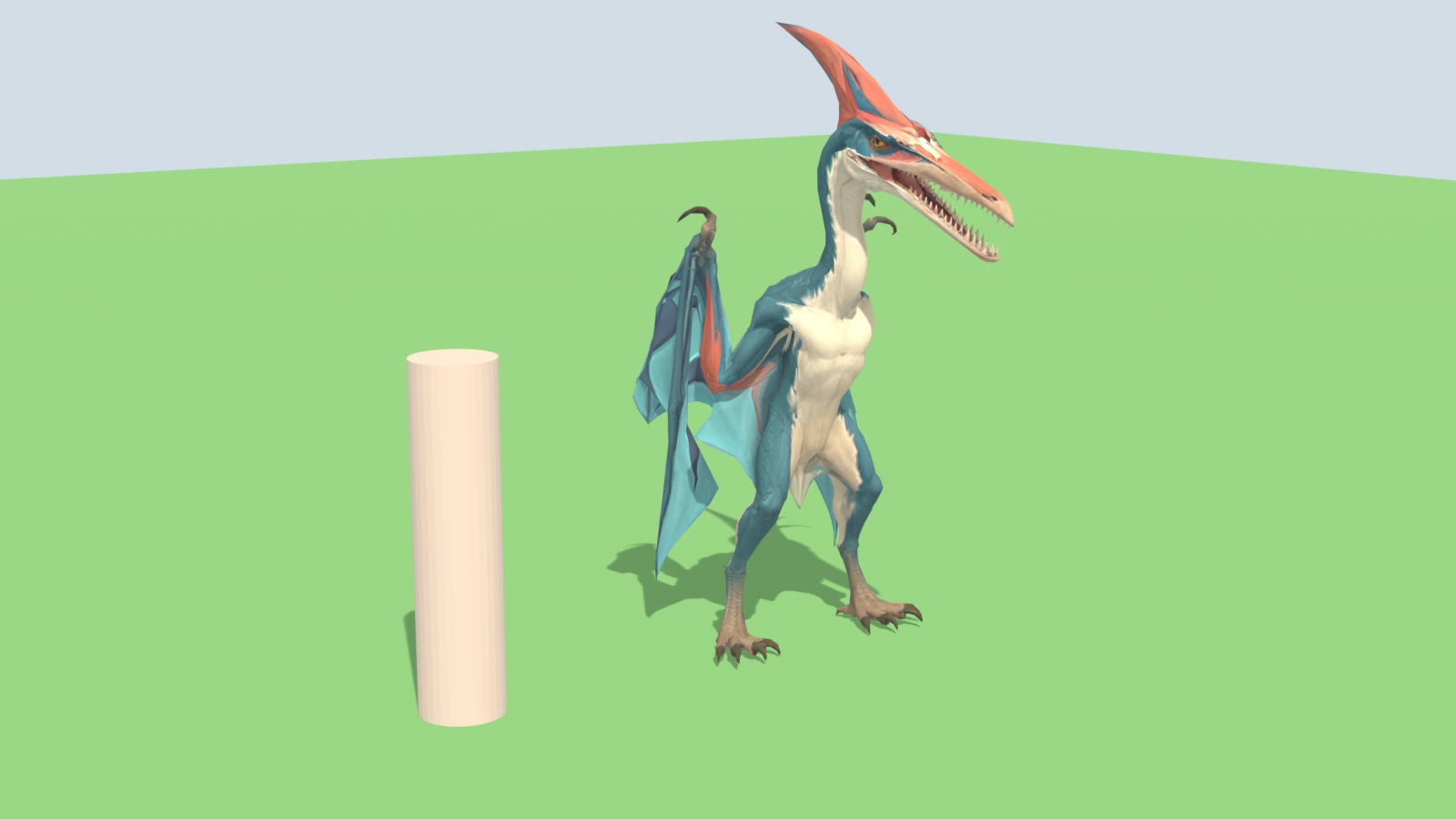
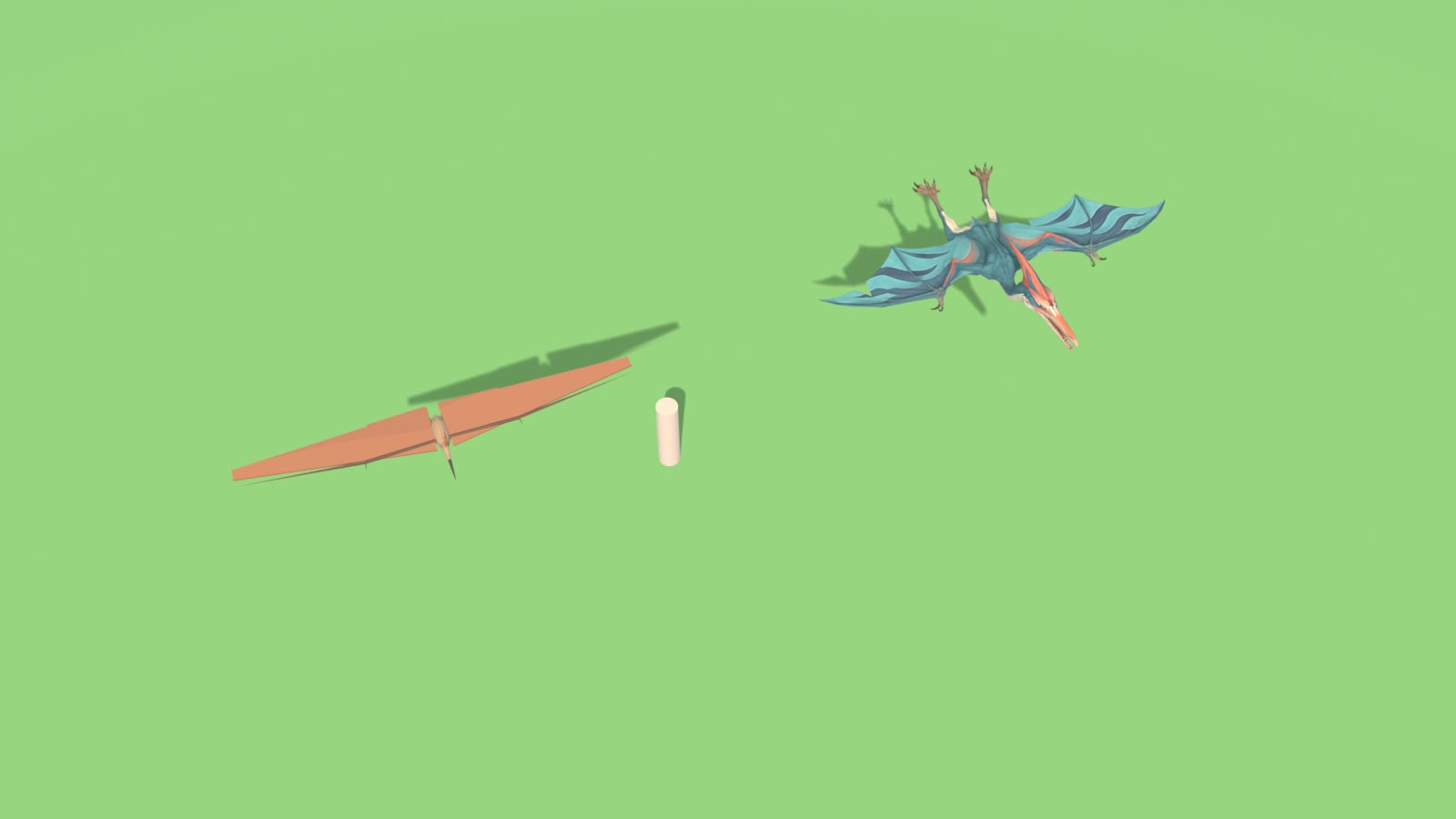
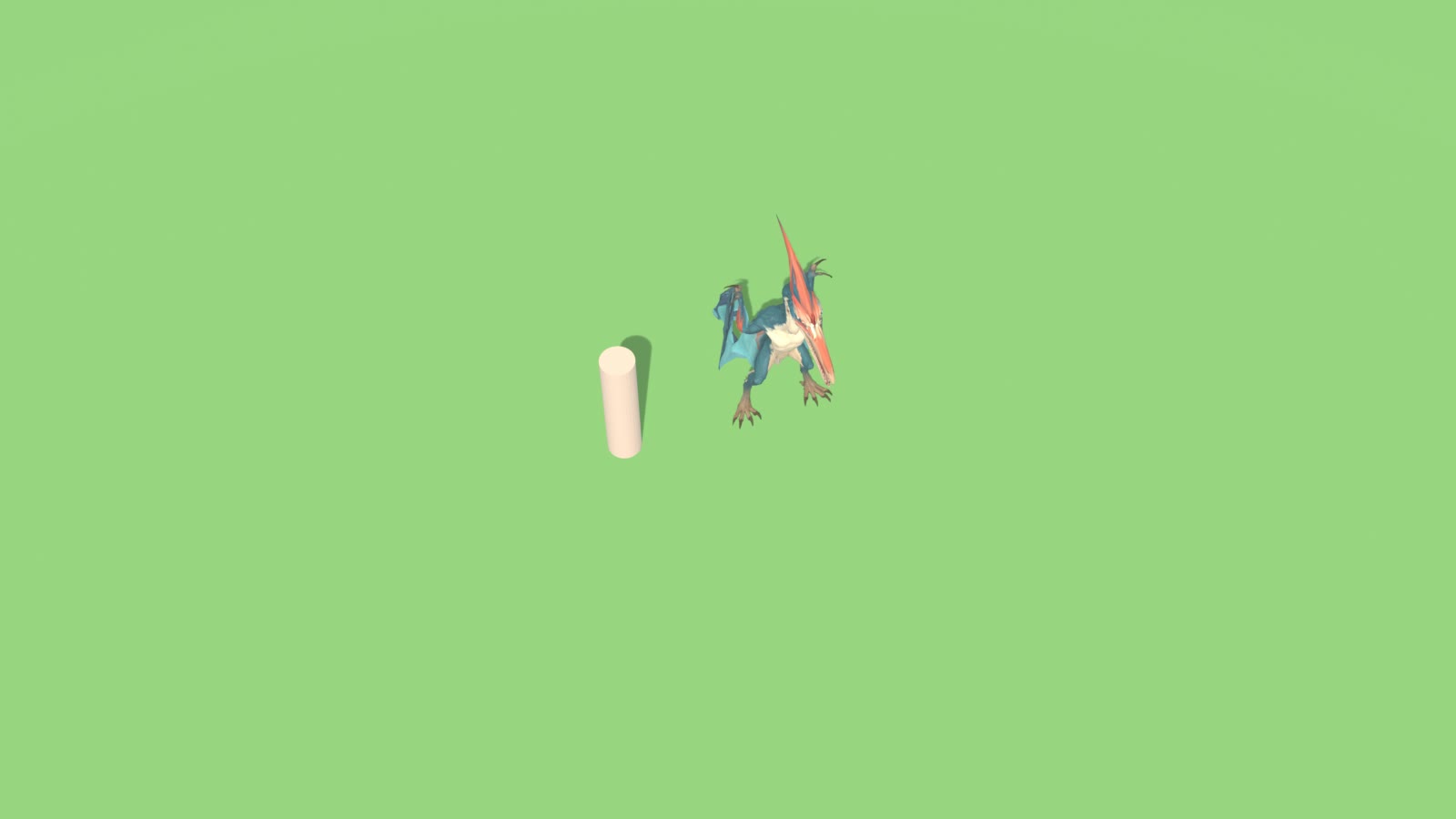
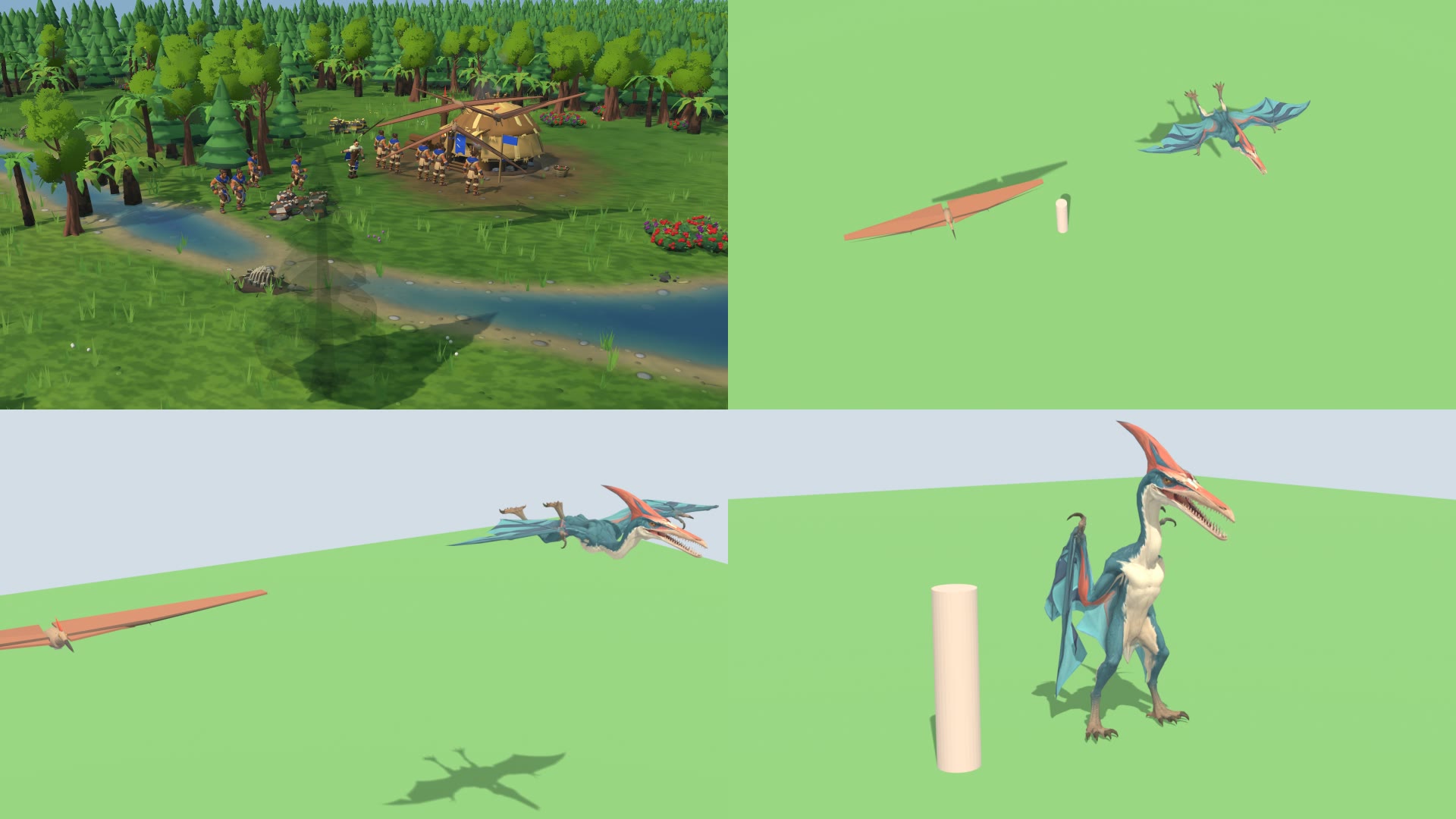
In the test build: the new standing, walk and run.
In the test build: the new standing, walk and run.
In the test build: the new standing, walk and run.
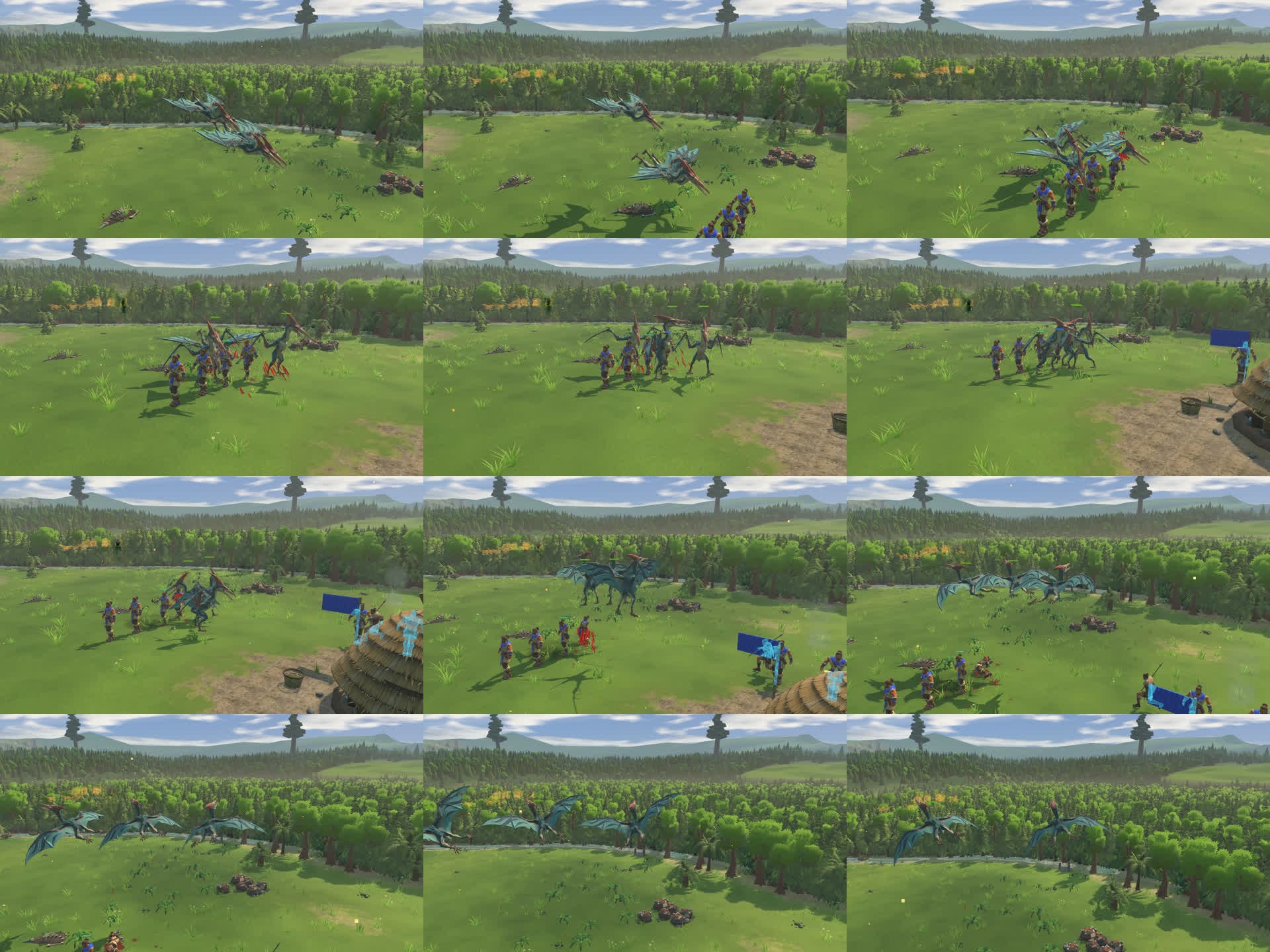
In the test build: the new standing, walk and run.
In the test build: the new standing, walk and run.
In the test build: the new standing, walk and run.
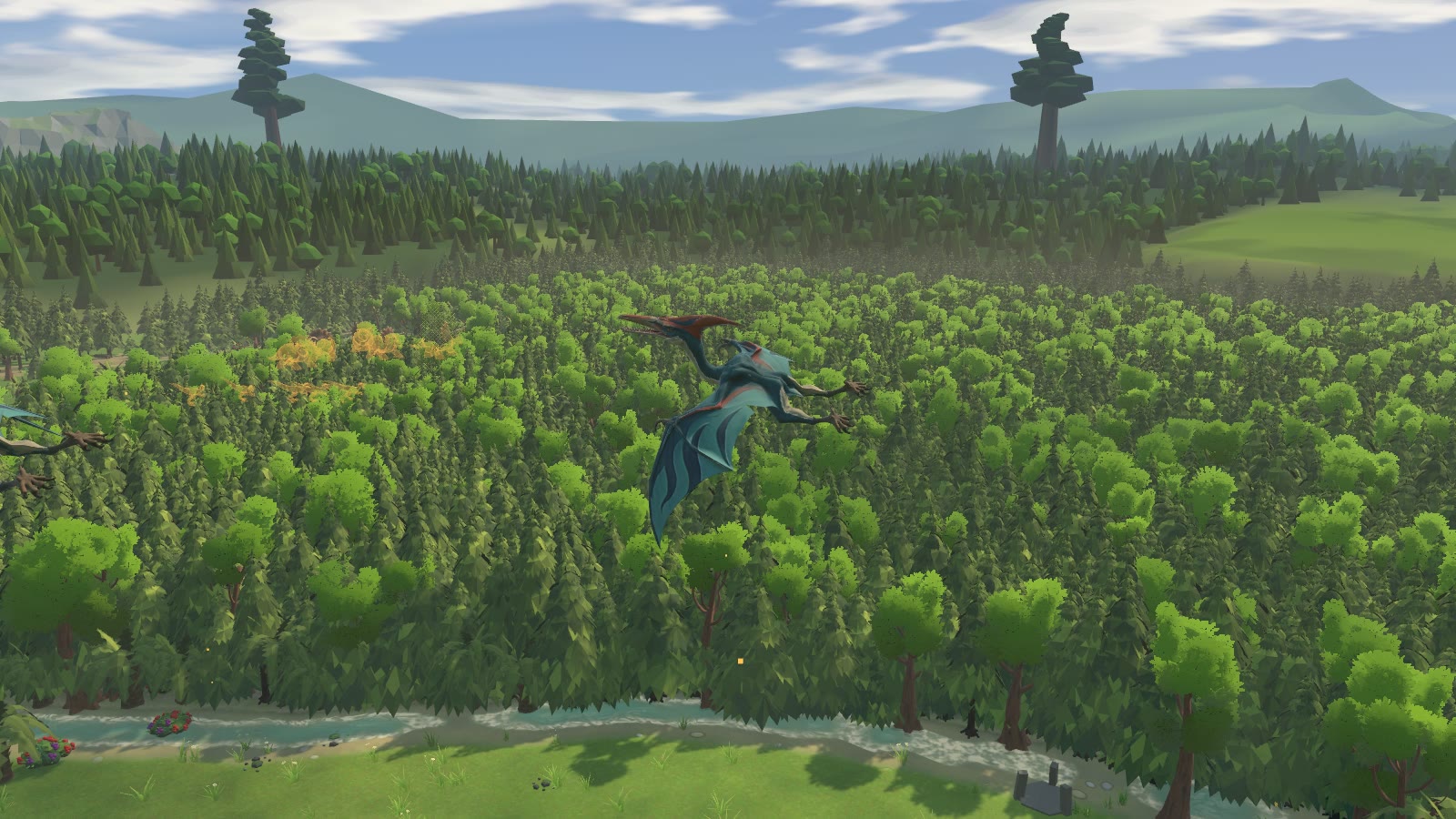
In the test build: the new standing, walk and run.
In the test build: the new standing, walk and run.
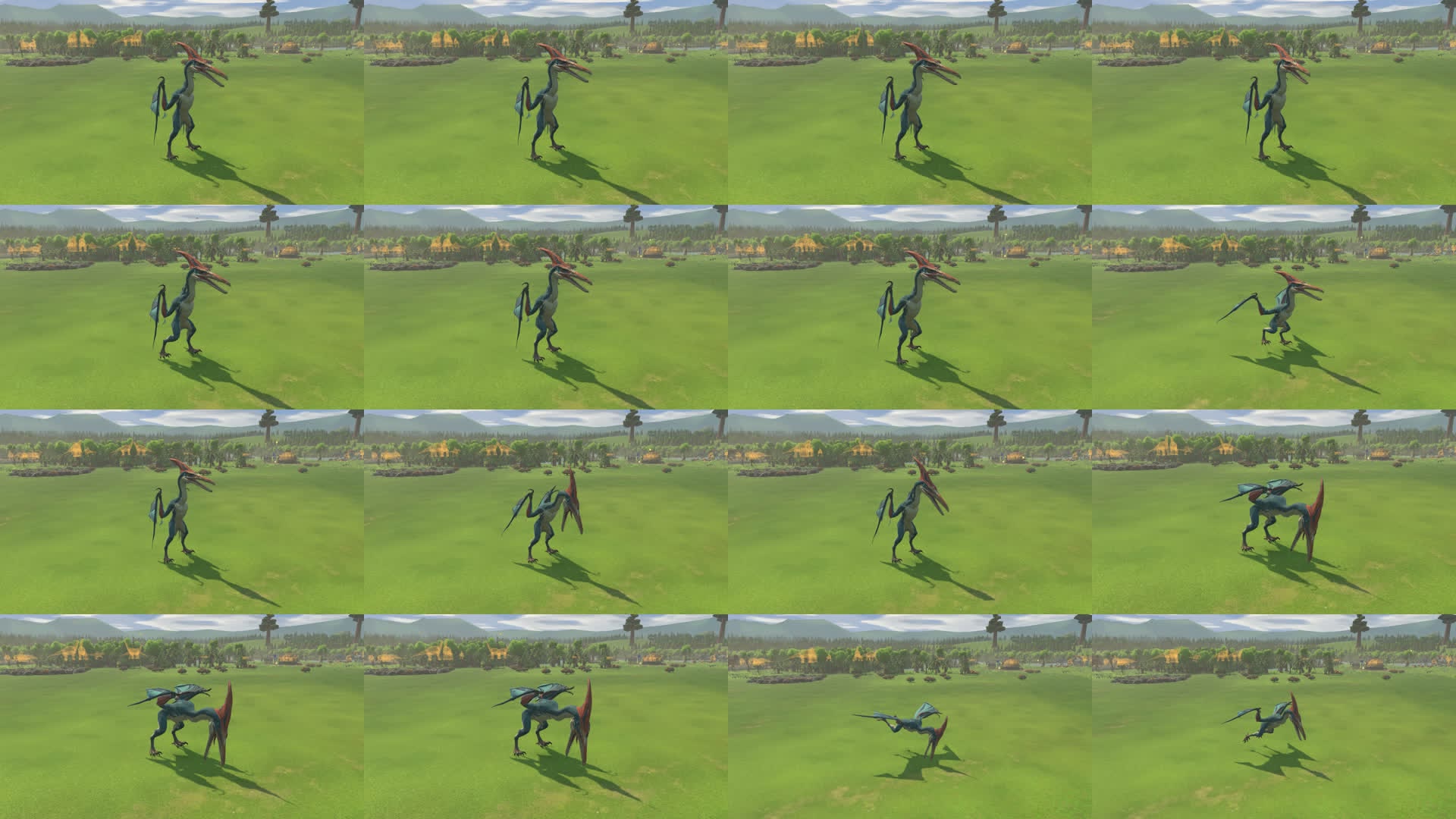
In the test build: the new standing, walk and run.
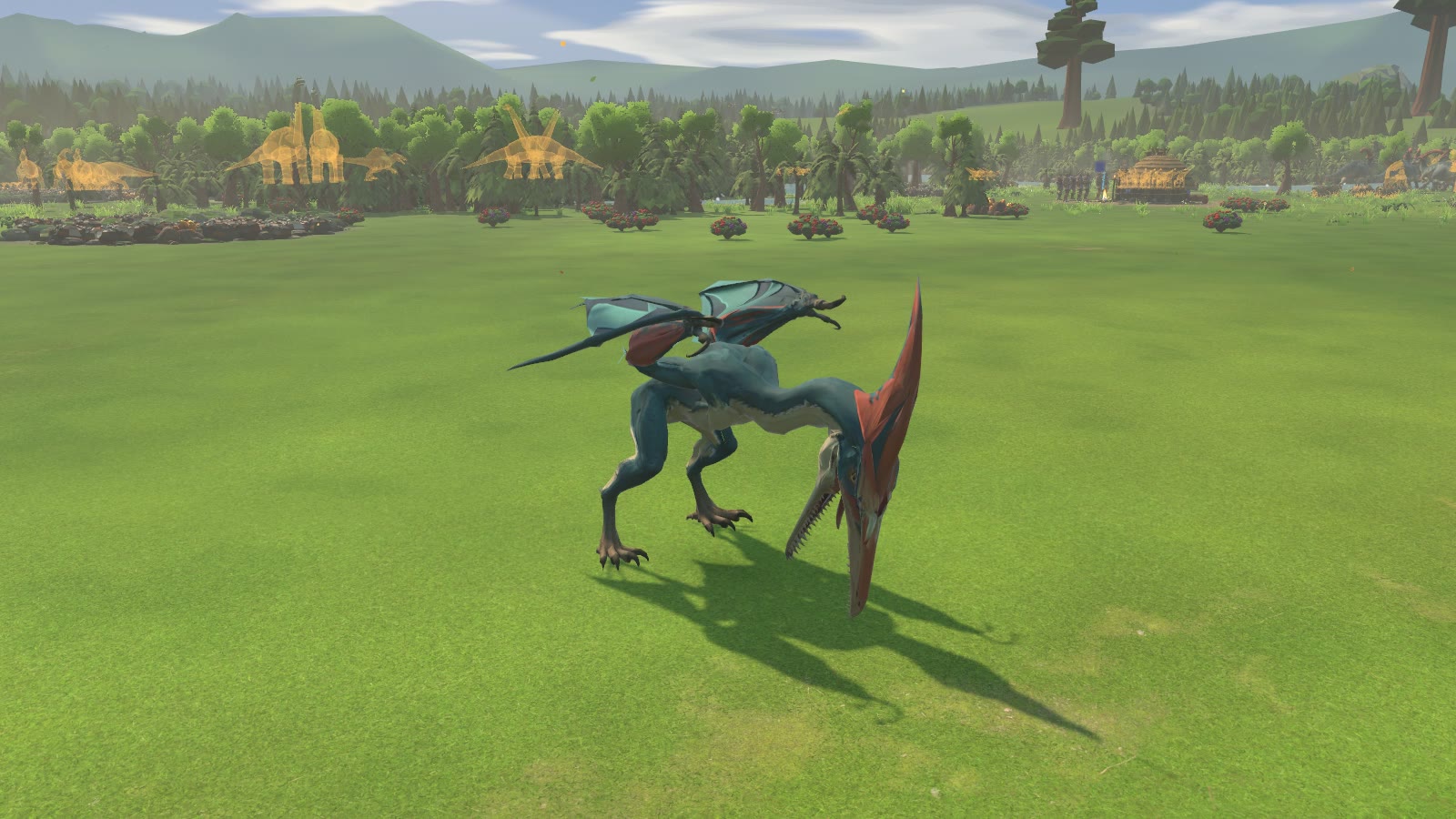
In the test build: the new standing, walk and run.
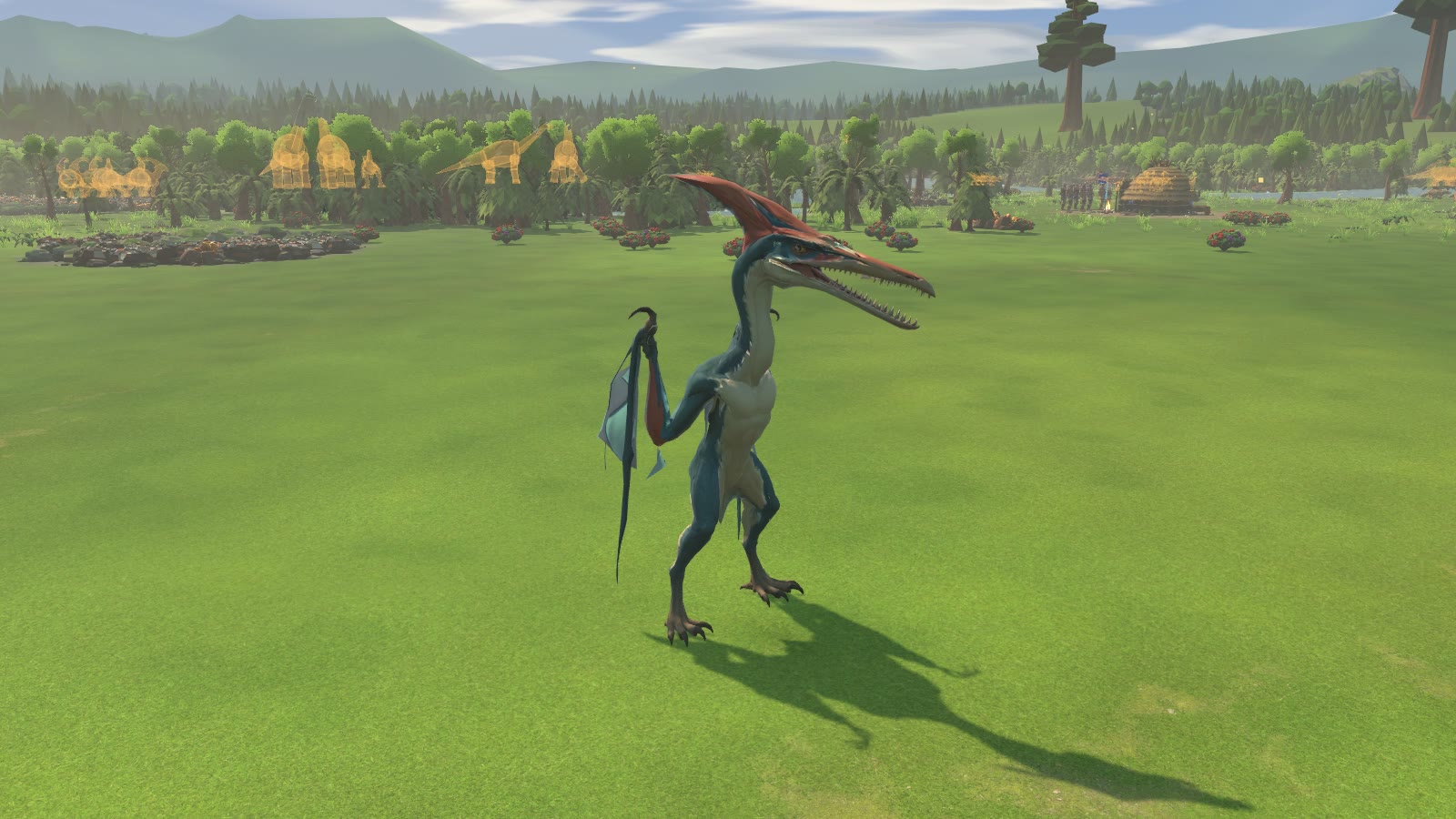
In the test build: the new standing, walk and run.
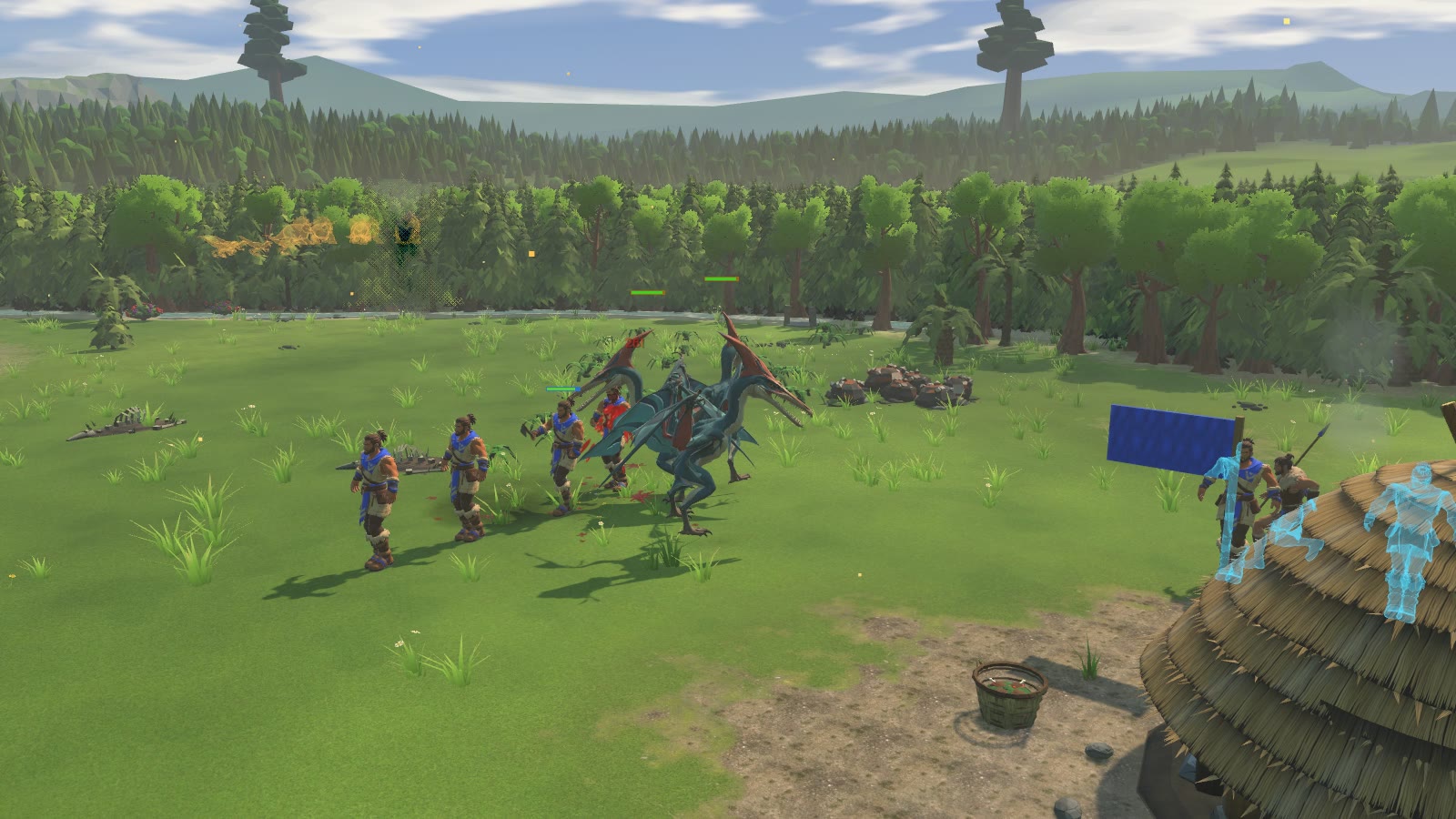
In the test build: the new standing, walk and run.
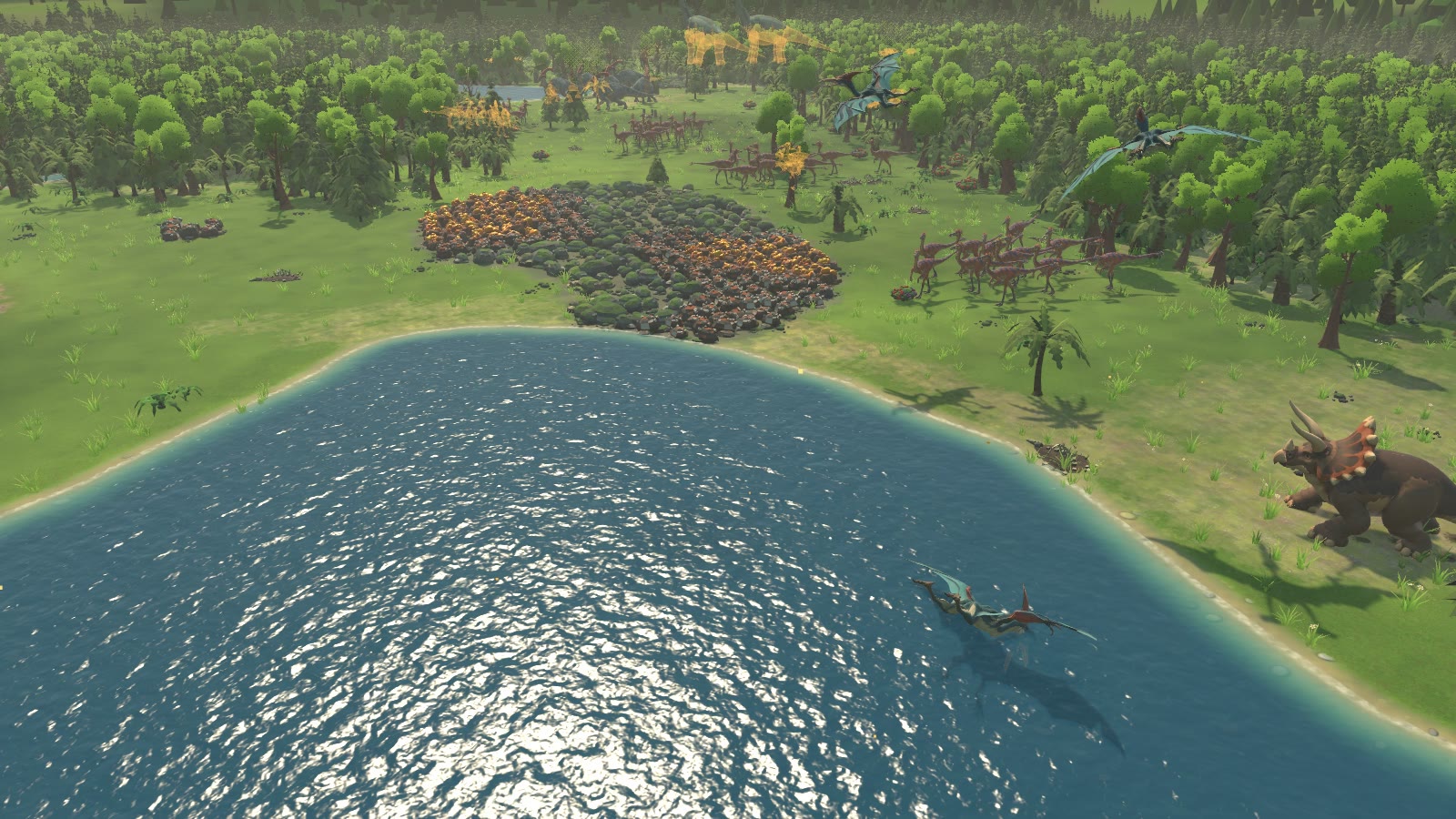
In the test build: the new standing, walk and run.
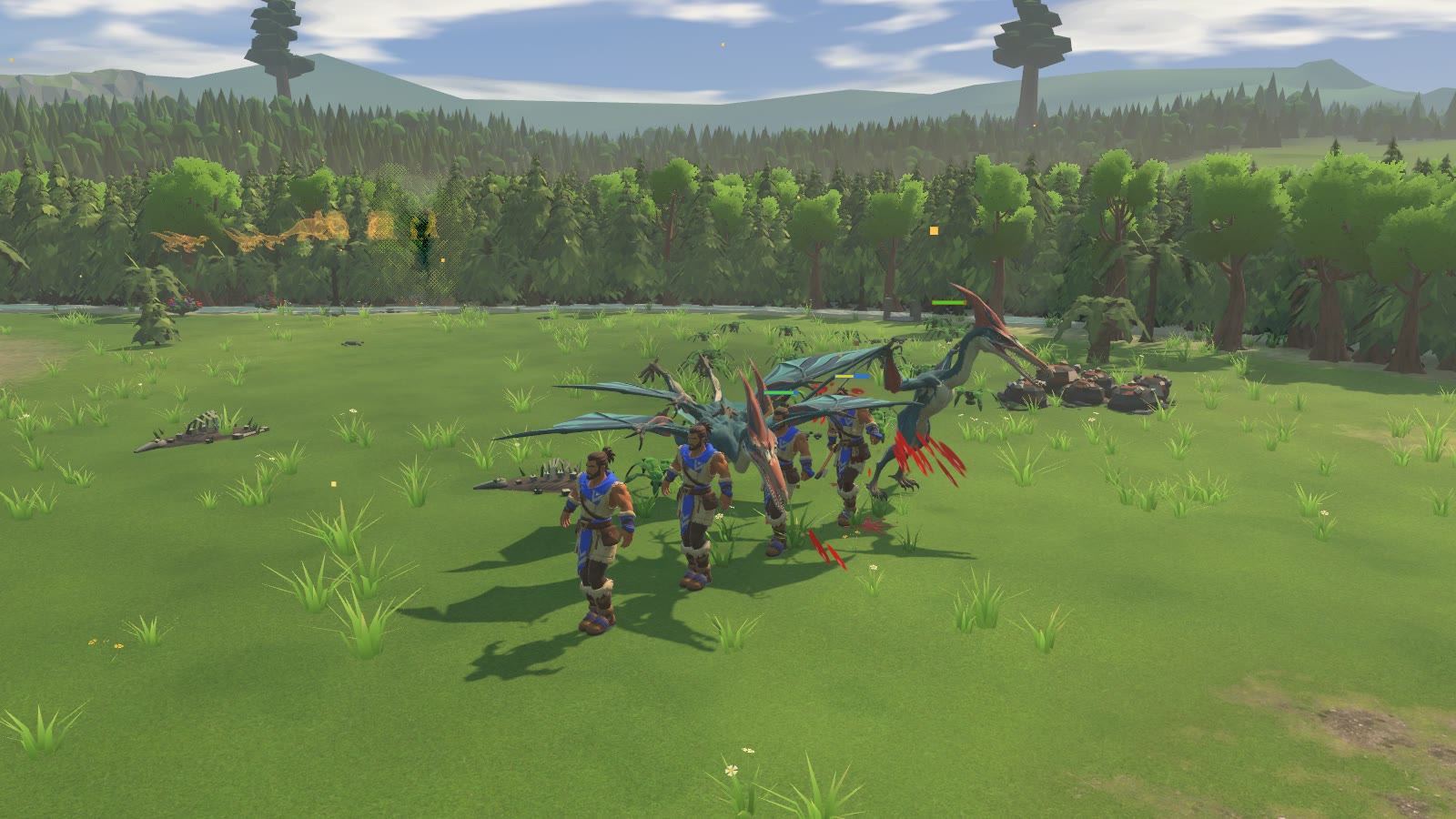
In the test build: the new standing, walk and run.
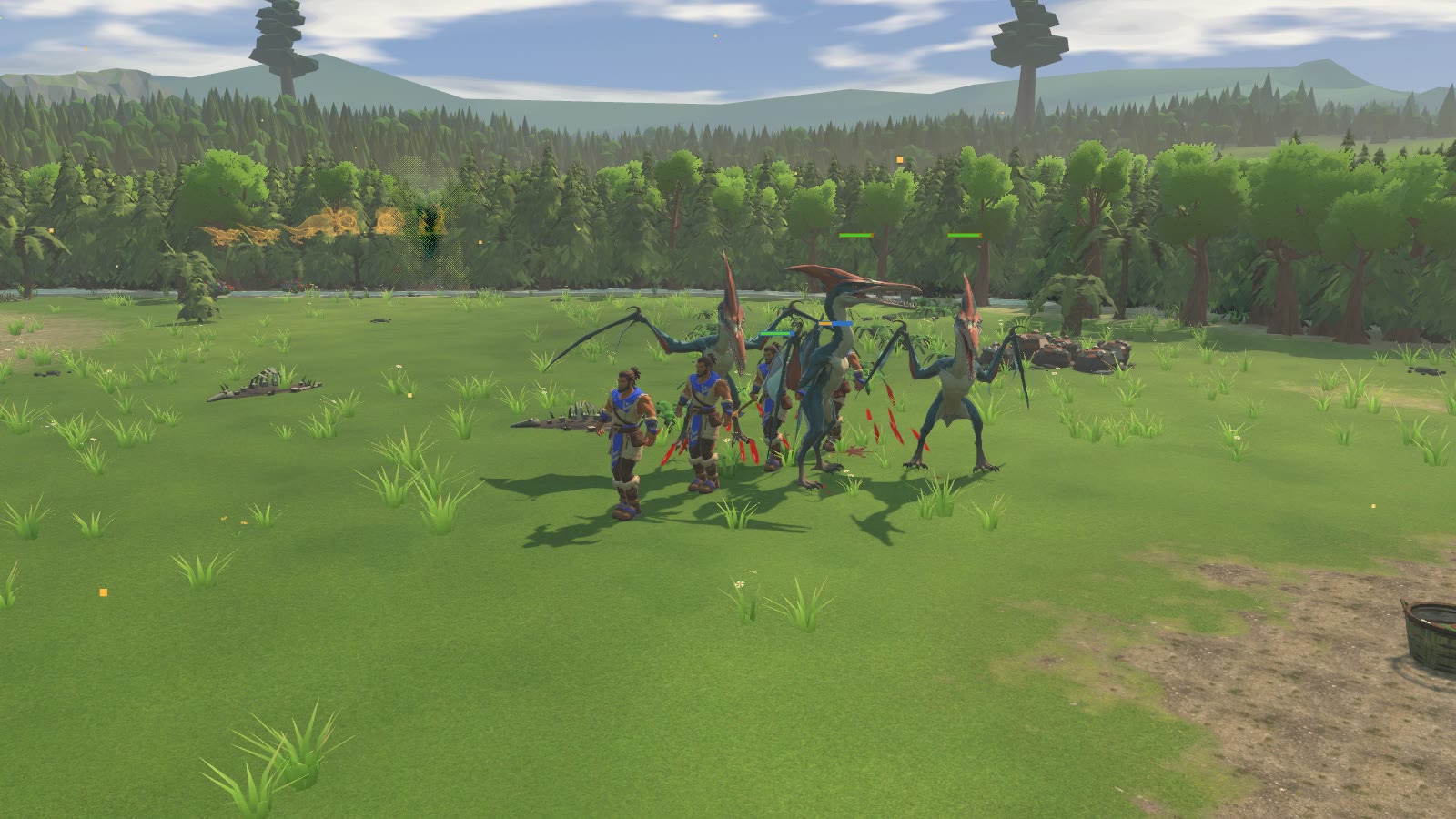
In the test build: the new standing, walk and run.
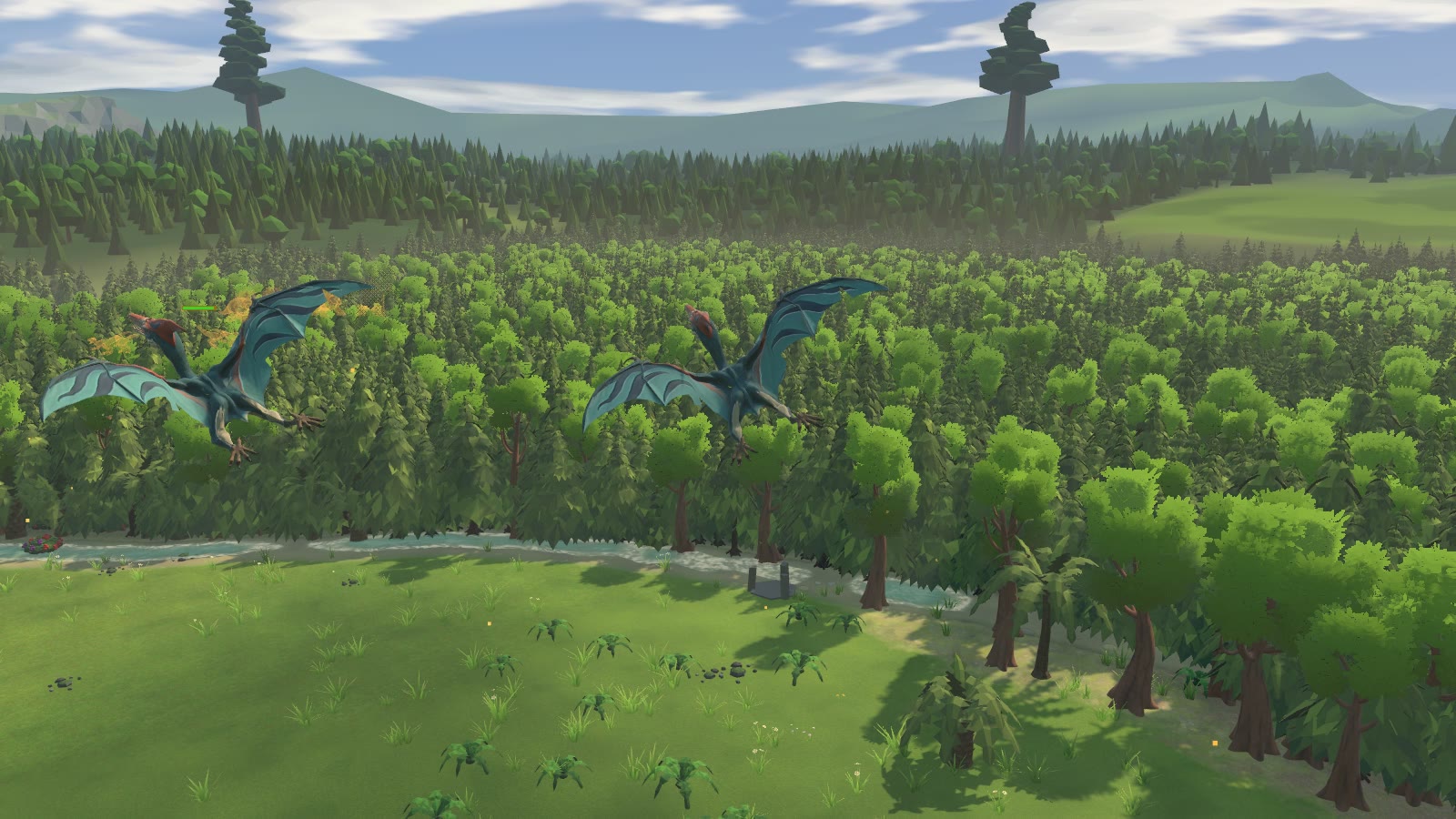
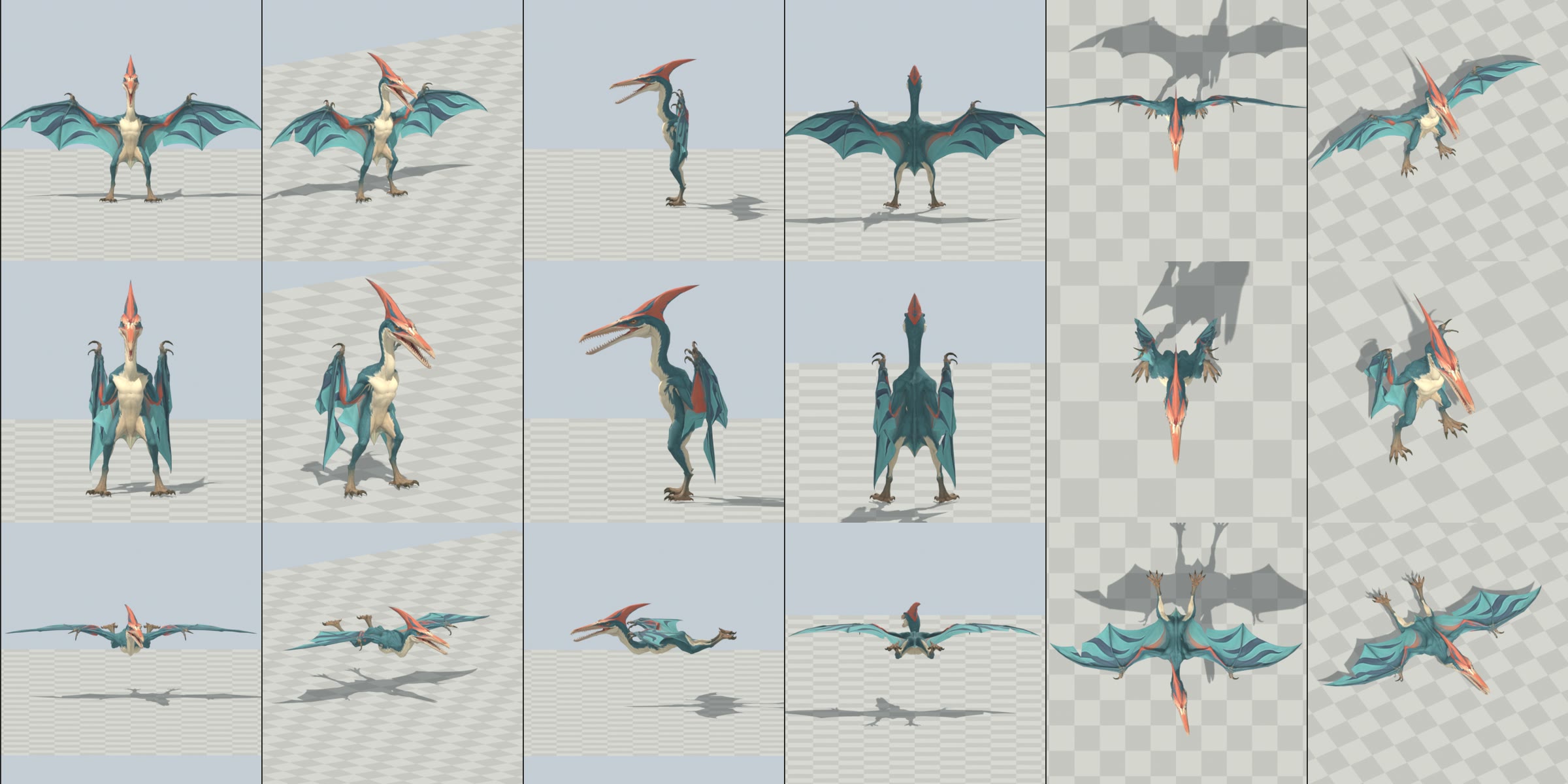
PTERANODON (owner's Tripo model) - check, optimise, rig, animate         2026-11-07
PREVIEW ONLY: nothing is installed in the game (no change in local file: Primeval, PrimevalFriends, PrimevalMirror, Game Art,
Rigging, OneDrive). No commit. Headless Blender 5.1 only (-b --factory-startup), gated on owner_away.ps1, one Blender
at a time.

START HERE
  index.html                      local page: sheets + every clip video (open in a browser on this PC)
  comparison_sheet.png            2x2: top-left = the CURRENT low-poly in game (screenshot 2026-10-14, flock diving
                                  on a hut); top-right = game camera, current low-poly (left, rust boards) vs new (right),
                                  both in flight at the same 6 m span, a 1.8 m villager post between them;
                                  bottom-left = close-up in flight; bottom-right = new one perched beside the villager post
  turnaround.png                  row 1 = rest pose (as sculpted: upright, wings spread), row 2 = perched (wings folded),
                                  row 3 = flight pose; views front / 3-4 / side / back / top / game camera
  clip_sheet_threequarter.png     every clip, 8 frames each, rows in this order:
  clip_sheet_side.png             Idle, Walk, Run, Glide, Flap, TakeOff, Land, Attack, Swoop, Skim, Feed, Death
  local file: PTERA-ALL.mp4            all clips back to back (32 s, 540 px, 30 fps, real speed)
  local file: PTERA-<CLIP>.mp4         one per clip (loops played 2-4 times; Walk/Run on a checker floor that runs at the
                                  clip's ground speed: planted feet hold still = no sliding)
  source_check                   the untouched Tripo model, 6 views (the "is it a pteranodon" check)

1. IS IT A PTERANODON? YES - and it is rig-friendly
  Tripo zip -> one mesh, 52,428 tris, 26,561 verts, one material; 8192 base colour + 4096 normal / metallic /
  roughness. A crested pteranodon-type pterosaur: long beak (sculpted with teeth and the mouth open - real Pteranodon
  was toothless, but it matches the concept sheets), tall swept-back crest, wing finger + membrane, clawed hands at the
  wrist, hind legs with clawed feet. 68 separate tooth islands, everything else one connected skin.
  POSE: standing upright with the WINGS FULLY SPREAD (a T-pose for a flyer) - the best case for rigging: the membrane is
  open and unfused, so it can fold and spread from bones. Not fused to the body anywhere except at its natural roots
  (body side, down to the thigh/knee).
  NOTE ON COLOUR: this zip is the TEAL / CORAL version (the 10:14 concept sheets), not the red/black one in the 10:33
  sheets. I kept the model's own look. If the red/black one is wanted, drop that Tripo zip and the same scripts rebuild
  everything (or a hue swap of the base colour map is possible - ask).

2. GAME-READY MESH AND MAPS
  Decimated (collapse, X-symmetric, UVs kept) 52,428 -> 10,000 tris (FBX re-import: 9,999), 5,216 verts.
  Comparable creature budgets: spinosaurus 9,327, stegosaurus / T-rex similar. Crest, beak, teeth, claws, wing struts
  and the membrane outline all survive (see turnaround and close-ups).
  Maps: base colour 8192 -> 2048, normal 4096 -> 2048 (work files), exported by the game's exporter at 1024 (its rule:
  pteranodon_basecolor.png 1024, pteranodon_normal.png 1024 -> json normal_map true). Metallic / roughness dropped
  (the game's Lit material sets them). No team mask (wild animal).

3. RIG (36 bones: 35 deform + root_CTRL)
  root_CTRL > pelvis > spine > neck_01 > neck_02 > neck_03 > head > jaw, crest ; pelvis > tail_01 (the flap between
  the legs) ; spine > upper_arm.L/R > forearm > hand (wrist claws) / wing_01..wing_04 (the long wing finger, 4 bones)
  / strut_01..02 (the membrane strut the sculpt has) ; pelvis > thigh > shin > foot > toe_2 (owner's dino names; the
  exporter's ground-speed measurement uses toe_2).
  Joints read off gridded orthographic survey renders (2000 px/unit) at the sculpt's landmarks: hip in the top of the
  thigh, knee at the sculpted knee, ankle at the top of the scaly foot, ball under the foot; shoulder at the arm root,
  elbow at the bend in the coral arm band, wrist at the claw cluster; wing finger along the leading edge to the tip.
  Skinning (own script, deterministic, no heat-weighting failures): inverse-distance blend of the nearest bone segments,
  never across the midline, 3 smoothing passes; the beak split along the mouth line (upper beak + upper teeth = head,
  lower = jaw); the crest on its own bone behind the eye; every tooth rigid to head or jaw (68 islands); the wrist
  knuckle carried by the forearm so the finger and the strut can hinge apart without pinching.
  Folding: the wing folds in two stages (spread -> half -> folded) so the long finger swings back and down past the
  body instead of through it; folded it hangs exactly like the concept (claws up at the shoulder, finger down the side
  to the knee). No tearing / holes in any clip (linear skinning cannot tear); worst stretch is on 1 mm edges at the
  wrist knuckle (a few cm at game size, not visible); back views of the fold / unfold are clean.

4. CLIPS (30 fps, NO root motion; ground speed in game m/s at the export scale)
  code            frames  seconds  notes
  PTERA-IDLE        73    2.400   perched, wings folded: two breaths, looks about, one beak clack, crest follows
  PTERA-WALK        33    1.067   bipedal waddle on the hind legs, wings folded, bird-like head bob; 0.817 m/s
                                  (measured planted-ball pace = json 0.817, slide <= 3 cm)
  PTERA-RUN         21    0.667   bounding run-up, wings half open for balance; 2.801 m/s
  PTERA-GLIDE       61    2.000   loop: wings held out, tips easing, small roll/pitch drift, head looking about
  PTERA-FLAP        29    0.933   loop: one full wingbeat = 1.07 Hz (the game's RigAnimator beat is 1.08-1.22 Hz),
                                  upstroke +40 deg with the outer wing drawn back, downstroke -28 deg, body rises on
                                  the downstroke. Mix Glide <-> Flap by the game's Flap 0..1 (c.Flap)
  PTERA-TAKEOFF     41    1.333   crouch 0.23 s (game PteraCrouchSeconds 0.22), spring off the legs, wings open, two
                                  power strokes, ends at the top of a stroke close to Flap's first frame (blend 0.1-0.2 s)
  PTERA-LAND        41    1.333   from Glide: flare (nose up, wings cupped forward, legs reaching), braking strokes,
                                  touchdown dip at 0.67 s, wings fold by 1.2 s, ends close to Idle's pose
  PTERA-ATTACK      28    0.900   ground peck (the game's peck every 0.9 s): wind-up, strike, beak snaps at 0.400 s
                                  (impact_seconds 0.4)
  PTERA-SWOOP       49    1.600   WildAttack.Swoop dive (the game's 1.6 s dive window): wings swept back, then pulls
                                  out, legs forward, beak snap at 1.400 s (impact_seconds 1.4)
  PTERA-SKIM        37    1.200   WildAttack.Skim fishing pass: head down, beak in the water at 0.400 s (impact), snap,
                                  head toss to swallow, one stroke to climb
  PTERA-FEED        61    2.000   loop: at a carcass, body tipped forward, beak solved to the ground (z 0.016), pecks and
                                  two tearing tugs
  PTERA-DEATH       46    1.500   jolt, collapses forward onto its belly, wings half spread on the ground, head flops to
                                  the side; nothing goes through the ground (lowest vertex -1.5 cm)
  Flight clips hold the body pitched 84 deg (horizontal) with the hips 1.5 m above the model origin; the game moves
  the model's transform to the flight altitude as it does now.
  Motion reference: the owner's private pterosaur flyover reel (private reference library, viewed only, nothing copied) for the
  stroke shape (deep upstroke, wings drawn in on the way up); timing follows the game's own numbers above.

5. SIZE (decide before install)
  Exported at height 3.309 m = a 6.0 m wingspan, the same span as the current low-poly (6.0 x 1.5 m in flight).
  Standing, this sculpt is tall (long legs and neck, crest): 3.3 m to the crest tip, ~2x a villager (see
  comparison_sheet bottom-right). If it should stand smaller, re-export with a smaller height (one number), e.g.
  2.5 m tall = 4.5 m span. The game's EstimateHeight(Pteranodon) is 1.4 m (the low-poly's flight height) and
  EstimateLength 2.2 m - both need updating with the new numbers.

6. INSTALL NOTES (for when it is approved - not done)
  a. Files: local file: {pteranodon.fbx, pteranodon_basecolor.png, pteranodon_normal.png, pteranodon.json} ->
     local file: pteranodon ; DetailedUnitBuilder makes the prefab/controller/library entry.
     (Rebuild from the blend: blender -b --factory-startup local file: ptera_clips.blend
      -P local file: export_detailed_unit.py -- pteranodon <STAGING dir> 3.309 Tripo Idle=Idle@30
      Walk=Walk@30 Run=Run@30 Glide=Glide@30 Flap=Flap@30 TakeOff=TakeOff@30 Land=Land@30 Attack=Attack@30
      Swoop=Swoop@30 Skim=Skim@30 Feed=Feed@30 Death=Death@30   - always into a staging dir, then copy.)
  b. CODE NEEDED: today the pteranodon is drawn only by RigAnimator.Pteranodon (procedural low-poly), and the detailed
     renderer has no flyer. A detailed pteranodon needs, in DetailedUnits / UnitRenderer:
     - airborne states: Glide and Flap as a 1D blend on the existing c.Flap (0 glide, 1 beating), entered when
       Flight.Air > 0.5; TakeOff played from the crouch (Flight.Crouch / the vault) and Land from the flare
       (Flight.Flare) into the ground states; bank/pitch (c.Bank, c.Pitch from SteerFlyers) applied to the model's
       root transform as now (the clips are level, no bank baked in);
     - ground states: Idle / Walk / Run (Run = the hop-run before take-off and the touchdown run-out), Attack = the
       peck, Feed when landed at a carcass (LivingWorld.Landing), Death (the existing drop-from-the-sky stays code);
     - moves from the WildMove event clock: Swoop (WildAttack.Swoop) and Skim (WildAttack.Skim, the fishing pass) -
       same pattern as the spinosaurus' Skim clip;
     - EstimateHeight/Length and the selection ring / health bar height for the chosen size; the mouth tip the builder
       measures from the jaw (MouthTip) for Feed's reach.
     - Keep the low-poly as the Classic / -classicUnits fallback.
  c. Foot contacts: run local file: foot_contacts.py on the staged FBX if FootPlant should know it
     (Walk L/R half a cycle apart, duty 0.62; Run duty 0.45).

WORKING FILES (local file: pteranodon)
  _src  copy of the zip + its extract (read only)      local file: ptera_lo.blend  decimated mesh + 2K maps (local file: tex)
  local file: ptera_rig.blend  rig + weights                    local file: ptera_clips.blend  THE RIGGED FILE (rig + all 12 clips)
  local file: pteranodon  staged export (same as staged_export here)        removed  superseded files (nothing deleted)
  scripts  prep.py (decimate/maps), rig.py (bones + skin), anim.py (all clips, procedural, rebuildable), review.py
  (sheets/frames/turnaround), compare.py, verify.py (pace, ground, stretch), verify_fbx.py, survey.py / crop.py
  (joint survey renders), encode_video.py, render_videos.ps1, export_detailed_unit_copy.py (unchanged copy of the
  game's exporter, used against the staged blend only).
  Rebuild chain: prep.py -> rig.py -> anim.py -> export (all headless, each writes a new file, never over its input).

OPEN QUESTIONS FOR THE OWNER
  - Colour: keep this teal/coral model, or use the red/black concept (needs that Tripo export)?
  - Size: 6 m span / 3.3 m standing as exported, or smaller?
  - Ground gait: it walks upright on its hind legs like the concept art; the current low-poly walks on its folded
    wings (all fours). Upright kept to match the art - say if a quadrupedal walk is wanted.
  - The sculpted mouth is open with teeth; idle holds it slightly closed (8 deg) - fully closed would clip the teeth.
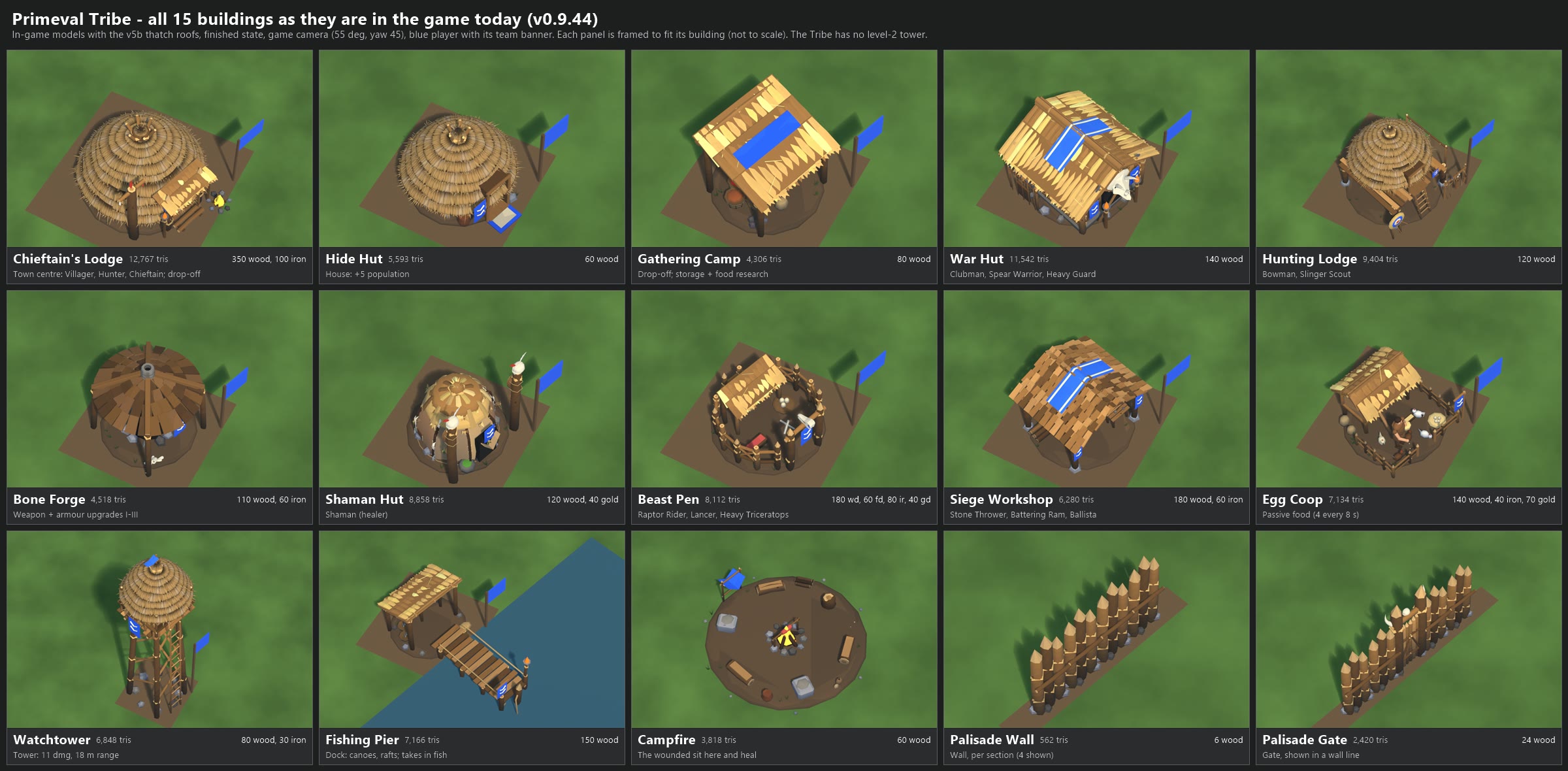
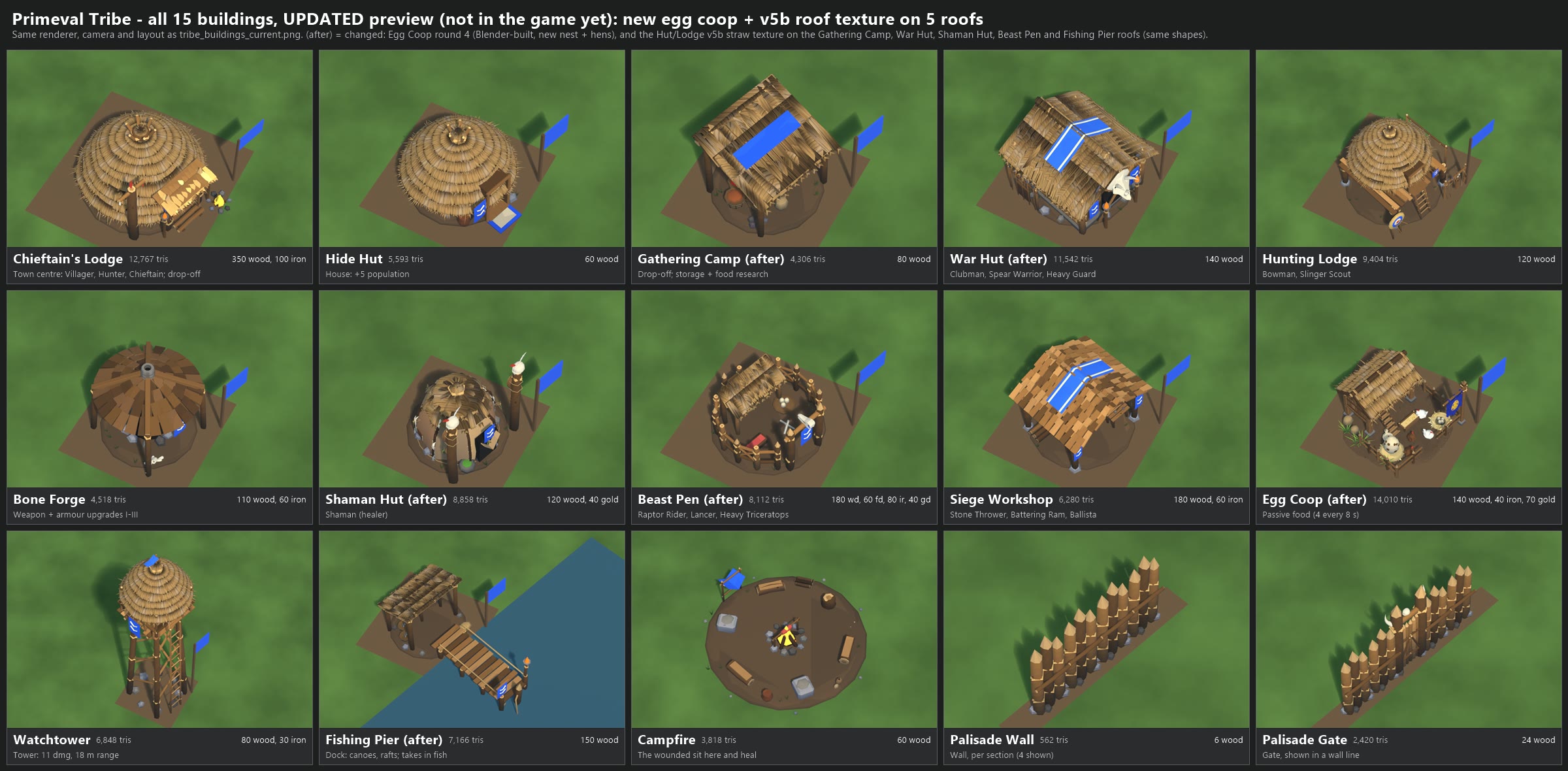
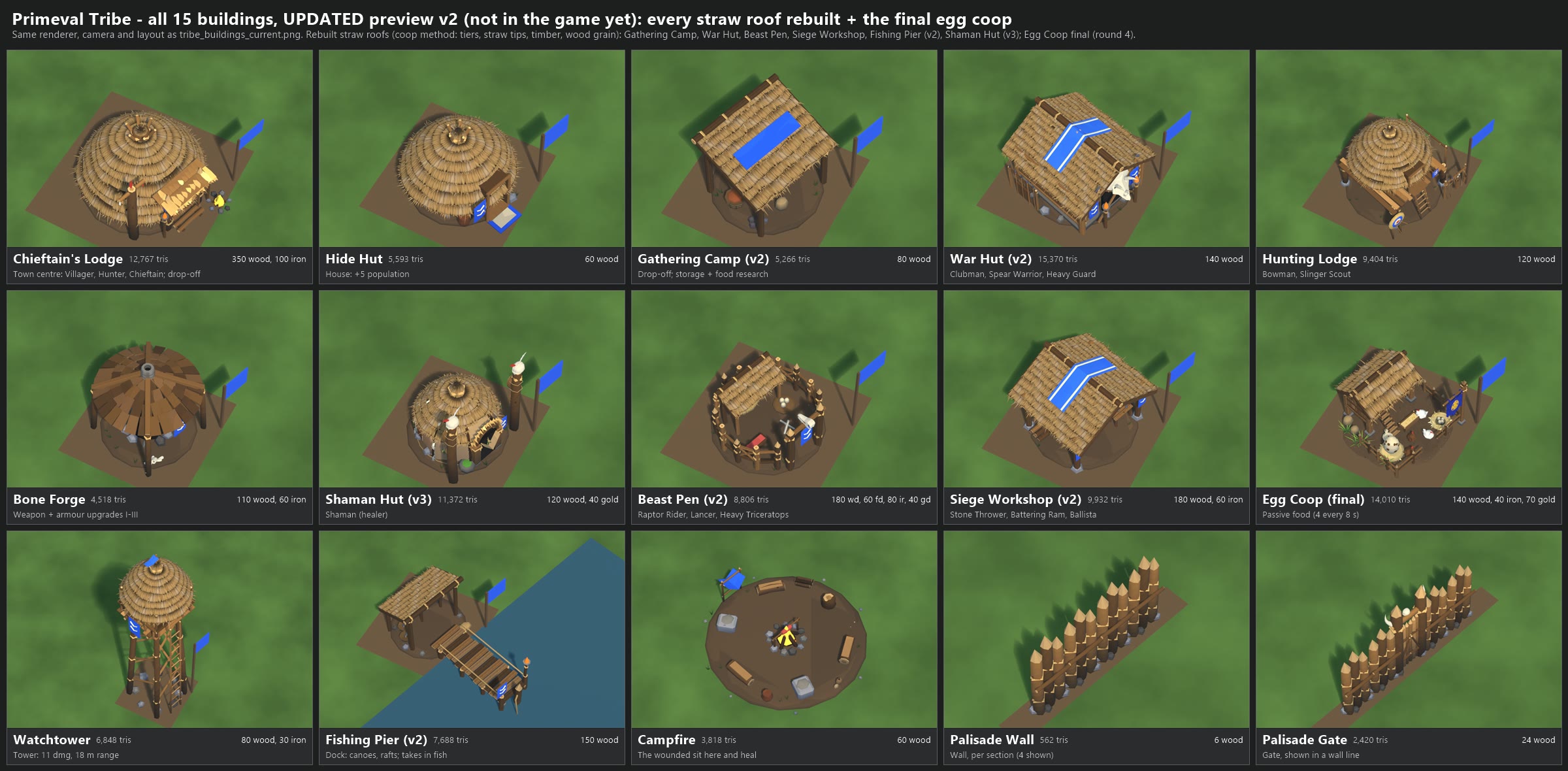
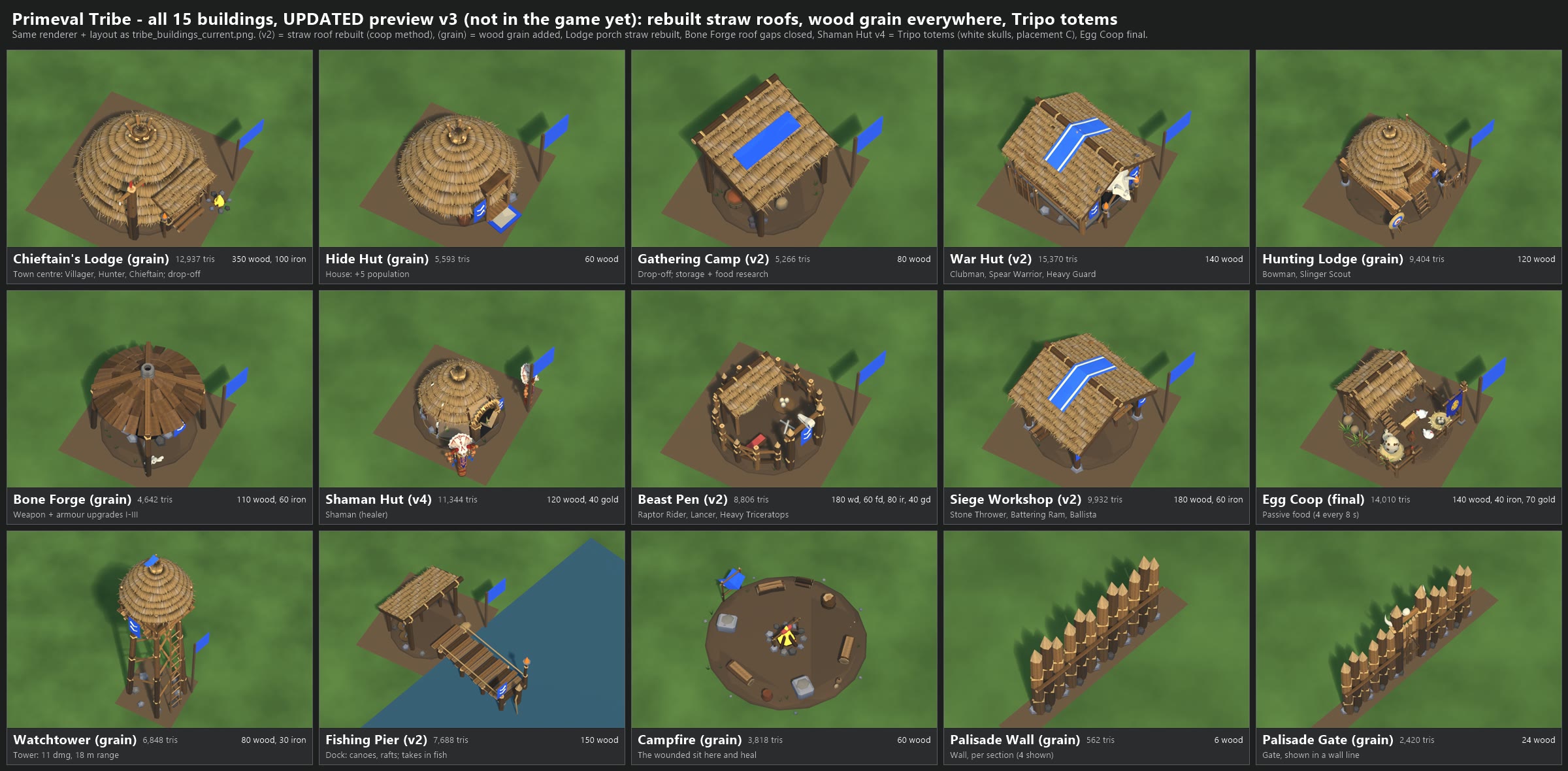
PRIMEVAL TRIBE BUILDINGS - AS THEY ARE IN THE GAME TODAY (v0.9.44), 2026-11-07
Image: tribe_buildings_current.png (2400 x 1180). Nothing in the game was changed.

All 15 Tribe buildings, each finished, from the game camera (55 degrees down, turned 45 degrees like the RTS camera),
as the blue player. Each panel is framed to fit its own building, so the panels are NOT to scale with each other.
The Tribe has no level-2 tower: the game defines one only for the Orcs (the War Tower).

  #  Building           Role                                            Cost                                  Cells  Tris
  1  Chieftain's Lodge  Town centre: Villager, Hunter, Chieftain; drop-off 350 wood, 100 iron                   5x5  12,767
  2  Hide Hut           House: +5 population                             60 wood                              3x3   5,593
  3  Gathering Camp     Drop-off; Storage Pits, Smoking Racks, Fish Weirs 80 wood                             3x3   4,306
  4  War Hut            Clubman, Spear Warrior, Heavy Guard              140 wood                             4x4  11,542
  5  Hunting Lodge      Bowman, Slinger Scout                            120 wood                             4x4   9,404
  6  Bone Forge         Weapon + armour upgrades, tiers I-III            110 wood, 60 iron                    3x3   4,518
  7  Shaman Hut         Shaman (healer)                                  120 wood, 40 gold                    3x3   8,858
  8  Beast Pen          Raptor Rider, Ceratopsian Lancer, Heavy Triceratops 180 wood, 60 food, 80 iron, 40 gold 4x4  8,112
  9  Siege Workshop     Stone Thrower, Battering Ram, Ballista           180 wood, 60 iron                    4x4   6,280
 10  Egg Coop           Passive food: 4 every 8 s                        140 wood, 40 iron, 70 gold           3x3   7,134
 11  Watchtower         Tower: 11 damage, 18 m range                     80 wood, 30 iron                     2x2   6,848
 12  Fishing Pier       Dock: Dugout Canoe, Reed Raft; takes in fish     150 wood                             3x3   7,166
 13  Campfire           The wounded sit and heal (Call the Wounded)      60 wood                              2x2   3,818
 14  Palisade Wall      Wall, per one-cell section (4 shown)             6 wood                               1x1     562 per section
 15  Palisade Gate      Gate (shown in a wall line)                      24 wood                              1x1   2,420

How it was made, and what matches the game
  - The models are the game's own files, read only from local file: PrimevalMirror (the source of the 09:48 v0.9.44 build):
    Assets/_Primeval/Art/Rigs/<key>.fbx. They were rendered in headless Blender; no Unity run was needed.
  - v5b thatch roofs: these are NOT generated at runtime. They are baked into the model files plus a painted texture and
    a normal map (<key>_baked.png + <key>_baked_normal.png), and both are used here. That covers the Lodge, Hide Hut,
    Hunting Lodge and Watchtower. The Shaman Hut has a baked texture but no normal map. The flat thatch roofs (Gathering
    Camp, War Hut, Beast Pen, Siege Workshop, Egg Coop) are still the older style; the egg coop redesign is not in the
    game yet.
  - Added the same way the game adds them at runtime: the team banner on a pole at each building's corner (not on the
    campfire, walls or gate), the player colour on the palette's team and Tribe-cloth cells (roof strips, flags, hides),
    the earth pad under each building, and walls/gates as 1 m pieces along a line.
  - Not reproduced exactly: the game's surface-detail texture (fine wood grain and straw noise on the flat-coloured
    parts), the 1-3 random props and edge stones placed around each building (they differ per building), animated
    fire/smoke (shown as simple glowing stand-ins), and real terrain/water (the pier's water is a flat blue plane).

Scripts (re-run): local file: render_tribe.py (blender -b --factory-startup) and
make_sheet.ps1; single renders in local file: out.

CORRECTION (added 2026-11-08): this sheet leaves out the white Tribe chevron pattern the game paints on the blue team-colour
strips (for example the roof strips on the Gathering Camp, War Hut and Siege Workshop). In play those strips carry
chevrons; on this sheet they are plain blue. The buildings themselves are correct.
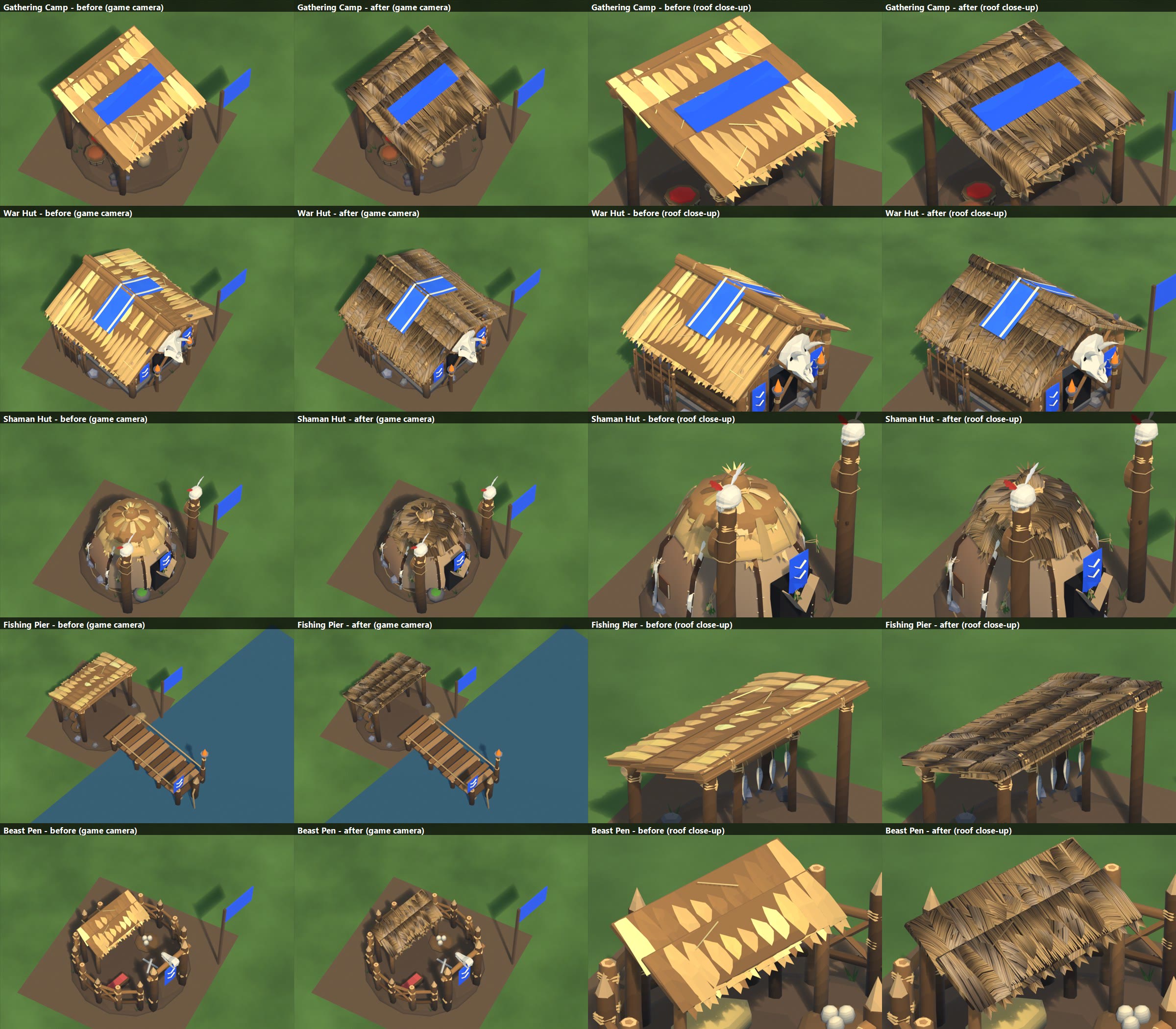
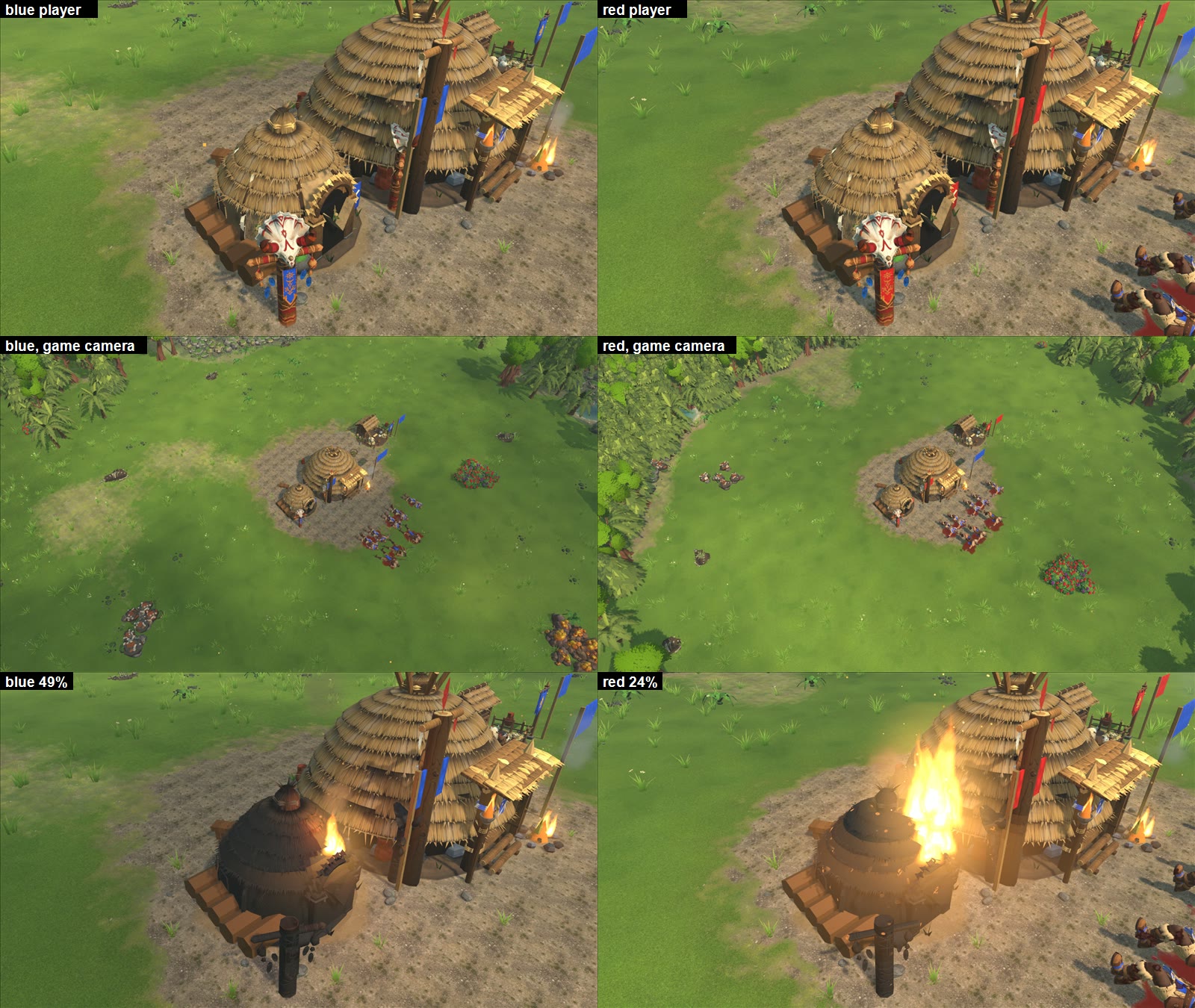
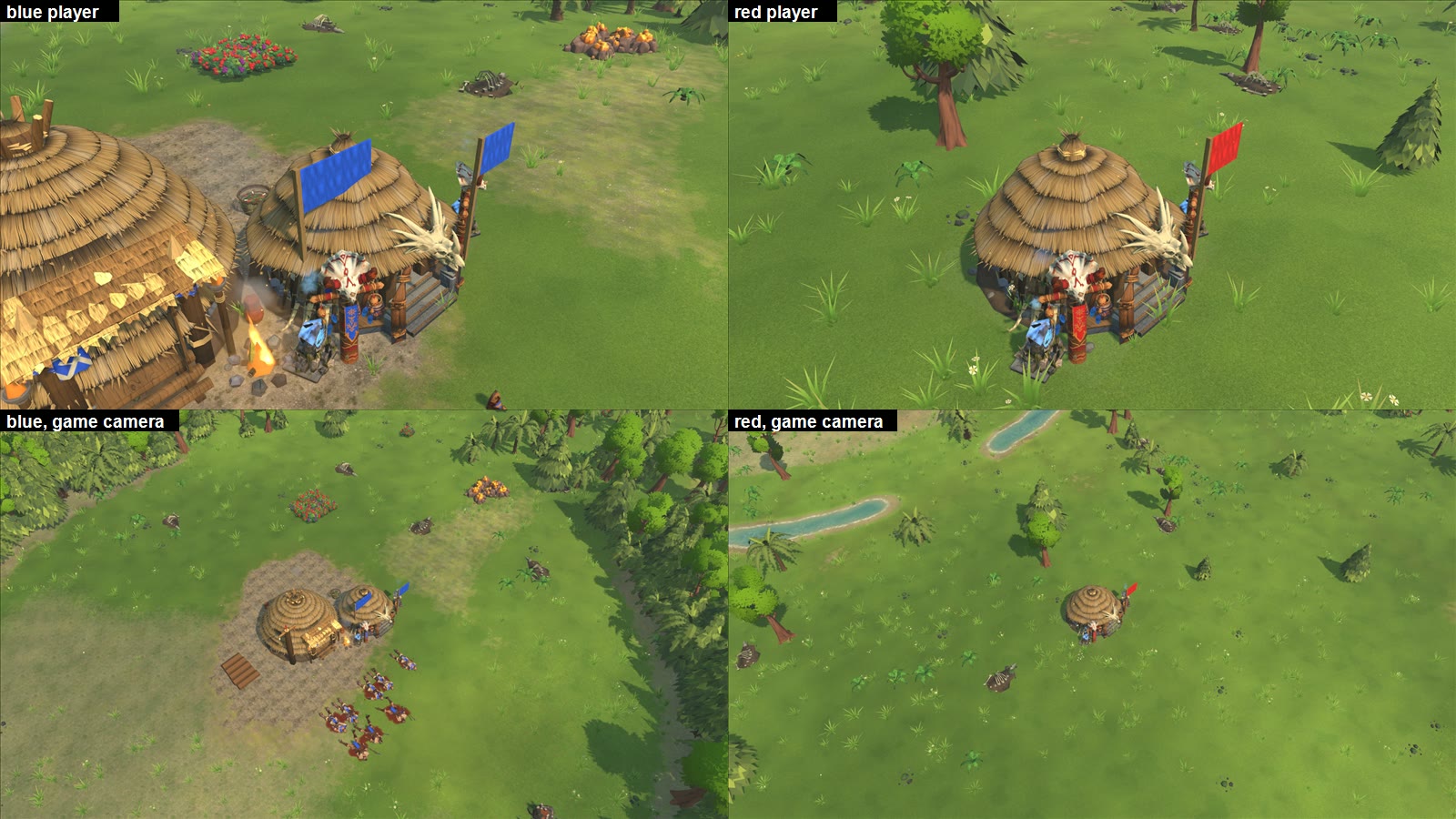
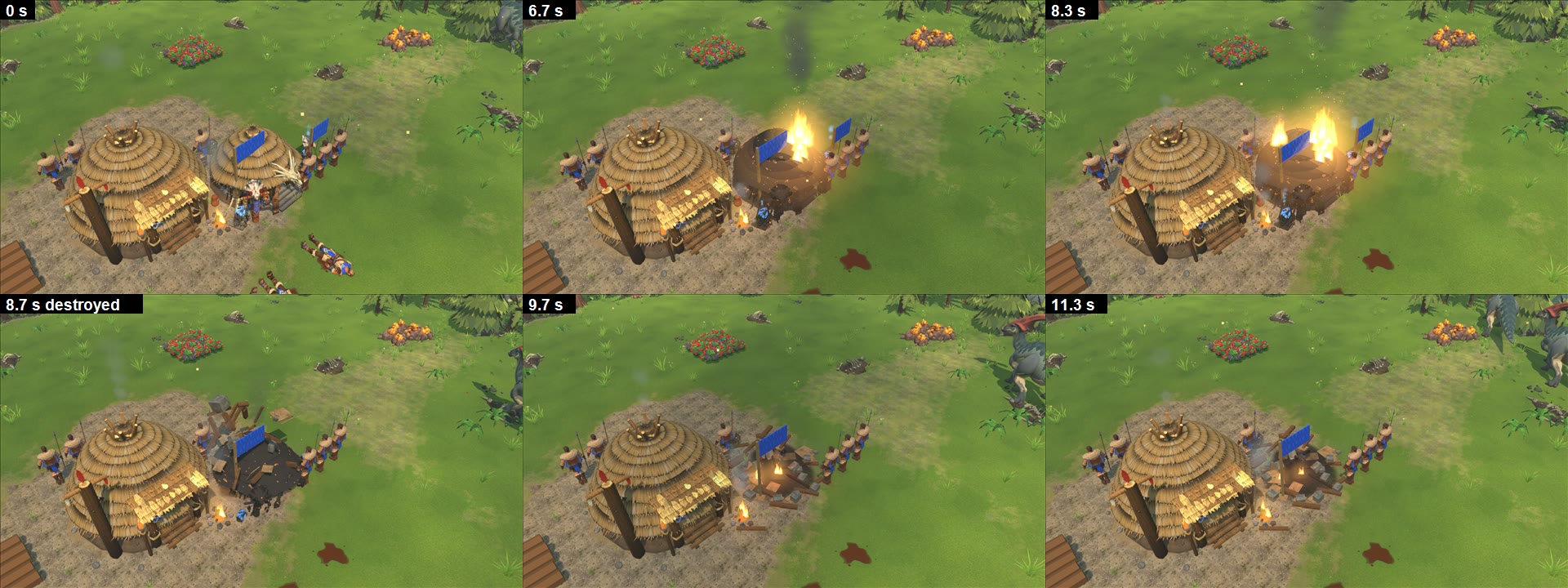
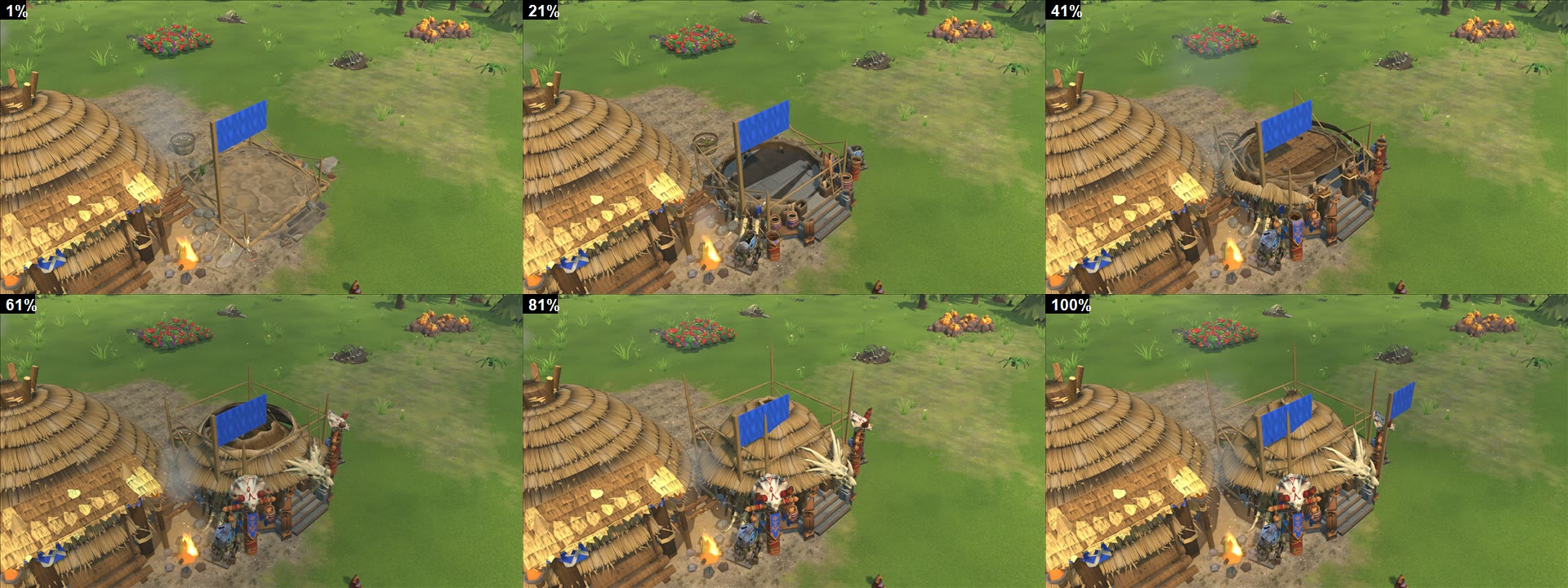

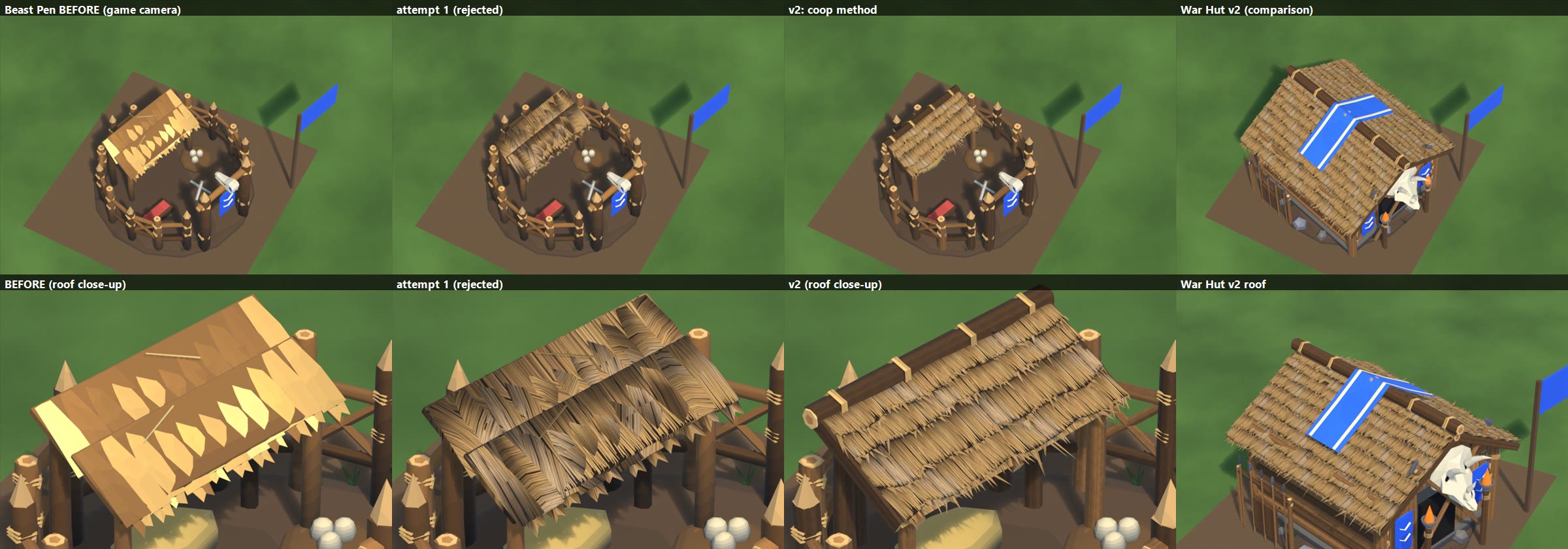
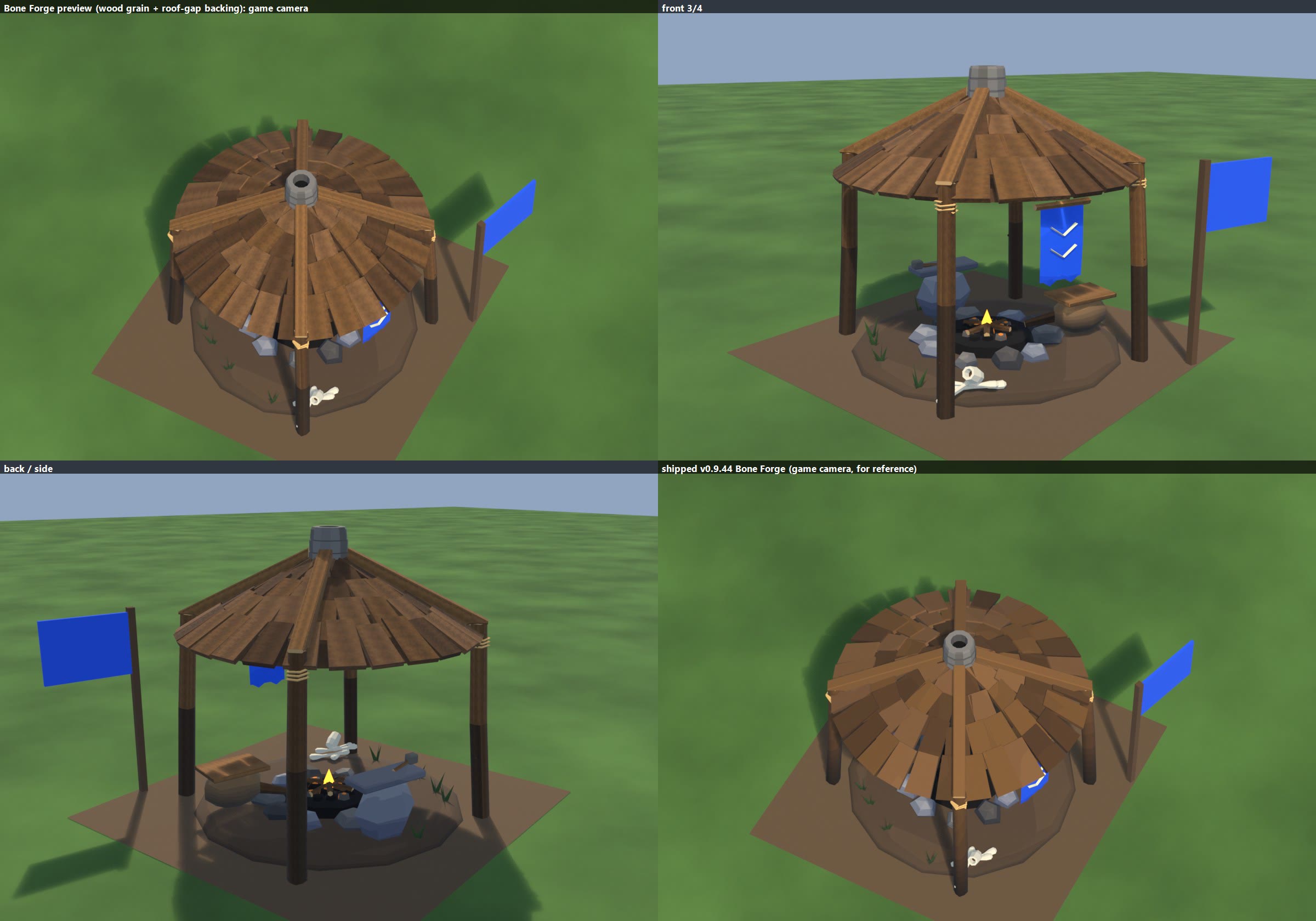
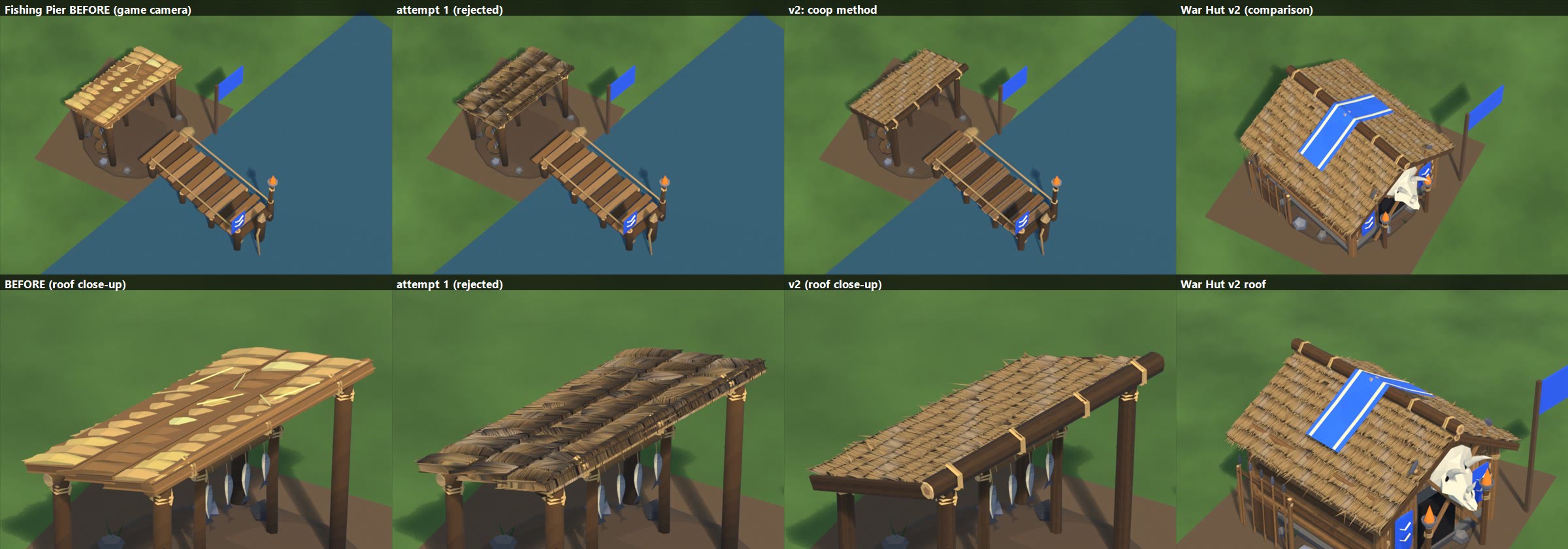
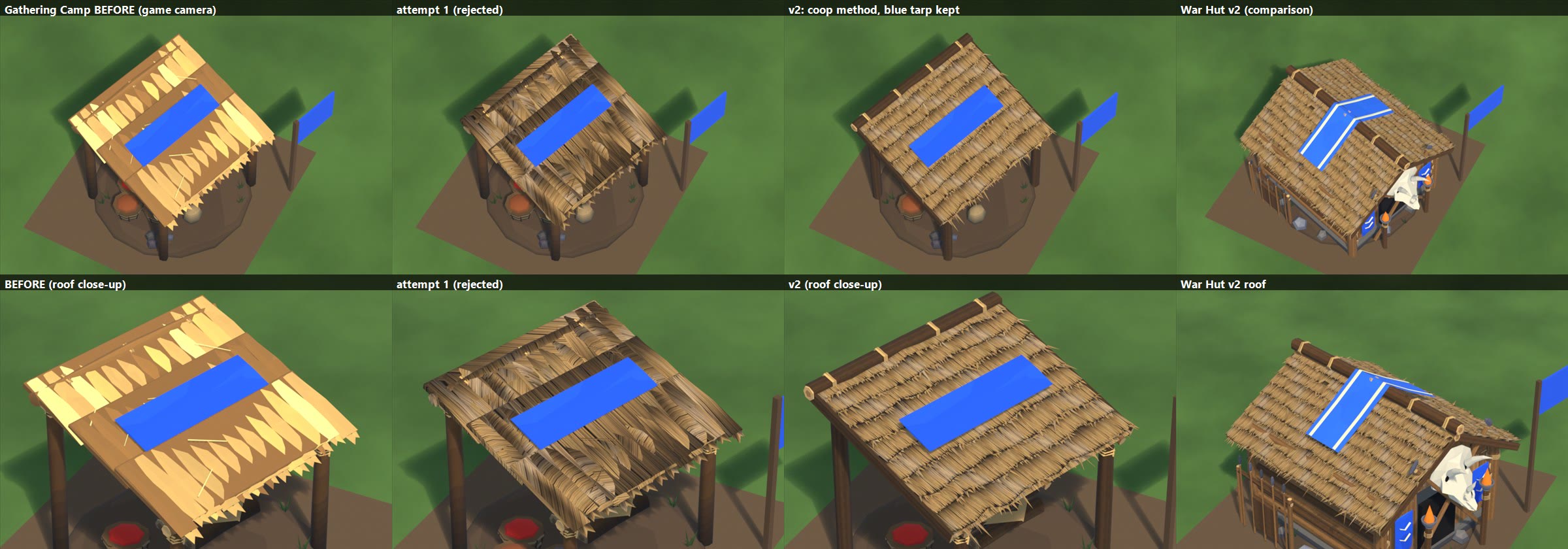
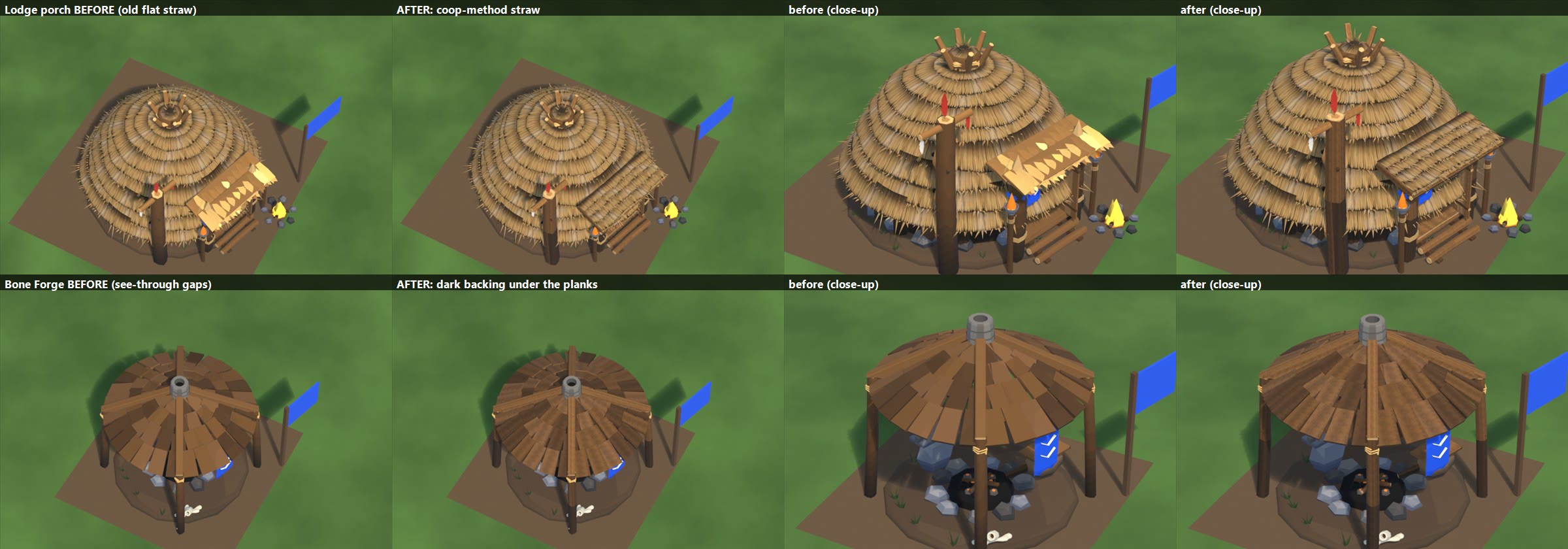
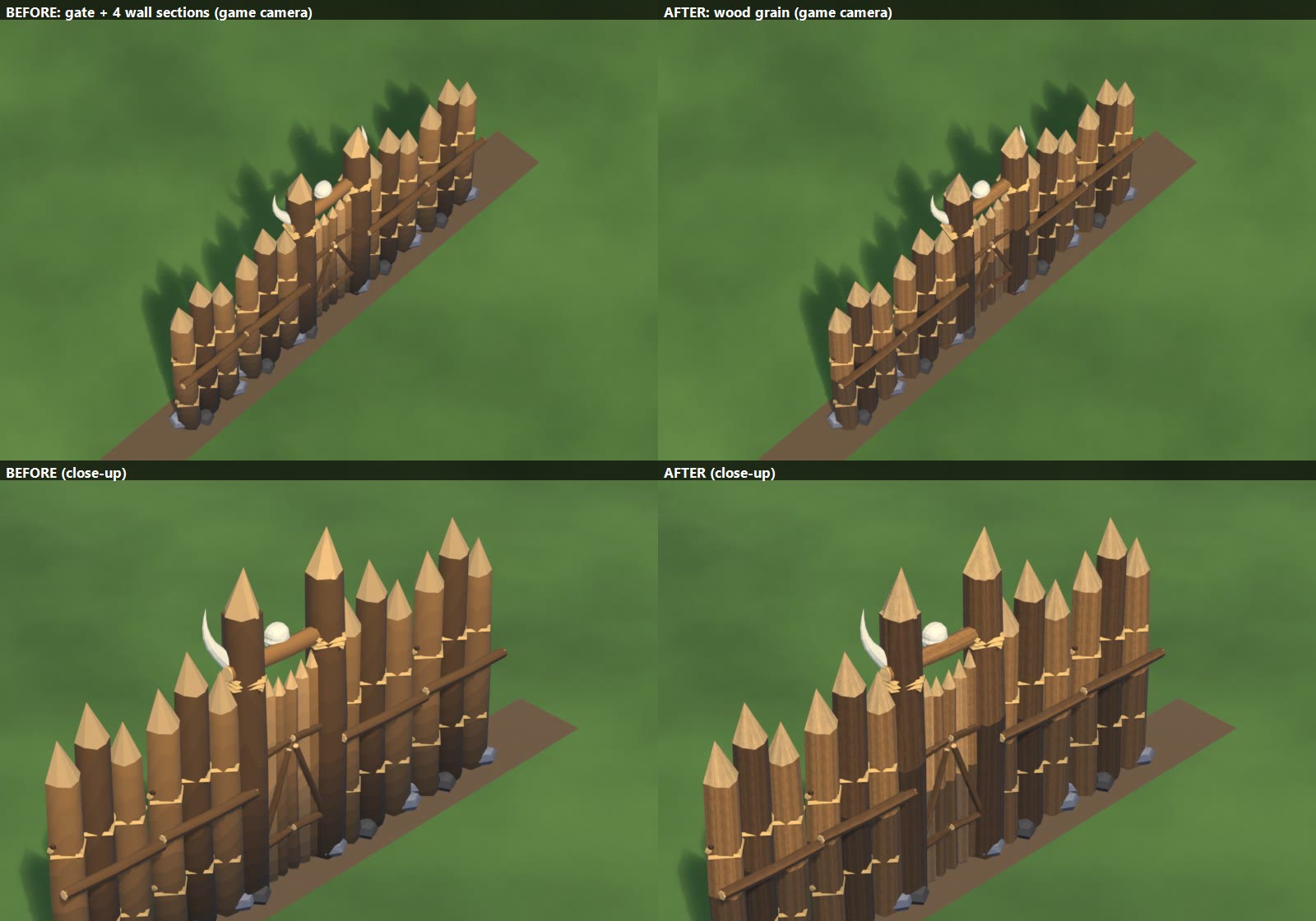
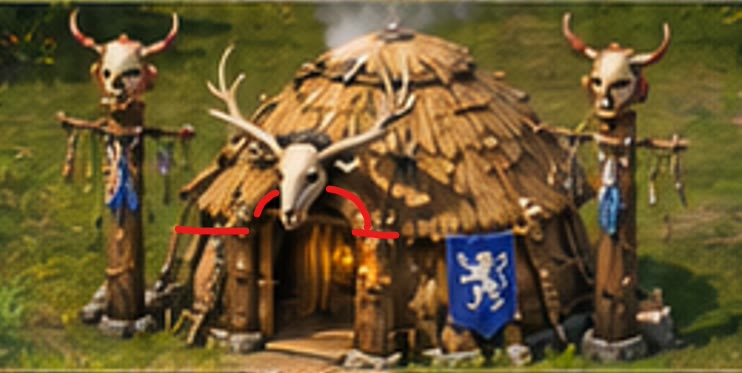
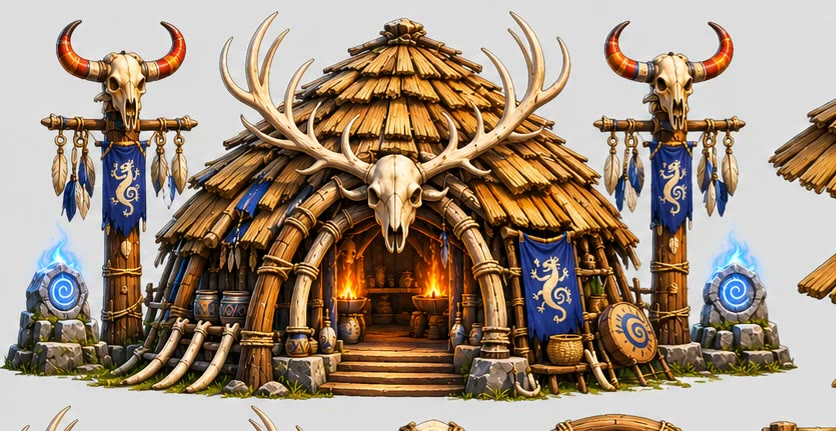
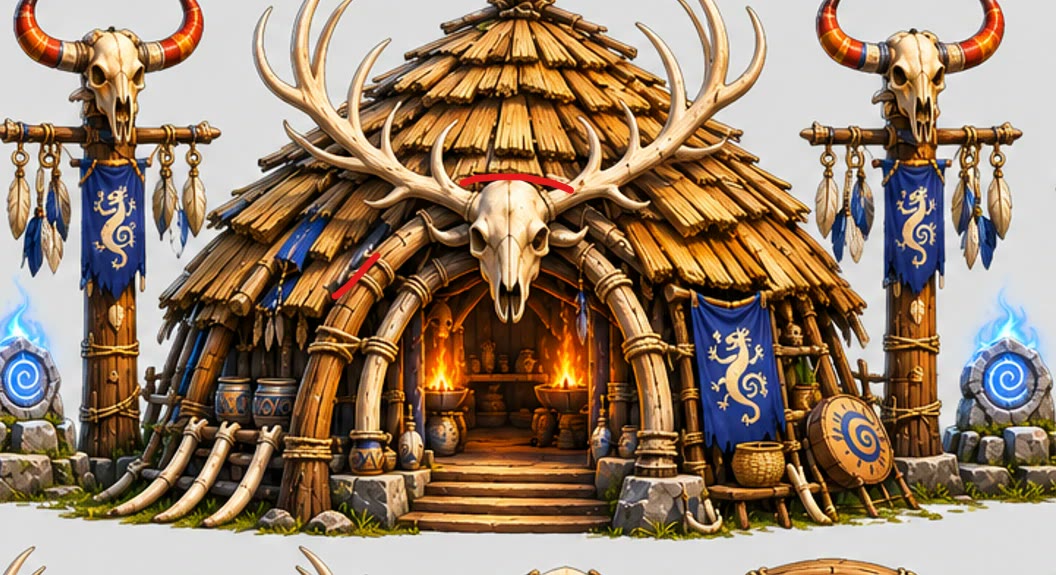
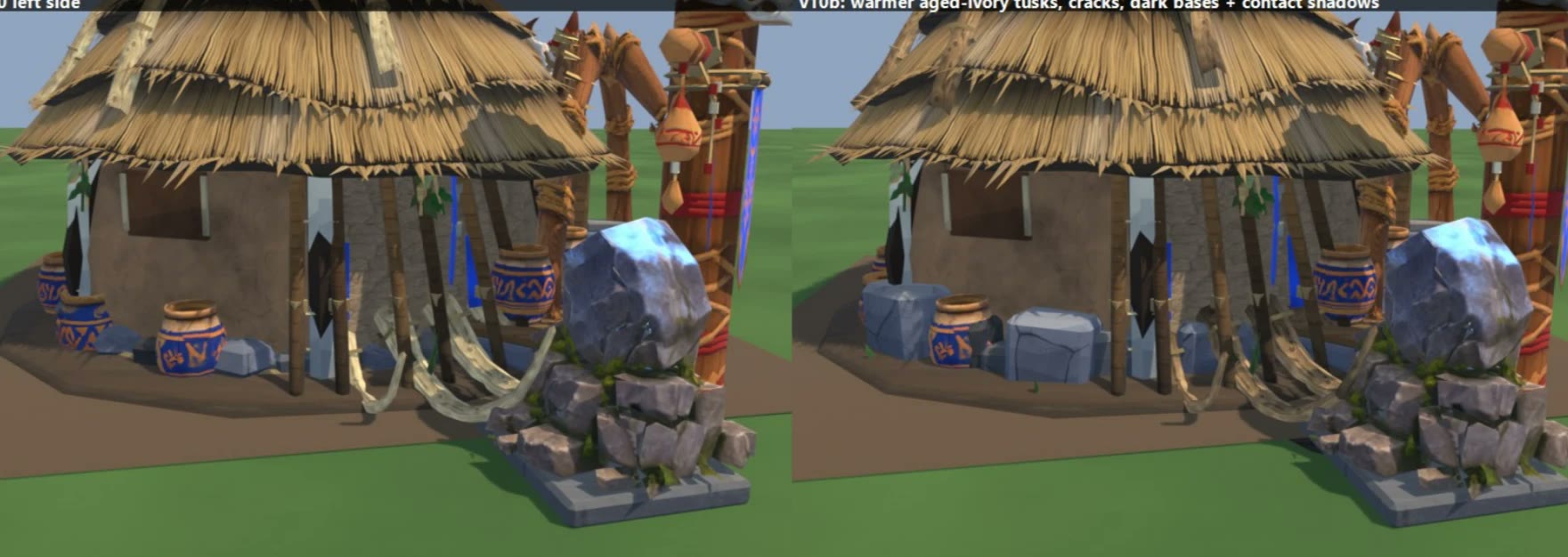
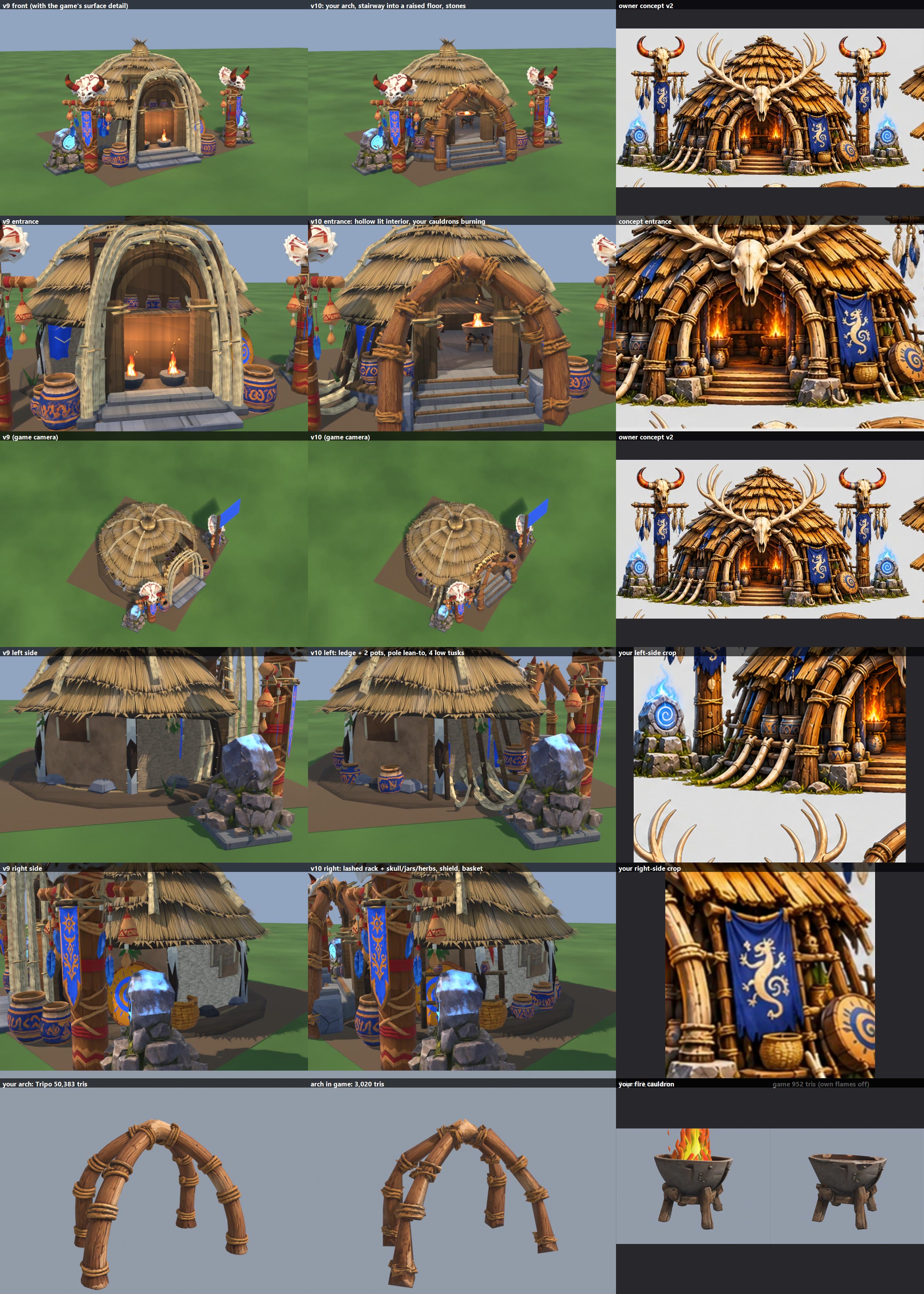
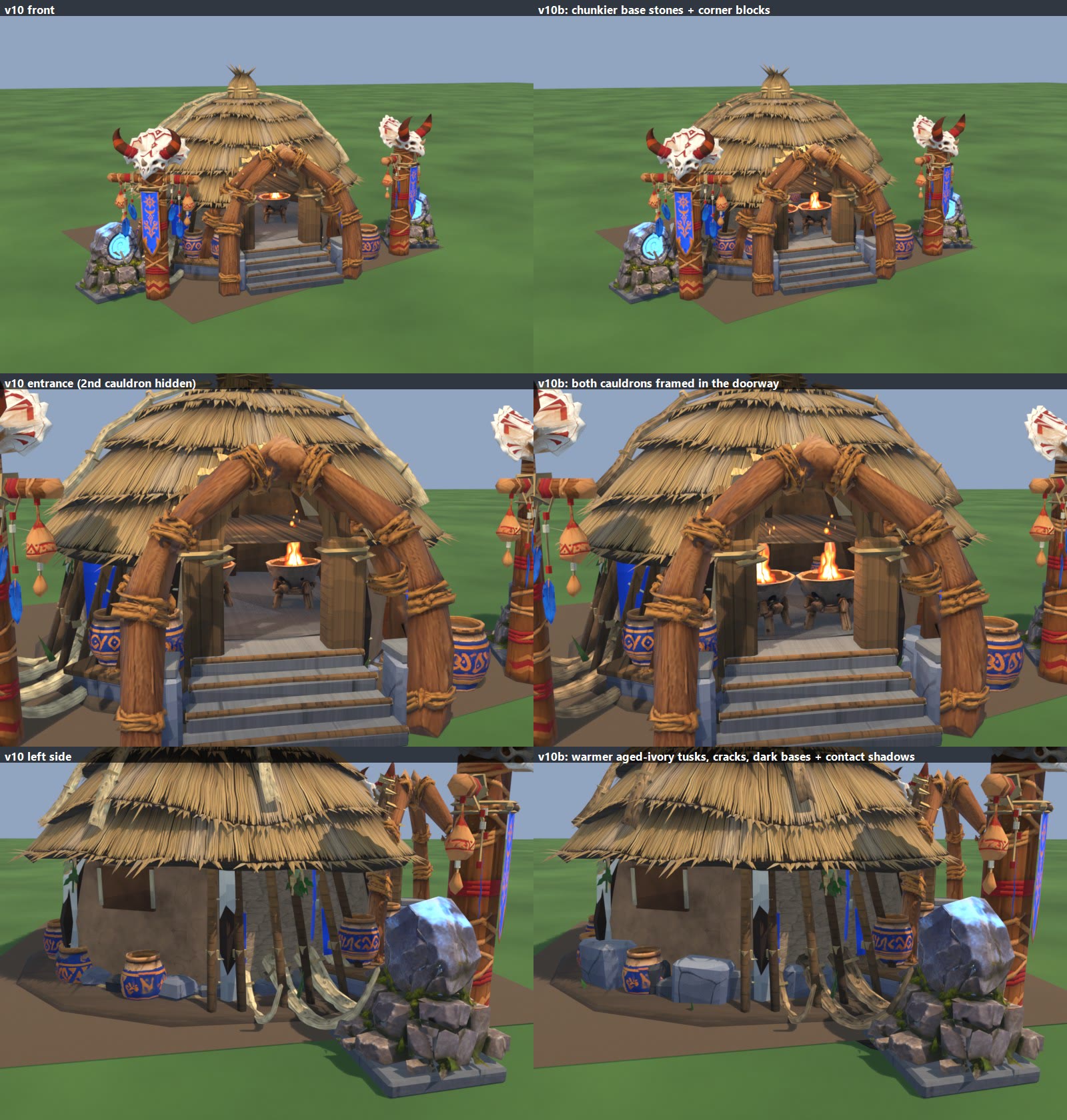
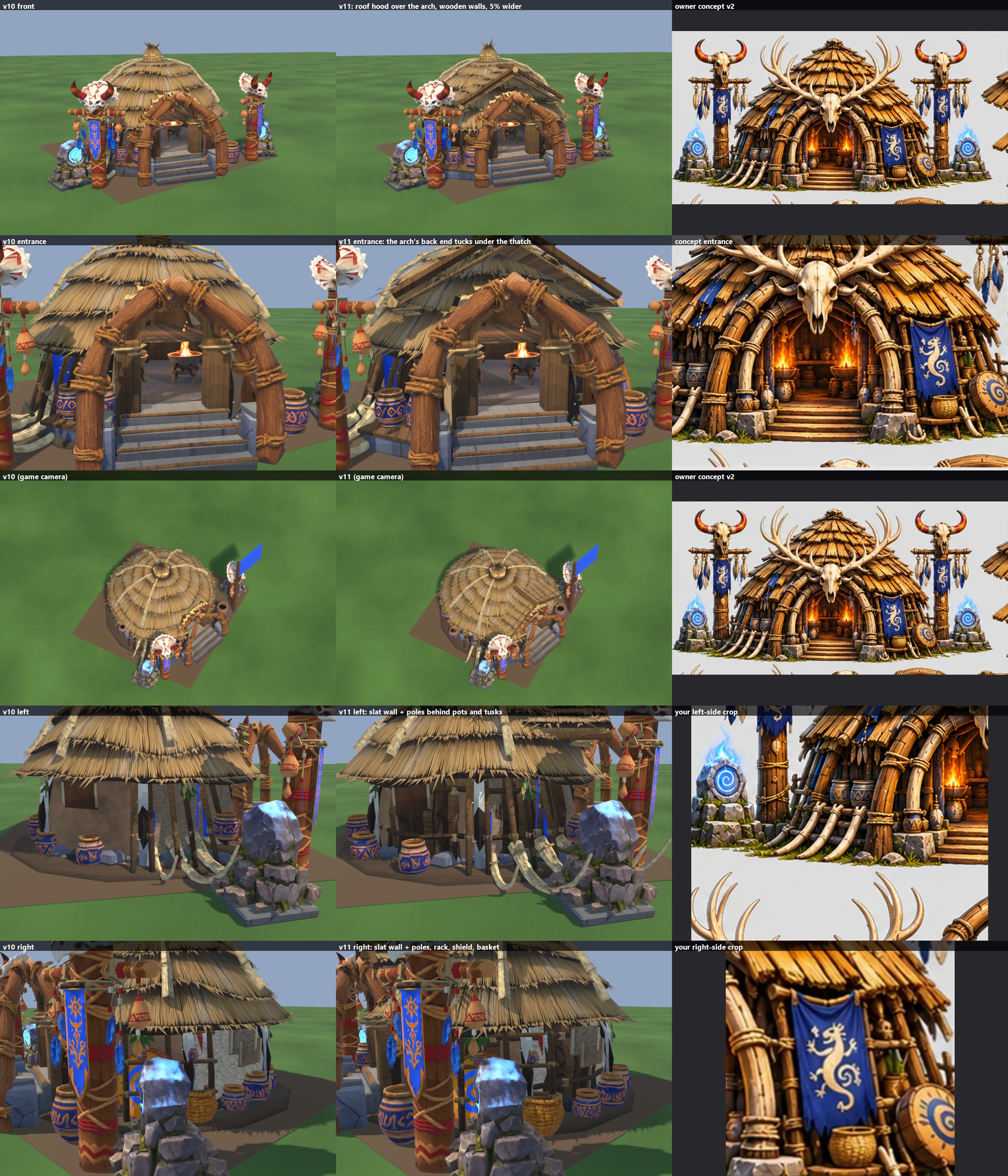
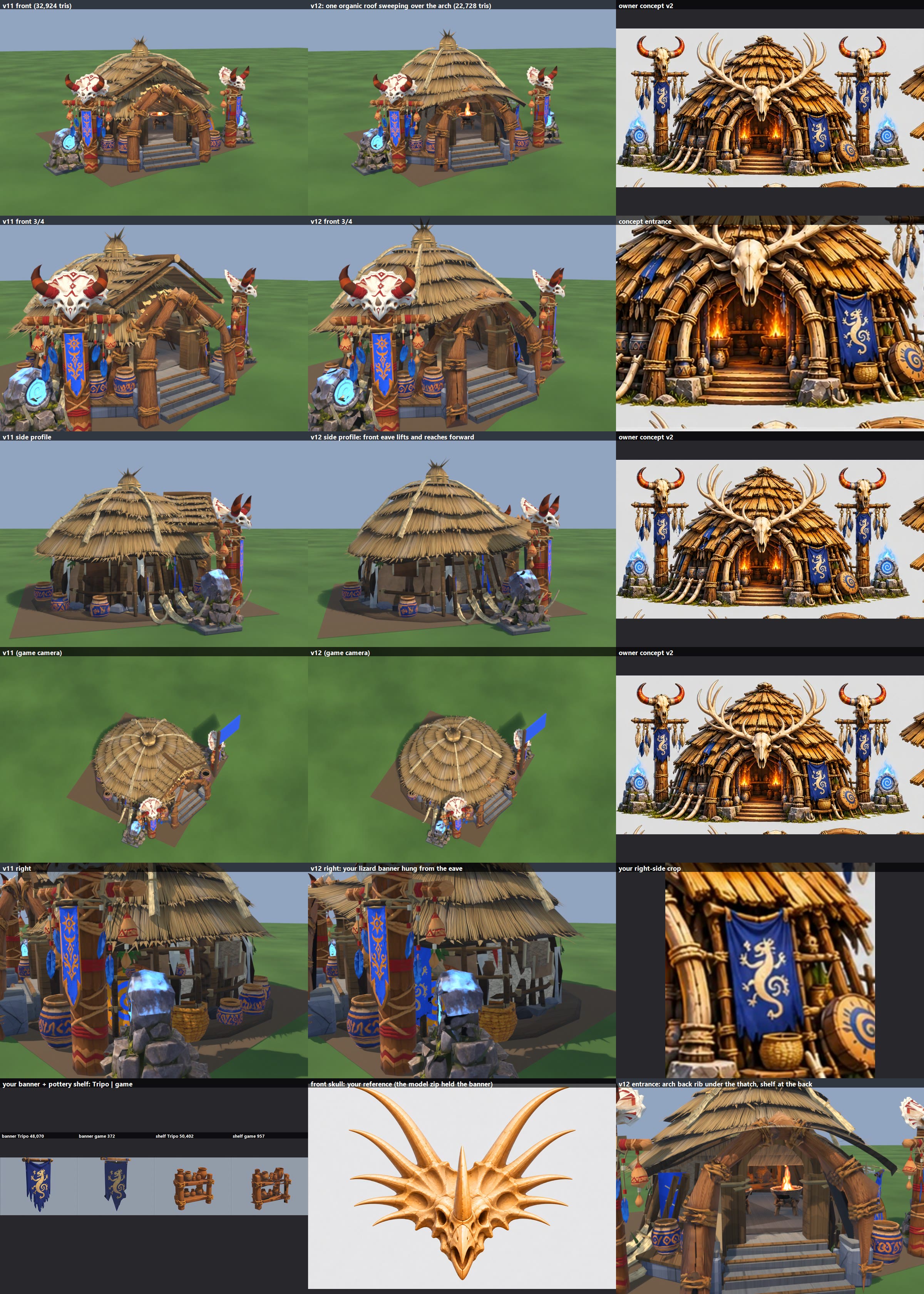
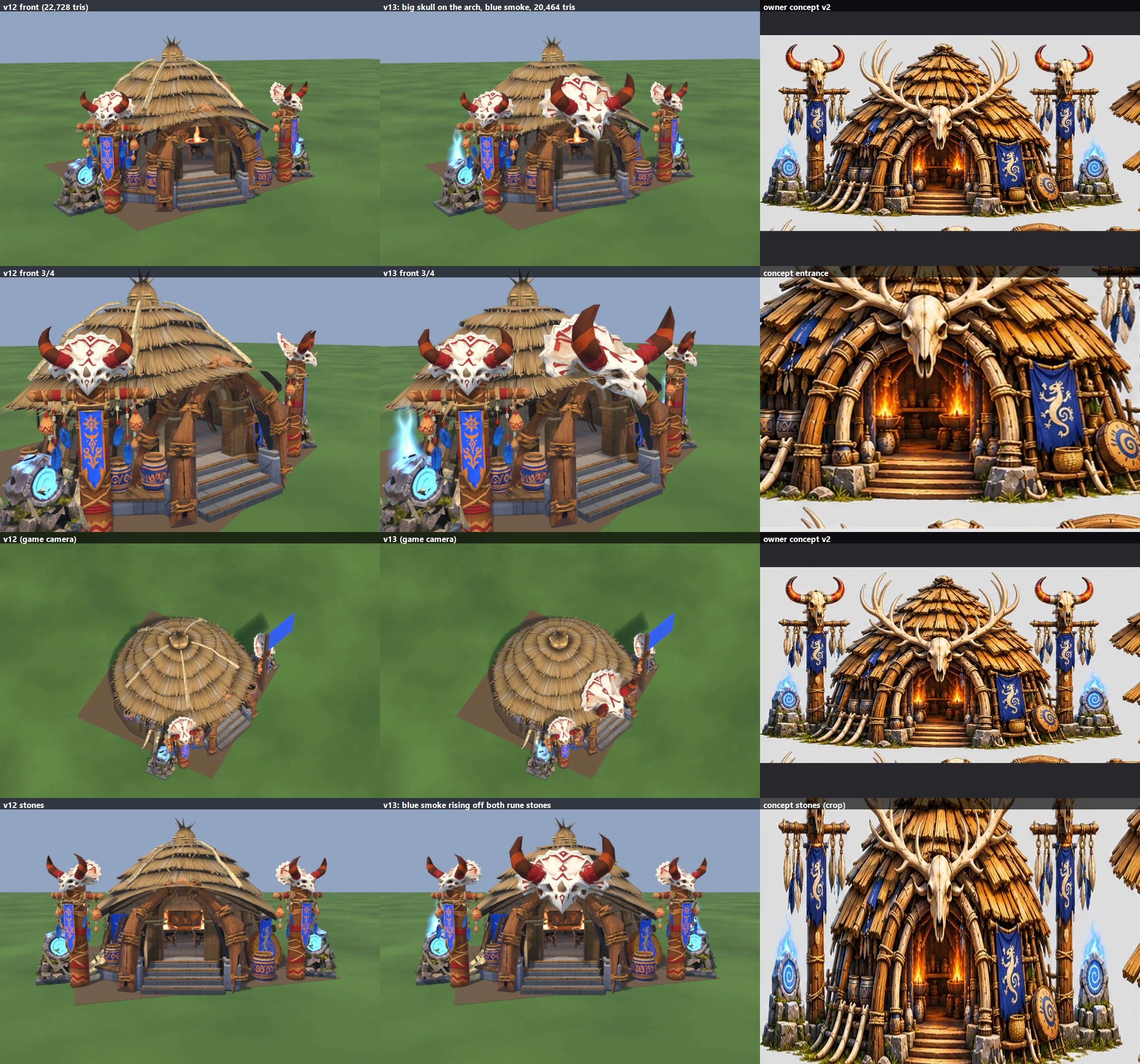
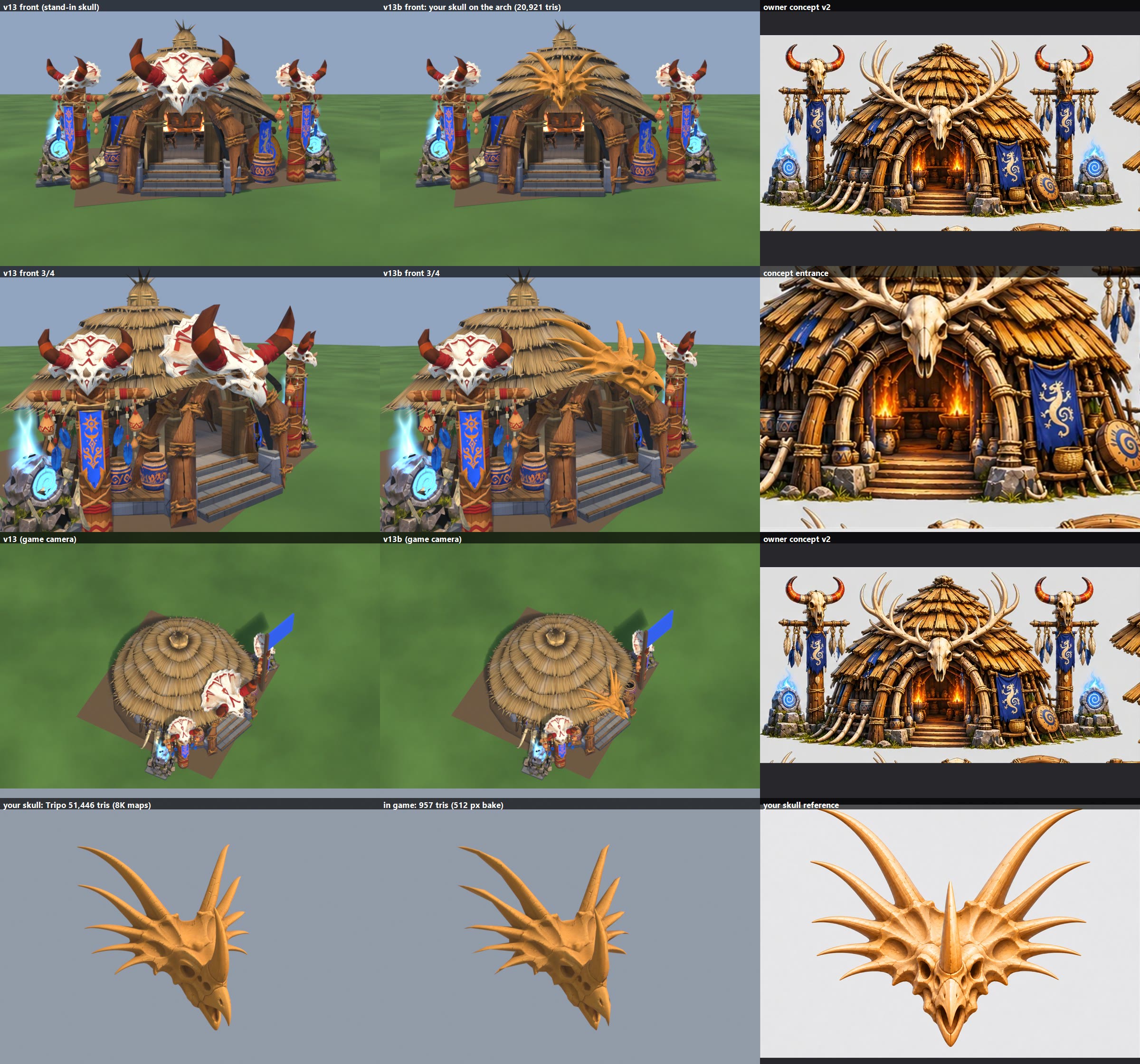
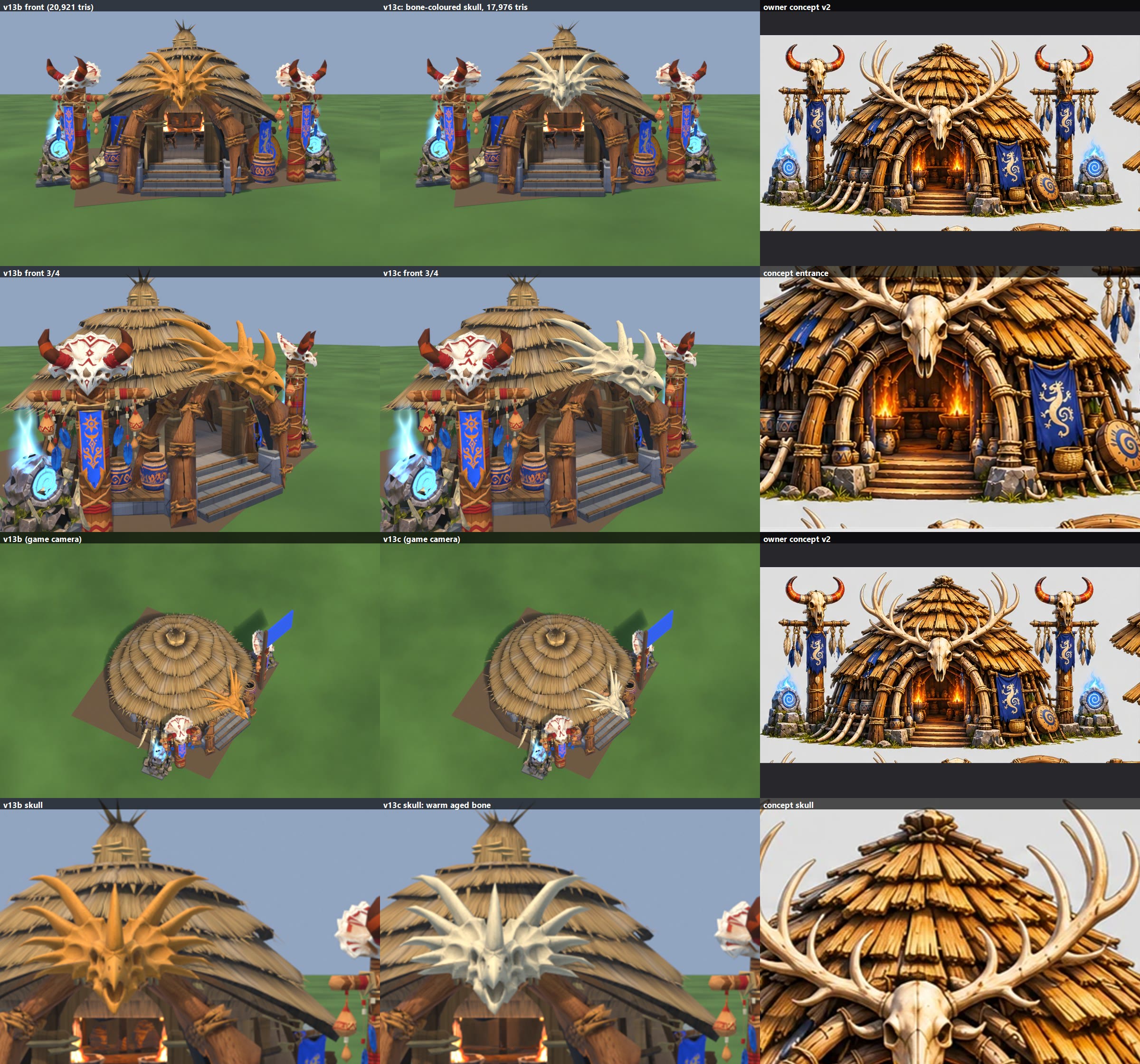
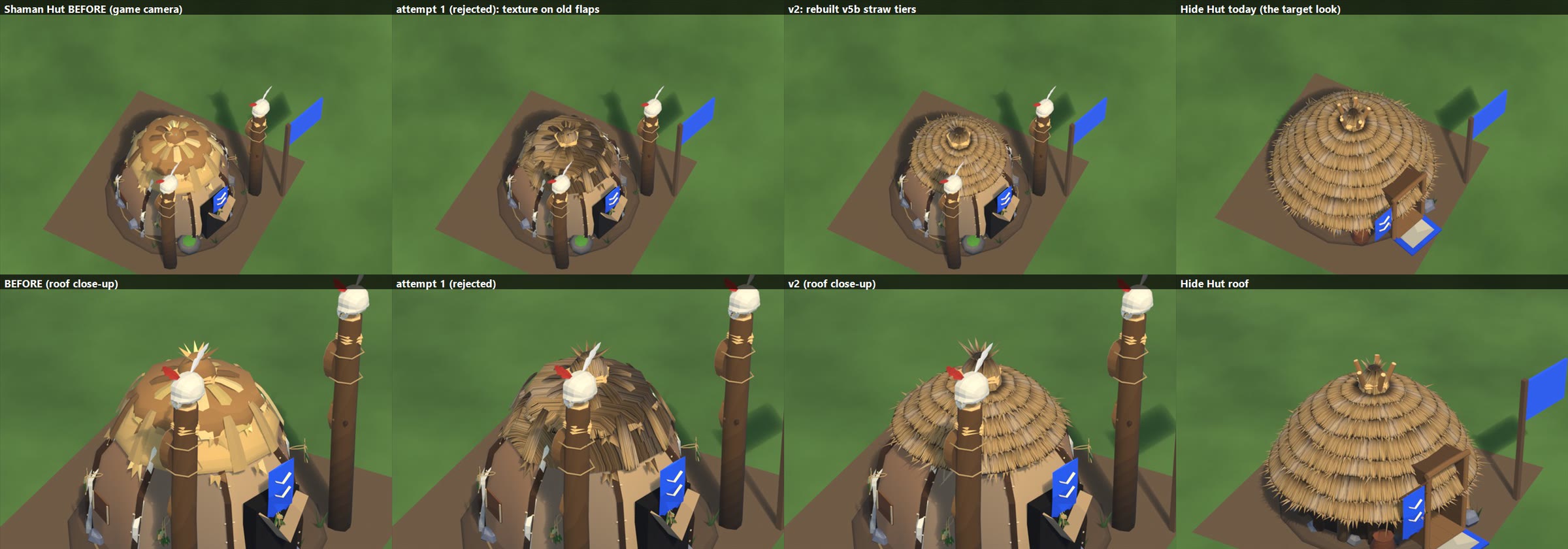
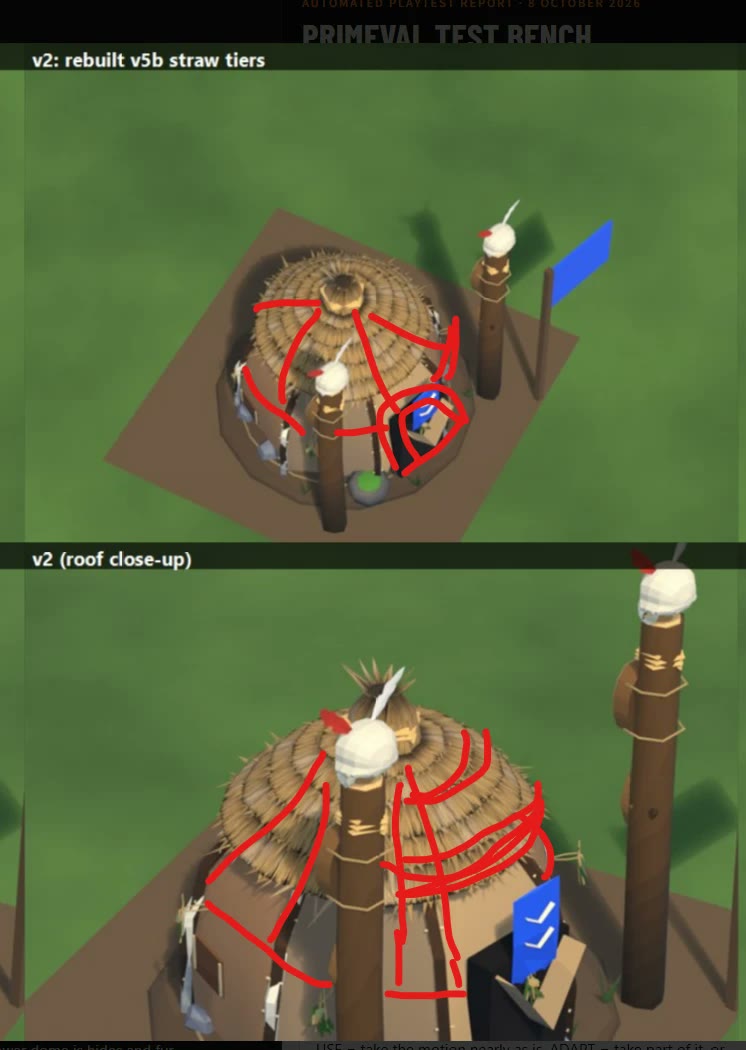
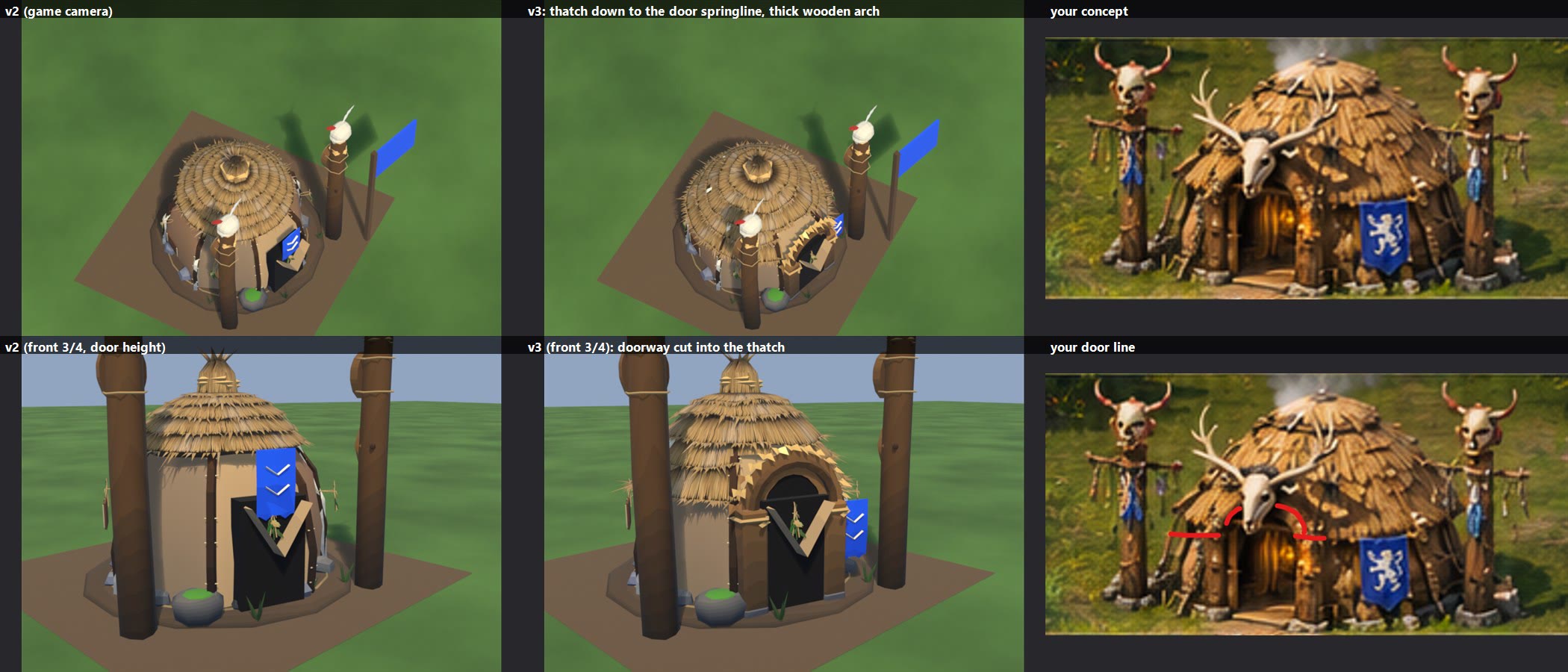
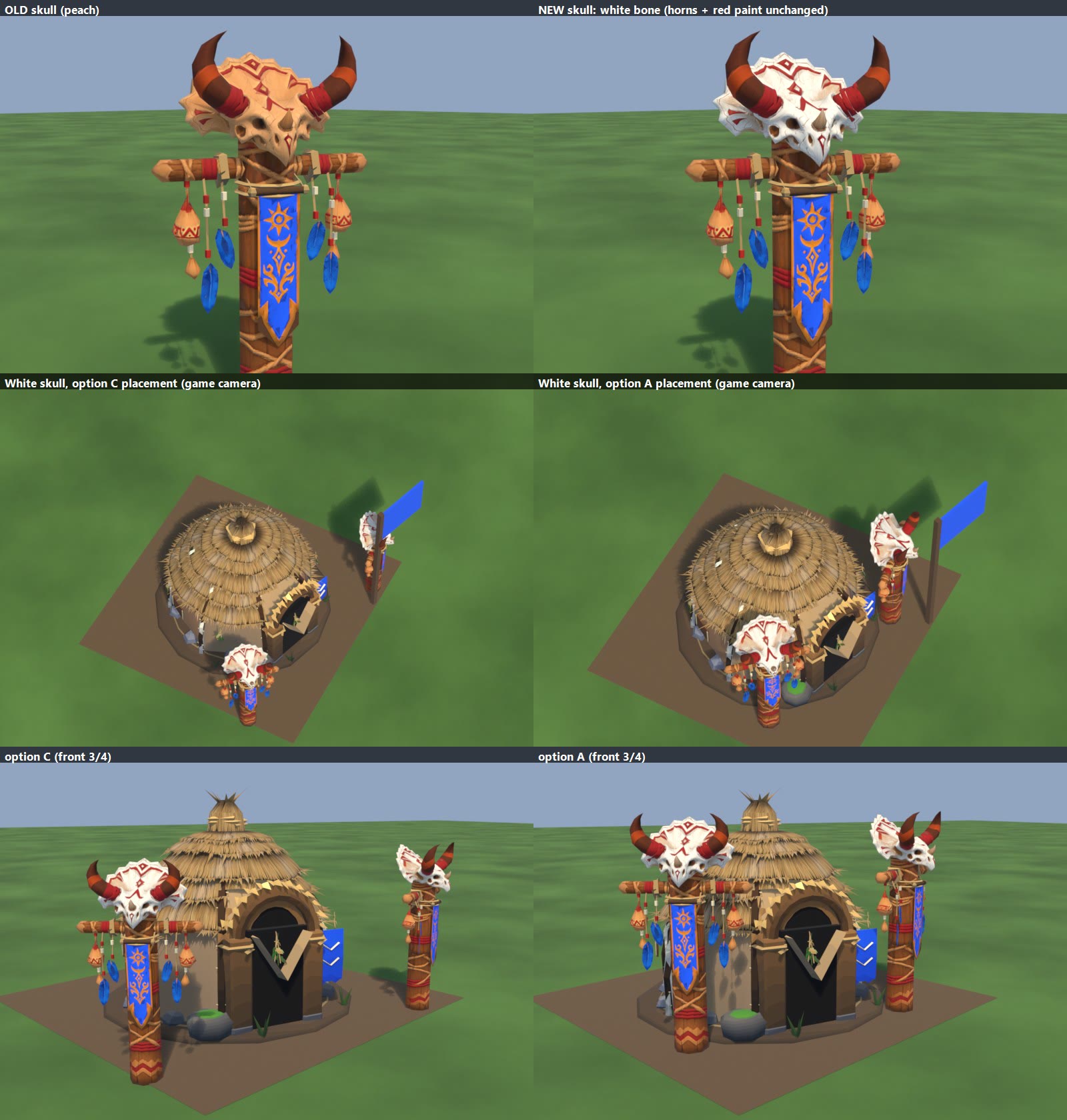
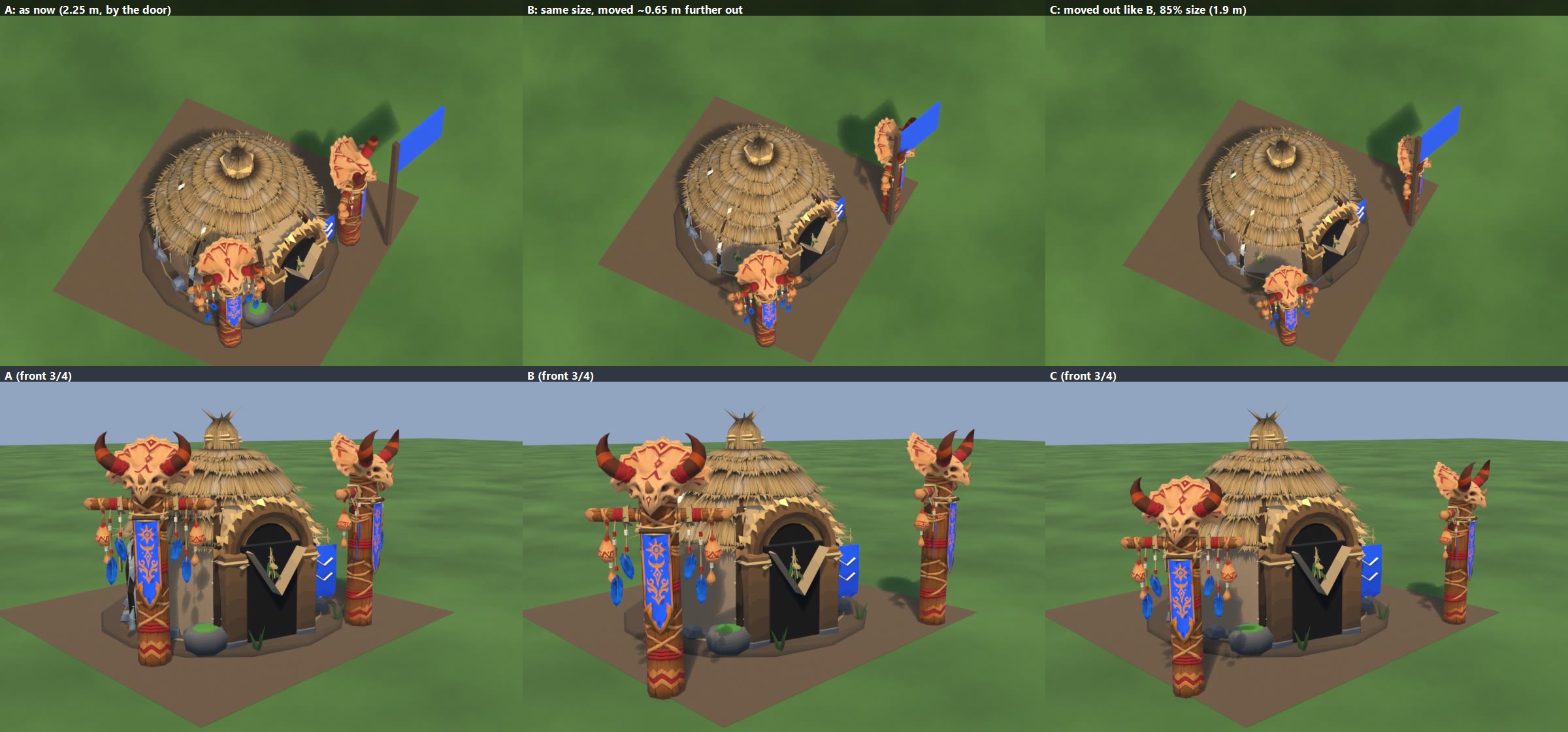
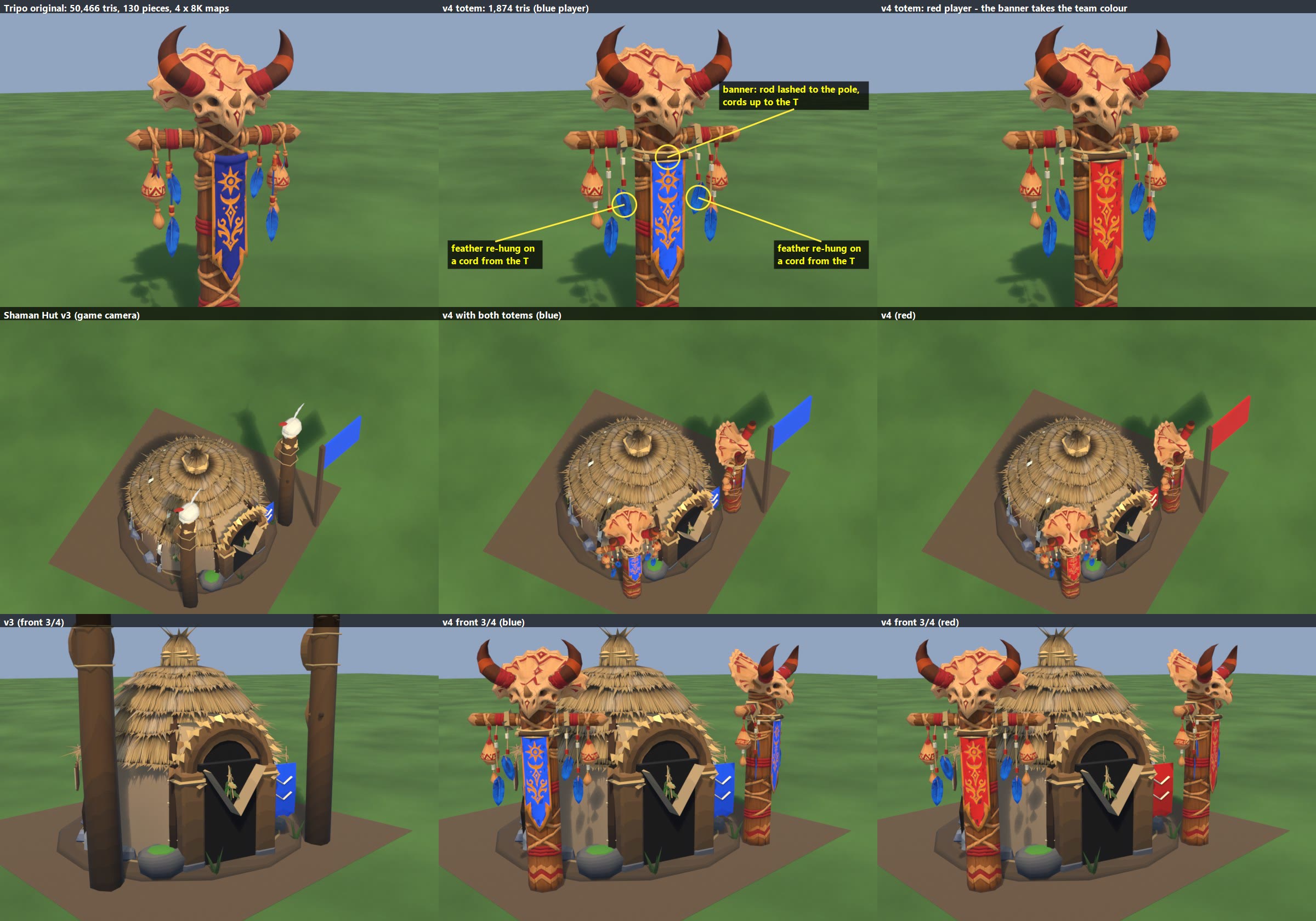
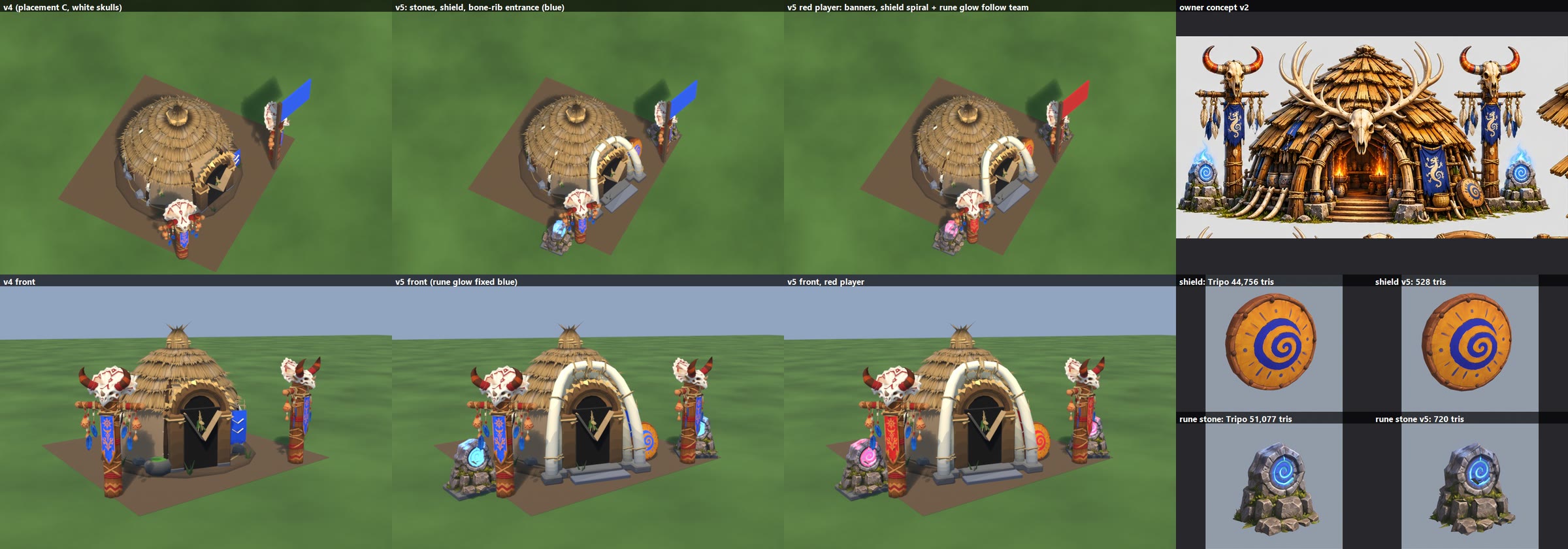
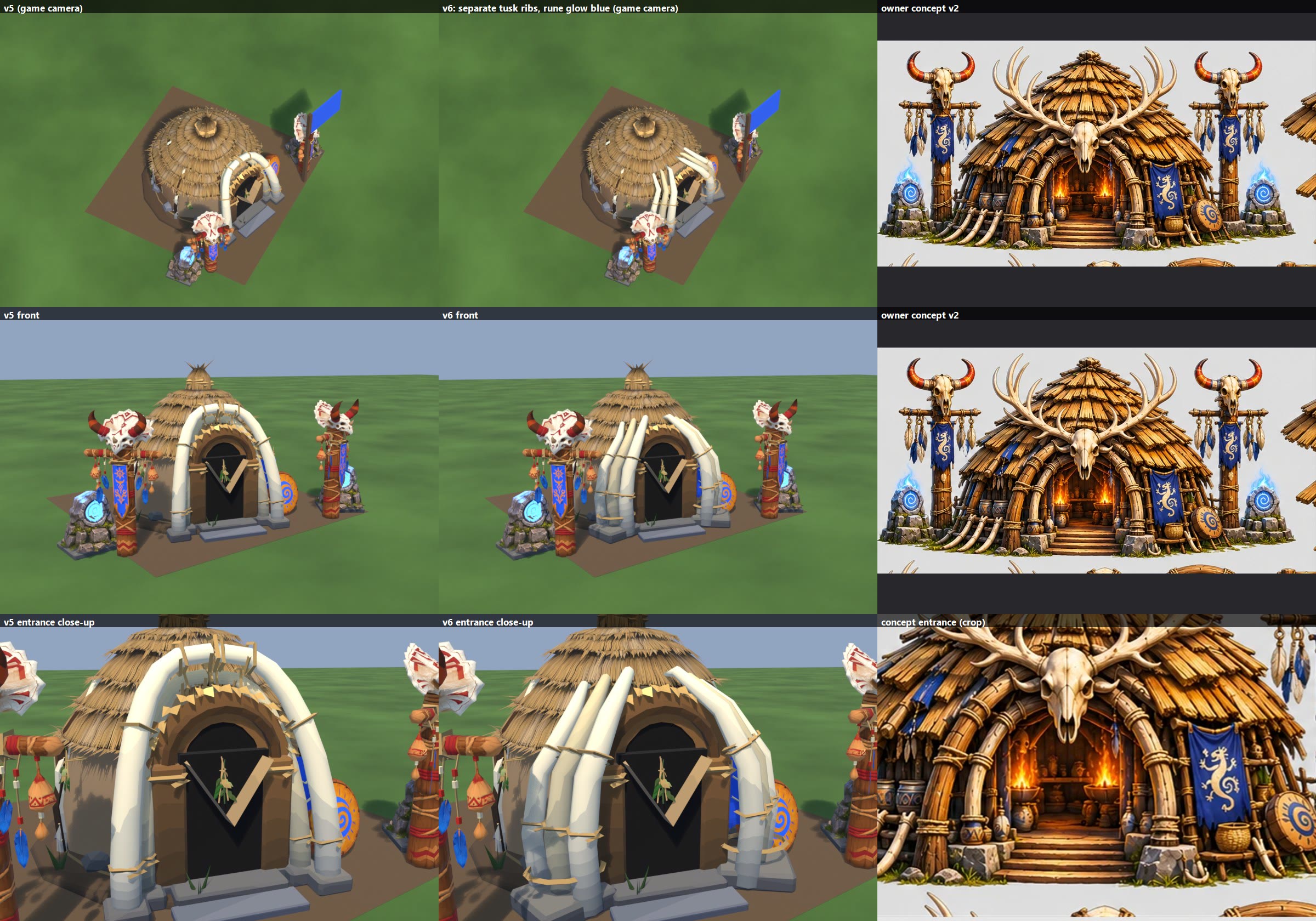
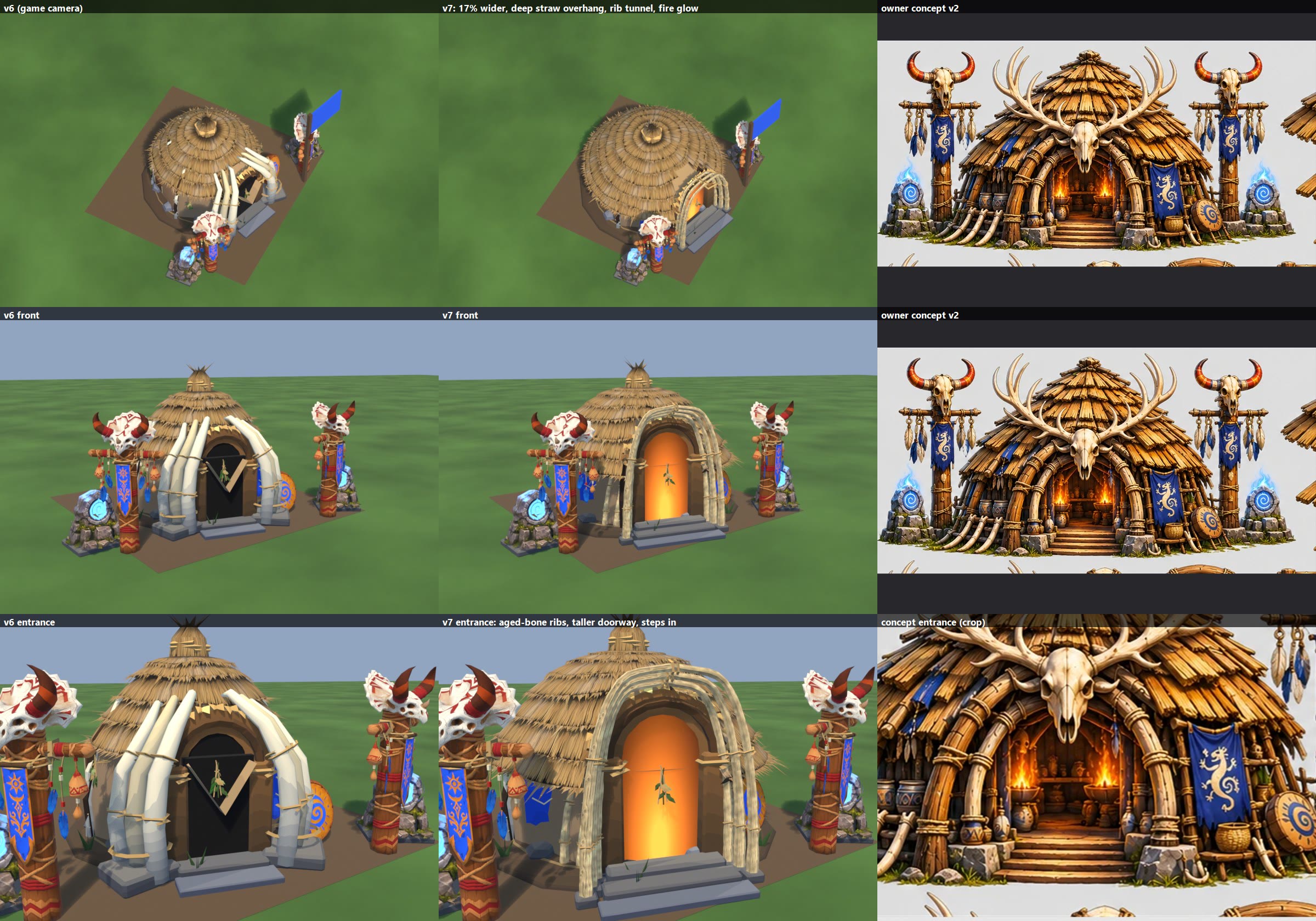
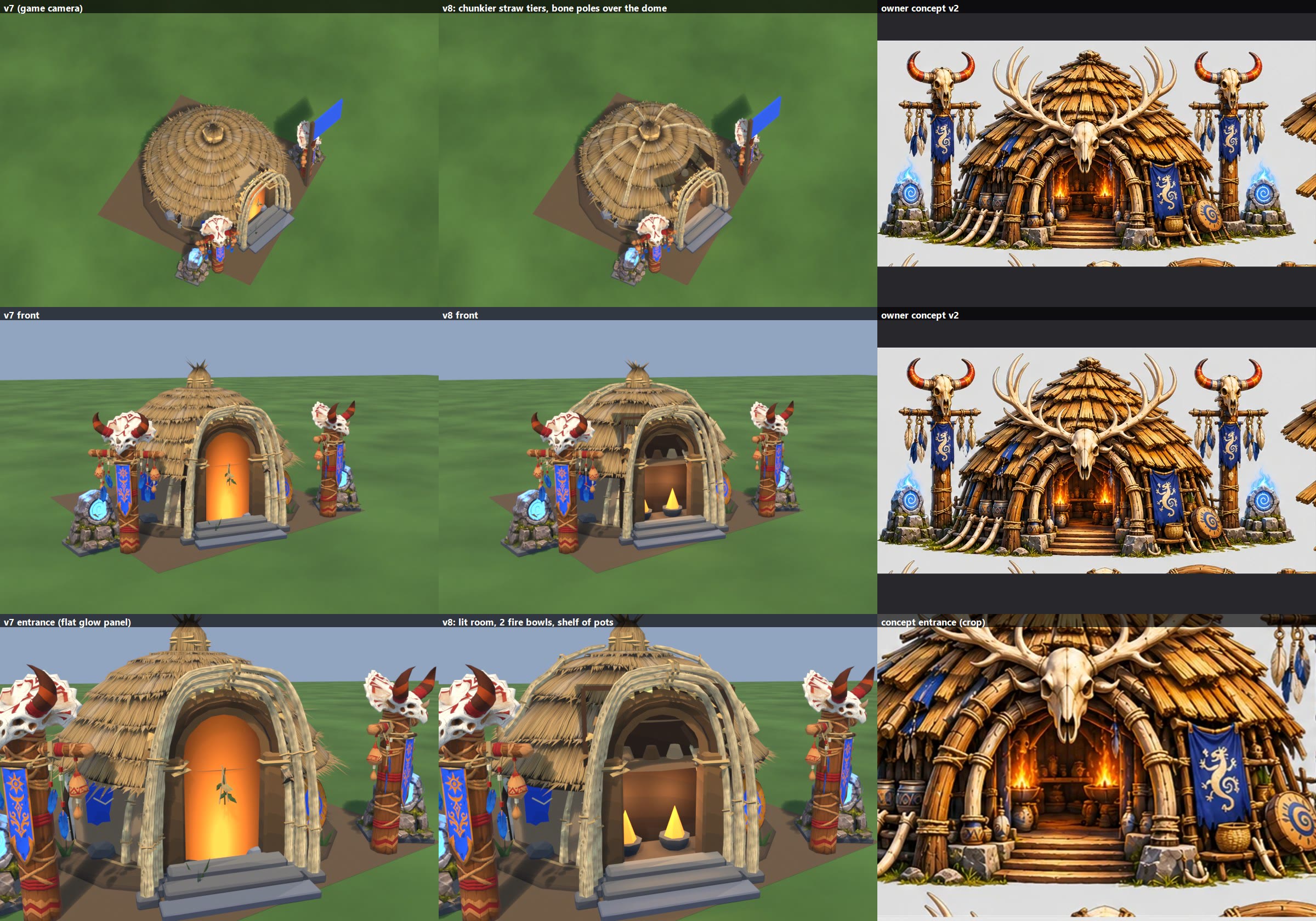
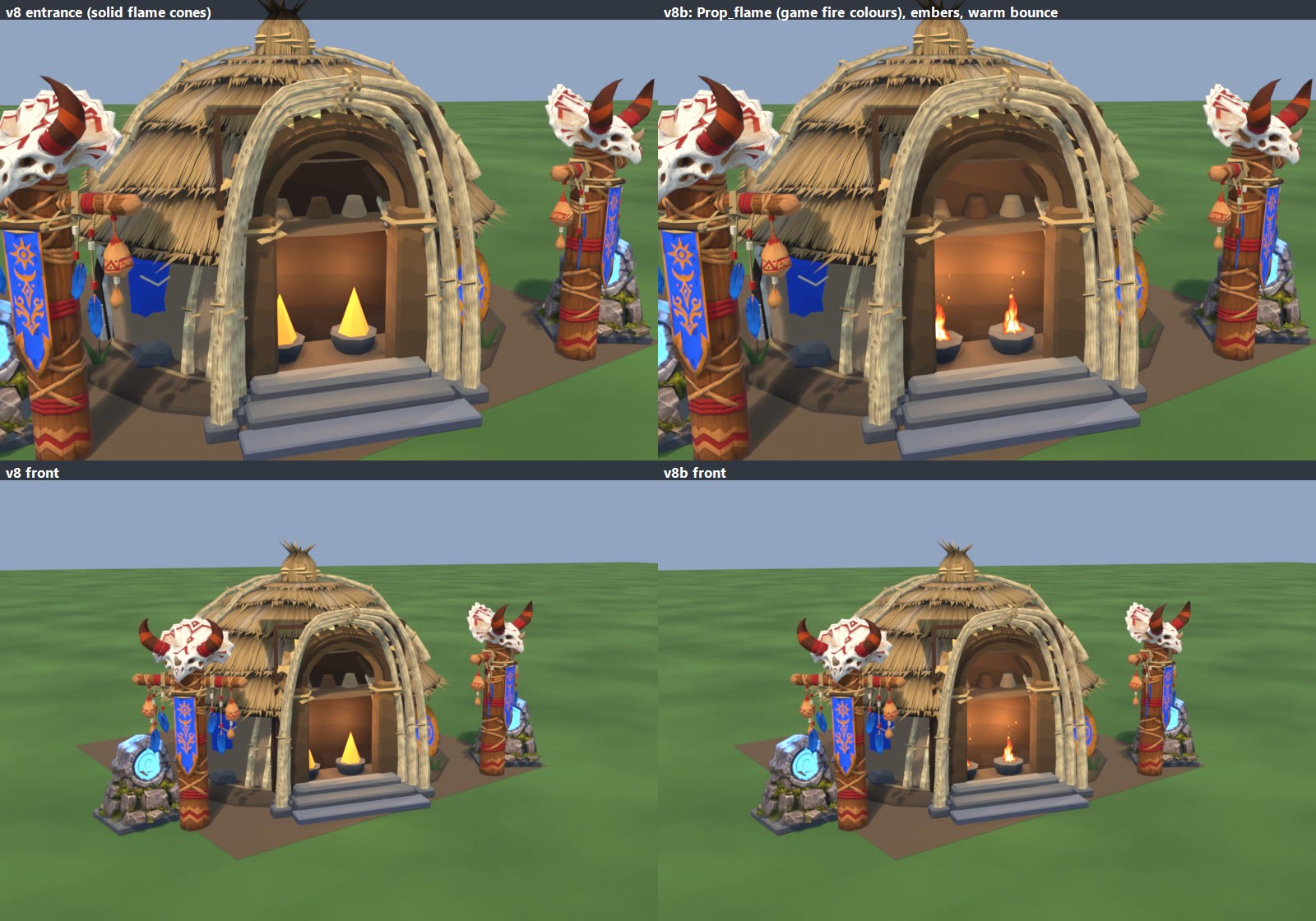
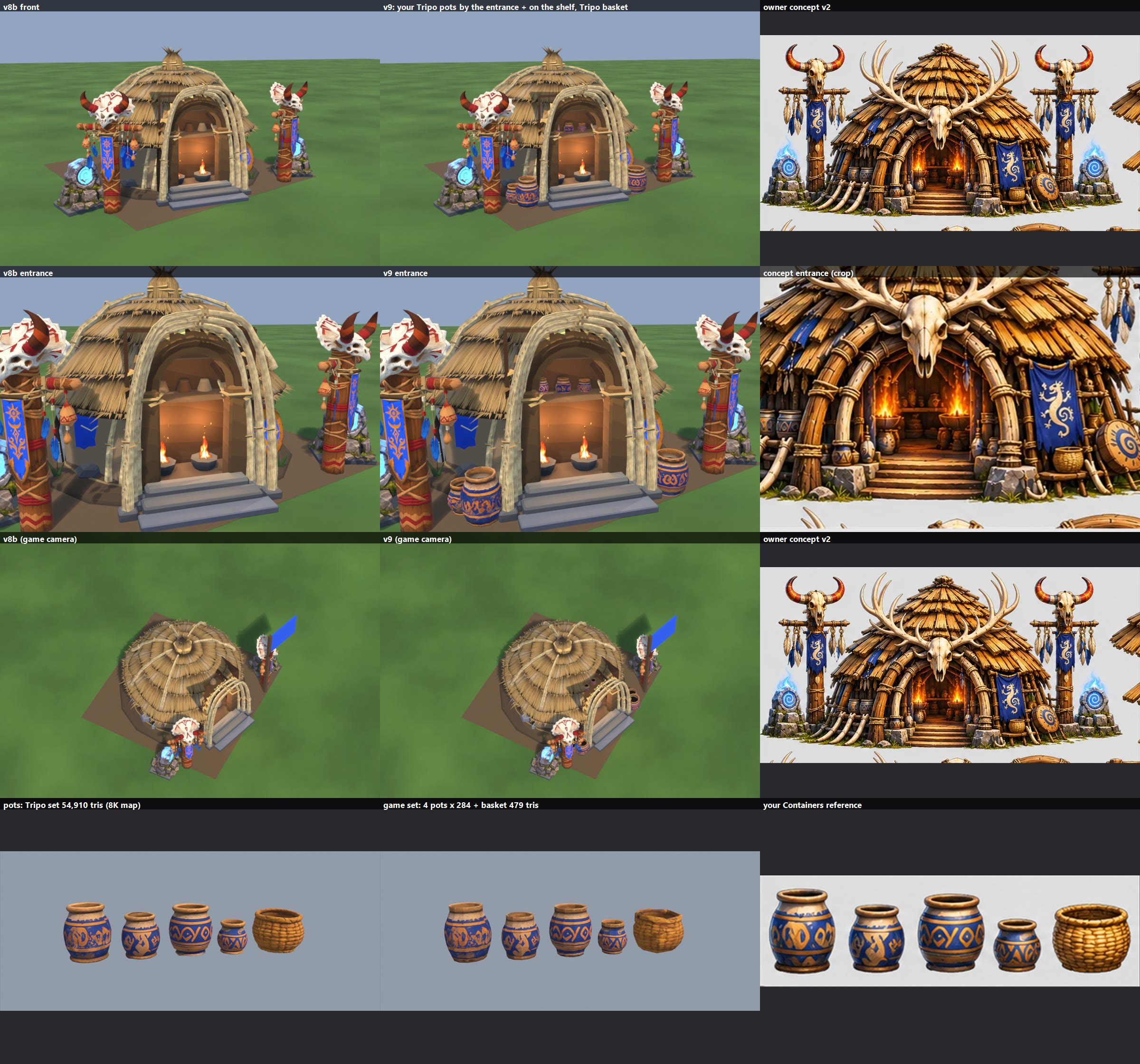
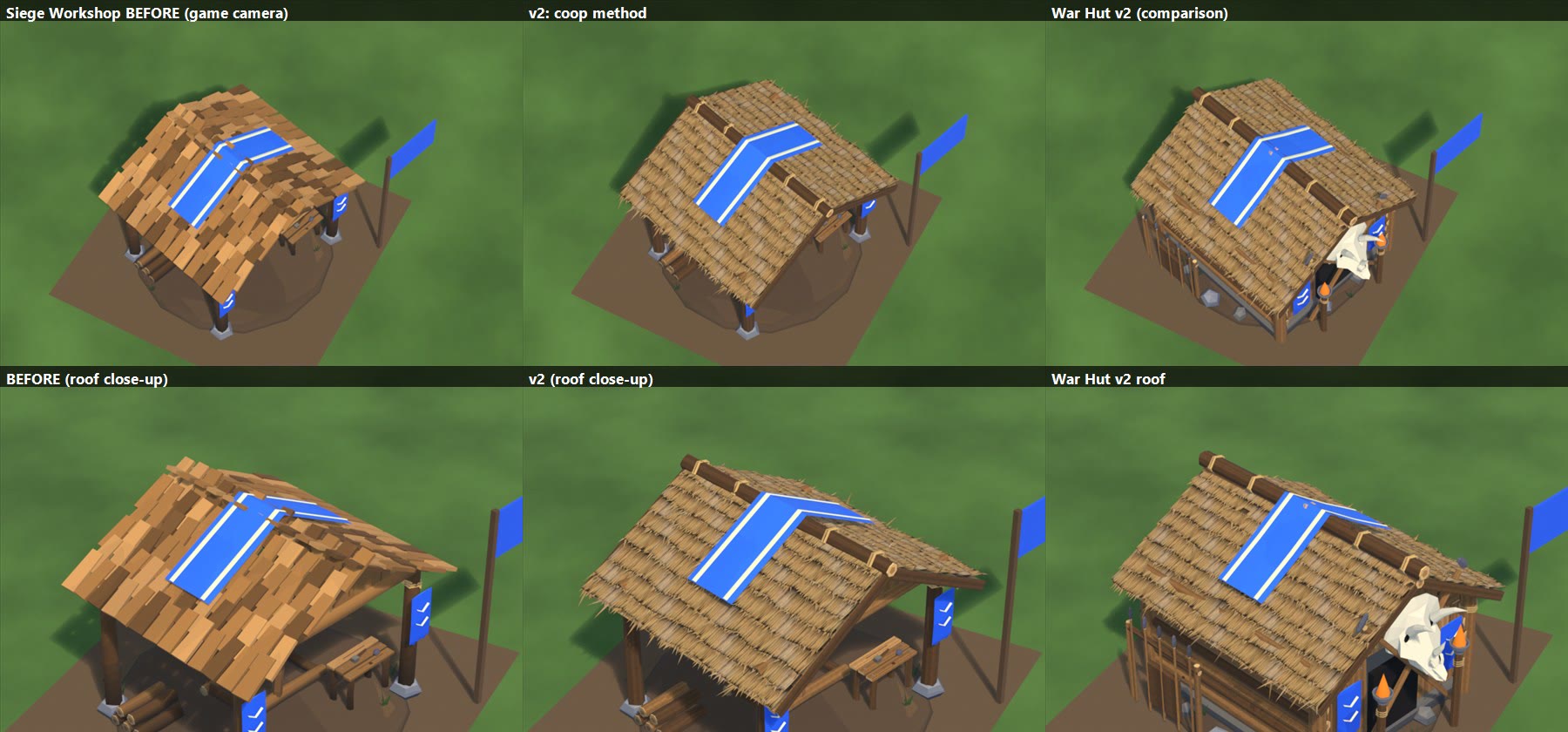
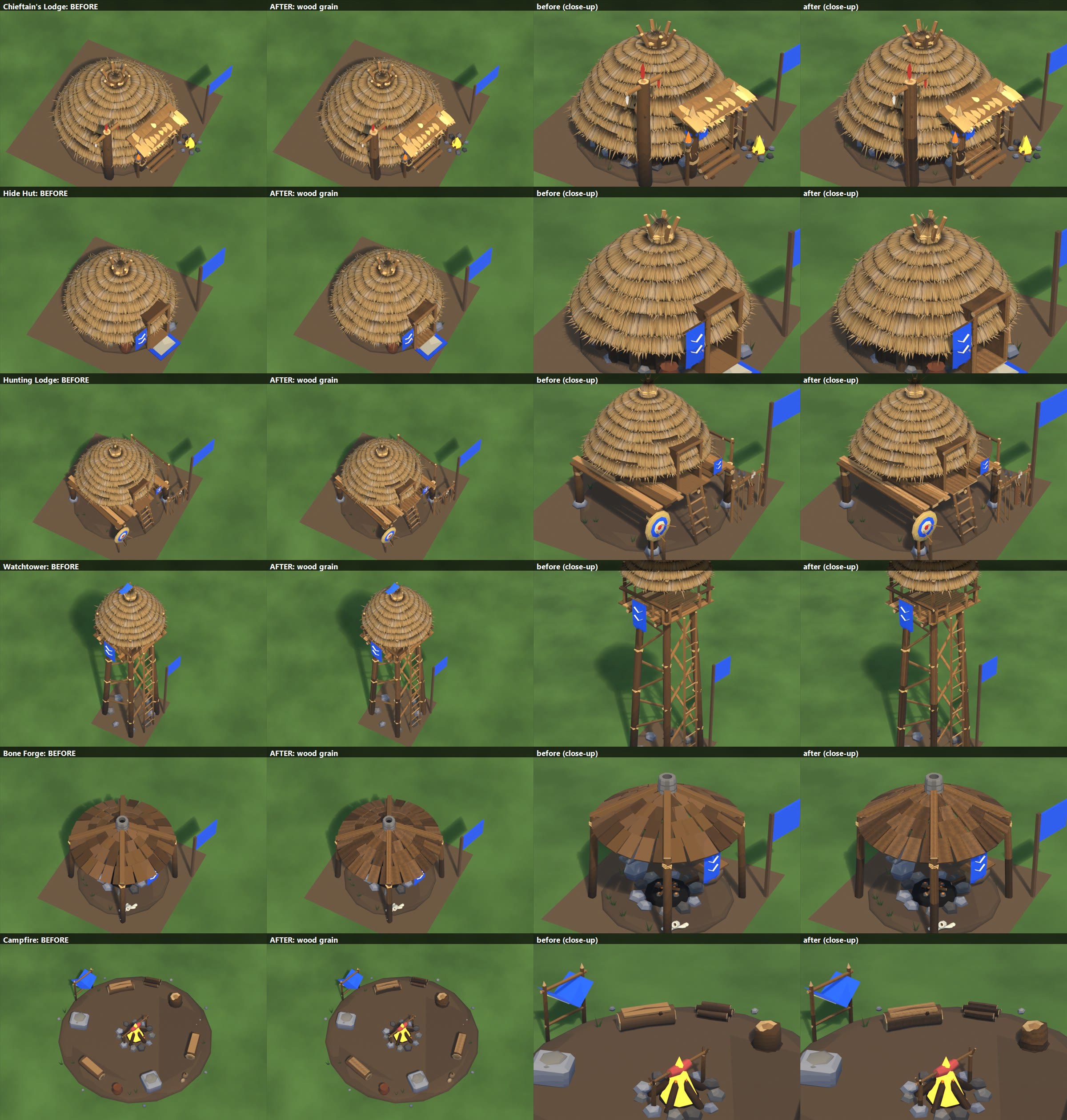
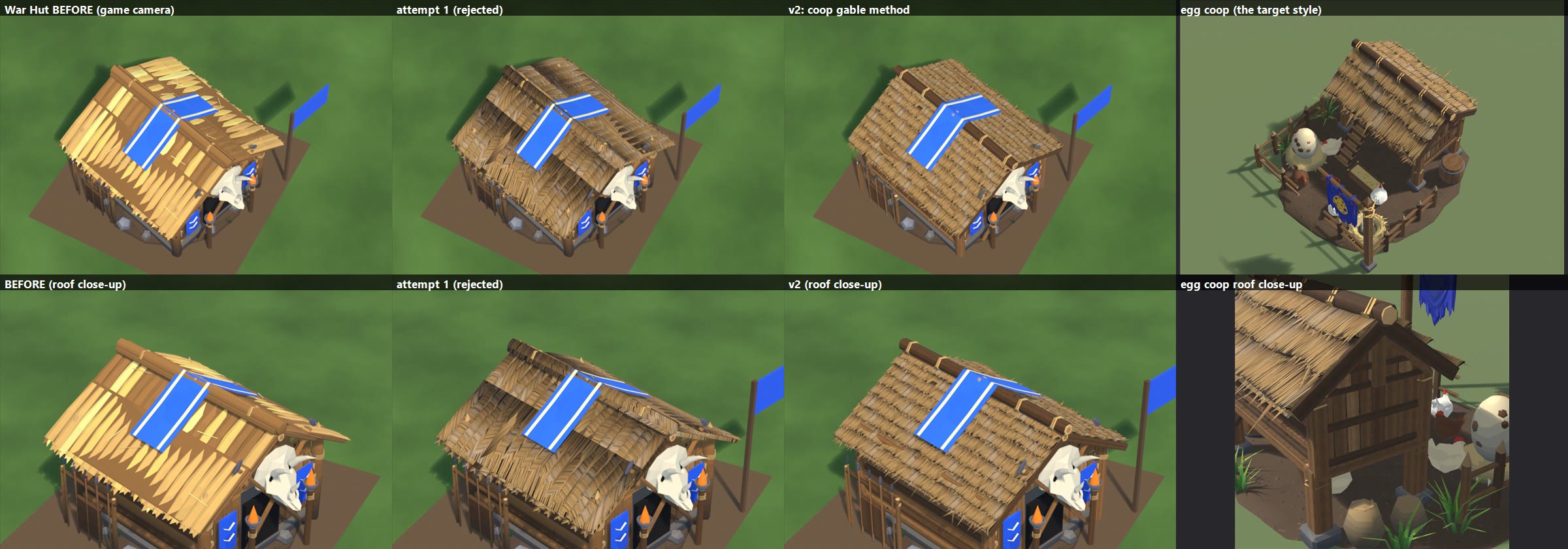
TRIBE ROOFS: THE V5B STRAW TEXTURE ON 5 MORE ROOFS (2026-11-07). This is a preview only: nothing is installed or committed.

NEWEST: SHAMAN HUT v13c, FINAL (shaman_hut_v13c_final.jpg)
  Rows: front, front 3/4, game camera, skull close-up. Columns: v13b | v13c | concept.
  What changed:
    - Front skull recoloured to warm aged bone/ivory like the concept's skull, with soft grey-beige shading in the
      cracks. The original texture is kept.
    - Final trim: 20,921 -> 17,976 triangles, with no visible loss:
        - lighter roof (10 sides), fewer wall boards and leaning poles, fewer base stones, lighter interior lining
        - one fewer rack rung
        - light reduction on the props (skulls, charms, totem poles, cauldrons, shelf, rune stones, tusks, shield,
          basket, pots)
      The arch stays at 2,273 (below about 2,000 it breaks).
  Per-part before/after: local file: INSTALL_NOTES.txt.
  Installer notes (files, steps, rig parts, the materials that need a small game addition):
    local file: INSTALL_NOTES.txt
  Script: shaman_v8.py with V13C=1; the skull recolour is front_skull_bone.py.
SHAMAN HUT v13b, FINAL (shaman_hut_v13b_final.jpg)
  Rows: front, front 3/4, game camera, then the skull close-up (Tripo | game | your reference).
  Columns: v13 (stand-in skull) | v13b (your skull) | concept.
  Your skull ("front skull head.zip", Tripo 2677083c):
    - It is the right model: the horned frill skull with the beak, a different model from the banner.
    - Reduced 51,446 -> 957 triangles and baked to 512 px into the free texture slot.
    - It is 1.25 m wide, centred on top of the arch where the arch meets the roof hood, so it covers where the arch
      goes into the thatch. It faces front, tilted up a little.
    - Same wooden peg and rope lashings. It is Prop_frontskull, so destruction can knock it off.
    - Seen from the 3/4 angle the flat frill reads more side-on; straight on it fans out like the concept.
  Triangles: 20,921 total (v13 20,464; target about 21,000).
  Everything else is as v13.
  Files: local file: shaman_v13b (shaman_hut_v13b.fbx, textures, team and glow masks).
    Skull: local file: front_skull_head.
  Script: shaman_v8.py with V13B=1.
SHAMAN HUT v13, final for now (shaman_hut_v13.jpg)
  Rows: front, front 3/4, game camera, stones. Columns: v12 | v13 | your concept.
  Front skull:
    - Your skull model is still missing (both zips are the banner), so the stand-in is the totem's white-bone
      triceratops skull with its horns, scaled up 1.9x.
    - It is centred on top of the arch where the arch meets the roof hood, covering where the arch goes into the
      thatch. It is pegged to the arch's crown with a wooden peg and two rope lashings.
    - It is Prop_frontskull (500 triangles), so destruction can knock it off.
    - To swap in your model: prep it the same way as the others (big_prop_prep.py), then load it at the same spot and
      size (FRONT_SKULL_AT / FRONT_SKULL_SCALE in shaman_v8.py). A free texture slot is waiting for it.
  Blue smoke on the rune stones:
    - 3 crossed, curved, swirling cards per stone (12 triangles each stone).
    - Bright cyan-blue core fading to transparent. Always blue.
    - In the game it needs its own small glowing, see-through material.
    - To animate it: scroll the texture upward and flicker the glow, or use the game's fire-effect smoke (FireFx) with
      a new cyan colour - it already has the soul-fire colours.
  Optimized:
    - Bone poles over the roof removed (not in the concept).
    - Pots 5 -> 3: the left ledge pair + 1 by the steps.
    - Light reduction on the props: totem and front skulls 696 -> 500, charms 510 -> 382, shelf 957 -> 669,
      rune stones 477 -> 381, cauldrons 788 -> 629, tusks 888 -> 710.
    - The second cauldron is kept (it is in the concept).
    - The arch stays at 2,273: below about 2,000 its poles fall apart. The 1,600 target wasn't reachable without
      visible damage.
  Triangles: 20,464 total. Per part:
    - Body: 8,253 (roof 1,942, stairway/stones/wall/poles 3,174, interior 424, hide body/door/eave ring ~2,713)
    - Arch 2,273
    - 2 totems: pole 460, skull 500, banner 208, charms 382 each (3,100)
    - Front skull 500 + lashing 116
    - Cauldrons 2 x 629; shelf 669; rune stones 2 x 381; tusks 710
    - Shield 528; basket 479; 3 pots 852; rack 500
    - Side banner 372 + cords 16; flames 2 x 26; smoke 2 x 12
  Files: local file: shaman_v13 (shaman_hut_v13.fbx, textures, team and glow masks,
  rune_smoke.png). Script: shaman_v8.py with V13=1.
SHAMAN HUT v12 (shaman_hut_v12.jpg) + TRIM PROPOSAL + bone_forge_3_angles.jpg
  Rows: front, front 3/4, side profile, game camera, right side. Columns: v11 | v12 | your concept or crop.
  Last row: your banner and pottery shelf (Tripo | game), your front-skull reference, and the v12 entrance.
  Roof: one organic shape instead of a dome + boxy hood.
    - A slightly peaked shaggy cone. The skirt flares wider at the sides and stays closer at the back.
    - At the front it lifts and reaches forward in a soft cowl over your arch, so the arch's back rib tucks under the
      thatch. The side profile shows the sweep.
    - Same straw tiers with tips, now following the curve. No ridge, no flat planes, no corners.
    - The lining under it and the eave ring follow the same curve, so nothing floats.
  New pieces:
    - "shaman front skull.zip" and "shaman bannar.zip" are the same file, and it holds the BANNER (blue cloth, gold
      lizard, wooden rod), not the skull. Used as the banner:
        - rebuilt as a clean cloth with the Tripo look baked on: 48,070 -> 372 triangles
        - hung from the right-hand eave on two cords
        - its blue follows the team colour (mask ready; reference brightness 0.026)
      The front skull (your reference picture) still needs its model file.
    - Pottery shelf: 50,402 -> 957 triangles, at the back wall inside, replacing my shelf. Its own pots come with it.
    - New reference picture exec-27f90574...: the front skull (the triceratops frill with long horns), copied to
      local file: refs. It goes on the roof over the arch when its model arrives.
  Trimmed to 22,728 triangles (v11 32,924; target 22,000 - about 730 over). Per part:
    - Body: 8,965
        - straw roof 1,942
        - entrance stairway, stones, wooden wall, poles 3,174
        - interior 424
        - bone poles over the roof + rope 712
        - the rest of the hide body, door, eave ring 2,713
    - Arch 2,273; shelf 957; 2 cauldrons 1,576 (788 each)
    - 2 totems: 3,728 (pole 460, skull 696, banner 208, charms 510 each)
    - 2 rune stones 954; tusks 888; shield 528; 5 pots 1,420; basket 479; rack 500; banner 372 + cords 16;
      2 flames 52
    - What was cut:
        - fewer and lighter roof tiers, and the hidden old dome top under the roof removed
        - arch 3,020 -> 2,273; cauldrons 952 -> 788; rune stones 720 -> 477
        - 11 pots -> 5 (the ledge pair + 3 round the edge; inside, the shelf has its own pots)
        - lighter wall boards, half the leaning poles, simpler stones, rack items made simple
  Files: local file: shaman_v12. Props: local file: front_skull (the
  banner), shelf, arch2k, cauldron700. Script: shaman_v8.py with V12=1.

TRIM PROPOSAL (not applied; pick any). Measured against concept v2 and your side crops. Approximate triangles saved:
  Not in the concept:
    - The 2 rune stones' rock piles are part of the Tripo model; the concept shows a plain stone plinth.
      Rebuild as a simple plinth + the carved stone:                                        about -400
    - The bone poles over the roof (the concept's roof has none; it is shingled straw):     -712
    - The second totem banner charms (gourds / feathers), simplified to feathers only:      about -500 (both)
  Hidden or barely seen:
    - Interior hide lining + ceiling (only a slice shows through the door):                 about -250
    - The second cauldron (only half of it shows at the game camera):                       -788
    - Rope wraps on the leaning poles and slat wall cross-poles:                            about -300
  Duplicates:
    - Pots: 5 -> 3 (keep the left ledge pair + 1 by the steps):                             -568
    - The rack's small skull / jars / herbs (the concept shows a few small items):         about -150
  Could be lighter without a visible change:
    - Arch 2,273 -> 1,600:                                                                   -670
    - Shelf 957 -> 650:                                                                      -300
    - Totem skulls 696 -> 500 each:                                                          -390
  Any three of the big ones (bone poles, the second cauldron, arch to 1,600) bring it to about 20,500.

BONE FORGE 3 ANGLES (bone_forge_3_angles.jpg)
  Panels:
    - Our current preview (wood grain + the dark backing that closes the roof gaps): game camera, front 3/4, back/side.
    - The shipped v0.9.44 Bone Forge at the game camera, for reference.
  Same renderer and lighting as the other sheets. Still renders only, nothing changed.
  Files: local file: bone_forge_angles.
  Script: local file: bone_forge_angles.py.
SHAMAN HUT v11 (shaman_hut_v11.jpg; built from v10, v10b's changes dropped)
  Rows: front, entrance, game camera, left side, right side. Columns: v10 | v11 | your concept or crop.
  What changed:
    - Wooden walls all round under the eave:
        - Irregular vertical boards and split poles (varied widths and heights), with a dark lining showing through the
          gaps.
        - Two rope-lashed cross-poles.
        - Many rough poles leaning from under the roof edge down to the ground, a few with blue cloth strips.
        - Not across the doorway; the left side keeps its own lean-to.
    - Front roof hood:
        - A straw gable comes forward from the dome over the entrance, with the same straw tiers and tips.
        - Its front sits just past the back rib of your arch, so the arch's back end tucks under the thatch.
        - It rests on the arch's back legs, lashed there, with a ridge pole, eave poles, barge boards and a dark lining
          underneath so nothing is see-through.
    - 5% wider (eave radius 1.49 m). 10% would push the eave past the 3 m footprint; tell me if you'd rather go wider
      anyway.
    - The pots, shield, basket, rack, tusks and ledge moved out a little to stand in front of the new wall.
    - Everything else is as v10.
  Triangles: 32,924 for the whole hut. Not trimmed yet, as more pieces are coming: the wall boards + poles are about
    2,800 and the hood about 1,100.
  Files: local file: shaman_v11. Script: shaman_v8.py with V11=1.
SHAMAN HUT v10b (shaman_hut_v10b.jpg)
  Columns: v10 | v10b. Rows: front, entrance, left side.
  What changed:
    - Both cauldrons now stand just inside the doorway, left and right, so both are framed by the arch when you look
      in.
    - Base stones: chunkier, taller blocks round the base, plus six big corner blocks with grass. There are still gaps.
    - Tusks:
        - a warmer, darker aged ivory with stronger grain
        - long dark cracks and darker weathered bases
        - a dark contact shadow on the ground under each one
      The same bone texture is used by the poles over the roof, so they warmed up too.
  Not trimmed (more pieces are coming): 28,699 triangles for the whole hut.
  Files: local file: shaman_v10b. Script: shaman_v8.py with V10B=1.
SHAMAN HUT v10 (shaman_hut_v10.jpg)
  Rows: front, entrance looking in, game camera, left side, right side. Columns: v9 | v10 | your concept or crop.
  Last row: your arch and fire cauldron, Tripo | game version.
  Your pieces:
    - Arch: 50,383 -> 3,020 triangles, baked to 1024 px. It stands over the stairway; its back arch goes into the
      thatch above the door. The wooden doorframe stays inside it, and the hand-built ribs are gone.
    - Fire cauldron: 53,024 -> 952 triangles, baked to 512 px. Its own sculpted flames are taken off.
      Two cauldrons burn INSIDE with Prop_flame and warm light.
  Hollow interior: a real room under the dome.
    - Hide lining on the walls and a straw ceiling.
    - Roof poles.
    - A raised packed-earth floor with a stone edge.
    - Room at the back for your table.
  Stairway: four broad stone steps with wooden edges rise into the raised floor, with squared stone blocks on each side.
  Base stones: a broken ring of grey blocks with grass tufts round the base of the wall.
  Left side, your crop:
    - Two pots on a stone-and-plank ledge.
    - A lean-to of 6 rough poles from the eave to the ground, with two blue cloth strips and rope ties.
    - In front, 4 low curved tusks (3 big + a smaller one at the far end) with rope rings.
  Right side, your crop: a lashed pole rack (3 poles, 3 rungs, rope at the joints) holding a small skull, little jars
    and herb and feather bundles. The shield and basket stand at its foot.
  Pots round the eave: 11 of your pots in all - 2 on the left ledge, 1 by the steps, 6 round the edge, 2 inside.
  Surfaces: these previews now draw the game's own surface texture on every palette-coloured part. The game's
    palette shader already gives each colour a material texture with relief: wood grain, stone, earth, hide, bone,
    cloth, rope, thatch. Earlier previews left it out, so the v9 column is re-rendered with it for a fair comparison.
    Baked parts keep their own textures. No 8K anywhere.
  Hut texture: 2048 x 3072 (new rows hold the arch and the cauldron).
  Triangles: 28,287 for the whole hut - high:
    - Arch 3,020
    - 2 cauldrons 1,904
    - 11 pots 3,124
    - Rack 1,830
    - Tusks + poles 1,060
    - Body 11,102 (incl. the new stones and stairway)
    Easy cuts: fewer pots (-284 each), a lighter arch (2,000), the stone ring at 8 sides (-~600).
  Noted for later, nothing built yet: your potion stand (front and rear images), plus tabard.png, Table.png and a new
  Capture crop in the folder. They are copied to local file: refs.
  Files:
    - Hut: local file: shaman_v10.
    - Props: local file: arch, cauldron, pots, flame.
  Scripts: big_prop_prep.py, and shaman_v8.py with V10=1.
SHAMAN HUT v9 POTS (shaman_hut_v9_pots.jpg)
  Rows: the front, the entrance close-up, the game camera. Columns: v8b | v9 | your concept. Last row: the Tripo pots |
  the game versions | your Containers reference.
  Your "Ceramic pots" set (4 blue-and-gold pots + a woven basket in one file, 54,910 triangles, an 8K map) is split into
  5 separate props:
    - The pots are round, so each is rebuilt as a clean turned shape traced from the Tripo pot, with the Tripo look
      baked on: 284 triangles each. Plain reduction crumpled the small pot.
    - The basket is reduced: 479 triangles.
    - Each is baked to 256 px into a spare strip of the hut's texture. No 8K.
  Placed as in the concept, with a little variety in turn and size:
    - Two pots on each side of the steps by the entrance: Prop_pot0-3.
    - Three smaller pots on the inside shelf, replacing the placeholders: Prop_pot4-6.
    - Your basket beside the shield on the right: Prop_basket, replacing my simple basket.
  Triangles: 19,908 for the whole hut (v8b 17,771). Over the 18k target because of the 8 new props. Options: drop the
    two outer entrance pots (-568), or use one shared pot shape on the shelf.
  The pots' blue could follow the team colour like the banners (the mask is easy); ask if you want it.
  Files:
    - Props: local file: pots.
    - Hut: local file: shaman_v9.
  Scripts: local file: pot_prep.py, and shaman_v8.py with V9=1.
SHAMAN HUT v8b FLAMES (shaman_hut_v8b_flames.jpg)
  Columns: v8 | v8b. Rows: the entrance close-up, then the front.
  What changed:
    - The solid yellow flame cones are replaced by Prop_flame, a reusable flame for the fire bowls and, later, your
      Tripo fire pots.
        - Four crossed cards, slightly curved and leaning, with a teardrop silhouette and soft alpha-cut edges.
        - Five small embers.
        - Its colours and shape follow the game's own fire shader (Fire.shader): white-hot core -> yellow -> orange
          -> dark red edges.
        - 26 triangles each.
    - The room is a little warmer and brighter (a lighter back wall + a warm bounce light) so the shelf pots read.
  For the game: a burning bowl is best done with the game's existing animated fire (FireFx): a "fire" effect anchor at
    each bowl, about 0.3 m. It flickers, sparks and lights the room. Prop_flame is the static stand-in, for the
    preview or where no effect runs. It needs its own small material (alpha-cut + glow), not the hut's.
  Triangles: 17,771 for the whole hut.
  Files:
    - Flame: local file: flame (flame.fbx, flame.png 256 x 512 RGBA).
    - Hut: local file: shaman_v8b.
  Scripts: local file: flame_prop.py, and shaman_v8.py with V8B=1.
SHAMAN HUT v8 (shaman_hut_v8.jpg)
  Rows: the game camera, the front, then an entrance close-up. Columns: v7 | v8 | your concept v2.
  What changed:
    - Lit interior instead of the flat orange panel:
        - The hide wall inside the door arch is opened up.
        - Behind it a small dark room: back wall, side walls, floor and ceiling.
        - Two stone fire bowls with low-poly flame cones. They glow warm orange-yellow through the glow mask, so they
          are ready to flicker.
        - A shelf with three placeholder pots, to swap for your Tripo vases.
        - In this preview two warm point lights light the room, ribs and doorframe. In the game that would be the
          rig's "fire" effect anchors.
    - Chunkier straw: the dome's tiers are longer, thicker and more irregular straw bundles (about 1.5-1.8x), still the
      v5b straw texture with strands down the slope.
    - Seven aged-bone poles run over the dome from the eave toward the top, resting on the straw and lashed twice each.
      None cross the doorway.
    - Triangle trim: thinner rib rings, fewer rope wraps, light rafters behind the under-eave lining, fewer roof tiers.
  Triangles: 17,743 for the whole hut (v7 21,510; target was 18,000 or less).
  Not yet:
    - The concept's antler skull over the door.
    - The concept's rough-cut wooden-shingle look (this is still straw).
    - Your real vases and fire pots.
  Files: local file: shaman_v8 (shaman_hut_v8.fbx + textures + team and glow masks).
  Script: local file: shaman_v8.py.
SHAMAN HUT v7 (shaman_hut_v7.jpg; the same sheet is also saved as shaman_hut_v7_entrance.jpg)
  Rows: the game camera, the front, then an entrance close-up. Columns: v6 | v7 | your concept v2.
  What changed:
    - About 17% wider and squatter. The hide body, stone ring and wall decorations are rebuilt from the shipped model,
      widened.
    - New straw roof with a deep overhang all round. The straw skirt flares past the walls, still with tips.
        - Underneath: 15 rafters on an eave ring and a dark straw lining, so nothing floats and you can't see under the
          eave.
        - It stays inside the 3 m footprint.
    - Entrance:
        - A taller, wider doorway in the wooden frame.
        - In front of it, a short tunnel of three rib arches going inward.
        - Three thin ribs per side hugging the wall from the ground up, tucked under the straw.
        - The ribs are 11-13 cm at the base, tapering, in a warm aged-bone tone with darker grain and weathering (the
          game's wood detail, bone-tinted).
        - Rope rings and lashings; three stone steps lead in.
    - Inside the door: a warm orange fire glow, one emissive card. The old door hide was removed so the doorway is open.
    - Under the overhang: the shield and a woven basket lean on the wall on the right; the team banner hangs on the wall
      left of the door. There is room under the eave by the entrance for your vases, pots, fire pots and bones.
    - Totems and rune stones stay outside at the corners. The rune glow stays blue.
  Triangles: 21,510 for the whole hut (v6 14,604). Roof 5,343; ribs + rope 4,548.
  Honest notes, and what's next if you want it:
    - The fire reads as a flat glowing panel. Real fire bowls inside (or the owner's fire pots) would give depth.
    - The ribs are lighter and denser than the concept's chunky bent poles, and the concept's huge antler skull over
      the door is not added yet.
    - The rib and roof triangle counts can come down once the look is approved.
  Files: local file: shaman_v7 (shaman_hut_v7.fbx + 2048 x 2048 textures + team and glow masks;
  glow R = rune spirals, G = the door fire).
  Script: local file: shaman_v7.py.
SHAMAN HUT v6 ENTRANCE (shaman_hut_v6_entrance.jpg)
  Rows: the game camera, the front, then an entrance close-up. Columns: v5 | v6 | your concept v2 (the bottom one is a
  crop of its entrance).
  What changed:
    - The smooth white arch is gone. On each side of the door there are now three separate curved tusk/rib bones:
        - thick at the base, tapering to a point, with a slight twist
        - two ivory tones close to the white skulls
        - staggered in depth like a ribcage
        - rising from one stone foot per side, with a rope ring binding the three bases and rope rings on each bone
        - arching back so their tips go into the straw
    - The wooden doorframe and the stone steps stay.
    - Rune stone glow: always blue by default. The team-colour glow stays as the alternative; it uses the same glow
      mask and only the glow colour setting changes.
    - The hut's width is unchanged.
  Triangles: 14,604 for the whole hut (v5 14,784).
  The bones use palette ivory, not the skulls' baked texture. If they should match the skull texture exactly, the next
  step is a small baked bone strip.
  Files: local file: shaman_v6 (shaman_hut_v6.fbx + textures).
  Script: local file: shaman_v6.py.
SHAMAN HUT v5 PROPS (shaman_hut_v5_props.jpg)
  Top row, game camera: v4 | v5 blue | v5 red player | your concept v2.
  Bottom row, front: v4 | v5 blue | v5 red | close-ups of the props (Tripo | game version, with triangles).
  Placed as in your concept (v4 placement C, white skulls):
    - Two rune stones from your Tripo stone: 51,077 -> 720 triangles each, one shared texture. Each sits at the outer
      foot of a totem on a flat stone base, facing front. Their spiral glows. In blue it is a fixed blue glow; in the
      red column it follows the team colour, so you can compare both.
    - Your Tripo shield, rebuilt as a clean disc with the Tripo look baked on (44,756 -> 528 triangles; reducing the
      Tripo shield directly tore its face). It leans on the hut wall on the right side, low on the ground, tilted
      back. Its blue spiral can follow the team colour (red column).
    - Entrance: two arches of thick curved bone ribs. The front one is ivory like the skulls, the back one a warmer
      old bone. They rise from stone feet on both sides of the door and curve back into the thatch, with rope rings
      and a lashing where they meet. Low stone steps lead up to the door. The v3 wooden doorframe stays inside them.
      This is a first pass at your "circular pillars"; tell me if you want them thicker, more ribs, or segmented.
    - Removed: the small stone herb bowl right of the door, where the ribs now stand. There is room by the entrance and
      the sides for your bones, vases and fire pots.
  Triangles: 14,784 for the whole hut (v4 11,344).
  Texture: the hut texture grows to 2048 x 2048. The new top rows hold the shield and the rune stone (512 each), and
    there is room for two more props. No 8K.
  Notes for the game:
    - The glow needs a small addition: the game shader has no glow channel yet (or use a glow effect at each stone).
      The glow mask is ready: shaman_hut_v5_glow.png.
    - The team-colour mask (totem banners + shield spiral) is shaman_hut_v5_teamcloth.png.
    - The stones reach about 2.2 m from the hut centre, at the edge of the 3-cell footprint.
  Your reference crops (entrance arch, fire cauldron, pots + basket, antlers / tusks) are single objects without a
  placement, so I read them as pieces still to come. Only the shield and rune stone models were in the folder
  ("shaman totem.zip" is the same file as the totem already used).
  Files:
    - Hut: local file: shaman_hut_v5.fbx, with its textures in the same folder.
    - Props: local file: shield and rune_stone.
  Scripts: local file: prop_prep.py and shaman_v5.py.
LODGE PORCH STRAW + BONE FORGE ROOF GAPS (lodge_awning_forge_gaps.jpg)
  One row per building: before | after at the game camera, then before | after close-up.
  Chieftain's Lodge porch awning: the last old flat straw in the Tribe, rebuilt with the coop / War Hut method. Same
  slope and size.
    - New covering: a straw base end to end, overlapping tiers with straw tips, the v5b texture.
    - Timber: three rafters under it, edge boards down both sides, an eave pole on the beam.
    - The two porch posts' carved points stuck up through the straw. They were trimmed under it, as on the War Hut.
    - Kept: the posts, beam, banner, door, steps and torches. Wood grain as before.
    - Lodge triangles: 12,937 (today 12,767).
  Bone Forge: a dark bark backing cone just under the plank roof (124 triangles), so the gaps between planks near the
  top no longer show the ground. The planks themselves are unchanged (straw vs wood is still your call).
    - Forge triangles: 4,642.
  tribe_buildings_updated_v3.png is refreshed with both.
  Script: local file: lodge_forge_rework.py (then woodgrain_rest.py with WG_SRC).
  Files: local file: lodge_v2 and bone_forge_v2.
WOOD GRAIN ON THE REST OF THE TRIBE (tribe_woodgrain_rest.jpg) + tribe_buildings_updated_v3.png
  One row per building: before | after at the game camera, then before | after close-up.
  Buildings: Chieftain's Lodge, Hide Hut, Hunting Lodge, Watchtower, Bone Forge, Campfire.
  What changed:
    - Wood grain like the War Hut v2 and the palisade: grain along each piece, end grain on cut ends, a fine grain on
      carved points.
    - Each face keeps its own palette shade, so the colours are unchanged.
    - The Bone Forge's bark-plank roof is grained but otherwise as it was (straw vs wood not decided yet).
    - Texture coordinates only: no triangles added on any building.
    - The v5b roofs are untouched: their texture rows sit on top of the new texture and the grain strips go below.
  Checked for floating roof edges or gaps (game camera + close-up). Nothing was fixed. Noticed:
    - Bone Forge: small gaps between the bark planks near the top of the roof; you can see through in places. Left
      alone because the roof itself is undecided.
    - Chieftain's Lodge: the porch awning is still the old flat-straw style, the only old-style straw left. It is not
      floating; it could get the coop method if wanted.
    - Hide Hut, Hunting Lodge, Watchtower, Campfire: no floating edges or gaps seen.
  Updated sheet: local file: tribe_buildings_updated_v3.png
    - All 15 buildings: the v2 straw roofs, wood grain everywhere, the palisade wall and gate, the final egg coop.
    - Shaman Hut v4 is shown with the white skulls and placement C (the recommended one; your pick still stands).
  Files: local file: <building>.
  Scripts: local file: woodgrain_rest.py and tribe_updated_v3.py.
WHITE SKULL ON THE TOTEMS (shaman_hut_v4_skull_white.jpg)
  Top row: old skull | new skull.
  Below: the hut at the game camera and the front 3/4, with option C placement on the left and option A on the right.
  What changed:
    - Only the skull's bone colour. The peach/orange bone is now warm ivory, about #EDE6D6 where lit, with soft
      grey-beige shading in the cracks and eye sockets, so it still reads as bone.
    - Unchanged: the big horns, their orange and red bands, and the red tattoo paint. The small nose horn also stays
      its tan horn colour.
  Both totems share the texture, so both change.
  Files:
    - New texture: local file: shaman_hut_v4w_baked.png. The old shaman_hut_v4_baked.png is
      kept.
    - Script: local file: skull_white.py.

SHAMAN HUT v4 TOTEM PLACEMENT OPTIONS (shaman_hut_v4_totem_options.jpg, blue team; pick one)
  Rows: the game camera, then the front 3/4.
  A: as now. 2.25 m tall, at (+-1.25, 1.1), next to the door.
  B: same size, each totem about 0.6-0.7 m further out, still on the earth pad. The pad is turned 17 degrees, so the
     two new spots are not mirror images: right (1.55, 1.7), left (-1.8, 1.35).
       - At the game camera the back totem overlaps the team flag pole.
  C: the spots of B, at 85% size (about 1.9 m).
  The game camera re-frames slightly in B and C because it fits the whole building.
  The front 3/4 camera is pulled back a little in all three so the totems fit.

SHAMAN HUT v4: YOUR TRIPO TOTEM ON BOTH SIDES (shaman_hut_v4_totems.jpg)
  Rows, top to bottom:
    1. Totem close-up: Tripo original | the new totem (blue player) | the new totem (red player).
    2. The hut at the game camera: v3 | v4 blue | v4 red.
    3. The hut from the front 3/4: v3 | v4 blue | v4 red.
  Triangles: 50,466 in 130 pieces with four 8K maps -> 1,874 per totem.
    - Pole and T crossbar, with lashings: 460. They are rebuilt as simple logs. The Tripo wood, red wraps, chevrons
      and ropes are baked onto them, so they still look like your pole.
    - Skull and horns: 696. These are the Tripo pieces, reduced.
    - Banner: 208.
    - Charms: 510. The gourds are reduced; the feathers are clean flat cards carrying the Tripo feather texture. The
      cords and beads are rebuilt.
  Texture: no 8K. Everything is baked into a 1024 square in the hut's own texture (a corner it wasn't using), plus a
  normal map.
  Size: 2.25 m tall (the placeholder poles were about 3.3 m). The totems stand on the same spots, turned slightly
  outward so the T arms clear the doorframe.
  Fixes:
    - Banner: it hung about 5 cm in front of the pole. It now hangs from a wooden rod that rests on the pole, with a
      rope lashing round the pole and rod, and two cords from the rod ends up to the T crossbar.
    - Team colour: the banner's blue changes to the player's colour; the gold emblem and trim stay gold. It uses the
      game's own baked-cloth system: a TeamCloth mask (shaman_hut_v4_teamcloth.png, in the bake's coordinates) marks
      the blue cloth, and the shader turns it into the player colour, keeping its folds and shading. The red column
      shows it.
    - Feathers: the two back feathers (one each side) hung behind the crossbar, where their cords didn't read. They
      now hang on their own cords with beads from the front of the T crossbar, beside the other charms. Every charm
      visibly hangs from the crossbar.
  Parts, so destruction can knock pieces off: Prop_totem0/1 (pole and T), Prop_skull0/1, Prop_banner0/1 and
  Prop_charms0/1.
  Whole hut: 11,344 triangles (v3 was 11,372 with the placeholder totems).
  Not yet: the antler skull over the door.
  Files:
    - Totem: local file: totem (shaman_totem_v4.fbx, shaman_hut_v4_baked.png, _normal.png,
      _teamcloth.png).
    - Hut: local file: shaman_hut_v4.fbx.
  Scripts: local file: totem_build.py and shaman_v4.py.
  Your files were copied out of the Game Art folder first and only the copies were used.

PALISADE WALL + GATE WOOD GRAIN (palisade_v2.jpg)
  Columns: before | after.
  Rows: the game camera, then a close-up. The layout is the game's own: the gate with two 1 m wall sections on each
  side, along a line.
  What changed:
    - Every pole, rail, lintel and door stake has wood grain running along its length, with the same grain as the
      coop and War Hut.
    - The cut ends keep their end grain.
    - The carved pointed tips have a finer, softer carved grain and stay lighter than the bark.
    - Colours are unchanged. Each pole face keeps its own palette shade, matched within about 3%.
    - Unchanged: the rope lashings, the horns, the skull and the stones.
    - Texture coordinates only: no triangles added (wall section 562, gate 2,420). The gate's Body, DoorL and DoorR
      parts and their hinge pivots are kept.
    - One small grain texture per rig, 2048 x 1920, plus a normal map.
  Files: local file: palisade_v2 (palisade_v2.fbx, palisade_gate_v2.fbx and their textures).
  Script: local file: palisade_v2.py.

SIEGE WORKSHOP v2 (siege_workshop_v2.jpg) + updated sheet
  Columns: before | v2 | War Hut v2.
  Rows: the game camera, then a roof close-up.
  Same gable method as the War Hut v2. Same shape.
  Note: the old roof was not straw. It was split-wood shingles. It now has straw, to match the other Tribe roofs.
  What changed:
    - The old shingles were removed.
    - New covering on both slopes, as on the coop: a straw base, overlapping tiers with straw tips, strands down the
      slope.
    - Timber:
        - a lashed ridge log
        - barge rafters and barge boards on both gable ends
        - eave plates on the corner posts
    - The two side beams' ends poked up through the thinner straw at the eaves. Those ends were trimmed under the
      straw.
    - Kept: the posts on stone feet, the beams, the ridge beam, the gable boards, the blue chevron drape over the
      ridge, the half-built catapult, the workbench with tools, the log stack, the rope coil and both banners.
    - Wood grain on all its wood. One texture file, 2048 x 1536, plus a normal map.
    - Triangles: 9,932 (today 6,280).
  Files: local file: siege_v2.
  Script: local file: siege_v2.py.
  UPDATED SHEET: local file: tribe_buildings_updated_v2.png
    - All 15 Tribe buildings, with the same renderer, camera and layout.
    - Swapped in: Gathering Camp, War Hut, Beast Pen, Siege Workshop and Fishing Pier v2; Shaman Hut v3; the final
      egg coop (round 4).
    - The Lodge, Hide Hut, Hunting Lodge and Watchtower already have the v5b straw. The Bone Forge's roof is wood
      planks, not straw, so it is unchanged.
    - Script: local file: tribe_updated_v2.py, with make_sheet_updated_v2.ps1.
    - Renders: local file: out_updated_v2.
  STATUS: all Tribe straw roofs are now rebuilt. Nothing is installed or committed.

FISHING PIER v2 + BEAST PEN v2 (fishing_pier_v2.jpg, beast_pen_v2.jpg)
  Columns: before | attempt 1 (rejected) | v2 | War Hut v2.
  Rows: the game camera, then a roof close-up.
  Both have single sloping (lean-to) roofs, so they use the same method as the Gathering Camp. The shapes are
  unchanged.
  Fishing Pier:
    - The old straw courses and straw roll were removed.
    - New covering: a straw base, overlapping tiers with straw tips, strands down the slope.
    - Timber: a lashed log along the high edge (on the side toward the water), three rafters, and edge boards down
      both sloped sides.
    - Kept: the posts, beams, drying rack with hanging fish, baskets, net line, jetty, piles, mooring post, banner and
      torch.
    - Wood grain on all its wood.
    - Triangles: 7,688 (today 7,166).
  Beast Pen:
    - The old straw on the small shelter at the back was removed.
    - New covering, as above.
    - New beams on the shelter posts: the old roof had nothing across them, so the straw now rests on two beams.
      Plus a lashed log along the high edge, three rafters and edge boards.
    - Kept: the fence ring, gate with skull and banner, hay pile, trough, bones and the nest of eggs.
    - Wood grain on all its wood.
    - Triangles: 8,806 (today 8,112).
  Files: local file: pier_v2 and pen_v2.
  Script: local file: leanto_v2.py (env LEANTO = camp | pier | pen). The game folders were not
  written.
  STATUS
    - Shaman Hut v3, War Hut v2, Gathering Camp v2, Fishing Pier v2 and Beast Pen v2 are done.
    - The Siege Workshop was then done too (see above).

GATHERING CAMP v2 (gathering_camp_v2.jpg)
  Columns: before | attempt 1 (rejected) | v2 | War Hut v2, for comparison.
  Rows: the game camera, then a roof close-up.
  The same method as the War Hut v2 and the egg coop, on the camp's single sloping (lean-to) roof. Same shape.
  What changed:
    - The old straw courses and the straw roll along the high edge were removed.
    - Kept: the four lashed posts and the two beams, the blue team tarp across the top, and everything stored
      underneath (log stack, baskets, ore, sack).
    - New covering: a straw base end to end, overlapping tiers with straw tips, and strands running down the slope
      (v5b straw + normal map).
    - Timber, so nothing floats:
        - a lashed log along the high edge
        - three rafters under the straw resting on the two beams
        - edge boards down both sloped sides
    - Wood grain on all its wood, the same way as the coop and the War Hut.
    - One texture file: v5b straw + four wood-grain strips (2048 x 1536) + normal map.
    - Triangles: 5,266 (today 4,306).
    - Files: local file: camp_v2.
    - Script: local file: camp_v2.py. The game folders were not written.

WAR HUT v2 (war_hut_v2.jpg)
  Columns: before | attempt 1 (rejected) | v2 | the egg coop, as the style to match.
  Rows: the game camera, then a roof close-up.
  The egg coop's gable method on the War Hut. Same overall shape.
  What changed:
    - Old covering removed. The old straw courses and the straw ridge roll were taken out of the shipped model. The
      log walls, gable boards, team tarp and stripes, horned skull, crossed spears, torches, banners and weapon rack
      are all kept.
    - New covering, exactly as on the coop, on both slopes:
        - a straw base end to end, so no brown shows through
        - overlapping tiers with straw tips
        - strands running down the slope (v5b straw texture + normal map)
    - Timber, so nothing floats:
        - a ridge log on top with five rope lashings
        - barge rafters and barge boards on both gable ends
        - eave plates on the corner posts, plus a top log course closing the gap between the walls and the roof
        - the corner posts' pointed tips, which poked up through the roof, trimmed below it
    - Wood grain like the coop: every wooden piece now has grain running along its length, using the game's own wood
      detail, with end grain on cut ends. Colours are unchanged.
    - Texture: one 2048 x 1536 file for the hut: the v5b straw on top and the four wood-grain strips below, plus a
      normal map.
    - Triangles: 15,370 (today 11,542). Most of the new triangles are the straw tips and the new timber; the tier
      density can be trimmed if needed.
    - Files: local file: war_hut_v2.fbx and the textures in the same folder.
    - Script: local file: war_v2.py. It works from a read-only copy of the shipped model and a
      copy of the game's scripts on D:; the game folders were not written.

SHAMAN HUT v3 (shaman_hut_v3.jpg)
  Columns: v2 | v3 | your concept.
  Rows: the game camera, then a front 3/4 view at door height. The concept and your door-line drawing are on the
  right.
  What changed:
    - The straw now comes down the dome to the door's springline, the height where the straight door posts end and
      the arch begins, all the way round.
        - It uses the same rebuilt v5b tiers as v2: overlapping rings, straw tips at each ring edge, strands running
          down the slope.
        - Below the straw, a short band of the hide dome shows down to the existing stone ring.
    - The door has a thick wooden frame:
        - two heavy squared posts on stone feet, with rope lashings at the springline
        - a thick half-round wooden arch from post to post
      The arch cuts into the thatch: the straw is trimmed around it, with a fringe of straw tips over its edge. The
      opening is dark right up into the arch.
    - The team banner moved off the door, down to the right, as in your concept.
    - Kept as placeholders: the top knot, the totems with skulls and feathers, the bone ribs, the door hide and the
      herbs.
    - The antler skull is NOT added yet: you're making the totems, skulls and antler skull in Tripo. They will be
      reduced to a few hundred triangles each and coloured like the hen.
  Triangles: roof 3,124, doorframe 766. The whole hut is now 11,372 (v2 9,074, today 8,858).
  Files: local file: shaman_hut_v3.fbx.
  Script: local file: shaman_v3.py. It works from a read-only copy of the shipped model and a
  copy of the game's scripts on D:; nothing in the game folders was written.

SHAMAN HUT ROOF v2 (shaman_hut_v2.jpg)
  Columns: before | attempt 1 (rejected) | v2 | the Hide Hut today.
  Rows: the game camera, then a roof close-up.
  What changed:
    - The roof covering is REBUILT, not re-textured. The old straw cap's pieces were removed from the shipped model and
      replaced with the Hide Hut's own roof generator (thatch_dome_v5), with the same size and position as the old cap.
    - That gives:
        - overlapping rings of straw that follow the dome
        - a ragged straw-tip hem under every ring
        - the dark shadow line under each ring
        - the v5b straw texture with its strands running down the slope
        - a tied straw knot at the top
      This is exactly the Hide Hut's roof style.
    - Kept: the hide-and-fur dome below the cap, the bone ribs, the totems with skulls and feathers, the door hide and
      the herbs. The silhouette is unchanged.
    - Triangles: the old cap was 1,316, the new roof is 1,532. The whole hut is now 9,074 (was 8,858).
    - Texture: one packed texture with the shaman's own older texture sheet in a corner and the v5b straw across the
      top, with the matching normal map.
    - Built from a read-only copy of the shipped model, with a copy of the game scripts on D:. local file: Primeval and
      local file: PrimevalMirror were not written.
  Question: only the straw cap is straw on this hut (the lower dome is hides and fur by design). Should the straw cover
  more of the dome, or is the hide look right?

REJECTED FIRST ATTEMPTS (10_tribe_roofs_before_after.jpg)
  Gathering Camp, War Hut, Shaman Hut, Fishing Pier and Beast Pen got the straw texture projected onto their old roof
  flaps. You found it messy: strands running every which way, blotches, no rows.
  Those buildings will each be redone one at a time, the way the Shaman Hut now is (rebuilt tiers with the texture
  running down the slope, as on the egg coop and Hide Hut):
    - Shaman Hut: done (v2)
    - War Hut, Gathering Camp, Fishing Pier and Beast Pen are next. They have gable or flat roofs, so they would get
      the egg coop's gable tier method.

10_tribe_roofs_before_after.jpg
    One row per building. Columns: before | after (game camera), then before | after (roof close-up).
    Buildings: Gathering Camp, War Hut, Shaman Hut, Fishing Pier, Beast Pen.
Also see local file: tribe_buildings_updated.png
    All 15 Tribe buildings, with the same renderer and layout as tribe_buildings_current.png.
    The 5 re-roofed buildings and the new egg coop are marked "(after)".

WHAT CHANGED
  - Every roof keeps its exact shape. No geometry was moved, added or removed, so nothing can float.
  - Every straw face of each roof now uses the same v5b straw texture and normal map as the Chieftain's Lodge and
    Hide Hut (hut_baked.png). That covers the straw bundles, the hems and the dark under-layer, which used to show as
    flat brown. So the whole roof reads as straw from end to end.
  - The texture is laid along each bundle or panel's slope: straw tips at the low edge, about 1 m per repeat across.
  - Untouched: the blue team tarps (Gathering Camp, War Hut) and the other team-colour parts, ropes, timber, skulls and
    props.
  - Faces moved onto the straw texture per roof:

      Building         Faces moved   Triangles (unchanged)
      Gathering Camp   892           4,306
      War Hut          1,676         11,542
      Shaman Hut       822           8,858
      Fishing Pier     892           7,166
      Beast Pen        498           8,112

  - Shaman Hut: it did NOT have the v5b straw before. Its texture file is its own older texture sheet (1024 px) for
    other parts of the hut.
      - For this preview it gets one combined texture: its old sheet in one corner, with the v5b straw strip added
        alongside (2048 x 1536).
      - Its old textured faces were pointed at their corner, so nothing else on the hut changes.
      - Its roof now uses the straw, and it gets the straw normal map too.

INSTALL (after your go; needs a Unity session when no other Unity has the project open)
  For each of the 5 buildings:
    1. Re-export the FBX with the new roof texture coordinates. The script that does it is the retexture() step in
       local file: tribe_roofs.py; it changes texture coordinates only.
    2. Add <key>_baked.png and <key>_baked_normal.png: the shared v5b pair, or for the Shaman Hut the combined pair in
       local file: new_shaman_hut_baked*.png.
    3. Run RigBuilder, the same way the Hut and Lodge got theirs.
  Cost: the same as the Hut today, one more material per building type. A follow-up could share one straw texture
  across all thatched buildings to save video memory.

HOW IT WAS MADE
  - The models were read only from local file: PrimevalMirror (v0.9.44).
  - Rendered with the Tribe sheet's own renderer (local file: render_tribe.py), which
    reproduces the game's material and camera.
  - Palette names were looked up from a staged copy of the model scripts (local file: factory).
  - local file: Primeval and local file: PrimevalMirror were checked after every run: no writes.
  - Scripts: local file: tribe_roofs.py and tribe_updated.py.
  - Renders: local file: out and local file: out_updated.
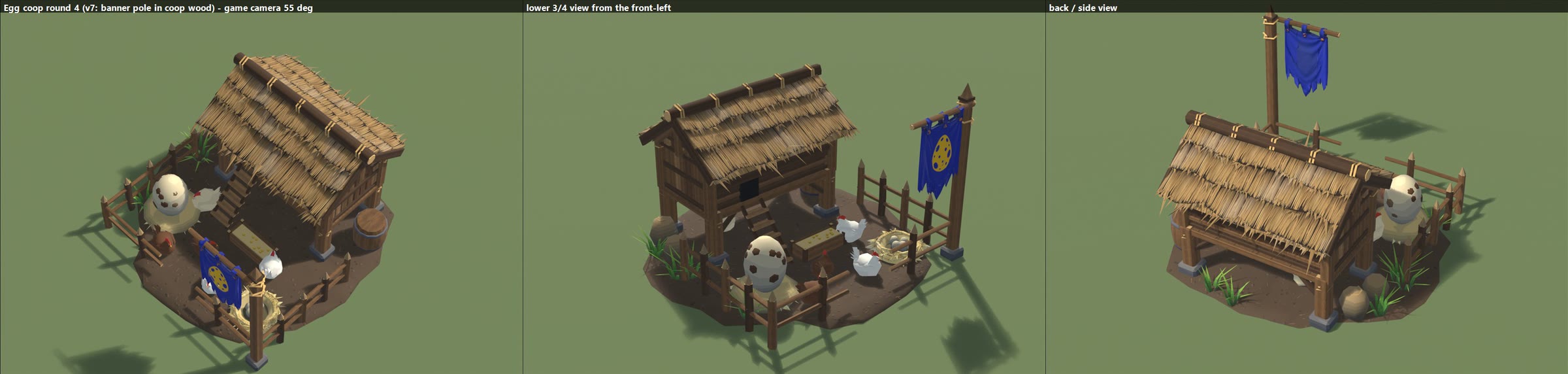
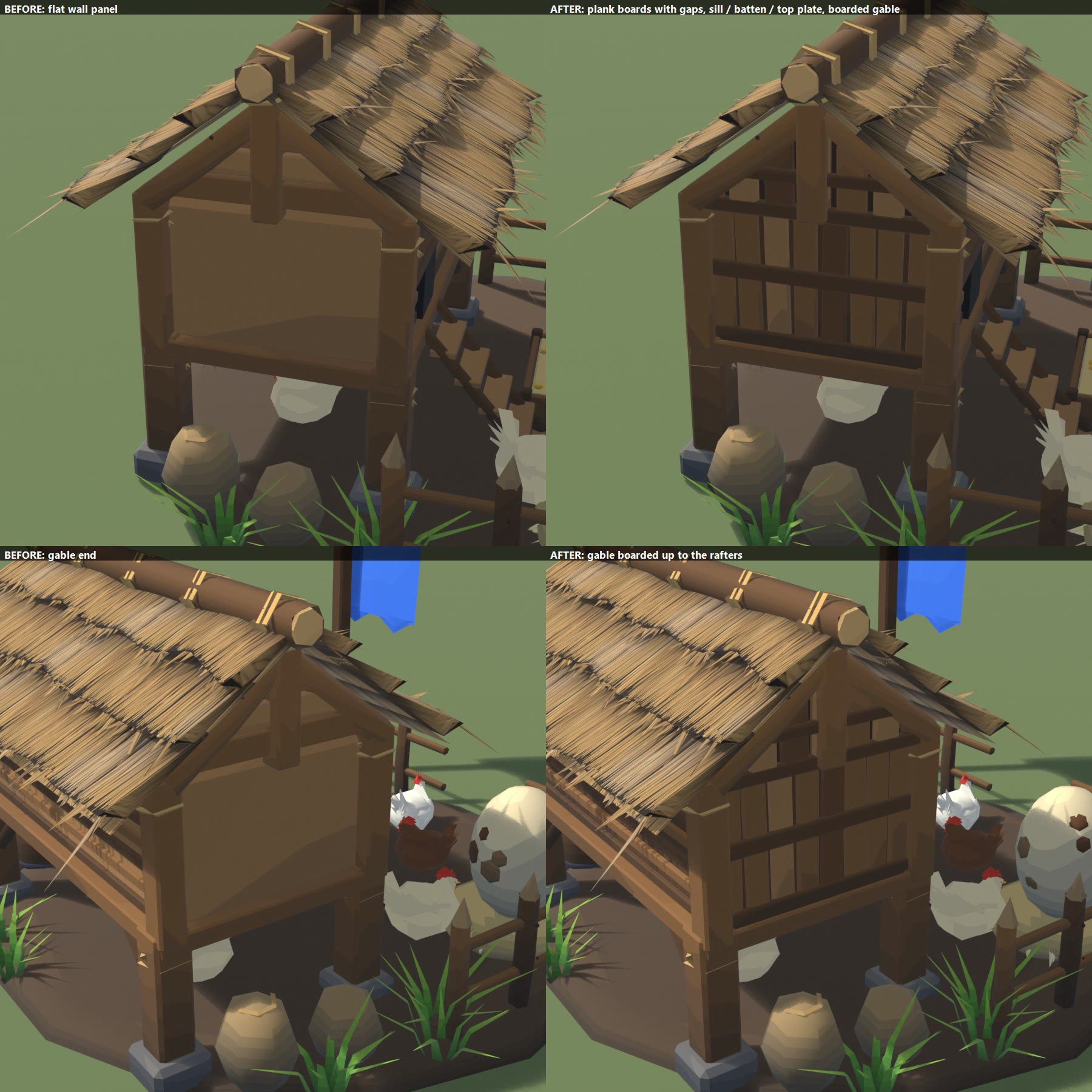
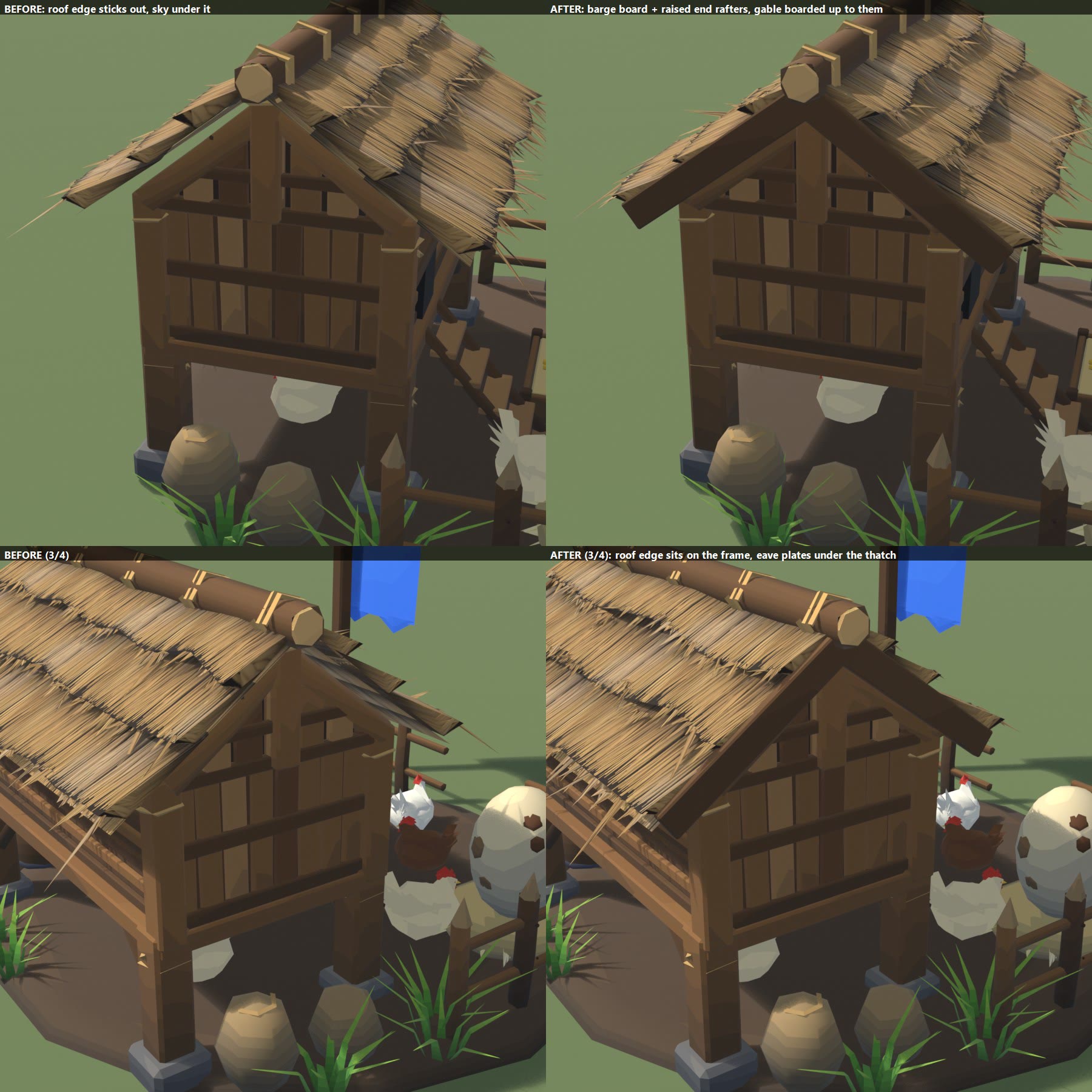
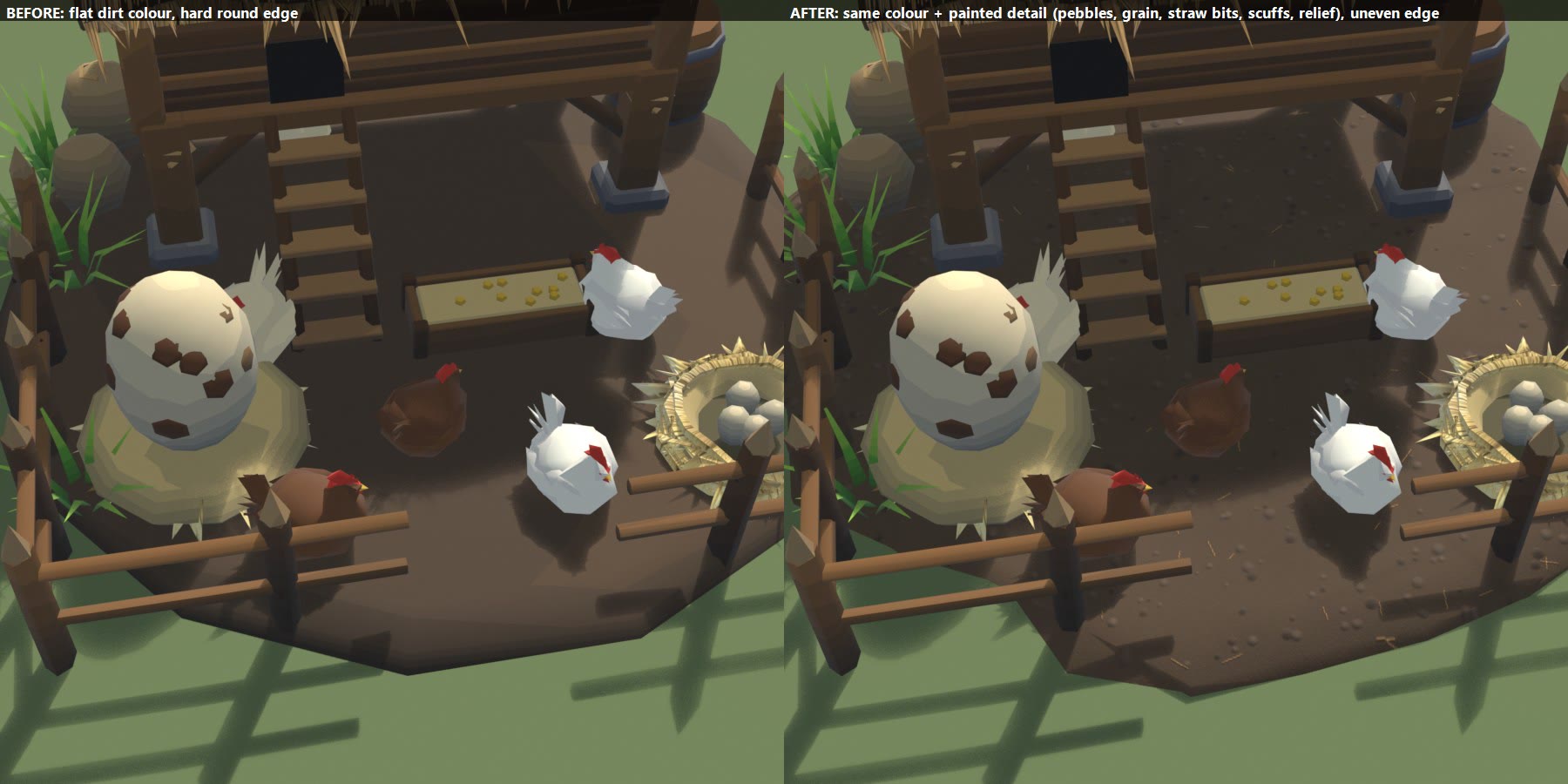
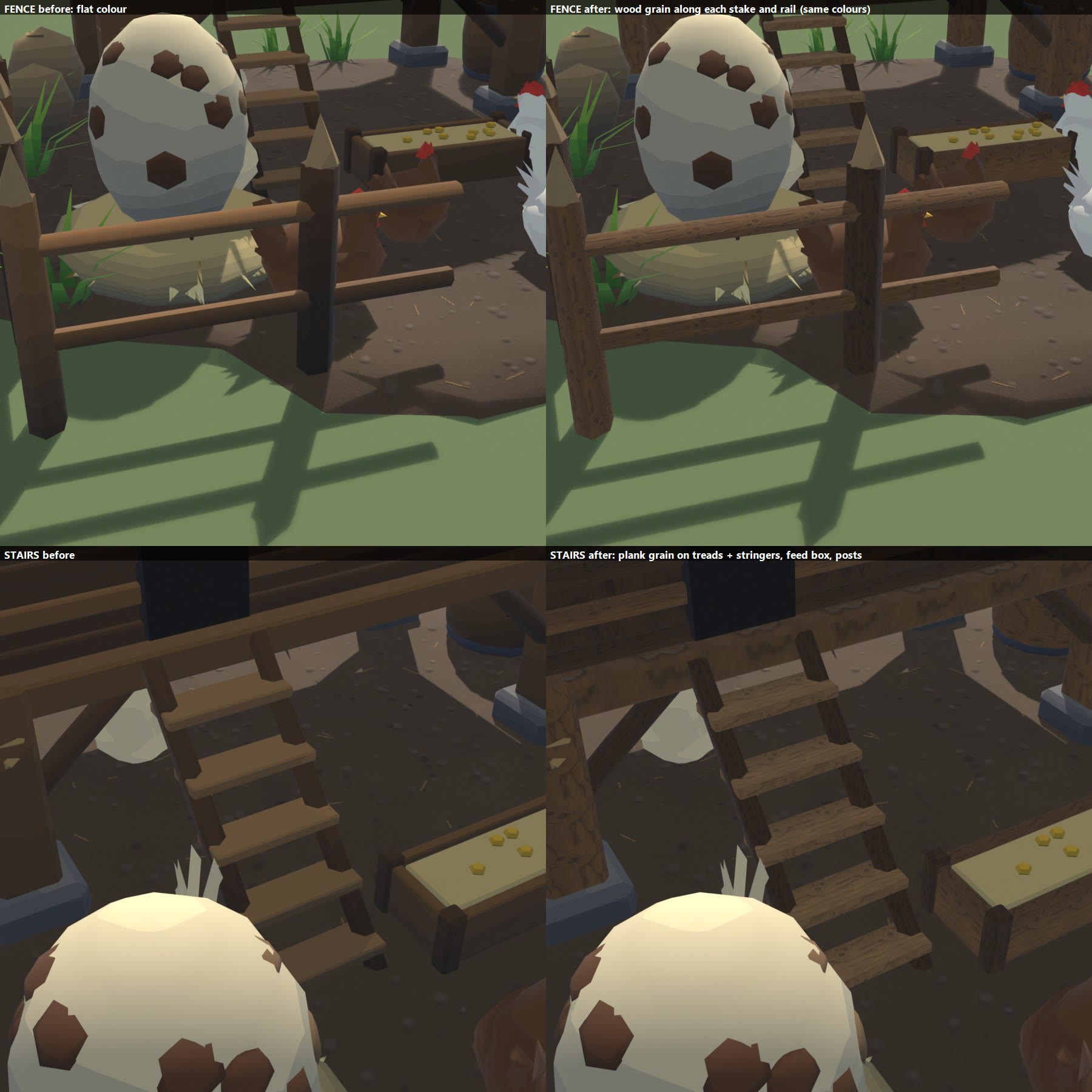
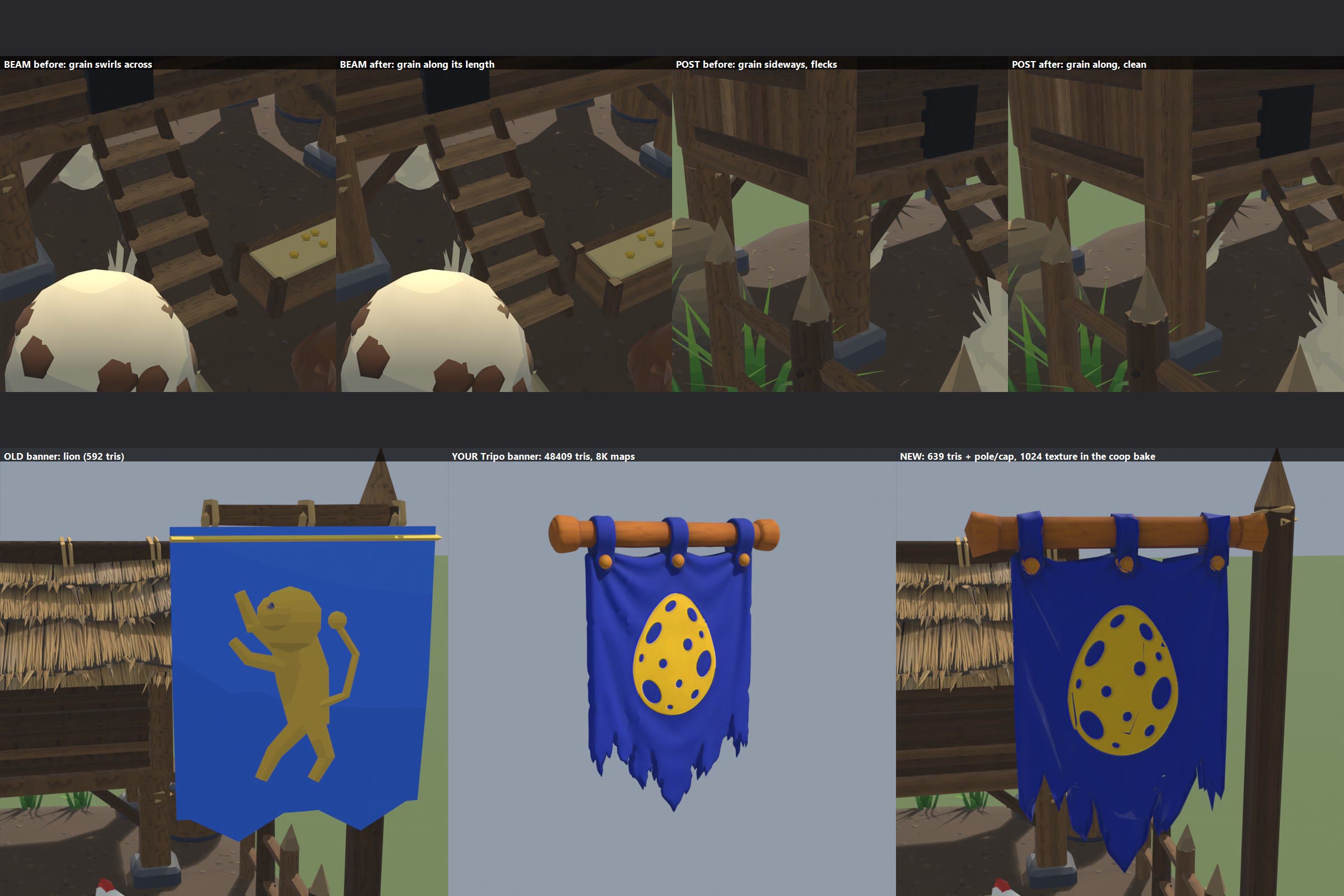
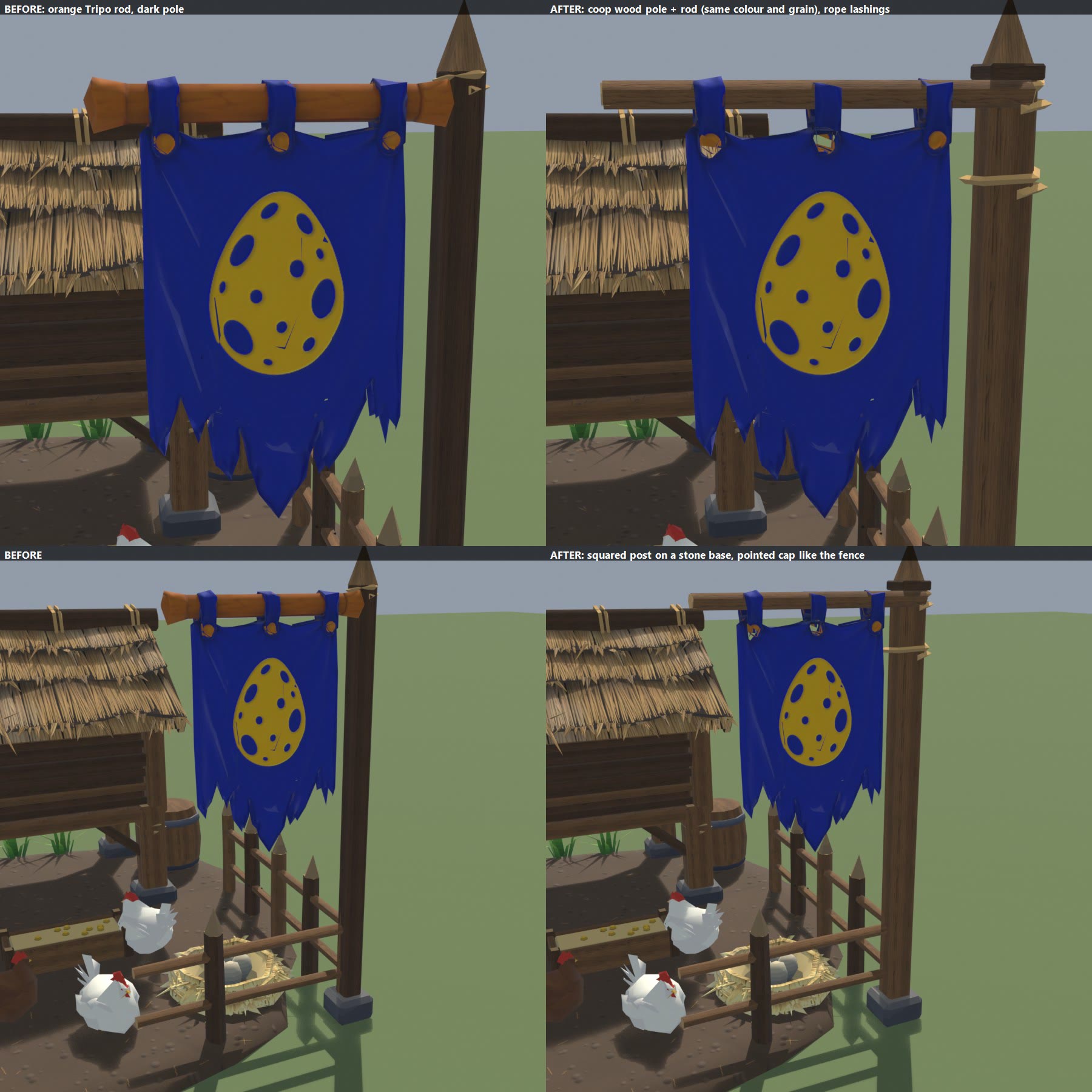
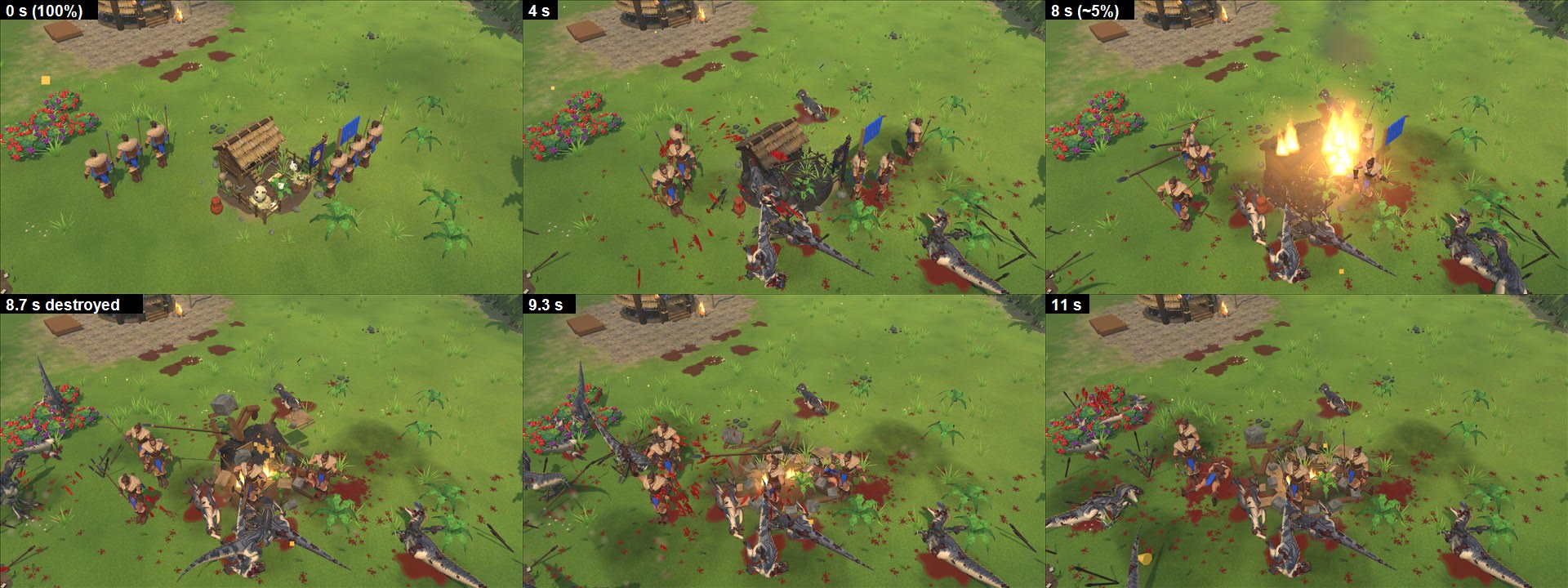
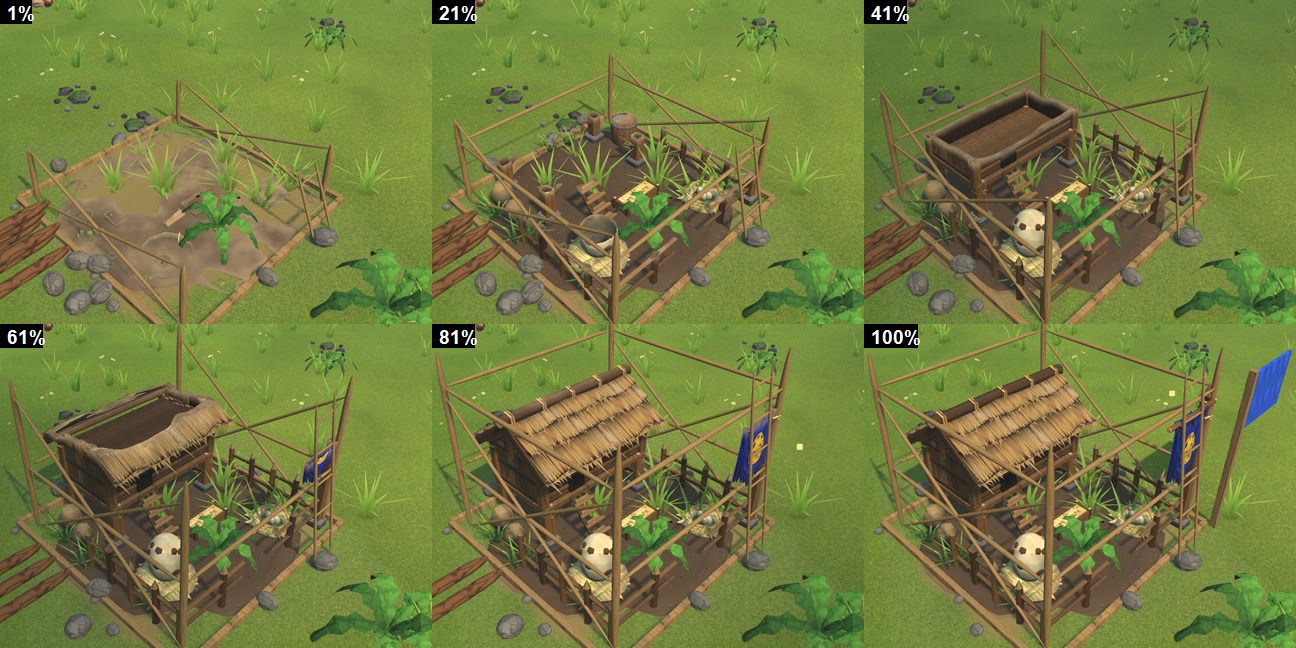
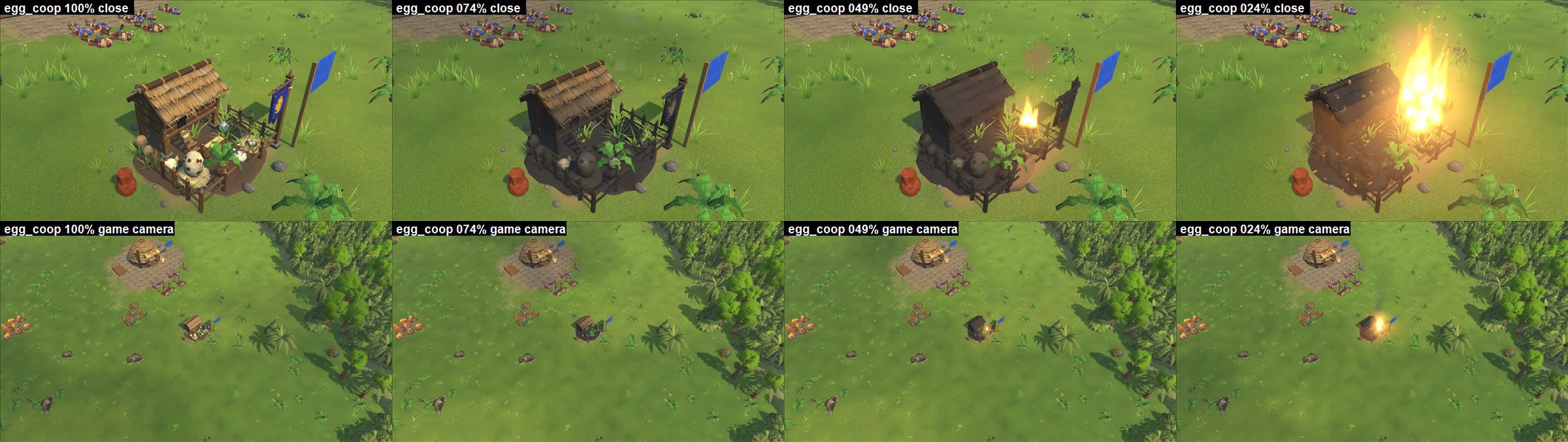
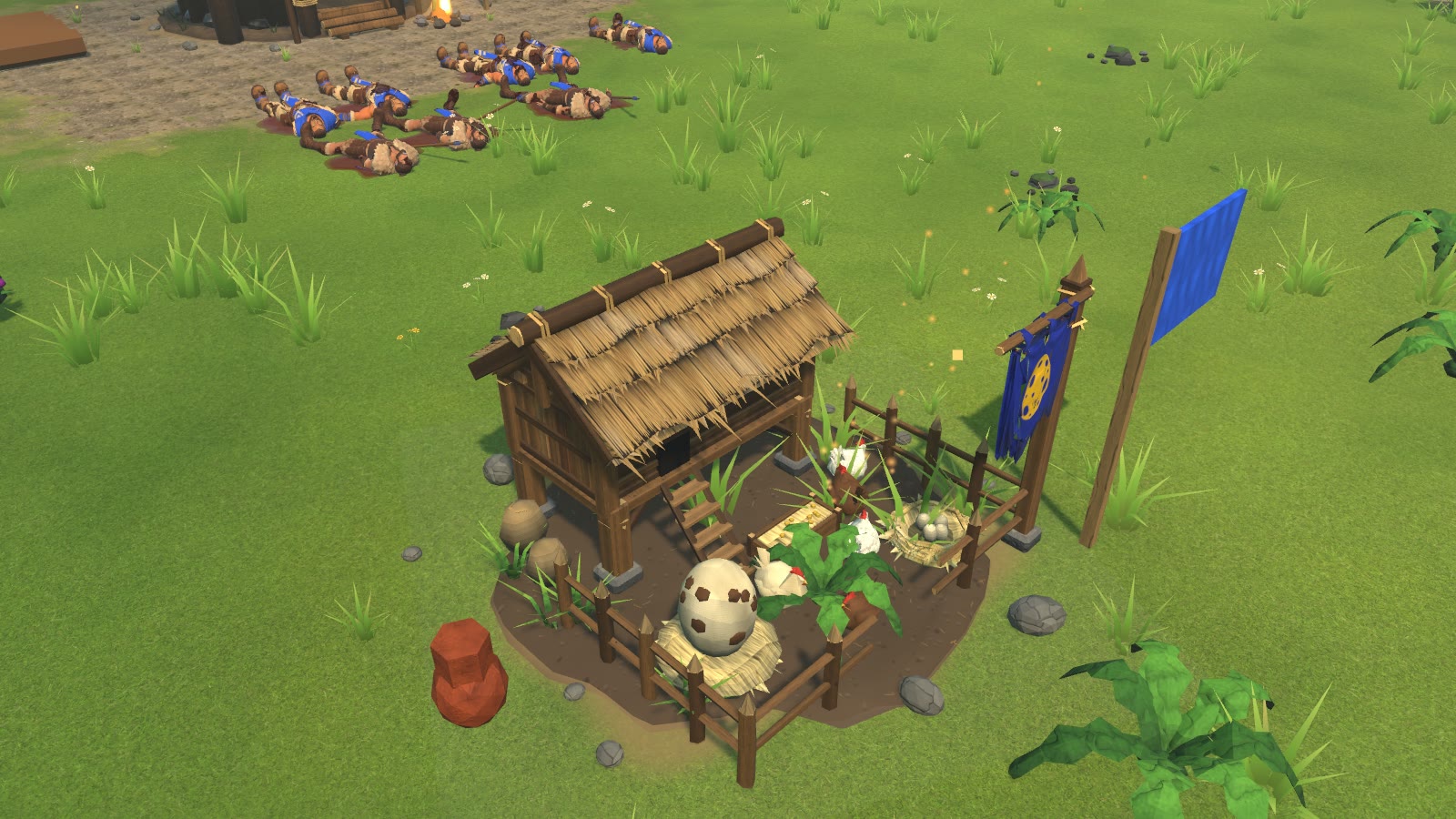
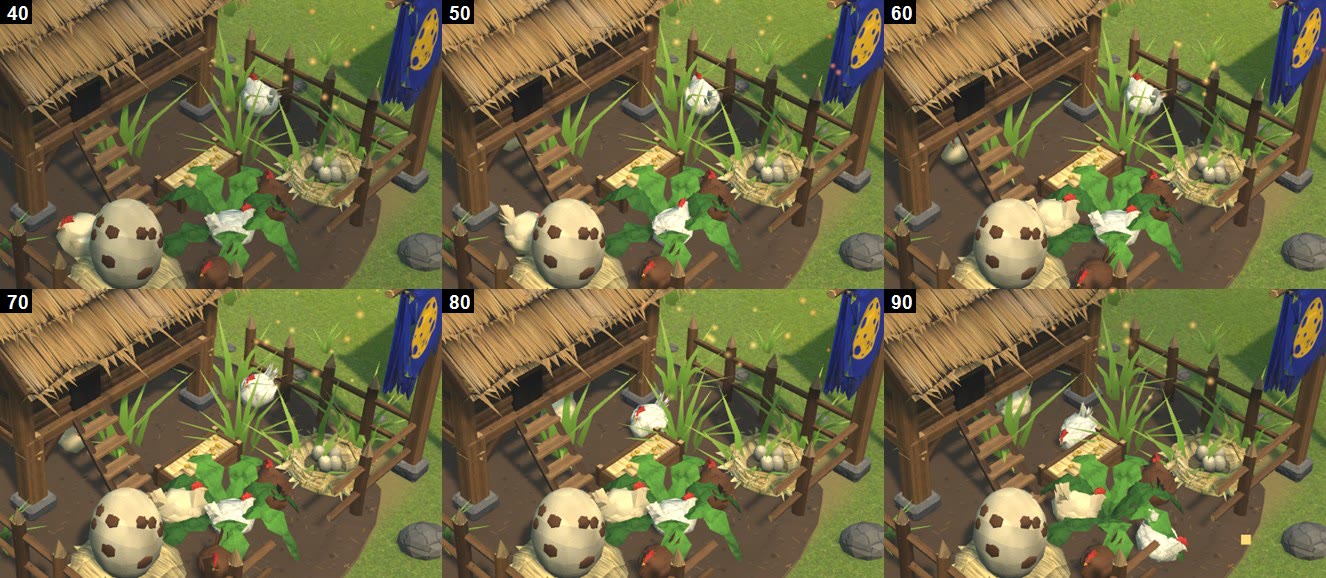
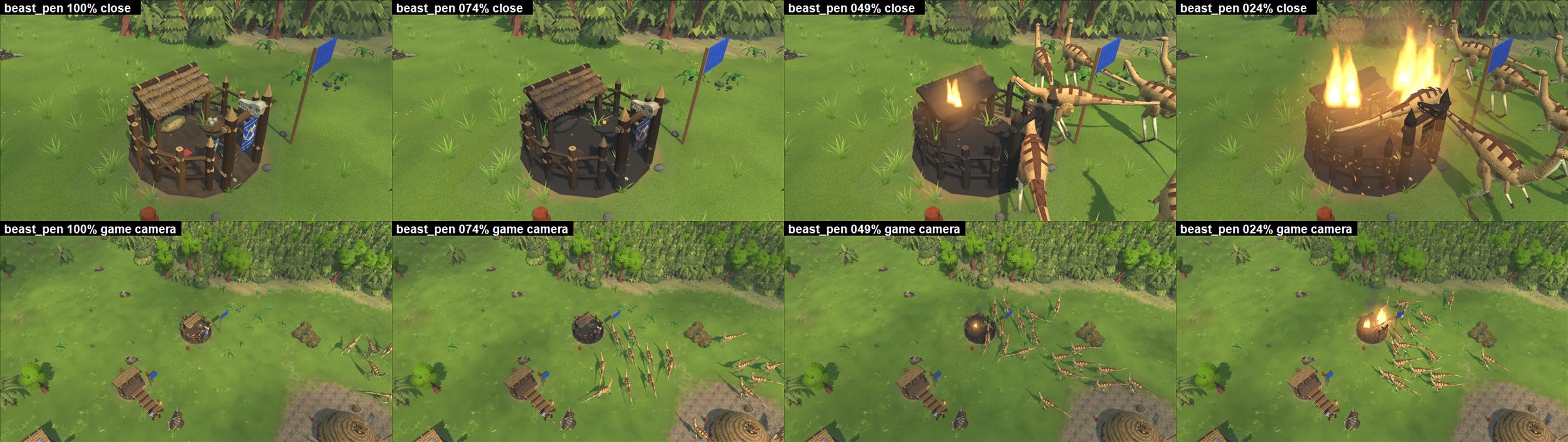
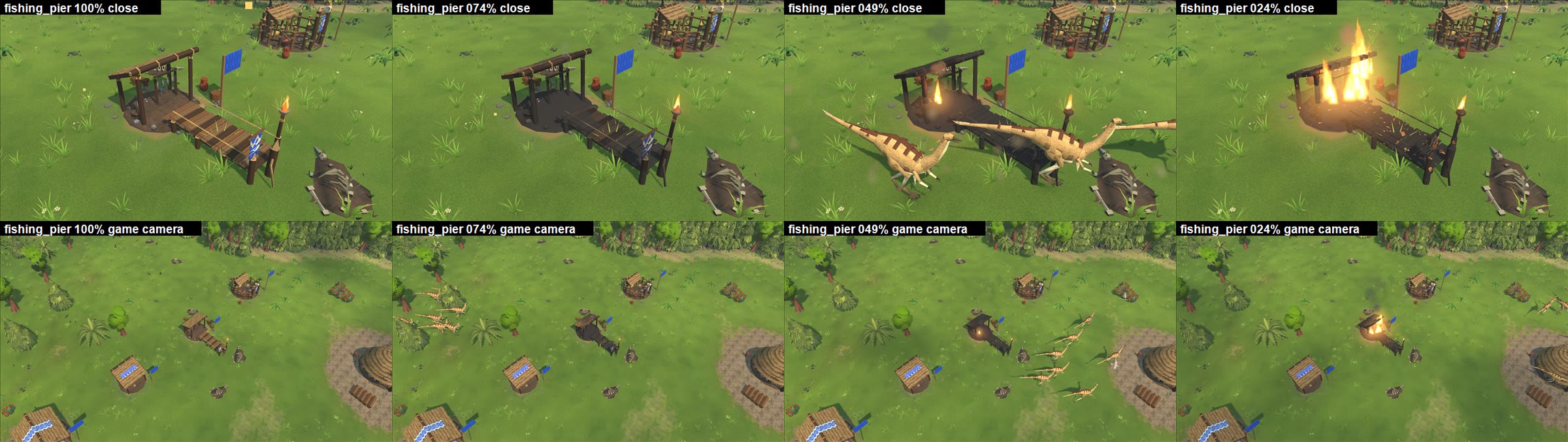
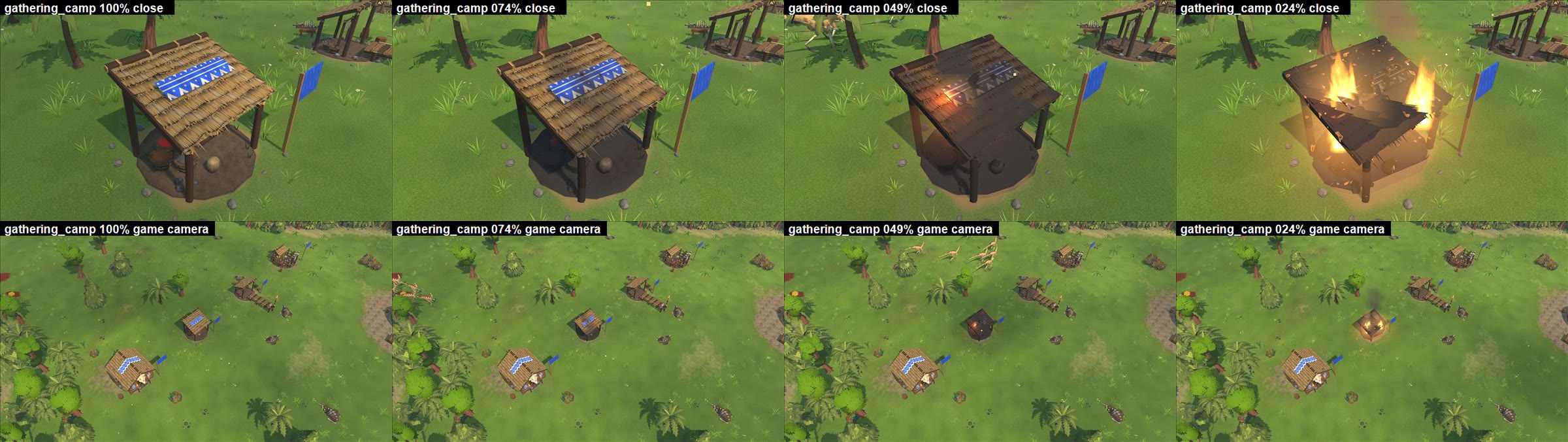
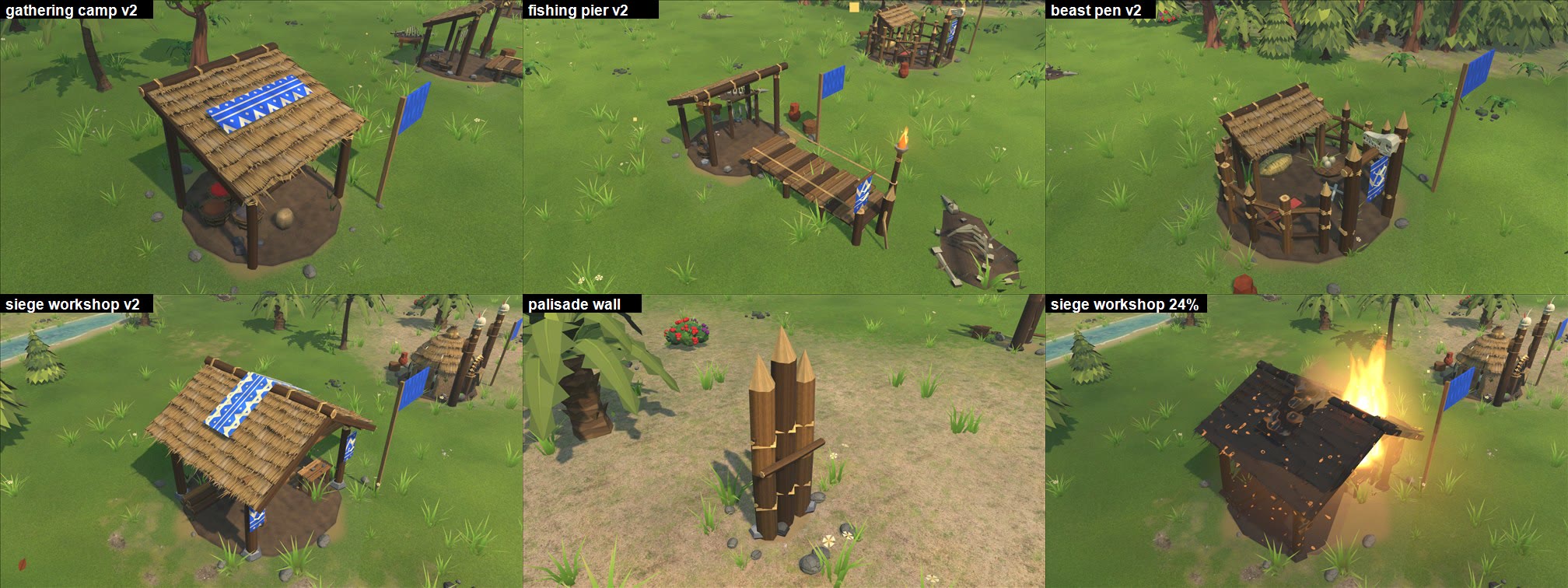
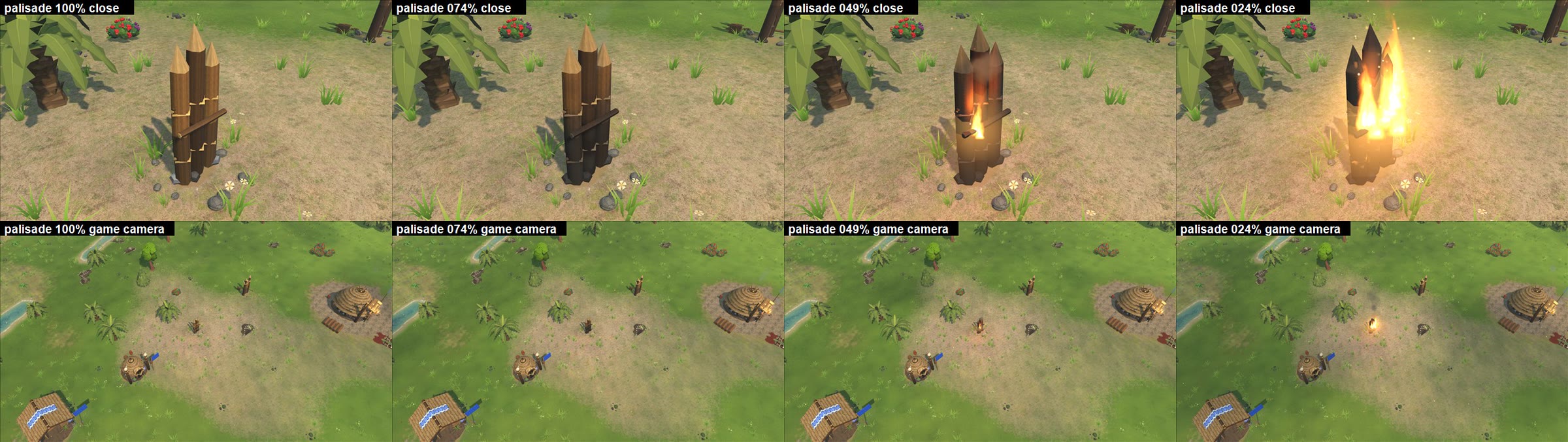
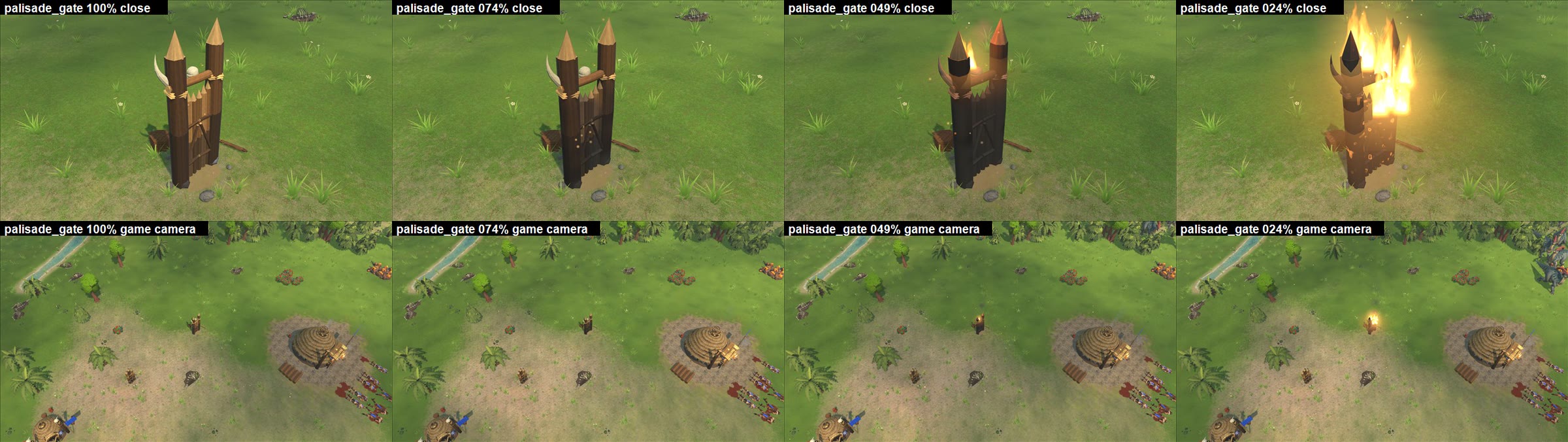
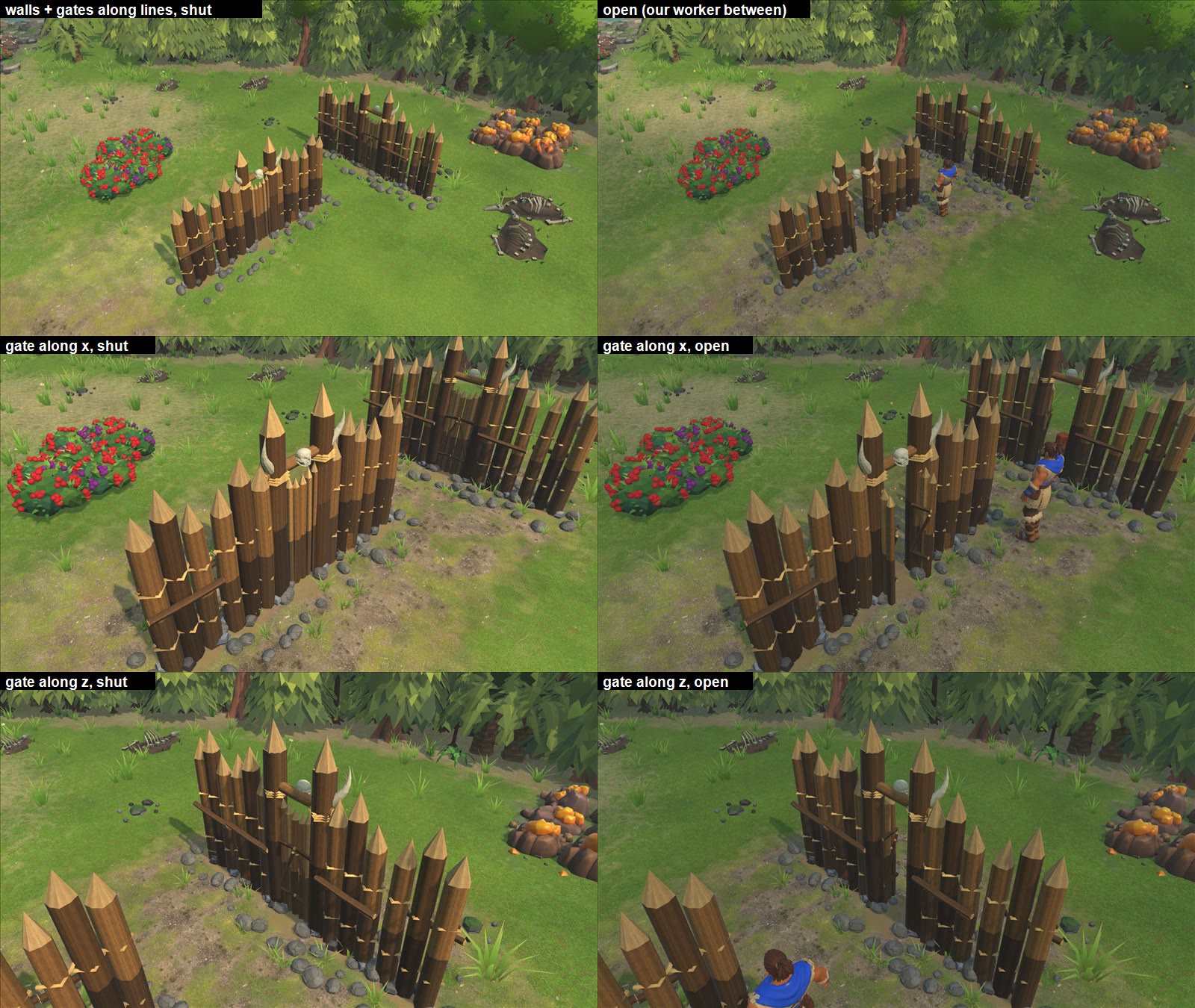
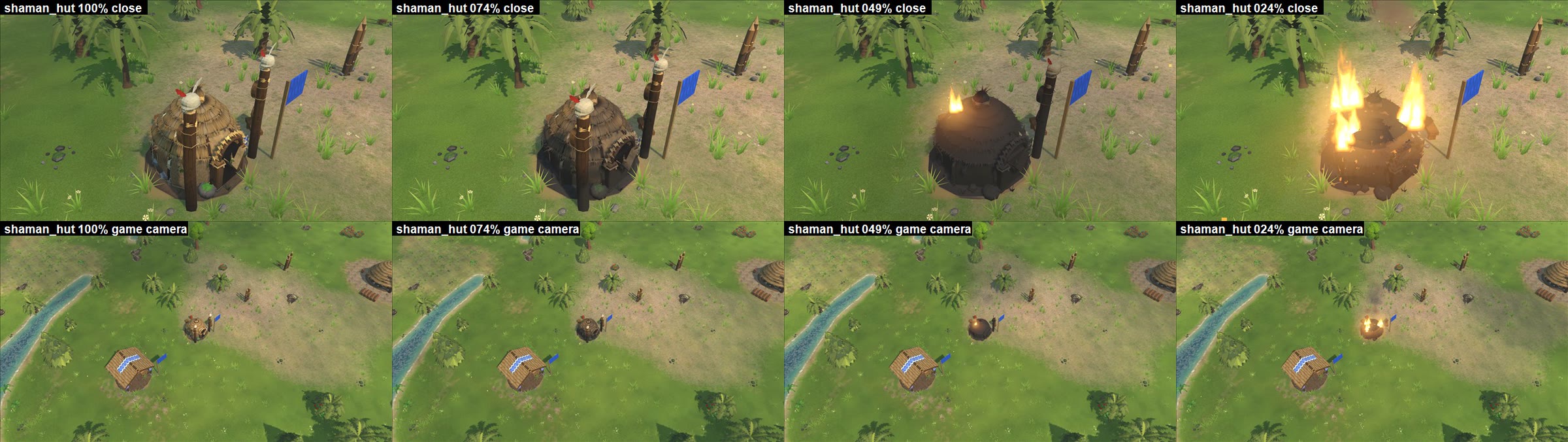
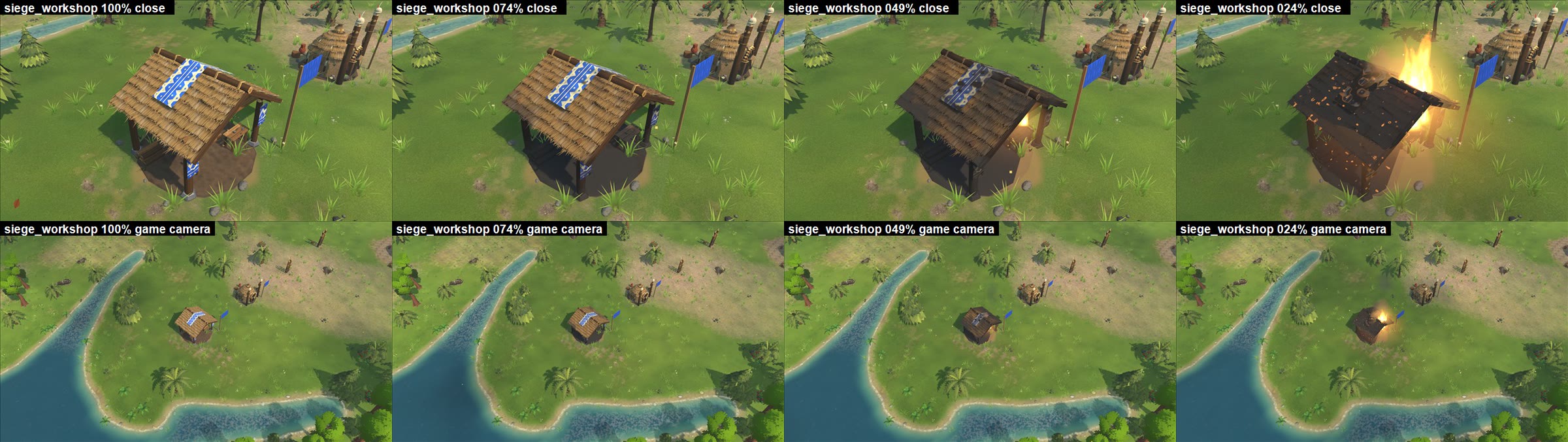
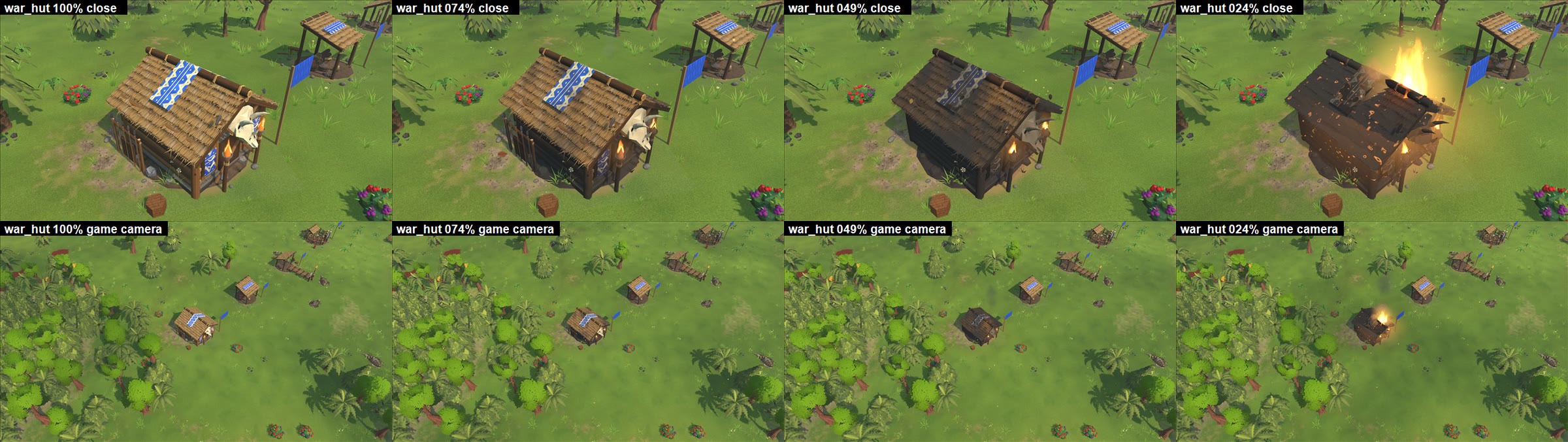
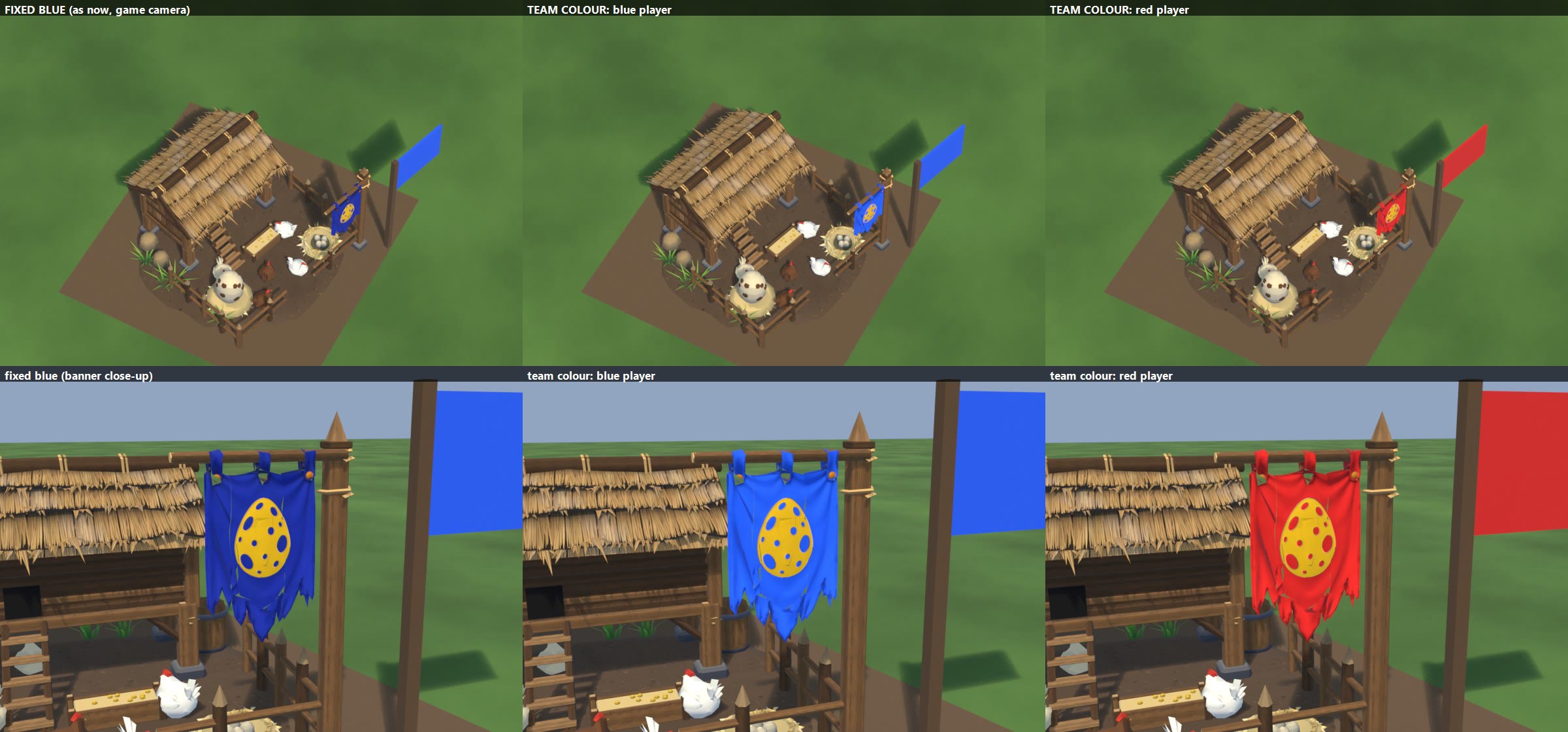
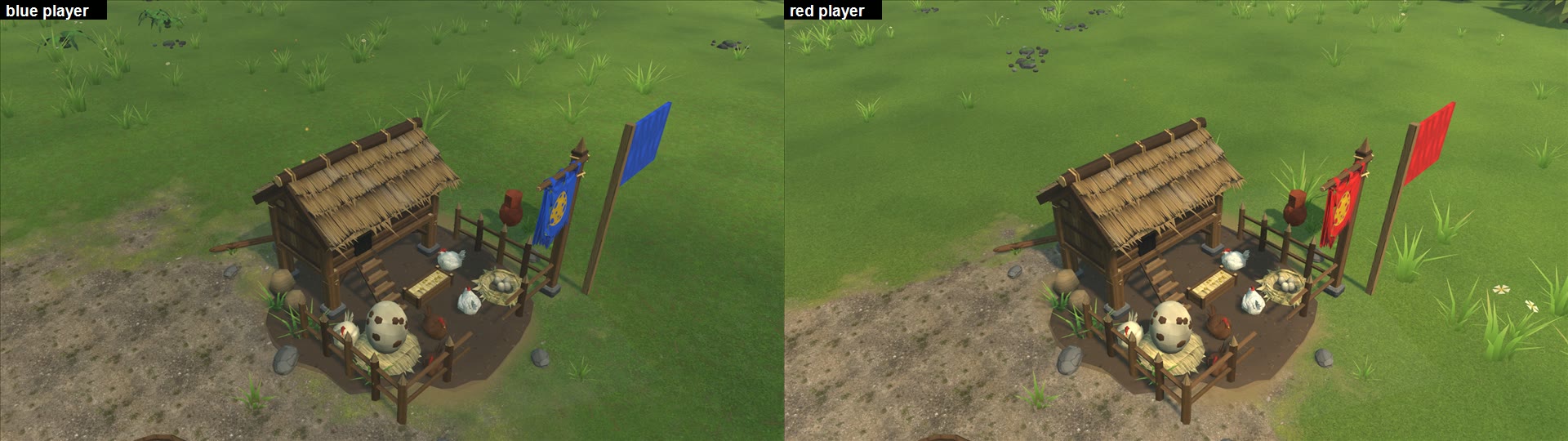
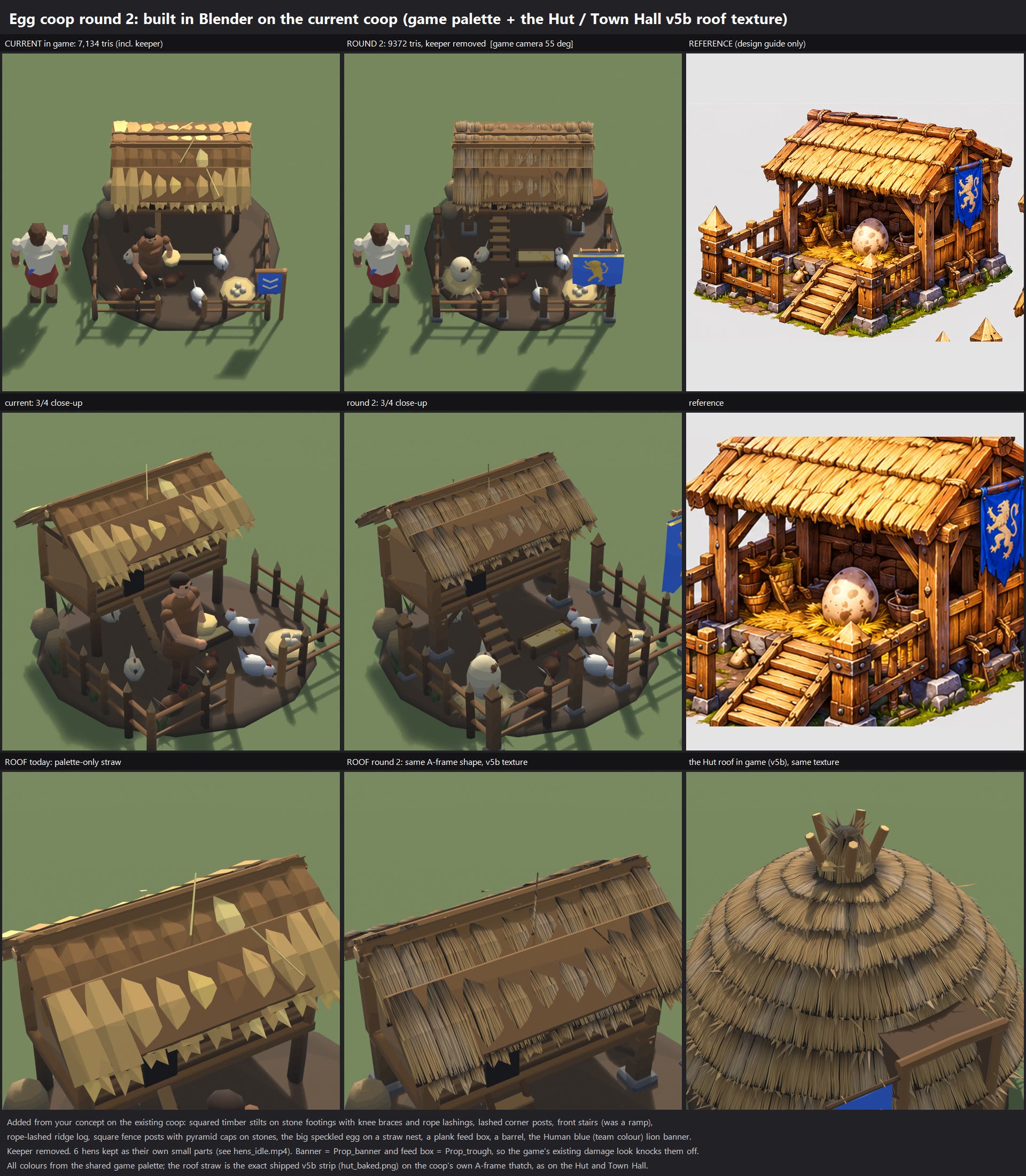
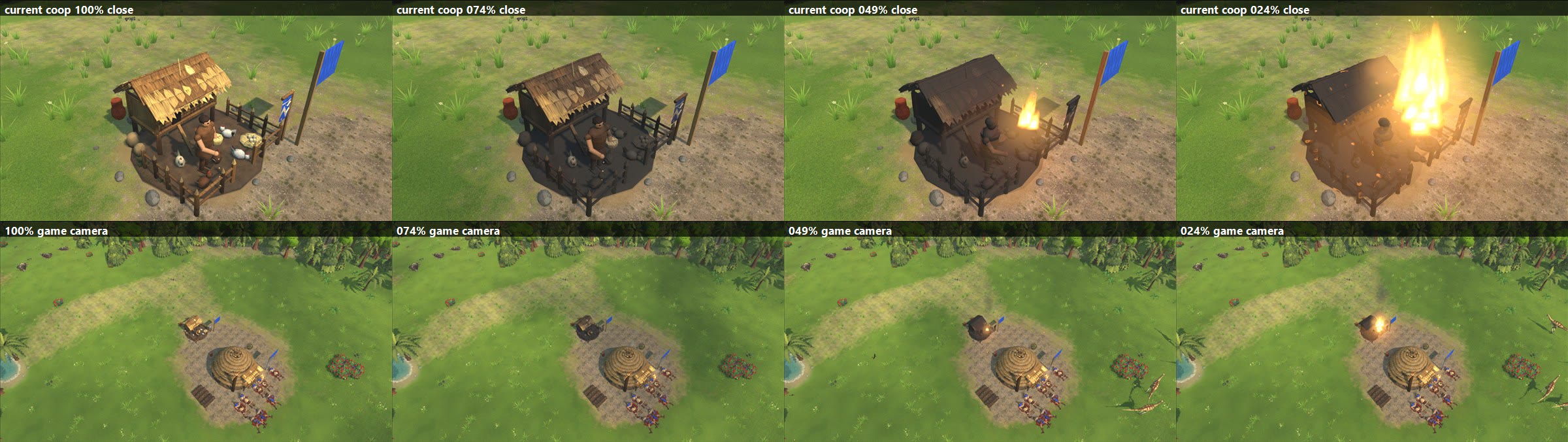
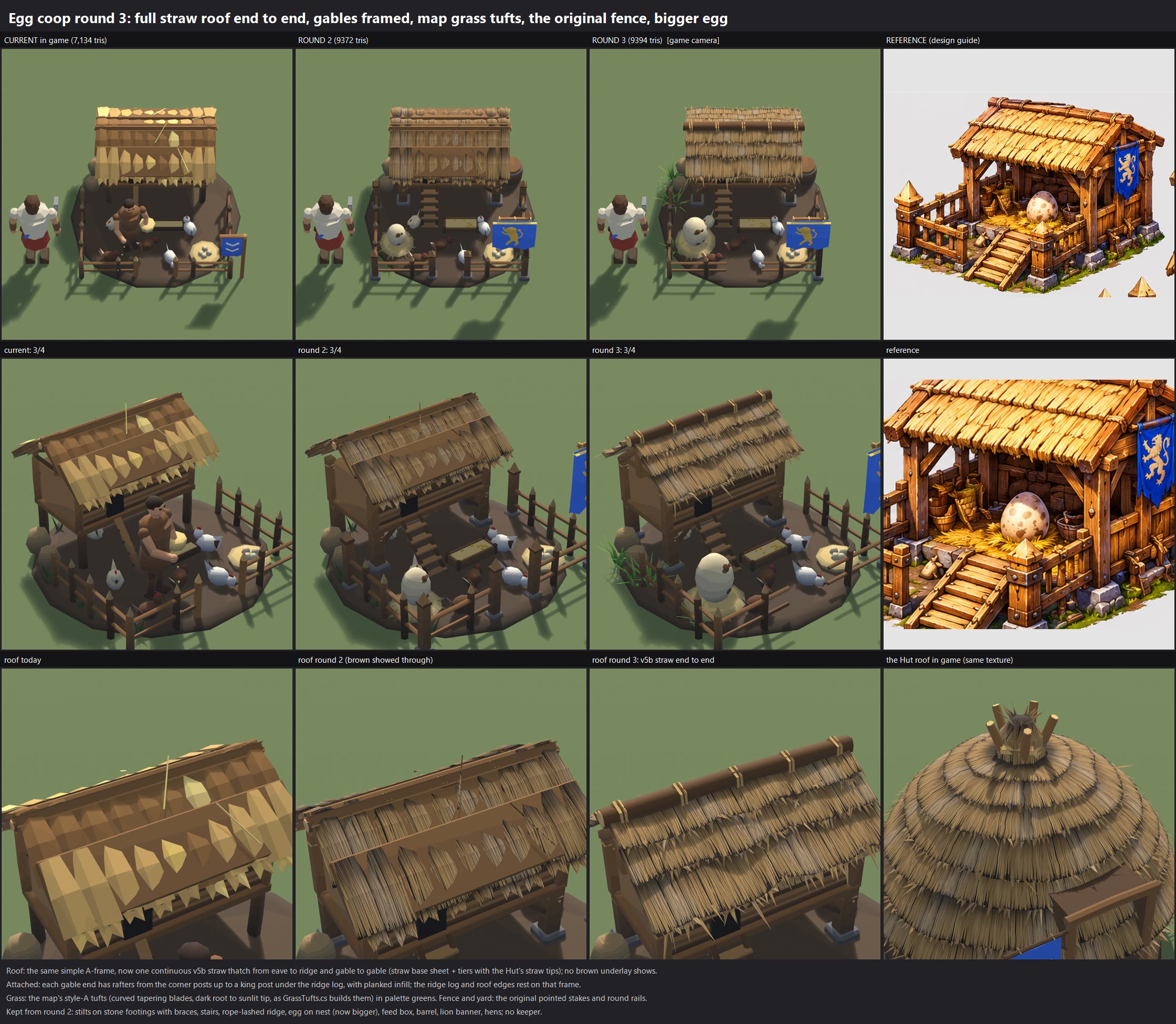
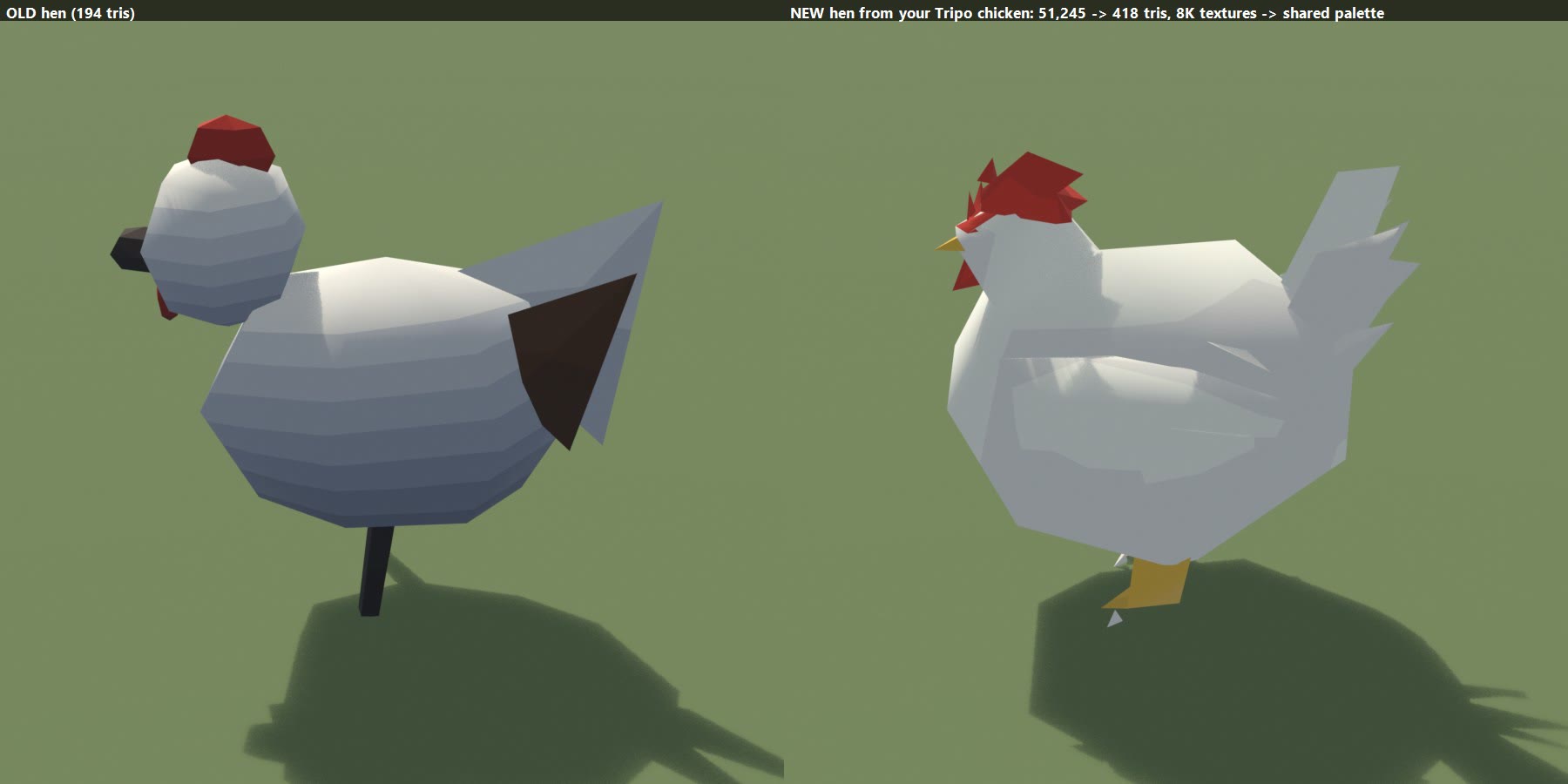
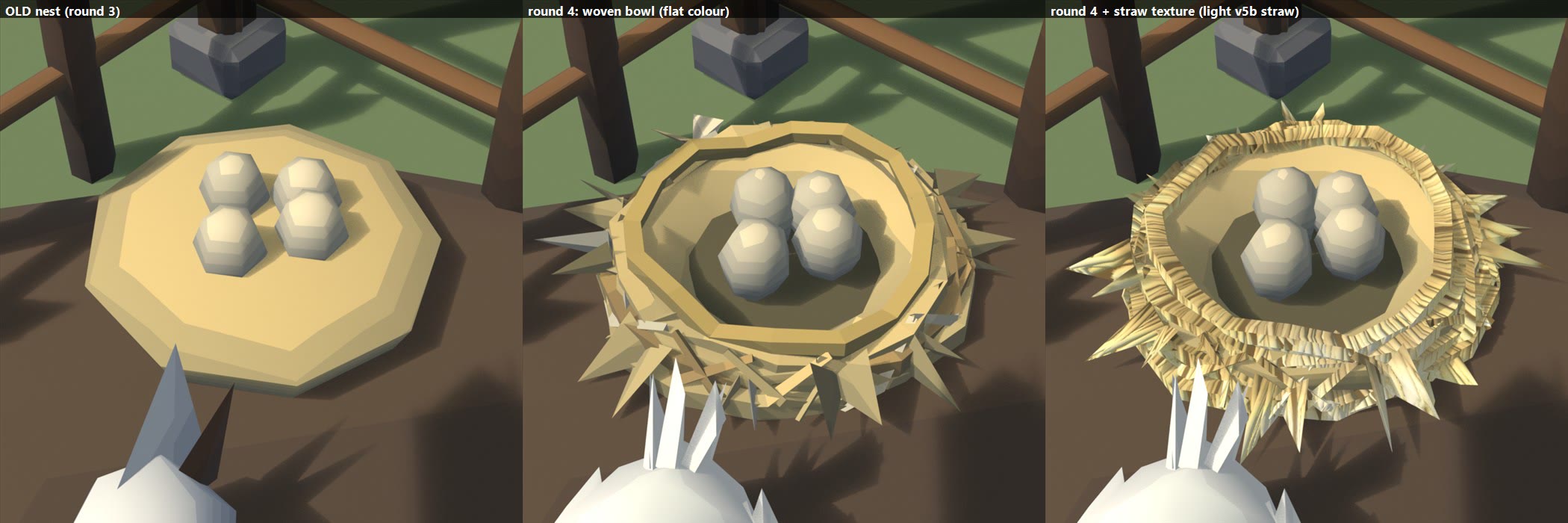
EGG COOP ART TEST (2026-11-07). This is a review only: nothing is in the game and nothing is committed.

LATEST: BANNER IN TEAM COLOUR? (18_banner_team_colour.jpg, a preview to choose from)
  Columns: fixed blue (as now) | team colour, blue player | team colour, red player.
  Rows: the game camera, then a banner close-up.
  How it works: the same method as the Shaman Hut totem banner, using the game's own baked-cloth team colour.
    - A mask in the coop texture's coordinates marks only the banner's blue cloth.
    - The shader turns that cloth into the player's colour and keeps its folds and shading.
    - The yellow egg and its spots stay yellow.
  To use it: copy the mask into the game (local file: egg_coop_r4_teamcloth.png ->
  Resources/TeamCloth/egg_coop.png) and set the reference brightness (0.039). Nothing else changes.

PREVIOUS: BANNER POLE IN THE COOP'S WOOD + THE BANNER FLAPS (v7)
  16_banner_pole_before_after.jpg
      Before | after.
    - Your banner's own orange rod (and its studs) is gone.
    - The cloth and egg emblem now hang from the coop's own timber:
        - a squared post in the same palette wood with the same along-the-length grain as the corner posts
        - a stone base like the footings
        - a pointed cap like the fence stakes
        - a round rod in the same wood through the banner's loops
        - rope lashings where the rod meets the post and higher up the post
    - Prop_banner is now 834 triangles in total; the coop is 14,010.
  16b_banner_wind.mp4
      8 s: 4 s close-up, then 4 s at the game camera.
    - The cloth ripples gently in the wind: the top stays fixed on the rod and the movement grows toward the torn
      hem.
    - It also shows in 9_round4_360.mp4 and 9_round4_hens_roam.mp4.
  How it would run in the game:
    - The game does NOT wave building flags today. The team flag next to each building is a still box
      (BuildingRenderer.AddTeamBanner).
    - The game does already have a global wind value: _PrimevalWind, set by AmbientLife.cs and used by the grass sway
      shaders.
    - So this needs no new wind system, just a small vertex wave in the building shader (PaletteDetail): only on
      cloth vertices, scaled by how far each vertex hangs below the rod, driven by that same _PrimevalWind.
      Each vertex's hang weight would be written into a spare UV channel at export.
    - Cost: a few instructions per vertex on banner cloth only. Nothing changes for the rest of the building.
    - The same hook could later wave the team flags and the other buildings' banners.
    - The 701-face cloth bends smoothly enough at the game camera. If you want it softer close up, the cloth could be
      re-decimated to about 900 triangles.

GRAIN DIRECTION FIXED + YOUR EGG BANNER (v6)
  15_grain_fix_and_banner.jpg
      Top row: the beam and post you circled, before | after.
      Bottom row: old lion banner | your Tripo banner | the new banner.
  Grain:
    - The texture is now laid flat on each face, with the grain running along the piece's long axis on every side of
      every beam, post, stake, rail, board and stair.
    - End grain is used only on the cut ends of long pieces.
    - Wide boards and slabs keep their grain along the board, so there is no pale end-grain band on the floor edge.
    - The pale flecks (bright specks in the detail texture) are clipped out. Colours are unchanged, as before.
  Banner:
    - Your "blue egg banner.zip" was checked again (it is unchanged since this morning). It holds the posts / deck /
      stairs set, not the banner.
    - The blue banner with the yellow egg is in tripo_convert_dc96da00-....zip, so that is the one used.
    - Size: 48,409 tris and 8K maps went down to 639 tris for the banner. The whole Prop_banner part, with the pole,
      stone base and cap, is 775 tris.
    - Its colours and egg emblem were re-baked from your original model onto the light mesh: a 1024 texture inside the
      coop's own texture file (next to the dirt). No 8K.
    - It still hangs from the squared pole by its own rod. It is still the knock-off prop Prop_banner, so the existing
      damage look throws it.
  Team colour: NOT yet. The banner is baked blue, as you made it.
    - To make it follow the player colour, the game's "team cloth" mask needs adding for the blue area. The game
      already supports this for baked cloth (TeamCloth.hlsl).
    - That is an install-time step. Say if you want it.
    - The game's separate team flag on its pole is still an open question.
  Total: 13,951 triangles.
  10_final_3_angles.jpg, 9_round4_360.mp4, 9_round4_hens_roam.mp4 and tribe_buildings_updated.png are re-rendered.

WOOD GRAIN ON ALL THE COOP'S WOOD (v5)
  14_wood_grain_before_after.jpg
      Fence and stairs close-ups, before | after.
    - Every wooden piece (except the hens) now has wood grain:
        - fence stakes and round rails
        - stairs
        - stilts and posts
        - plank walls and gable boards
        - barge boards and rafters
        - beams
        - feed box, barrel and banner pole
      That is 2,771 faces.
    - The grain runs along each piece's length.
    - Colours are unchanged: each wood colour (wood, dark wood, light wood, grain wood) has its own grain strip
      whose average is exactly that colour at its usual painted shade.
    - The grain is the game's OWN wood detail: the wood layer of T_PaletteDetail, the texture the game already lays
      over palette wood at runtime. It is turned to follow each piece and comes with its normal map.
    - Cost: texture only, no new triangles (still 13,768). The coop's texture file grows to 2048 x 3072. It holds:
        - the nest straw
        - the roof straw
        - the dirt
        - 4 wood strips
  Reusing it on all Tribe buildings: every building's palette wood could get the same 4 wood strips through its
  baked texture.
    - The same per-piece step from this build (a few lines) and the same strips: the egg_coop_r4_baked.png rows
      2048-3071, or one shared wood strip texture.
    - Or more simply, in the game shader: make the existing runtime wood detail follow each piece's length and show
      a bit stronger. That would change every building at once with no new textures.
    - Your call which way. The second is cheaper and keeps everything consistent.
  10_final_3_angles.jpg, 9_round4_360.mp4, 9_round4_hens_roam.mp4 and tribe_buildings_updated.png are re-rendered
  with this version.

ROOF EDGE GAP CLOSED + DETAILED DIRT (v4)
  12_gable_gap_fix.jpg
      Before | after at the angle you marked, plus a 3/4 view.
    - Gable rafters: they now run along the underside of the roof, all the way from the eave to the ridge, at both
      ends of the roof.
    - Barge board: a dark wooden board now runs down each sloped roof edge, at both gables and on both slopes. The
      roof edge visibly rests on the frame.
    - Gable boards: they reach right up under the rafters.
    - Eave plates: a beam now runs along the front and back walls just under the straw, so there's no gap between the
      wall top and the roof either.
    - Checked from both gables and from the front and back: nothing floats.
  13_dirt_before_after.jpg
      Before | after of the yard dirt.
    - Same colour: the texture's average is exactly today's brown.
    - Added only detail: grain, small pebbles with little shadows, a few straw bits, faint scuffs, and a subtle
      normal map for relief.
    - The hard round edge is now slightly uneven and sinks into the grass.
    - Cost: one more strip in the coop's own texture file (now 2048 x 2048: nests, roof straw, dirt) and 112 more
      triangles. Total: 13,768.
    - This dirt pad is part of the coop model itself, not the game's shared building pad. The flat earth square the
      game draws under every building (SettlementDressing) is separate and unchanged. If you want, the same painted
      dirt texture could go on that shared pad too: one material change in SettlementDressing, with a texture tinted
      to its current colour, and every building would get it.
  10_final_3_angles.jpg, 9_round4_360.mp4, 9_round4_hens_roam.mp4 and tribe_buildings_updated.png are all
  re-rendered with this version.

PLANK WALLS (v2)
  11_walls_before_after.jpg
      Before | after of the henhouse's side wall and gable end.
  What changed:
    - The flat wall plate is gone. Both end walls are now 8 separate vertical boards each:
        - bevelled edges
        - slightly different widths, heights, tones and lean
        - small dark gaps between them, from a dark core behind
        - a sill beam, a batten across the middle and a top plate
    - Both gable triangles are boarded up to the rafters with vertical boards and a batten, with a closed dark
      backing. Nothing is see-through.
    - Same palette wood as the stairs and posts. Everything else is unchanged.
    - Triangles: 13,462 in total, about 1,500 more for the boards. They could be trimmed to about +900 by using fewer
      boards if you want.
  10_final_3_angles.jpg, 9_round4_360.mp4, 9_round4_hens_roam.mp4 and the updated buildings sheet
  (local file: tribe_buildings_updated.png) are all re-rendered with this version.

  10_final_3_angles.jpg
      The final coop (round 4) from three angles:
        - the game camera (55 degrees, front-right)
        - a lower 3/4 view from the front-left
        - the back/side
  9_round4_nest_closeup.jpg
      Three panels: the old nest | round 4 in flat colour | round 4 with the straw texture.
  Nest straw texture:
    - The woven rim rings, the criss-cross straws and the tufts of both nests (the small egg nest and the big egg's
      straw bed) now use the same straw texture as the roofs.
    - It is lightened to the palette's light straw colour, so the nests keep the light look you liked.
    - The bowl and its inner floor stay plain light straw (texturing them gave stripes).
    - How the texture is stored: the coop has its own texture file (egg_coop_r4_baked.png + normal). The top half is
      the roof straw; the bottom half is the light straw for the nests.
  9_round4_hens_roam.mp4 and 9_round4_360.mp4
      These include the textured nests and your chicken, roaming.
  The chicken stays as it is: 418 triangles, coloured from the shared palette. Your 8K texture was only used to read
  off its colours; it is not used in the game.

ROUND 4 (the small egg nest) + 360 VIDEO
  9_round4_nest_closeup.jpg
      The old nest next to the new one.
  9_round4_360.mp4
      The finished coop turning a full circle twice, about 11 seconds per lap:
        - first lap at the game camera's 55 degrees
        - second lap from a lower 3/4 view (32 degrees)
      The new hens roam the pen (see below).
  The new small nest:
    - Shape: a woven straw bowl. The rim is raised and the floor sits lower, so the 4 eggs nestle down inside it.
    - Straw detail: four wobbly coiled straw rings around the rim, criss-cross woven straws over the sides, straw
      tufts poking out, a few stray straws, and a shaded hollow inside.
    - Colour: the same light straw/cream tones from the shared palette. No new texture, so it stays consistent with
      the rest of the building.
    - Nothing else changed. The big egg's nest is as in round 3; it can get the same weave if you want.
  YOUR CHICKEN, as the coop's 6 hens (9_round4_hen_closeup.jpg: old hen | new hen)
    - Source: "chicken with wings fused" from your folder (copied, then read). It was 51,245 triangles with 8K
      textures (one 8192 colour map + three 4096 maps).
    - Now: 418 triangles per hen and no texture of its own.
        - The silhouette is kept: round body, fused wings, comb and wattle, the tail fan, beak and legs.
        - Its colours were read off your texture and mapped onto the shared game palette: white feathers, red
          comb/wattle, yellow beak and legs, shaded from your painting's light and dark.
    - Variety: two white, two cream and two brown-feathered hens, each a little bigger or smaller, all facing
      different ways.
  HENS ROAMING (9_round4_hens_roam.mp4: 20 s at the game camera; also in the 360)
    Each hen runs its own little loop with its own random seed, so they never sync and the clip doesn't repeat:
      1. It picks a free spot:
           - inside the fence (one hen lives under the henhouse)
           - clear of the stilts, stairs, big egg, small nest and feed box
           - away from where the other hens are heading
      2. It turns and waddles there, with a little bob in each step.
      3. Then it does a random mix of:
           - pecking the ground 1-4 times
           - looking around (head turns)
           - scratching (two little back-hops, then a peck)
           - a ruffle (fluffs up and settles)
           - standing still for a moment
      4. Then it picks the next spot.
    How it would run in the game (presentation only, no game-rule change, nothing networked or saved):
      - In BuildingRenderer's existing "moving parts" path (where the keeper sways and the windmill sails spin), the
        parts named Hen_0 .. Hen_5 become moving parts.
      - A small per-hen struct per coop holds: position, heading, target, current action, action timer, and a random
        seed (building id x hen index).
      - Each frame, per hen: advance the timer; when the action ends, roll the next one. The spot choice uses a
        handful of circle checks against a fixed list of obstacles stored with the coop, plus the other hens'
        targets.
      - Then the hen is drawn with its mesh matrix x a small offset: position, heading, a peck tilt, a hop and a
        ruffle scale.
      - Cost: about 20-30 arithmetic operations and 1 draw per hen per frame, about 6 draws per visible coop, the same
        as the keeper today. No animation clips, no new assets.
      - The loop pauses with the game clock. Hens are hidden when the coop is a construction site or destroyed.
  Triangles: 11,962 in total before the plank walls (13,462 with them). That is the body 8,152 (incl. the new nest of about 1,200 tris), the banner 592, the
  feed box 710 and 6 hens at 418 each. The current in-game coop is 7,134.
  The nest can be trimmed to about 600 tris and the hens to about 300 each if you want it lighter.
  Files: local file: out_r4
    - local file: egg_coop_r4.fbx + .rig.json
    - egg_coop_r4.blend
  Scripts: r4_build.py and r4_render.py.
  Built only from the staged factory copy. local file: Primeval was checked after each run: no writes.

ROUND 3 (after your marked-up round-2 sheet)
  8_round3_compare.jpg
      Four columns: current | round 2 | round 3 | reference.
      Rows: the game camera, a 3/4 close-up, and the roof (today | round 2 | round 3 | the Hut's roof).
  What changed from round 2:
    - Roof: the same simple A-frame, now covered end to end, from eave to ridge and gable to gable, in the v5b straw.
        - A straw base sheet goes over the whole slope, then tiers with the Hut's straw tips.
        - None of the brown underlay shows.
    - Attached: each gable end now has rafters from the corner posts up to a king post under the ridge log, with
      planked infill.
        - The ridge log and roof edges rest on that frame.
        - Nothing overhangs with nothing under it.
    - Grass: the little tufts are now the map's style-A grass, built the way GrassTufts.cs builds it in game.
        - 9-12 curved, tapering blades in three lengths.
        - Dark at the root, sunlit at the tip.
        - Coloured from the palette greens.
    - Fence and yard: back to the original pointed stakes and round rails, in the same layout.
    - Egg: about 30% bigger, with more speckles.
  Everything else is kept from round 2:
    - stilts on stone footings with braces
    - stairs
    - the rope-lashed ridge
    - the feed box and the barrel
    - the lion banner
    - the hens (7_hens_idle.mp4 still applies)
    - no keeper
  Triangles: 9,394. The current coop is 7,134.
  Files: local file: out_r3
    - local file: egg_coop_r3.fbx + .rig.json
    - egg_coop_r3.blend
  Scripts:
    - r3_build.py: built from the staged factory copy
    - r3_render.py
    - compose_r3.ps1
  local file: Primeval was checked after every run: no writes.

ROUND 2 (after your first feedback)
  5_round2_blender_compare.jpg
      Three columns: the current coop | the round-2 coop | your reference.
      Rows:
        1. the game camera (55 degrees, with a peasant for scale)
        2. a 3/4 close-up
        3. the roof: today's coop roof | the new coop roof | the Hut's roof in the game, so you can see the texture
           match
  7_hens_idle.mp4
      6 seconds. The hens peck, take little hops and turns, and flap their wings now and then.
  6_current_ingame_destruction.mp4
      A REAL in-game capture of the CURRENT egg coop being damaged through 75%, 50% and 25%, then destroyed.
      Recorded with the v0.9.44 build (a copy, run windowed), using the existing building-damage review scene.
  6b_hut_ingame_destruction.mp4
      The same for the basic Hut, for comparison.
  6c_current_ingame_stages.jpg
      The current coop in game at 100%, 74%, 49% and 24% health: close-up and at the game camera.

ROUND 2: WHAT CHANGED
  You said the Tripo parts don't match each other in colour or consistency, and you don't like how they break, so
  the round-1 Tripo build is dropped.
  The coop is now built in Blender the same way as our other buildings: the same generator code, the same shared
  game palette for every colour. It is built ON the current coop, with your concept's features added:
    - the henhouse stands on chunky squared timber stilts with stone footings, knee braces and rope lashings
    - squared corner posts, lashed at the top, and a lintel beam across the front
    - front stairs up to the hen door (it was a ramp)
    - rope lashings along the ridge log
    - square fence posts with pyramid caps on stone bases at the corners and the gate; the pointed stakes stay
      in between
    - the big speckled egg on a straw nest in the run
    - a plank feed box with grain (it was a trough)
    - a barrel with iron hoops
    - the Human banner: a team-colour cloth (blue for a blue player) with a gold rampant lion, on a squared pole
  The egg farmer is removed.
  The 6 hens stay, each as its own small part so they can move.
  The roof keeps the coop's simple A-frame shape. It now uses the same v5b straw texture as the Hut and the Town
  Hall: the exact shipped texture and the same in-game shader path. The dark layer under the straw stays the
  palette's dark thatch, the same as on the Hut. The 3rd row of the sheet shows the match.
  Triangles: 9,372 in total. That is the body 6,906, the banner 592, the feed box 710 and 6 hens at 194 each.
  The current coop is 7,134, including the 808-triangle keeper.
  Textures: no new ones. It uses the shared palette and the v5b strip the thatched buildings already use.

BREAKING APART
  The coop uses the game's existing system with no new breakup style (see the 6_ videos for how that looks today):
    - generic timber, stone and hide debris at 75%, 50% and 25%
    - scorch, smoke and fire as it loses health
    - the usual lean, then the collapse and rubble
  The banner is a part named Prop_banner and the feed box is Prop_trough. The existing damage look already knocks
  those names off: one prop comes off below 50%, a second below 25%, and the rest tilt.
  The hens are their own parts. They fall with the building (or could simply vanish when it dies).

HENS MOVING (presentation only, no game-rule change)
  Today: the hens are baked into the coop's main mesh and do not move.
    - In the game code, only the keeper (part "Keeper") sways and the windmill sails ("Sails") spin.
    - That is BuildingRenderer.cs, "Moving parts", KeeperSway.
  In the game: add "Hen_" parts to the same moving-part path, with a small time-driven motion per hen:
    - a peck (tip forward about the feet)
    - a turn
    - a little hop of a few cm
    - a quick wing-flap squash
    - each hen gets its own seed from the building id
  That is about 30 lines next to KeeperSway. It costs the same as the keeper (one extra mesh draw per hen) and
  needs no animation clips.

THE IN-GAME CAPTURE (6_*)
  The build:
    - v0.9.44 copied to local file: game_copy, and that copy was run (never the original)
    - windowed 1600x900 with -noupdate, only while your game was closed
    - replays went to the run folder, not OneDrive
  The game's own "buildingdamage" review scene drove it:
    - health is stepped down 100% -> 3% over 8 seconds
    - then the building is destroyed
    - the camera is the scene's 40-degree view
  The scene's attackers did not spawn in this build, so there are no hits from units. The wear stages, scorch,
  fires and collapse all show.
  Raw frames: local file: ingame.

ROUND 1 (kept for reference)
  1_compare_current_A_B_reference.jpg is the Tripo-kit test. It is superseded by round 2.
  Its other files were moved out of this folder to local file: inbox_round1_tripo, so they
  don't confuse:
    - the Tripo destruction preview
    - the texture atlas
    - the Tripo "B + v5b roof" sheet

TECHNIQUE FOR ALL BUILDINGS (revised)
  1. Start from the building's current generator in Tools/Blender, run as a staged copy. Never regenerate a
     different design.
  2. Use your concept images only as a design guide: add their features (frame, footings, props, banner) with the
     factory's helpers (timber, rope, thatch, palette colours).
  3. Colours come only from the shared palette. Straw roofs use the shared v5b strip, so every building matches.
  4. Keep knockable props as Prop_<banner|trough|rack|...> parts so the existing damage look throws them. Give
     living bits (hens) their own parts if they should move.
  5. Budget: within about 1.3x of the current building.
     Then do a review sheet (current | new | reference), and install after your go.

QUESTIONS
  1. Round 2 coop: OK as is, or more of the concept? For example plank walls instead of wattle, or a bigger egg.
  2. The banner is team colour with the gold lion. Do you want the lion on every Human banner?
  3. Hens moving: should I wire it into the game (the keeper-style motion described above)?
  4. Should this coop become the Human coop, or replace the Tribe egg coop? The Humans use the Windmill today.

HOUSEKEEPING NOTE
  During the first roof attempt today, one of my Blender scripts ran our model generator's export by mistake.
  It wrote into local file: Primeval:
    - 31 unit FBX files
    - 46 portrait/icon PNGs
  All 77 were restored byte-for-byte from git (and its large-file store) within minutes. git status shows them
  clean again.
  It also overwrote 46 scratch preview images in local file: model_previews. That folder is ignored by git and
  only holds previews; those could not be restored.
  Since then every factory call runs from a staged copy, so nothing can write into the project.

WORKING FILES (local file: egg_coop)
  local file: r2_build.py
      Builds the round-2 coop from the staged factory copy and exports the FBX + rig.json through the factory's own
      exporter.
  local file: r2_render.py
      The review renders, using the game's palette + v5b look, and the hens clip.
  local file: compose_r2.ps1
  local file: egg_coop_r2.fbx + .rig.json
      Parts: Body, Prop_banner, Prop_trough, Hen_0 .. Hen_5.
  local file: egg_coop_r2.blend
  local file: stats_r2.json
  Install (after your go, when no Unity has local file: Primeval open):
    - copy the FBX and rig.json in as egg_coop
    - give the rig the v5b bake like the Hut: egg_coop_baked.png + _baked_normal.png = the hut textures
    - run RigBuilder
FRIEND SYSTEM  (2026-11-07, for v0.9.45, not released, not committed)

You asked: "add a friend system so that we can add friends so we see when they are online and or be able to invite
them to the lobbies or games easier."

ONE THING YOU NEED TO DO FIRST
  Friends only works once it is switched on for Primeval in the Unity Cloud dashboard:
    cloud.unity.com -> the Primeval project -> Products (or "Shop" / "Services") -> Friends -> turn it on / "Get started".
    (It is the same project that already has Relay and Lobby. Friends is free at our size.)
  Until then the Friends page just says "Friends are not switched on for Primeval yet" (picture 7) and everything else
  works as before.
  Because it isn't switched on yet, I could not test two real copies talking to each other. All the pictures below use
  made-up friends (a test setup). No network was used.

WHERE IT IS
  - MULTIPLAYER page: a FRIENDS button along the bottom (picture 6).
  - FIND GAME and the lobby: a FRIENDS button at the top right, next to PANEL (picture 5).
  - The button shows "2 NEW" when you have friend requests, or "3 ONLINE".

THE FRIENDS PAGE (picture 1)
  - YOUR NAME: your name with a # number, like Grukk#4821. COPY puts it on the clipboard to send to friends.
    You can change the name with SET NAME (no spaces; Unity adds the # number).
  - ADD A FRIEND: type their name with the # number, press SEND REQUEST.
  - REQUESTS: requests you got (ACCEPT / DECLINE / BLOCK), requests you sent (CANCEL), and players you blocked (UNBLOCK).
  - FRIENDS: everyone on your list, with a coloured dot and what they are doing:
      grey = Offline, green = In the menu, yellow = In a lobby (with the game's name and seats), blue = In a game.
    JOIN shows when a friend is in a public online lobby with a free seat on your version.
    If their lobby is on another version it says "NEEDS v0.9.46" (or "HOST NEEDS TO UPDATE") instead of JOIN.
    A private lobby says "private: ask for an invite".
    REMOVE and BLOCK ask "SURE?" first (click twice).

INVITES (pictures 2, 3, 4)
  - When you are in an online lobby (host or joined), online friends get an INVITE button (picture 4).
  - Your friend gets a popup on whatever menu page they are on: "<you> invites you to play" with JOIN / NOT NOW
    (picture 2). If they are already in a lobby the button says LEAVE AND JOIN.
  - JOIN goes the normal way in (the same as FIND GAME / join code), with the version check.
  - If their version is different, the popup says so in red, e.g. "Host is on v0.9.46, you are on v0.9.45: update to
    join." (picture 3). Pressing JOIN then shows the same message with an UPDATE NOW button.
  - Invites that arrive during a match wait until you are back in the menu (for 5 minutes).

YOUR NAME AND FRIENDS LIST STAY
  - Your online identity is kept by Unity on your PC, so your name and friends list stay after restarts and itch.io
    updates. (A fresh Windows install or a different PC would be a new player.)
  - Once you have opened Friends once, the game signs in to Friends by itself at start, so friends see you online in
    the menu without you opening the page.

PICTURES
  1_friends_page_*.png                       the Friends page at 1280x720, 1600x900, 1920x1080, and see-through panel
  2_invite_popup_1600x900.png                an invite from a friend
  3_invite_other_version_1600x900.png        an invite from a friend on a newer version
  4_friends_from_your_lobby_INVITE_*.png     the Friends page opened from your online lobby: INVITE buttons
  5_lobby_FRIENDS_button_1600x900.png        the FRIENDS button in the lobby's top bar
  6_multiplayer_FRIENDS_button_1600x900.png  the FRIENDS button on the MULTIPLAYER page
  7_friends_service_not_switched_on_*.png    what players see until Friends is switched on
  Every text was checked by the game's text-fit check: nothing cut off.

Small known thing: underscores in names draw very faintly in the menu font ("Quetz_Queen" looks like "Quetz  Queen").
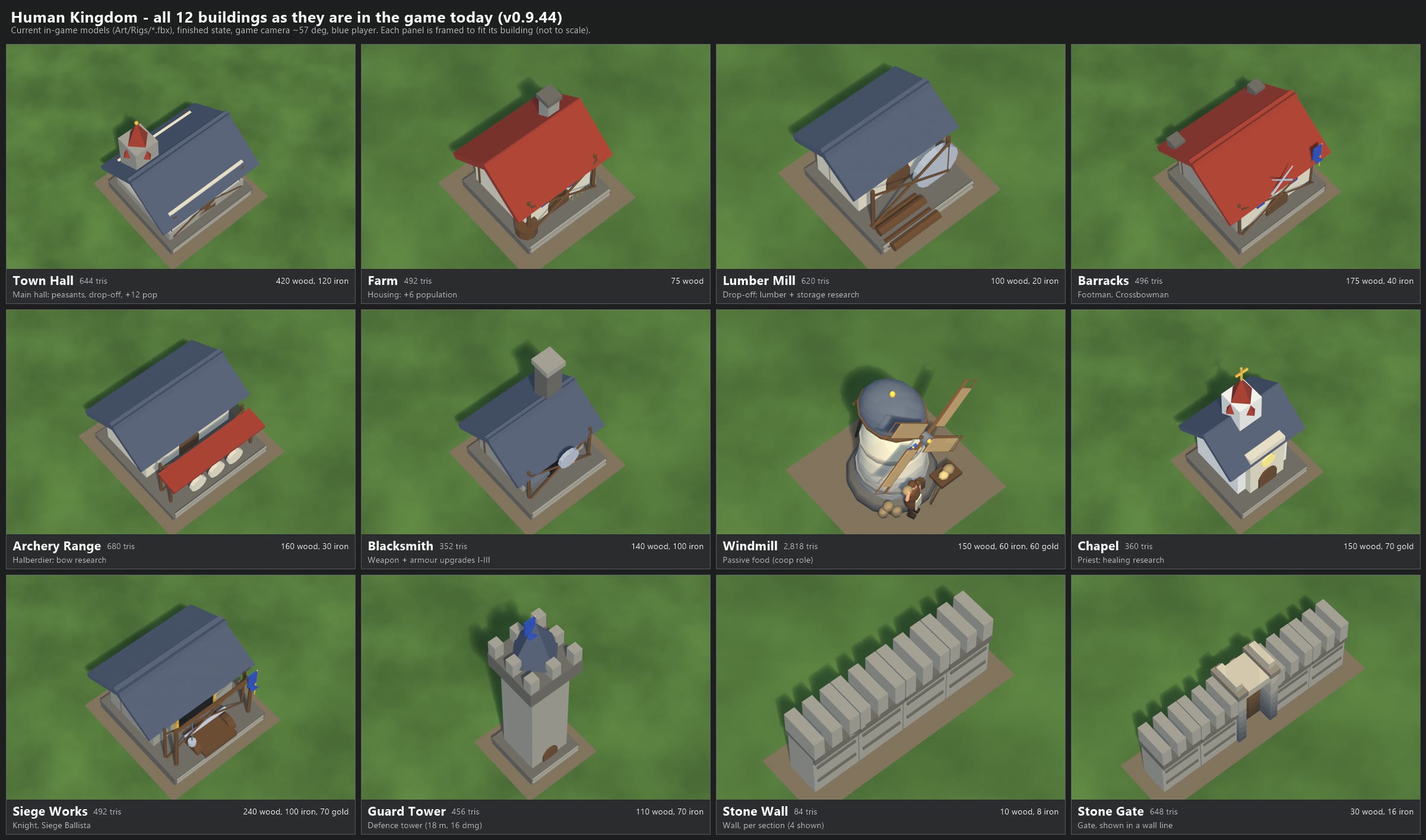
HUMAN KINGDOM BUILDINGS - AS THEY ARE IN THE GAME TODAY (v0.9.44), 2026-11-07
Image: human_buildings_current.png (2402 x 1415). Nothing in the game was changed.

All 12 Human buildings, each in its finished state, seen from the game camera (about 57 degrees down), blue player.
Each panel is framed to fit its own building, so the panels are NOT to scale with each other (sizes are below).

  #  Building       Role                                         Cost                          Footprint  Tris
  1  Town Hall      Main hall: trains Peasants, drop-off, +12 pop 420 wood, 120 iron            5x5 cells   644
  2  Farm           Housing: +6 population                       75 wood                       3x3         492
  3  Lumber Mill    Drop-off; lumber harvesting + Granary         100 wood, 20 iron             3x3         620
  4  Barracks       Trains Footman, Crossbowman                  175 wood, 40 iron             4x4         496
  5  Archery Range  Trains Halberdier; Long Bows, Piercing Bolts  160 wood, 30 iron             4x4         680
  6  Blacksmith     Swords / bolts / plating upgrades, tiers I-III 140 wood, 100 iron           3x3         352
  7  Windmill       Passive food (coop role); Millstones         150 wood, 60 iron, 60 gold    3x3       2,818
  8  Chapel         Trains Priest; Holy Light, Blessing          150 wood, 70 gold             3x3         360
  9  Siege Works    Trains Knight, Siege Ballista                240 wood, 100 iron, 70 gold   4x4         492
 10  Guard Tower    Defence tower (16 dmg, 18 m range)           110 wood, 70 iron             2x2         456
 11  Stone Wall     Wall, per one-cell section (4 shown)         10 wood, 8 iron               1x1          84 per section
 12  Stone Gate     Gate, shown in a wall line                   30 wood, 16 iron              1x1         648

Notes
  - These are the models the game loads today: Assets/_Primeval/Art/Rigs/<key>.fbx (town_hall, farm, lumber_mill,
    barracks, archery_range, blacksmith, windmill, chapel, siege_works, guard_tower, stone_wall, stone_gate),
    coloured from the shared palette texture. All but the Windmill and Stone Gate date from 2026-10-07; they are
    simple low-poly placeholders (350-700 triangles each). The Human Kingdom has no dock and no level-2 tower.
  - Rendered in headless Blender from read-only copies of those files (no Unity run was needed). Small in-game
    extras are not shown: the ground stones around buildings, banners waving, the windmill's sails turning.
  - The brown square under each building stands in for the game's packed-earth building pad.
  - Costs/roles from Code/Simulation/Catalog.Human.cs and Code/Data/DisplayCatalog.Human.cs.

Scripts (re-run): local file: render_human.py (blender -b --factory-startup) and
make_sheet.ps1; single renders in local file: out.
BIG DINOSAURS TURN ON THE SPOT (2026-11-07)
===========================================
Your ask: "it says there's no stegosaurus turn state? shouldn't they be able to turn?"

What was going on
- None of the dinosaurs has a turn animation (the stegosaurus only has Idle, Walk, Run, Graze, Drink, Attack, TailSweep and
  Death). When one stood still and turned, its body swung round while it played its idle. The feet did small single
  steps under it, but it never really looked like it was walking round.

What changed (looks only, the game rules are exactly the same)
- When a big dinosaur is standing (or barely moving) and turns more than about 35 degrees, it now steps round: its walk
  animation plays slowly on the spot while the body turns, and each planted foot stays put until it steps.
- Each kind turns at its own speed, heavy ones slowest (degrees per second at full turn):
    stegosaurus 45, ankylosaurus 48, triceratops 55, T-Rex 55, spinosaurus 50, parasaurolophus 70, allosaurus 85.
  A 120 degree turn takes about 3.1 s for a stegosaurus, 2.6 s for a T-Rex, 1.7 s for an allosaurus.
  It speeds up into the turn and slows out of it, so it doesn't snap or swing past.
- Small turns (under 35 degrees) and walking turns look the same as before.
- While it attacks, uses a special move, hunts something, falls or is knocked down, the turn gets out of the way at once,
  so bites and blows still land where they did.
- Raptors, people and riders are unchanged. The brachiosaurus (low-poly model) already has its own stepping turn.

The films (BEFORE on the left = today's game, AFTER on the right; same seed, same frames)
  stegosaurus_turn_before_after.mp4        a stegosaurus told to turn 120 degrees left as it stands (at 3 s), then back (at 10 s)
  trex_turn_before_after.mp4               the same for a T-Rex
  stegosaurus_turn_closeup_half_speed.mp4  close-up at half speed (best for seeing the steps)
  trex_turn_closeup_half_speed.mp4         close-up at half speed
(The red marks by the T-Rex's feet are in both halves and not part of this change.)

Things to tell me
- Is the stepping speed right (faster/slower legs)? Is each kind's turn speed right (heavier slower, or all faster)?
- Should small turns (under 35 degrees) also step, or stay as they are?
It can be switched off for comparison with the -noDinoTurn launch flag. Nothing is committed yet.
In the test build: the new standing, walk and run.
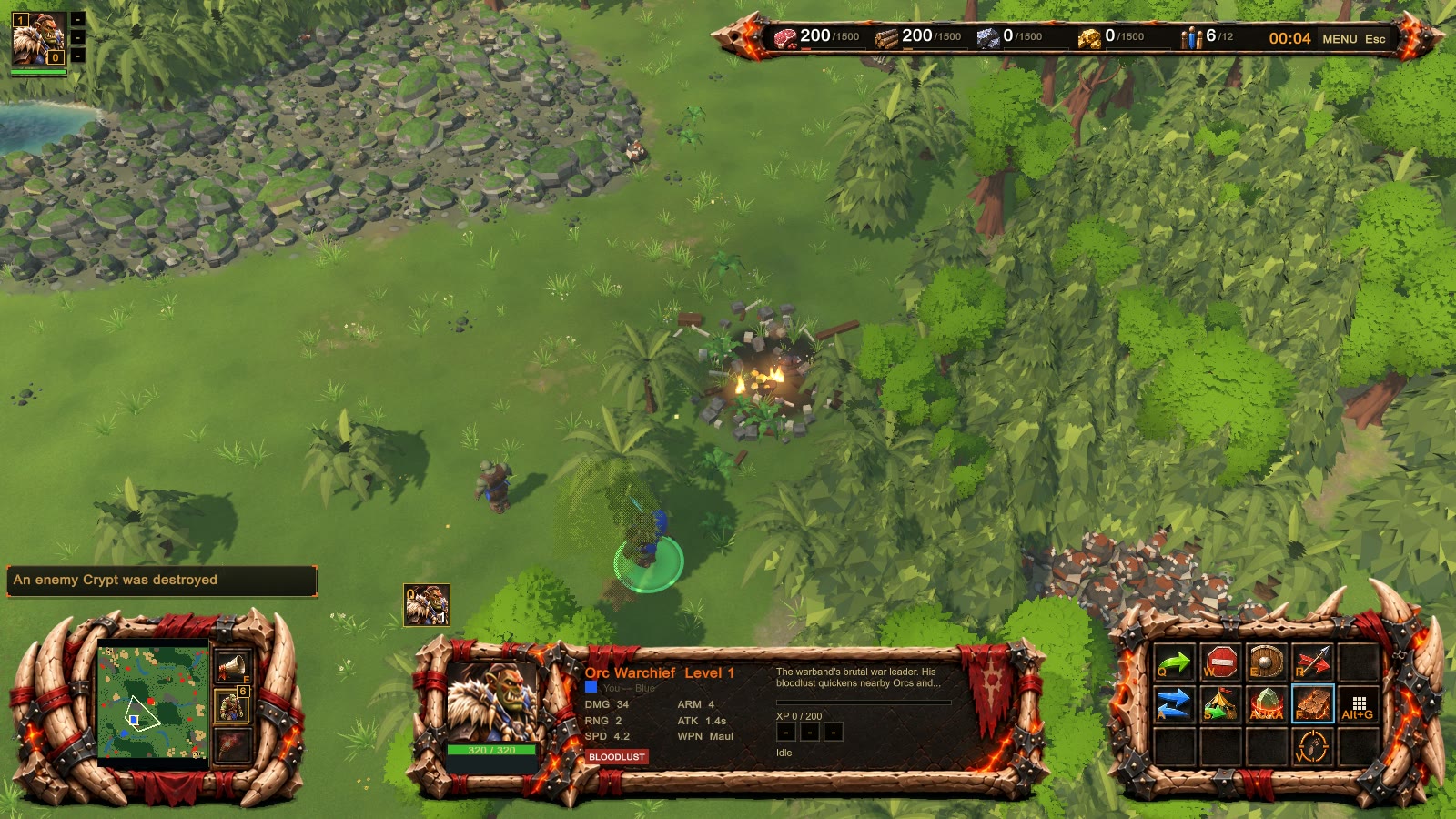
In the test build: the new standing, walk and run.
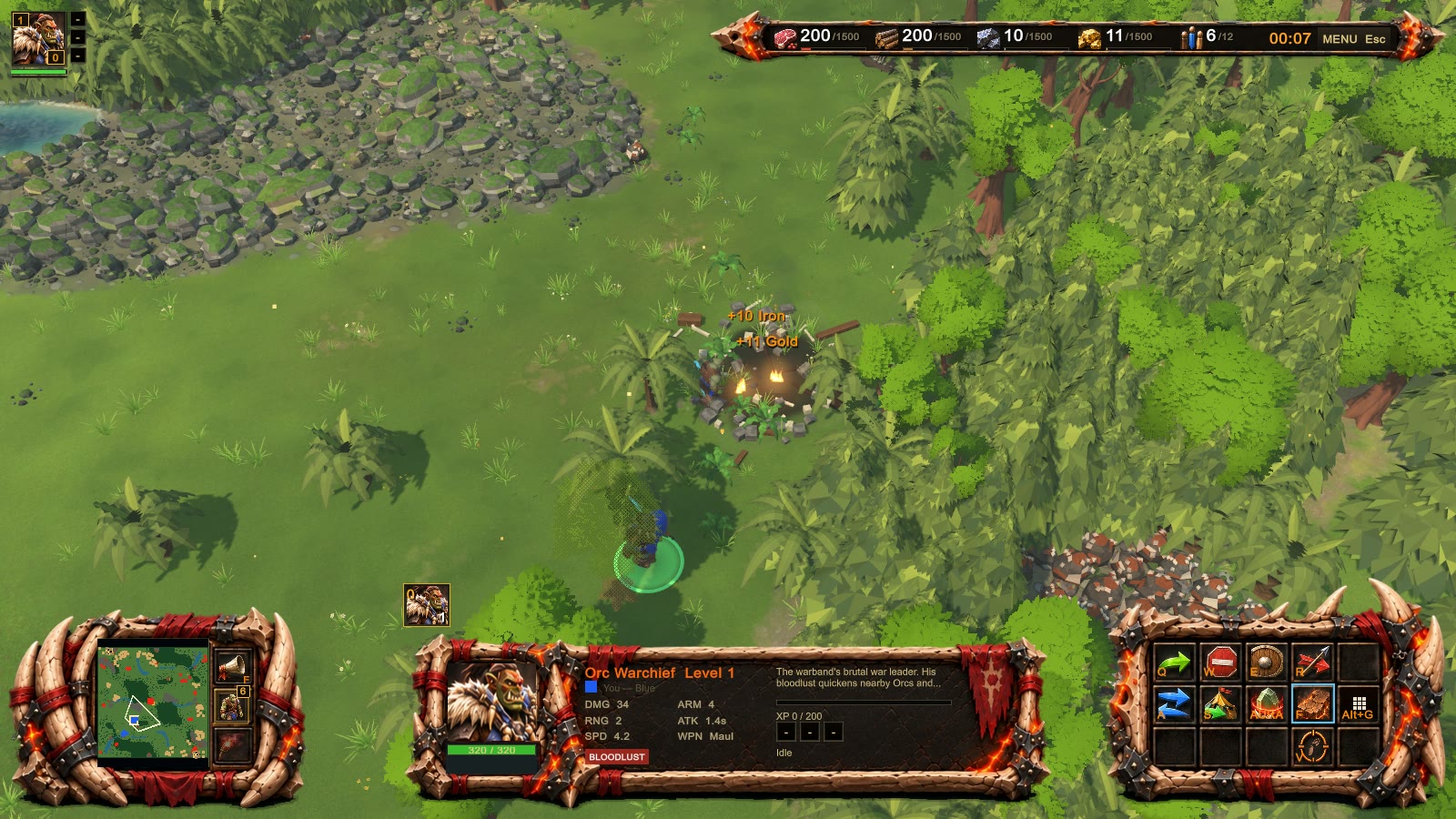
In the test build: the new standing, walk and run.
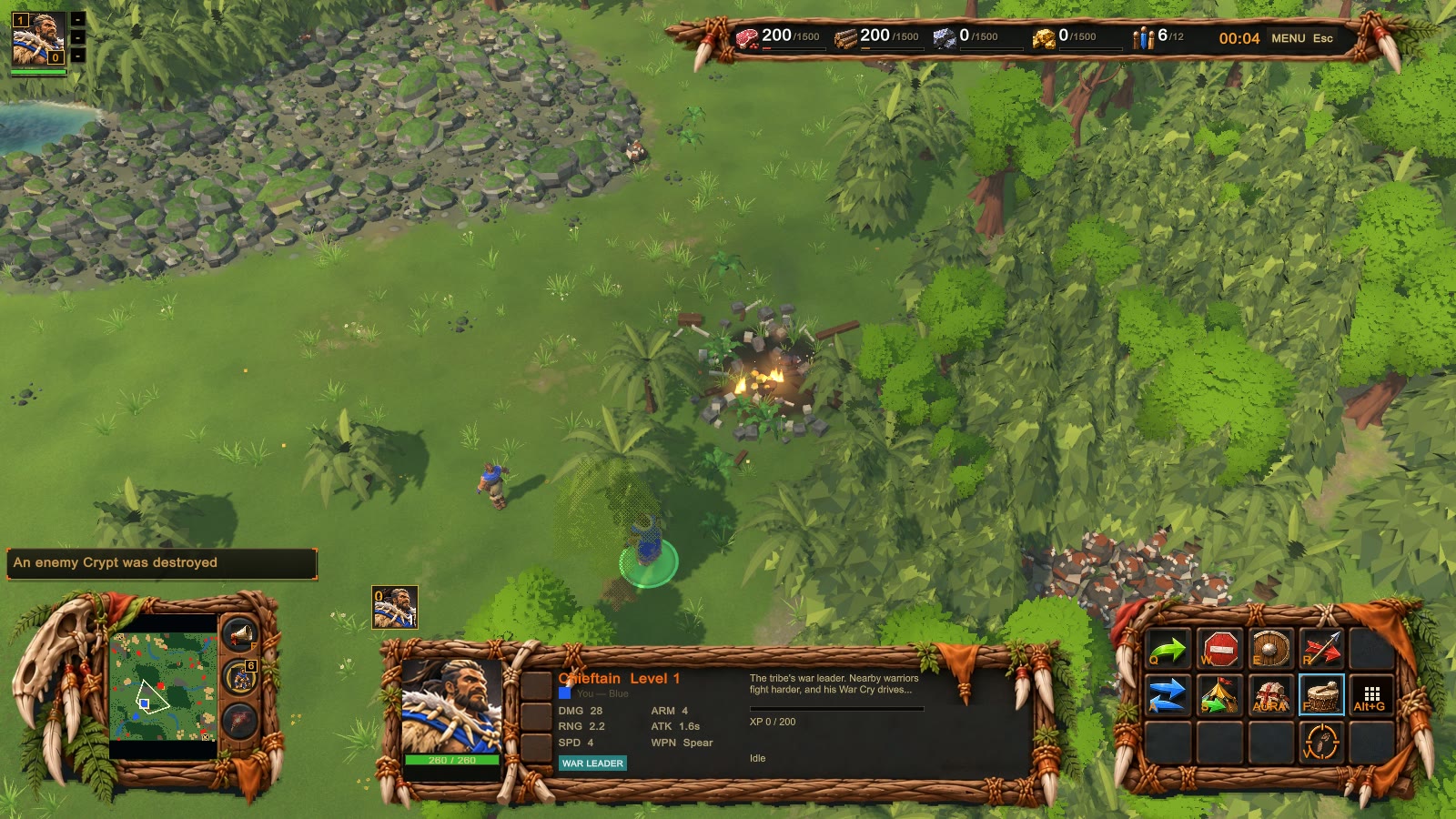
In the test build: the new standing, walk and run.
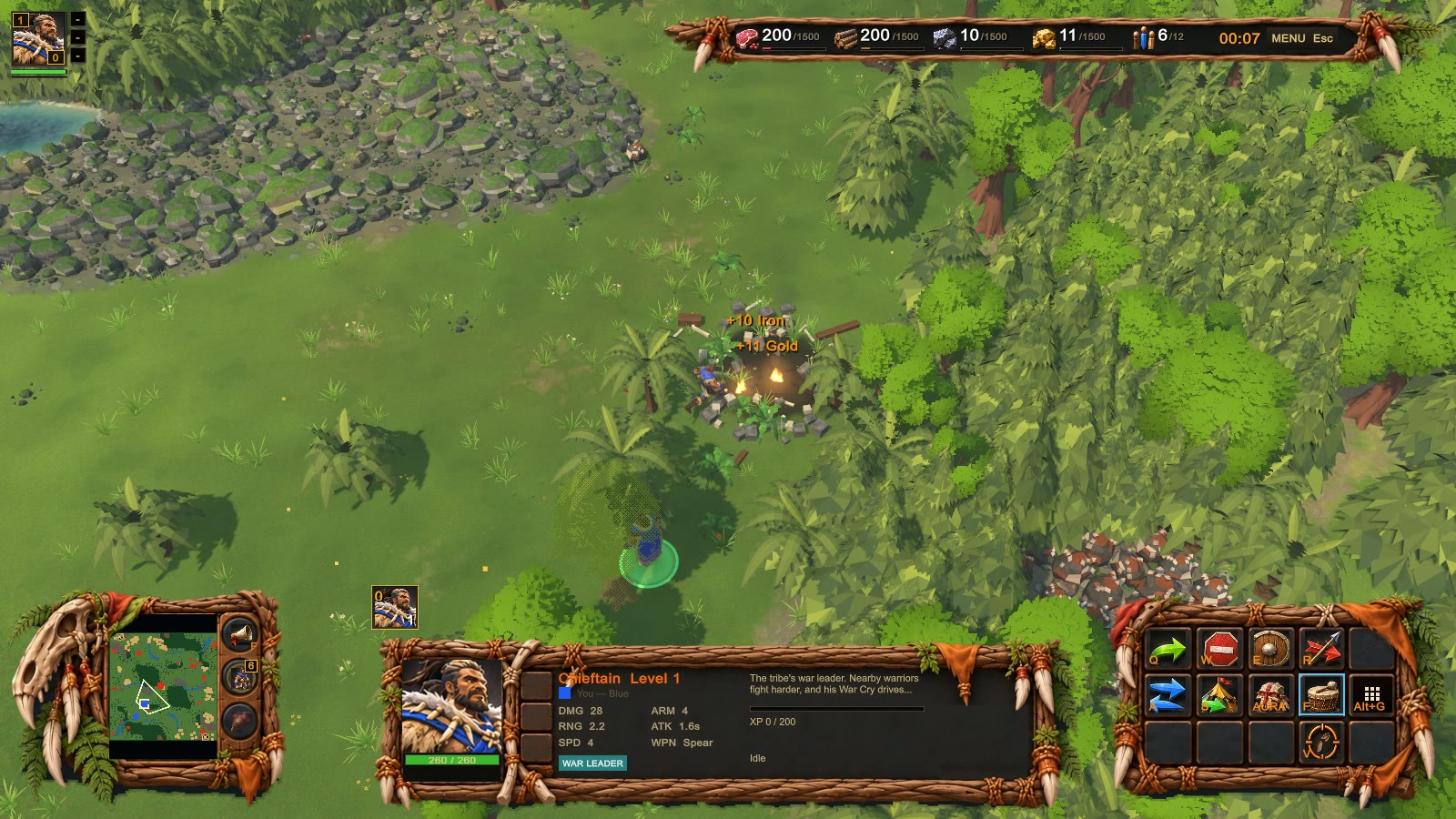
In the test build: the new standing, walk and run.
In the test build: the new standing, walk and run.
In the test build: the new standing, walk and run.
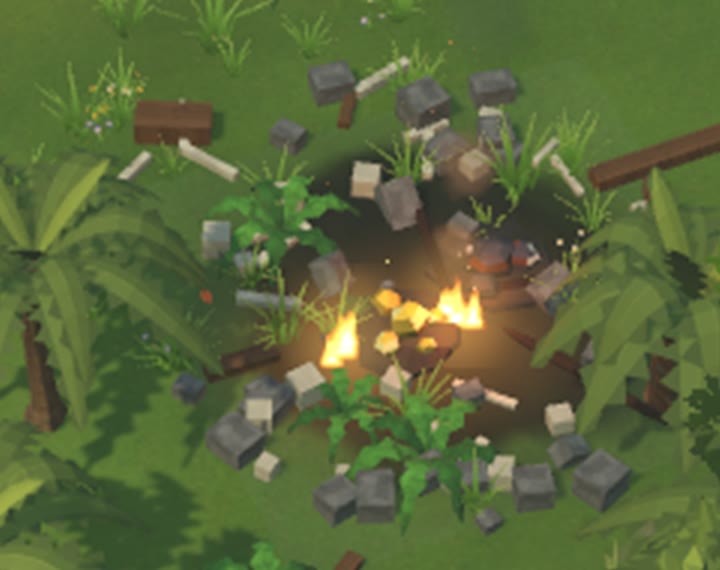
In the test build: the new standing, walk and run.
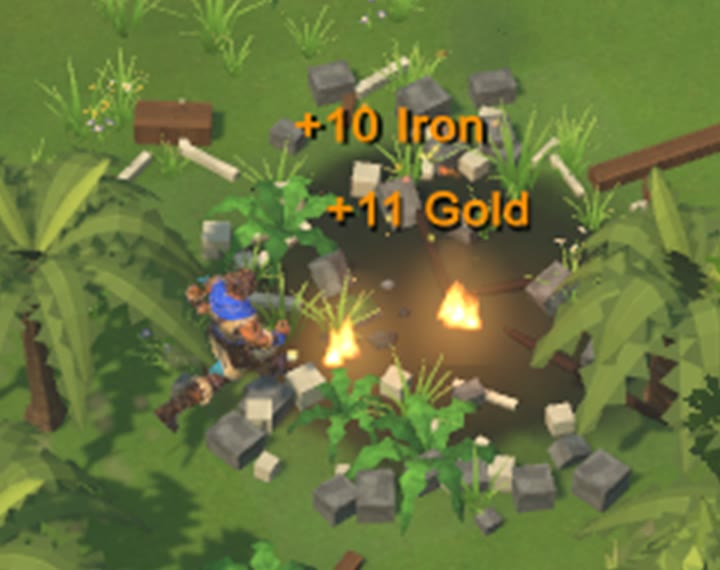
LOBBY FIXES + HERO SLOT + BUILDING LOOT + VERSION WARNING  (2026-11-07, next release v0.9.44, not released yet)

What you asked for and what changed
1. "Orc Warband doesn't fit ... same thing with Random ... the team number is cut off ... make the lobby square wider"
   - Both lobbies (Versus and Multiplayer) now use most of the screen width: 1760 wide on a normal 16:9 screen, where it
     used to be 1120. Ultra-wide screens stop at 1760 so the rows don't stretch too far.
   - Every column is sized to fit its words. TEAM 1-8, RANDOM, ORC WARBAND and the difficulty all show in full. With the
     extra room the faction buttons now show the full names: PRIMEVAL TRIBE, ORC WARBAND, UNDEAD SCOURGE.
   - If a window is too narrow, the words get a little smaller. They are never cut off. Only a very long player name is
     shortened, with "...".
   - Also fixed in the online lobby: PREDATORS: STANDARD and WEATHER: NORMAL were cut off. With 8 players, the Friendly
     fire row ran into LEAVE. The settings buttons now sit in their own column next to the map picture.
2. "make the background lightly transparent ... a button so we flip between transparent or not"
   - A PANEL: SOLID / PANEL: SEE-THROUGH button sits in the top-right corner of both lobbies. See-through is about 75%
     opacity. The game remembers your choice. It starts on solid.
3. "We need a way to resize the window"
   - In windowed mode you can drag the window's edges to resize it, and everything re-lays out at once.
   - New: the size you drag to is remembered, so the game opens that size next time.
   - Settings already has Display mode (Windowed / Borderless / Exclusive), Resolution, F11 to toggle fullscreen, and
     "UI scale" (80-130%), so I didn't add another size option.
4. HERO SLOT: your hero (Tribe Chieftain, Orc Warchief, Undead Dread Lich) joins control group 0 by itself when trained.
   - Press 0 to select it, or tap 0 twice to centre the camera on it.
   - It never removes anything you put in group 0 yourself.
   - The hero portrait (top left) now shows a small "0" badge.
   - The old Select-hero key (the ` key) still works.
   - The group bar now shows "0" for that group instead of "10".
5. BUILDING LOOT: an enemy building you destroy leaves gold and iron in its ruin. The game has no stone, so it's iron.
   - The pile is worth 15% of what the building cost, half gold and half iron. A half-built one gives less.
   - Any unit of yours (or your allies') that walks within 4 m picks it up. You see "+N gold" / "+N iron".
   - It disappears after 90 seconds.
   - Your own buildings never drop loot for you. Buildings you demolish, or that beasts destroy, drop nothing.
   - How to Play mentions it.
6. VERSION WARNING:
   - Every multiplayer screen shows "Your version: v0.9.44" at the top left.
   - FIND GAME now lists games on other versions too, greyed out. Each says NEEDS v0.9.45 (you must update),
     HOST NEEDS TO UPDATE (theirs is older) or OTHER BUILD.
   - If a newer version is out, a banner says so, with an UPDATE NOW button (in-game update, or the itch page).
   - Joining by code or IP now says e.g. "Host is on v0.9.45, you are on v0.9.44: update to join", with UPDATE NOW.
   - The host's lobby says "Only players on v0.9.44 can join this game."

Screenshots in this folder (all from the real game, every text checked, nothing cut off):
  skirmish_<size>_<solid|seethrough>.png  Versus lobby, 4v4, Orc Warband + Random picked, teams 1/2 set, all AI levels
  online_<size>_<solid|seethrough>.png    Multiplayer lobby, 8 seats, long player names (as host)
  browser_<size>_solid.png, browser_1920x1080_seethrough.png  FIND GAME with games on 3 versions + the newer-version banner
  mismatch_1600x900_solid.png             The message after a host on a newer version turned you away
  sizes: 1280x720, 1600x900, 1920x1080, 2560x1080 (ultra-wide)
(The browser games, the long names and the mismatch message are test setups. No network was used.)

Balance check for the loot: 48 AI games on the same maps and seeds as before.
  - 44 of 48 games had the same winner.
  - Tribe 47% -> 56%, Undead 53% -> 53%, Orc 44% -> 41%.
  - That is within the noise of 48 games, but the Tribe gained a bit. Worth watching.
Nothing is released or committed. It's all in the v0.9.44 stack, ready for the next release.

IN-MATCH SHOTS (added later on 2026-11-07, 1600x900, from the game build, a test scene)
  ingame_tribe_hero0_and_loot_pile.png  - Your hero (the Chieftain) is trained and joins group 0 by itself:
                                          top left, the hero portrait has a gold "0" badge; above the minimap, the group
                                          bar shows a "0" tile with the hero's portrait.
                                          An enemy building (a Crypt) we destroyed: its ruin holds the loot
                                          (gold nuggets and an iron chunk, glowing).
  ingame_tribe_loot_pickup_text.png     - A villager walks into the ruin: "+11 Gold" and "+10 Iron" pop up, and the
                                          resource bar goes from 0 to 11 gold and 10 iron.
  ingame_orc_*.png                      - The same scenes with the Orc Warchief.
  ingame_zoom_*.png                     - Zoomed crops of the badge, the group tile, the pile and the pickup text.
  (I made the pile bigger and gave it a soft glow, because it was hard to spot among the ruin's rubble. I also fixed
  the key labels: they read "0" now, not "Digit0".)

BALANCE CHECK, FULL 168 GAMES (7 maps x Normal/Hard x 6 seat orders x 2 seeds), loot OFF vs ON:
  Tribe 42.9% -> 45.5%    Undead 48.2% -> 48.2%    Orc 46.4% -> 44.6%
  160 of 168 games had the same winner. No faction moved more than 3 points overall (the biggest single number:
  Tribe on Normal +5), so the 15% loot can stay as it is.
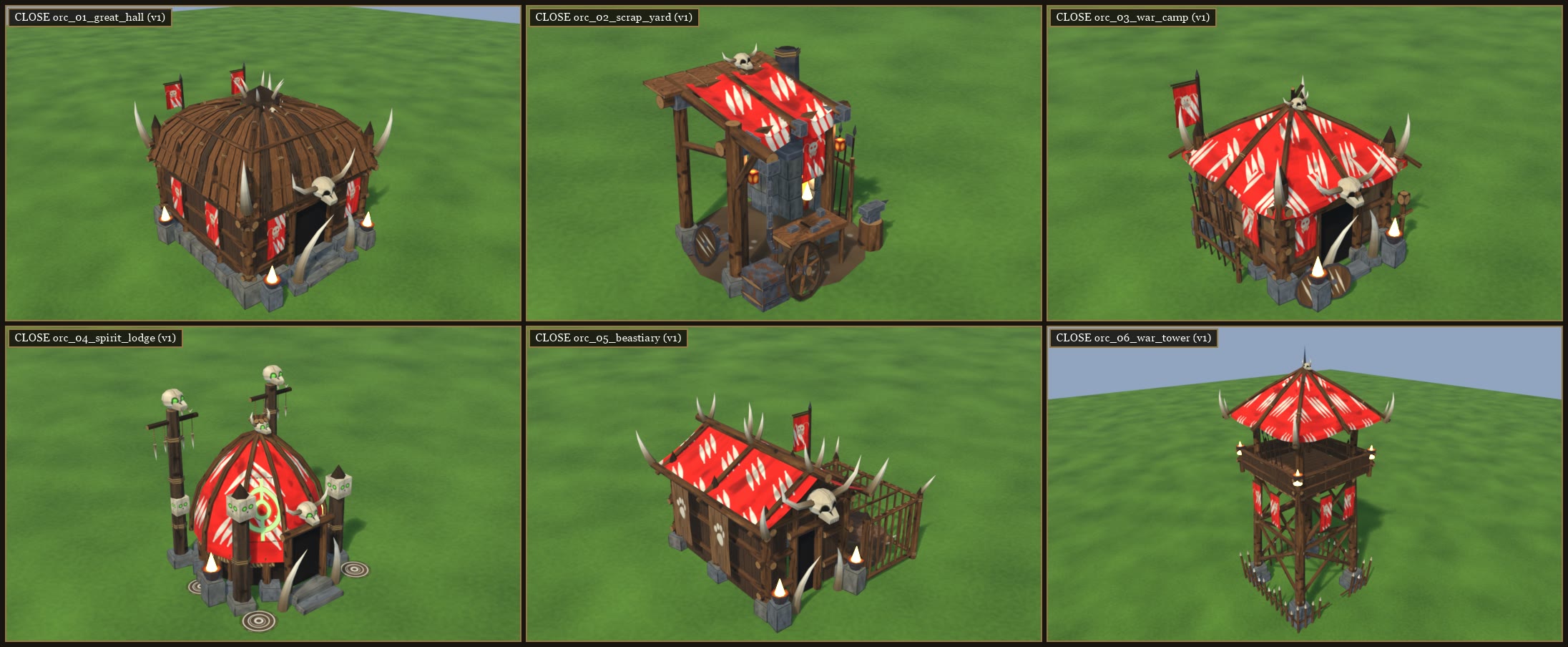
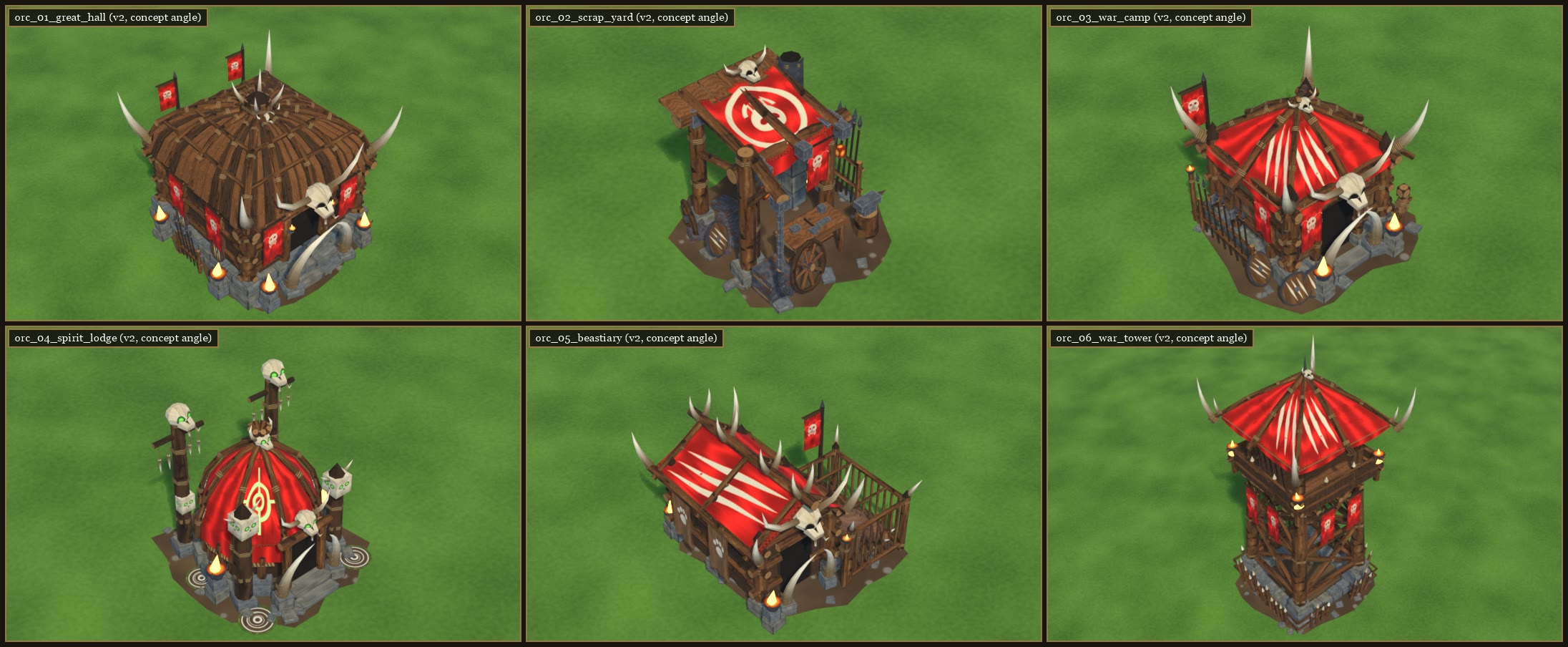
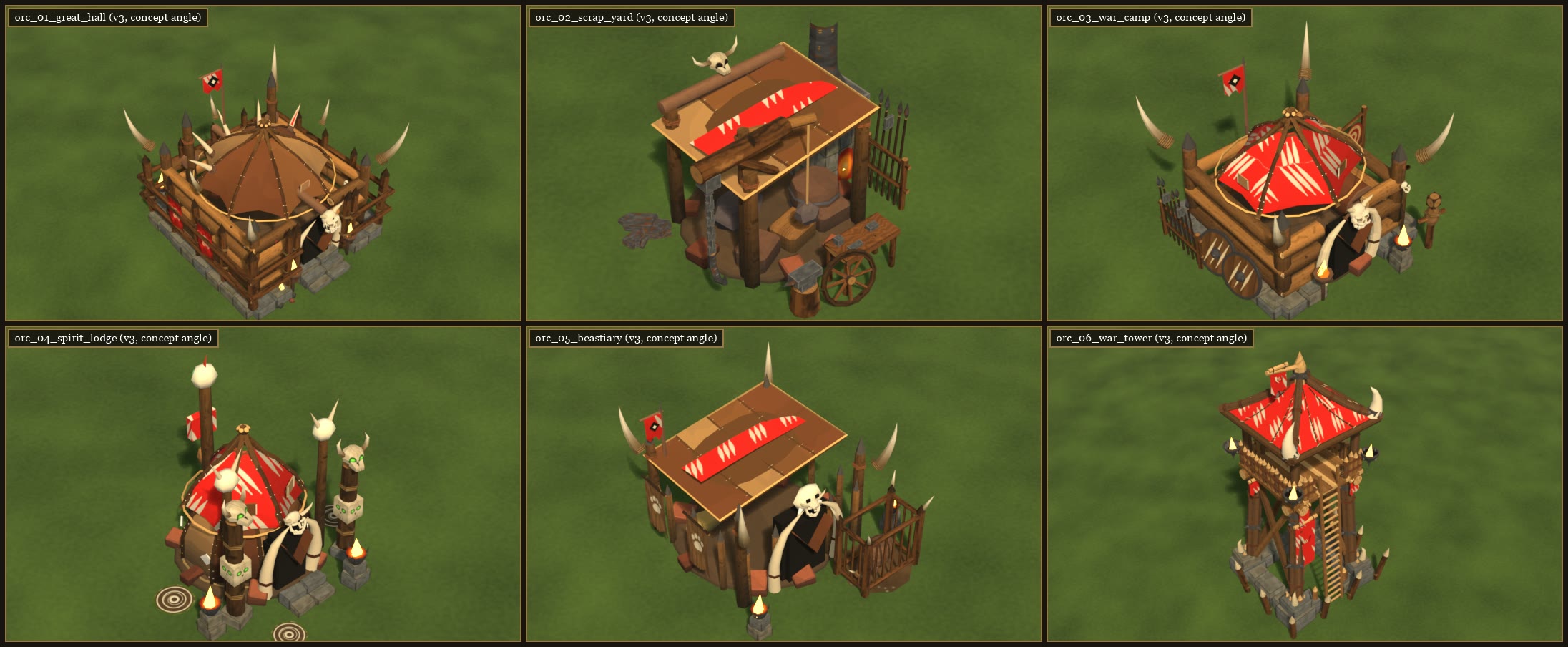
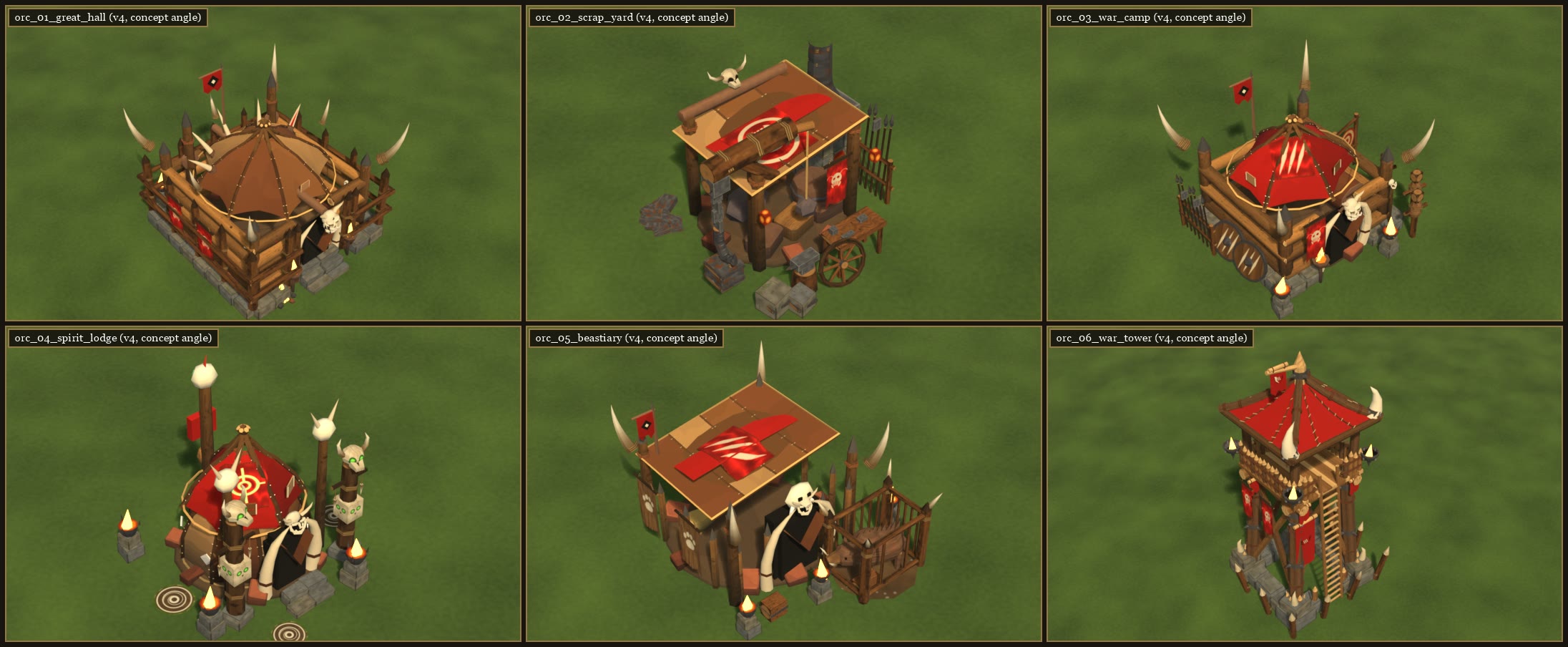
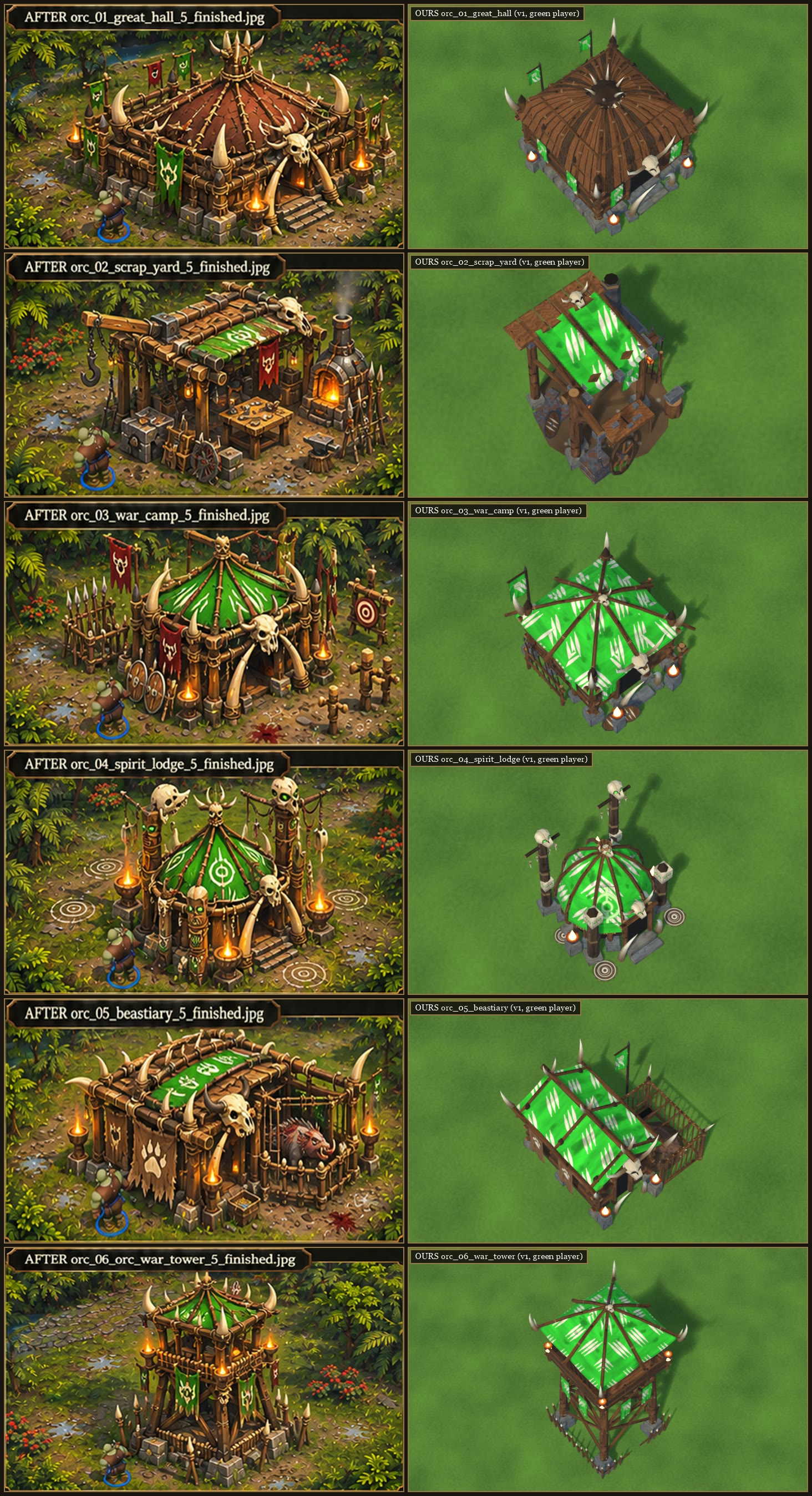
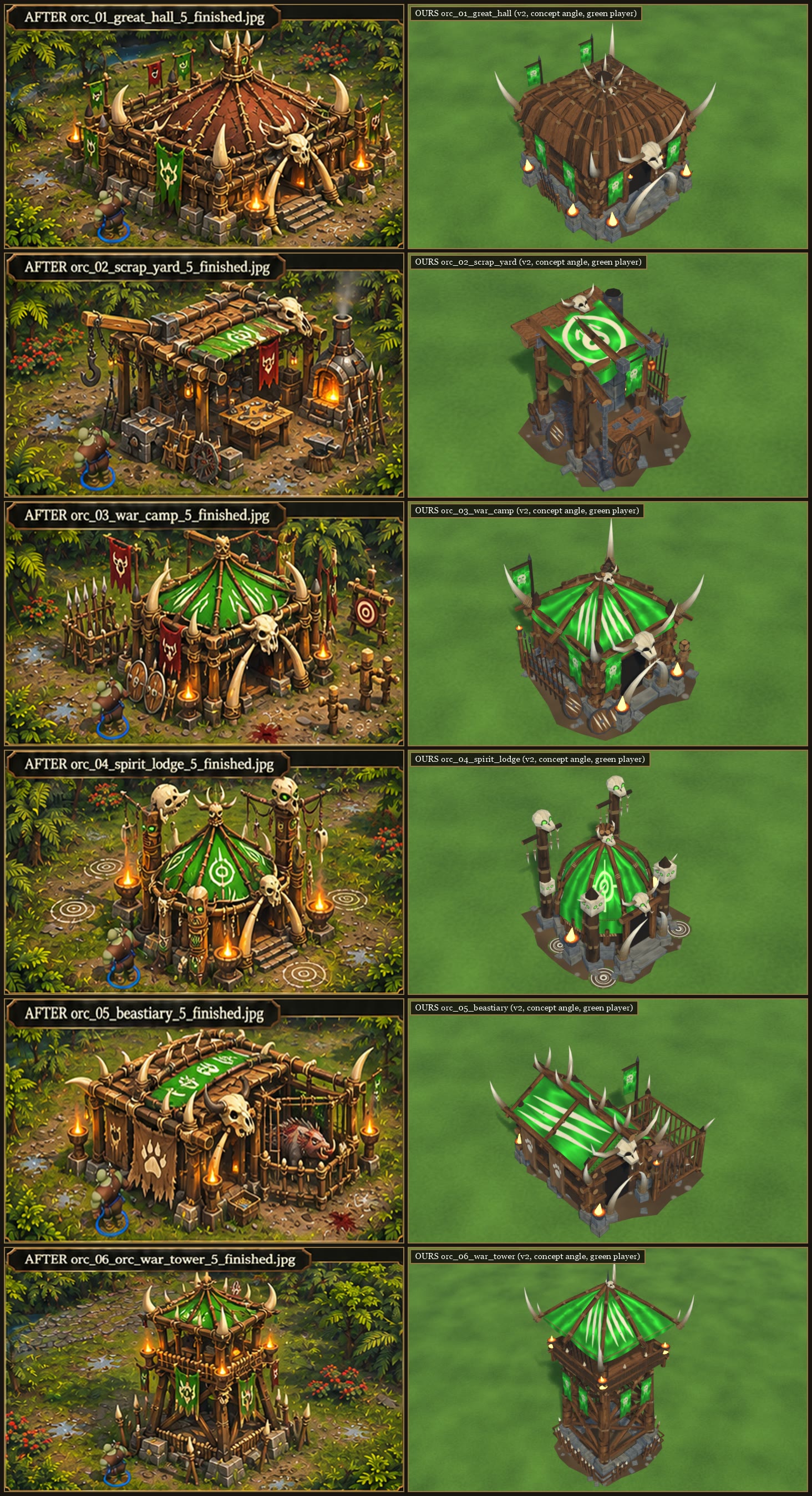
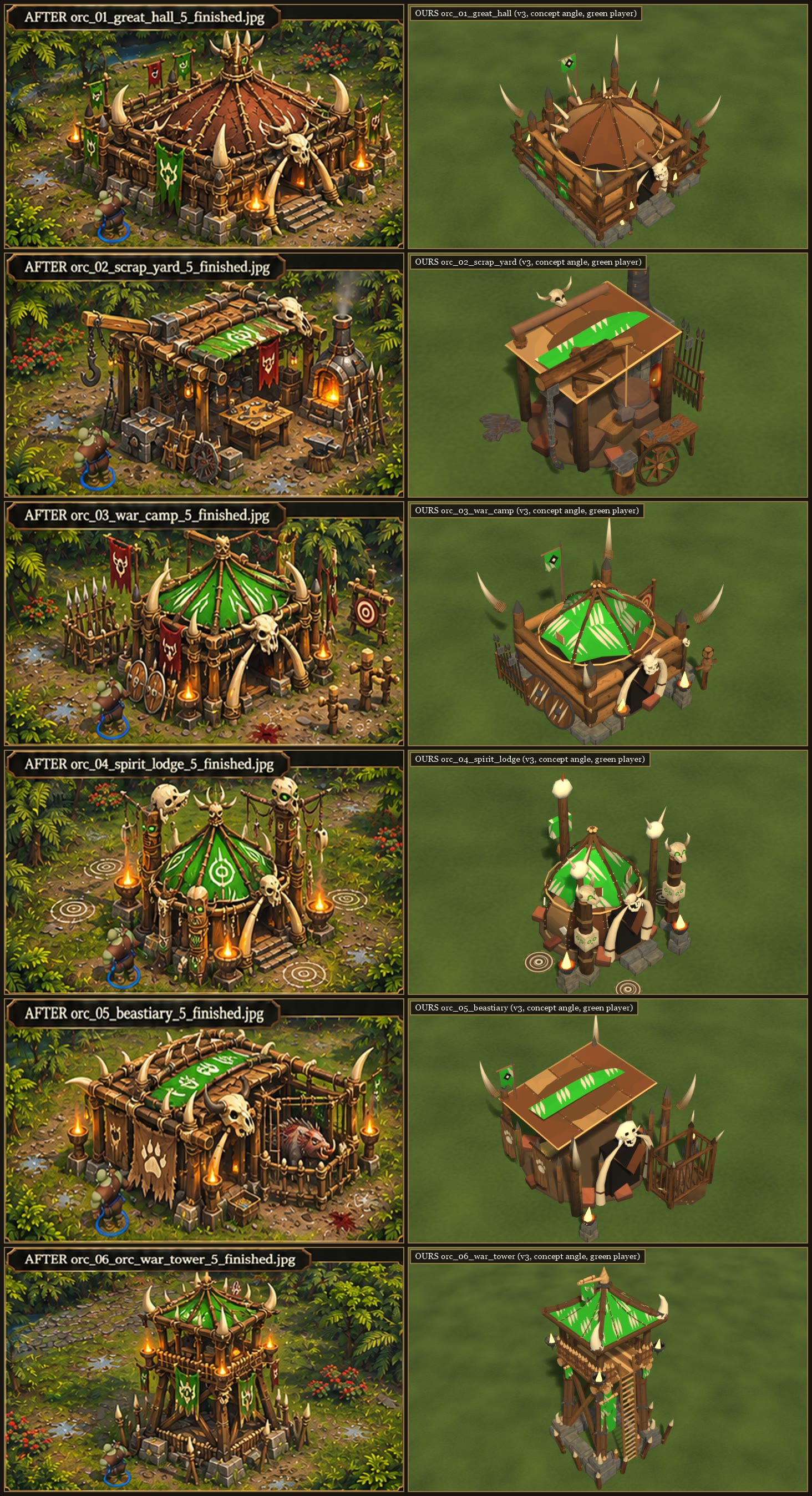
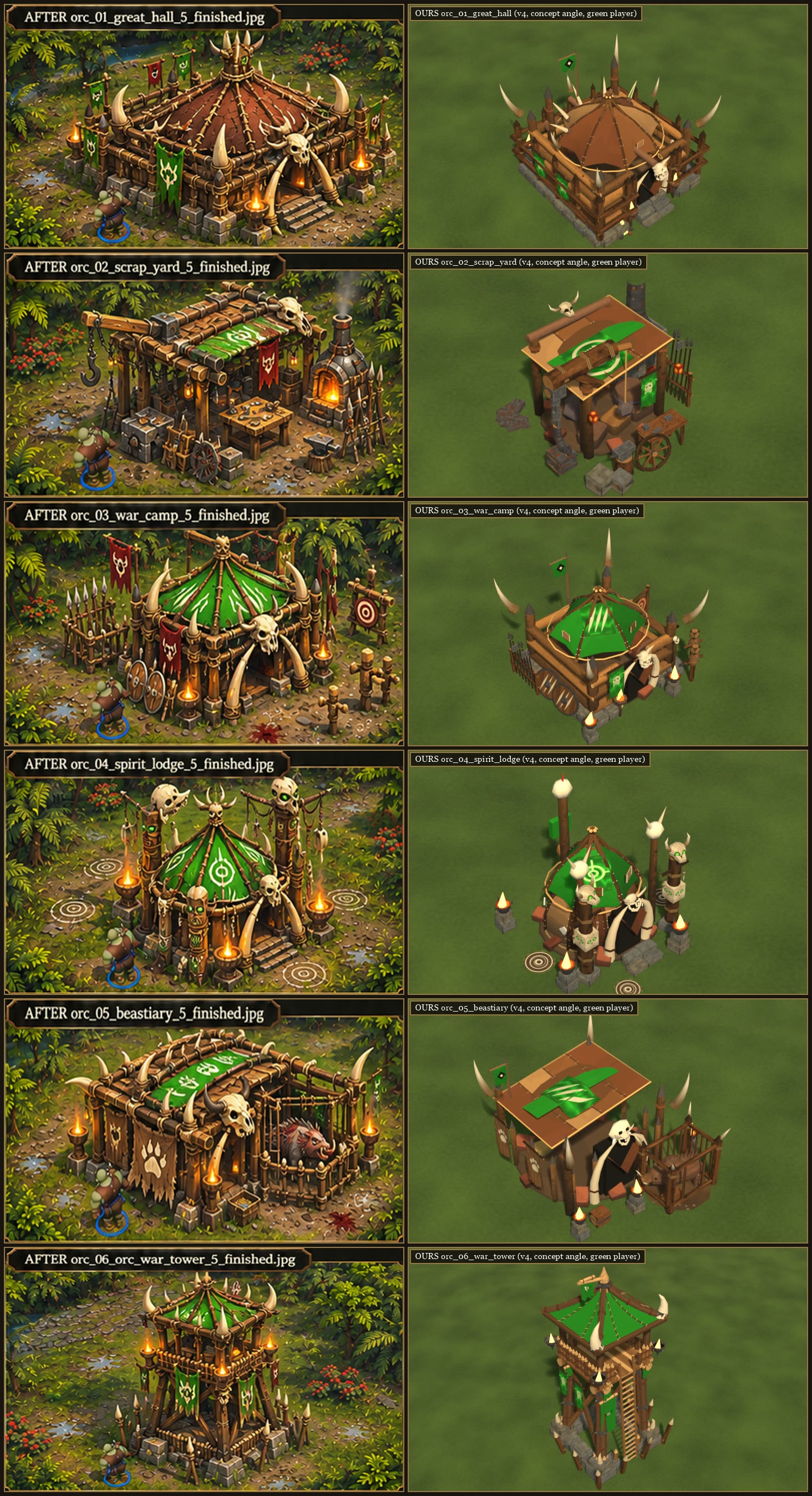
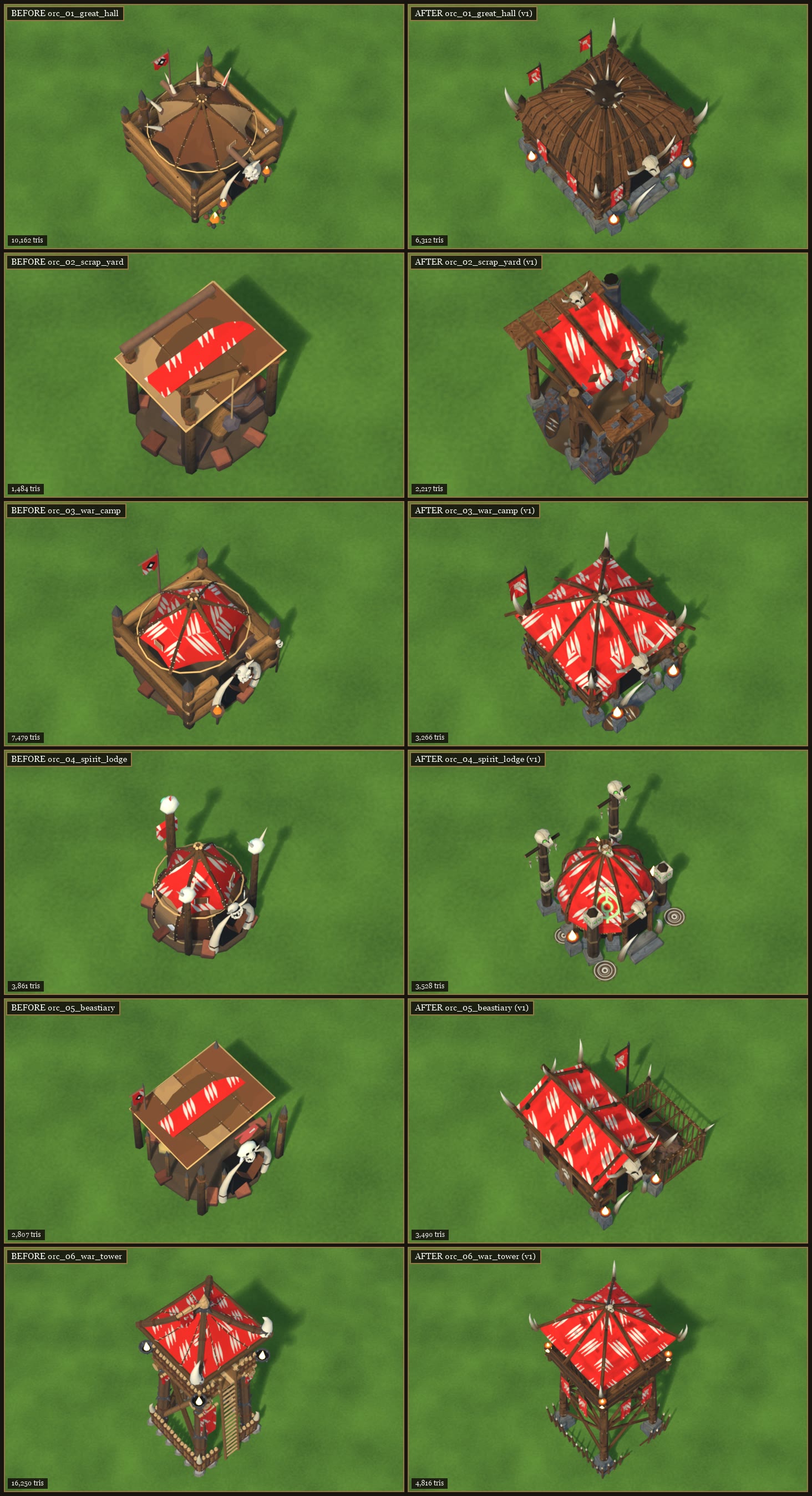
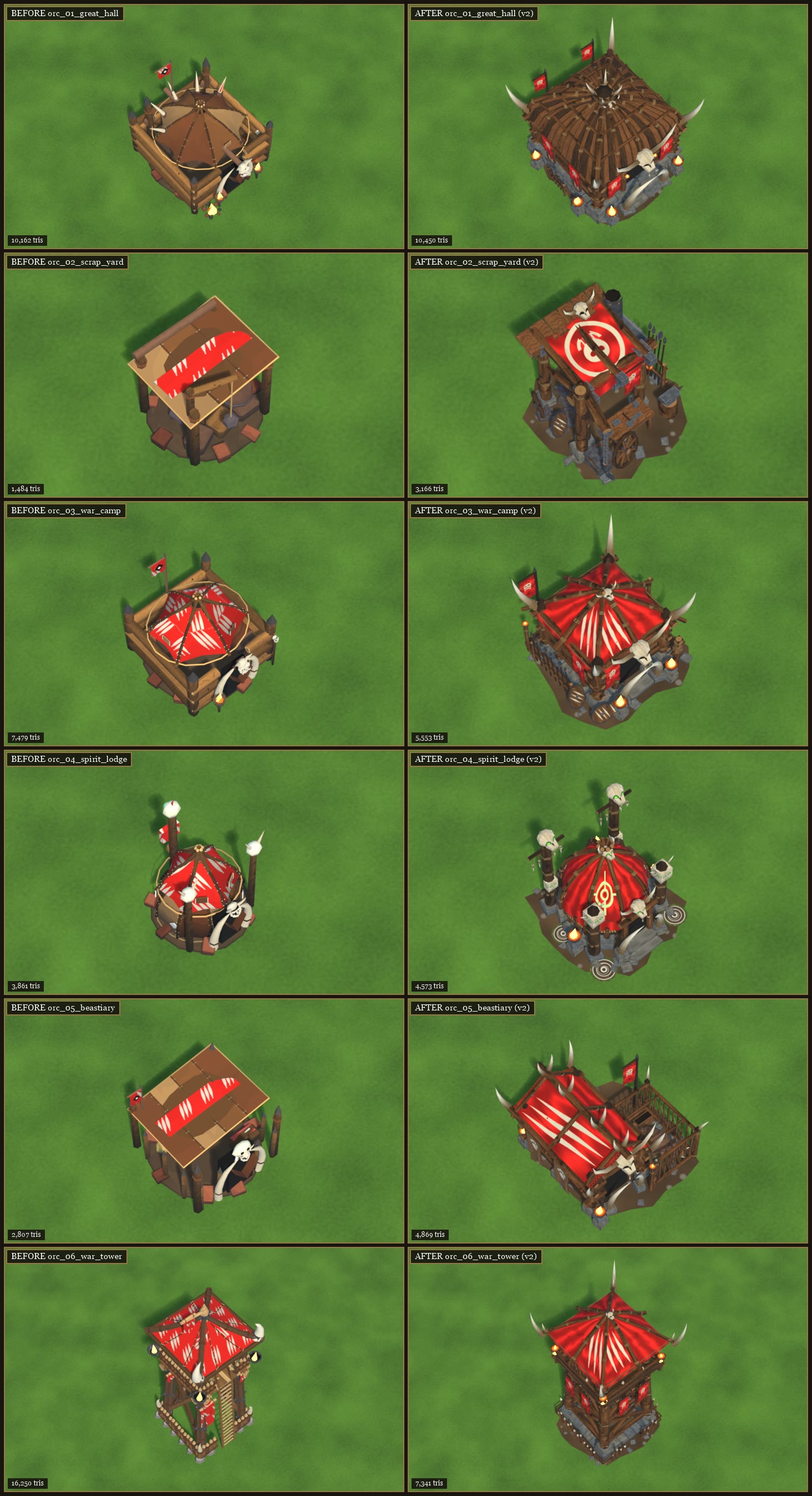
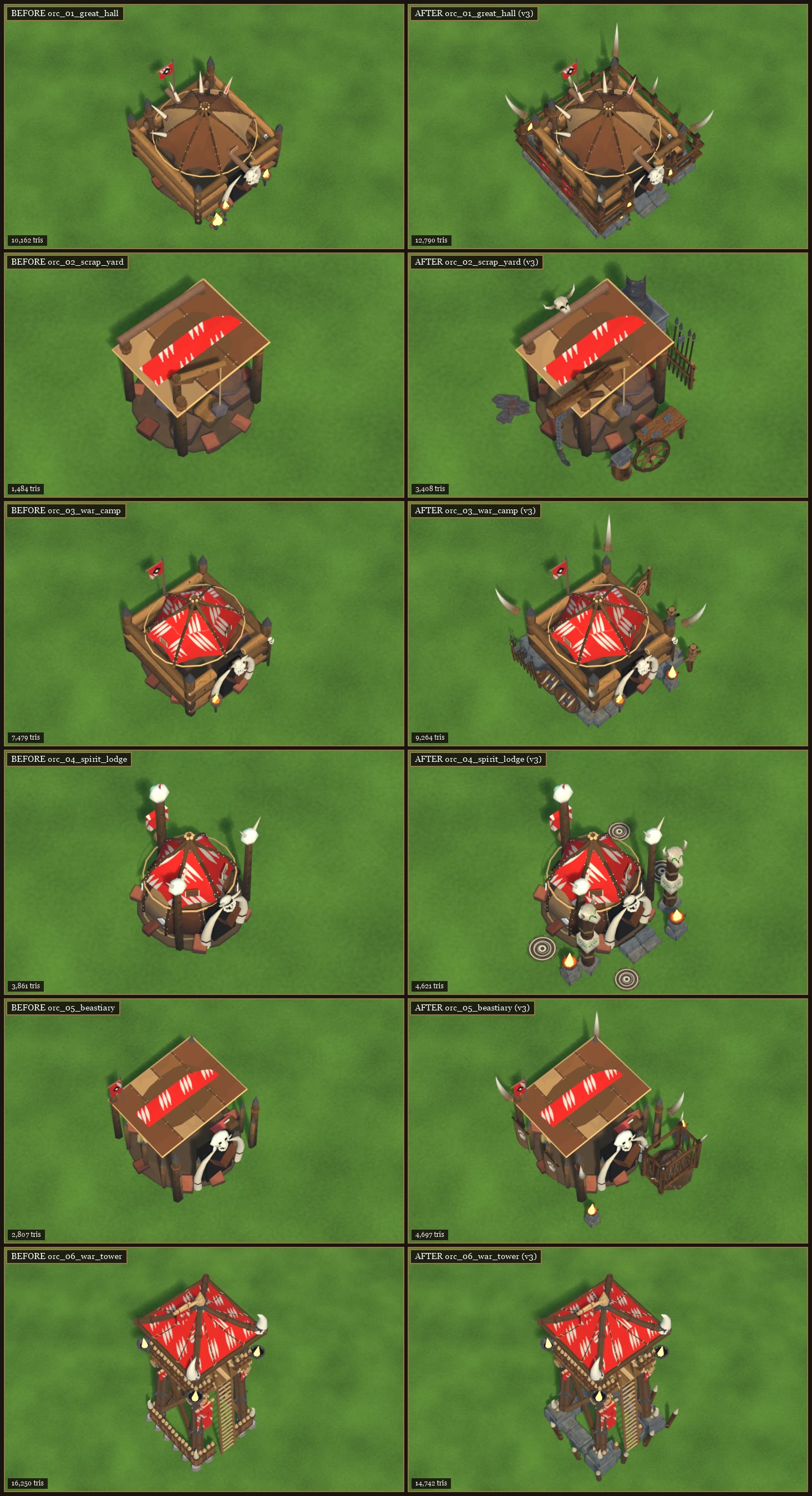
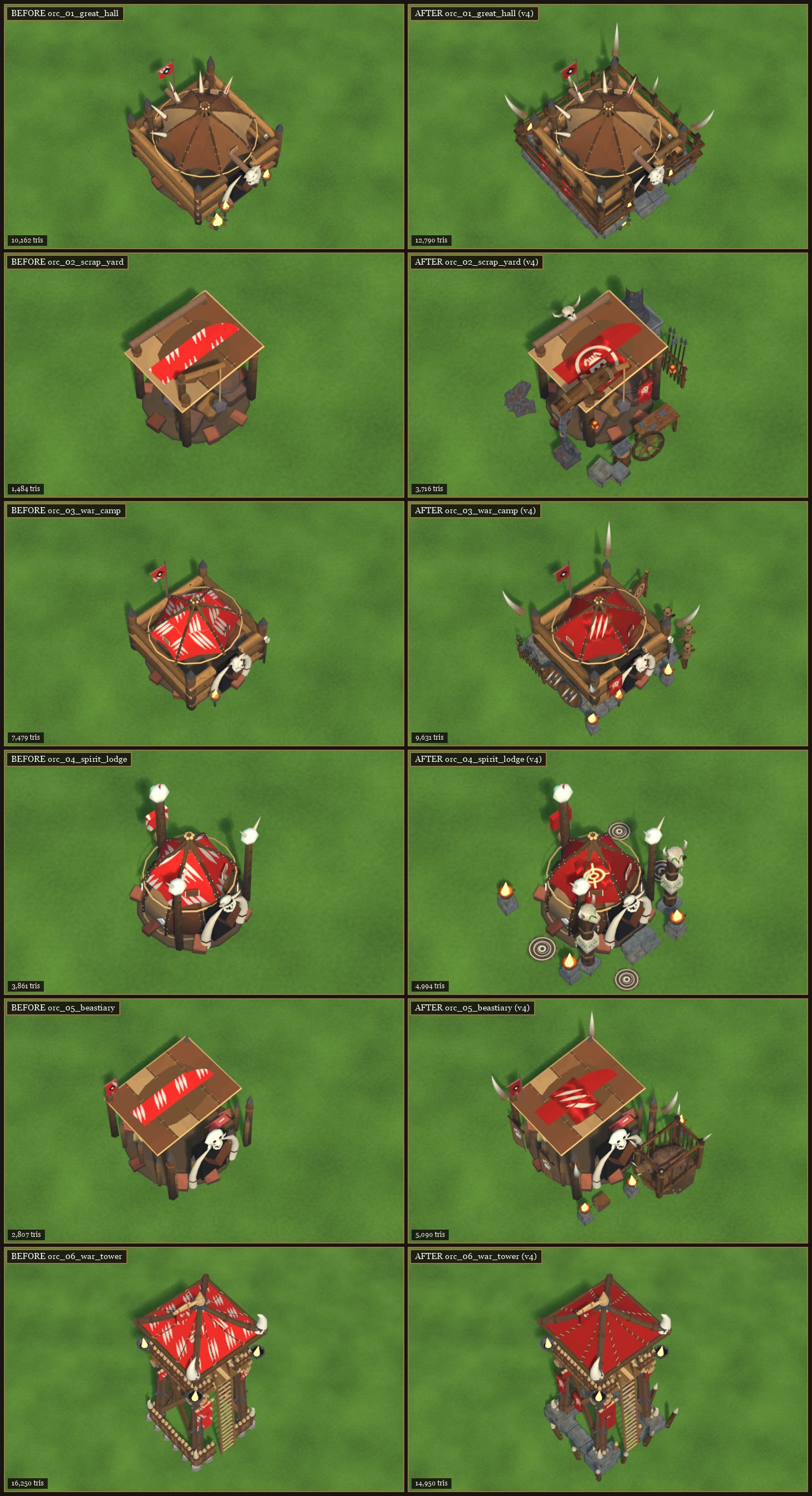
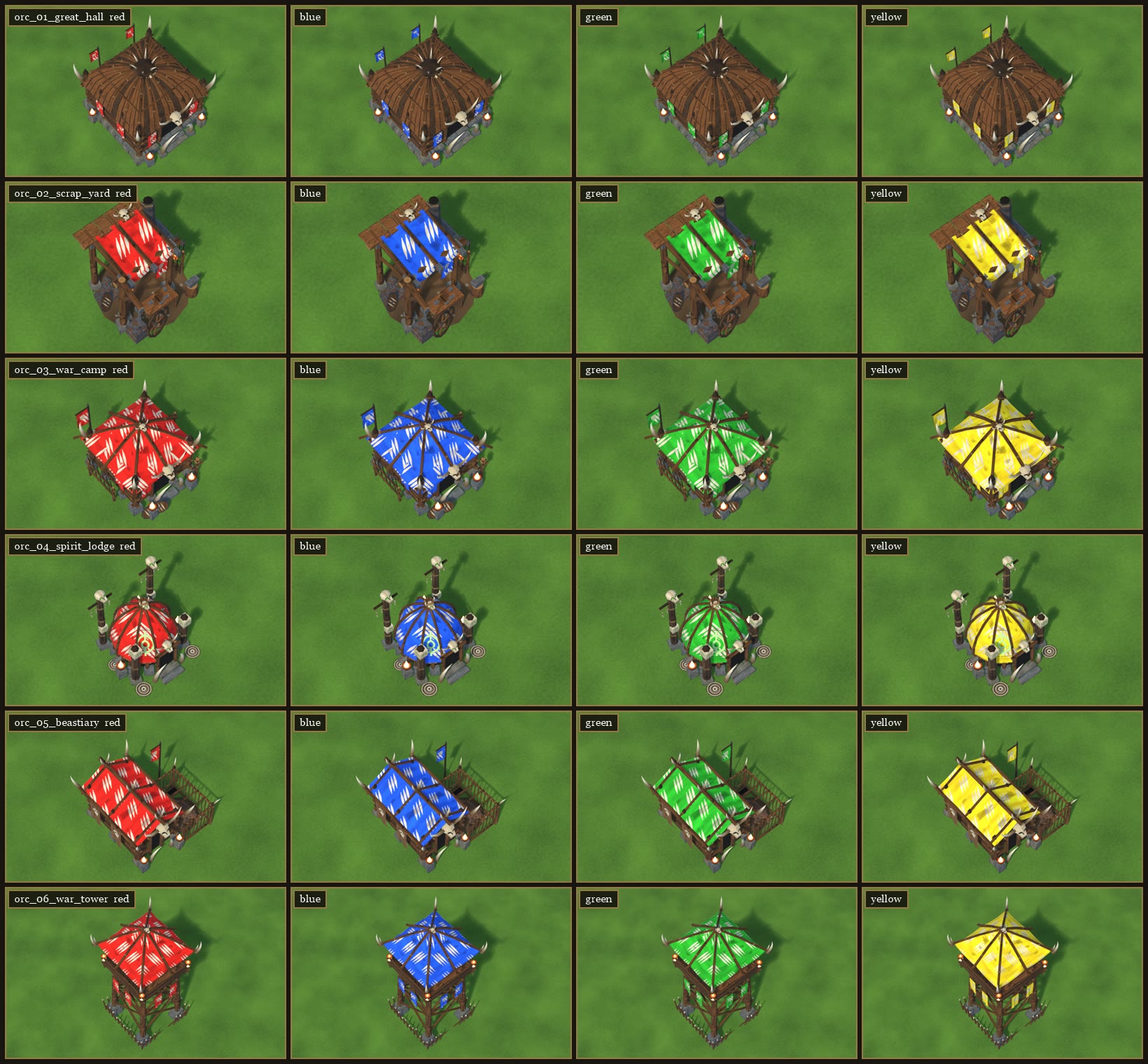
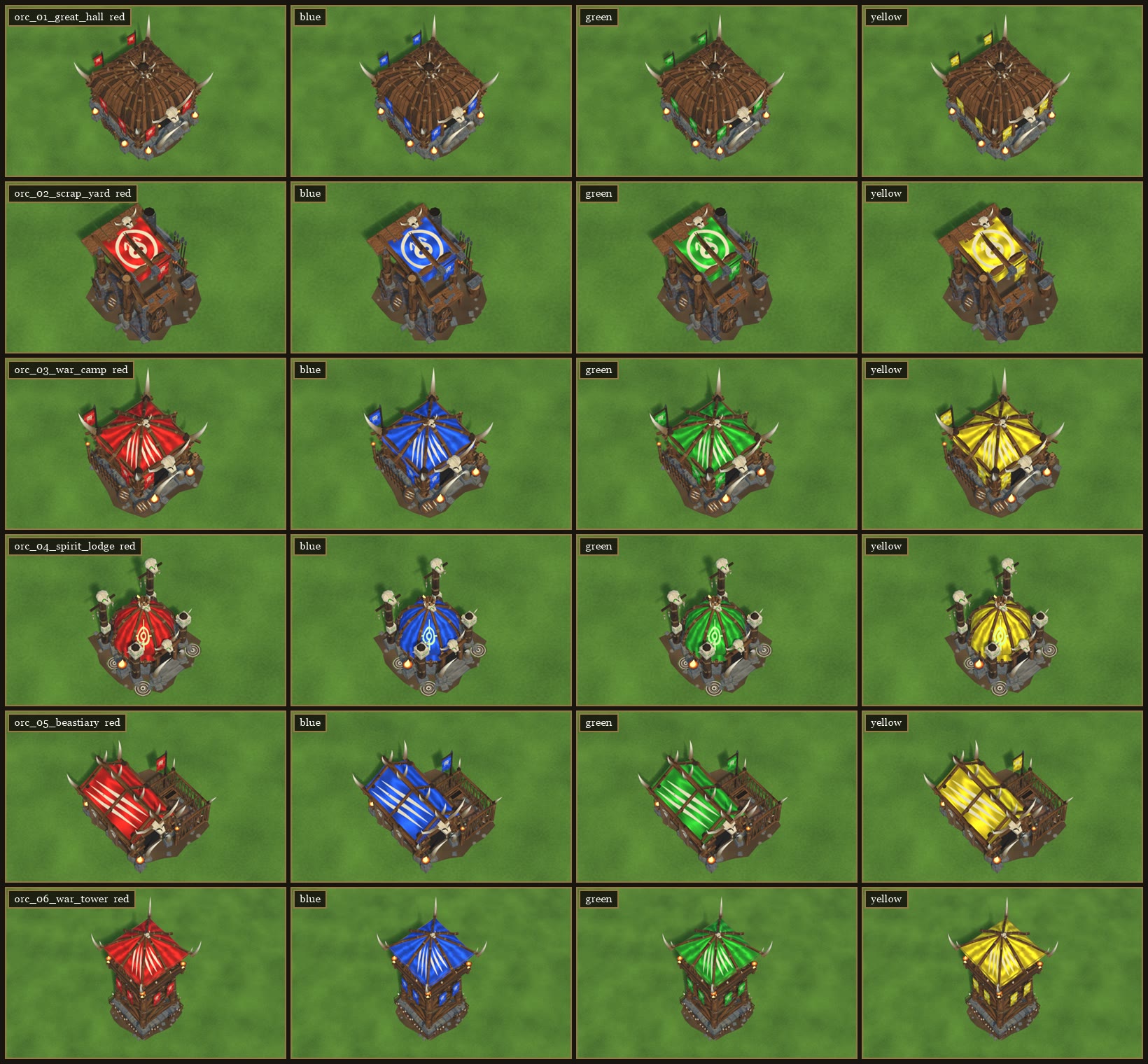
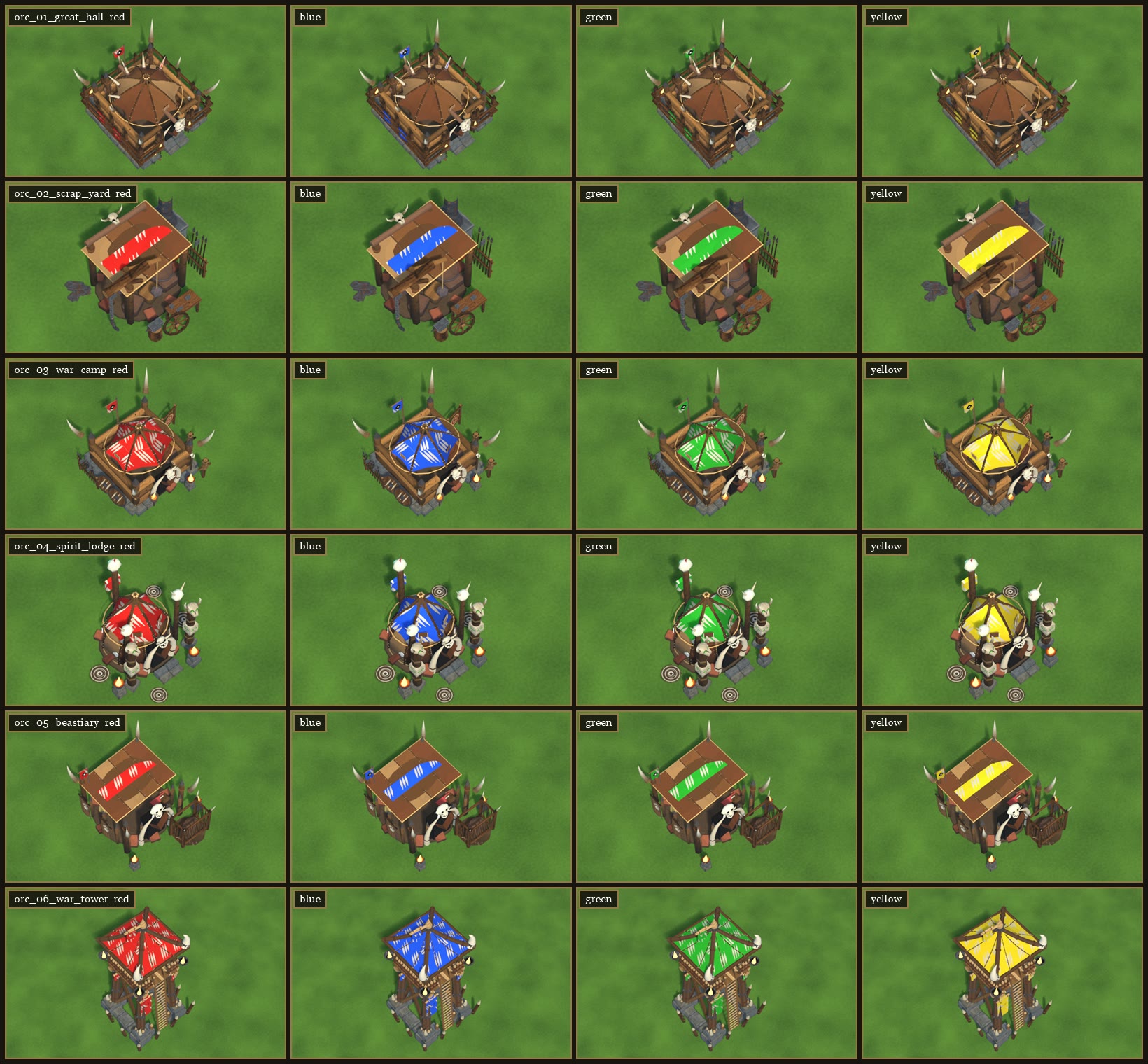
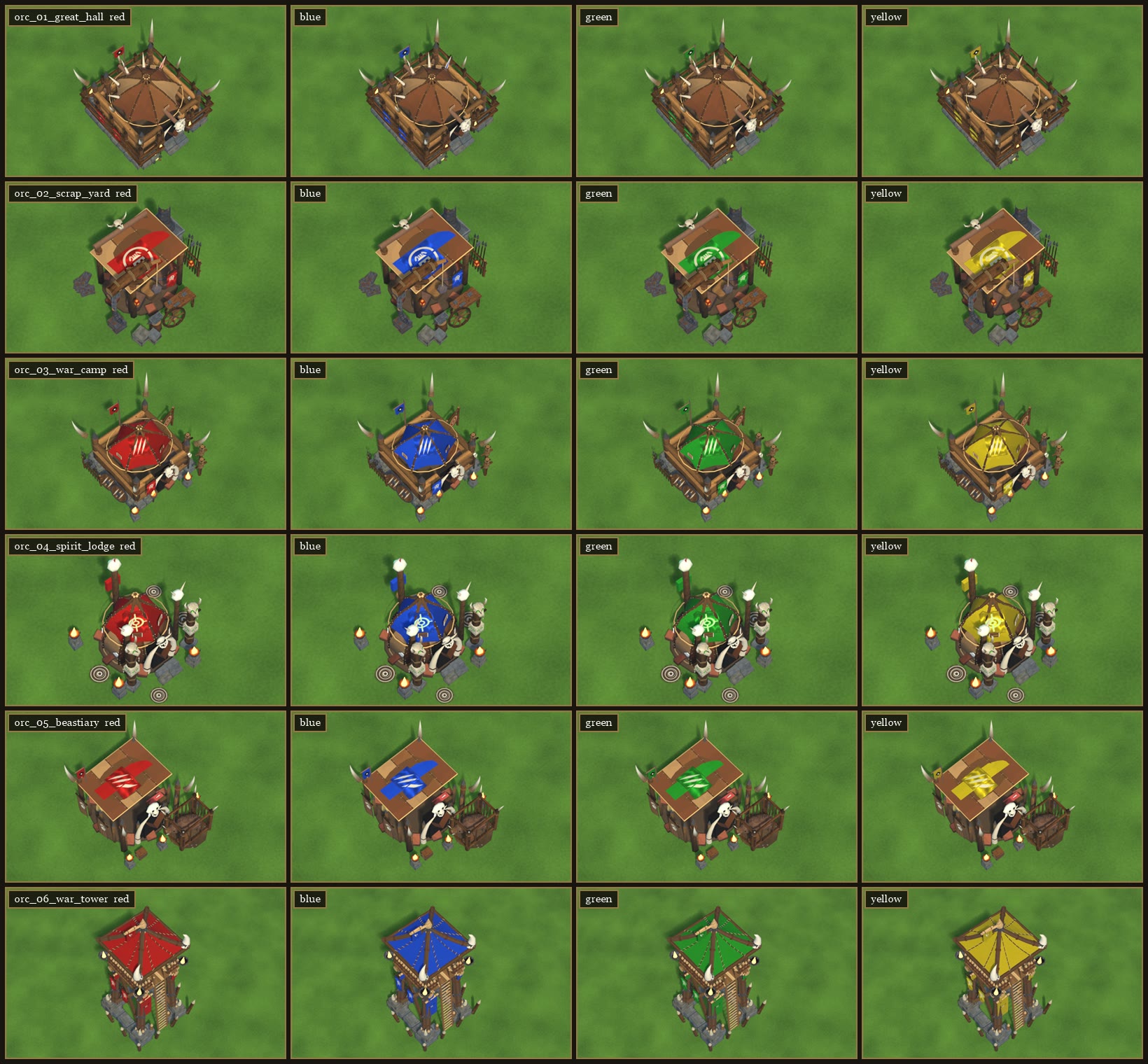
ORC BUILDINGS - ROUND 4 (v4), 2026-11-05 - PREVIEW ONLY (nothing changed in the game)
Look at the v4 sheets. v1-v3 are kept for comparison; the v3 README is in old_readmes.

Same rule as v3: every building is OUR CURRENT GAME MODEL with the concept's features ADDED. Nothing is redesigned.

The sheets
  orc_sheet_v4.png          BEFORE (today's model) | AFTER (v4), game camera, red player.
  orc_concept_match_v4.png  Your concept's AFTER | ours from a concept-like camera (lower, closer, warm light), green player.
  orc_team_colours_v4.png   The AFTER in red / blue / green / yellow.
  orc_close_v4.png          The concept-angle view, red player.

What changed since v3
  All buildings  The player-colour cloth is plain and deeper (forest green for the green player, deep red for red, ...).
                 The old white claw stripes are gone. Instead there's ONE painted emblem: a claw mark on the War Camp
                 tent and on the Beastiary roof, the orc sigil on the Scrap Yard awning, the rune on the Spirit Lodge.
  01 Great Hall   unchanged from v3 (exactly your list).
  02 Scrap Yard   a chunkier crane: a thick lashed arm and brace, a pulley block, a heavy chain, a big hook and a
                  hanging iron-bound crate. Also a banner from the front beam, iron-bound stone blocks at the front,
                  and two lanterns. The forge, workbench, anvil, cart wheel, scrap and rack from v3 are kept.
  03 War Camp     a claw emblem on the tent, a banner on the front wall, a third dummy and a brazier at the front-left
                  corner. The two big shields, spear rack, target and dummies from v3 are kept.
  04 Spirit Lodge the rune on the tent, a third brazier, and bone charms hanging from the front totems.
  05 Beastiary    the cage is bigger and open towards the camera, and the boar is much bigger (~1.6 m, bristly, big
                  tusks) and in plain view. Also a claw emblem on the roof, braziers at both front corners and by the
                  cage, and a crate. The paw banners and corner tusks are kept.
  06 War Tower    two more banners hanging under the deck on the left side. The stone-block base and the few big
                  spikes from v3 are kept.

Triangles, today -> v4: Great Hall 10,162 -> 12,790 | Scrap Yard 1,484 -> 3,716 | War Camp 7,479 -> 9,631 |
  Spirit Lodge 3,861 -> 4,994 | Beastiary 2,807 -> 5,090 | War Tower 16,250 -> 14,950.

Things to know
  - The fires are stand-ins. In the game they're the usual fire effects.
  - The deeper, stripe-free cloth needs a small game change (masks, colour levels and a shader tweak), listed for
    the programmers.
  - The Beastiary cage sits about 1.2 m in front of today's outline. A few props sit up to ~0.5 m outside it.

Tell us what to change per building. The next round will be v5 in the same layout.
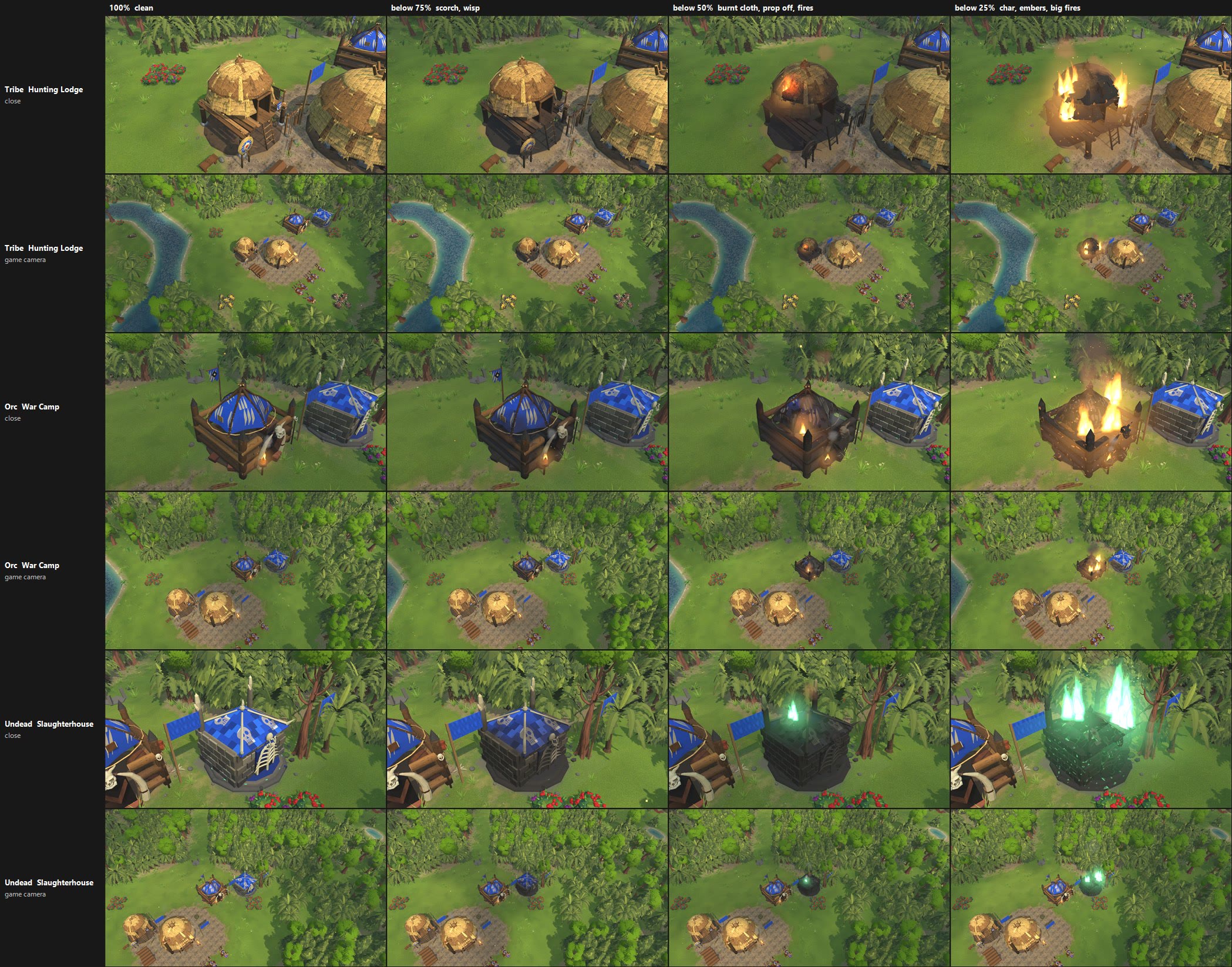
BUILDING DAMAGE STAGES (2026-11-05)

You asked: "I also want to add the ability to see damage as the buildings get lower health."

Damaged buildings now show it, for every faction. This is look only: the game rules and the simulation are unchanged.
Buildings still show their inside while being built, and still break apart when destroyed. The collapse now starts
from the damaged look.

THE STAGES
  100-75%    Clean.
  below 75%  Soot and scorch creep up from the ground. A thin wisp of smoke.
  below 50%  More scorch and black char. Team-colour cloth (banners, tarps, roofs) goes dull and gets burnt holes.
             One prop is knocked off and tumbles to the ground: a banner, totem, sign, weapon rack, target or hides.
             One or two small fires.
  below 25%  Heavy char with glowing ember seams. A second prop comes off, and the props left on hang a few
             degrees crooked. Big fires, thick smoke and sparks.
  Undead buildings smoulder soul-green instead of orange.
  Repairing a building takes it back down through the same stages, and the props come back.

FILES IN THIS FOLDER
  building_damage_stages.jpg
      A Tribe Hunting Lodge, an Orc War Camp and an Undead Slaughterhouse at 100, 75, 50 and 25% health.
      Each one is shown close up and from the normal game camera.
  building_damage_attack_to_collapse.mp4
      About 11 seconds. A Hunting Lodge is attacked down through the stages: hits, debris, props flying off,
      the fires growing. Then it collapses.

SETTING
  Settings > Graphics > "Building damage (scorch, fires, props knocked off)". It is on by default.
  Off gives the old look.

PERFORMANCE
  Tested with 86 buildings, all damaged and all on screen. There was no measurable cost:
  the difference was within normal run-to-run noise, under 0.1 ms per frame.

STATUS
  Ready in a test copy. It is not in your game yet.
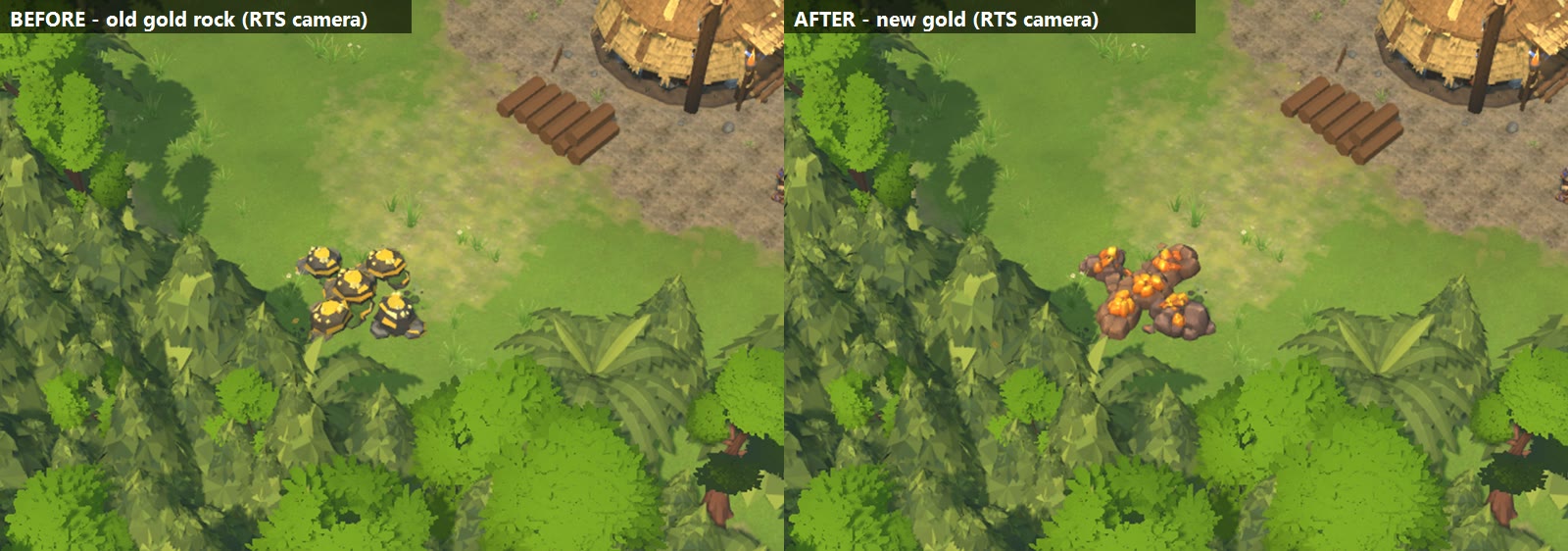
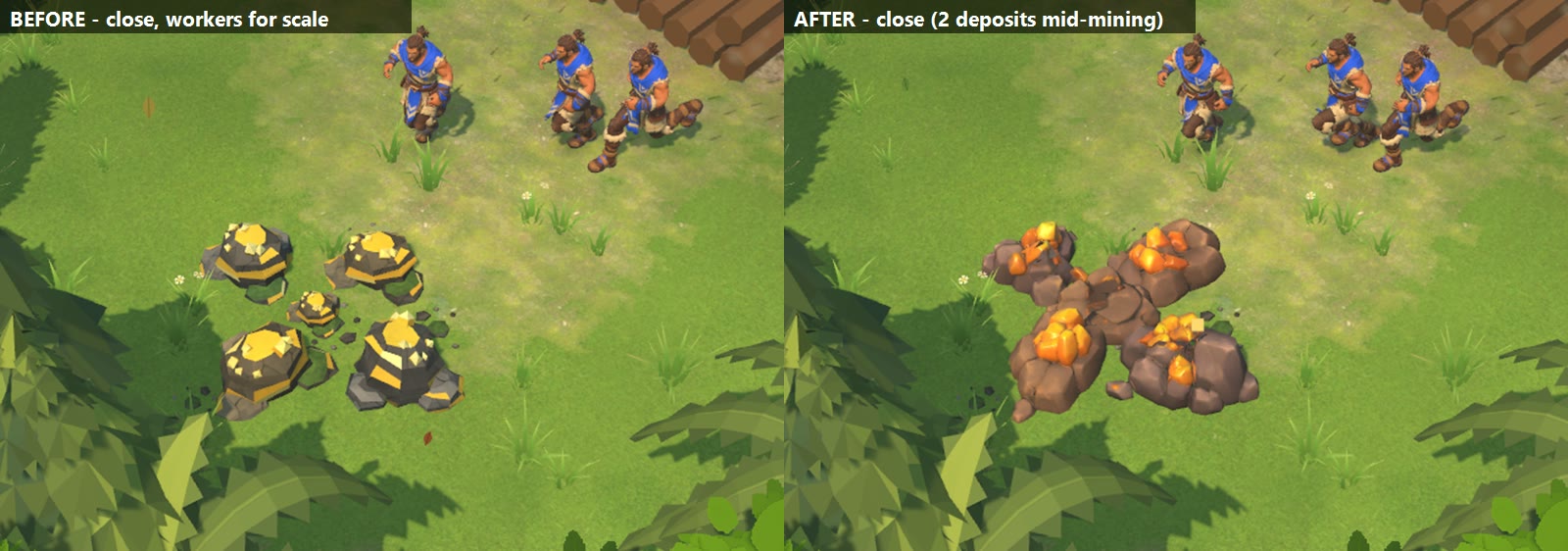
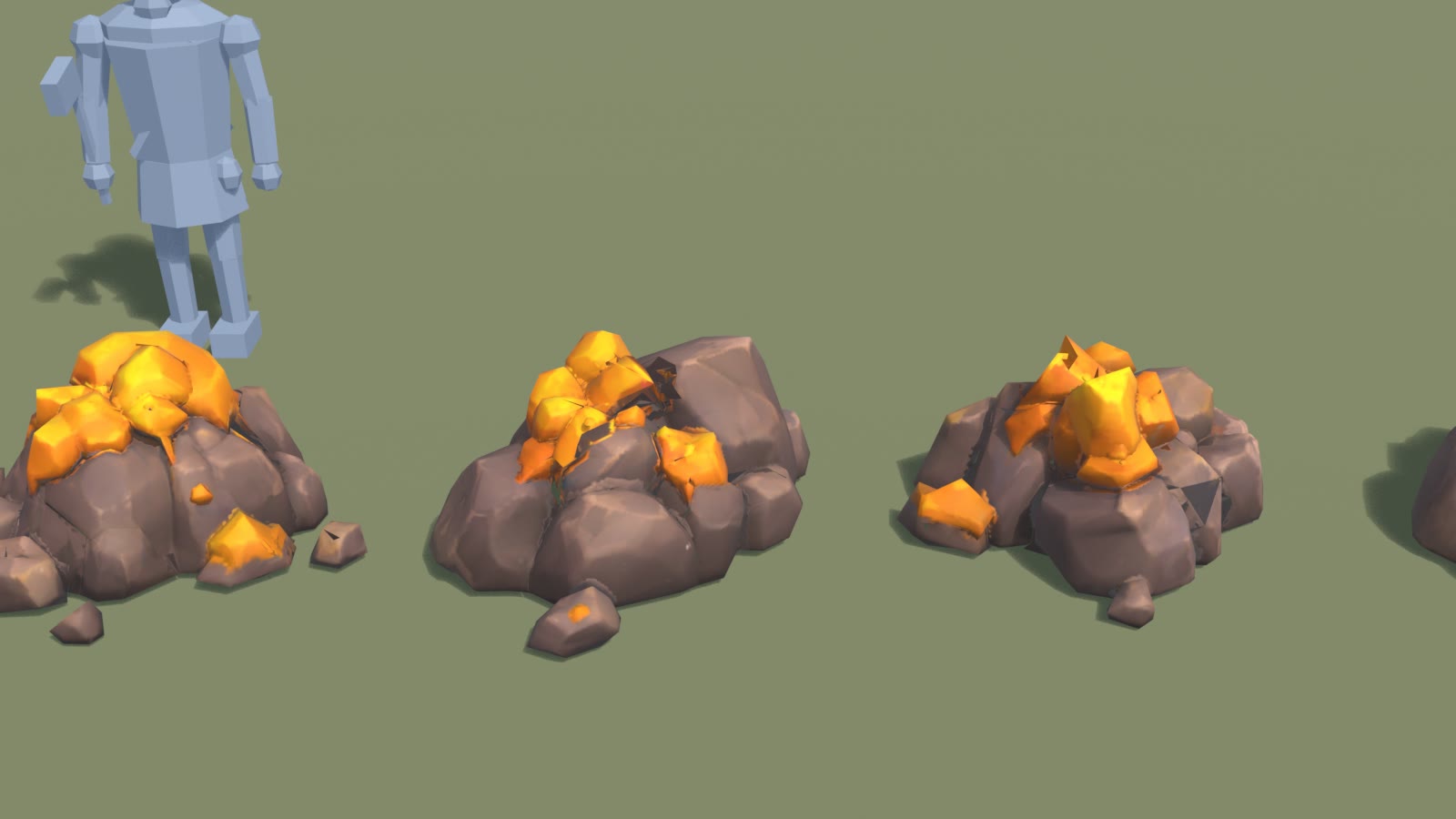
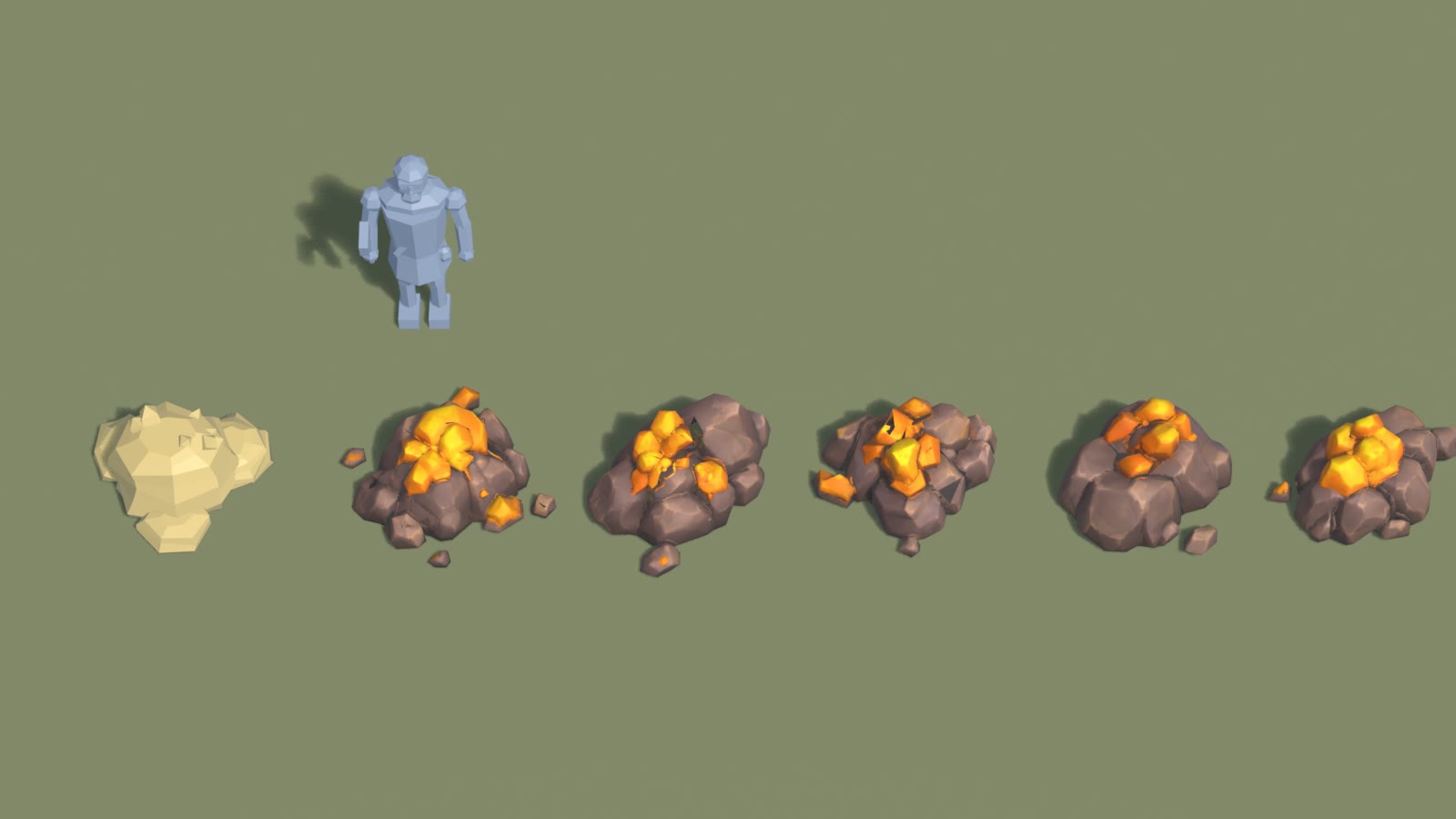
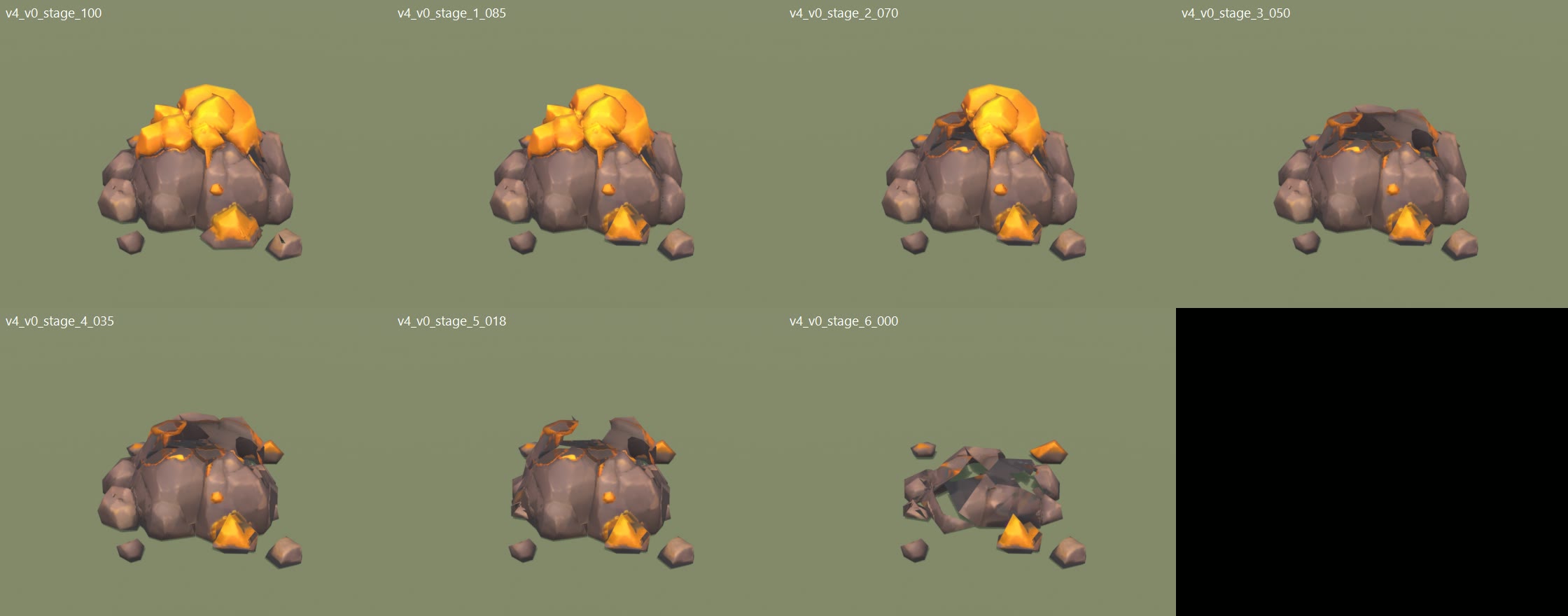
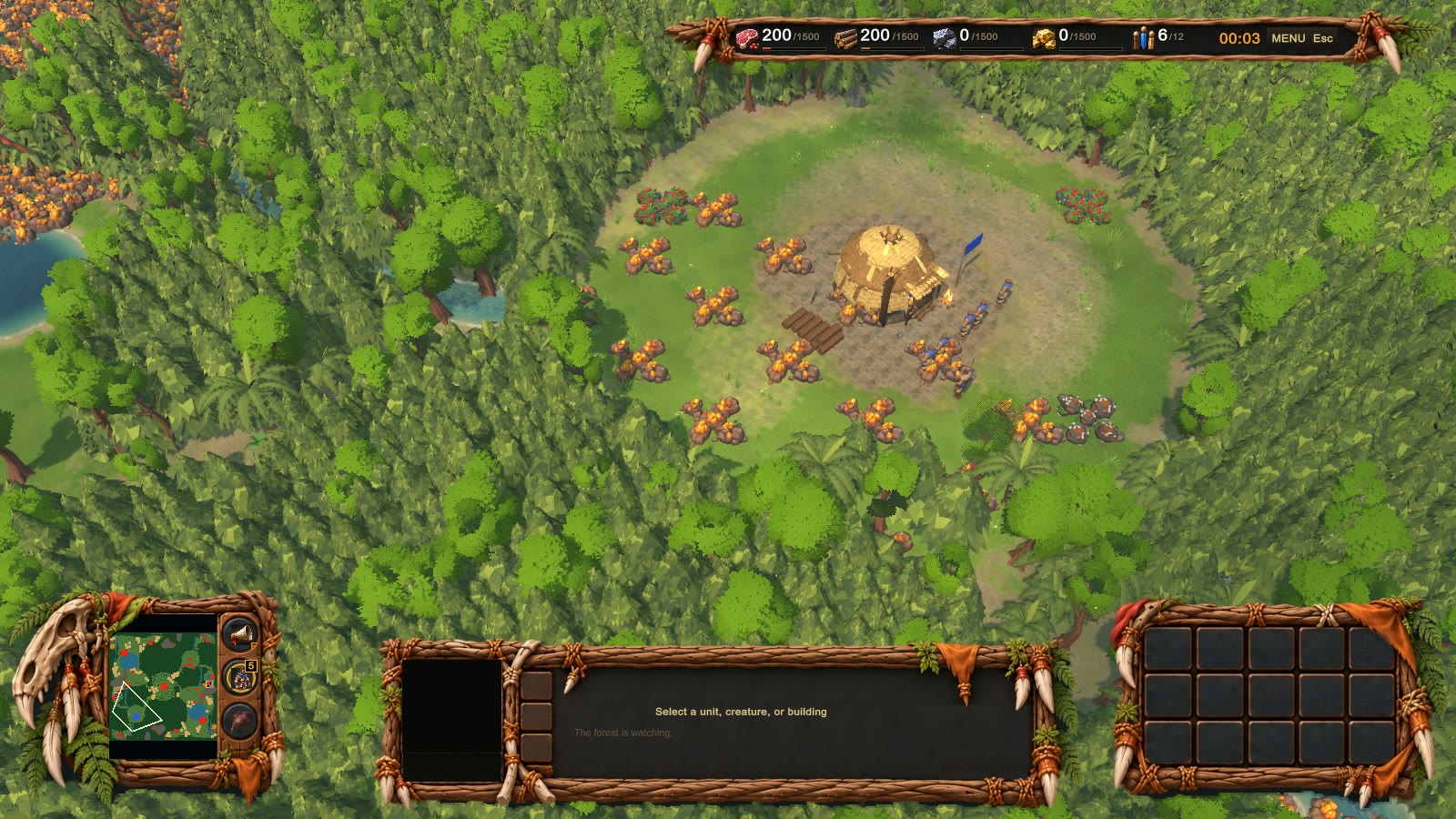
GOLD ORE IN THE GAME (test copy only, not in your play build yet)

What changed after your note ("you made them too small"):
Each gold rock is now ONE of the five gold mounds from the model, at the same size as the old gold rock
(about 1.4 x 1.3 m and 0.75 m tall). Every gold node picks one of the five, so a gold field looks varied.
Each one breaks apart as it is mined: first the loose nuggets, then the two gold caps, then two rock pieces,
and last the core crumbles. A pile of rubble stays when it is empty.

Also fixed: the small dark spots on the gold, the dark hole under the gold top, flat rubble, and seams up close.
The colours are brighter so the gold reads well in the game's light.

Files:
  1_rts_camera_before_after.png        old rock left, new gold right, normal game camera
  2_close_with_workers_before_after.png  close up, workers for size
  3_five_variants_vs_old_rock_blender.png  the five new rocks next to the old rock and a worker
  4_five_variants_gamecam_blender.png    the same from the game camera angle
  5_how_one_deposit_breaks_apart.png     one rock from full to empty
  6_busy_map_fps_view.png               the speed test view (lots of gold on screen)
  gold_mining_break.mp4                 9 seconds: workers mining, gold pieces breaking off, a rock turning to rubble

Speed: no change. Busy map with lots of gold: old 168-169 fps, new 168-170 fps.
Each rock is about 1,300 triangles. All five share one texture set.

If you want them a little smaller or bigger, that is one number to change.
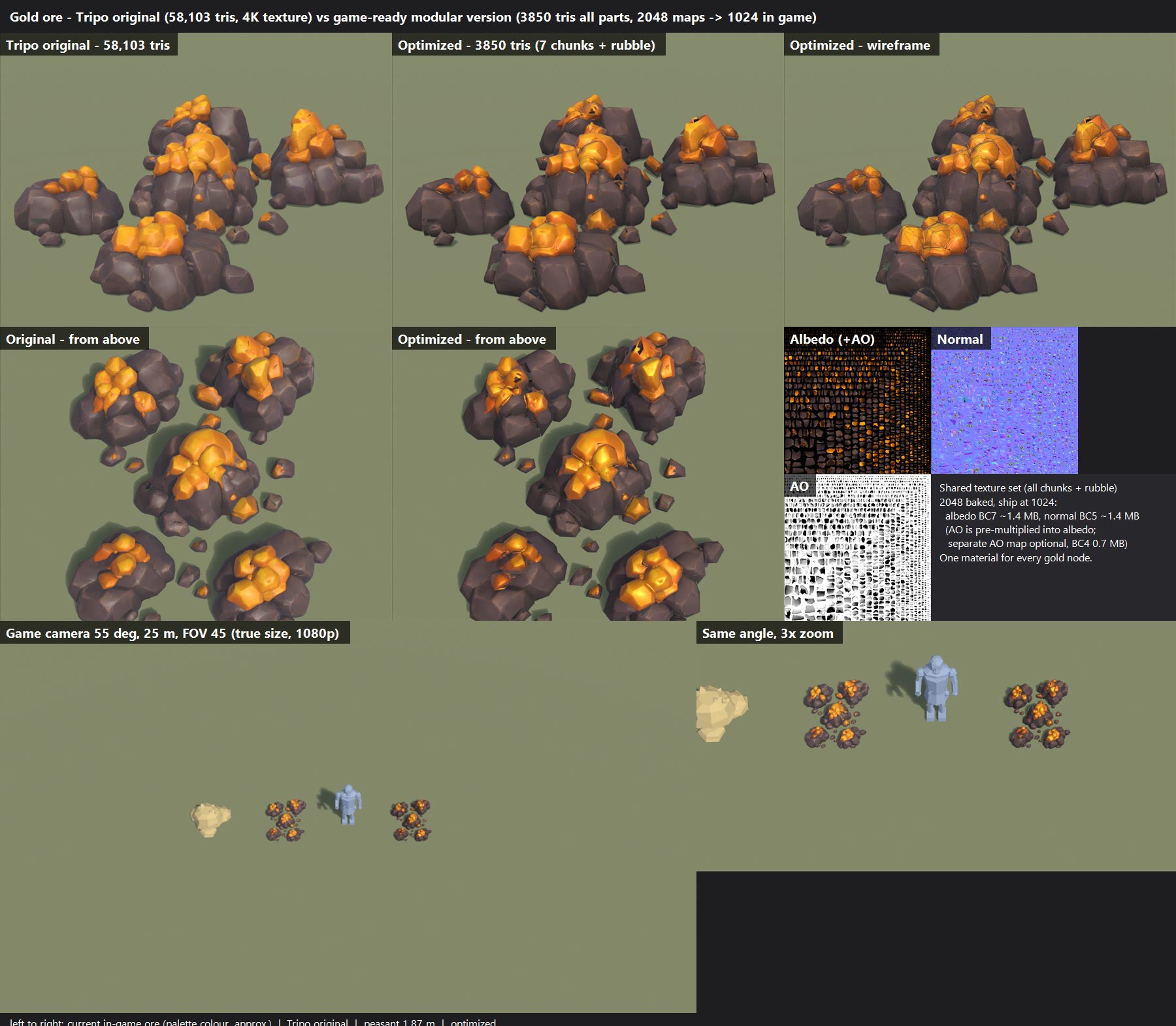
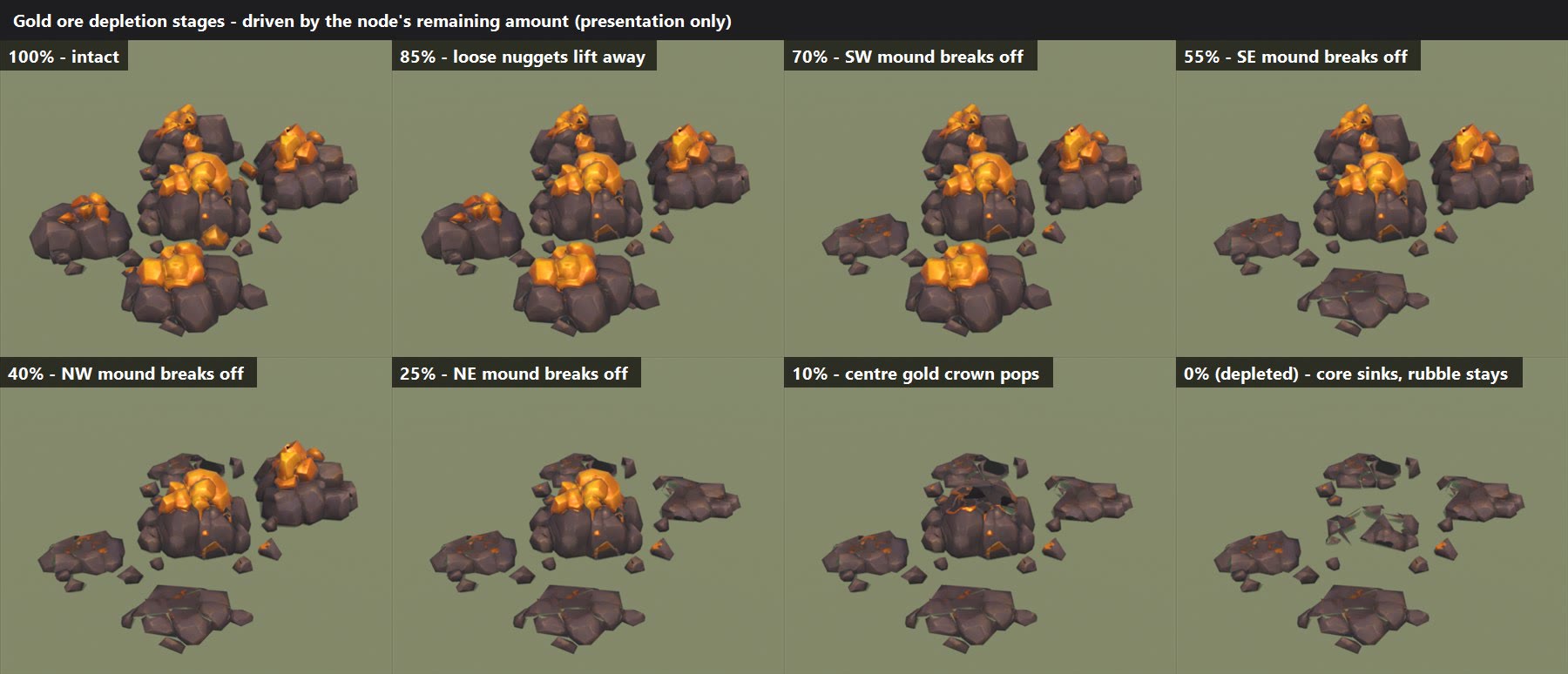
GOLD ORE - optimized + breaks apart while mined  (2026-11-04, STAGE 1 = preview only, nothing is in the game yet)

Your Tripo gold ore (58,103 triangles, 4K texture) made game-ready:
  - 3,850 triangles total, split into 7 breakable chunks + a rubble base
    (about 15 times lighter; it still has the same 5 rock mounds, gold caps, loose nuggets and pebbles)
  - one shared texture set baked from your model: colour, normal (surface detail), AO (soft shadow).
    Baked at 2048, meant to ship at 1024 (about 3 MB of video memory for every gold node on the map together)
  - colours kept, made slightly richer to match the painted look

FILES
  gold_ore_compare.jpg   Tripo original vs optimized: close up, from above, wireframe, the texture maps,
                         and the game camera (55 degrees down, 25 m) next to a peasant and the current gold rock
  gold_ore_stages.jpg    how it looks as it gets mined: 100% > 85 > 70 > 55 > 40 > 25 > 10 > depleted rubble
  gold_ore_breakoff.mp4  8-second clip of the chunks breaking off one stage at a time (shake, pop, tumble,
                         dust + gold sparkle, then they sink away)

HOW THE BREAKING WORKS (look only, the mining rules stay the same)
  A gold node holds 250 gold, and a worker carries 10 per trip, so a node takes 25 trips.
  A chunk breaks off each time the remaining gold passes a line:
    85%  loose gold nuggets on the ground lift away with a sparkle
    70%  south-west mound breaks off
    55%  south-east mound
    40%  north-west mound
    25%  north-east mound
    10%  the big gold crown on the centre mound pops off
     0%  the core rock crumbles into the ground; a low pile of rubble stays behind

KNOWN ROUGH SPOTS (to fix before it goes in)
  - a few small dark specks where the crystals meet
  - when the centre gold crown is gone, the core shows a darker pit
  - the rubble pieces are fairly flat; they could be chunkier

Your call: is it the right size next to a peasant (about 1.4 x 1.6 m across, 0.4 m tall; the current gold rock
is 1.4 x 1.3 m and 0.75 m tall), and do you like this break order? Say go and it gets hooked into the game.
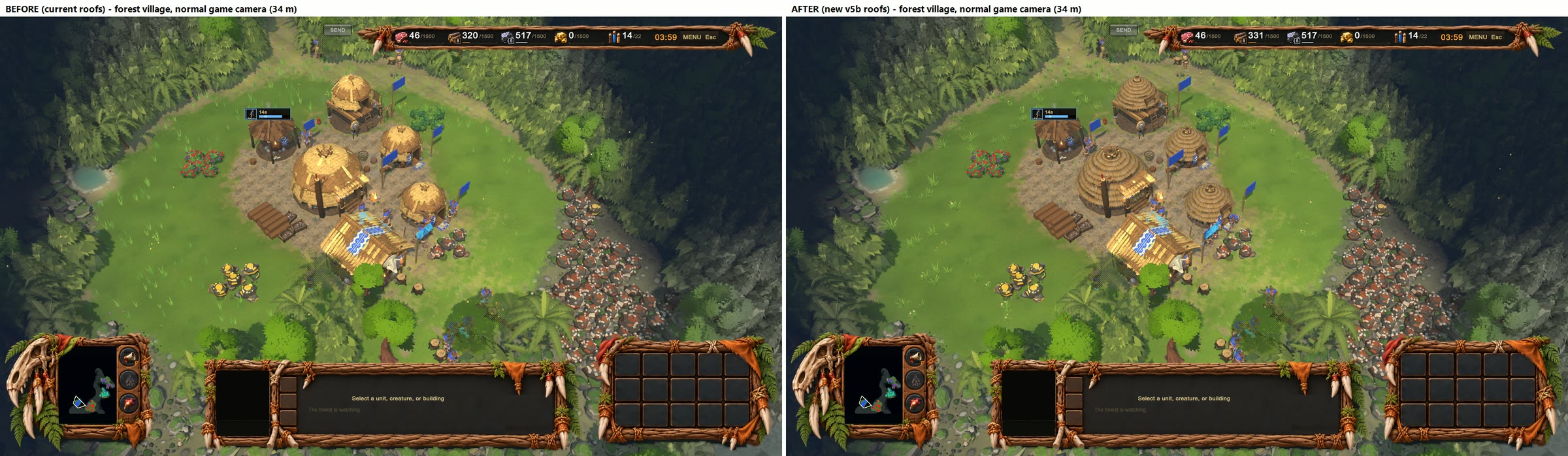
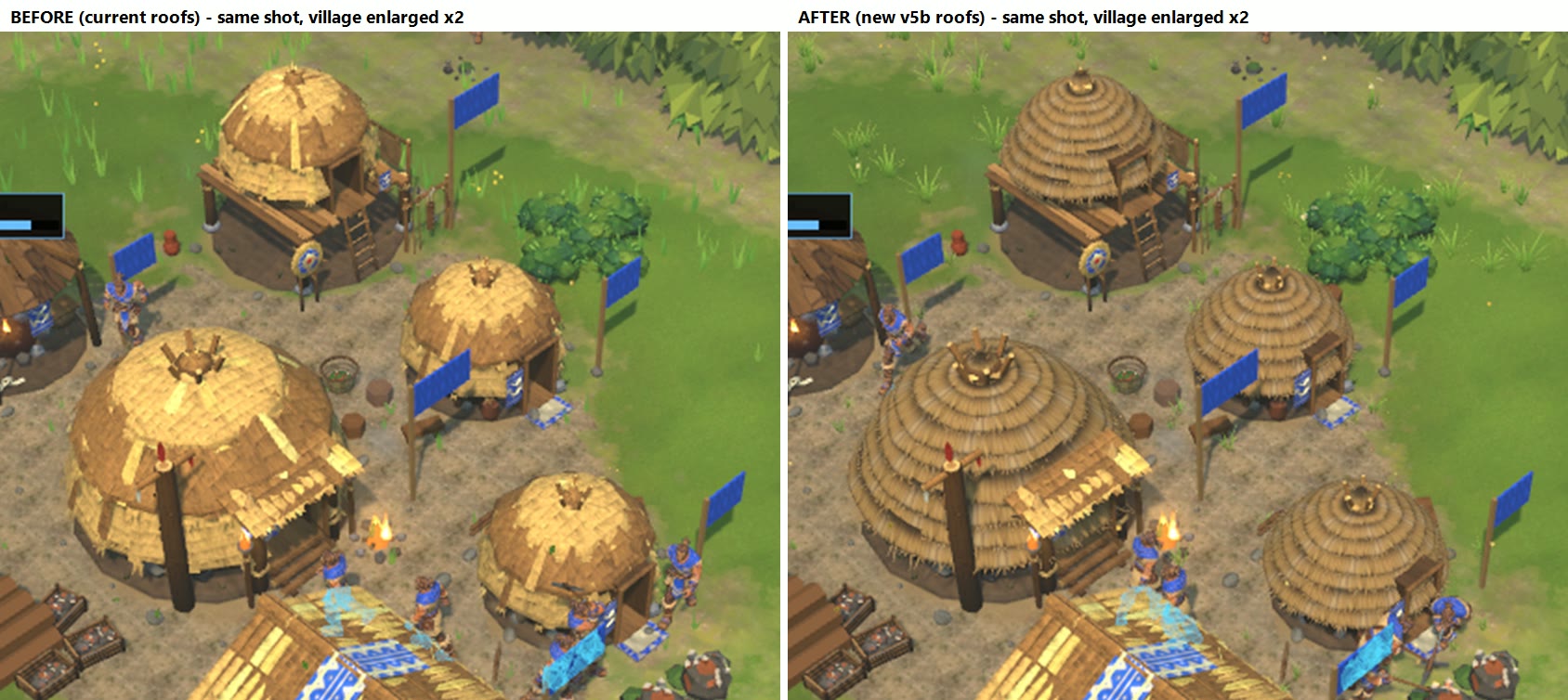
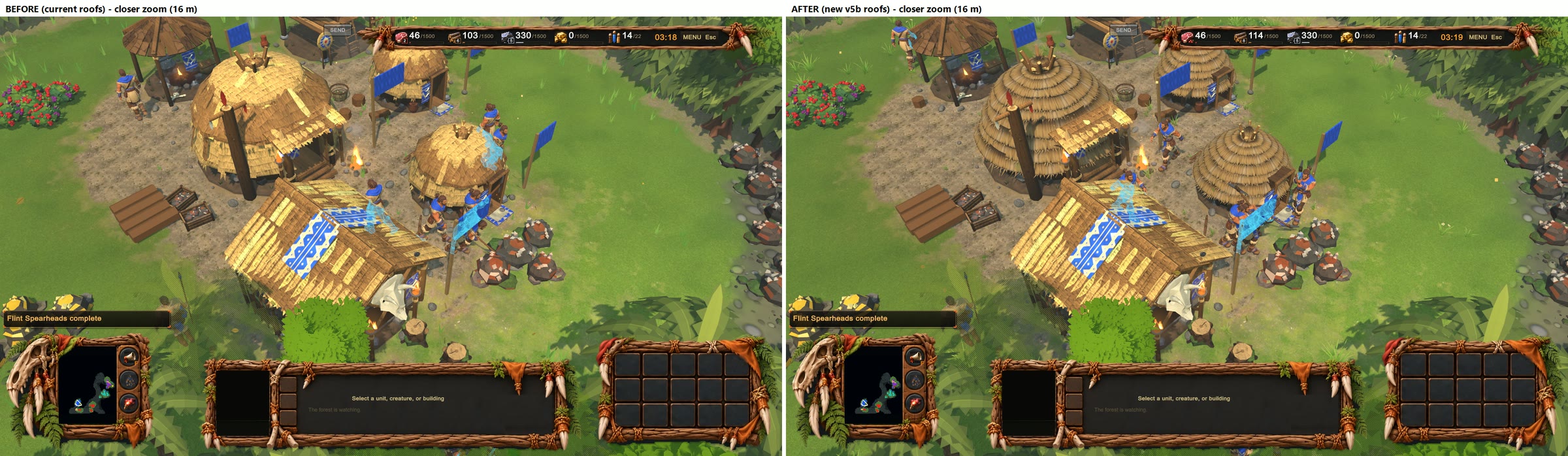
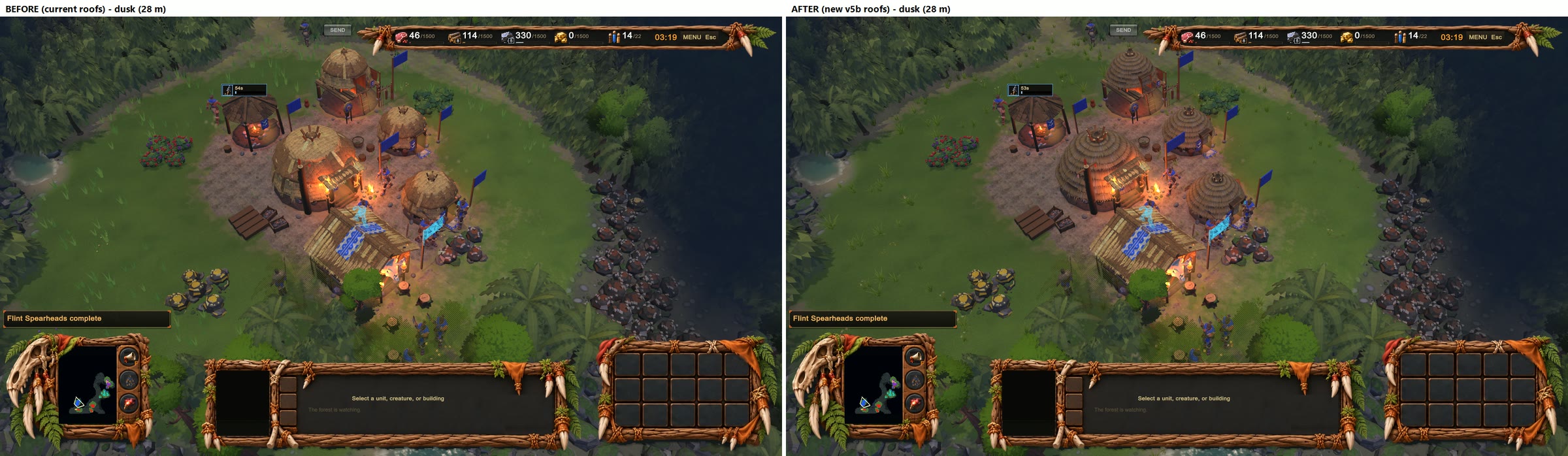
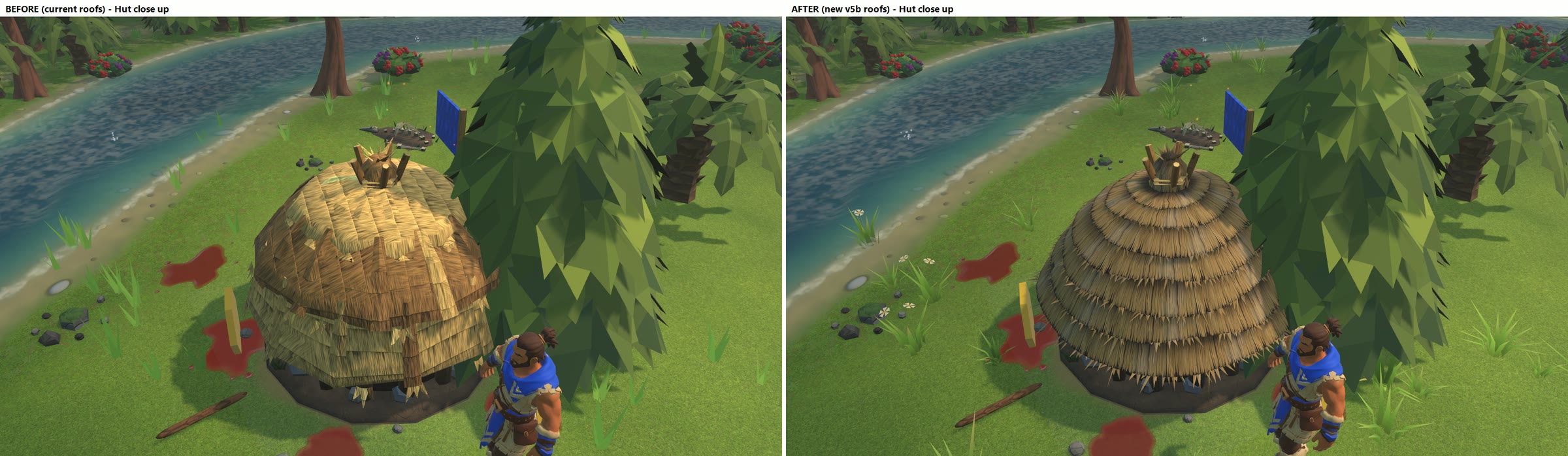
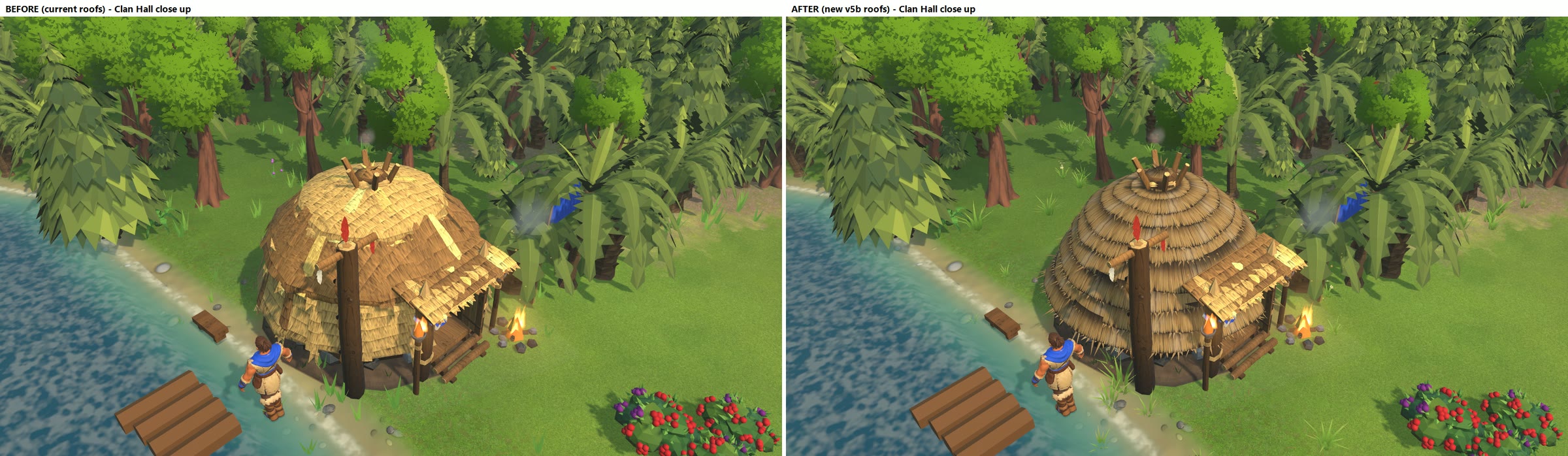
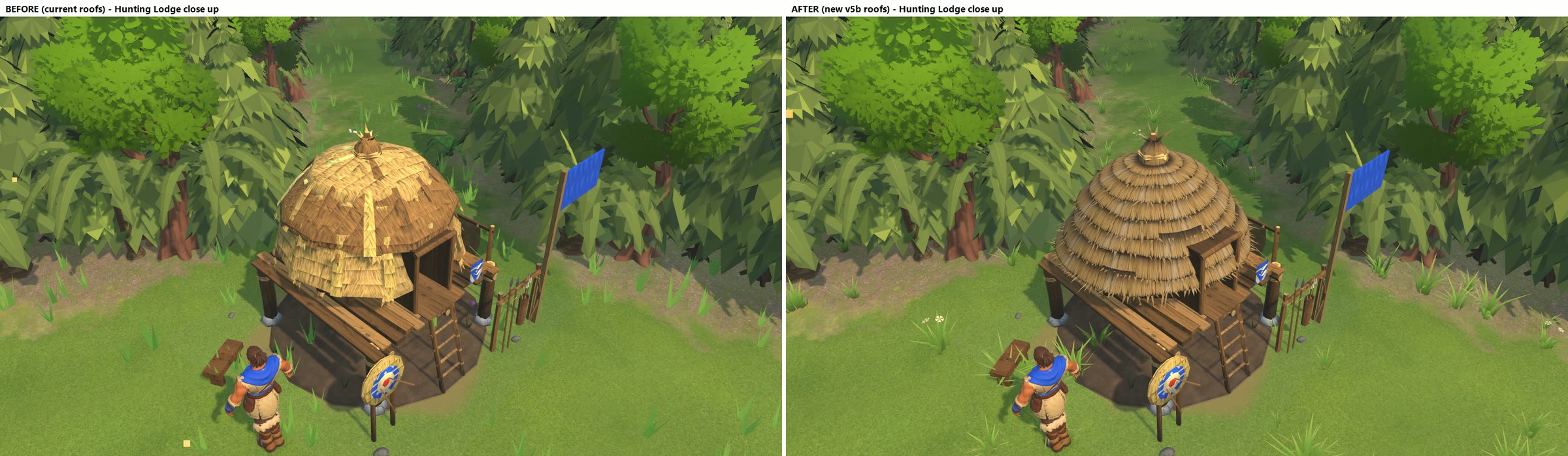
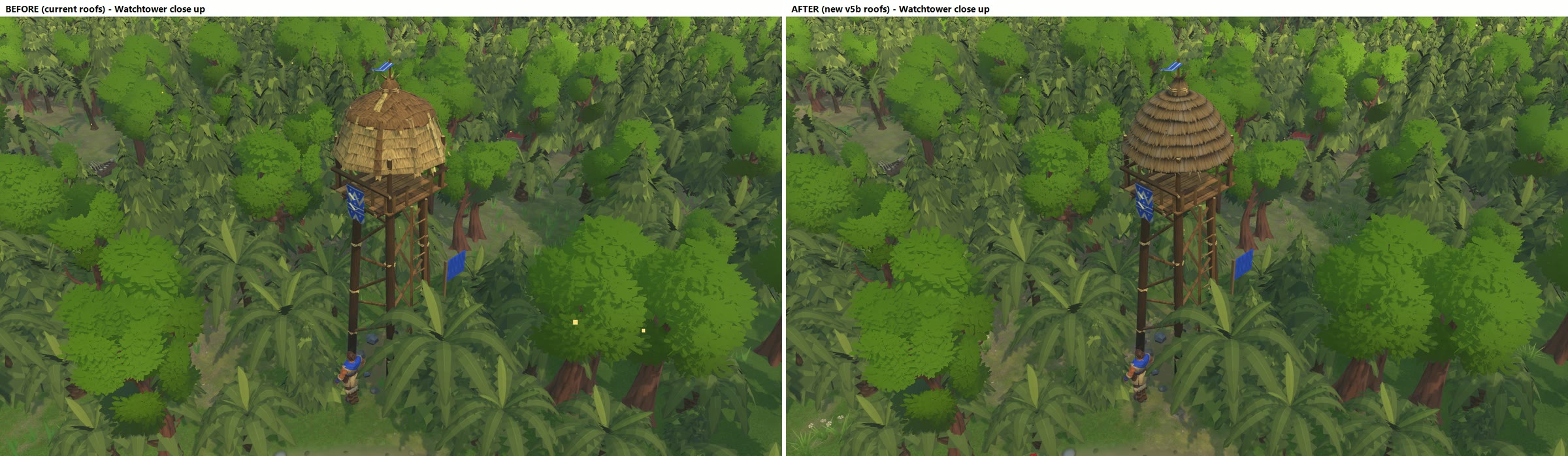
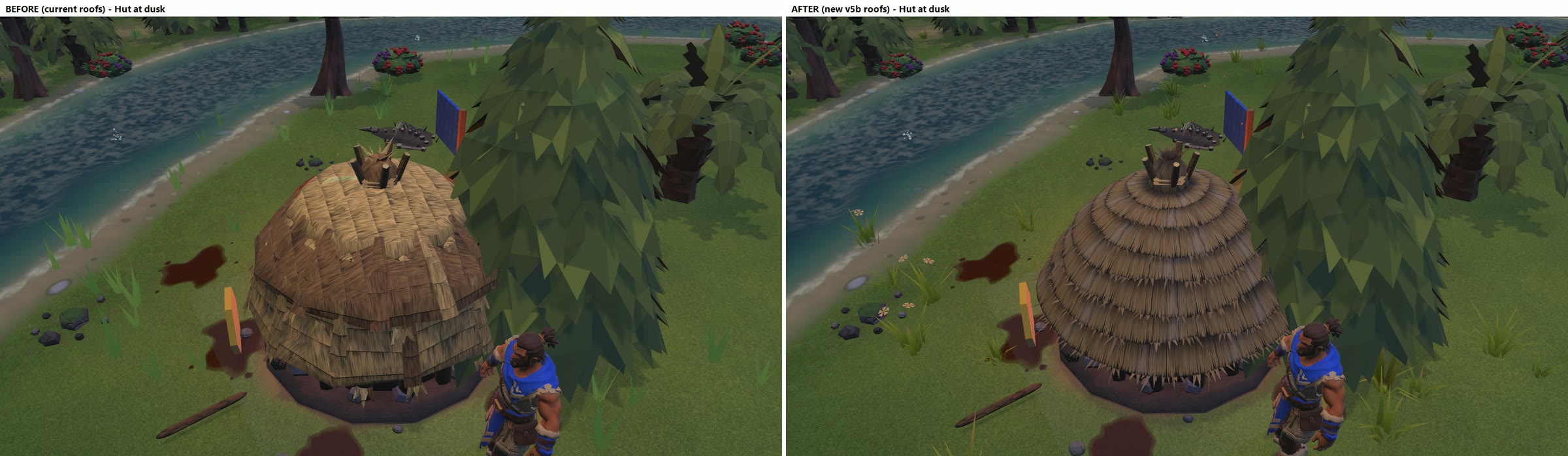
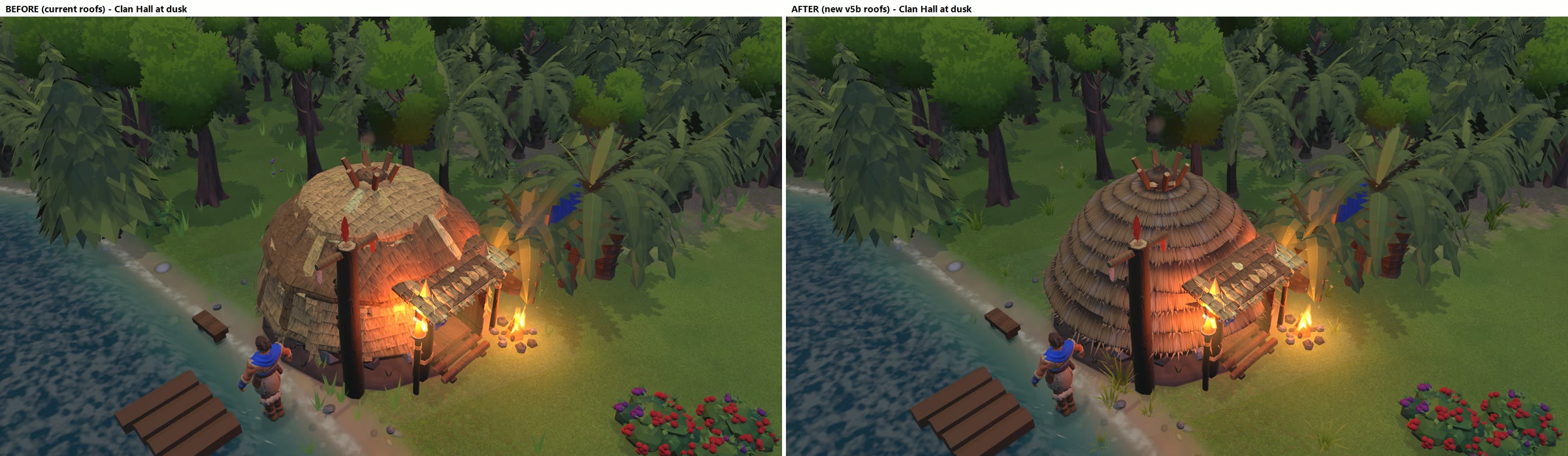
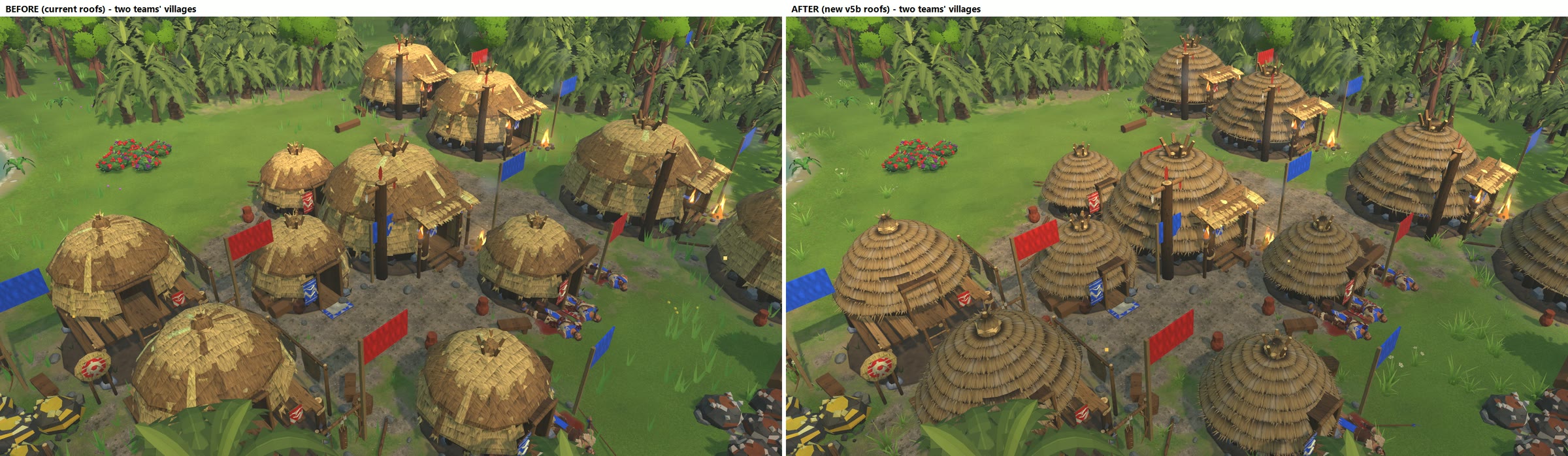
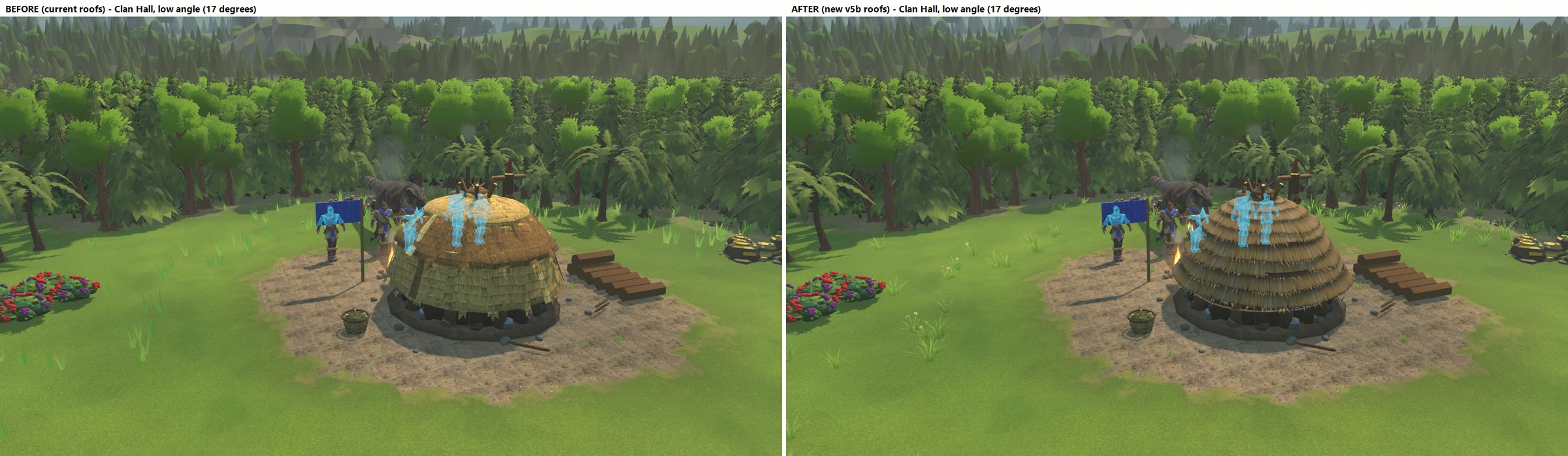
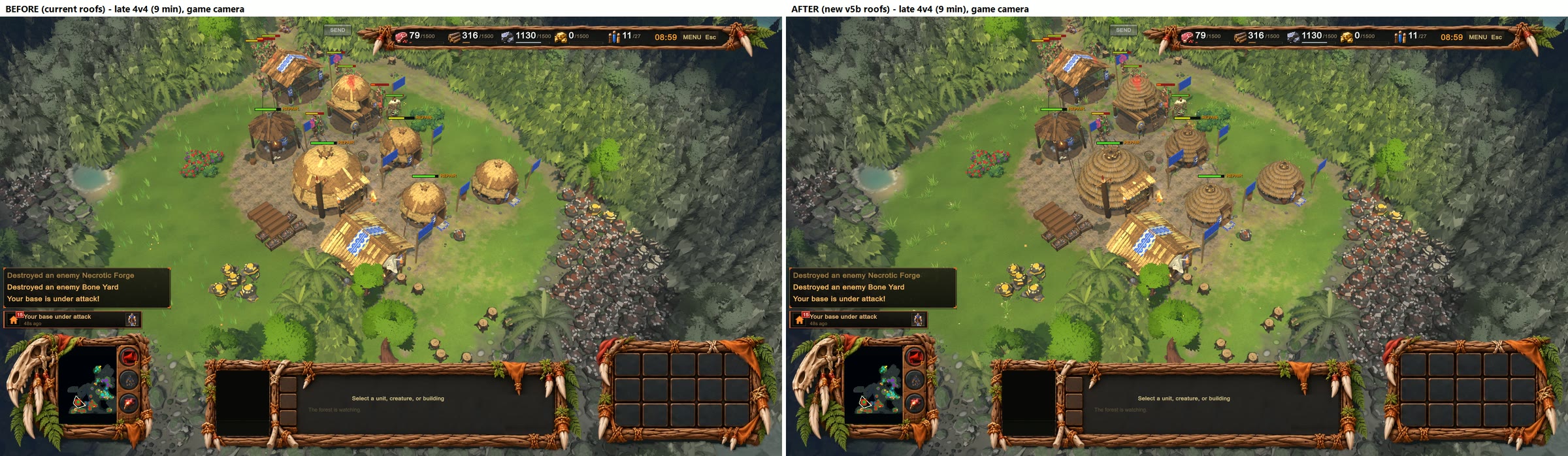
NEW STRAW ROOFS (v5b) - IN THE GAME (test copy only, 2026-11-04)

These are real screenshots from the game. Left = today's roofs, right = the new v5b roofs you picked.
Nothing is in your game yet: this was built in a separate test copy.

Buildings with the new roof: Hut, Clan Hall, Hunting Lodge, Watchtower.
(The Healer's hut keeps its own small cap for now: it already has its own baked look.)

Best to look at first
  02_village_game_camera_zoom.png   your village at the normal game camera, enlarged
  03_village_close.png              zoomed in
  06_clan_hall_close.png            Clan Hall close up
  12_low_angle.png                  from low down (the angle that looked bad before)
  04_village_dusk.png               at dusk
  also: 01 (whole screen), 05 Hut, 07 Hunting Lodge, 08 Watchtower, 09/10 dusk close-ups,
        11 two teams' villages, 13 a 9-minute 4v4 match

Does it slow the game down? No. Same speed before and after in every test (about 166-173 frames per second
in 4v4 matches, GPU time the same within normal run-to-run noise).

One thing to look at: in the game the new roofs come out a little darker and browner than the porch roofs and
the other straw (the Blender previews were lighter). If you want them a touch more golden in the game, that is
an easy colour change.
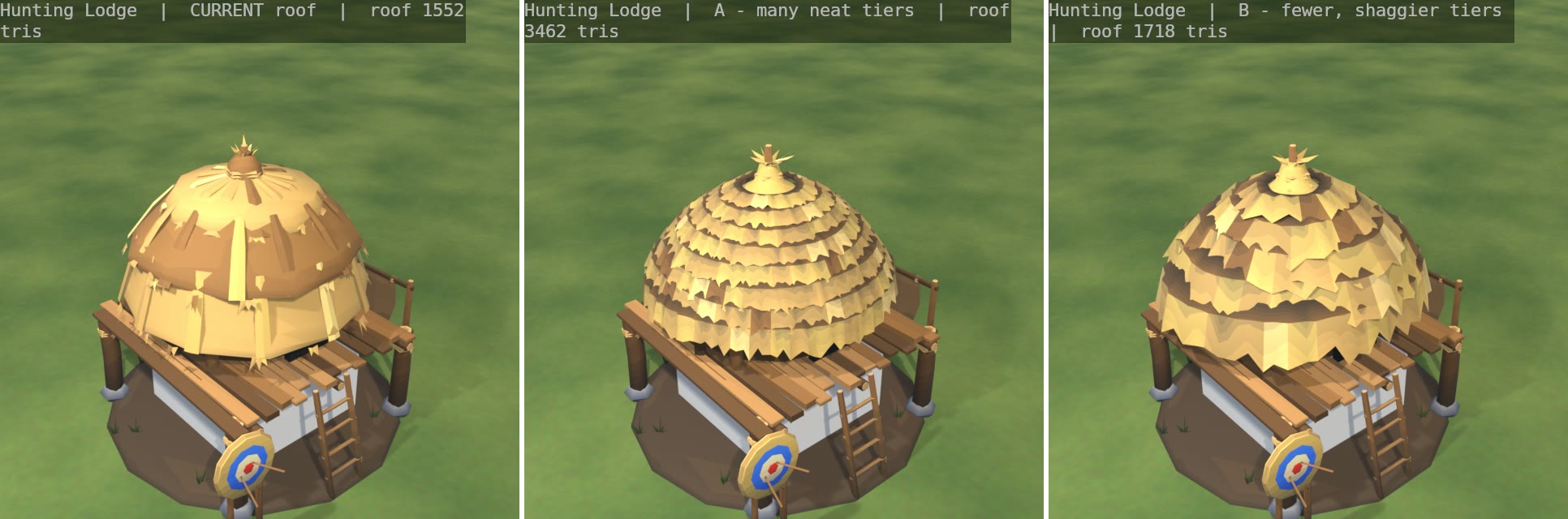
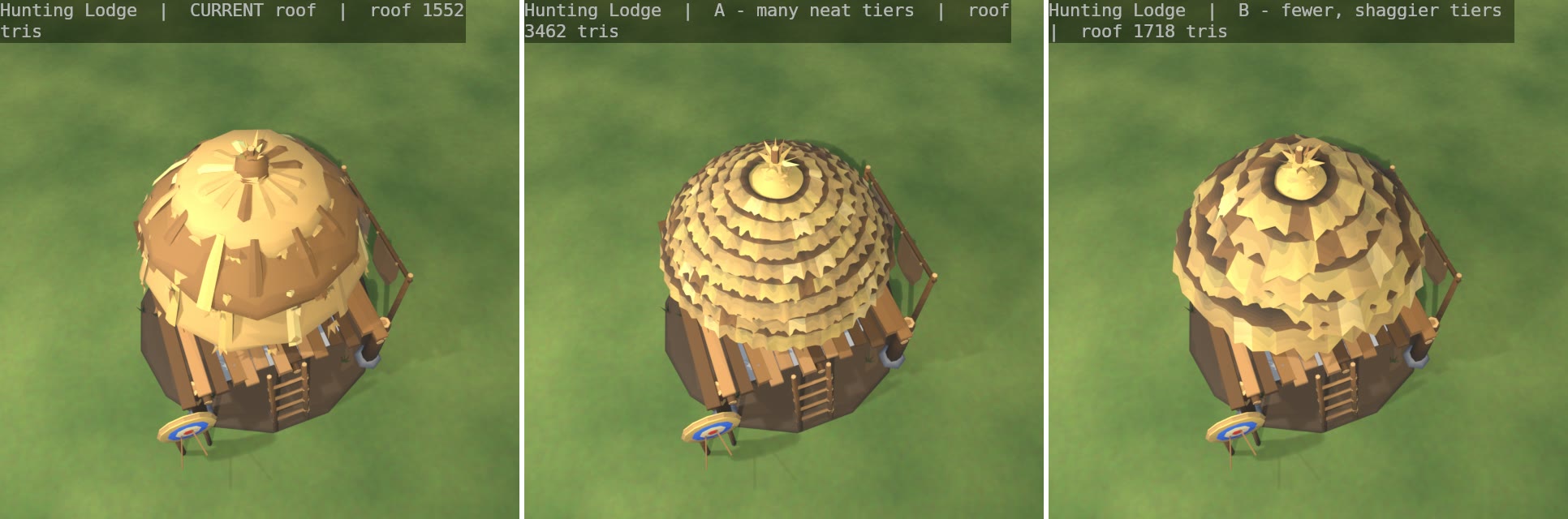
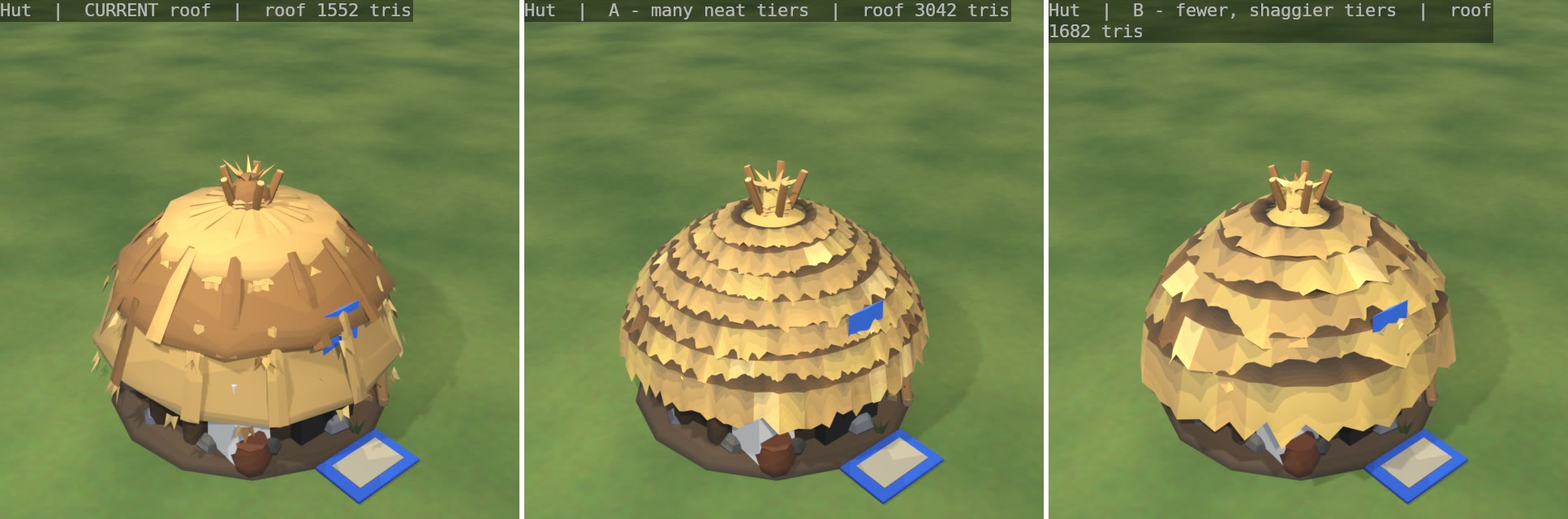
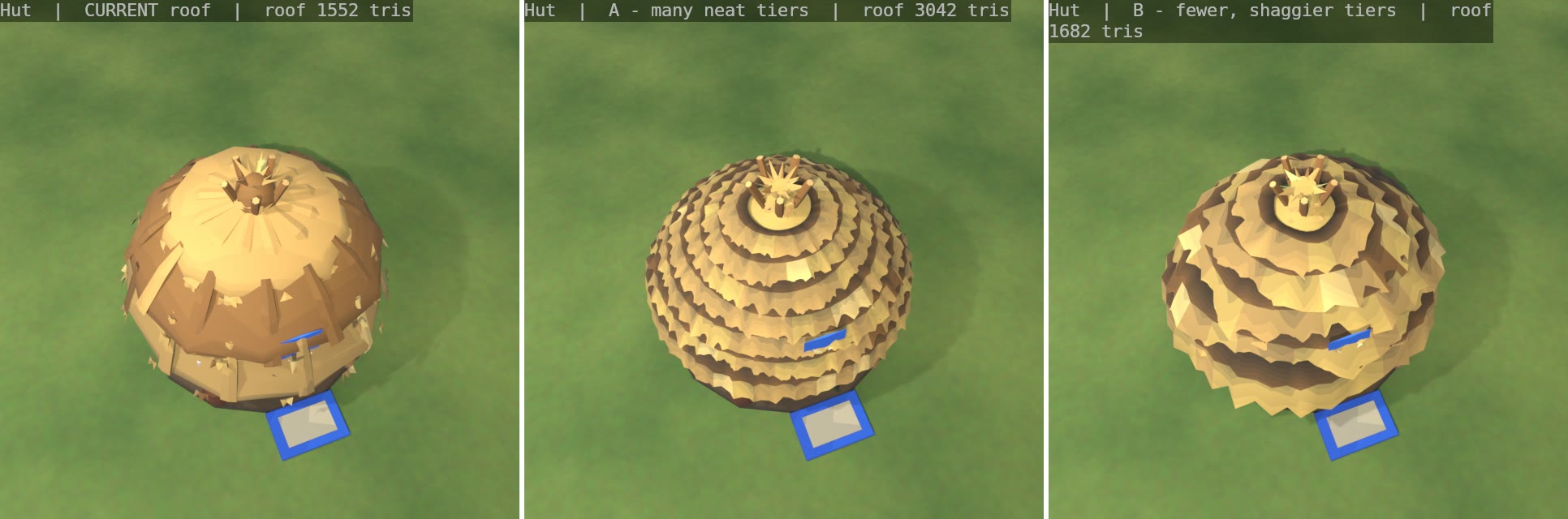
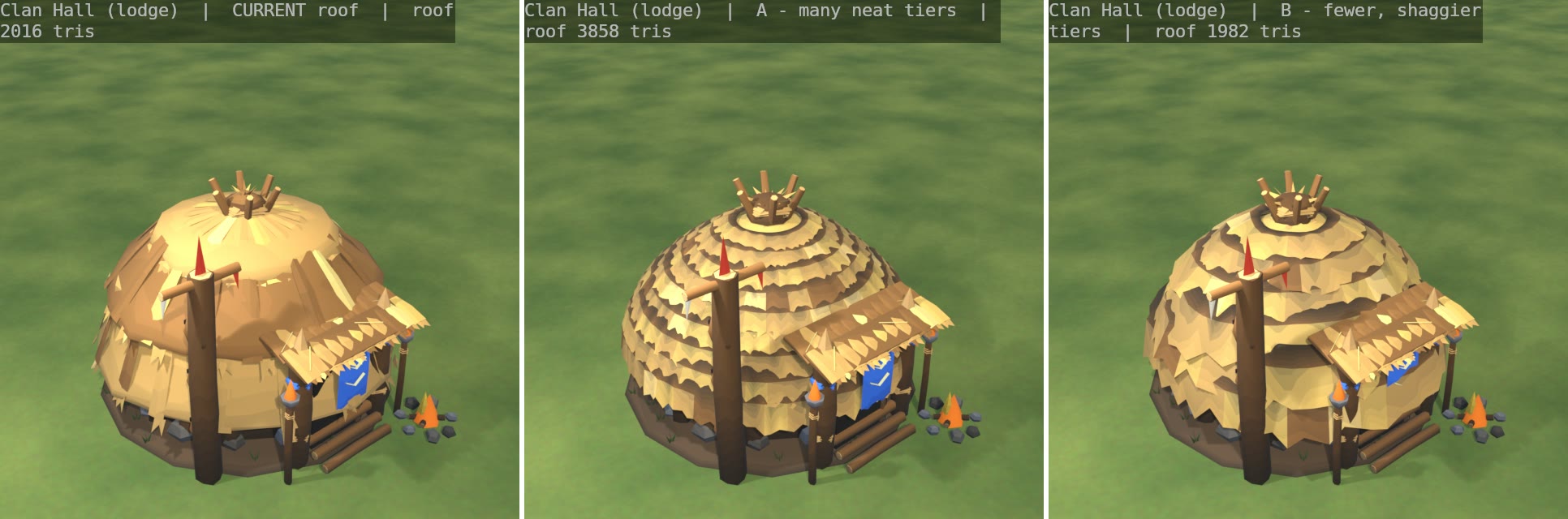
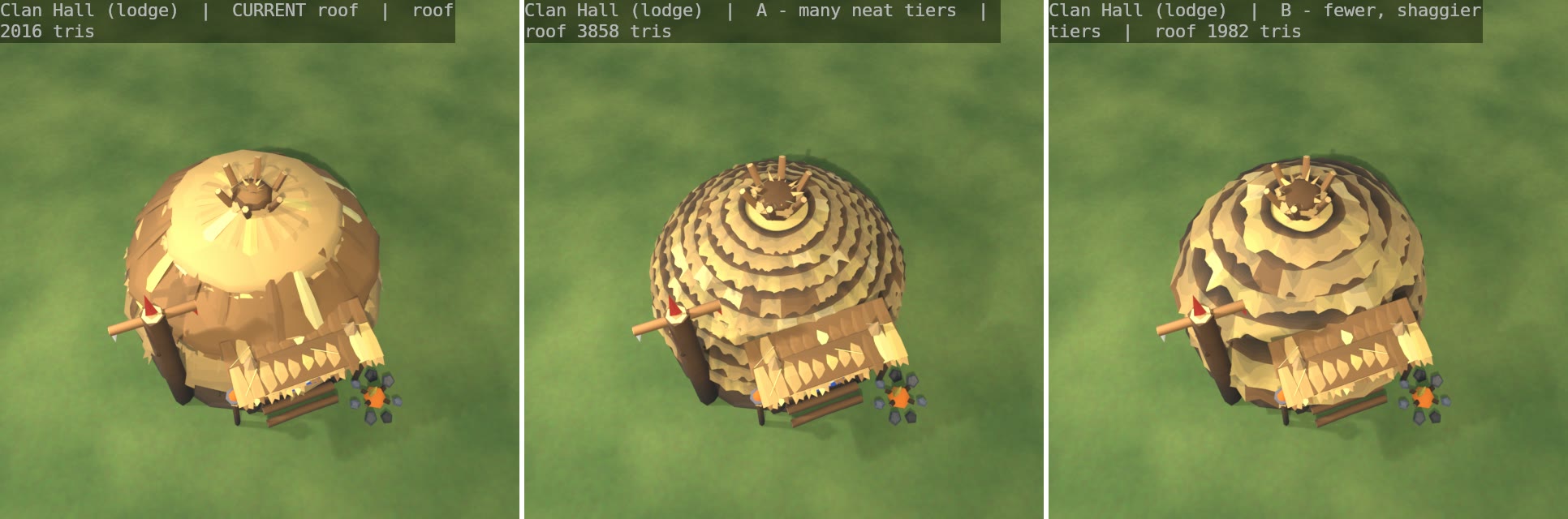
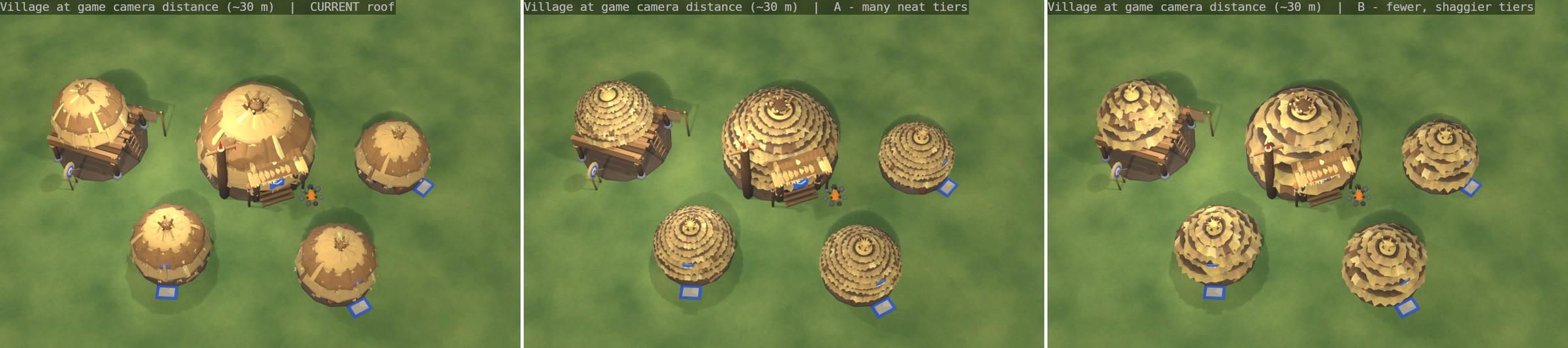
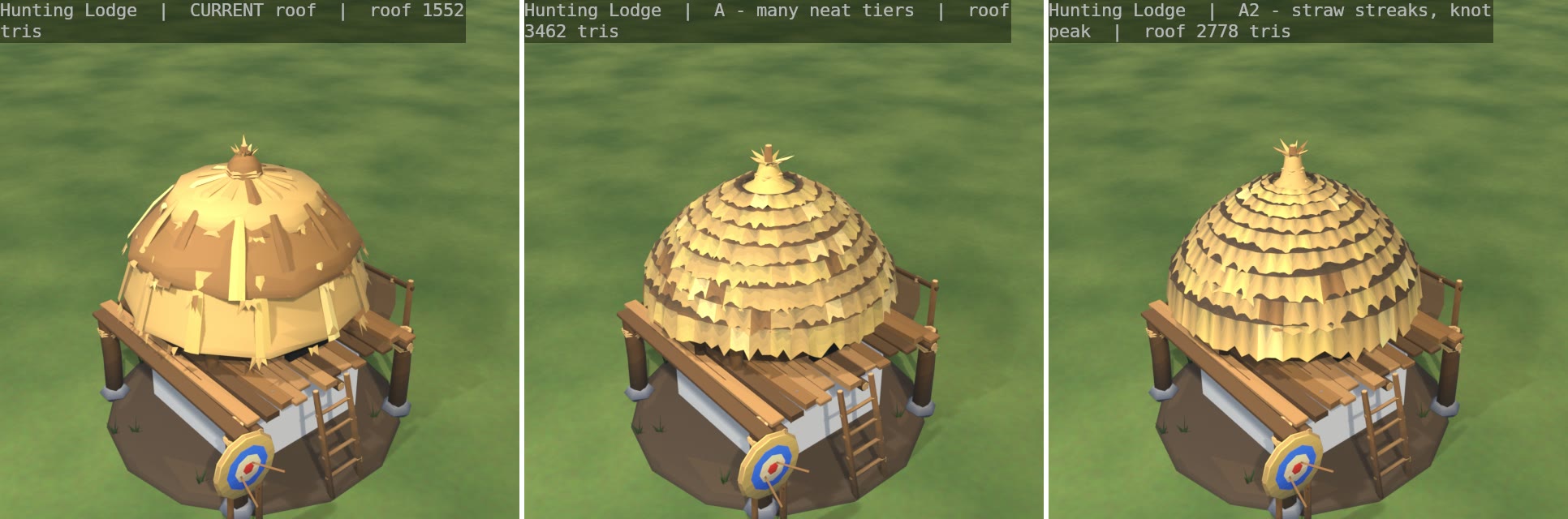
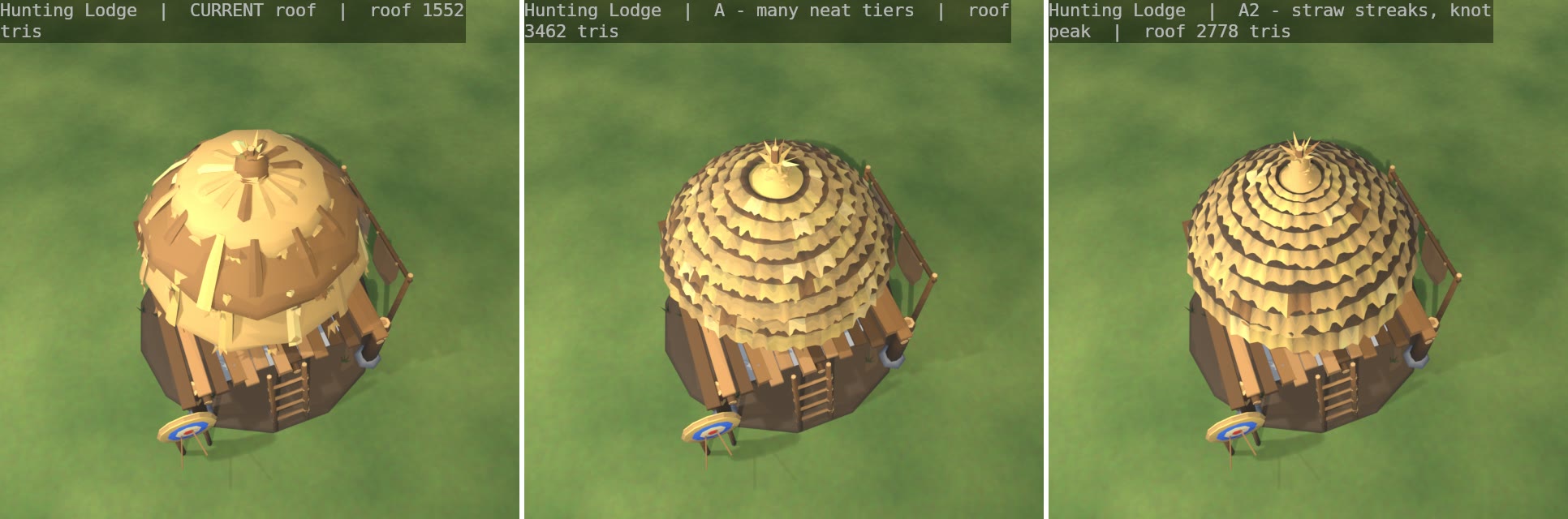
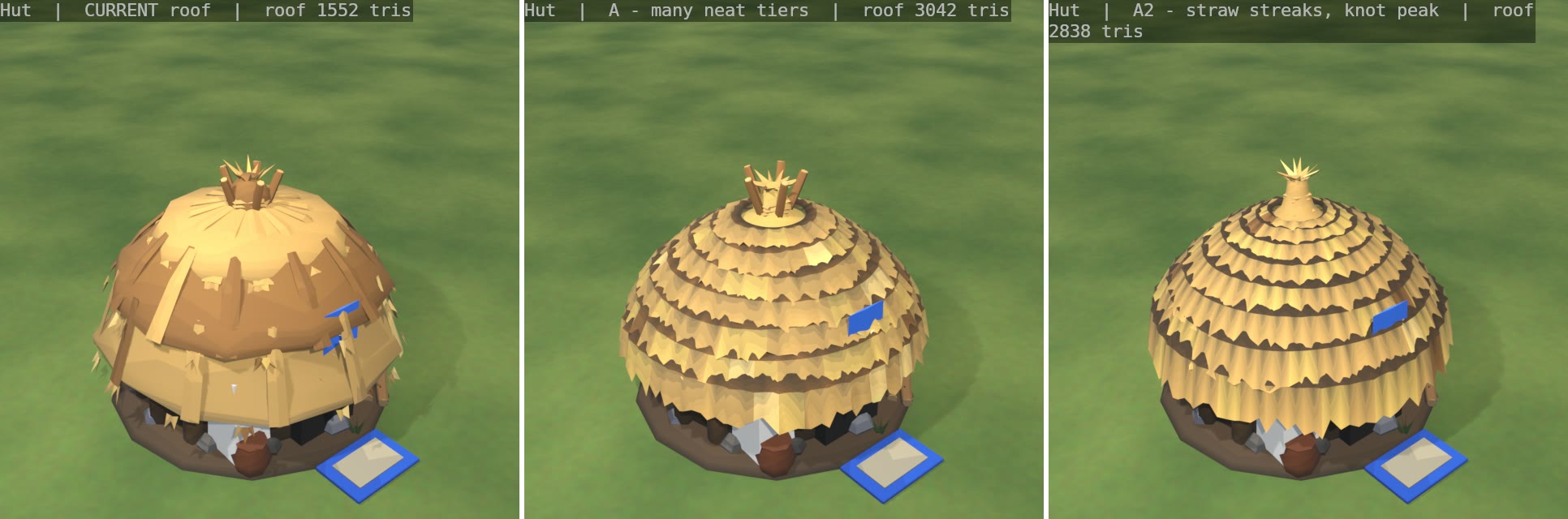
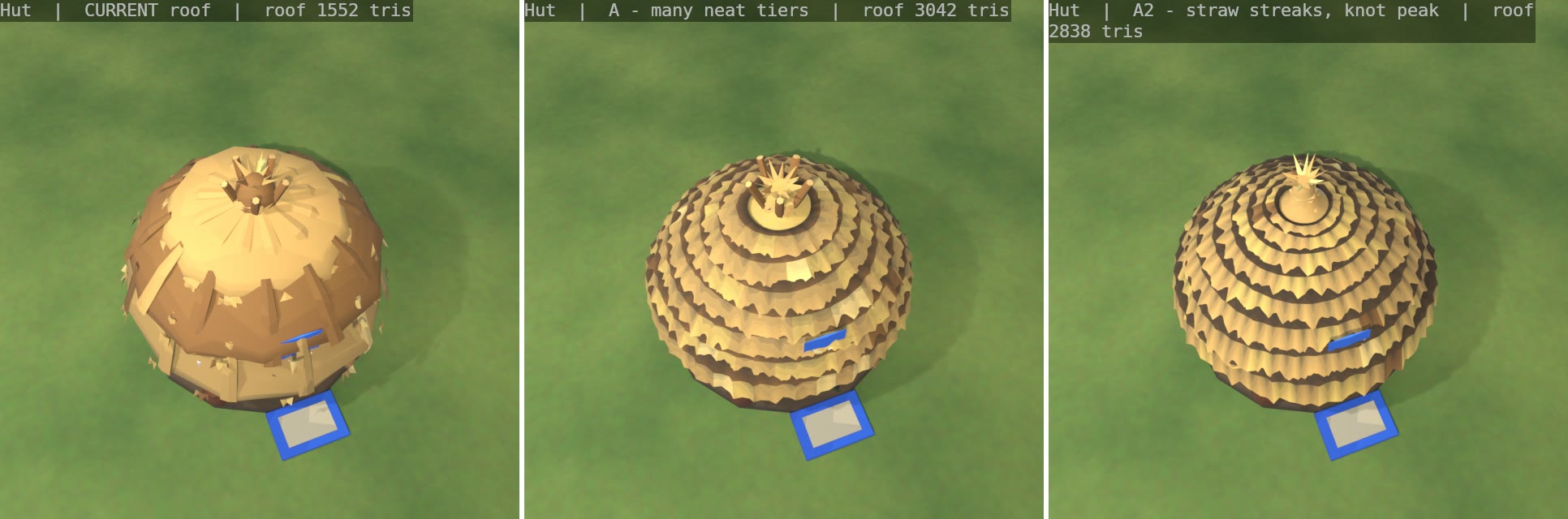
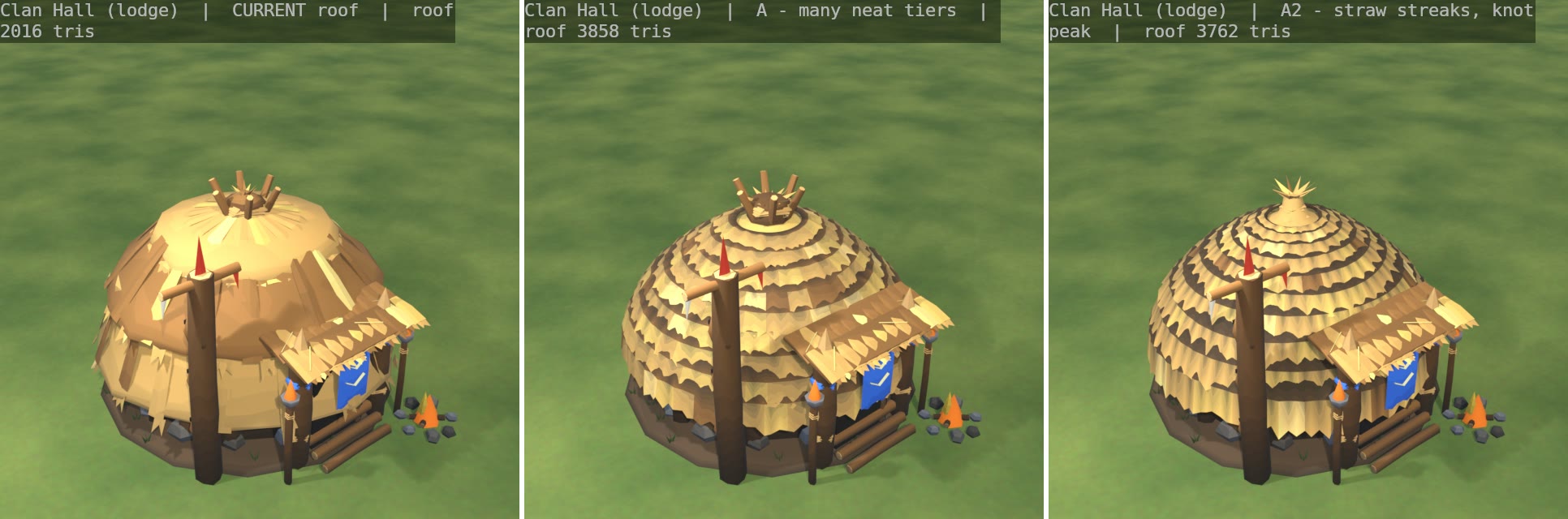
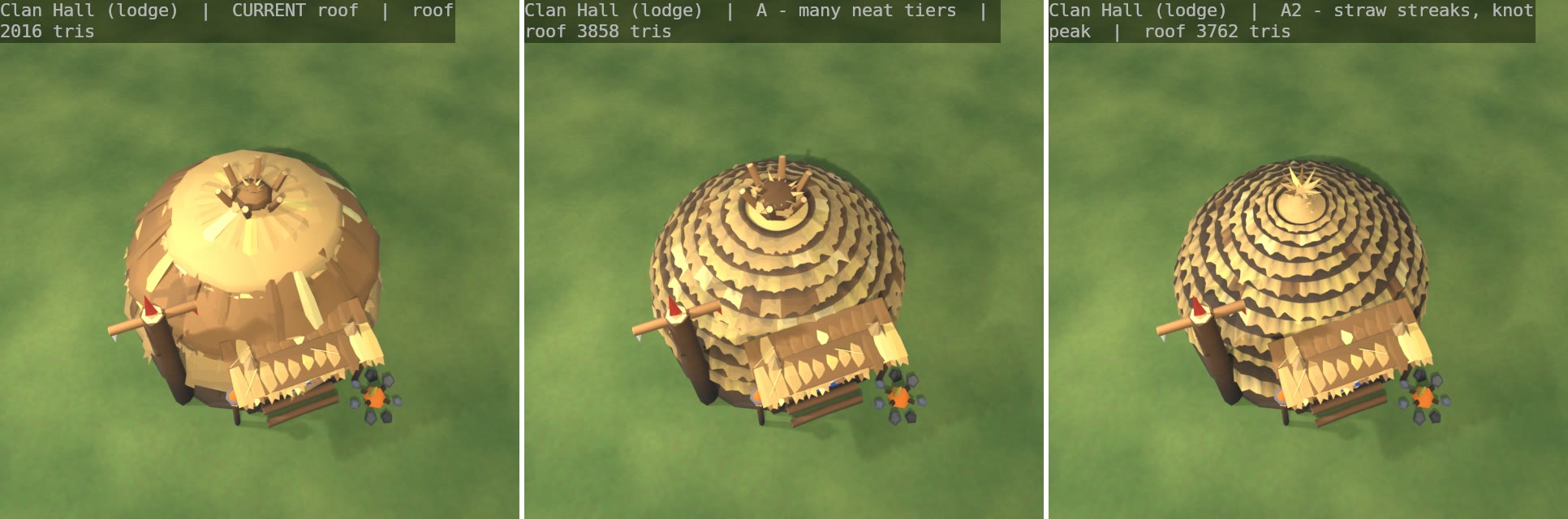
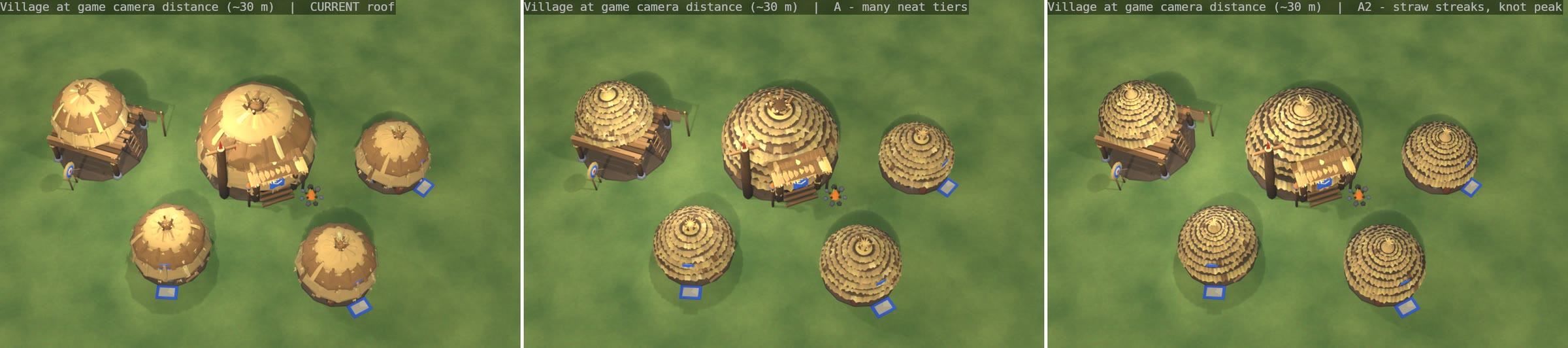
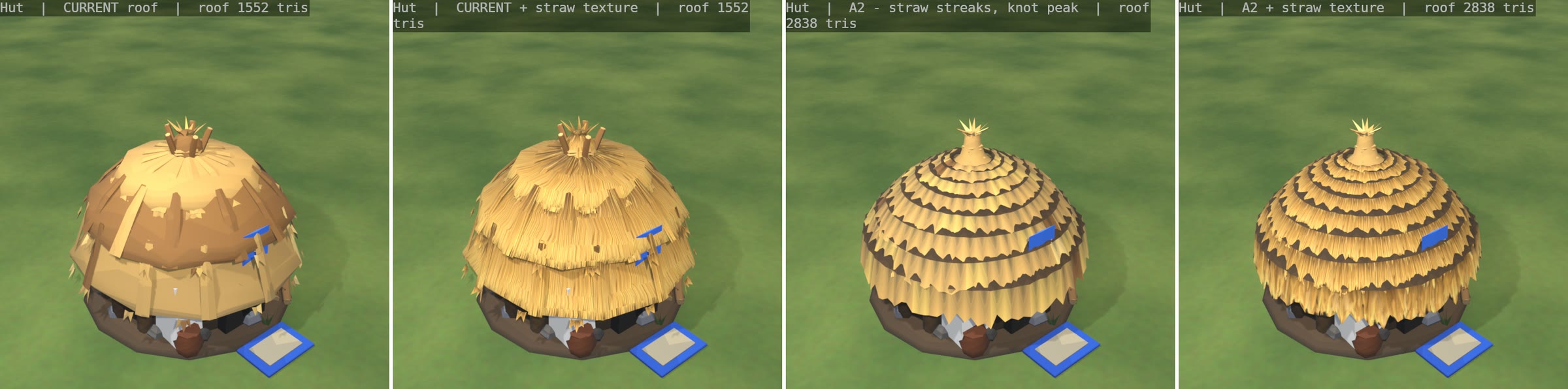
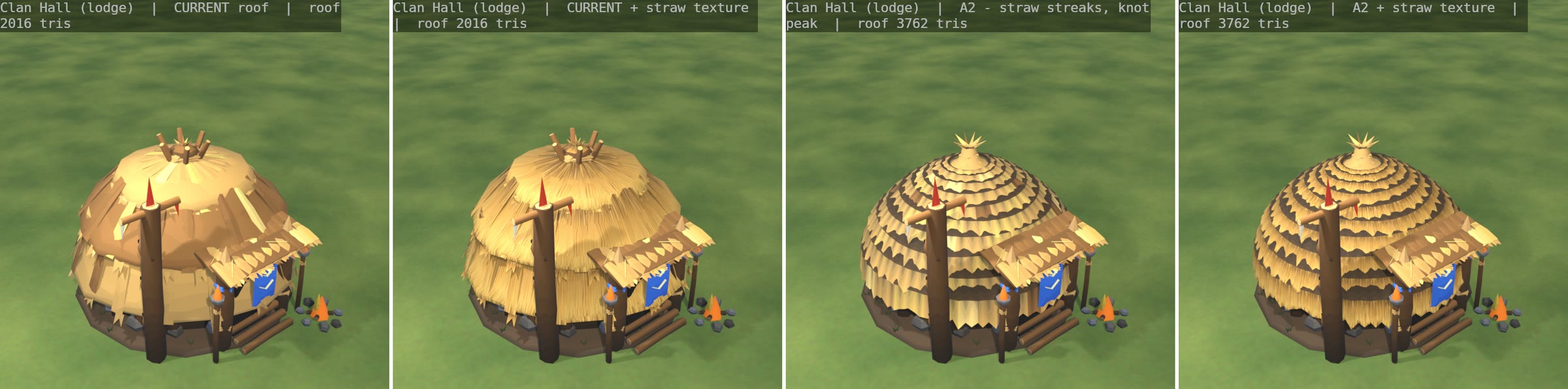

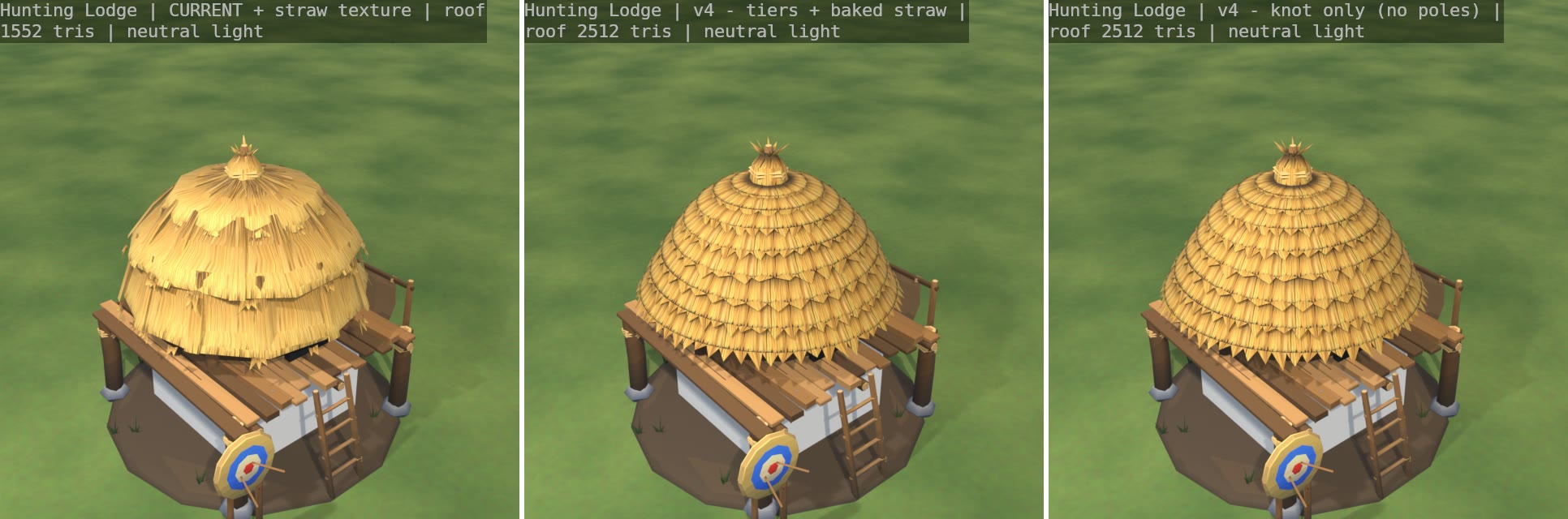
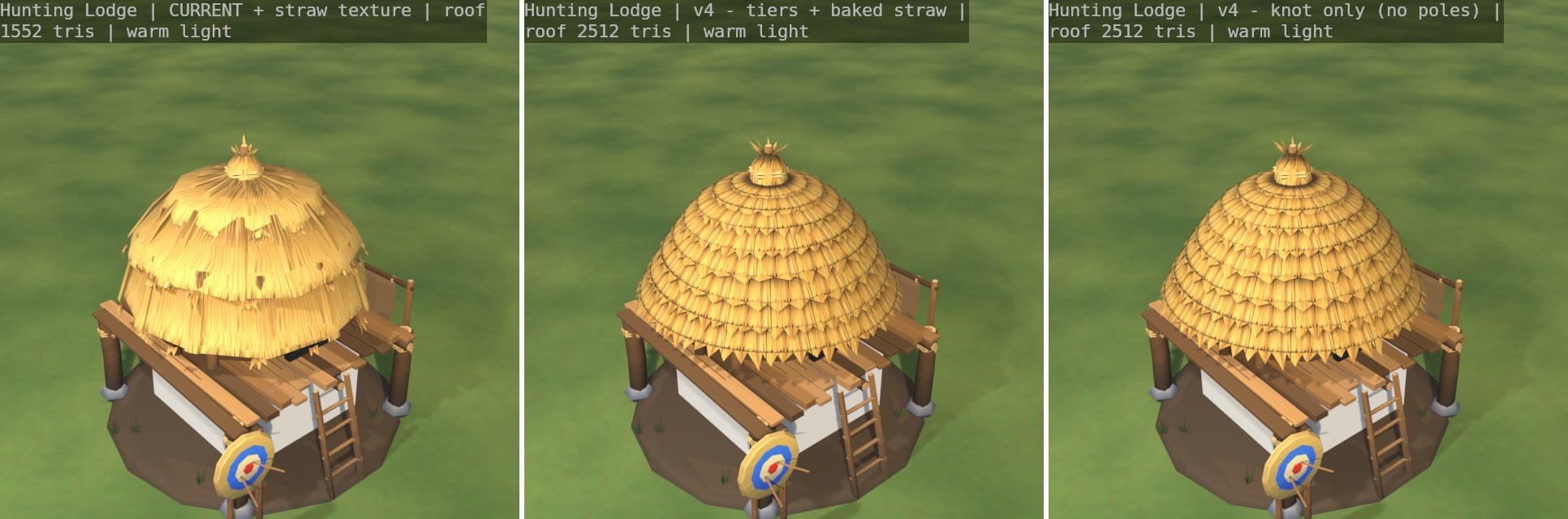
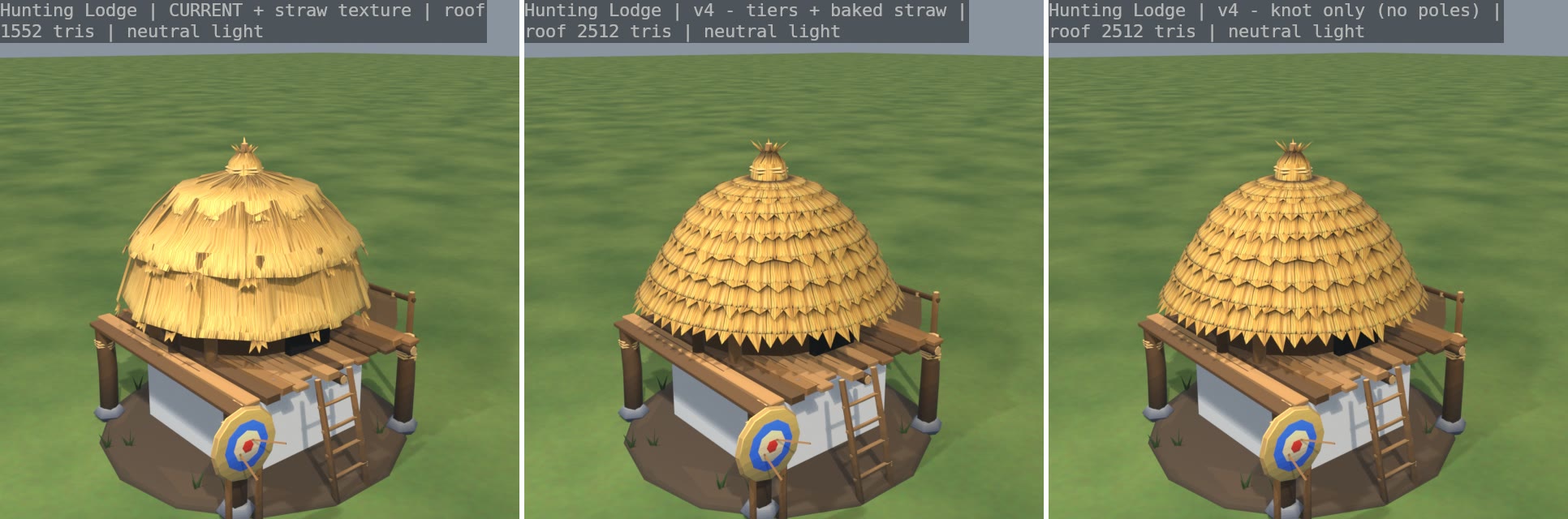
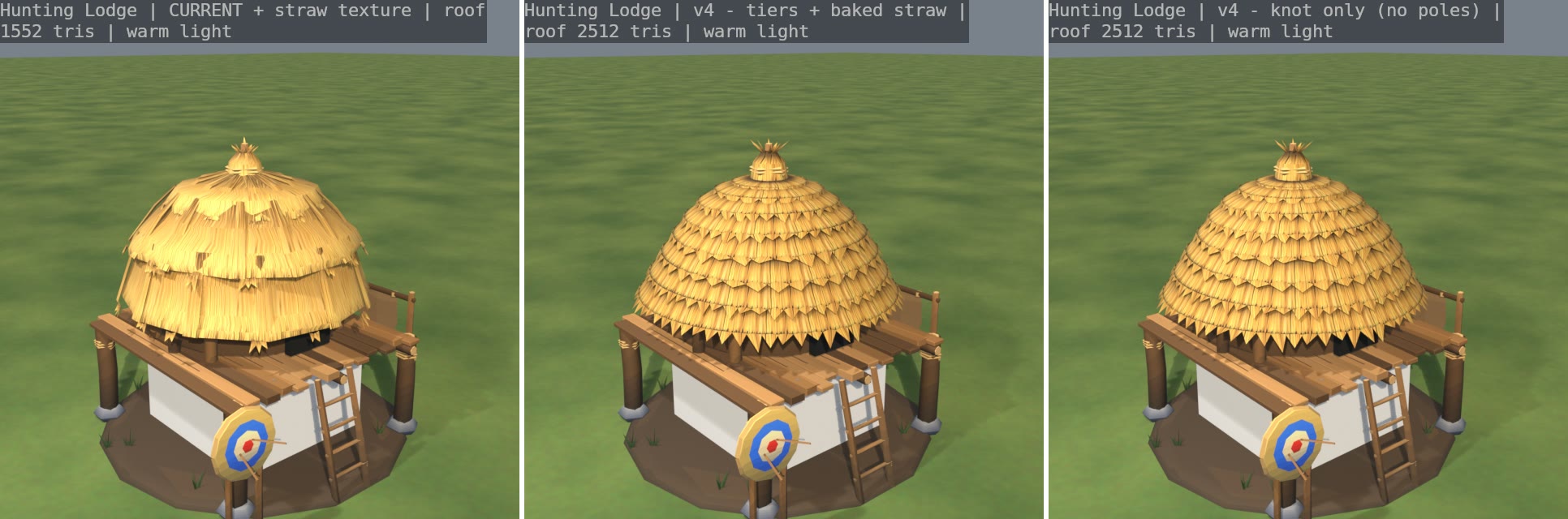
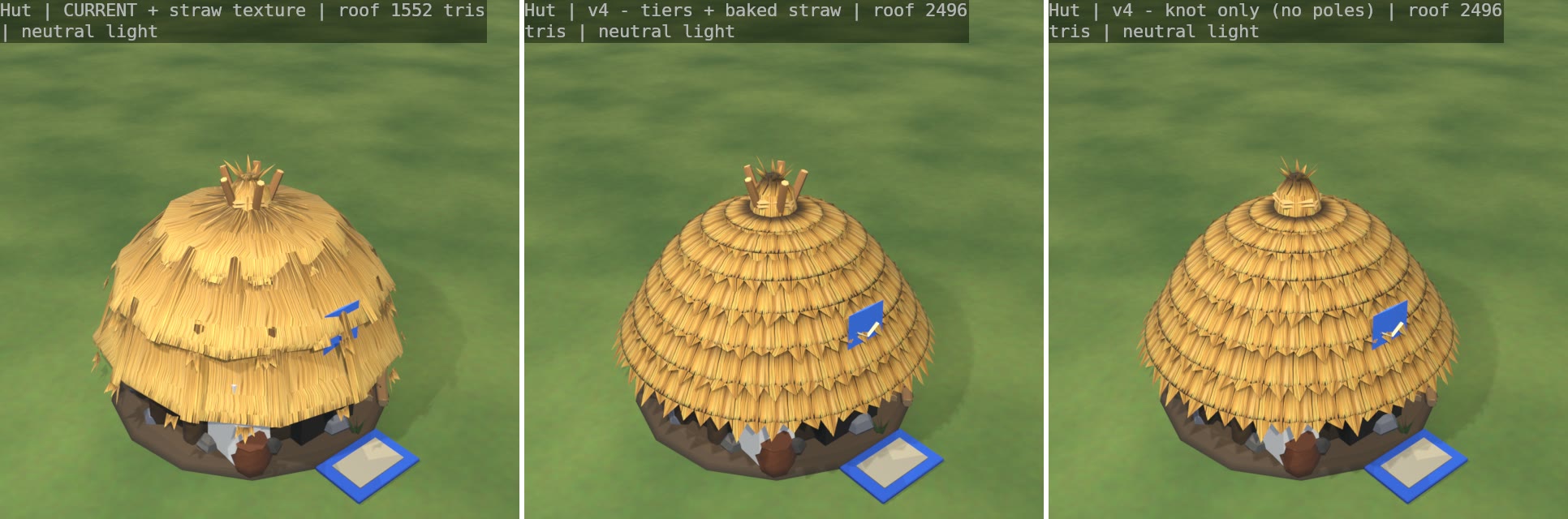
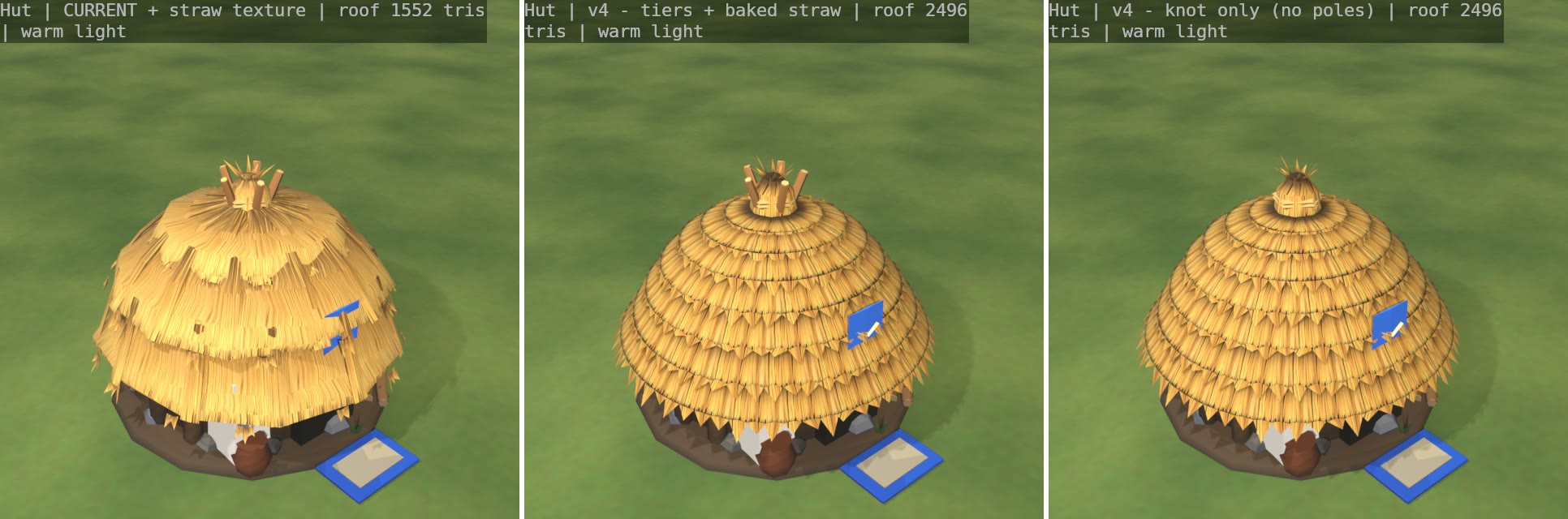
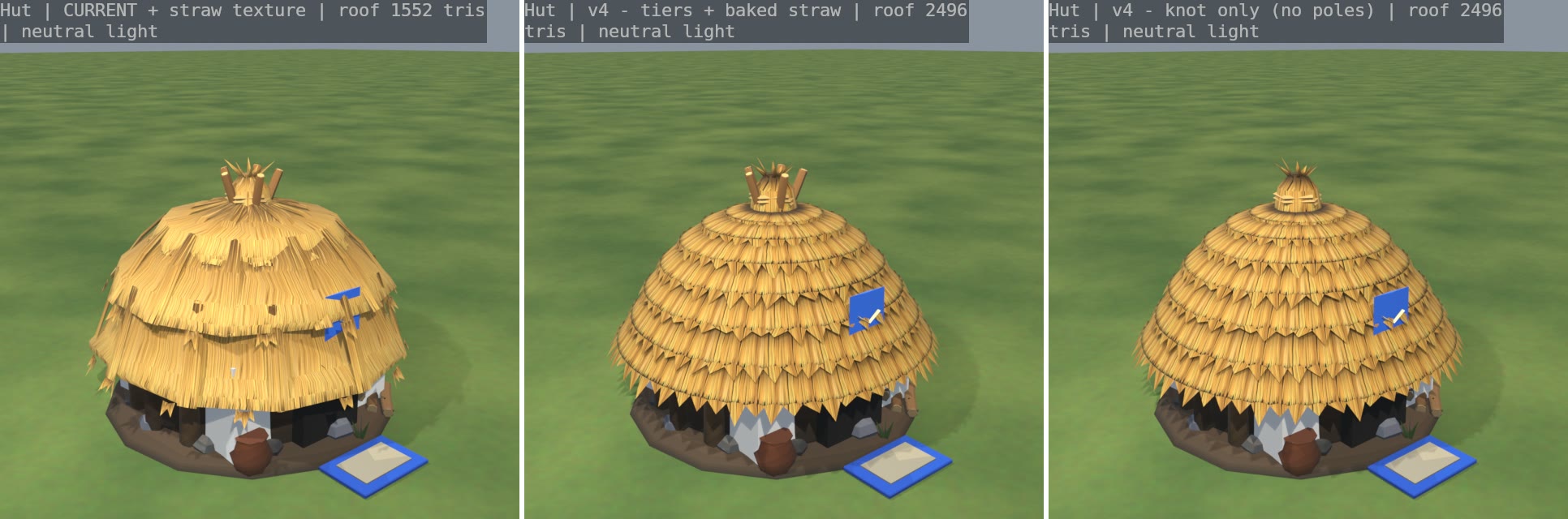
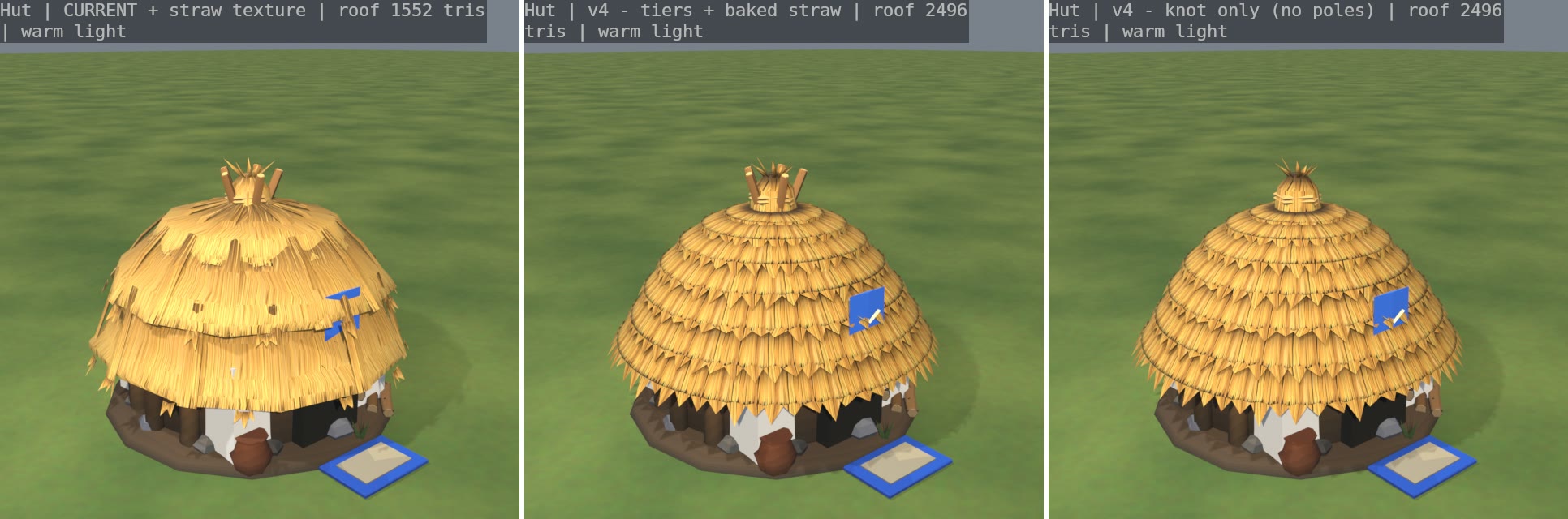
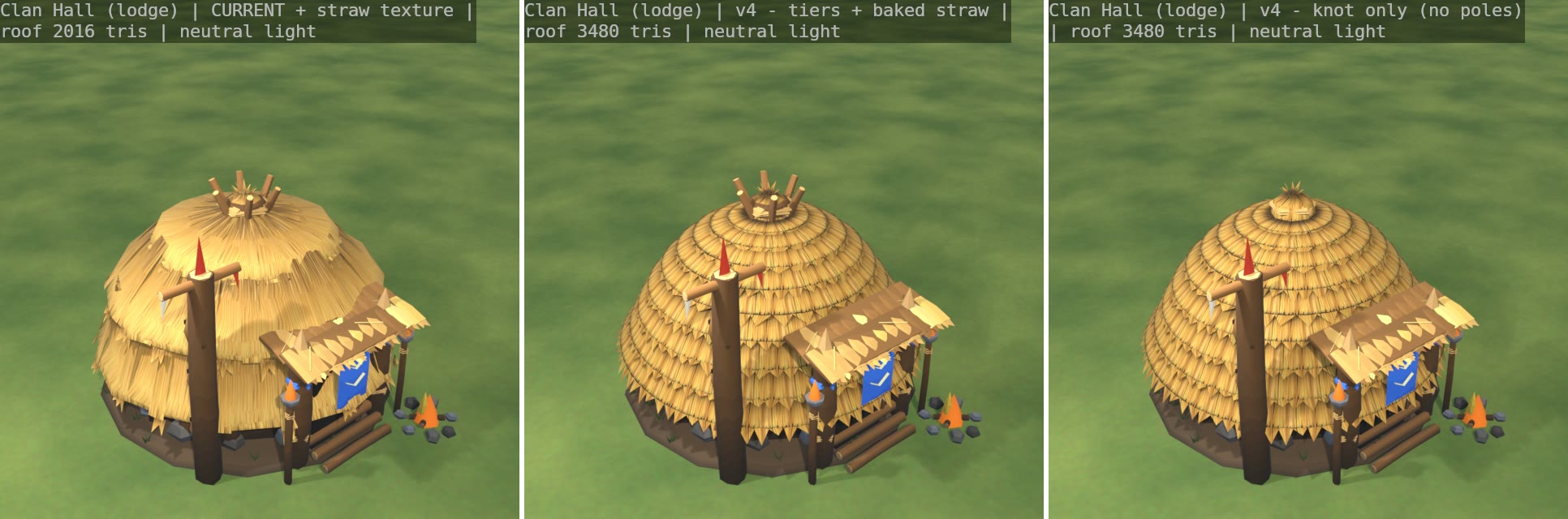
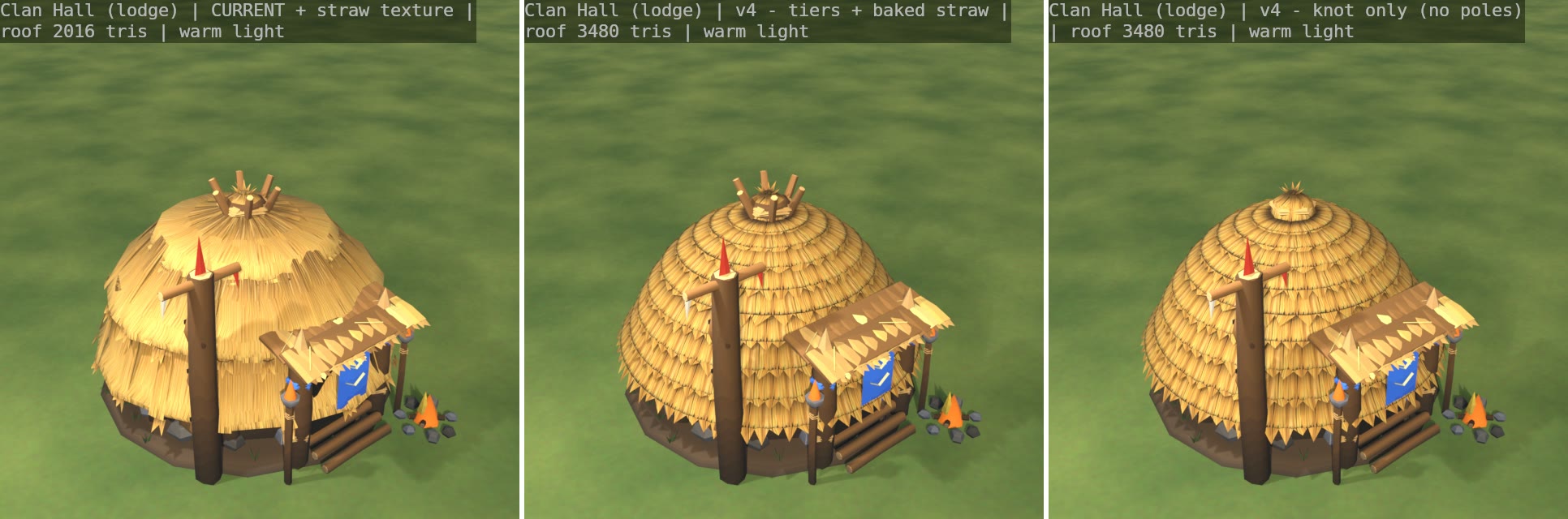
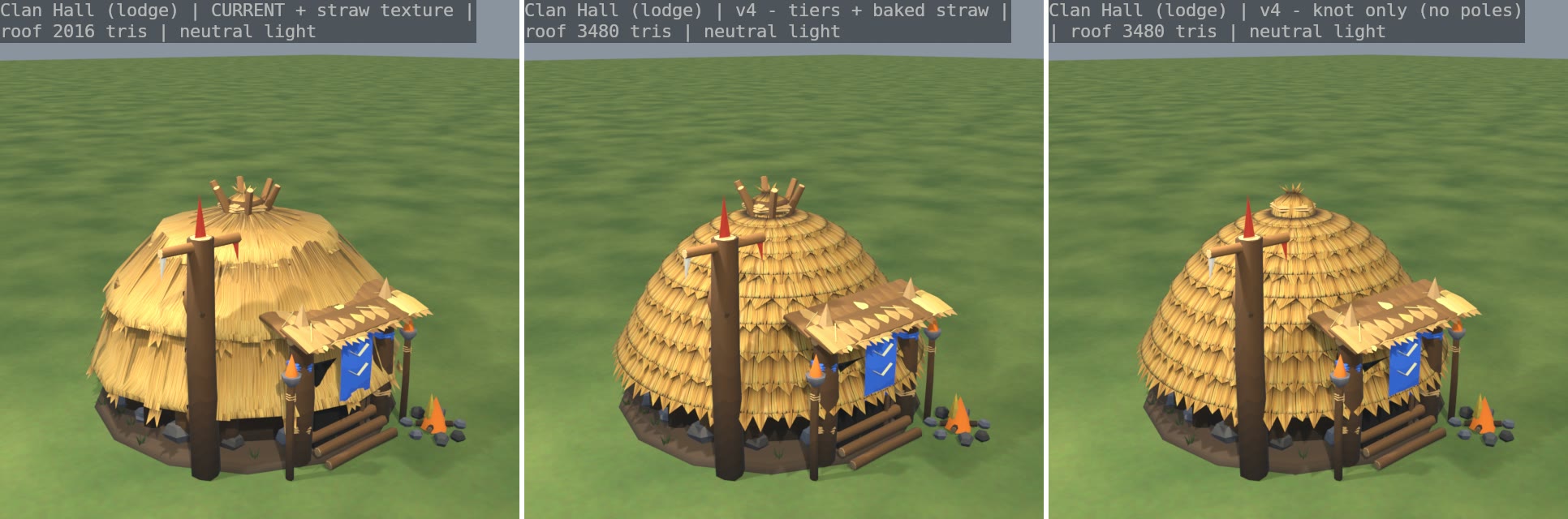
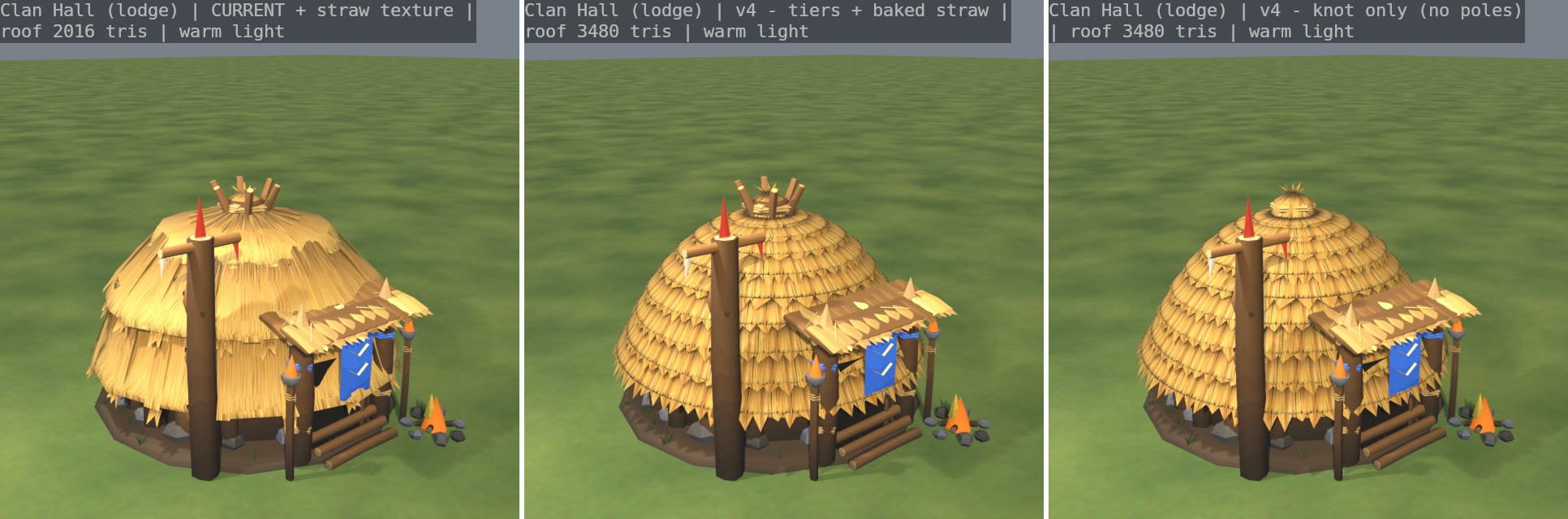
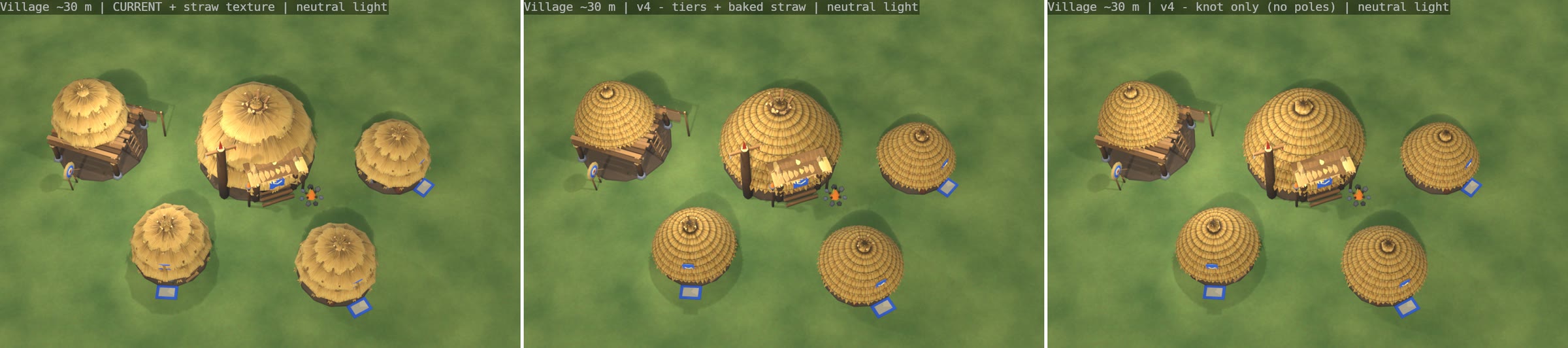
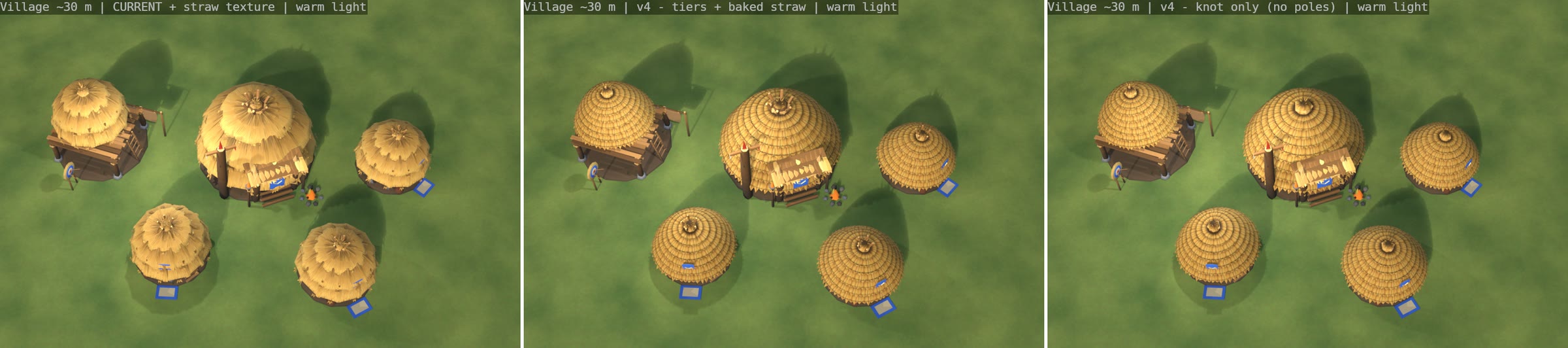
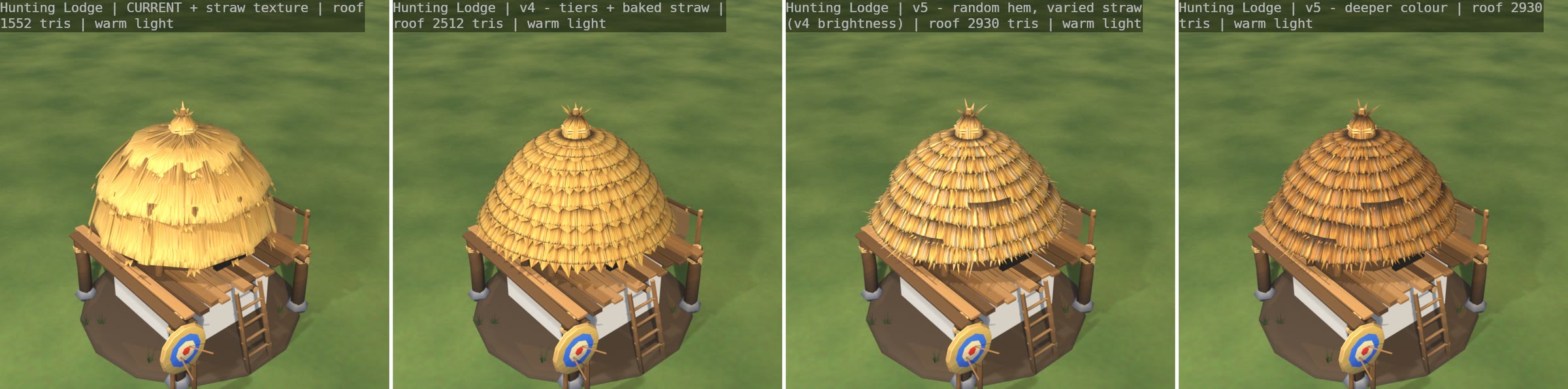
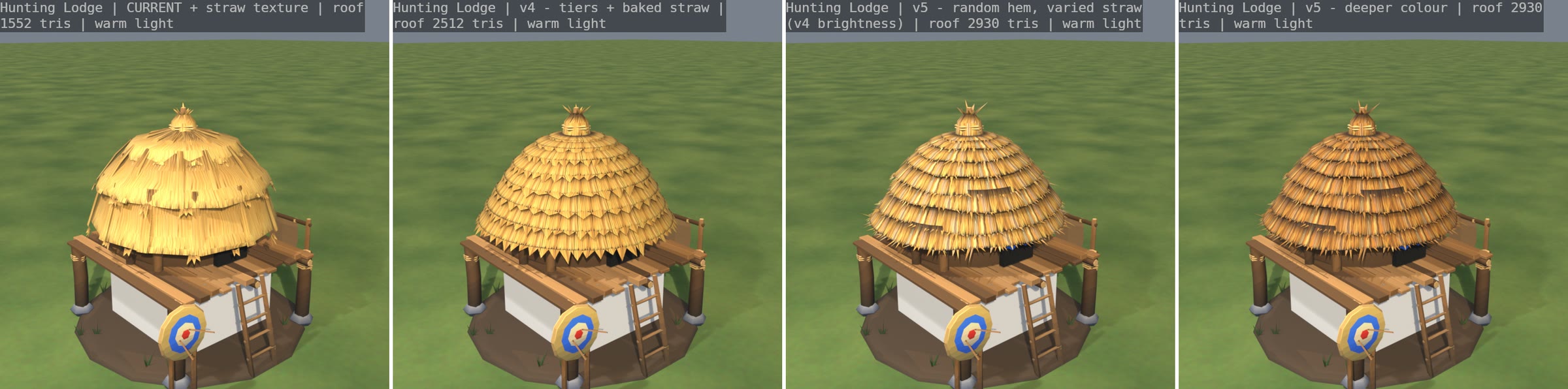
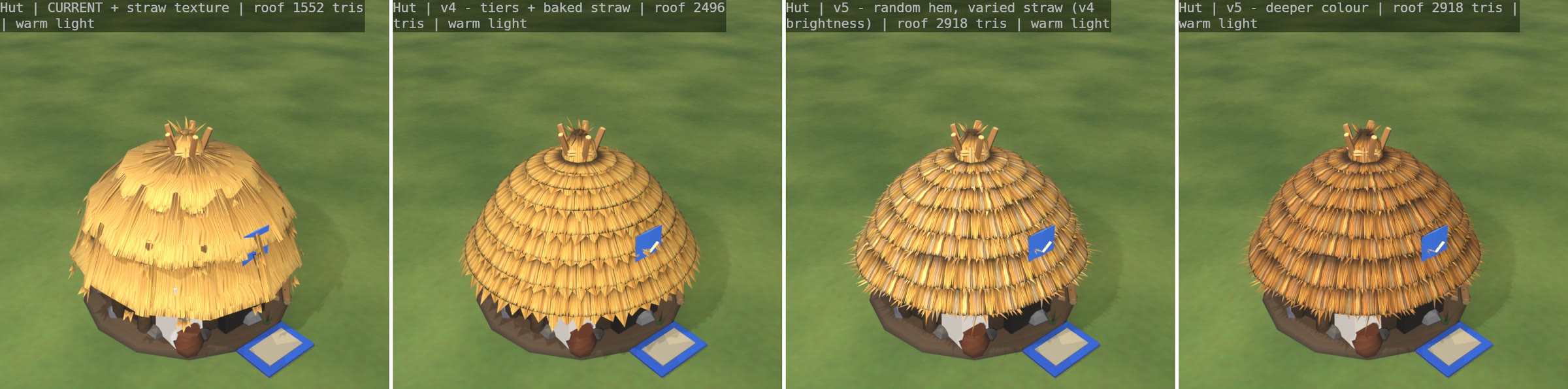
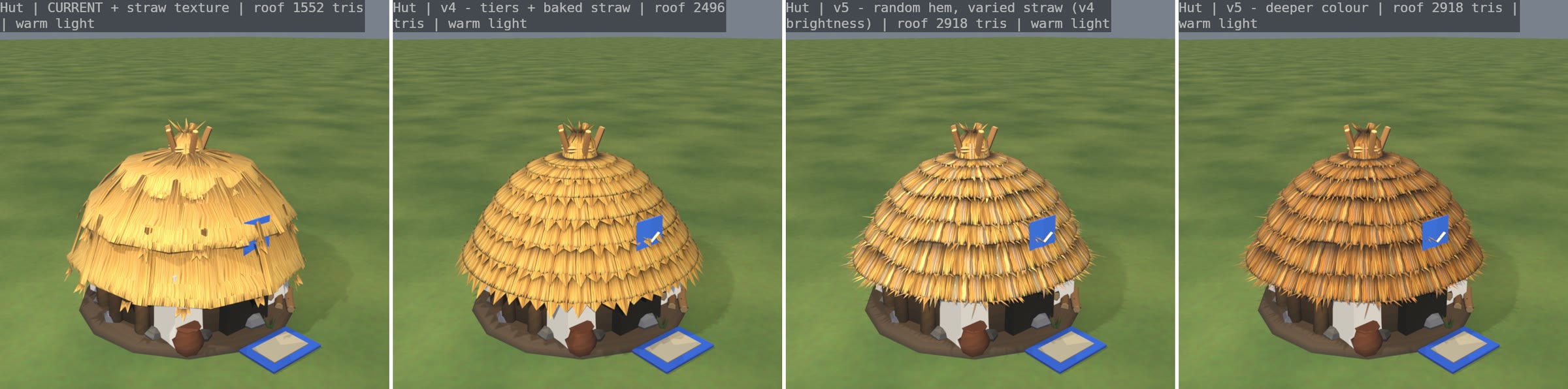
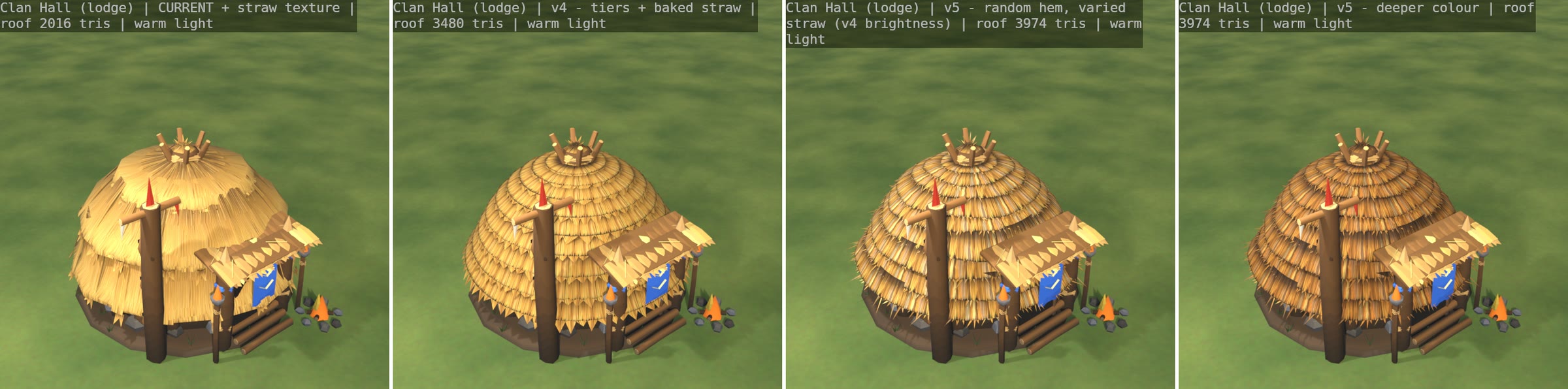
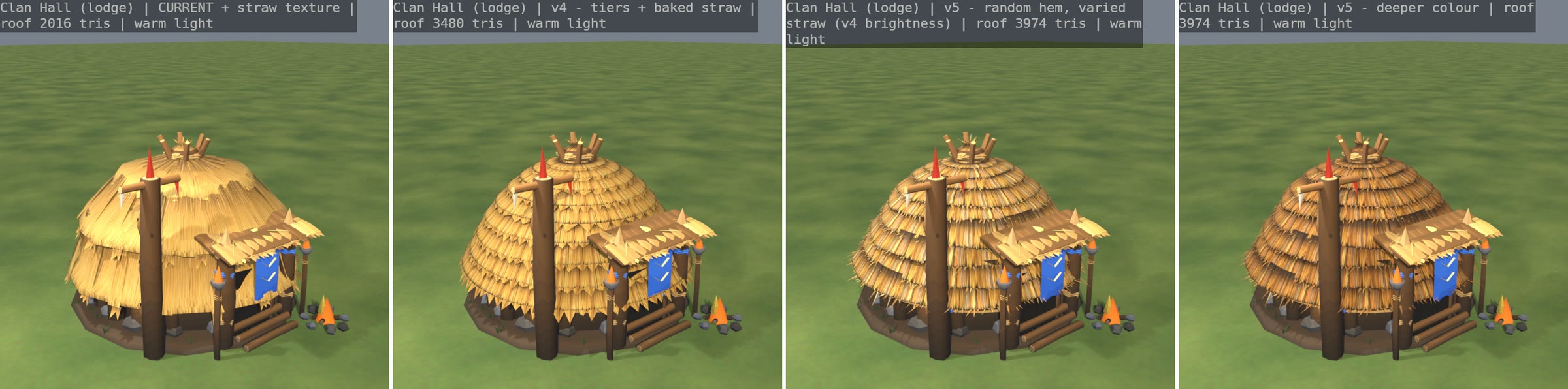

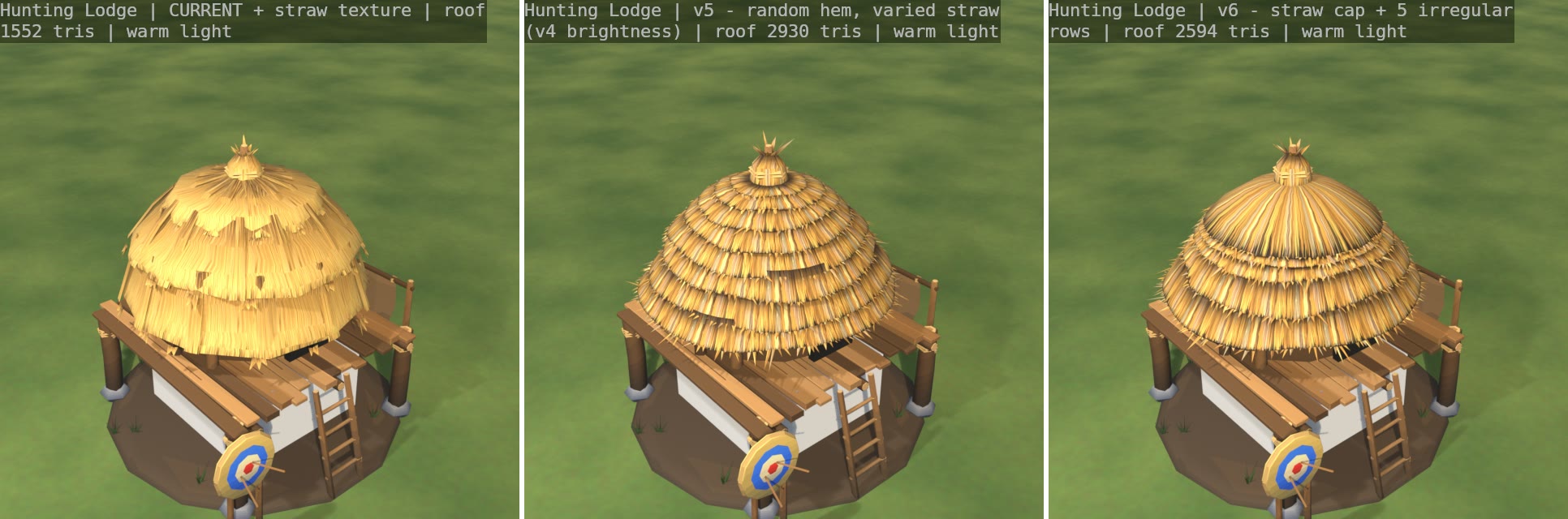
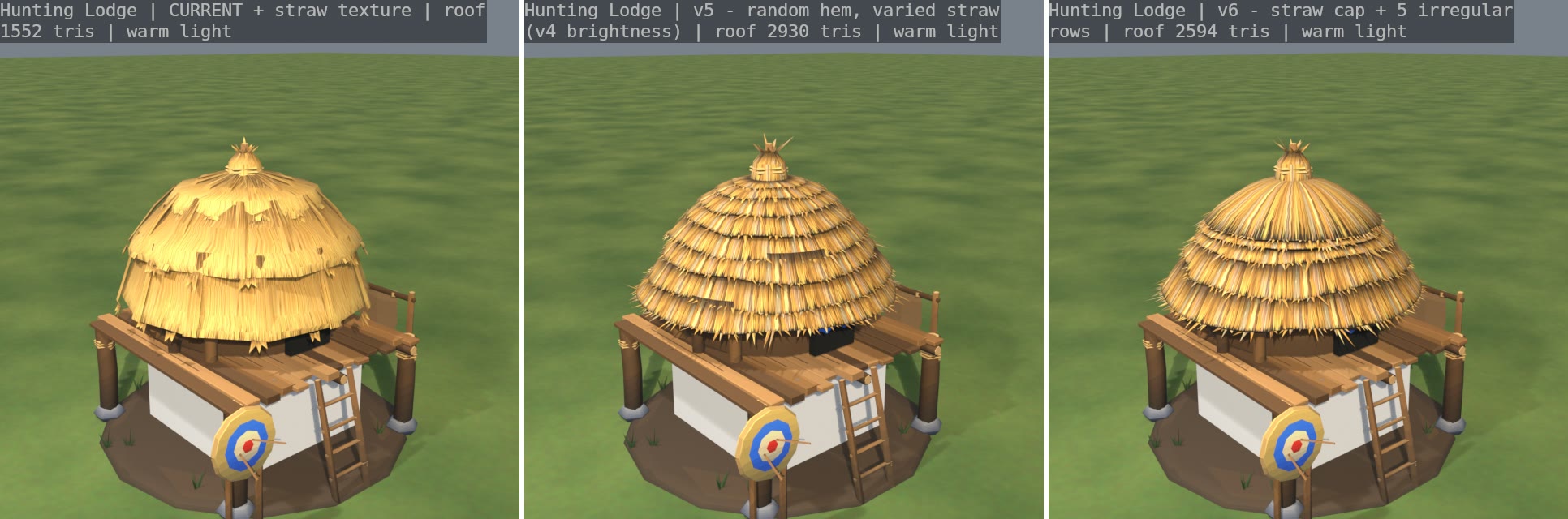
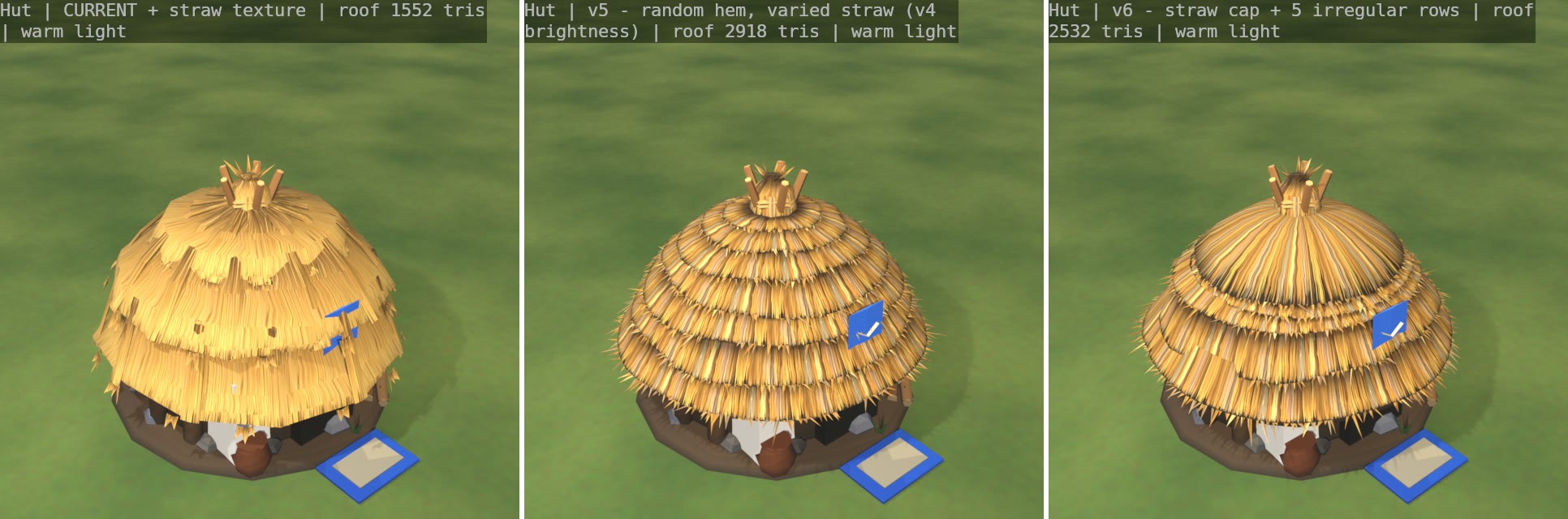
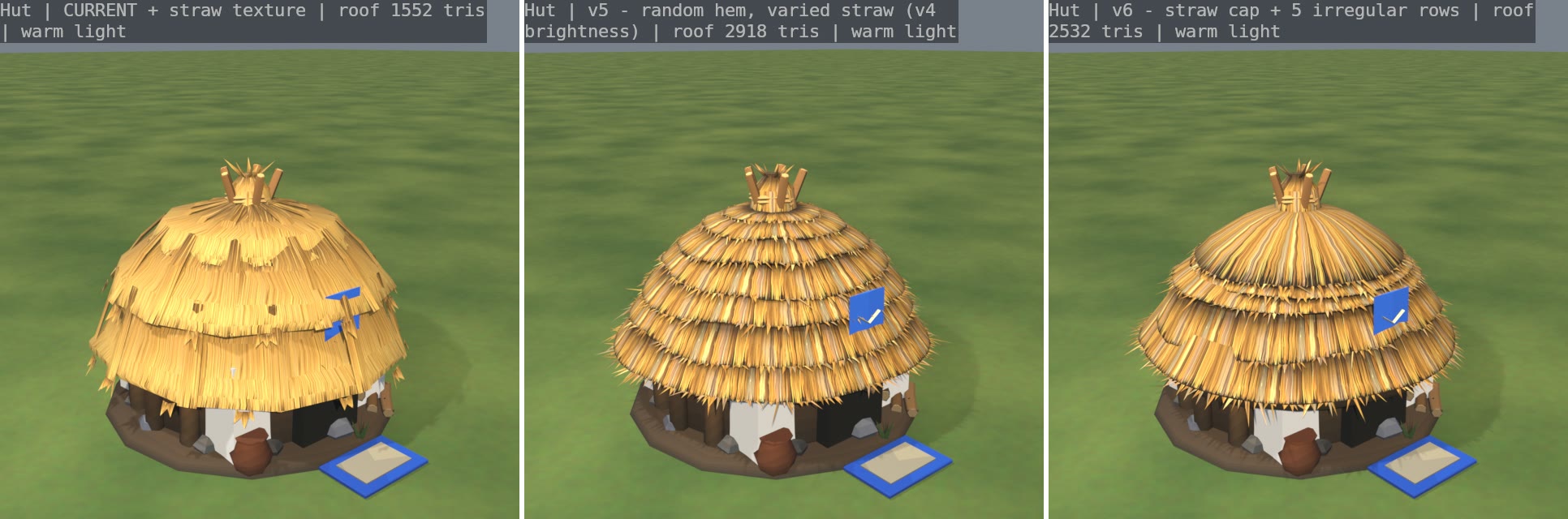
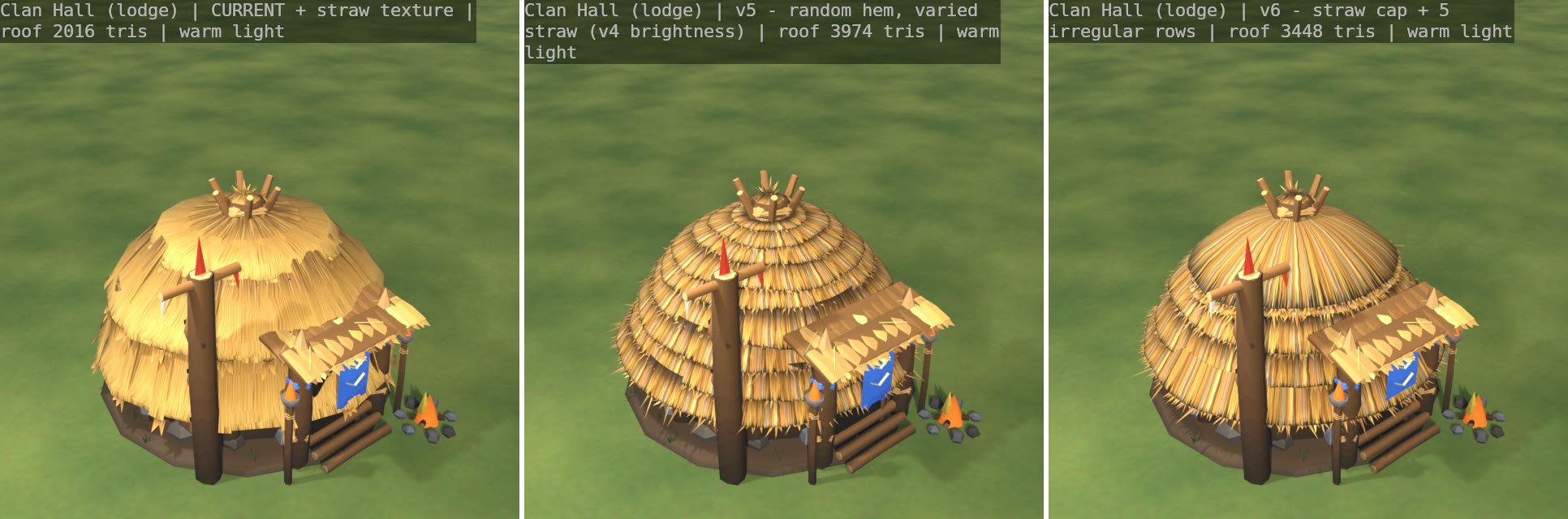
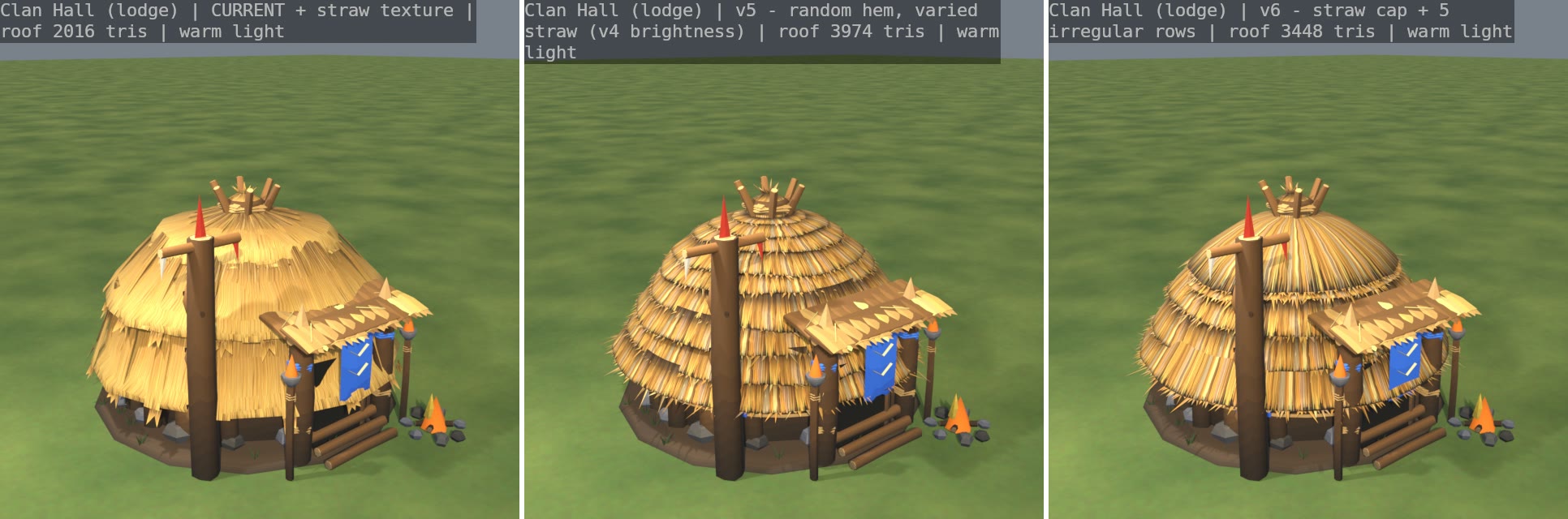
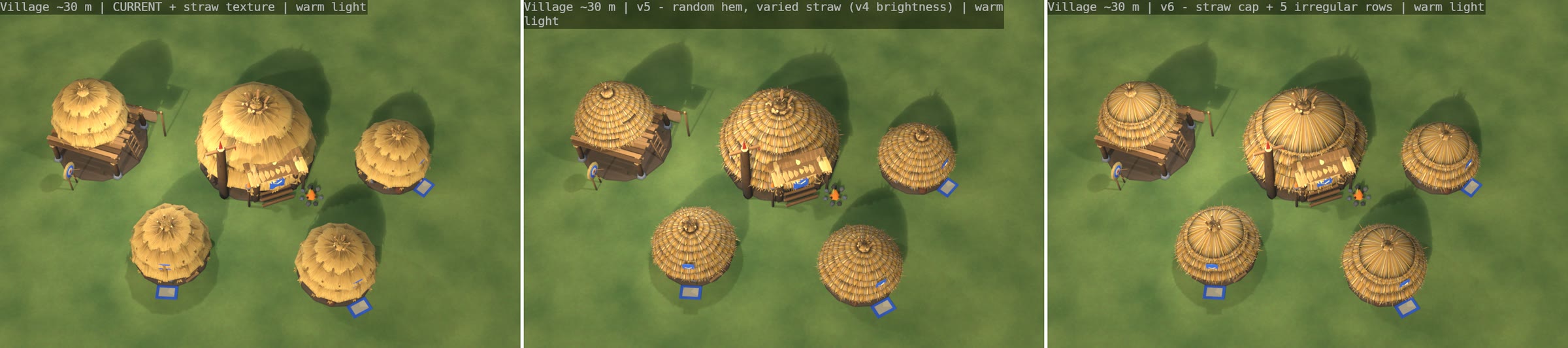
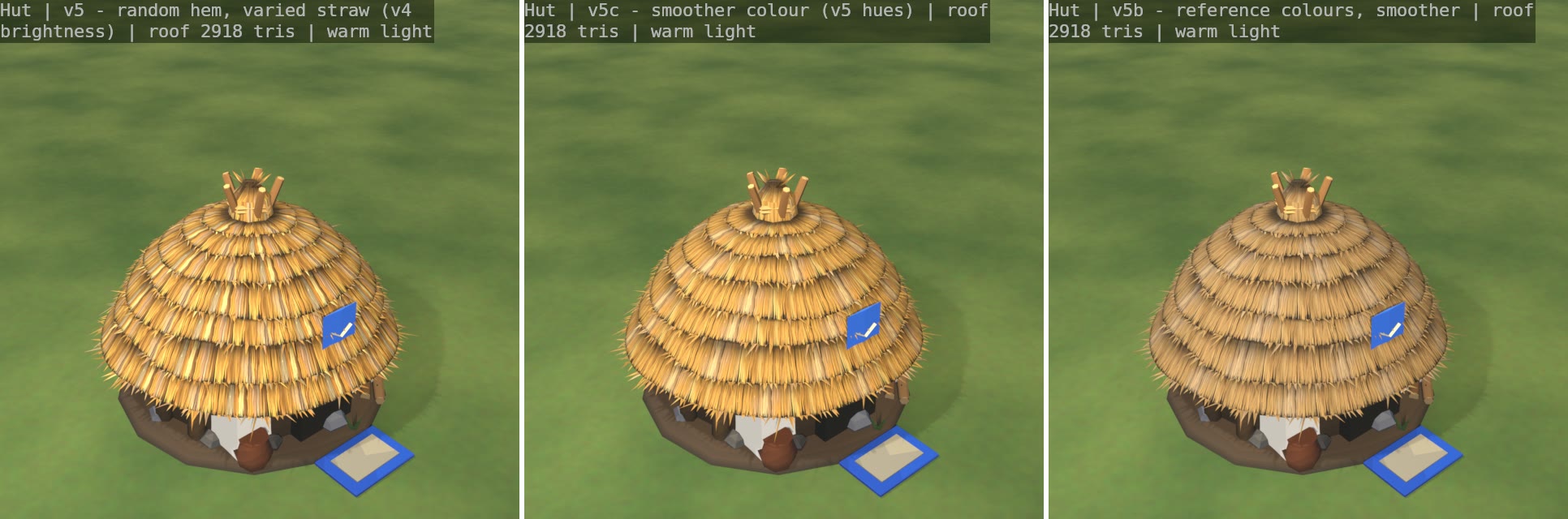
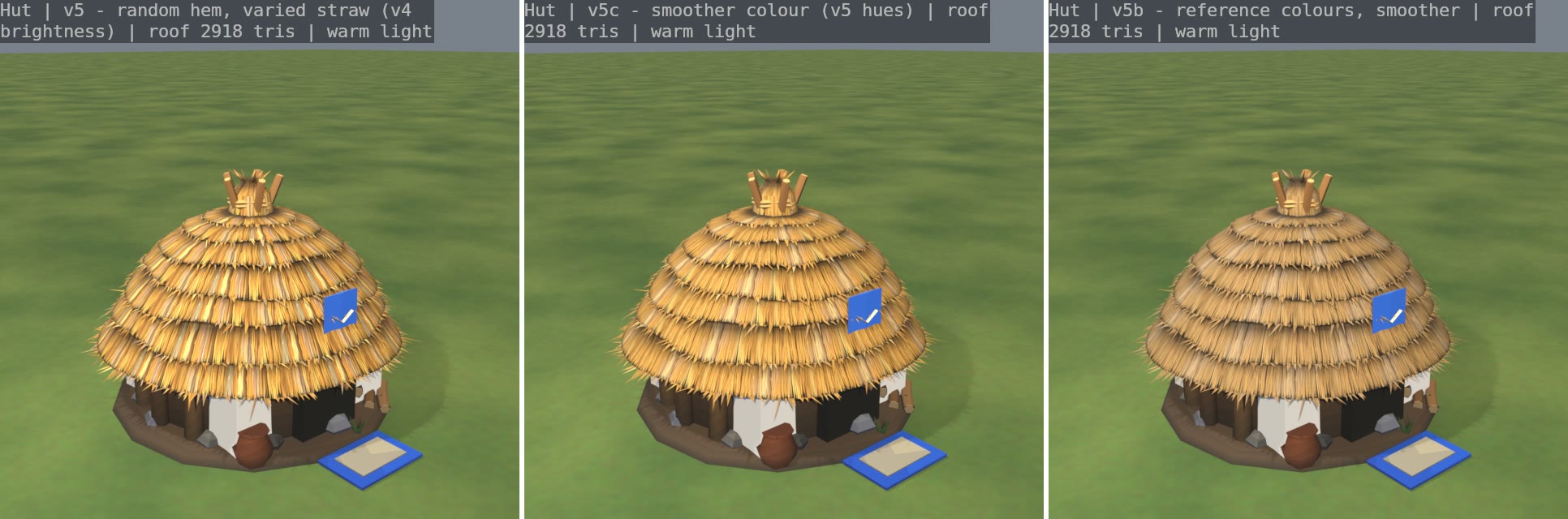
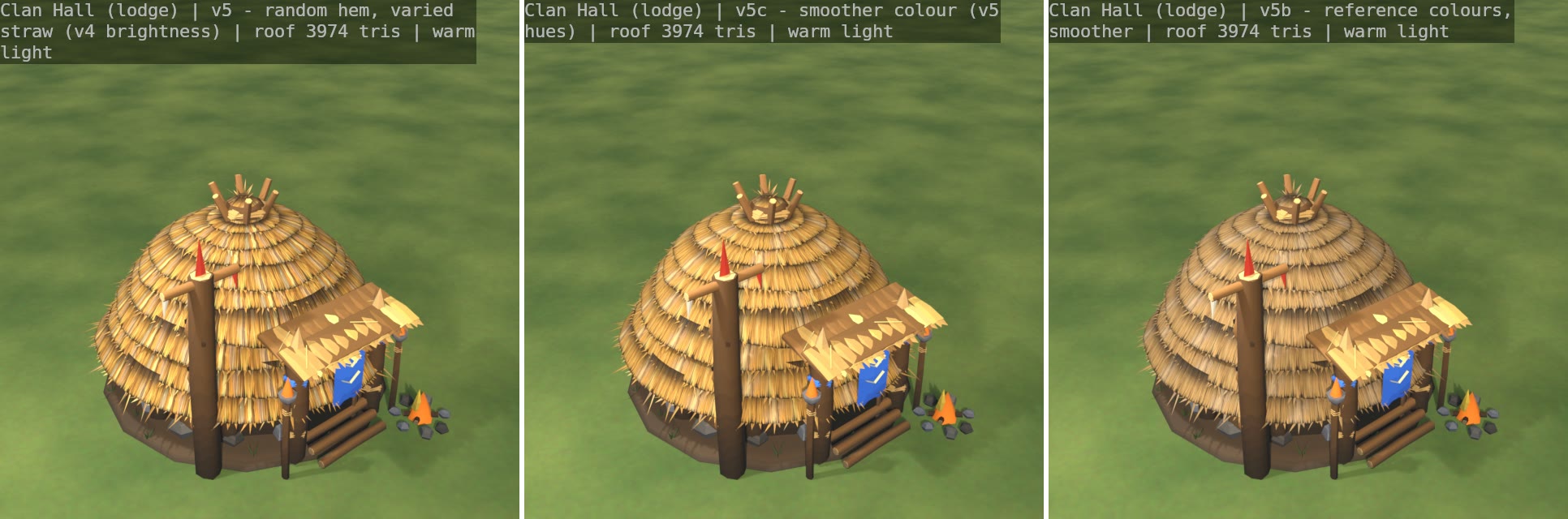
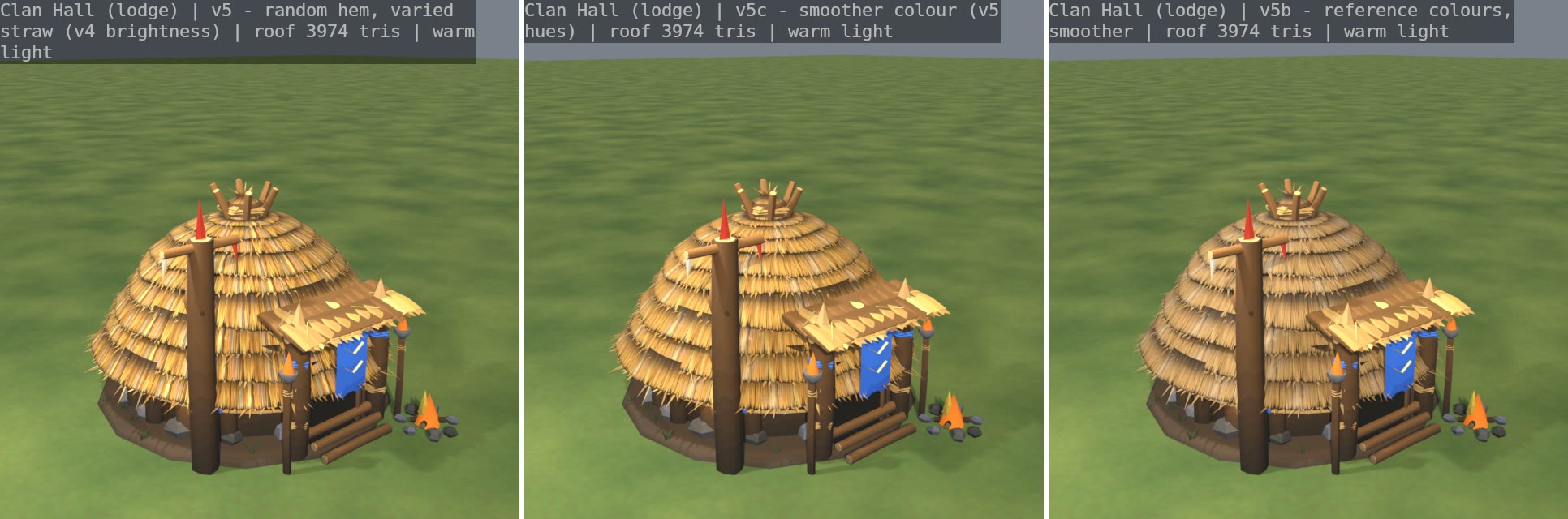
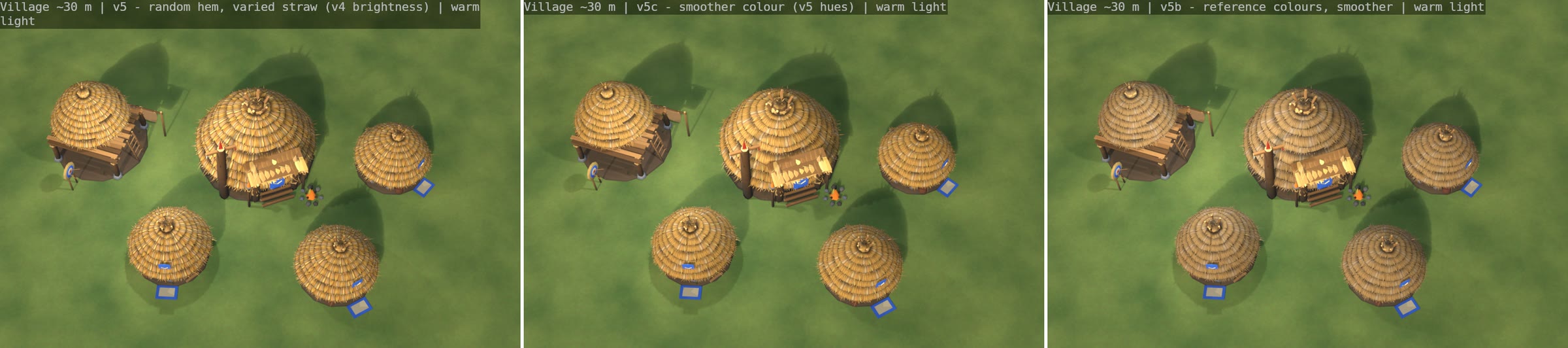



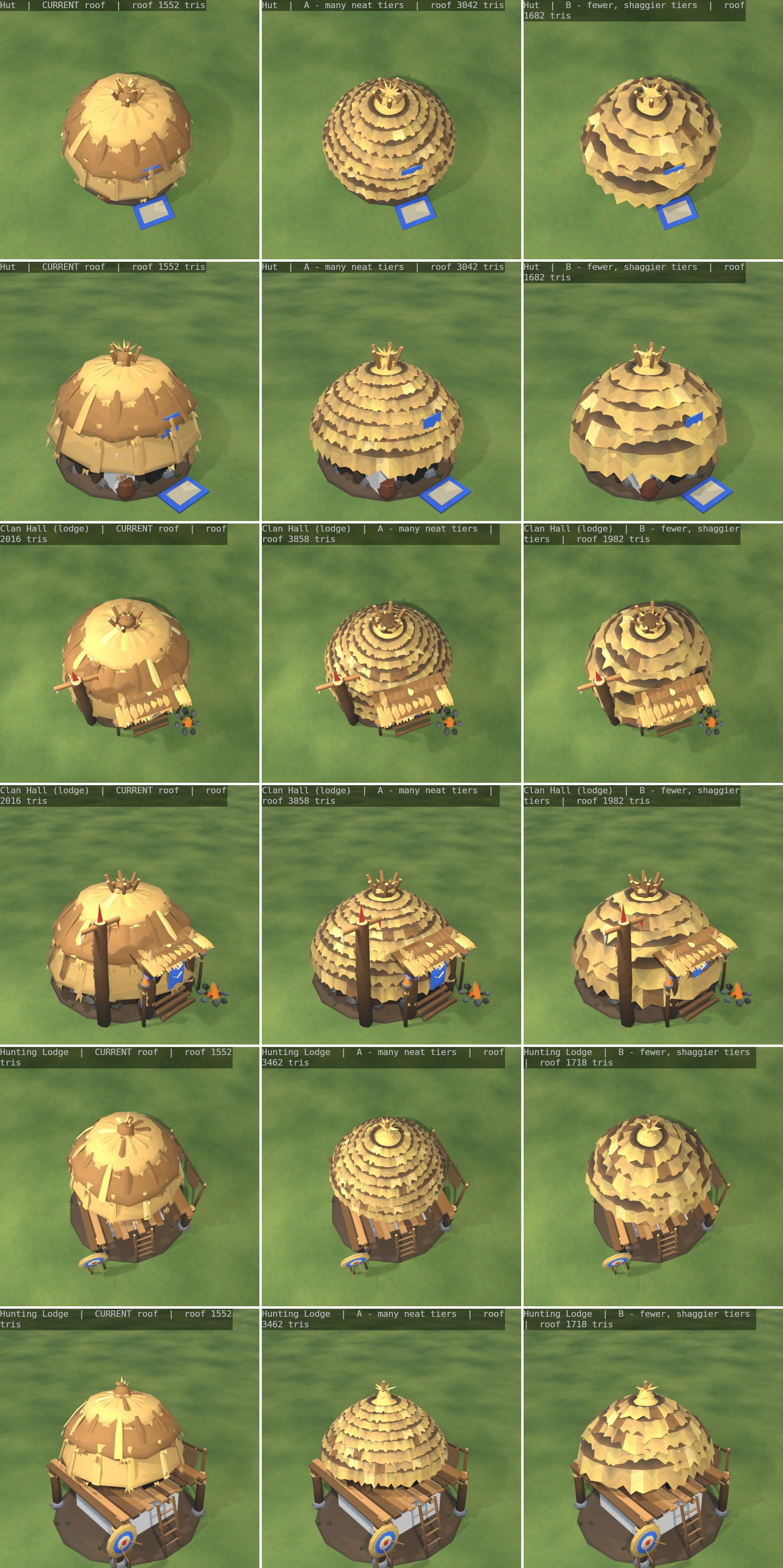
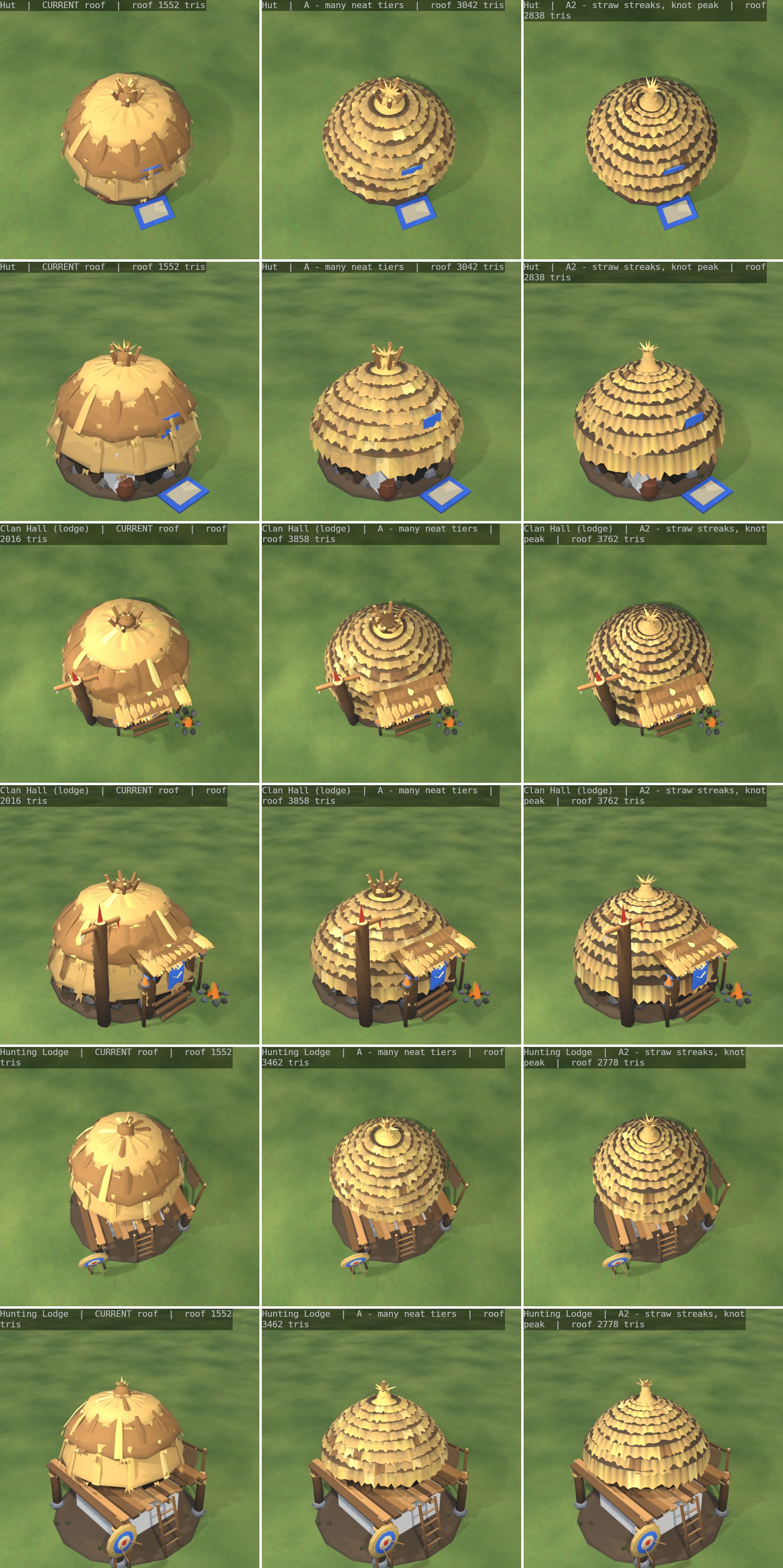
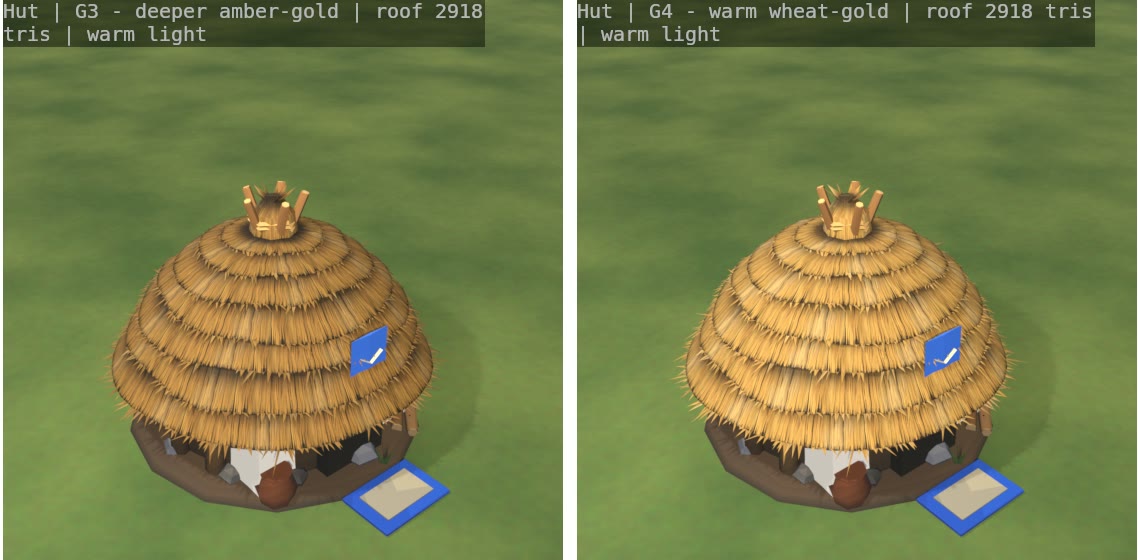
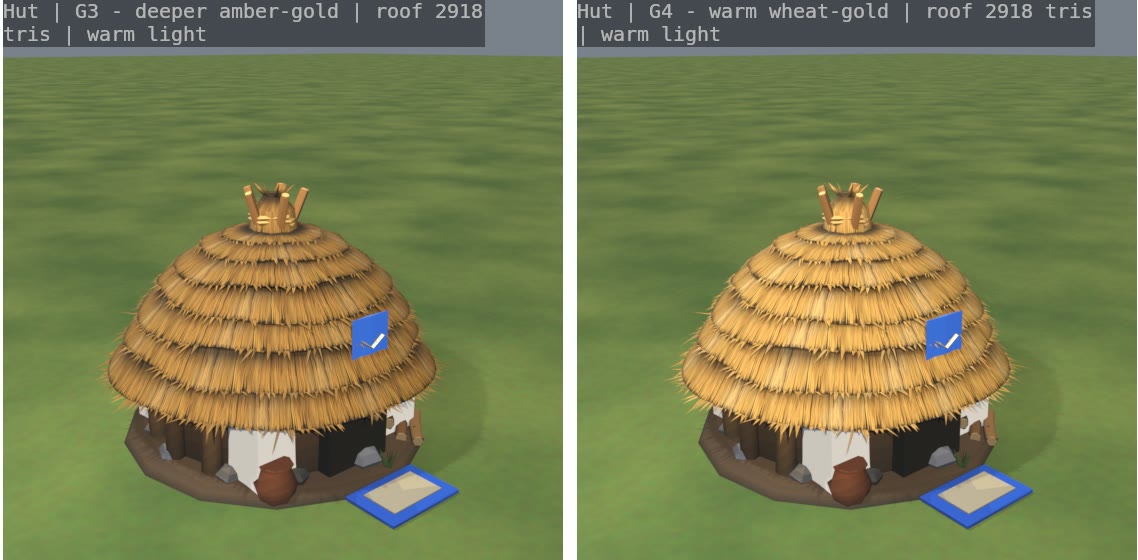
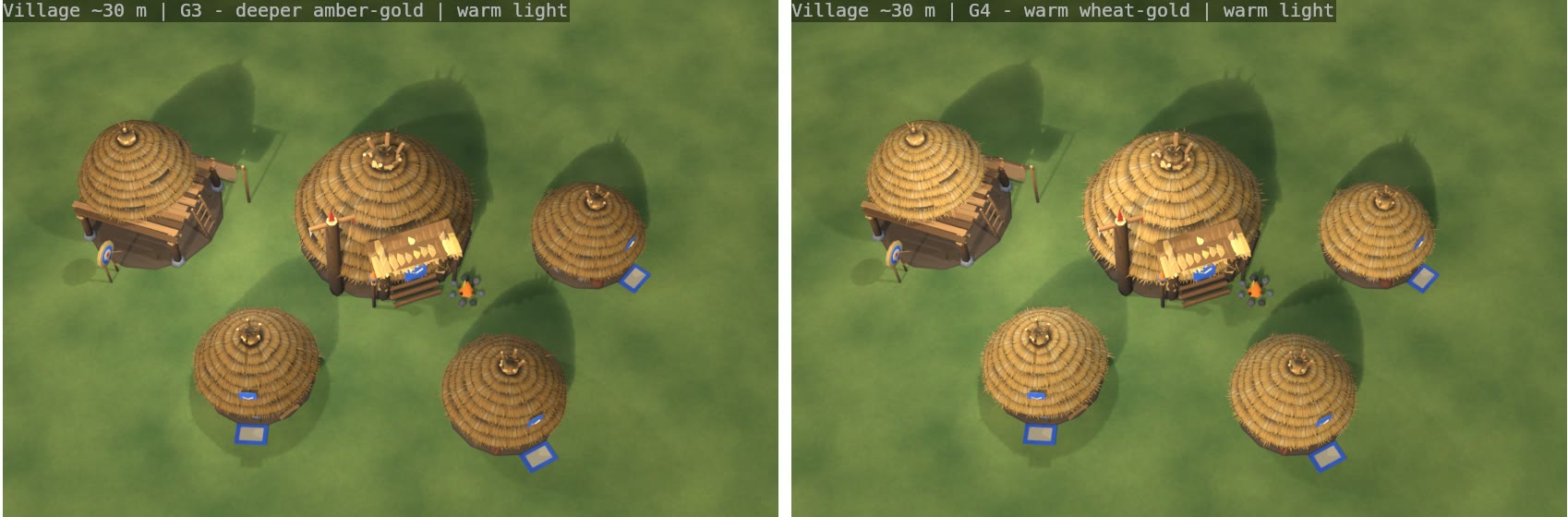
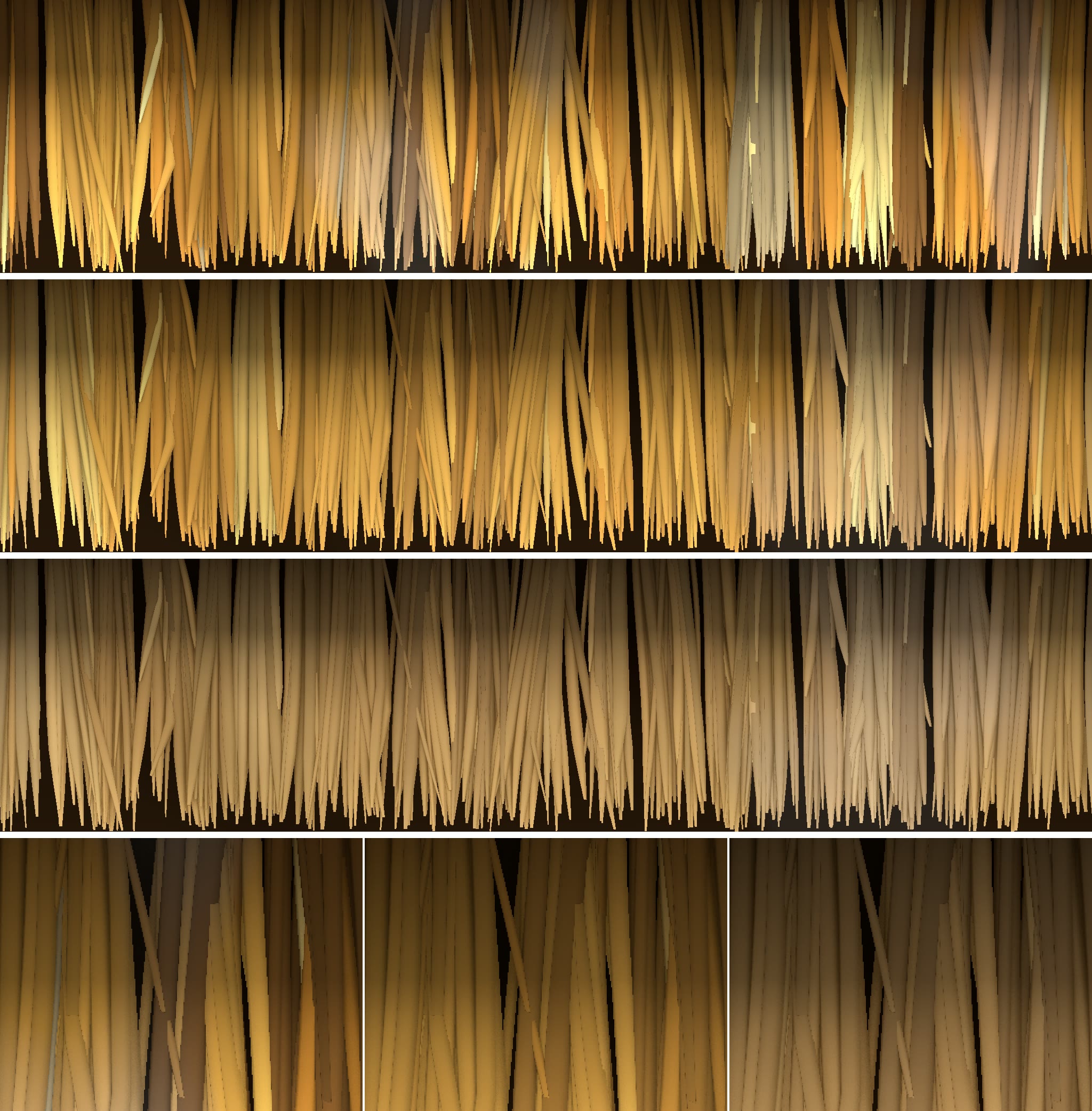
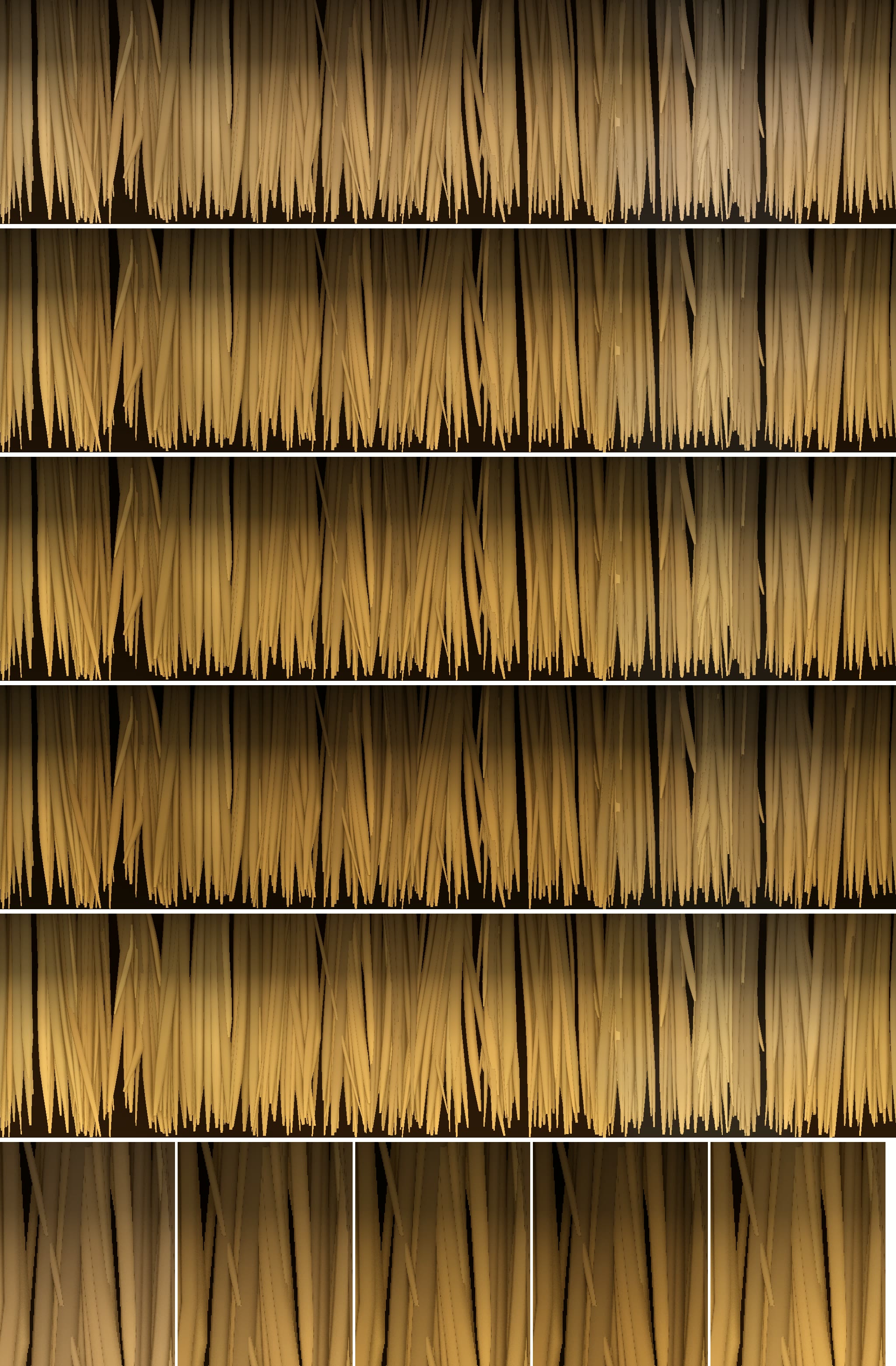
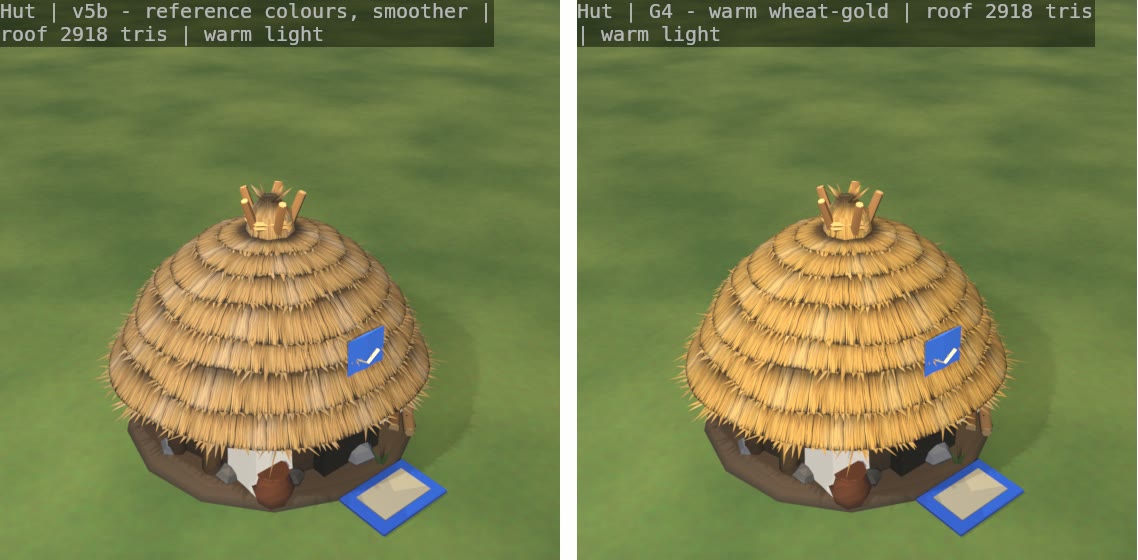
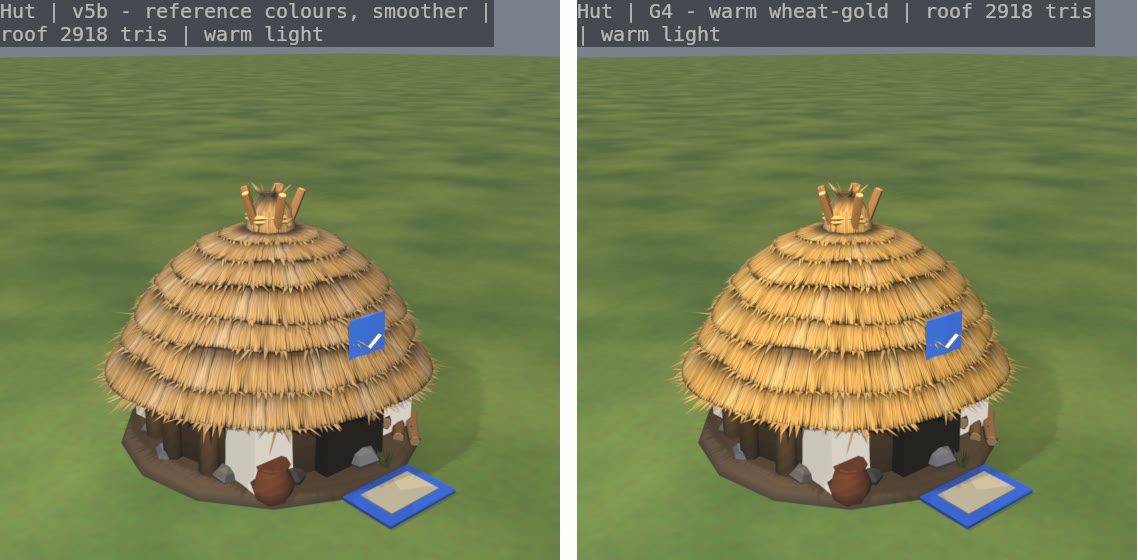
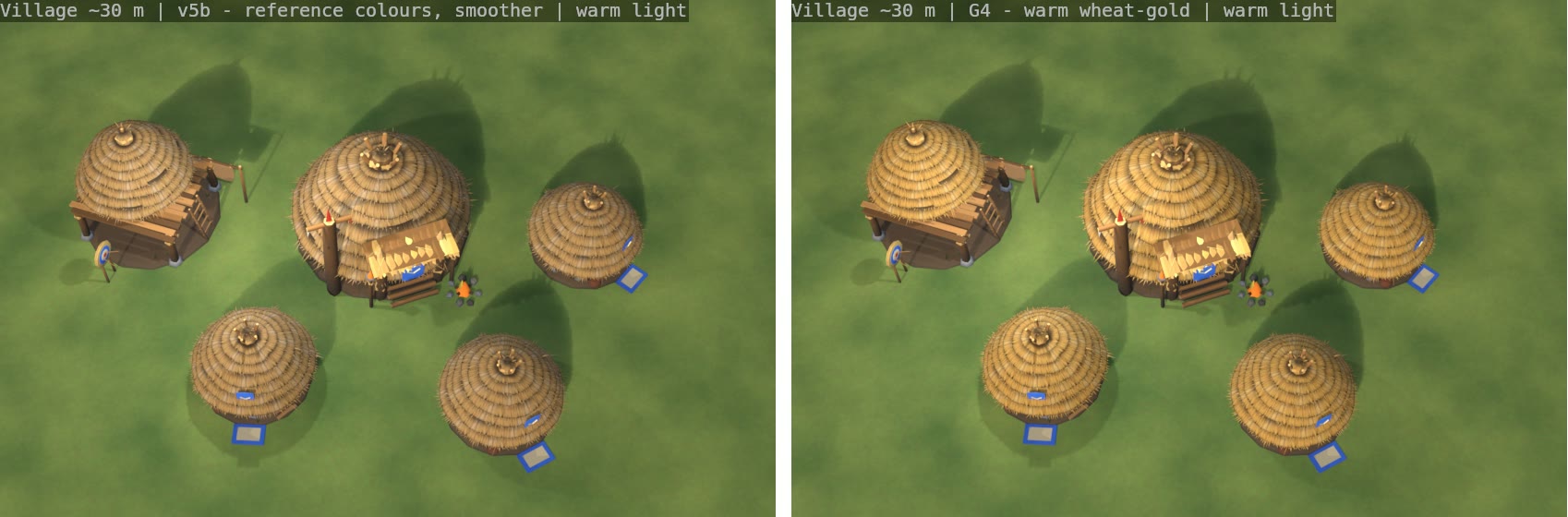
NEW THATCH ROOFS - PREVIEW ONLY (2026-11-04)
Nothing in the game has changed yet. These are test renders for you to choose from.

What you are looking at
  Every picture has three panels: CURRENT roof | A | B.
  A = many neat tiers. This is the one closest to your picture: rows of straw tiers stacked up the dome,
      each with a ragged hanging fringe and a dark shadow line under it, and a tied knot of straw at the top.
      Golden straw, darker brown in the gaps, brighter tips where the sun hits.
  B = a cheaper option: fewer, thicker, shaggier tiers. It costs about the same as today's roof.

Best pictures to look at first
  compare_village_rts.png   a small village from about the normal game camera height (best for "how will it look in play")
  compare_hut_close.png     a hut up close
  compare_lodge_close.png   the Clan Hall up close
  contact_sheet.png         everything on one sheet (Hut, Clan Hall, Hunting Lodge; game camera + close views)

Will it slow the game down?
  No noticeable cost. Roof A is about twice the triangles of today's roof (a hut roof goes from about 1,550
  to about 3,050). Even 80 huts in a 4v4 adds about 120,000 triangles, which is small next to the armies.
  B adds almost nothing. No transparent textures are used, so no extra drawing cost from alpha.
  The roofs keep the same size, so clicking and selecting buildings is unchanged.

UPDATE - A2 (the refined A), pictures named compare2_*.png and contact_sheet2.png: CURRENT | A | A2
  A2 looks more like straw: light and dark straw streaks run down every tier from the top, each fringe hangs a bit
  lower with a deeper dark band under it, rows get tighter near the top, and a tied straw knot is now the peak
  (the wooden poles on top of the Hut and the log crown on the Clan Hall are removed in A2). Warm golden, bright tips.
  It is also cheaper than A: under 2x today's roof on every building (Hut roof about 2,840 vs 1,550 today).
  Best to look at: compare2_village_rts.png, compare2_hut_close.png, compare2_lodge_close.png

UPDATE 2 - STRAW TEXTURE, pictures compare3_*.png (4 panels each):
  CURRENT flat | CURRENT + straw texture | A2 flat | A2 + straw texture
  We painted our own straw texture (texture_swatch.png shows it: top = the colour texture repeated 2 x 2 to show it
  has no seams, bottom = its bump/normal map). It is many fine golden straws with dark gaps and bright tips.
  The second panel shows your ORIGINAL roof with the texture added: same shape, same triangles, it just looks like straw now.
  The fourth panel is the new A2 roof with the texture.
  Best to look at: compare3_hut_close.png, compare3_lodge_close.png, compare3_village_rts.png
  Cost: one small texture (1024 x 512, about 1.4 MB of video memory for colour + bump together, shared by every
  building). Triangles do not change and no transparency is used. It is smoothed for distance (mipmaps), so it
  won't shimmer from the game camera.

UPDATE 3 - ROOF v4 (your pick, "CURRENT + straw texture", improved), pictures compare4_*.png:
  Panels: CURRENT + straw texture | v4 | v4 without the top poles (knot only)
  What changed: the roof keeps its size, top bundle and straw look, but is now about 8 straw tiers that follow one
  smooth dome (no straight up-and-down walls, so it holds up from the side). Each tier's edge sticks out over the one
  below and casts a shadow line, and a ragged fringe of straw tips hangs from every edge. The straw texture is now
  made from real 3D straw in Blender (thousands of strands in bundles), so it has true depth and the dark lines
  between the straw bundles you asked for.
  Views: close, LOW SIDE (17 degrees, the angle that looked bad before), and the village from the game camera.
  "warm" = stronger, lower, warmer sun so the shadows show; "neutral" = the same light as all earlier pictures.
  Best to look at: compare4_hut_side_warm.png, compare4_lodge_side_warm.png, compare4_village_rts_warm.png,
                   compare4_hut_close_warm.png
  Cost: Hut roof about 2,500 triangles (today 1,550). The texture is one small shared set (about 1.6 MB of video memory).
  The Hunting Lodge has no poles on top, so its two v4 panels are the same.

UPDATE 4 - ROOF v5, pictures compare5_*.png:
  Panels: CURRENT + straw texture | v4 | v5 (same brightness as v4) | v5 deeper golden-brown
  - The edges: no more regular sawtooth. Every tier edge now has random straw tips in little clumps of 2-5, short
    and long ones, a few strays sticking out, some gaps, leaning and drooping differently - different on every tier
    and every building. They are real 3D shapes (no see-through tricks), so they cast shadows.
  - The tiers: simpler faces, the texture does the middles. The tier edges are wavy and uneven and the tiers are not
    all the same height, so the rings don't look machine-made.
  - The straw texture is new (texture_swatch5.png: top = v4 straw, middle = new v5 straw, bottom = close-ups, v4 left,
    v5 right). Strands now vary in thickness, length and angle, some are bent or broken, colours range from pale
    straw and gold to honey, a few greyed and dark-brown ones, bundles are uneven, with bleached and damp patches.
    It covers 1 m before it repeats (twice as much as v4), so you shouldn't see a repeat from the game camera.
    The dark lines between bundles are kept.
  Best to look at: compare5_hut_side_warm.png, compare5_lodge_side_warm.png, compare5_village_rts_warm.png,
                   compare5_hut_close_warm.png, texture_swatch5.png
  Cost: Hut roof about 2,900 triangles (today 1,550), Clan Hall about 4,000 (today 2,000). Texture ~2.8 MB of video
  memory, shared by every thatched building.

UPDATE 5 - ROOF v6 (from your row drawing), pictures compare6_*.png:
  Panels: CURRENT + straw texture | v5 (your pick) | v6
  - The top third of the roof is now one smooth cap of straw radiating from the top knot, with no rows.
  - Below it there are only about 5 rows, getting bigger towards the bottom (the lowest is the widest and deepest).
  - The row lines are uneven: they step up and down around the roof, and on most rows the edge fades away for part
    of the way round, so lines break and merge instead of making neat rings.
  - Kept from v5: the random straw-tip edges, the varied straw texture and its brightness.
  Best to look at: compare6_hut_side_warm.png, compare6_hut_close_warm.png, compare6_lodge_side_warm.png,
                   compare6_village_rts_warm.png
  Cost: fewer rows, so fewer triangles than v5: Hut roof about 2,500 (today 1,550), Clan Hall about 3,450 (today 2,000).

UPDATE 6 - BACK TO v5 SHAPE, NEW COLOURS, pictures compare7_*.png:
  v6 is dropped. All panels use exactly the v5 roof shape and straw edges; only the straw colours change.
  Panels: v5 | v5c (same colours as v5, but much less colour variation, smoother) |
          v5b (colours taken from your reference picture, smoother)
  v5b: we measured the straw colours on the two huts in your picture (dark gaps #6E5033 / #483728, middle straw
  #9B774E / #8B6842, sunny tips #DEB97B / #E0B875) and built the straw from those: a calmer khaki / golden-tan with
  brown gaps instead of v5's bright orange-yellow, and far fewer odd grey or dark straws.
  compare7_reference_match.png puts your picture (left) next to v5 (middle) and v5b (right) at about the same size,
  so you can judge the colour. texture_swatch7.png: top v5, middle v5c, bottom v5b, then close-ups in that order.
  Best to look at: compare7_reference_match.png, compare7_hut_close_warm.png, compare7_hut_side_warm.png,
                   compare7_lodge_side_warm.png, compare7_village_rts_warm.png
  Same triangles as v5 (Hut 2,918, Clan Hall 3,974). Our render is still a little lighter than your picture in the
  middle tones; we can darken it one more step if you want.

UPDATE 7 - FOUR GOLDEN SHADES OF v5b, pictures compare8_*.png:
  Same roof, same straw pattern and variation as v5b; only the colour is shifted towards gold.
  Panels: v5b | G1 a little more golden | G2 rich honey-gold | G3 deeper amber-gold | G4 warm wheat-gold (bright)
  compare8_reference_match.png: your picture first, then v5b, G1, G2, G3, G4 at about the same size.
  texture_swatch8.png: the five textures stacked (v5b on top, then G1..G4) with close-ups at the bottom.
  Best to look at: compare8_reference_match.png, compare8_hut_close_warm.png, compare8_village_rts_warm.png,
                   compare8_hut_side_warm.png

These are our own models (made by script in Blender), not copied from the picture.
Same roof style would also go on the Watchtower and the Healer's hut cap.
Tell us A, B, or what to change (more tiers, longer fringe, darker gaps, remove the poles on top of the hut, etc.).
ARROWS THAT CARRY ON - LIVE MISSILES (2026-11-04)
=================================================

What changed, in plain words
- Arrows, spears, axes, sling stones, bolts and siege stones no longer vanish in mid-air. Before, when the target died
  (or hid under the water, or the building it was shot at fell) while a missile was flying, the missile simply
  disappeared. In a big archery battle more than half of all missiles did that.
- Now every missile is aimed once, when it is loosed: at where the target is going to be (it allows for the target's
  walk over the flight time, not quite all of it), plus a small random spread that grows with the distance. Then it flies
  straight there like a real arrow and does not steer any more.
- Whoever its path crosses as it comes down takes the hit: the one it was shot at, or an enemy standing there instead.
  So an arrow can miss someone who turns or walks across, and hit the enemy next to them. If the target died mid-flight,
  the arrow still flies on and hits whoever is there.
- If nobody is there, the arrow, bolt or spear sticks in the ground where it came down (it stays there like the arrows
  in buildings do). In water it just drops in with a small splash. Axes and stones land with a puff of dust.
- Missiles never hit your own side or your allies (friendly fire could be switched on later if you want it).
- Wild animals can be hit by a stray arrow only if the shooter could have targeted them (predators, or animals that
  are attacking your side). Grazers left in peace are not hit by accident.
- Siege stones still smash the area where they land, exactly as before; they just no longer vanish.
- Shooting at a building is unchanged, except that if the building collapses while the missile flies, it lands at
  the rubble instead of disappearing.

How accurate is it (measured, 40 shots each)
- A target standing still: hit 100% of the time at every range (the spread is small: a few cm per metre).
- A target walking across the line of fire: Bowman 85-98%, Crossbowman 78-100%, Watchtower 80-90%,
  slow spears and axes 68-93% (they fly slowly, so a walking target has more time to step aside).
- A target walking toward or away from the shooter: 93-100%.

Balance and speed
- Same 168-game AI tournament as before, before and after this change: see REPORT.txt in local file: arrows
  (ranged units do the same share of the damage as before, 69% vs 68%; faction win rates Tribe 43 / Orc 42 / Undead 54%, before 46 / 45 / 49%, within the usual run-to-run noise, Undead worth watching).
- Simulation speed in a 1000-unit 4v4 archery battle: no measurable change (about 5.4 ms a tick both ways).

The films (BEFORE = the old game, AFTER = this change; same setup and seed, side by side)
  archers_side_by_side.mp4            10 Bowmen vs 10 Skeleton Archers. Watch the arrows when a skeleton dies: on the left
                                      they vanish in the air, on the right they fly on, hit the next skeleton or stick in
                                      the ground (the grey sticks round the skeletons).
  grunts_side_by_side.mp4             10 Bowmen vs 10 charging Grunts: volleys into a running line, grunts dying mid-volley.
  archers_after_closer_third_speed.mp4  the AFTER half, cropped closer and played at 1/3 speed.
  grunts_after_closer_third_speed.mp4   the same for the grunt fight.
  (The game's own showcase capture, one simulation tick a frame, same seed in both builds. The fights are not frame
  for frame the same, because the rules changed. The dead villagers by the hut are the showcase clearing its arena.)

Things to look at and tell me
- Do the arrows stuck in the ground look right (angle, how long they stay)?
- Should missiles be a bit more or less accurate against walking targets? (One number per shooter type.)
- Do you want friendly fire (arrows hitting your own people standing in the way)?
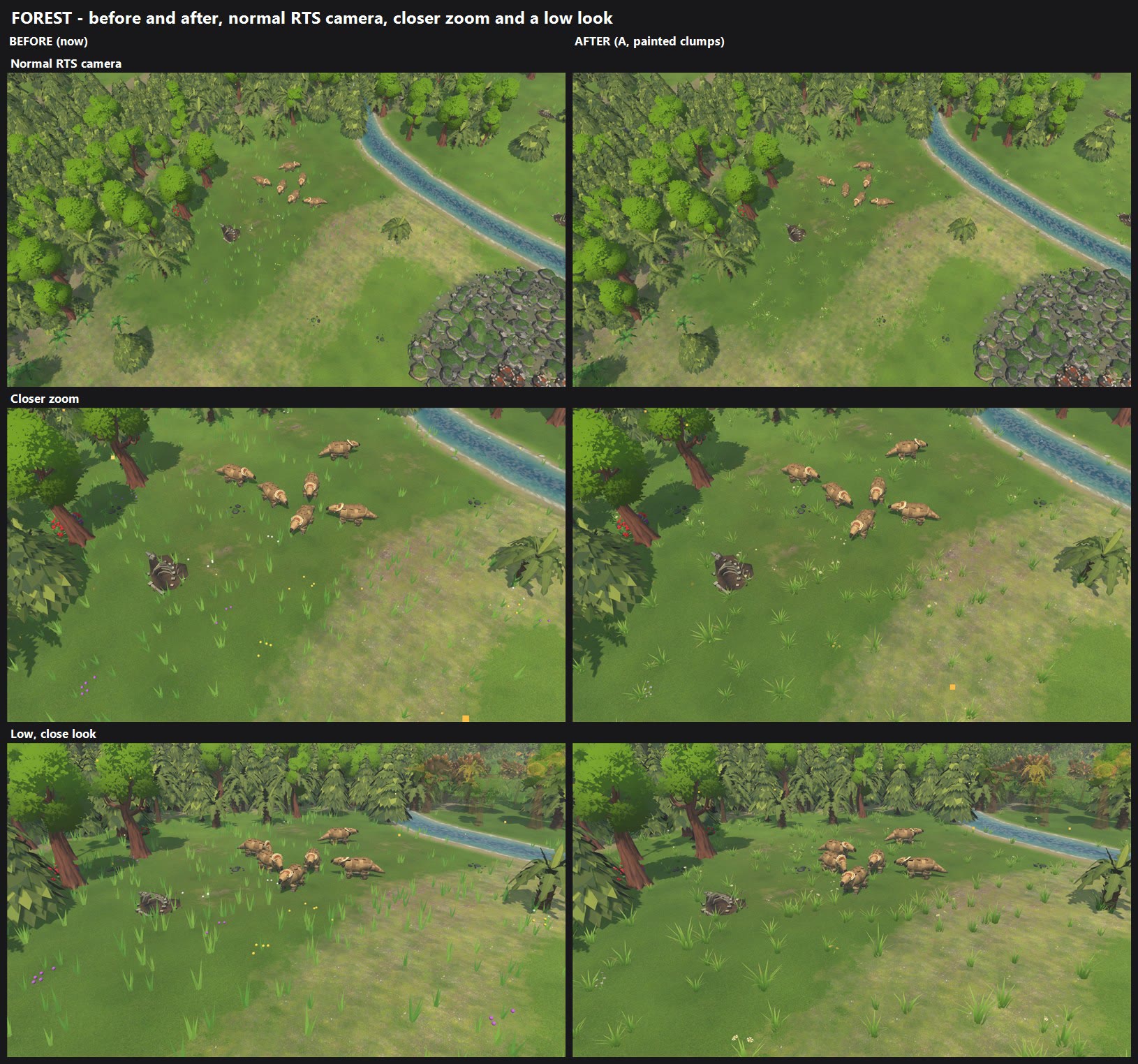
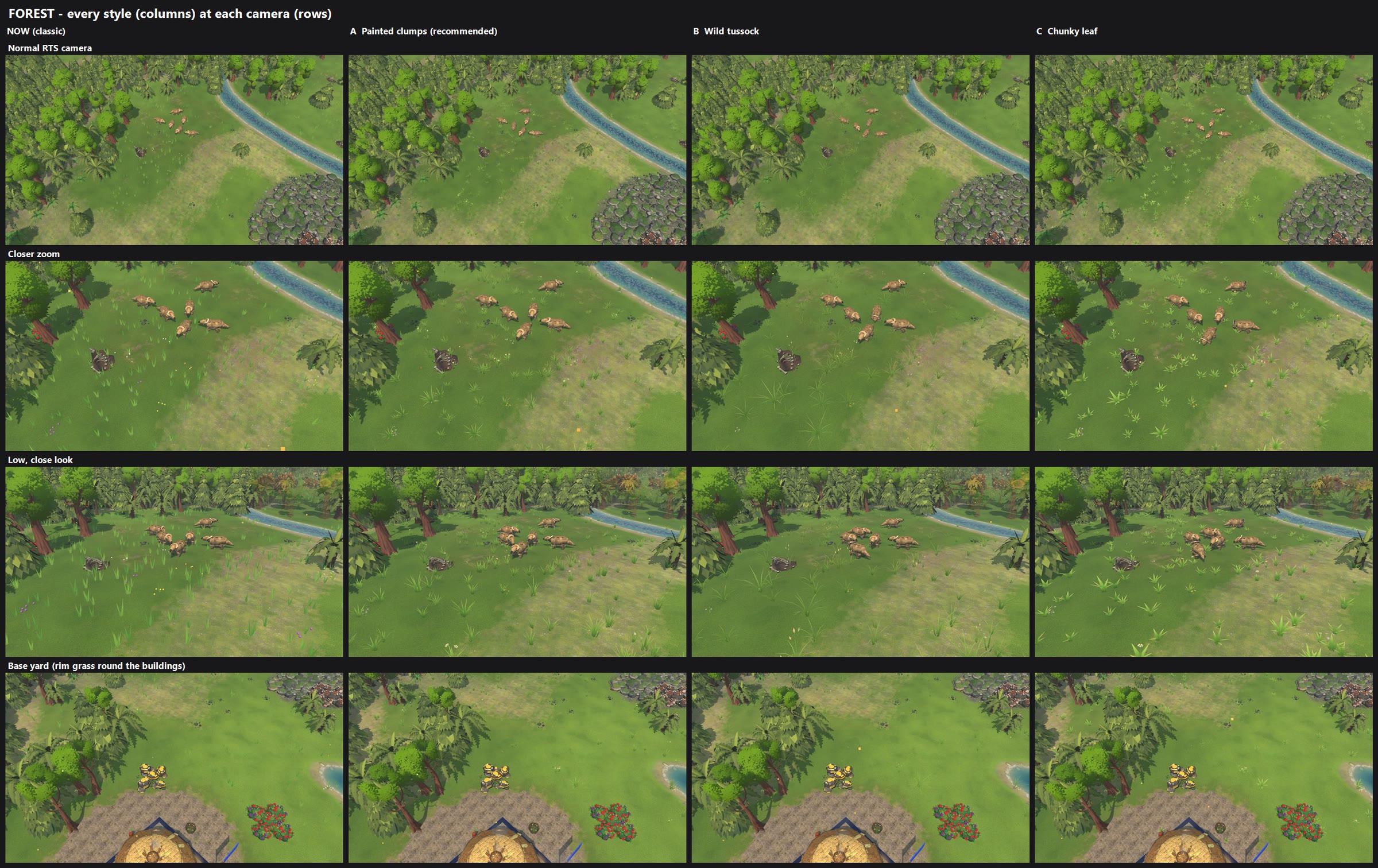
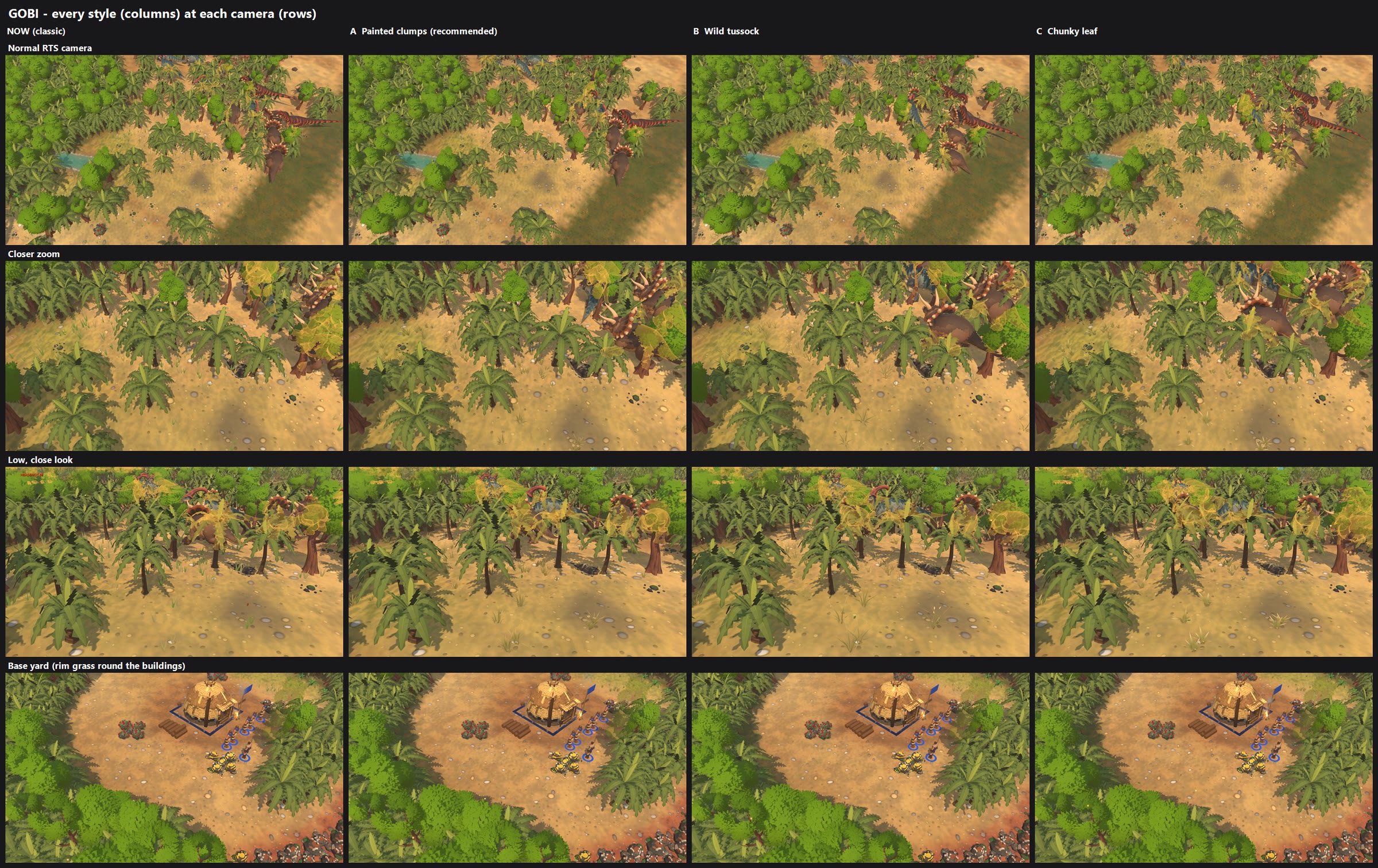
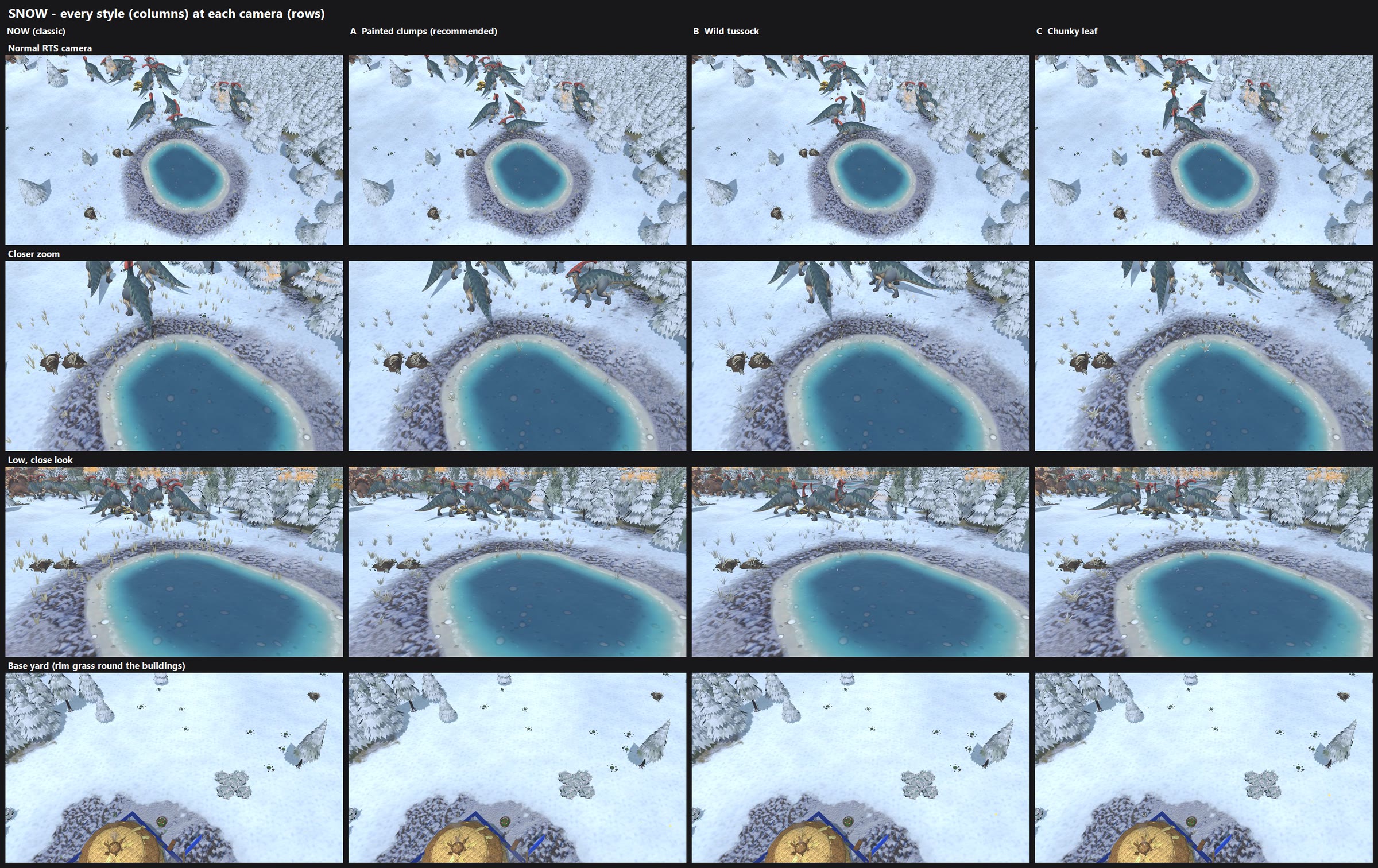
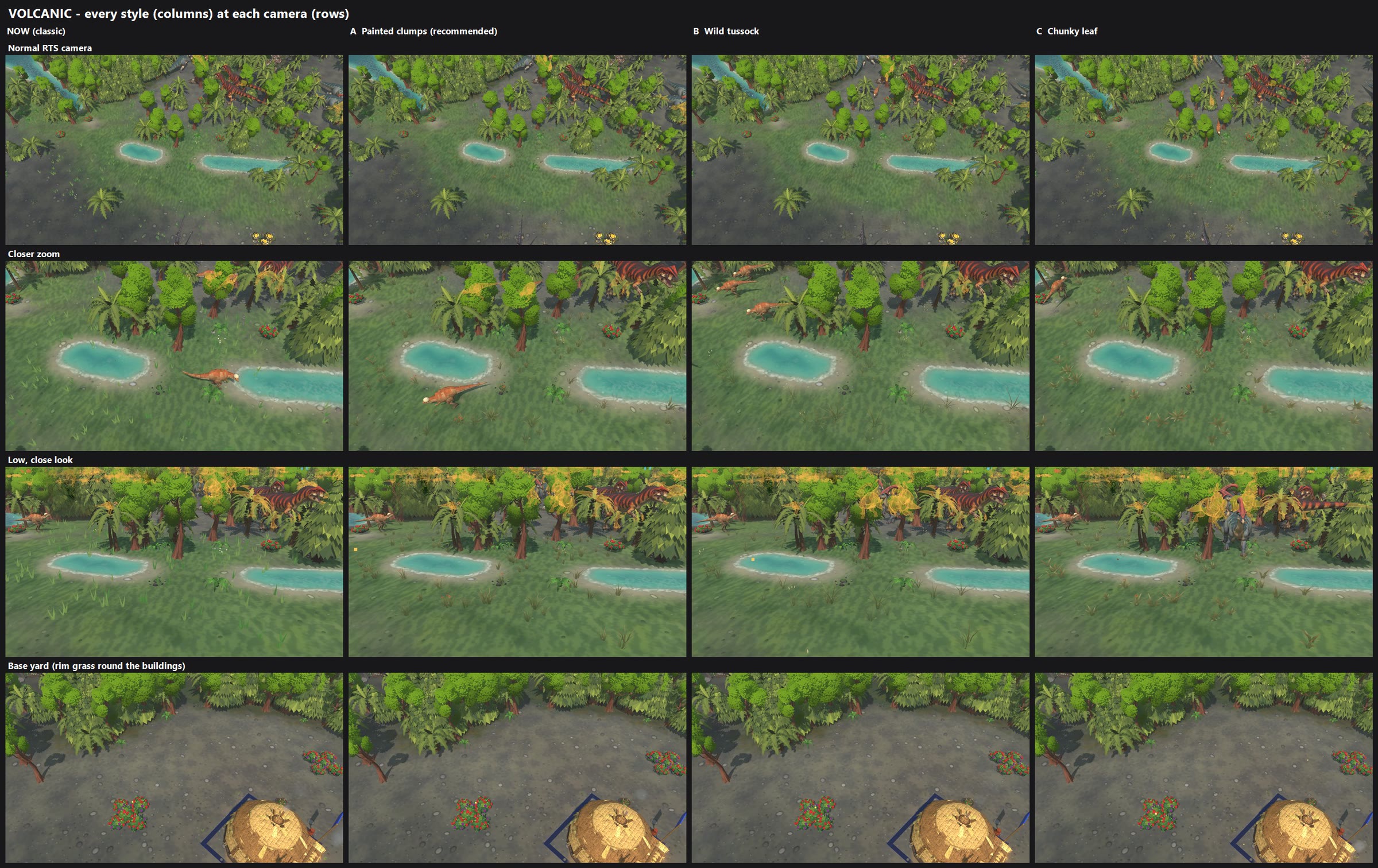

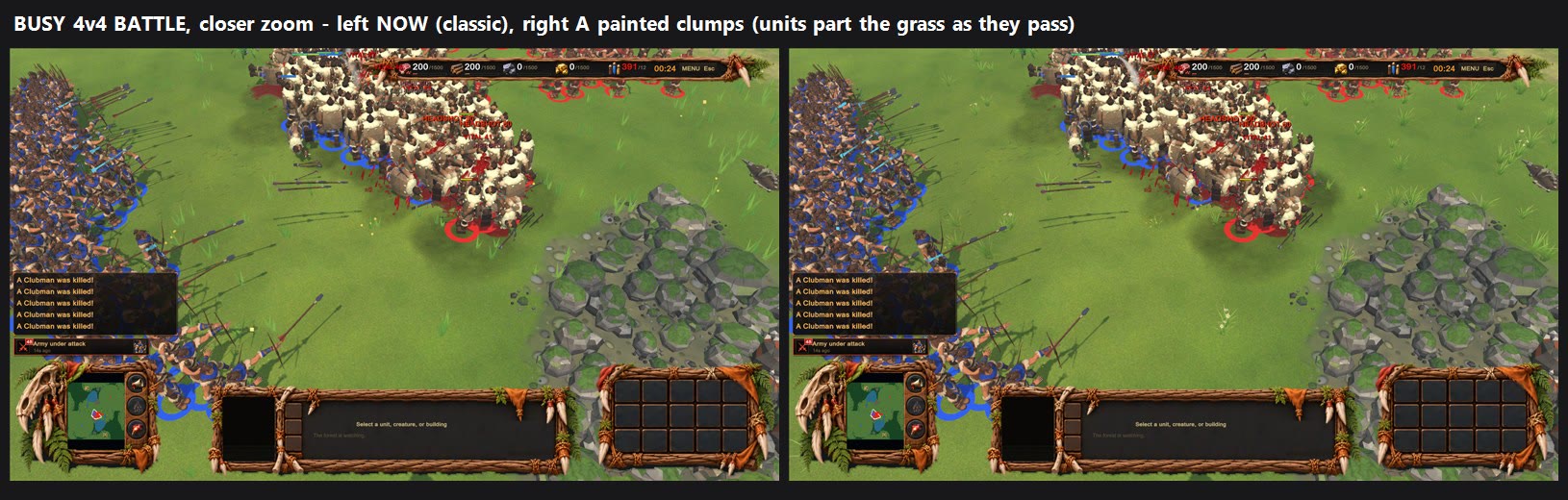
GRASS TUFTS - REDRAWN (review candidate, nothing changed in your game yet)            2026-11-04

You said the little lime grass tufts "seem to be holding the game back". I kept the random tufts in exactly the same
places, but redrew them three ways so you can pick:

  A  PAINTED CLUMPS  (my recommendation)
     Soft round clumps of 9-12 curved blades in three lengths, leaning out and curling a little. Each clump's base
     takes the colour of the ground right under it and fades up to sunlit tips, so it grows OUT of the ground instead of
     sitting on top of it. Some clumps have a couple of tiny painted flowers.
  B  WILD TUSSOCK
     Fewer, taller, thinner arching blades with oat-like seed stalks. Wilder and windier, a bit sparse at the RTS camera.
  C  CHUNKY LEAF
     Broad folded leaf-blades with a lit midrib. The most "Warcraft" of the three and the easiest to read from far,
     but it looks more like small plants than grass.

Each land gets its own colours: lush green with a few sun-dried tips in the forest, dry straw-yellow in the desert,
frosted pale tussocks in the snow, ash-dry grey-olive with rusty tips and orange flowers in the volcanic land.
The old flower dots became small flower sprigs in the same painted style. The grass round your buildings uses the new
style too. They still sway in the wind and bend away from units walking through (Ambient life: High).

PICTURES
  1_before_after_forest.jpg        now vs A, at the normal RTS camera, a closer zoom and a low look
  2_forest_all_styles.jpg          now, A, B, C side by side (rows = camera distance)
  3_gobi_all_styles.jpg            the same in the desert
  4_snow_all_styles.jpg            the same in the snow
  5_volcanic_all_styles.jpg        the same in the volcanic land
  6_units_in_grass_busy_4v4.jpg    a 1000-unit 4v4 battle at the timing camera, every style
  6b_units_in_grass_battle_close.jpg  the same battle closer: now vs A, units in the grass
  7_sway_clip_clump_forest.mp4     3 seconds of A swaying in the wind (low camera)

COST (measured, 1600x900, 60 s per run, two runs each)
  Busy 4v4 battle, 1008 units:   now 97 fps / GPU 3.08 ms     A 98 fps / GPU 3.06 ms     no grass at all: GPU 3.02 ms
  Grass-heavy meadow:            now 172 fps / GPU 1.21 ms    A 172 fps / GPU 1.22 ms
  In plain words: the grass costs almost nothing either way (under 0.1 ms of the GPU), and the new styles are the same
  cost as today - they are actually a little cheaper on the CPU, because each new clump replaces about two old tufts,
  so there are half as many to sort out every frame. B and C cost the same as A. No lag.
  The game's simulation is untouched (identical match results with every style).

WHAT I'D DO NEXT IF YOU LIKE ONE
  Switch the default to the style you pick (and, if you want, add a "Grass style: Classic / New" choice in
  Settings > Graphics so the old look stays one click away). Tell me if the tips should be warmer/yellower, the clumps
  denser or taller, or more flowers.
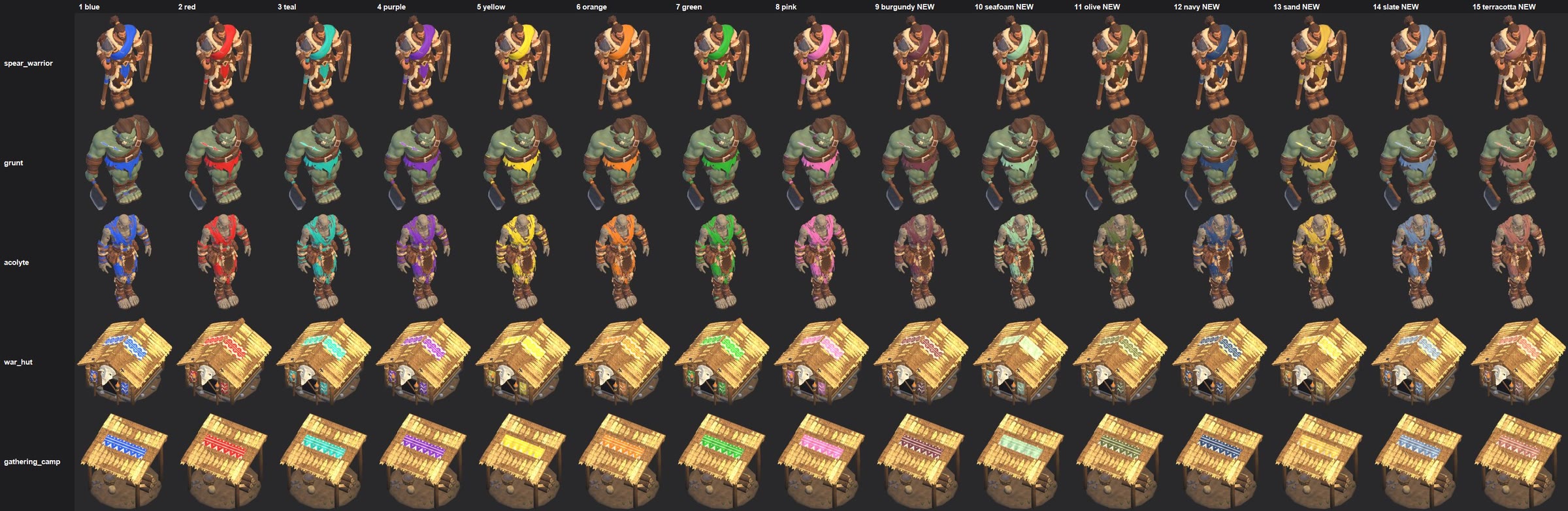
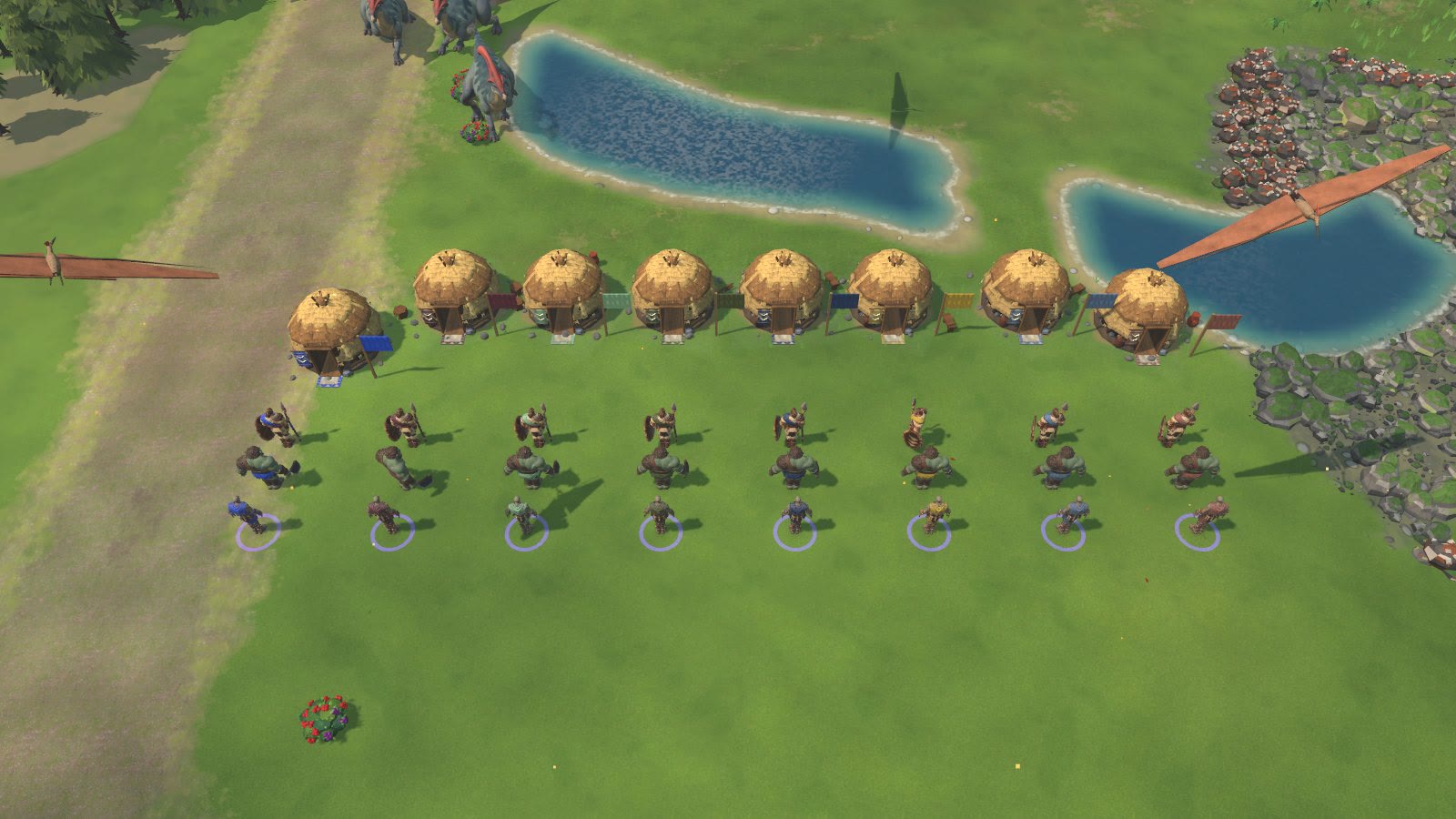
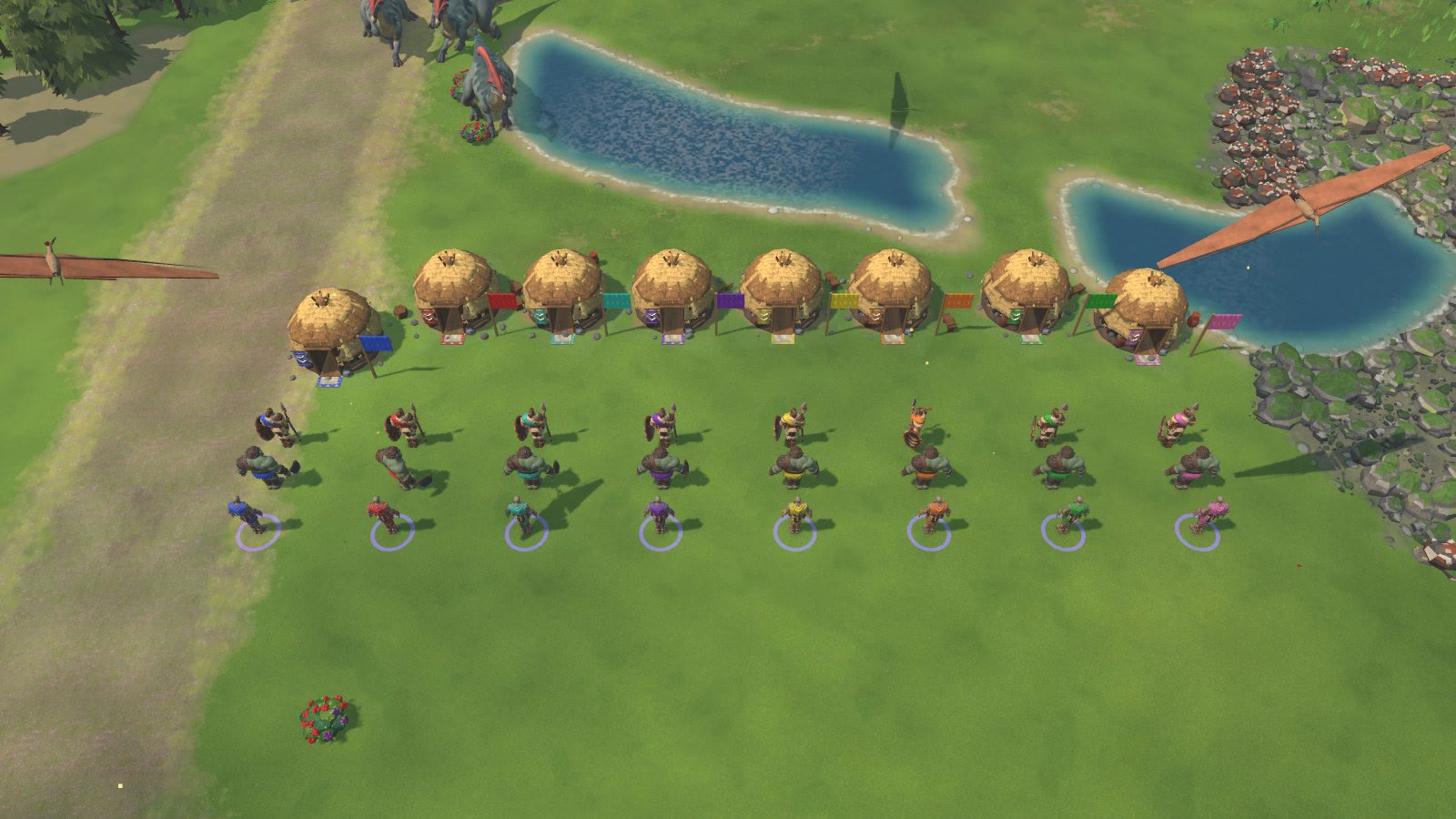
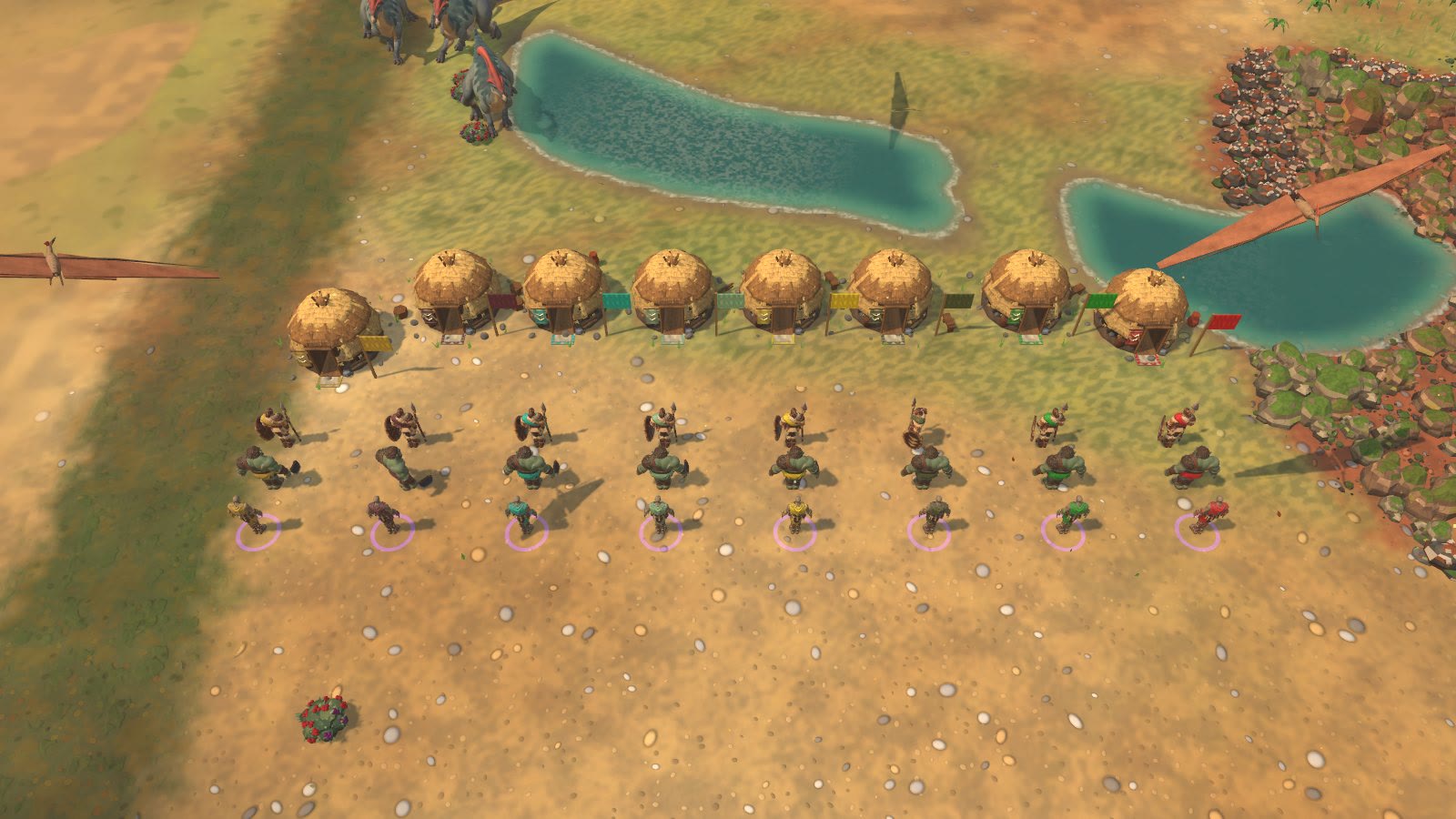
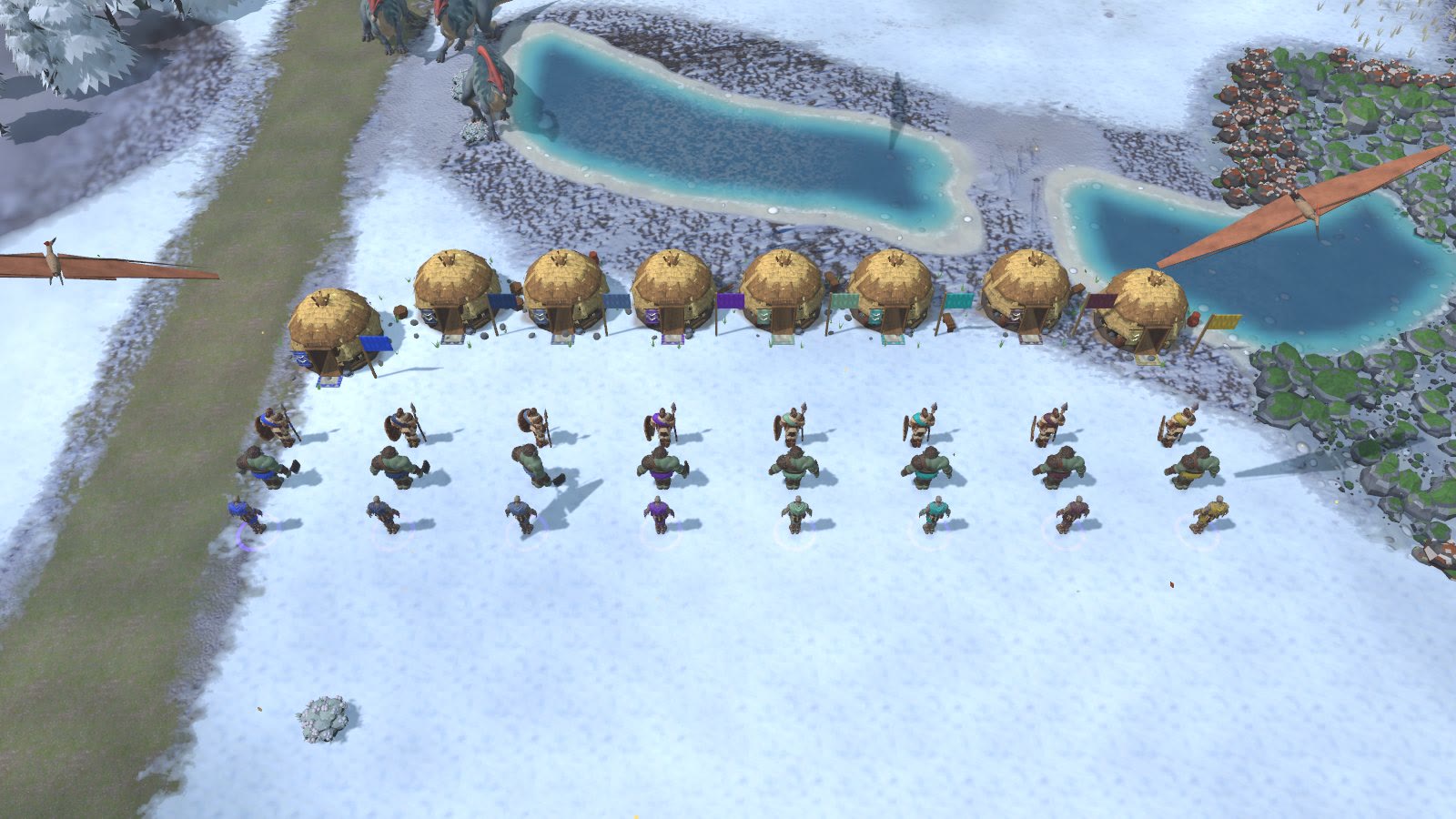
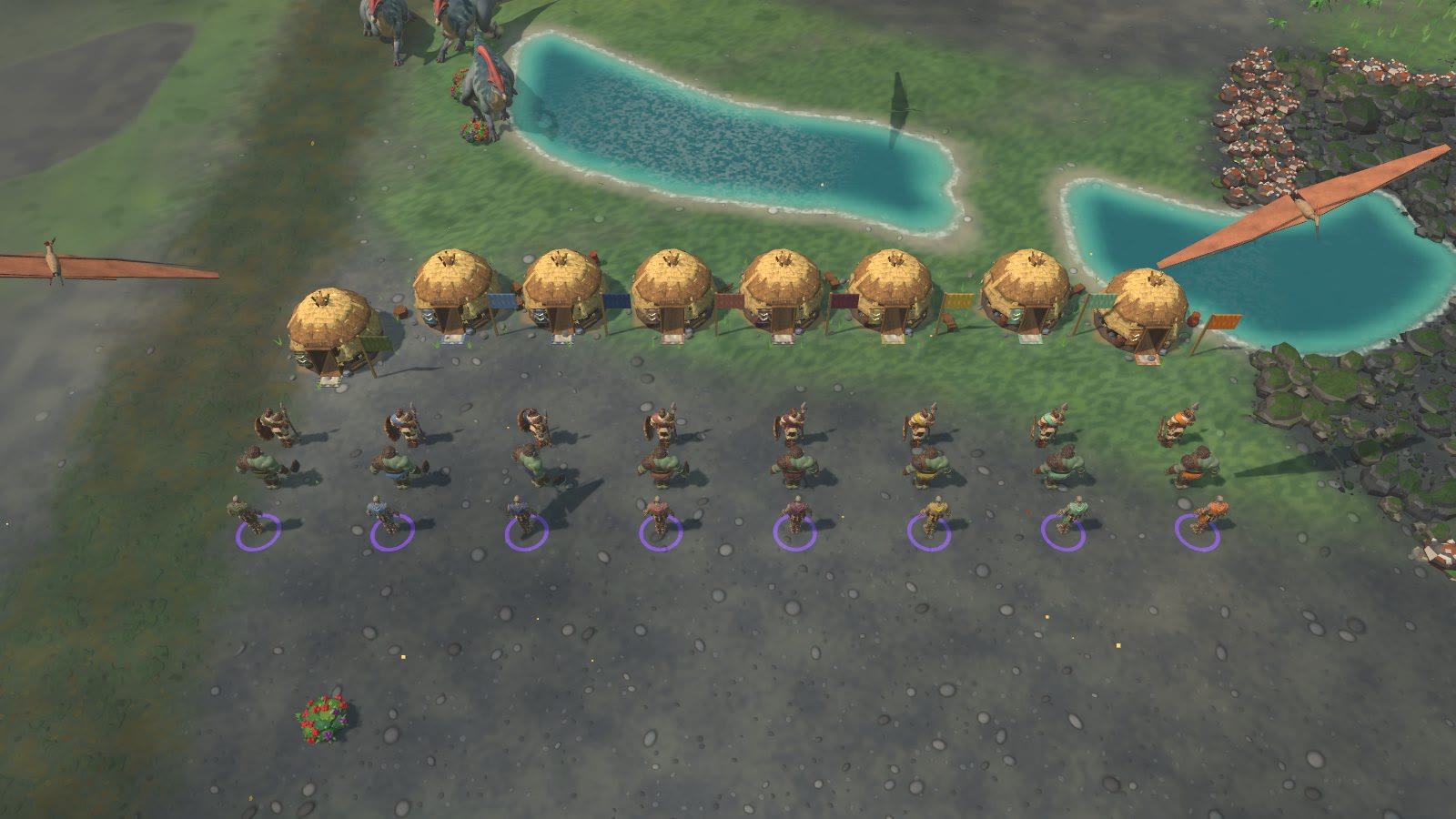
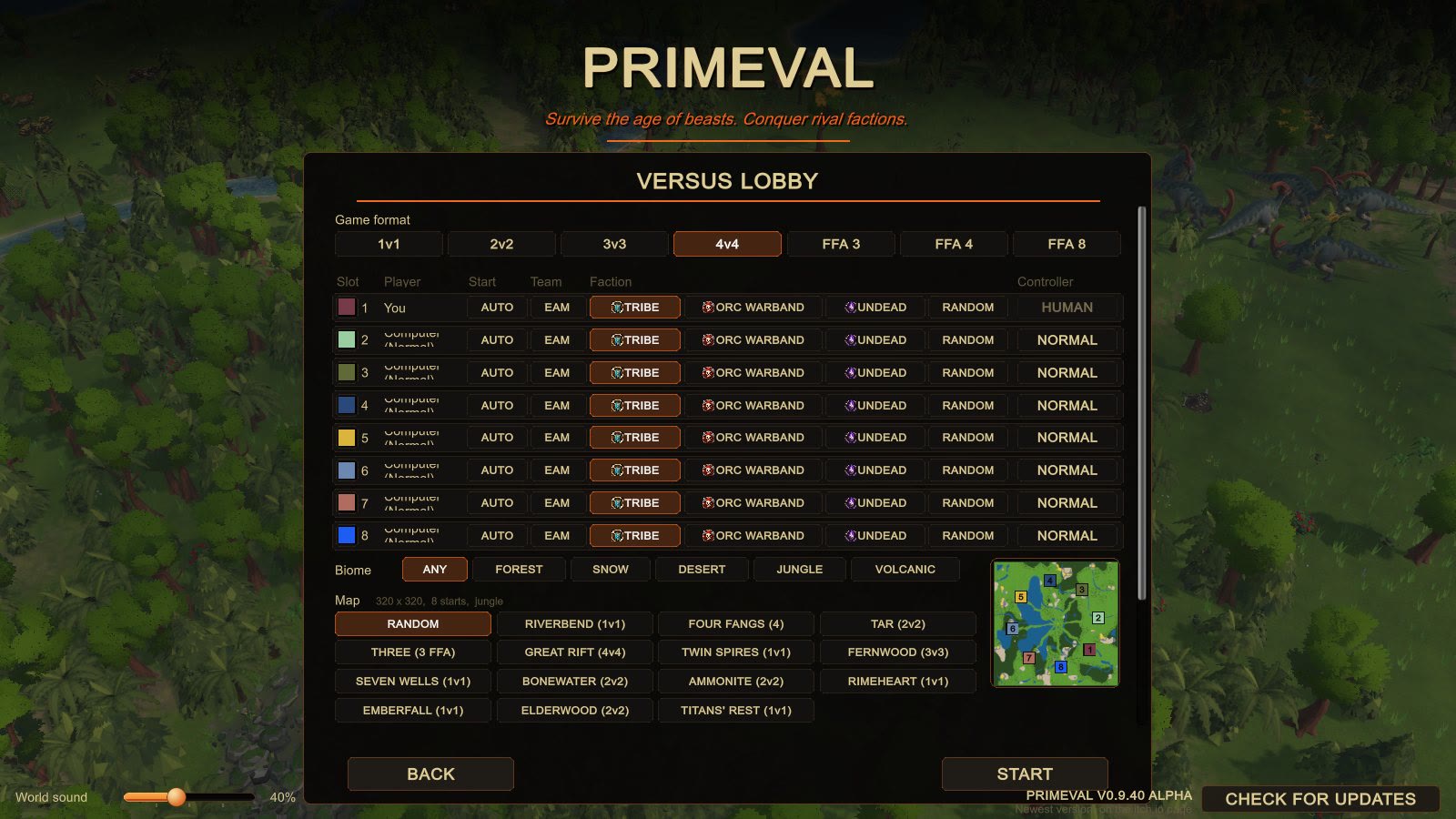
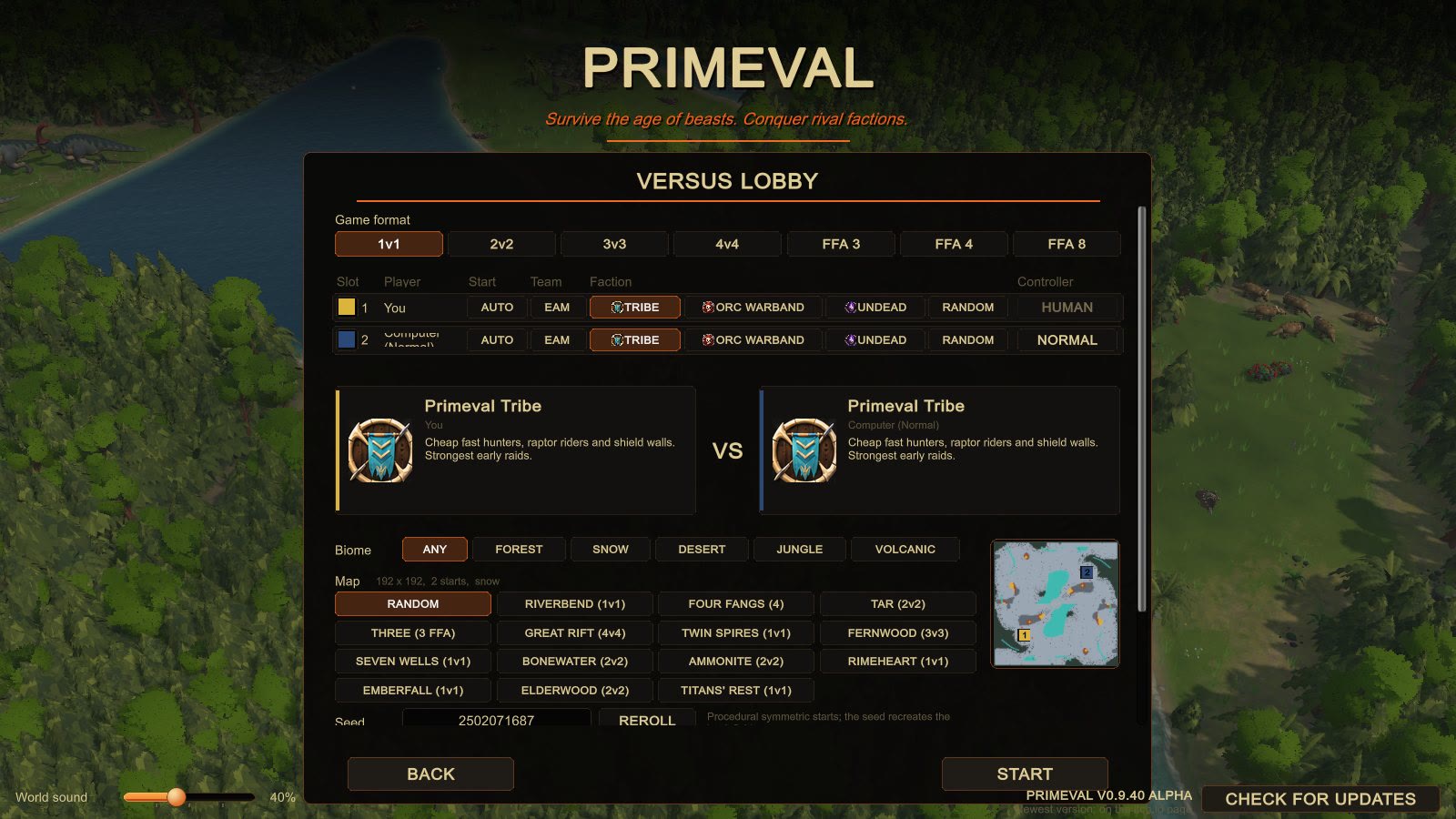
PRIMEVAL - MORE TEAM COLOURS (owner request 2026-11-04)

What you asked: "off color" colours - burgundy, seafoam green, military green, dark blue, a yellow, sand yellow -
plus the three palettes you sent (images 09-11 here).

WHAT YOU GET
 - There was no colour picker before. Your "team color" choice was the Settings mode (Classic / Colour-blind /
   Ally-Enemy); each player's colour was simply their slot. Now every seat in the lobby has a colour swatch on the
   left of its row. Click it to step to the next free colour. Hovering it shows the colour's name.
 - Seats start in today's colours (slot 1 blue, slot 2 red, ...), so nothing changes unless you pick.
 - Two players can never have the same colour. The swatch skips colours another seat already has.
 - Online: you pick your own colour, and the host picks the computers' colours. Everyone sees the same colours, in the
   match and in replays. Picking a colour doesn't make anyone ready up again.
 - Colour-blind mode still works. A seat on one of the old 8 colours keeps its safe colour; a seat on a new colour
   gets the closest safe colour nobody else has. Ally/Enemy mode still shows you blue, allies teal, enemies red.
 - The colour is only how things look. It never changes the game itself (tested: same match, same result).

THE 15 COLOURS (8 old + 7 new). New ones are muted and painterly, as you asked.
   Old: 1 Blue, 2 Red, 3 Teal, 4 Purple, 5 Yellow, 6 Orange, 7 Green, 8 Pink (unchanged)
   New, with your hex -> what the game uses, and why:
    9 Burgundy    your #6E3542 -> #763A48   lifted a touch so it doesn't go black on shaded cloth
   10 Seafoam     your #266867 -> #9ACDA0   #266867 reads as a dark teal, too close to Teal; seafoam is the pale
                                            sea-green. Your #1A4645 dark teal merged here too.
   11 Olive       your #636640 / #7E8071 -> #5F6A38   "military green"; the two olives were one colour from the RTS
                                            camera, so merged; a little greener so it stays clear of the wild
                                            animals' tan
   12 Navy        your #051821 -> #2A4878   "dark blue"; #051821 is near-black and vanished at night, so it's
                                            lifted and made bluer. Still clearly darker than Blue.
   13 Sand        your #EDBC81 / #B08A56 -> #DAB43C   "sand yellow"; both of yours are the desert's own ground
                                            colour (unit cloth would melt into the desert), so it's more yellow
                                            than the sand but darker and softer than Yellow
   14 Slate       your #808C97 -> #6A88B0   your slate is the exact grey of snow rock and volcanic ash; a bit bluer
   15 Terracotta  your #A76B56 -> #B06C5E   a touch rosier, so it's clear of the red desert cliffs
   Merged or dropped:
     Yellow  #F8BC24 -> the existing Yellow (it sat between Yellow and Orange and read as one of them)
     Orange  #F58800 -> the existing Orange (practically the same colour)
     Charcoal brown #4A4240 -> dropped: on the volcanic ash it disappears, and anywhere else it reads as shadow
   15 is the most the save/network format holds (4 bits a seat). It's in your 12-16 range.

HOW DISTINCT (measured, CIELAB distance; about 10 = "noticeable", 25+ = "clearly different colours")
   Closest pair of all 15: Burgundy - Terracotta 25.6 (the old set's own closest was Blue - Purple 29.8).
   Sand - Yellow 26, Seafoam - Teal 28, Navy - Slate 27, Navy - Blue and Navy - night sky much larger.
   Every new colour is at least 15 from every biome's ground (desert, snow, volcanic, jungle, forest).
   A test checks these numbers, so a future change can't quietly make two colours too similar.

PICTURES
   01  every colour on the Spear Warrior, Grunt, Acolyte, War Hut and Gathering Camp (game shaders)
   02  in game, forest: blue + the 7 new colours, each seat a hut + spear warrior + grunt + acolyte
   03  same spot, the 8 old colours, for comparison
   04  desert: sand next to yellow, seafoam next to teal, olive next to green, burgundy next to red
   05  snow: blue / navy / slate / purple / seafoam / teal / burgundy / sand
   06  volcanic: olive / slate / navy / terracotta / burgundy / sand / seafoam / orange
   07  the lobby, 4v4, each seat with a swatch (the map preview's start squares use the picked colours too)
   08  the lobby, 1v1 (the matchup cards' side stripes follow the pick)

THINGS TO KNOW
 - The weakest spot is the Tribe's straw-roof banners: Sand there is a little close to the straw (Yellow already was
   before this). On cloth, flags and the minimap Sand reads fine.
 - At 1600x900 the lobby's "TEAM" buttons read "EAM" and "Computer (Normal)" wraps. Both look like they were
   already there before this change, but I haven't checked against an older build.
 - Online play needs both players on this build (network version 17). Replays from before this change still play,
   with everyone in their old slot colour.
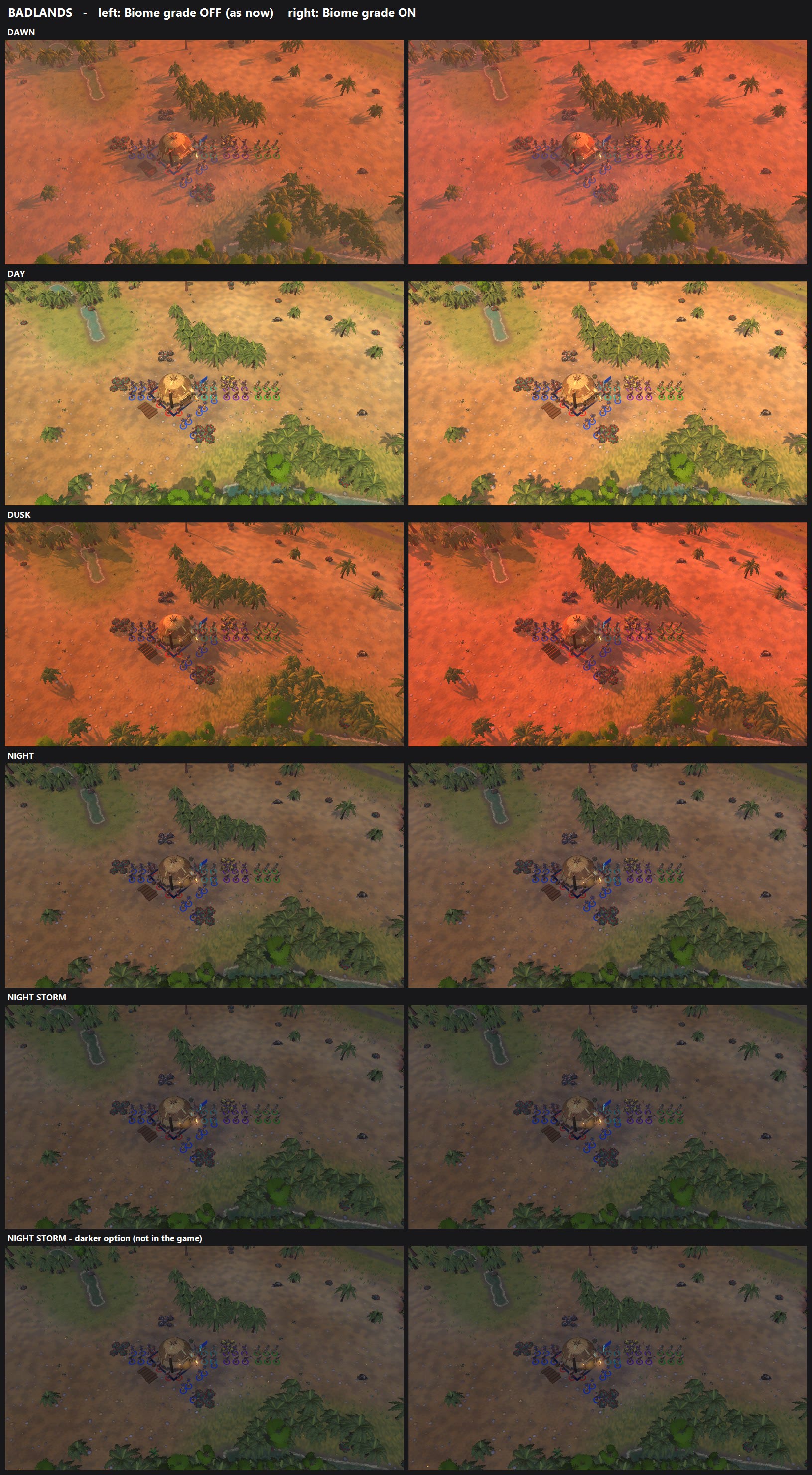
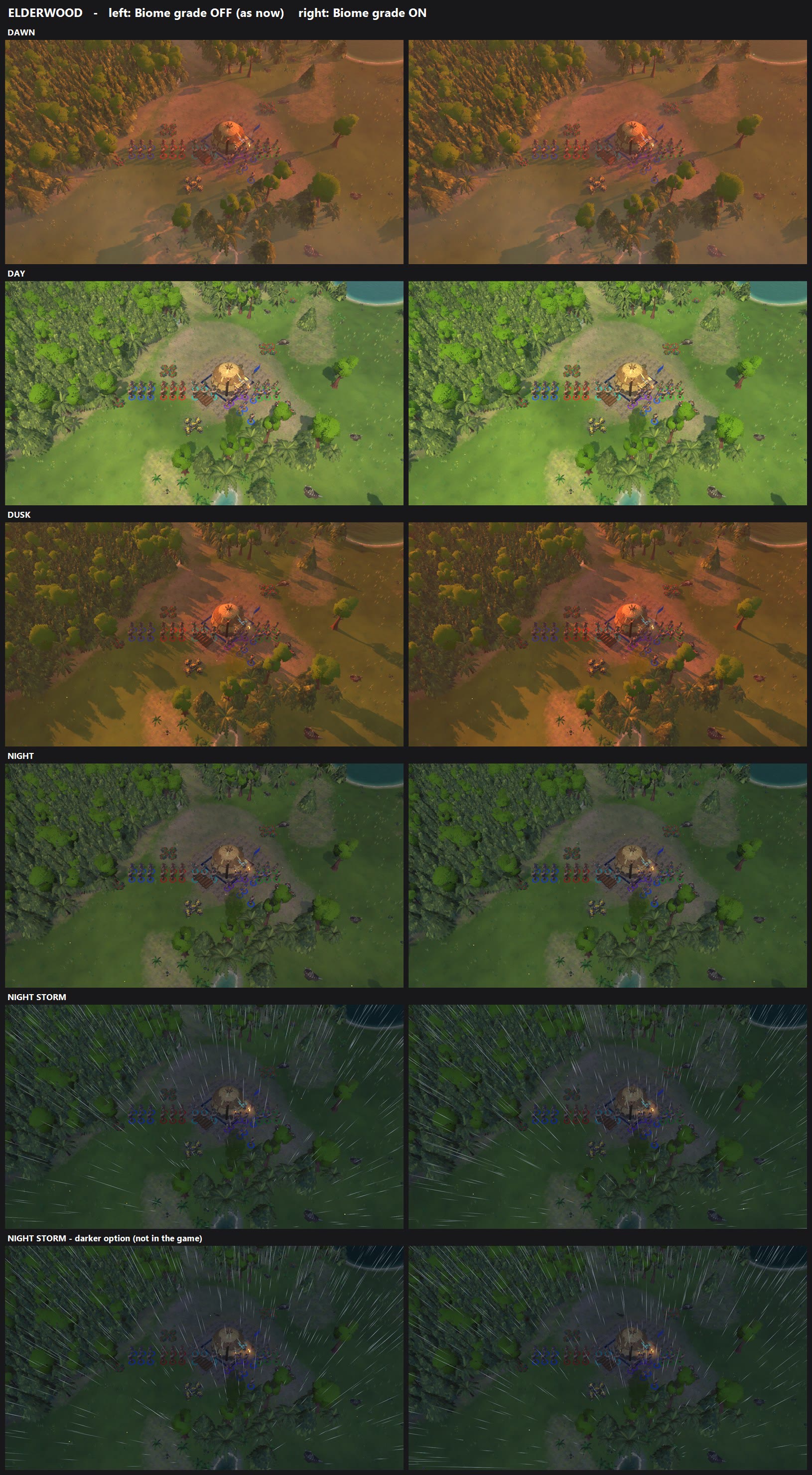
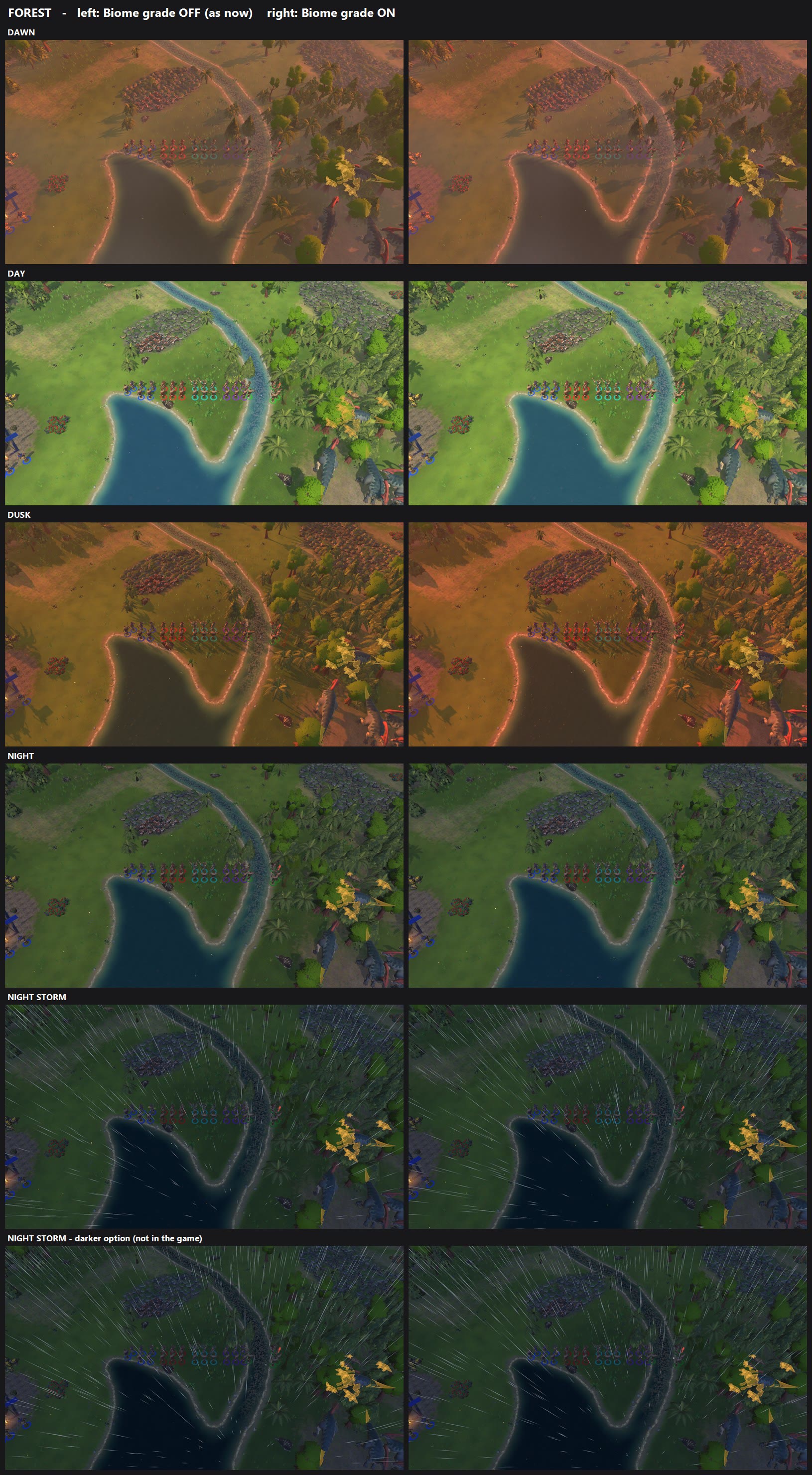
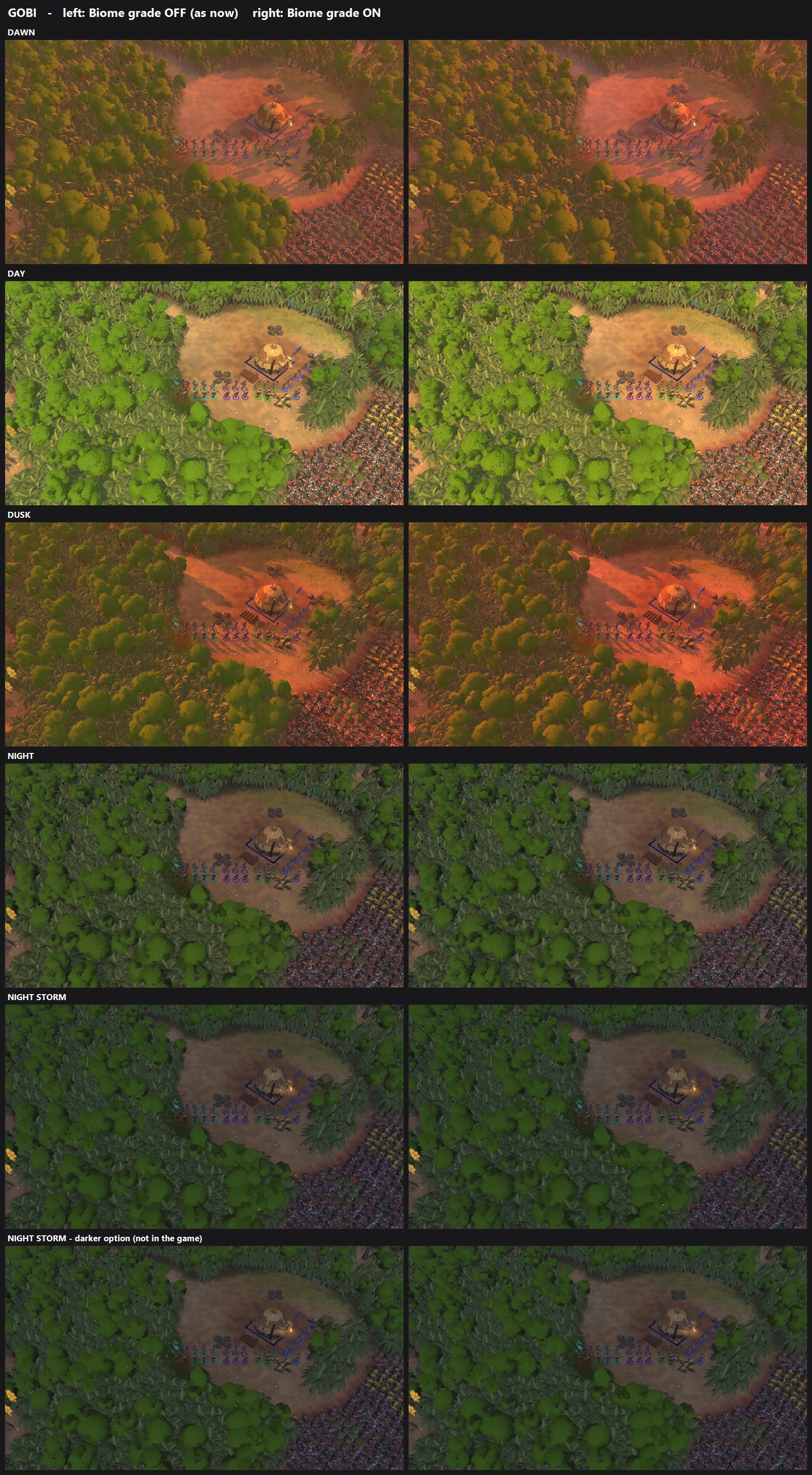
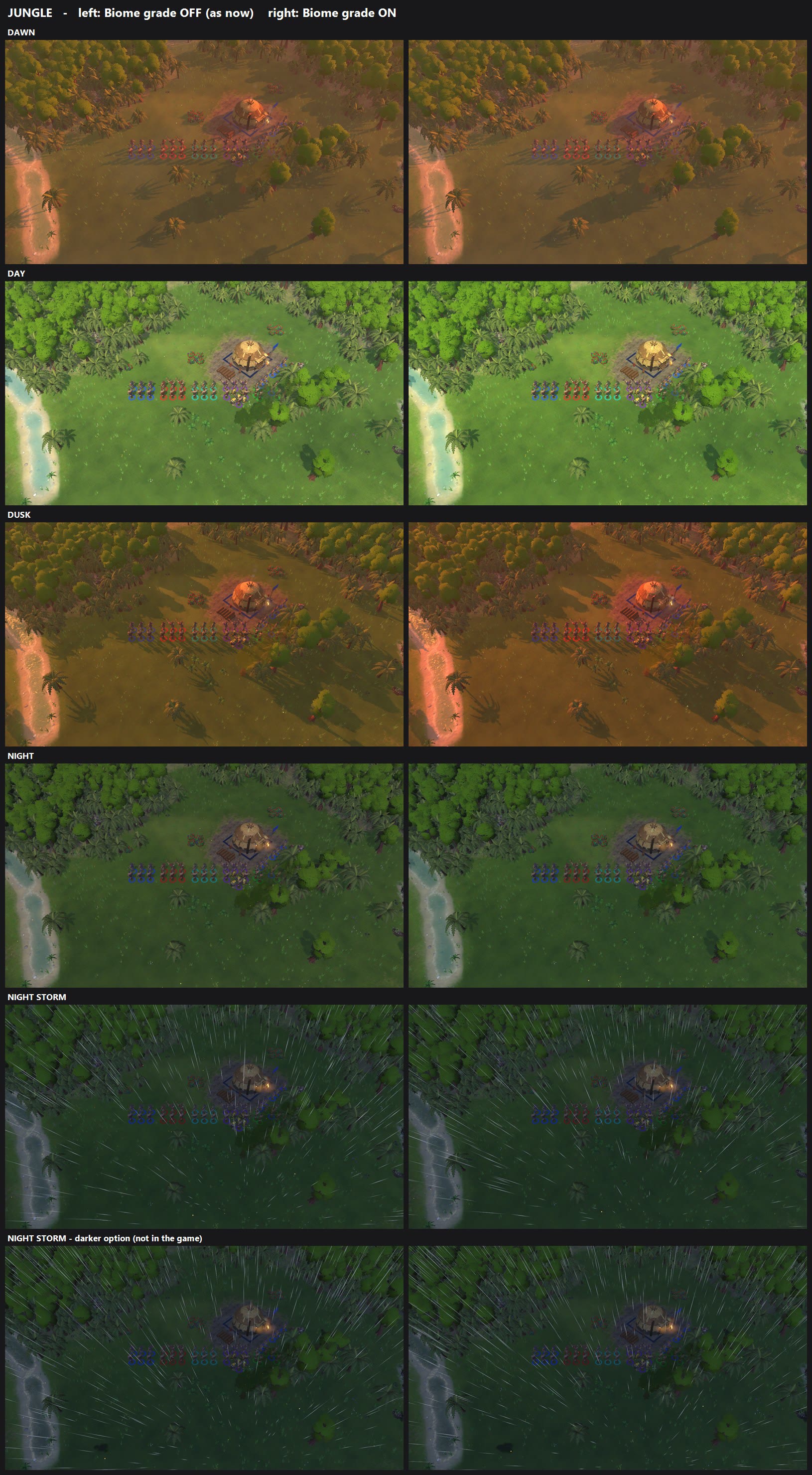
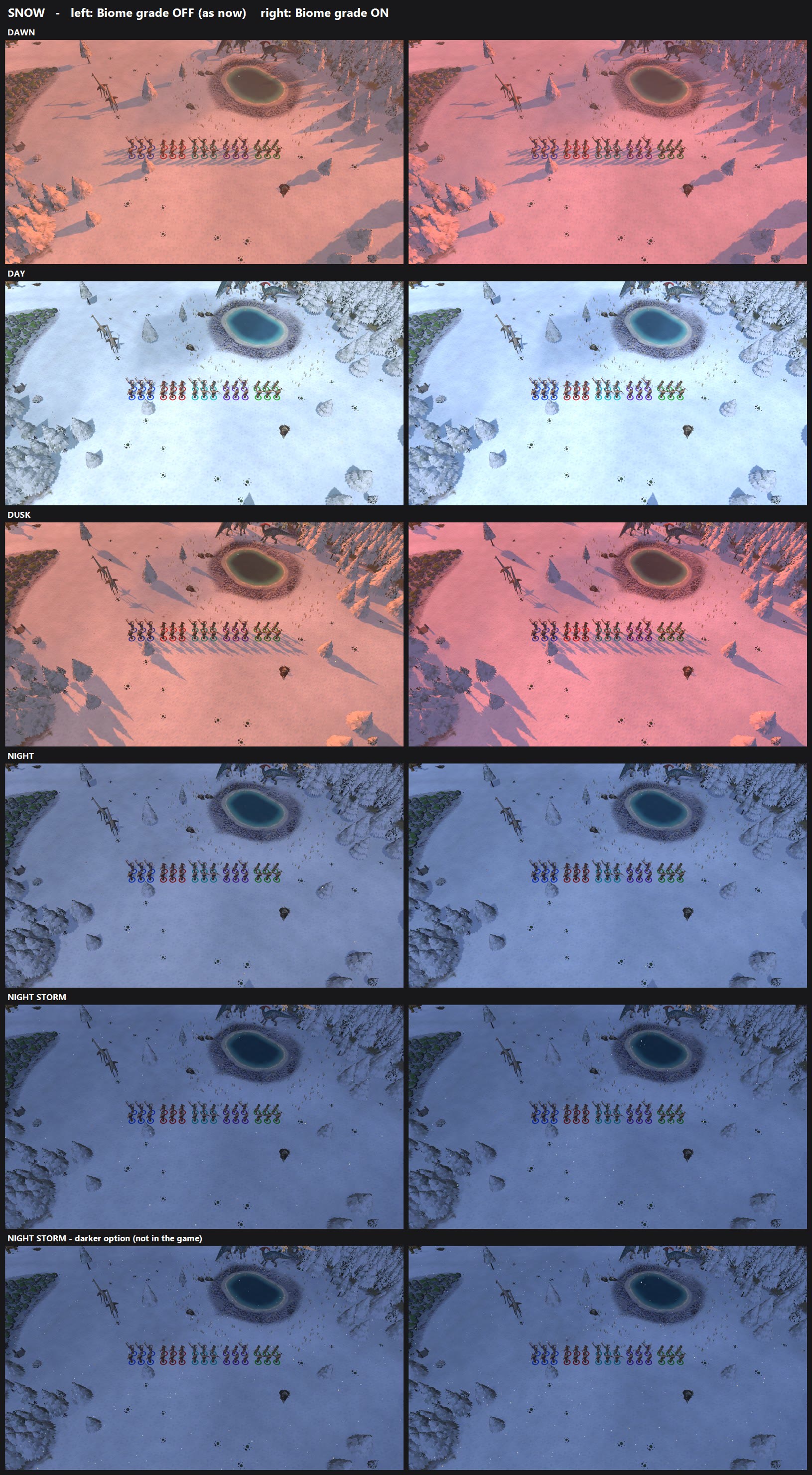
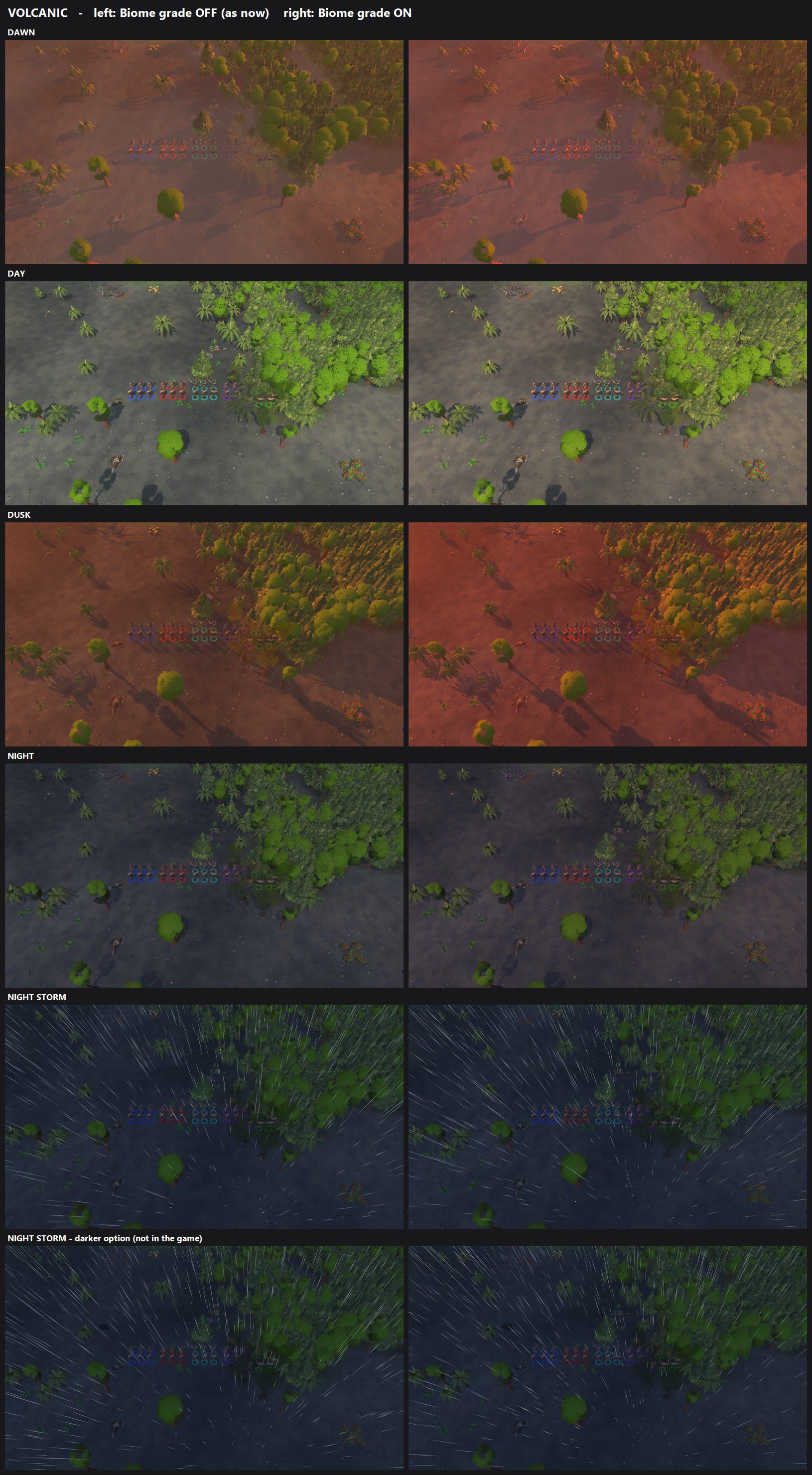
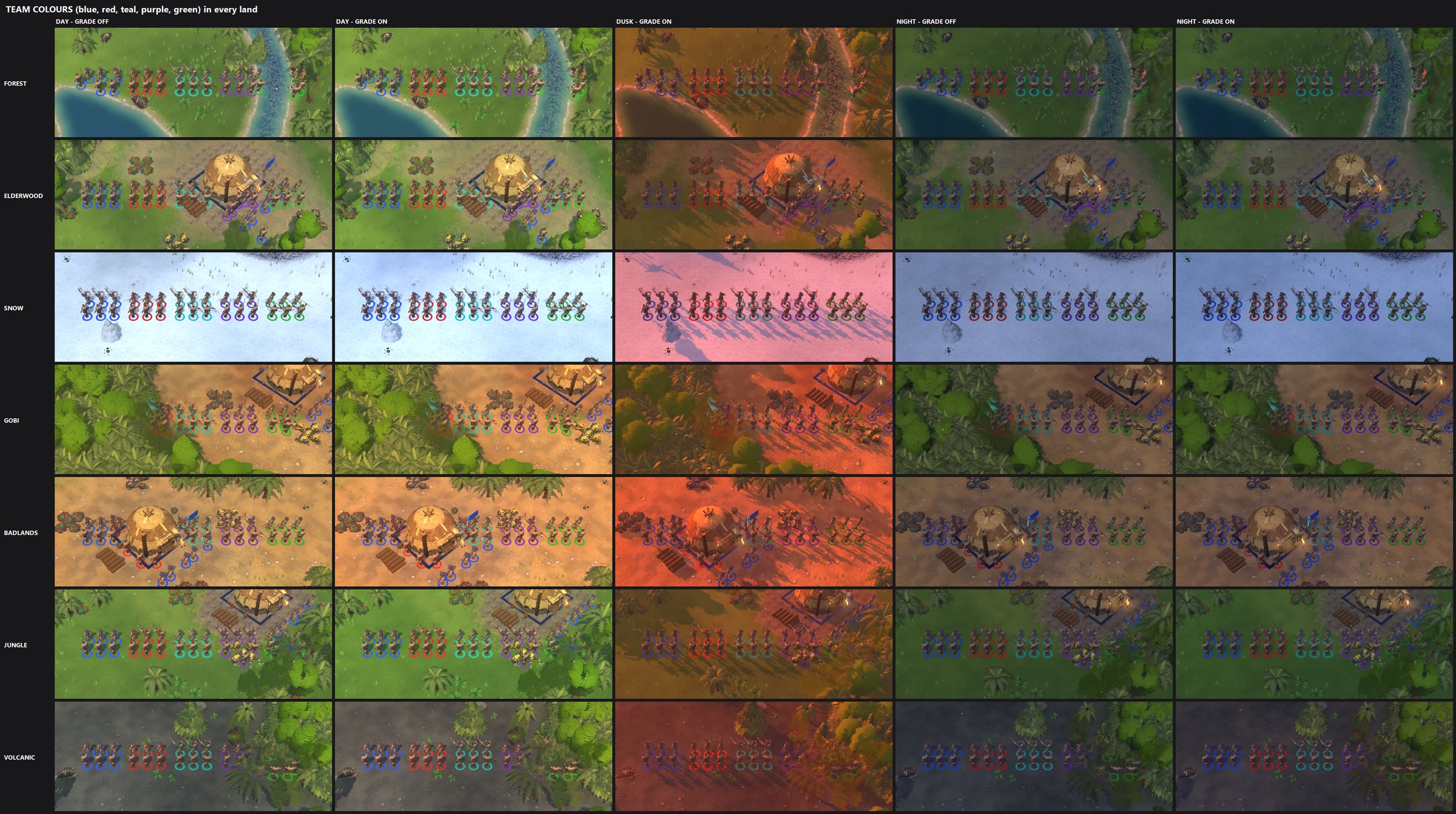
BIOME GRADE - a colour look for every land and every time of day (review candidate, nothing landed)

What it is
  Each land now has its own hand-tuned colour: the warmth of the sunlight, the colour of the shade, how strong the
  light is against the shade, and the colour of the far haze. It changes through dawn, day, dusk and night, and fades
  out smoothly when clouds and storms roll in, so the storm's own dark blue look takes over.

  Forest     warm green day, teal shade, rose dawn, amber dusk, blue moonlit night
  Elderwood  older, mossier and a bit moodier than the forest, misty dawn, copper dusk
  Snow       snow stays white by day with blue shade, pink sunrise, violet dusk, cold bright night
  Gobi       hard warm desert sun with cool shade, peach dawn, deep orange dusk, indigo night
  Badlands   warmer red rock, plum shade, blazing red-orange dusk
  Jungle     humid and soft, lush greens, steamy dawn, hot pink-orange dusk, deep green night
  Volcanic   grey ash with warm ember light, smouldering dusk, a dark night lit warm instead of blue

  It is a new Settings > Graphics row: "Biome grade" On/Off (On by default). Off looks exactly like the game does now.

The pictures
  1_<land>_off_vs_on.jpg   one sheet per land. Left = Biome grade OFF (the game today), right = ON.
                           Rows: dawn, day, dusk, night, night storm, and a darker night storm.
                           All at the normal game camera, next to your base.
  2_team_colour_readability_strip.jpg
                           a line of soldiers in blue, red, teal, purple and green in every land, by day (off and
                           on), at dusk, and at night (off and on). Every team colour stays readable.

  Snow and desert never storm (no rain falls there), so their "night storm" rows are just a cloudy night.

The darker night storm (last row on each sheet)
  You said the night storm reads slate blue-green and could be darker. I did NOT change it. The last row shows a
  darker version as an option only. If you like it, say so and it can be switched on.

Things to look at / decide
  - Dusk on the desert lands (Gobi, Badlands) is quite fiery now; red team rings are a little weaker against the red
    ground there. Easy to soften if you want.
  - One technical finding (see the report): the game's renderer has no post-processing data, so the old "post"
    colour settings never reached the screen. This grade works through the light and haze instead, so it shows
    today. Turning real post-processing on would be a separate change for you to decide.

Cost: nothing measurable (about 0.007 ms of CPU a frame, no GPU change). It does not touch the game rules at all.
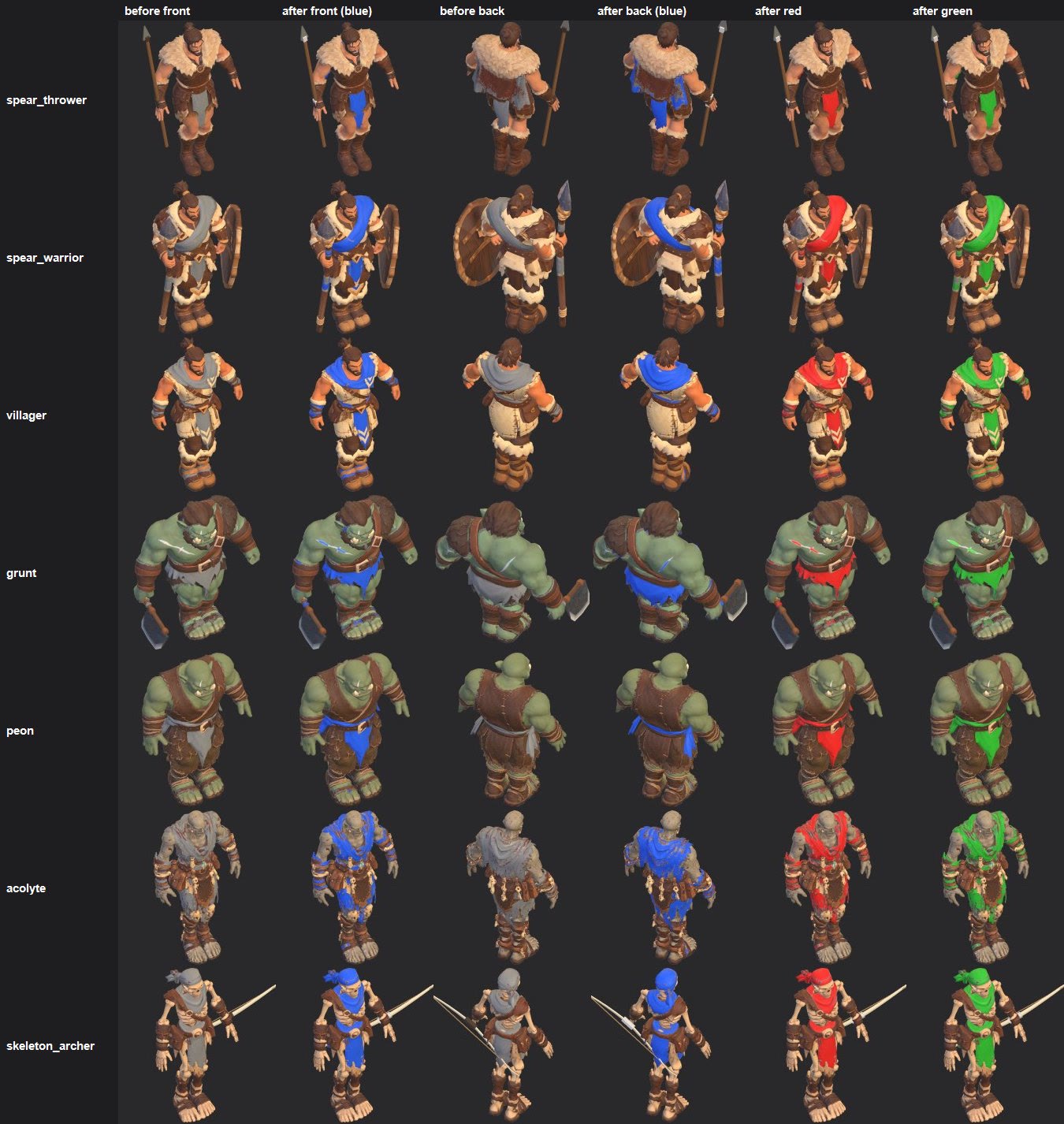
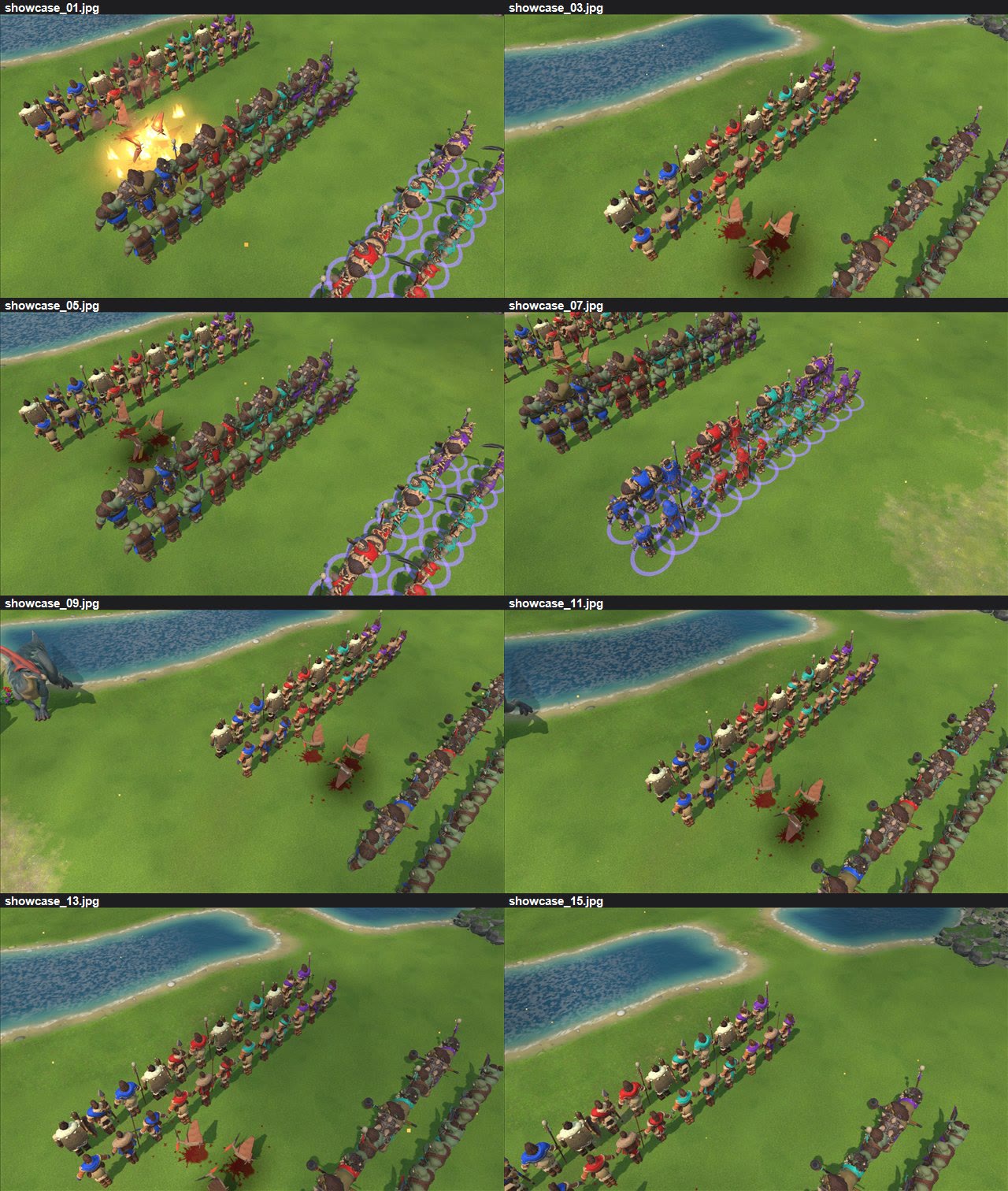
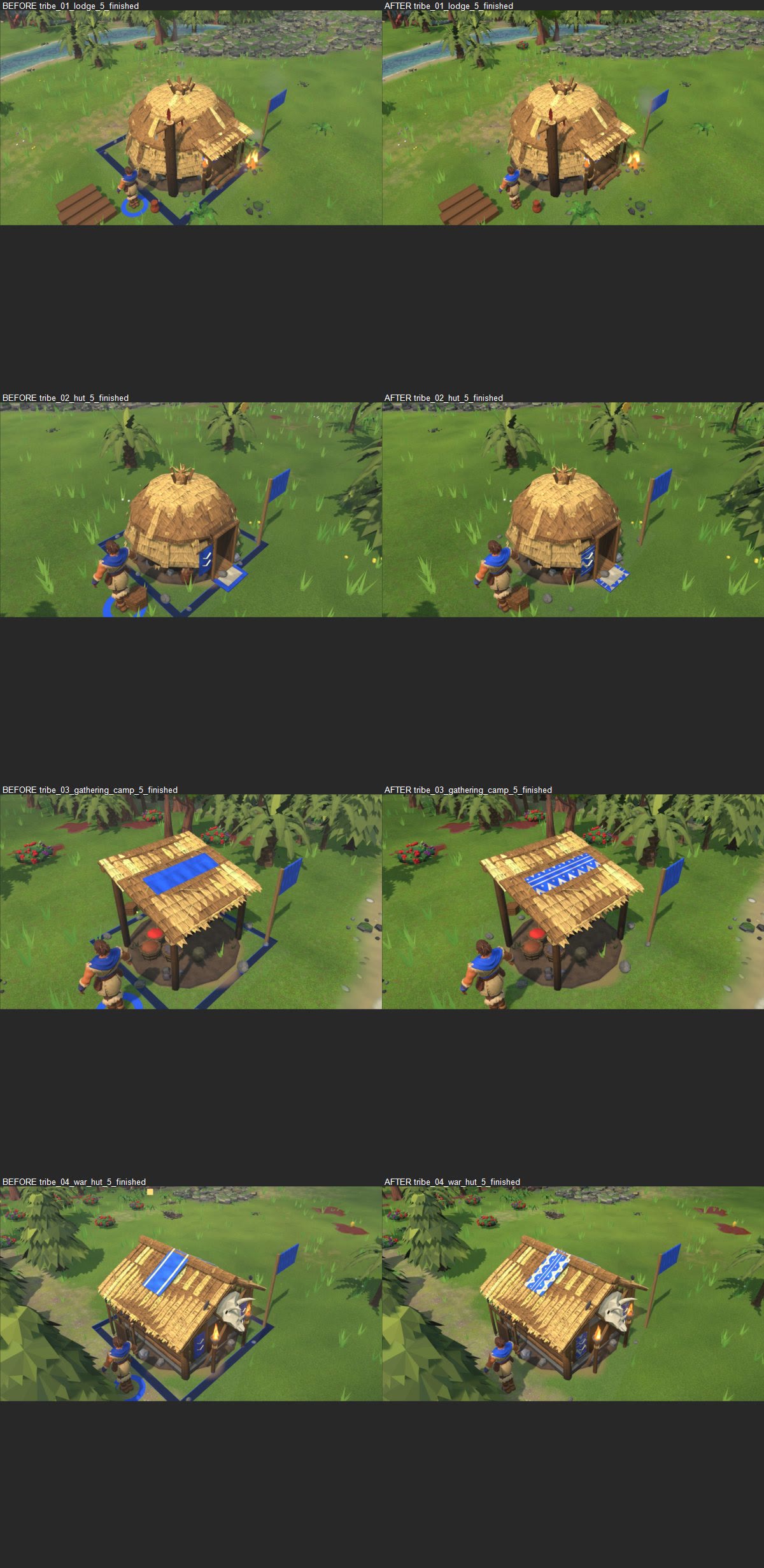
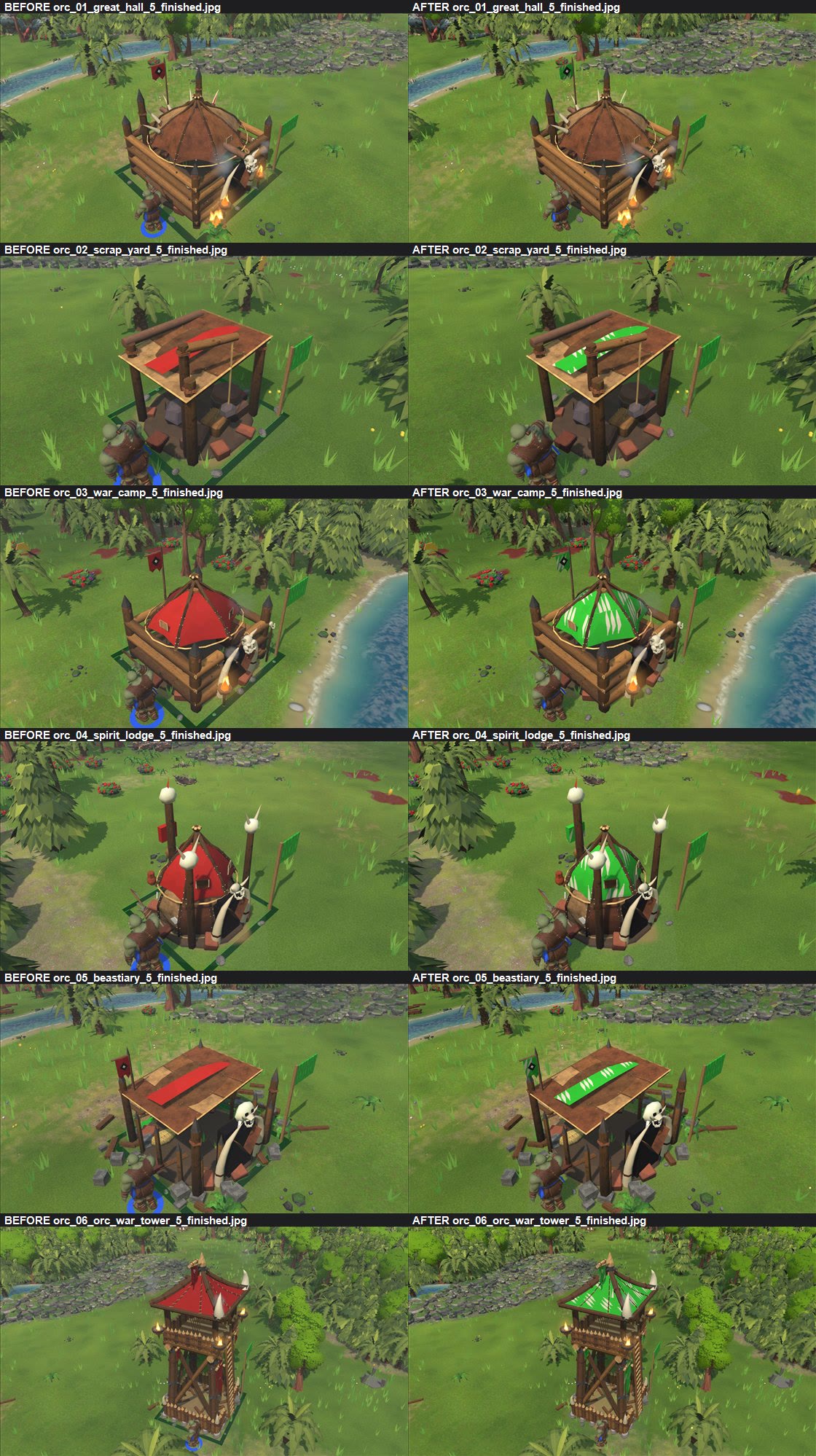
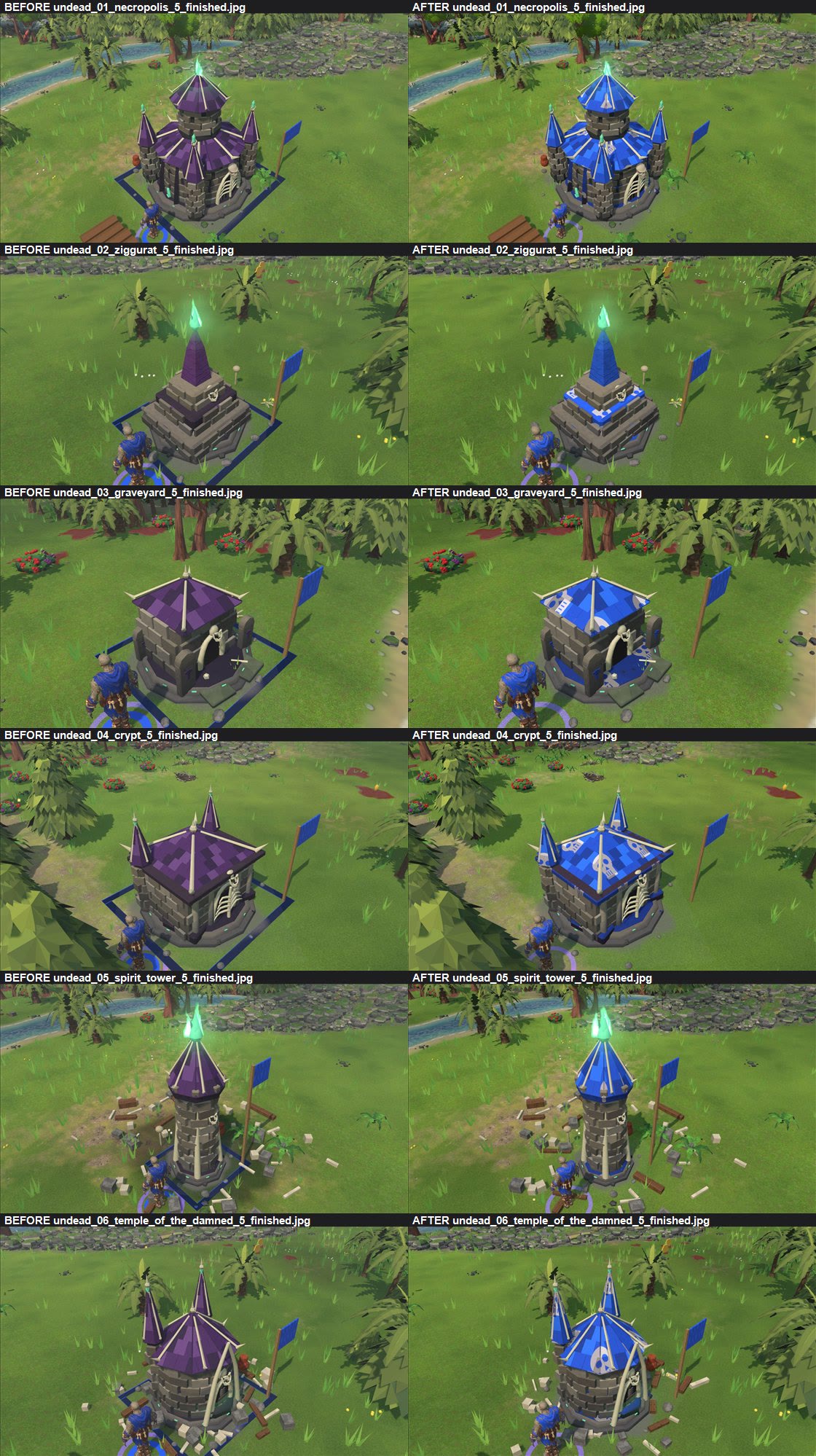
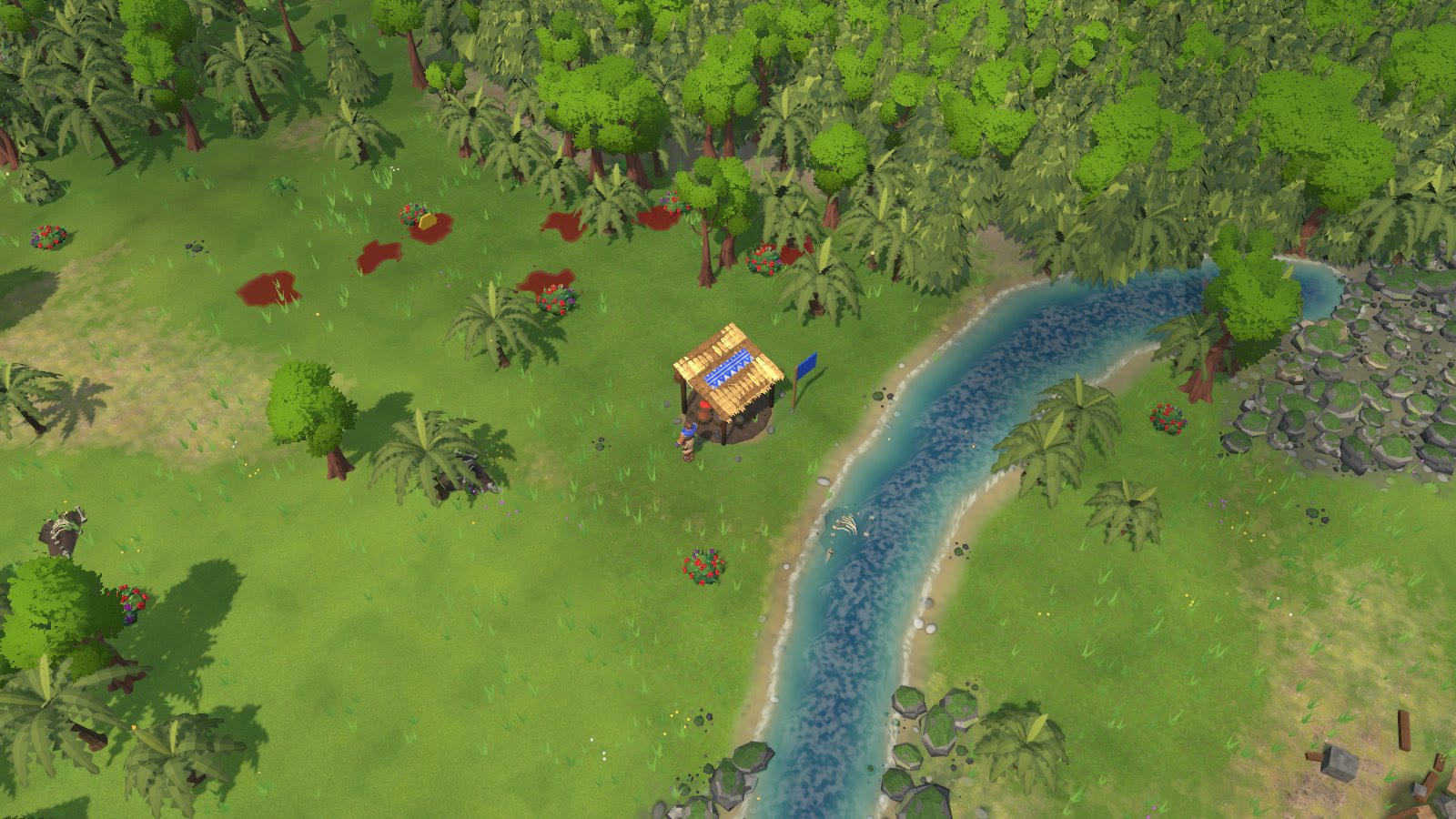
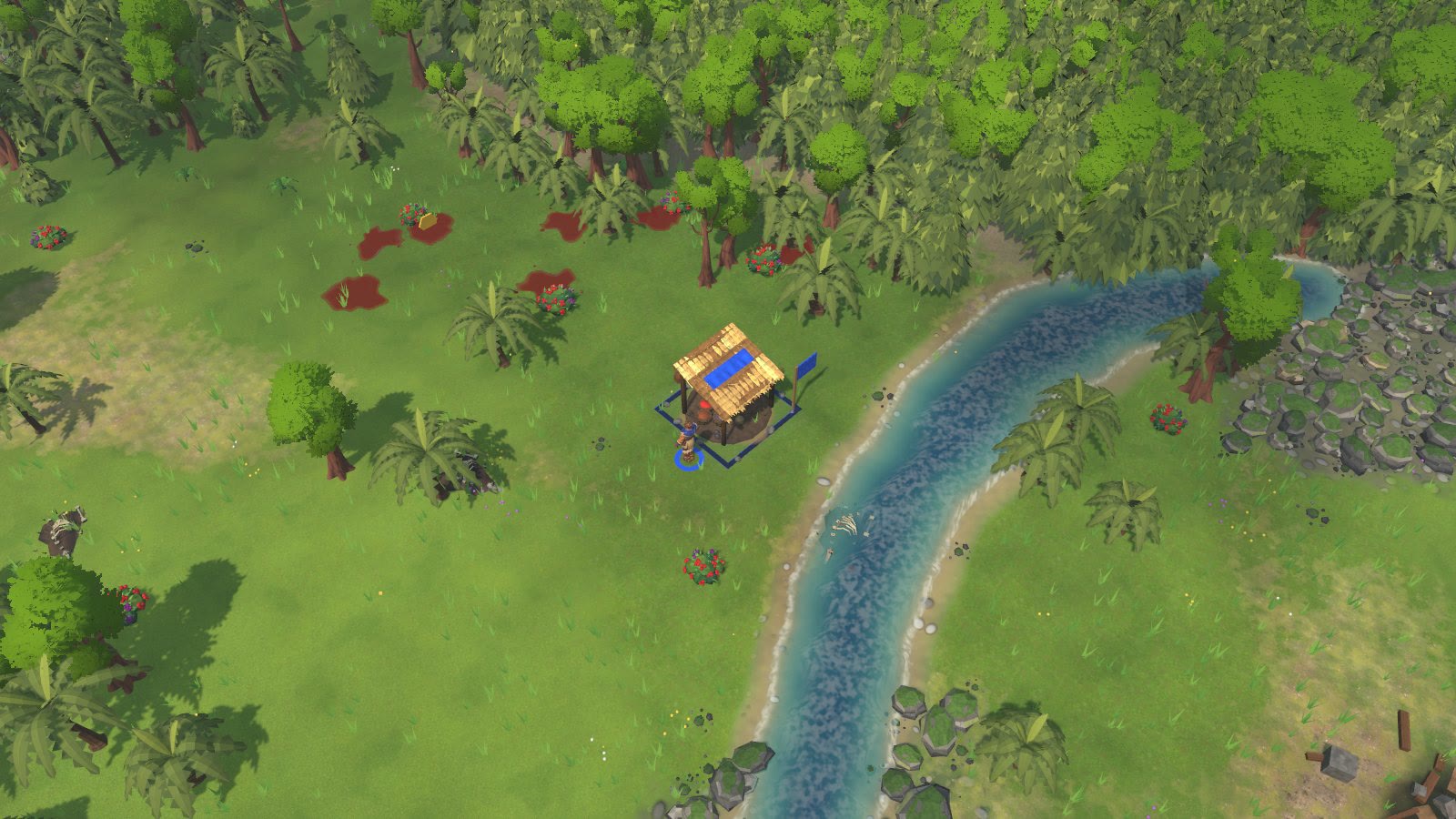
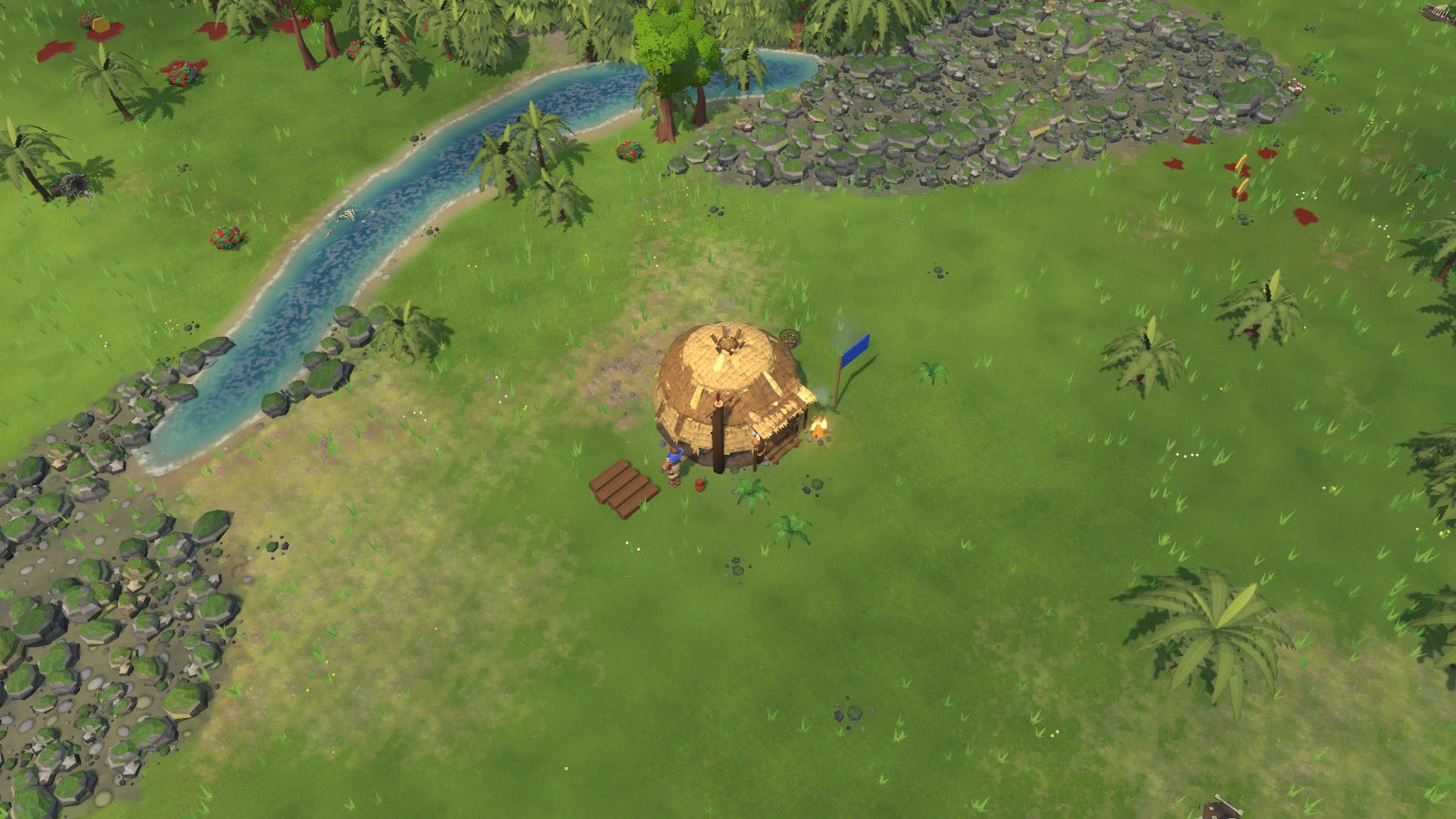
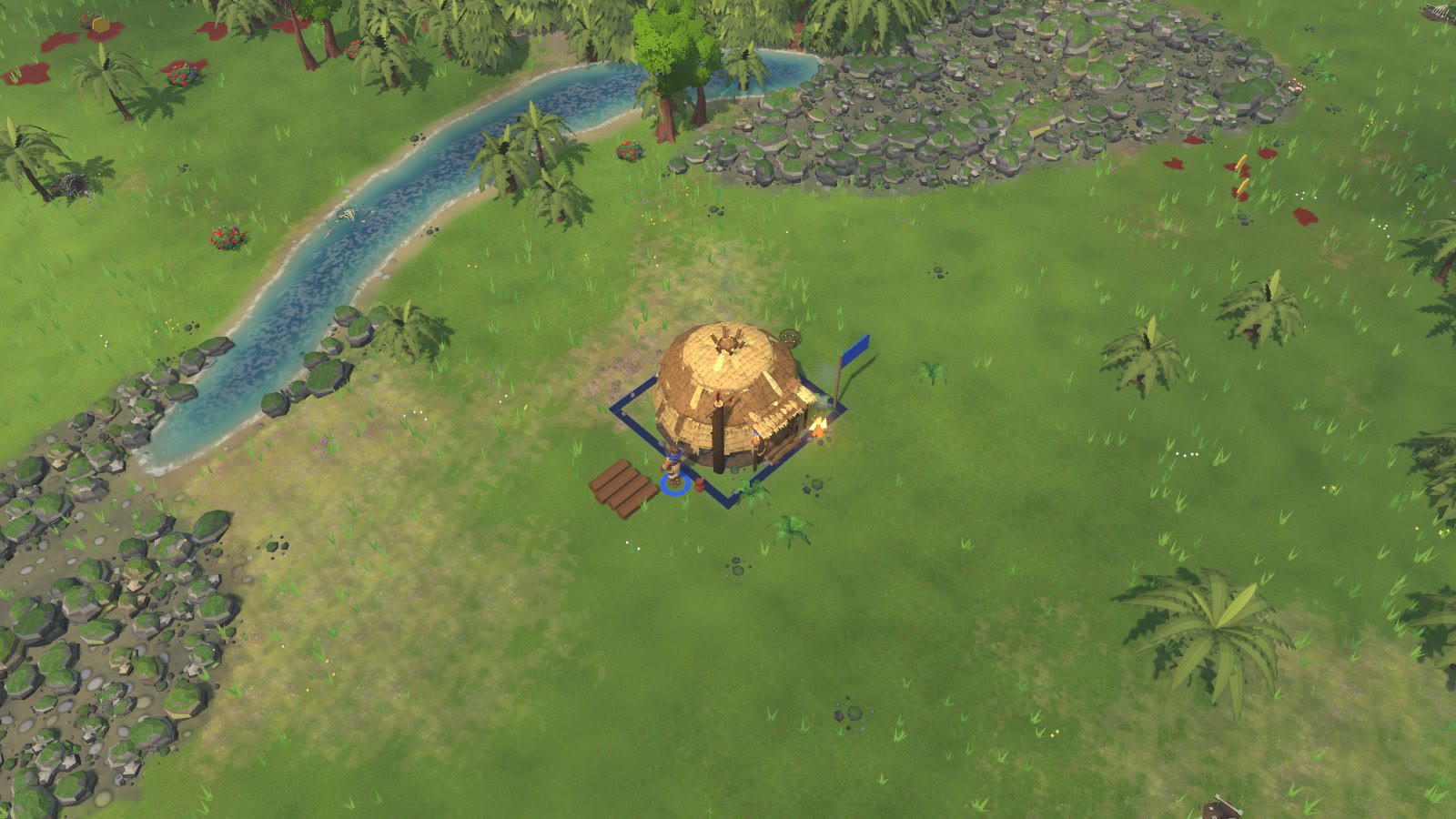

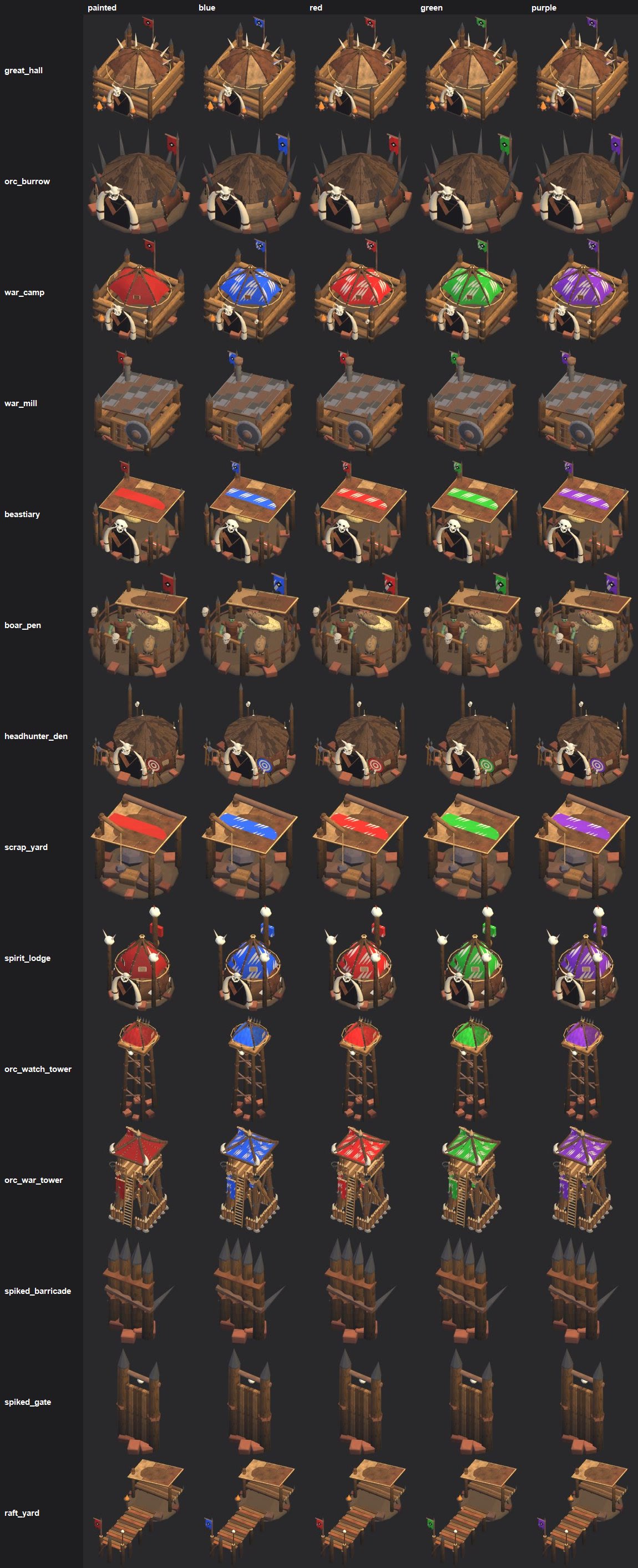
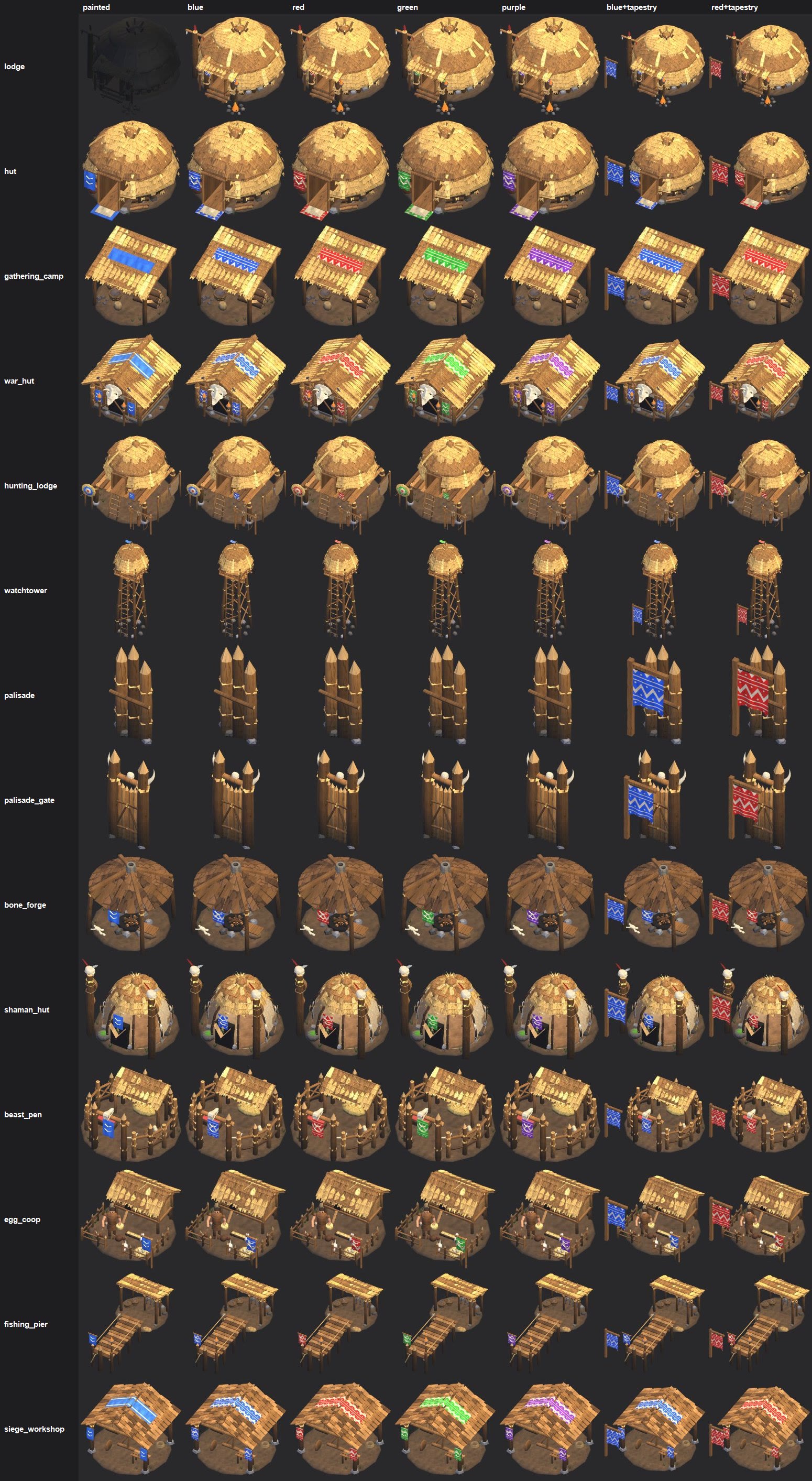
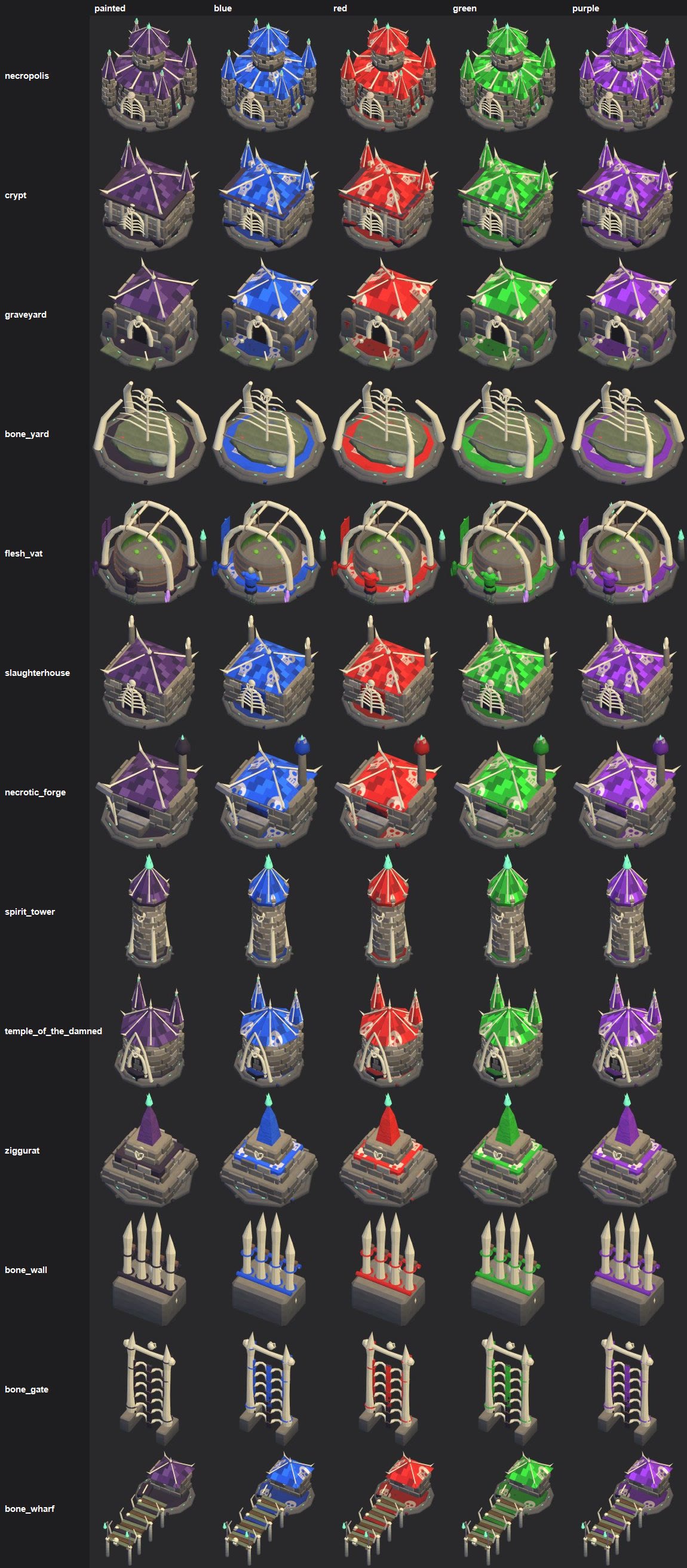
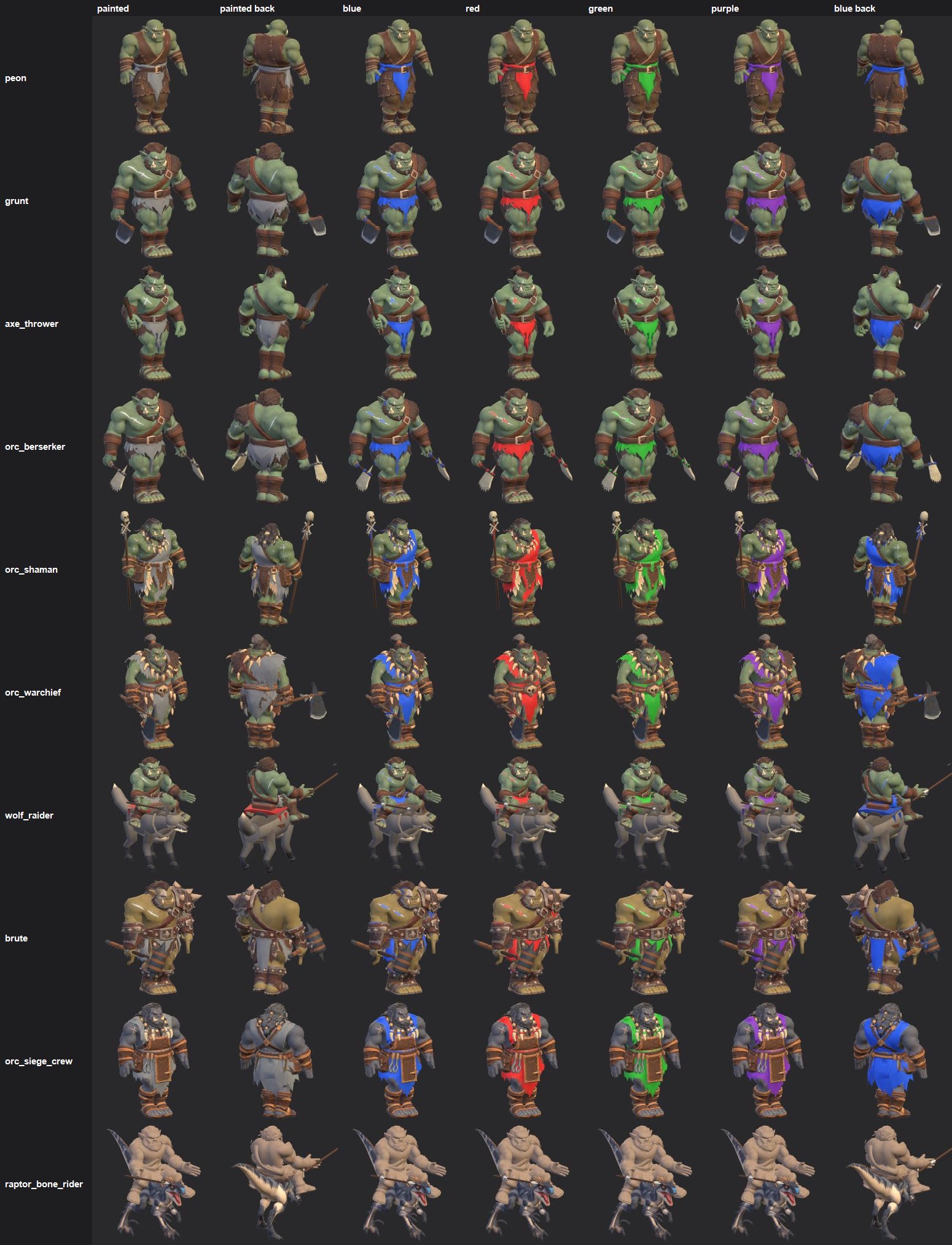
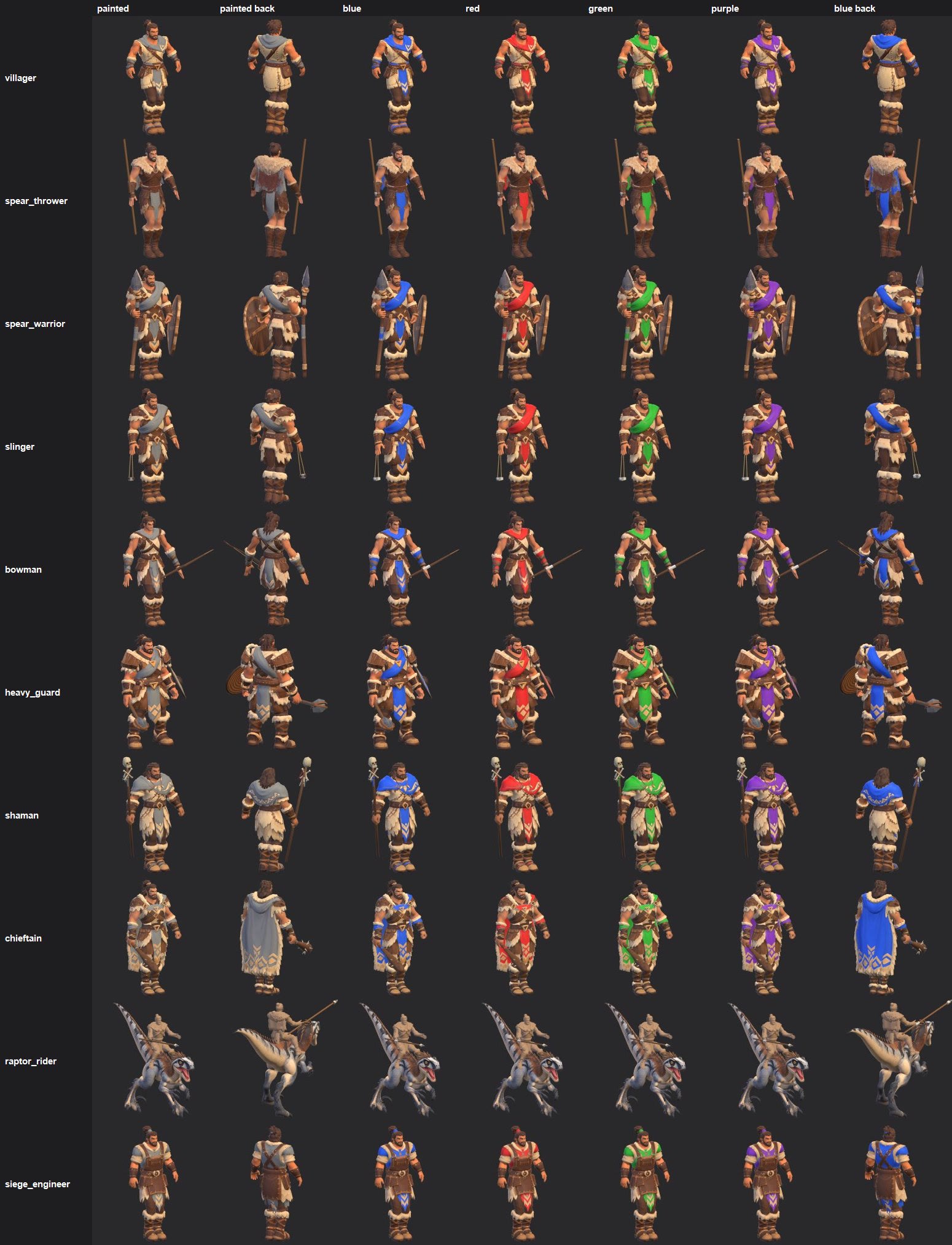
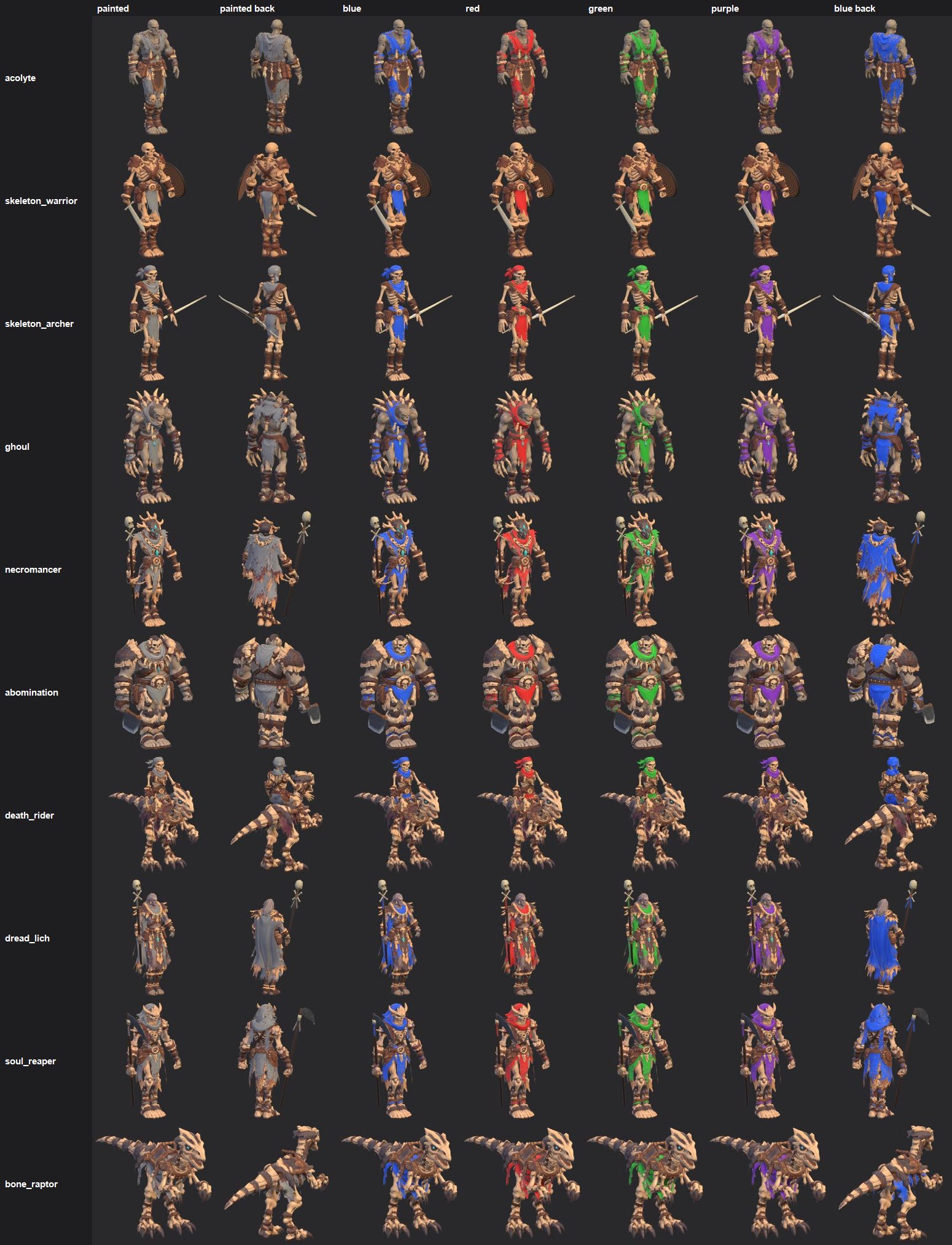
PLAYER COLOUR ON THE CLOTH - what changed (2026-11-03)
=====================================================

What you asked for
  "replace the cloth color to the color of the team color we chose ... all units and buildings should show the team
  color ... the banners and tarps and everything", no coloured circles under units, no squares on the ground, a white
  tribal pattern on the blue strips, and the light-grey cloth on units (sash, loincloth flap, back tarp/cape, grip wrap)
  fully in the army colour.

What you will see now
  UNITS (all 30 Tribe, Orc and Undead models): every light-grey cloth zone is now solid army colour, strong enough to read
  from the normal camera. The painted folds and stains stay, so it still looks painted, not flat. Spear Thrower: front
  loincloth flap and the cape/tarp on his back. Spear Warrior: the shoulder-to-hip sash, the front loincloth flap and the
  wrap on the spear grip (all three things you marked in red). Skin, leather, fur, wood, metal and bone are untouched.
  BUILDINGS: the cloth in your colour, with your faction's pattern painted on it in off-white:
    Tribe  - the blue roof strips and banners get white chevrons (gathering camp, war hut, siege workshop, huts).
    Orc    - the red hide tents, tarps and banners take your colour with white claw slashes (war camp, spirit lodge,
             beastiary, scrap yard, war tower, watch tower roof).
    Undead - the purple slate roofs take your colour with faint skulls (every Undead building).
  GONE: the coloured rings under every unit and the coloured square round every building. The normal selection circle
  (when you select something) is unchanged. The flag beside each building stays.
  Works in every colour setting (Classic, Colour-blind safe, Ally/Enemy).

Why it looked grey before
  The old tint depended on a material switch that the Unity editor quietly turns off on these unit materials (I watched
  it happen in every editor session), which matches your screenshots: grey cloth with only a faint blue. The old tint
  also only multiplied the grey, so even when on it read dull. The new way does not depend on that switch at all.

Pictures in this folder
  01  units close up, before / after, front and back, plus red and green (Spear Thrower and Spear Warrior first, the
      angle of your screenshots).
  02  in game: Tribe, Orc and Undead groups in blue, red, teal and purple at the game camera.
  03-05  in game, each faction's buildings before / after (Tribe like your base screenshot: gathering camp, lodge, hut,
      war hut - no more squares; Orc in green; Undead in blue).
  06-07  gathering camp and lodge at game zoom, before / after.
  09  the three white patterns.
  10  contact sheets of EVERY unit and building: painted / blue / red / green / purple. The Tribe building sheet also
      shows the "tapestry" option (last two columns): a small banner on a post at the front-left corner.
  11  how much of each texture is cloth (mask coverage).

Things for you to decide
  1. Tribe buildings with no cloth (lodge, hut, hunting lodge, watchtower, palisade, bone forge, beast pen, egg coop,
     fishing pier): add the hanging tapestry banner shown in sheet 10 (not in the game yet)?
  2. Orc main buildings (Great Hall, Burrow, Headhunter Den, War Mill, Boar Pen, Raft Yard) have brown hide/wood domes,
     not red cloth, so they only show the flag and a little red. Colour those domes too, or add a banner?
  3. Undead: their purple roofs now take your colour (they have no cloth at all). Keep, or keep the purple and colour
     only trims? The skulls on the roofs: keep, smaller, or none?
  4. There is still no colour picker in the lobby: your colour is your seat's (seat 1 blue, 2 red, 3 teal, 4 purple,
     5 yellow, 6 orange, 7 green, 8 pink). A picker per seat can be added if you want to choose freely.
  5. Two riders have broken textures (the rider is plain tan with no painted clothes): Raptor Rider and Raptor Bone
     Rider. They show little or no colour until re-textured.
MELEE COMBAT STAGE 1 - WEIGHT-SCALED HIT REACTIONS (2026-11-03)
================================================================

What changed, in plain words
- People now get rocked by blows based on how heavy the hitter is compared to them, and how hard the blow was.
  A brute's club rocks a villager back on its heels, shoves it a step and makes its knees buckle. A villager hitting a
  brute barely moves it. A T-Rex staggers anybody.
- The body leans away from the side the blow came from. The chest is thrown back further than the hips, a blow to a
  shoulder twists the chest, the shoulders and weapon arm trail behind, and a shield or bow arm gets jolted. The body is
  shoved a short way (10 to 40 cm) and springs back. Planted feet stay where they are and step back underneath.
- The hit is fast and the recovery is slower. A second blow adds to the first one, so nothing snaps or restarts.
- Only big hits stagger (big beasts, siege stones, criticals, a heavy fighter on a light one), and at most once a second.
  So a swarm of small hits can't shake someone to bits.
- No head whip: the head stays about the way it was facing (the old caps for the orcs' "chin warp" still hold).
- A person's blow on a dinosaur also scales with the person's weight (a brute rocks a raptor more than an acolyte does).
- Heavy blows also get a deep thump under the normal hit sound, a puff of dust at the victim's feet, and a 1-2 frame
  hold on the attacker's swing at the moment of impact.
- It is all for looks. The game rules are unchanged: the same match plays out exactly the same with it on or off
  (checked, same game-state hash).

New setting: Settings > Graphics > "Hit reactions": Off / Low / High (High is the default).
  Off  = the old flinch, exactly as before.
  Low  = the whole body rocks and gets shoved (cheapest, and what the Low graphics preset picks).
  High = also the chest, shoulders, arms and knees for people near the camera, plus the heavy-hit sounds, dust and
         the attacker's swing hold.
Cost in a 1000-unit battle: about 0.03 ms a frame. No fps change you could notice.

The films (BEFORE on the left = the old flinch, AFTER on the right = new; same match, same seed, frame for frame)
  brute_vs_villagers.mp4         2 Brutes vs 8 Villagers (closest game zoom)
  brute_vs_clubmen.mp4           2 Brutes vs 4 Clubmen
  grunt_vs_spears.mp4            4 Grunts vs 6 Spear Warriors
  guard_vs_grunts.mp4            3 Heavy Guards vs 4 Grunts
  trex_vs_people.mp4             a T-Rex vs 8 Spear Warriors
  big_melee.mp4                  40 Grunts vs 40 Clubmen from the normal game camera
  big_melee_closer.mp4           the same fight, zoomed in a bit more
  closeup_brute_third_speed.mp4  close-up of the brute fight at 1/3 speed (best for seeing the reactions)
  closeup_grunt_third_speed.mp4  close-up of the grunt fight at 1/3 speed

Things to look at and tell me
- Is it strong enough at your normal zoom? Should it be stronger or softer, or stagger more or less often? These are
  each one number to change. For example, right now a Brute's normal blow on a Clubman rocks it hard but just misses the
  stagger line; I can lower that line a little so brute hits on soldiers stagger more often.
- Stage 2 (attack variations from your reference folders) is waiting on your clips.
ORC HEAVY WALK - TEST (2026-11-03)                     A TEST ONLY. NOTHING HERE IS IN THE GAME.
==========================================================================================================
v2 2026-11-03: fixed the cleaver arm hanging too far back (a script sign bug). The videos here are v2; the first
               version is kept in old_v1_arm_bug. Only the walk's cleaver arm changed (it now hangs as in the
               grunt's current walk); legs, body, free arm, the run and the speeds are exactly as in v1.


You asked: use the human villager's walk for the orcs, but heavier. This is that, tried on the Orc Grunt.

THE VIDEOS (each: 3 panels side by side, 4 s at game speed, then 4 s at 1/4 speed)
  Walk_side_villager_old_new.mp4   villager walk | grunt walk now in the game | grunt NEW heavy walk  (side view)
  Walk_rts_villager_old_new.mp4    the same, from the game's RTS camera angle
  Run_side_villager_old_new.mp4    villager run | grunt run now | grunt NEW heavier run  (side view)
  Run_rts_villager_old_new.mp4     the same, RTS camera
  The grid floor slides back under the feet at each clip's own speed, so a planted foot should look stuck to the
  grid. Plain studio renders (not the game's lighting).

HOW THE NEW WALK WAS MADE
  The villager's walk is made by a script (walk_cycle.py). The new orc walk is the SAME script run on the grunt,
  so the footwork is the villager's: heel strike, roll over the foot, toe push-off, arms swinging against the legs,
  hips bobbing and swaying. Only its settings were made heavier:
  - lower and heavier: knees stay bent on the planted leg (about 30-55 degrees, the villager's are nearly straight)
  - bigger hip drop on every footfall: the hips bob about 6 cm (the villager about 4 cm), lowest just after each plant
  - wider stance: the feet land further apart and turn out more
  - slower steps: the loop is 32 frames (1.07 s) instead of 28 (0.93 s), and the foot stays down longer
  - body: leans forward about 15-19 degrees (head pushed forward), chest and shoulders roll with each step and lean
    over the standing leg, hips swing more
  - free (left) arm: swings wide out from the body, elbow kept bent (bulk), fist relaxed
  - weapon (right) arm: KEEPS the grunt's own cleaver hold (same grip and blade angle as now), with a calmer swing
    than the old walk (the old one flung the cleaver out level in front)

THE NEW RUN (smaller change)
  The grunt's run is already the villager's run. It was made heavier: hips lower with a bigger dip on each landing,
  more side sway and hip roll, the body leaning further forward, the free arm held wider and more bent; the cleaver
  hold is kept. Feet, timing and speed are exactly as before.

WHAT TO LOOK FOR
  - Does it read as heavy without looking crouched or tired? (knee bend, hip drop and lean can each be turned down)
  - Feet: no sliding on the grid while planted.
  - The cleaver: held the way you're used to, not swinging into the leg.
  - Seamless loop: the last frame comes back to the first exactly (checked: zero difference).

FOOT SPEED (so it won't slide in game; ground_speed in the unit's json)
  Walk: old 1.139 m/s  ->  new 1.330 m/s  (longer stride; 1.42 m per loop instead of 1.06 m).
        At the same move speed the orc now takes about 25% fewer steps, which is part of the heavier feel.
  Run:  3.421 m/s, unchanged.
  The planted feet were checked to move back at exactly that pace (worst error 0.2 mm a frame).

IF YOU LIKE IT (later, not done)
  The files are kept in local file: export (v2: grunt_v2.fbx + grunt_v2.json; v1: grunt.fbx + grunt.json, everything other
  than Walk and Run is identical to the live grunt). Putting it in the game also needs the Walk's clip length
  changed in Unity (frames 0-32 instead of 0-28). The same settings can then be used for the other orcs.
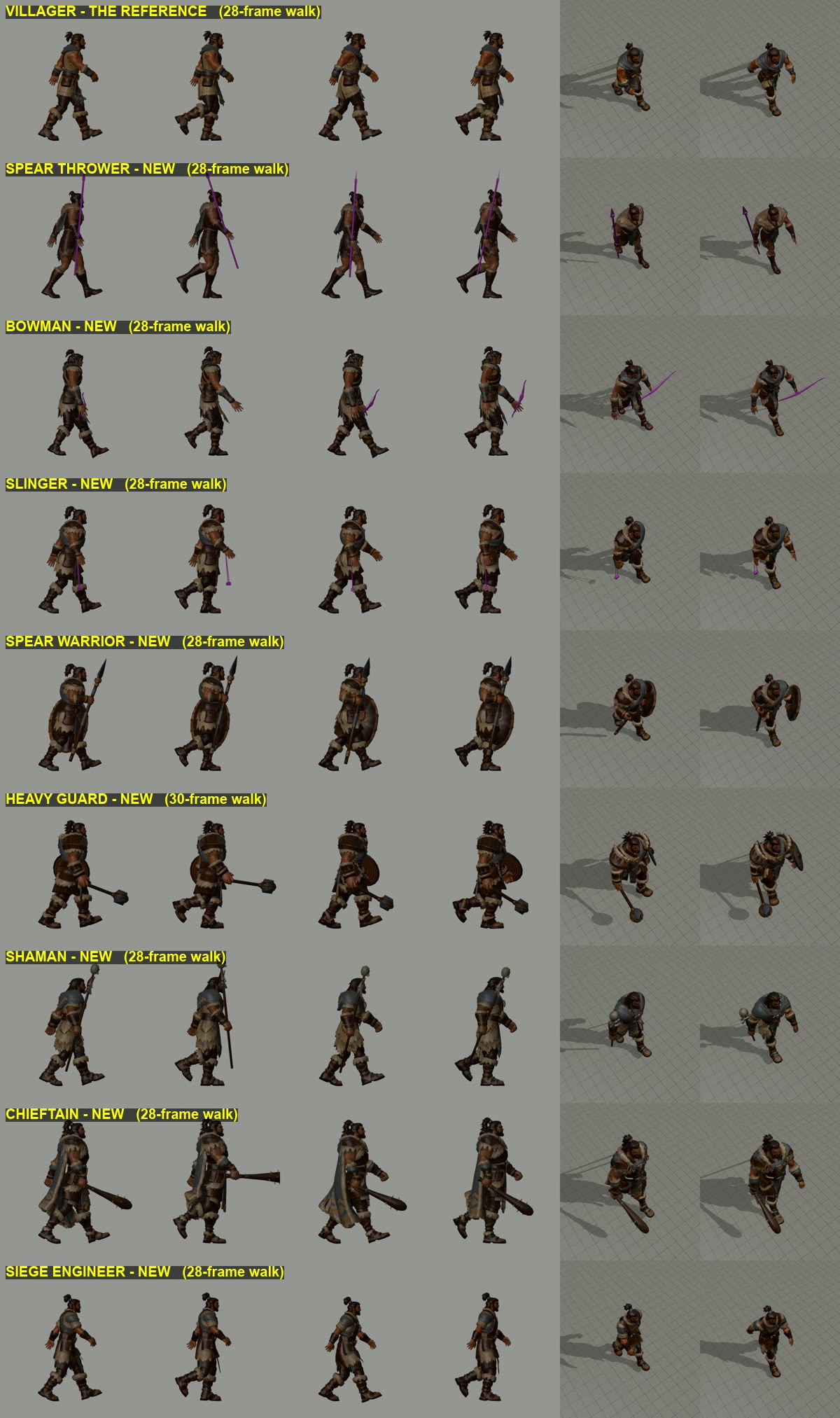
THE VILLAGER'S WALK ON THE HUMAN TROOPS - for your OK (2026-11-03)
NOT IN THE GAME YET. Nothing in local file: Primeval was changed. These are review videos only.

You asked: "use the way he walks for all human troops". Each of the 8 Tribe foot units now walks with the
villager's walk: the same legs (heel strike, long stride, the back leg reaching behind the body), the same hip bob and
sway, the same forward lean of the body and the same arm swing. Each one still holds its weapon the way it does now.

HOW TO WATCH
  One video per unit and clip: <unit>_Walk_villager_old_new.mp4 and <unit>_Run_villager_old_new.mp4
  Left = the villager (the reference), middle = the unit as it is in the game now, right = the new version.
  Top row = side camera, bottom row = the game's camera. 4 seconds at game speed, then 1/4 speed.
  ALL_UNITS_new_walk_overview.png = every unit's new walk on one page, the villager on top.
  (The spear, bow and sling show in plain purple in these renders only - the game colours them as before.)

WHAT CHANGED, PER UNIT
  Spear Thrower (Hunter)  Walk: villager walk; the spear hand keeps its grip, the free arm swings like the villager's.
                          Run: already the villager's run - unchanged.
  Bowman                  Walk: villager legs, hips and body; BOTH arms keep their hold (bow in one hand, the arrow in
                          the other), so his arms swing less than the villager's. Run: already the villager's - unchanged.
  Slinger Scout           Walk: villager walk, the sling hand keeps its grip, the free arm swings.
                          Run: NEW - it still had the old stiff run; now the villager's run (sling arm kept), same speed.
  Spear Warrior           Walk: villager legs, hips and body; spear and shield both held as before.
                          Run: already the villager's - unchanged.
  Heavy Guard             Walk: a slightly heavier version (shorter stride, a little slower step, more hip roll, leaning
                          a bit more); mace and shield held as before, the mace swinging half as much.
                          Run: already the villager's (the heavier one) - unchanged.
  Shaman                  Walk: villager walk with the staff held as before; free arm swings. Its long boots lift a
                          touch higher so the toes don't scrape. Run: already the villager's - unchanged.
  Chieftain               Walk: villager walk, a touch prouder - more upright, chin up, shoulders back; club held as
                          before. Run: already the villager's - unchanged.
  Siege Engineer          Walk: the full villager walk, both arms swinging (the model has no tool in its hands).
                          Run: already the villager's - unchanged.

WHAT TO LOOK FOR
  - Does each one walk like the villager? (legs reaching behind, heel first, the body leaning into the step)
  - Are the weapons still held right? (spear upright, bow, shield in front, staff, sling, club)
  - Feet: they should stay put on the grid while planted (no skating).
  - The Heavy Guard: heavy enough? The Chieftain: proud enough?
  - Two things kept as they are now, tell me if you want them calmer: the Heavy Guard's mace and the Chieftain's club
    swing out in front at the top of each step (their old walk did this too).

If you like it, I put it in the game (8 files plus small speed numbers) and test it there.
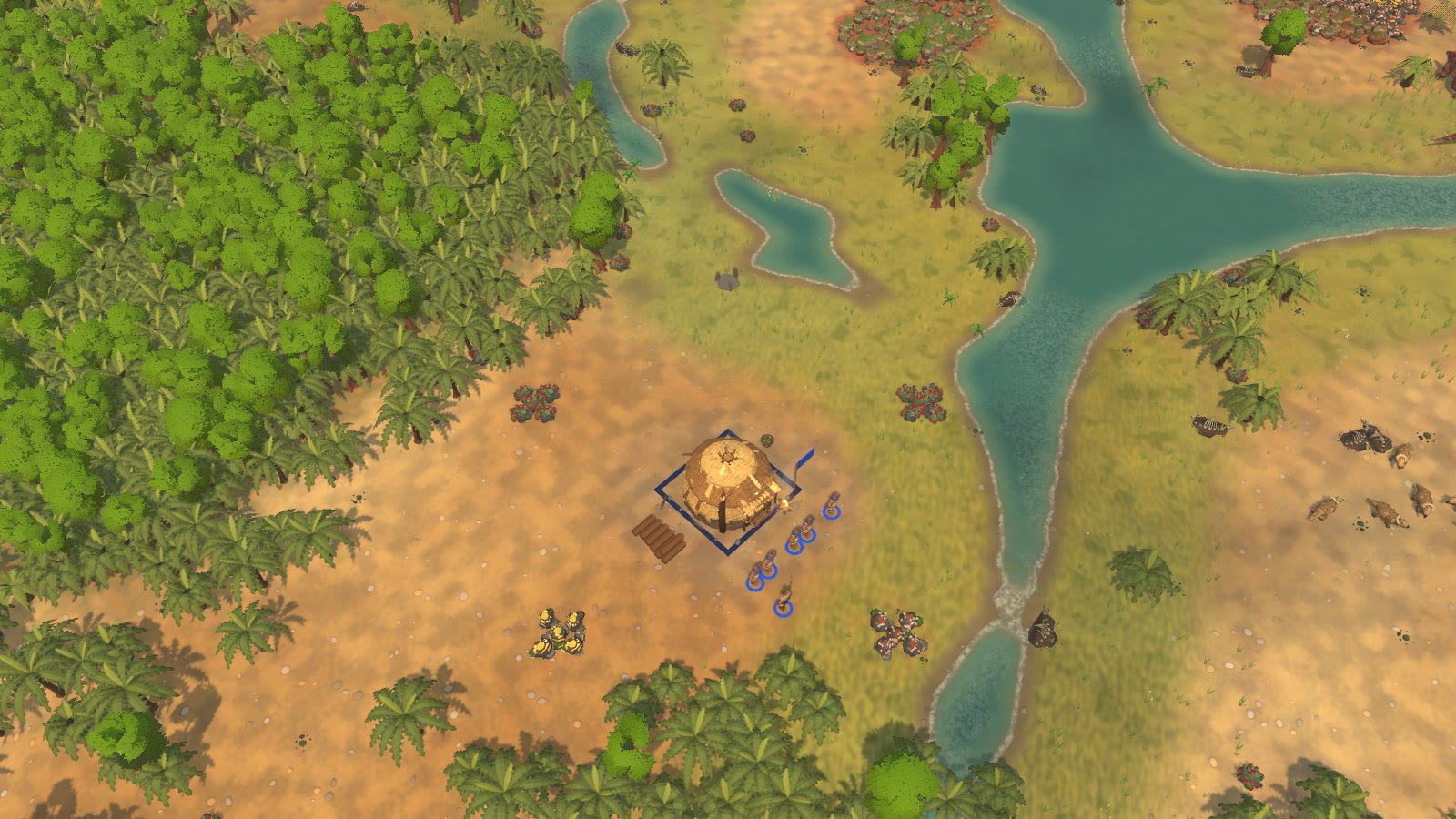
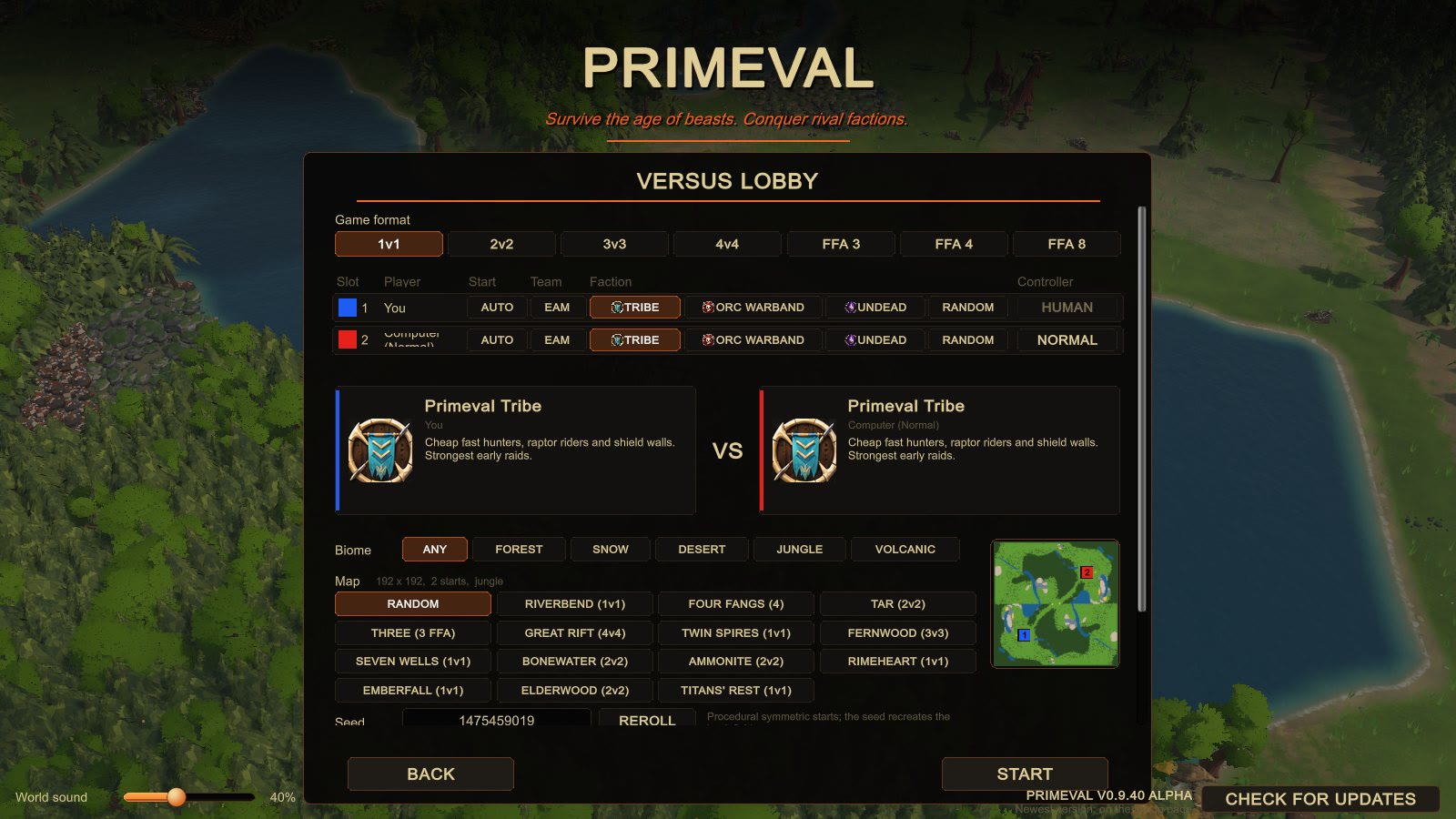


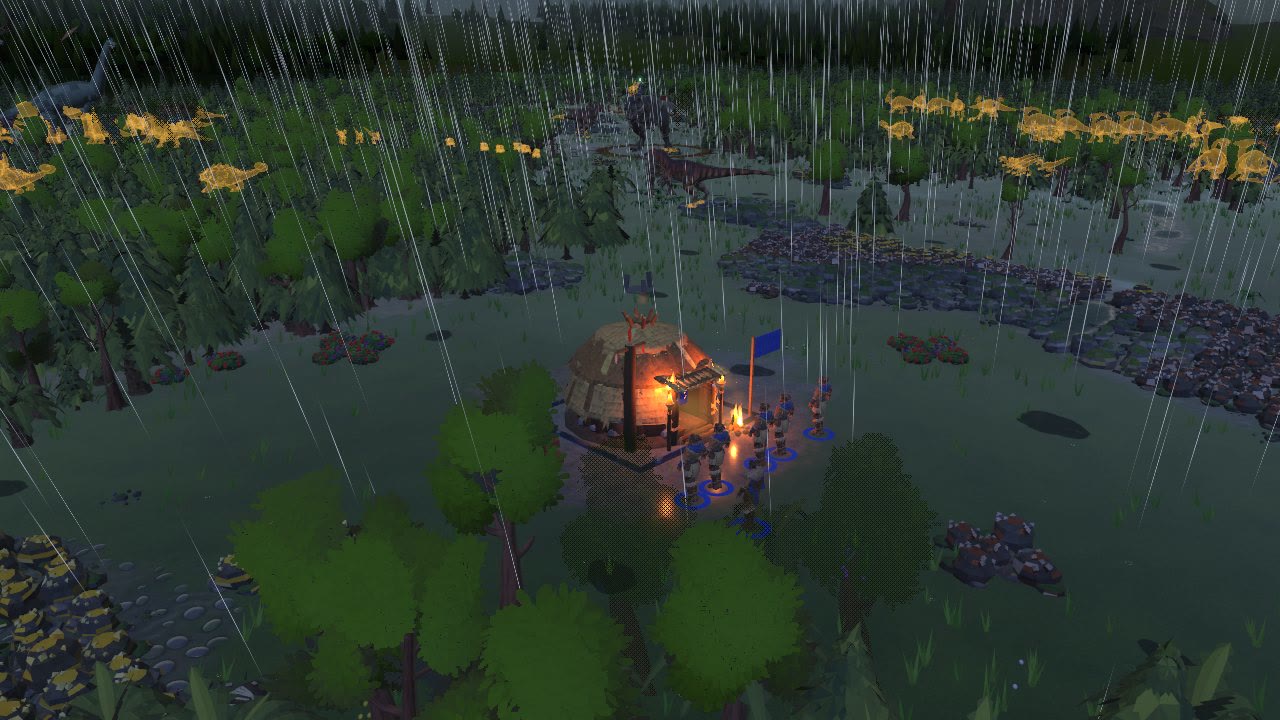
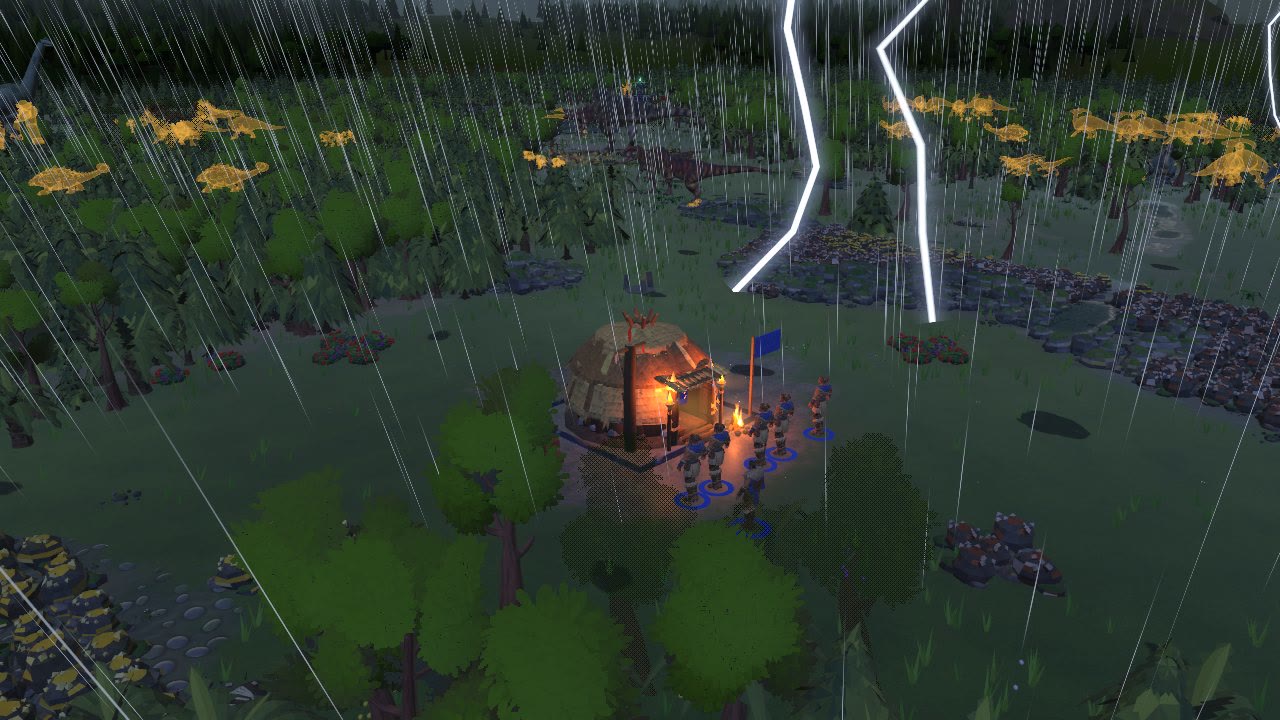
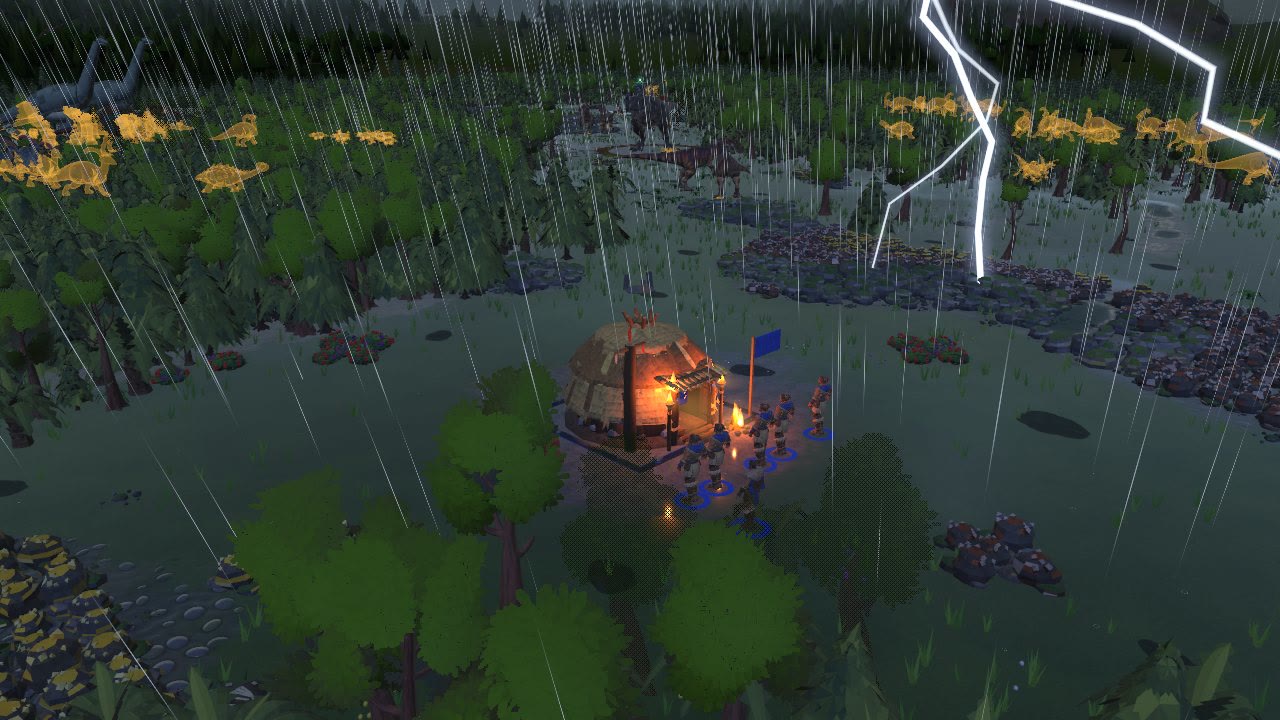
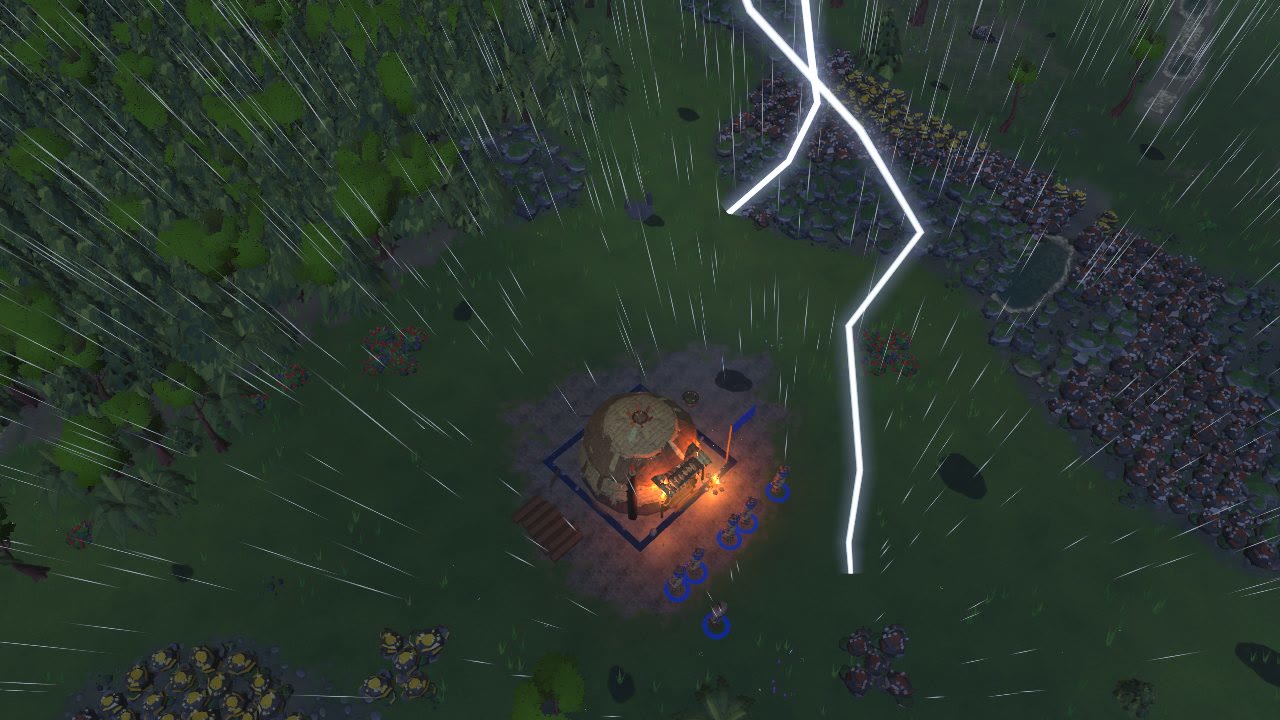
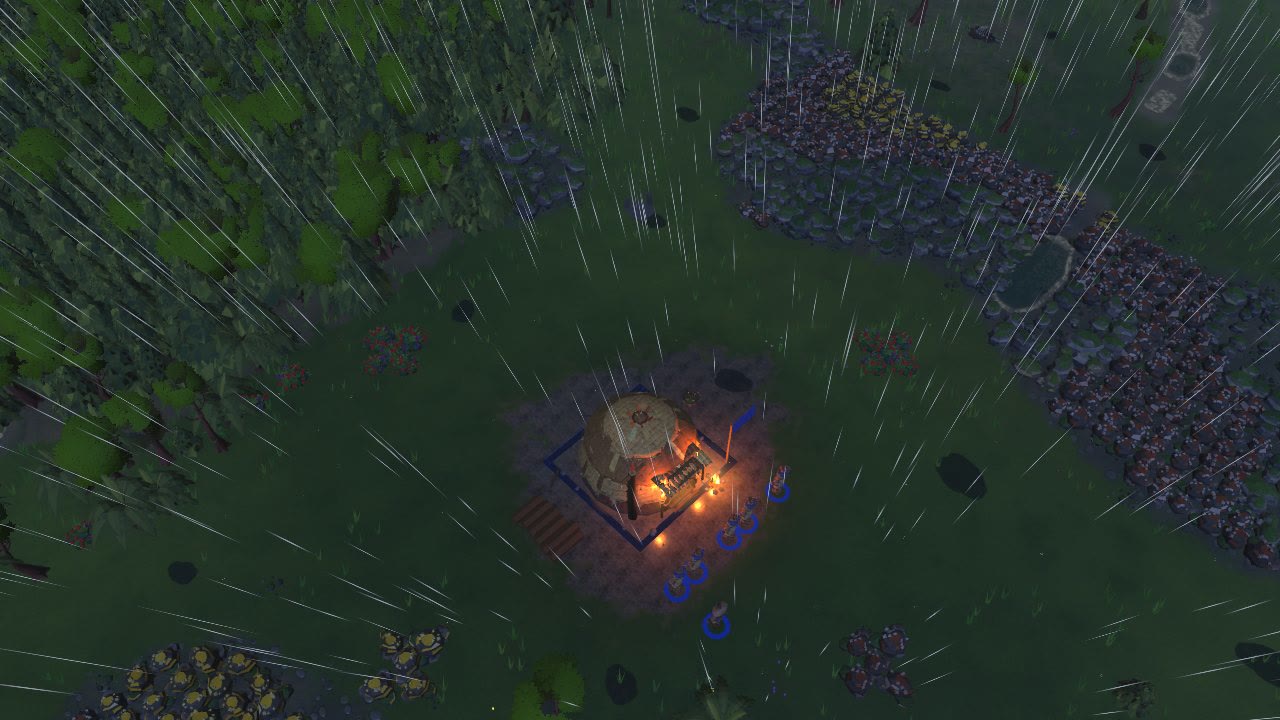
BIOMES ON RANDOM + STORMS LIKE THE CONCEPTS + A WEATHER SETTING (2026-11-03)
Your asks (tracker rows ~159 and ~162):
  "on the random it only shows the regular forest ... incorporate all those biomes into the random seed? And or a selector
   to choose which biome we want ... randomize it or choose the available pre generated maps"
  "random rainstorms that would look kinda like this ... we should be able to choose if we want intense weather before the game"

This is a test build only (not in the game yet). It sits on top of the visual polish batch, which is still waiting for your OK.

WHAT YOU GET
1. Random maps now come in every land: forest (sometimes the giant Elderwood), snow, desert (Gobi sand or red Badlands),
   jungle and volcanic. The seed picks the land, so the same seed always gives the same land and map.
   Pictures 1_random_*.jpg: one Random map of each land (the seed is in the name).
2. A Biome row in the versus lobby, above the map list: ANY / FOREST / SNOW / DESERT / JUNGLE / VOLCANIC.
   ANY: every map is listed and Random picks the land from the seed (this is the default).
   A land: the map list shows Random (which then makes a map of that land) and only the premade maps of that land
   (Snow: Rimeheart; Desert: Seven Wells, Bonewater, Titan's Rest; Jungle: Ammonite Lagoon; Volcanic: Emberfall;
   Forest: the other eight). The line above the maps names the land you will get, and the little map preview shows it.
   Pictures 2_lobby_*.jpg. The online lobby has the same two settings as buttons under PREDATORS, and the game browser
   shows them in the map column, e.g. "Random (snow, intense)".
3. A Weather row in the lobby: CALM / NORMAL / INTENSE (picture 2_lobby_volcanic_weather_intense.jpg).
   Normal is the mix you have now. Calm: mostly fair, a little rain, storms rare. Intense: a rainy land - about twice
   the rain and two to three times the storms. Every player sees the same sky.
4. Storms that look like your concepts:
   - real forked lightning bolts from the cloud to the ground, with branches, flickering on-dim-on and leaving a short
     afterglow, each one lighting the ground where it hits (with Dynamic lights on High), thunder a moment later
     (far flashes: dim, no strike, low thunder a few seconds later);
   - a dark slate-blue storm look that deepens as the storm builds;
   - heavier, longer rain streaks slanting in a gusting wind;
   - the ground soaks dark and shiny faster in a downpour, puddles fill (from the polish batch) and dry slowly after.
   - storms come in stages like your 12-step picture: clouds gather, first rain, steady rain, the storm builds with
     far flashes, lightning strikes, afterglow as it passes, the rain eases, clearing.
   Films: 3_ (day) and 4_ (night) play one whole storm squeezed into 60 seconds (in a match it takes about 4 minutes),
   with a labelled picture of each stage (3_/4_storm_stages_*_sheet.jpg). 5_ is a night storm at its height from a low
   camera, 6_ from the normal game camera.
5. On snow, rain falls as snow (picture 1_random_snow_snowfall.jpg). On desert nothing falls (as before), the sky
   still clouds over.

DOES IT LAG?
Measured in the big ~1000-unit battle: the storm costs about 0.4 ms more than before on this PC (inside the normal
run-to-run wobble), graphics card time unchanged. A first version with 50% more raindrops cost 1.6 ms, so the
downpour is now made with longer, brighter streaks instead of more drops. No new setting was needed; turning Weather
off in Settings > Graphics turns all of it off.

THINGS TO KNOW
- A Random desert or volcanic map still has the full random forest (palms and green trees on sand, green jungle round
  the ash). The premade desert and volcanic maps are sparse by design. Thinning the random forest per land changes the
  map itself, so it is left for your call (and the new tree style batch will bring volcanic trees).
- At night the storm darkens and goes blue, but the game's night is fairly bright; the blue can be pushed further.
- Survival has no Biome/Weather row yet (versus and online lobbies only).
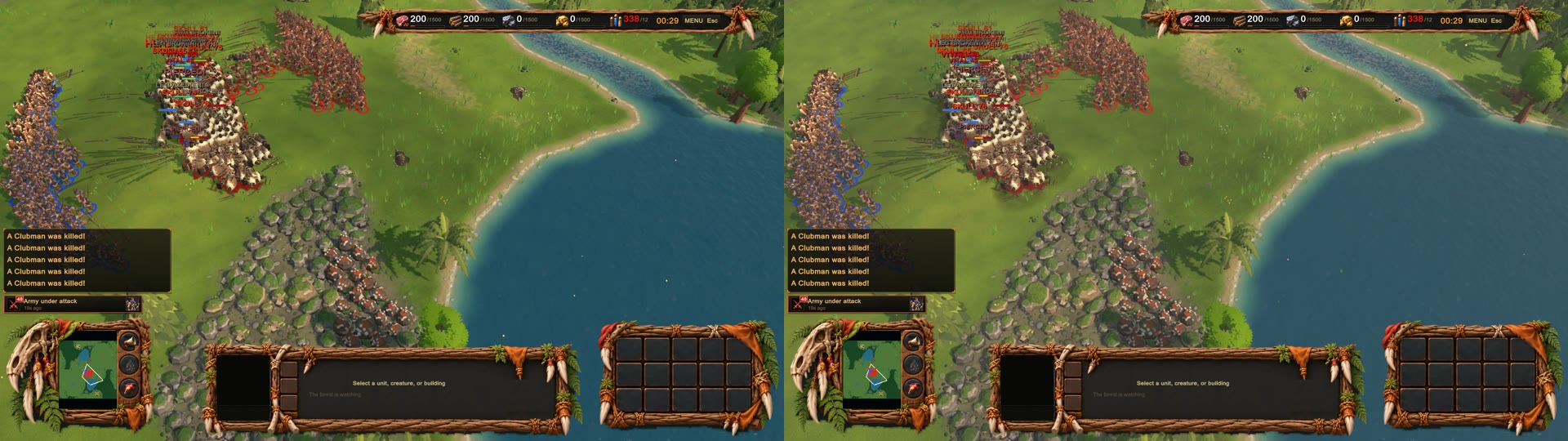


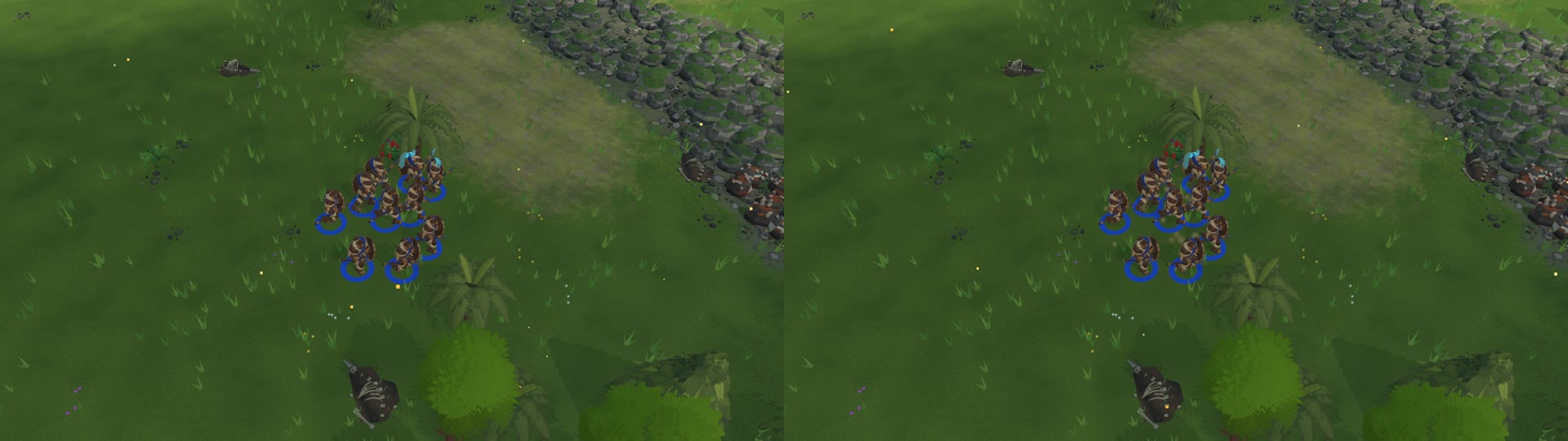
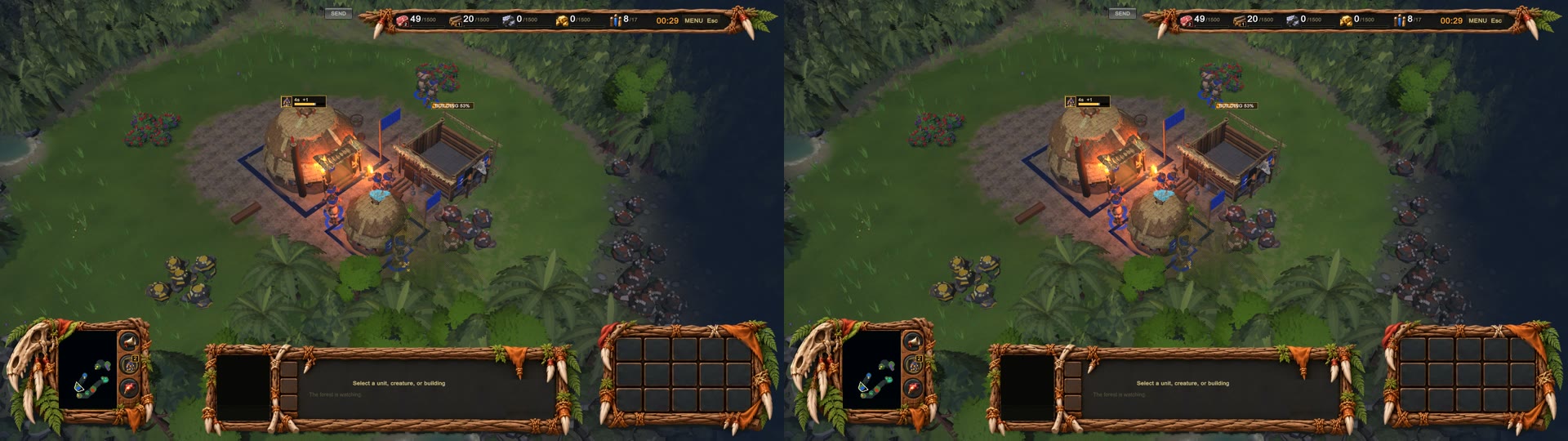
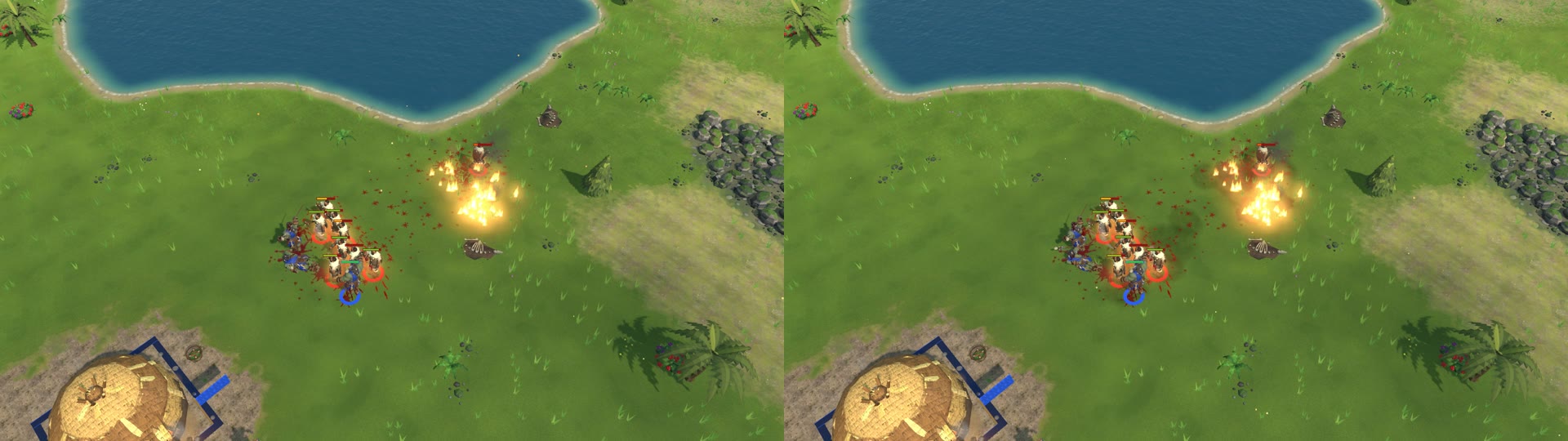
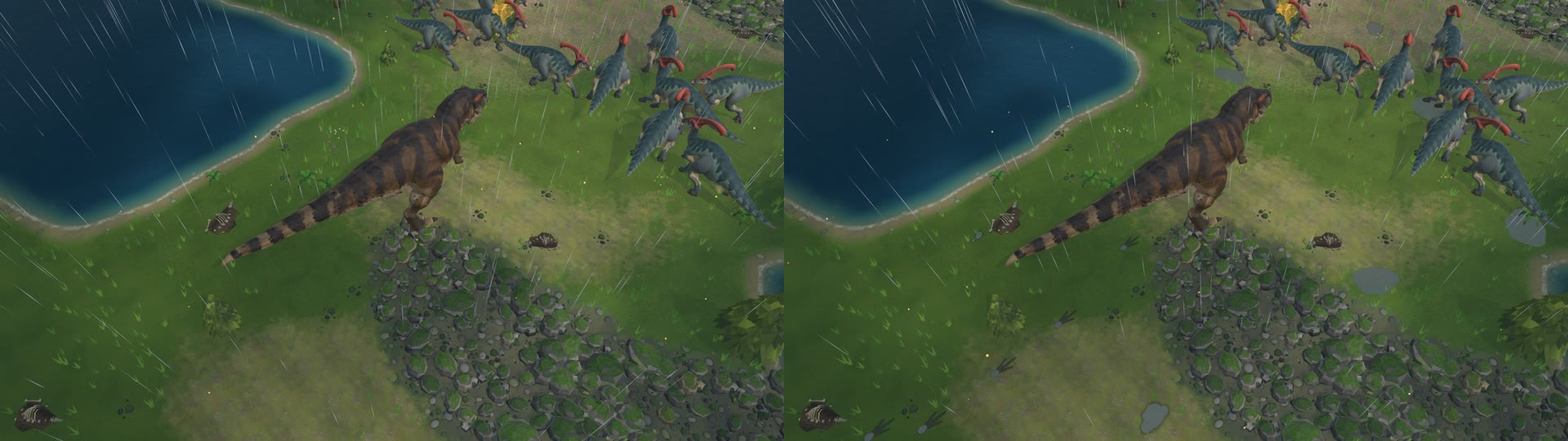
VISUAL POLISH BATCH - 2026-11-03 (your 2026-11-02 list: #1 tilt-shift, #2 sun shafts + haze, #3 grounding,
#4 ambient life, #5 ground marks, #7 dynamic lights; #6 per-biome colour grade was not in this batch)

Where to switch them: Settings > Graphics. Six new rows, each Off / Low / High (the tilt-shift says Off / Gentle /
Strong). "Ambient life" replaces the old "Ambient particles" row (if you had that off, Ambient life starts Off).
The quality presets set them too (Low = mostly off, High = the defaults below, Ultra = all High); no preset changes the
tilt-shift. Every row applies at once, no restart.

COST: measured in a ~1000-unit battle (same save, same camera, 60 s, 2 runs each). Every effect on its own is lost in
the noise; all six on High together cost about 0.1 ms of the 8 ms frame and 0.05 ms of GPU - fps 100-104 either way.
Nothing needed to default to Off for speed. If anyone ever reports lag, the two to turn down first are Sun shafts and
Tilt-shift (the only ones whose cost grows with screen resolution; maybe 0.2-0.5 ms on a weaker graphics card at 1440p).
Full table: local file: REPORT.txt

WHAT EACH ONE DOES (and its default)
1. Tilt-shift focus - default OFF (try Gentle). The top and bottom of the screen soften a little so the battle reads like
   a miniature diorama. The middle of the screen is never blurred. Strongest at the normal zoom, fades away as you zoom
   out, never on low cinematic views. Gentle = slight, Strong = clearly visible.
   Picture: 1_tiltshift_off_gentle_strong.jpg (left Off, middle Gentle, right Strong).
2. Sun shafts and haze - default LOW. A thin layer of air over the field lit by the sun through the real shadows: the
   shadows of trees, buildings and big animals stand in the air, the far ground softens, morning/evening light glows
   warm. Thicker in morning mist, muted under cloud, faint at night. High = finer and a little stronger.
   Picture: 2_sunshafts_off_low_high.jpg (evening; left Off, middle Low, right High).
3. Grounding - default HIGH. Low: a soft contact shadow under every unit so they sit on the ground (most visible under
   cloud, in shade, at night). High: also dust kicked up by running soldiers and villagers (animals already had it).
   Worn dirt paths were already in the game (herds and workers wear them in). Picture: 3_grounding_off_on.jpg (overcast).
4. Ambient life - default HIGH. Low: pollen by day and fireflies at night (as before) + leaves drifting down from nearby
   trees and settling, embers rising off nearby fires. High: also the grass and wildflowers sway in the wind (harder in
   rain) and bend aside where units walk. Film: vid_life.mp4 (8 s, a herd walking through the meadow).
5. Ground marks - default HIGH. Footprints (T. rex three-toed tracks, round sauropod/horned pads, raptors, mounts,
   running people), scorch where fire lands (fire spells, the fire catapult, burnt buildings, chain lightning - fresh ones
   glow), craters from siege stones and war stomps, churned dark earth where a fight goes on, ruts behind siege engines,
   and puddles that fill during rain, ripple, mirror the sky and dry up afterwards. Prints hold water after rain. Marks
   fade over 1.5-5 minutes. Blood is unchanged and lies on top. Low = fewer marks kept.
   Pictures: 5_groundmarks_rain_off_on.jpg (T. rex trail + puddles in the rain), 5_7_spells_night_scorch_flash_off_on.jpg
   (fire spells: scorch under the flames), 0_all_off_vs_defaults_battle.jpg (the battle with everything at defaults).
6. Dynamic lights - default HIGH. Low: fires, torches and hearths flicker like real flame and the light moves a little
   (Off = the old steady pulse). High: also a brief flash of coloured light from fire bursts, chain lightning, the fire
   catapult, buildings collapsing, level-ups, the dead rising, siege hits - and a cold flash on the ground for each storm
   lightning strike. Films: vid_fire.mp4 (orc shamans' fire spells at night), vid_storm.mp4 (a fight in a night storm).
   Picture: 4_7_night_base_off_on.jpg (a still can't show flicker - the films do).

Nothing here touches the game rules: matches, replays, saves and online play are exactly the same with any of these on
or off (checked: identical game-state hashes in every test run and in an automated test).

Notes: the grass sway covers the meadow grass and flowers, not the bushes/ferns yet. In very big herds or crowds the
footprints renew quickly, so older prints fade early.
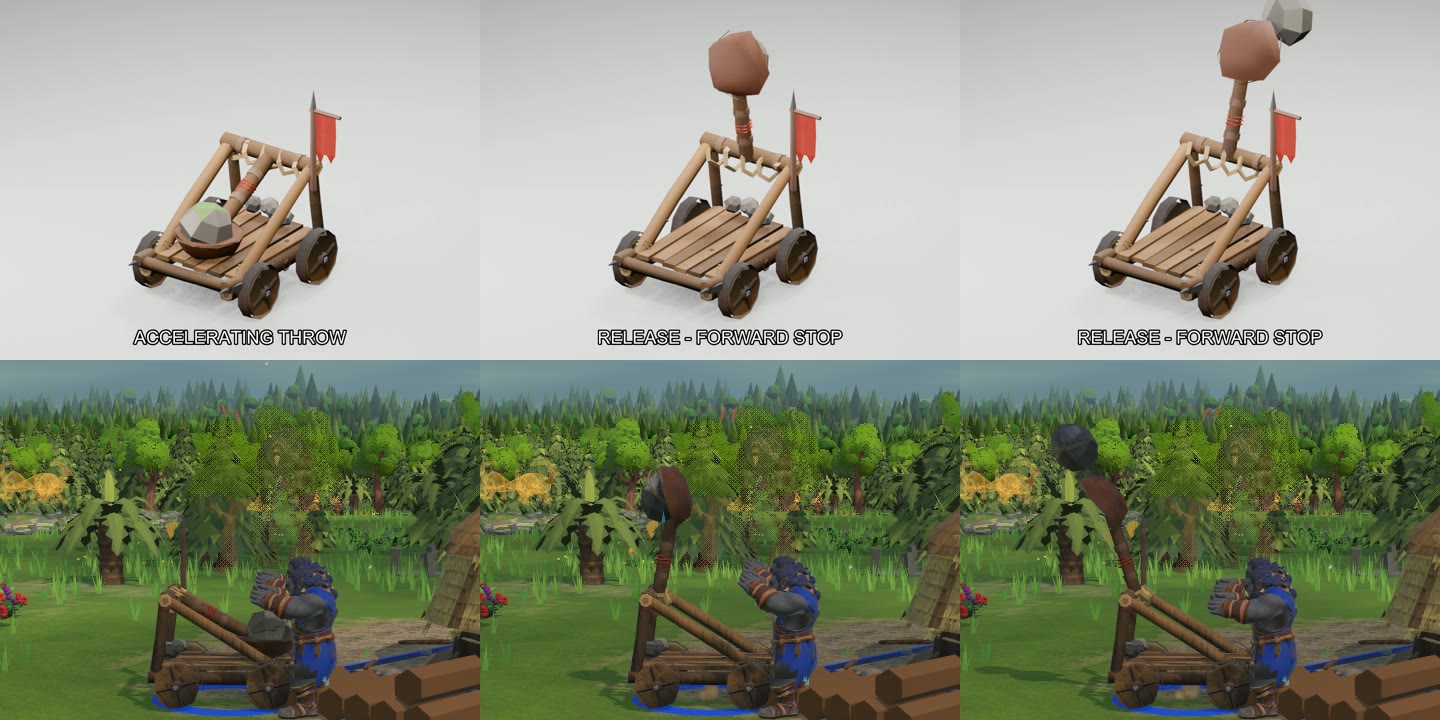
Orc Catapult - approved "bouncier recoil" animation, in the game (2026-11-03)

Captured from the real game build (local file: PrimevalMirror3 = main + this batch, plain mirror build), with the game's own
ScreenCapture at one sim tick per frame (30 fps, real speed). Staging: the dev duel showcase, Catapult vs Catapult
(both healed every 2 s by a dev cheat so the fight lasts), -duelGap so they roll up first. The two catapults shoot at
each other with the normal game rules: 8 s reload, the sim's own projectile.

01_rolling_side_wheels_only.mp4      Rolling in loaded: only the wheels turn (by ground travelled), arm and stone still.
02_firing_recoil_reload_side_40s.mp4 Side camera on one catapult: approach, throws, 134 deg follow-through past upright,
                                     8 deg bounce-back, empty return, reload; several cycles at a real target.
03_release_slowmo_third_speed_side.mp4  One throw at 1/3 speed: the boulder leaves the cup at the release
                                     (shaft just short of upright) and the flying stone is the sim's projectile.
04_rts_camera_40s.mp4                The same fight from the normal RTS camera.
05_pose_match_candidate_top_vs_game_bottom.png  Candidate (top) vs game (bottom): loaded / release / peak.

Note: in the approved studio video the catapult rolls and throws toward the end away from its spiked ram logs. The
game rig keeps that, so the machine now faces its target with that end: the arm throws at what it shoots, and the ram
logs trail (the old game model faced the other way). Details: local file: REPORT.txt
ORC AXE THROWER - NEW IDLE (standing in place)  (2026-11-03)          NOT IN THE GAME YET - for your review
==========================================================================================================

You said: "the orc stand in place animation looks weird with the feet together, he should have his feet a little
apart and more casual when standing in place waiting". Only the Idle was redone. The throw you approved, and the
Walk, Run, Work and Death, are exactly as before (checked frame by frame: zero difference). The axe grip fix is kept.

THE VIDEOS (old | new side by side, 8 s at game speed)
  Idle_side_old_new.mp4    side view
  Idle_rts_old_new.mp4     the game's RTS camera angle
  Idle_front_old_new.mp4   from the front (best view of the feet)
  Plain studio renders, not the game's lighting.

WHAT CHANGED
  - Feet about shoulder-width apart (ankles 0.37 m apart instead of 0.18 m), the left foot a little forward,
    both turned out (left more).
  - Weight resting on the right (axe-side) leg: hips sit over it, right hip higher, turned a little toward the
    left foot. The weight drifts slowly toward the other leg and back once a loop.
  - Relaxed shoulders (dropped and a little forward), body counter-leans so the shoulders stay about level.
  - Slow breathing (2 breaths a loop: chest lifts, shoulders rise a little).
  - Head level, with a slow glance to one side and back.
  - The axe: no longer held up "ready to throw". The arm hangs, the axe rests in the hand with the head pointing
    down and forward beside the leg. The grip itself (hand round the haft) is the same fix as before.
  - The free arm hangs loose, elbow a little bent, small sway.
  - The loop is now 4 s (121 frames) instead of 2 s, so the weight shift is slow. Seamless (last frame = first).
  - Feet planted: they do not move at all during the loop (checked: under 0.1 mm).

WHAT TO LOOK FOR
  - Does he look casual and waiting, not stiff?  Feet wide enough?  (width, weight lean and axe angle are settings)
  - The axe resting position: OK, or would you rather he rest it on the shoulder / keep it a bit higher?
  - Going into and out of the throw: the throw still starts and ends in the OLD ready pose (feet together, axe up),
    because you approved it as it is. In game the Animator blends between the two, so his feet will slide together
    / apart over the blend time when he starts and finishes a throw. If that shows, the throw's first and last few
    frames can be eased onto the new stance later (only if you want it).

OTHER ORCS THAT ALSO STAND FEET-TOGETHER
  Measured on the live models' Idle (and seen in the animation lab videos): ALL of them stand the same way - the
  ankles straight under the hip joints, feet parallel, no foot forward (ankle gap as a share of shoulder width):
    grunt 23%, orc berserker 23%, orc shaman 27%, brute 29%, orc warchief 31%, peon 36%  (axe thrower old 32%).
  The grunt, berserker and shaman look the most feet-together (big shoulders, narrow feet). The same Idle
  treatment could be given to each of them if you like this one.

FILES (in local file: anim_axe_thrower)
  local file: axe_thrower_v2.fbx + local file: axe_thrower_v2.json   the new version (the approved local file: axe_thrower.fbx
                                                             is untouched)
  axe_thrower_idle_v2.blend                                 its source
  To put it in the game later: copy as axe_thrower.fbx / .json, and in Unity set the Idle clip to frames 0-120
  (it is 0-60 now).
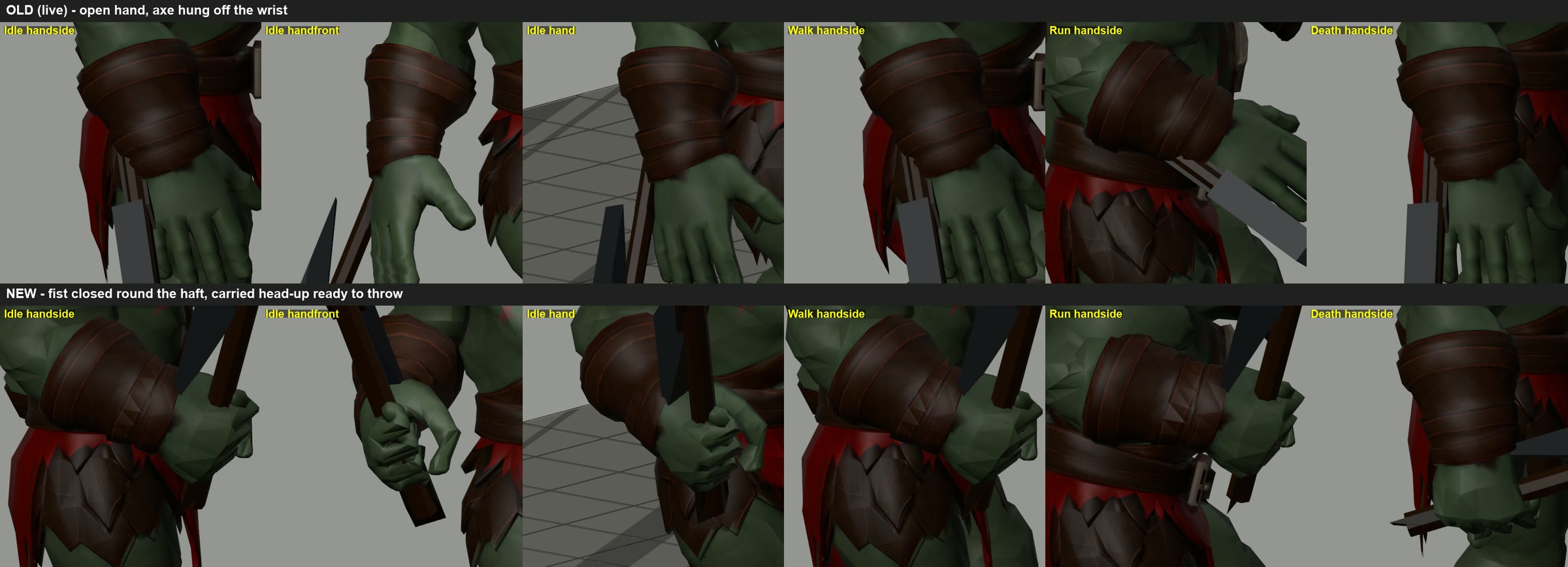
Orc Axe Thrower - new animations (2026-11-03), not in the game yet; waiting for the owner's OK.
Each video is side by side: (reference) | old | new.
- Attack_*: the new throw - axe cocked behind the head, off arm forward then driving down, wide baseball/pitcher split stance, weight onto the front leg, follow-through. Release frame unchanged (13).
- Run_*: more knee lift, leg kick and push-off, arm swing 1.5x.
- Walk/Idle/Death: grip fix only (fist closed on the haft, axe head up, axe 1.25x).
- hold_fix_closeup_old_vs_new.png: the axe now sits in his hand.
Views: side, front 3/4 (attack), rts = the in-game camera angle.
Date: 2026-11-02
Agent: Opus 5.5
Build/version: current game model (same spinosaurus as v0.9.34 / v0.9.35); v0.9.34 is packed for itch, v0.9.35 packed, upload pending the owner.
What changed: no change; a clean render of the in-game Spinosaurus model and its walk cycle (3 loops, ~5 s).
Player-facing? yes. The Spinosaurus is a wild beast in every Versus match.
Media: media/2026-11-02_opus_spinosaurus_walk.mp4 - the game's spinosaurus model (textured) walking in place, three-quarter view, 1280x720, 30 fps. Rendered from the game's FBX in Blender, not captured in-game.
Release timing: n/a
Date: 2026-11-02
Agent: Opus 5.5
Build/version: icons as in v0.9.35 (no change; reference sheet for the owner, who plans to generate new upgrade icons)
What changed: nothing in the game; every upgrade (research) button icon in the HUD, laid out by faction with its in-game name and file name.
Player-facing? yes, but these are the CURRENT low-poly placeholder icons the owner plans to replace; Human Kingdom is benched (not in the game), so don't show that sheet publicly.
Media:
- media/2026-11-02_opus_upgrade_icons_tribe.png  - Tribe, 31 upgrades
- media/2026-11-02_opus_upgrade_icons_orc.png    - Orc Warband, 28 upgrades
- media/2026-11-02_opus_upgrade_icons_undead.png - Undead, 29 upgrades
- media/2026-11-02_opus_upgrade_icons_human.png  - Human Kingdom (benched), 26 upgrades
- media/2026-11-02_opus_upgrade_icons/<Faction>/ - each icon as its own PNG, "NN Name (file_name).png" (game files are 128x128-class PNGs in local file: Icons)
Notes for the owner: three icons are shared by two upgrades each (new art could split them): Woven Baskets + Drag Sledges (Tribe), Backpacks + Meat Hooks (Orc), Grave Robbing + Corpse Carts (Undead). Ghoul Frenzy / Undead Hunger icons are already on the owner's "needs a new icon" list.
Release timing: n/a
Date: 2026-11-02
Agent: Opus 5.5
Build/version: art as in v0.9.37 (packed, not on itch yet)
What changed: nothing in the game; reference pages of every HUD picture EXCEPT the upgrade icons (already replaced by the owner's painted set), for the owner to redraw.
Player-facing? These are the current placeholder renders the owner plans to replace; don't post them as promo. Human Kingdom is benched.
Media (raw art files only, no HUD frame and no greyed-out filter; each sits on a plain dark tile):
- media/2026-11-02_opus_hud_thumbnails_tribe.png   - Tribe button icons (32) + selection portraits (32)
- media/2026-11-02_opus_hud_thumbnails_orc.png     - Orc Warband button icons (30) + portraits (25)
- media/2026-11-02_opus_hud_thumbnails_undead.png  - Undead button icons (34) + portraits (31)
- media/2026-11-02_opus_hud_thumbnails_shared.png  - commands, resources, wild creatures, trophies (47 icons + 14 portraits)
- media/2026-11-02_opus_hud_thumbnails_human.png   - Human Kingdom, benched (20 + 19)
- media/2026-11-02_opus_hud_thumbnails/<Group>/Icons|Portraits/<key>.png - every file on its own, named exactly as the game loads it
- media/2026-11-02_opus_new_upgrade_icons_ingame.png - the owner's new upgrade icons on each faction's main hall card in v0.9.37 (dimmed there only because the player can't afford them at 0:24)
Release timing: n/a
Date: 2026-11-02
Agent: Opus 5.5
Build/version: v0.9.37 play build (packed; not on itch yet)
What changed: nothing; in-game footage of the cloud shadows (in since 2026-10-20) for the owner.
Player-facing? yes.
Media:
- media/2026-11-02_opus_cloud_shadows_ingame_realtime.mp4 - 40 s, real speed, game camera held still over a Tribe base, overcast with sun breaking through (cloud banks drift over the ground)
- media/2026-11-02_opus_cloud_shadows_ingame_4x.mp4 - the same 40 s at 4x speed (10 s), so the drift is easy to see
Release timing: n/a

CORRECTION (same day): both clips above are a frozen frame (the screen recorder caught a stale image of the game window; the game clock stays at 00:18). Do not use them. New clips, filmed with the game's own frame capture, after the cloud fix (smaller, faster clouds), will follow as 2026-11-02_opus_cloud_shadows_v2_*.mp4.

v2 (real game frames, captured by the game itself at 30 fps, 20 s each, real speed; camera held over a Tribe base, fog lifted for the film):
- media/2026-11-02_opus_cloud_shadows_v2_broken.mp4   - broken cloud (the usual fair-weather look): soft cloud patches drifting across the base
- media/2026-11-02_opus_cloud_shadows_v2_overcast.mp4 - overcast: more of the ground under cloud, sun breaking through
- media/2026-11-02_opus_cloud_shadows_v2_showers.mp4  - the new Showers weather: cloud with passing rain
Build: v0.9.37 plus the owner's new HUD art and the cloud/weather changes of 2026-11-02 (not released yet).